graphql-engine
Blazing fast, instant realtime GraphQL APIs on all your data with fine grained access control, also trigger webhooks on database events.
- 32k
- TypeScript
- Apache-2.0
- 6 d ago

Access management tool
Repo browserstack/enigma, read from GitHub 21 min ago. browserstack has not joined Take My Repo.
browserstack/enigma is a public repo on GitHub by browserstack. Access management tool. It declares the AGPL-3.0 license on GitHub. It is written mainly in Python, has 60 stars and last changed on 2026-11-24. It is archived: its maker no longer maintains it. Nobody has reviewed it on Take My Repo yet, which says nothing about its quality. Read from GitHub on 2026-11-25.
Blazing fast, instant realtime GraphQL APIs on all your data with fine grained access control, also trigger webhooks on database events.
[!WARNING] This repository is no longer maintained and has been archived. It is kept read-only for reference. There will be no further releases, bug fixes or security updates, and the
browserstack/enigmaimages on Docker Hub will not be updated.
Manage access to tools through a single portal.
Enigma is a web-based internal Access Management Tool that:
This tool consists of 2 different components: a central web server and pluggable access modules.
This repo is the code-base for the central webserver. Refer to this for published access modules with this tool.
Refer to this doc on how to create custom access modules
Enigma access management tool was developed internally at BrowserStack to solve some of the problems we observed around access management for employees
The following steps are for hosting Enigma locally from published docker container images.
For development setup, follow these docs: Setup using docker, Setup without docker
You will need to have docker daemon running locally to run the published containers. If you don't have docker setup, follow the guidelines here
config.json present locally.The default config.json.sample should be sufficient to start.
You can then add module-specific configuration for the modules you want to be integrated with Enigma. For detailed instructions on configuration, follow this doc
docker run --rm --name enigma -p 8000:8000 -v "$(pwd)/config.json":/srv/code/dev/config.json browserstack/enigma:v1
Ensure that the 8000 port is free to use, and ensure that path to config.json is correct.
That's it! Enigma should be running locally on port 8000
For first time user sign-in, follow this doc
npm install @commitlint/cli @commitlint/config-conventionalpip install pre-commit==3.8.0pre-commit install --install-hooks --overwrite in the base directory of this projectpre-commit autoupdatepre-commit run --all-files --show-diff-on-failure --color alwaysFormat: <type>(<scope>): <subject>
<scope> is optional
Type can be of the following type:
feat: new feature for the user, not a new feature for build scriptfix: bug fix for the user, not a fix to a build scriptdocs: changes to the documentationstyle: formatting, missing semi-colons, etc; no production code changerefactor: refactoring production code, eg. renaming a variabletest: adding missing tests, refactoring tests; no production code changechore: updating grunt tasks etc; no production code changebump: increase the version of something e.g. dependencybuild: changes that affect the build system or external dependenciesci: changes to our CI configuration files and scriptsperf: a code change that improves performancerevert: revert to a commitfeat: add hat wobble
^--^ ^------------^
| |
| +-> Summary in the present tense.
|
+-------> Type: Feature addition
fix: fixes #xxx
^--^ ^------------^
| |
| +-> Reference to the GitHub issue.
|
+-------> Type: Bug fix
References:
Docker image deployment is handled automatically through a pre-defined GitHub Action workflow. To trigger the deployment, create and push a version tag to the repository:
git push origin tag v<version_number>
The new Docker image will then be available on Docker Hub under the corresponding version tag.
See LICENSE.md
browserstack/enigma is a public repo on GitHub by browserstack. Access management tool.
It declares the AGPL-3.0 license on GitHub.
Its maker has not tagged a system, so it is unknown here. Its README says what it needs.
Open "Take it" on its page: Take My Repo writes an install plan for your machine and hands it to your AI agent (Claude Code, Codex or Cursor), which asks you before each step. Take My Repo has not tested it on any machine.
No. It is archived on GitHub: its maker no longer maintains it.
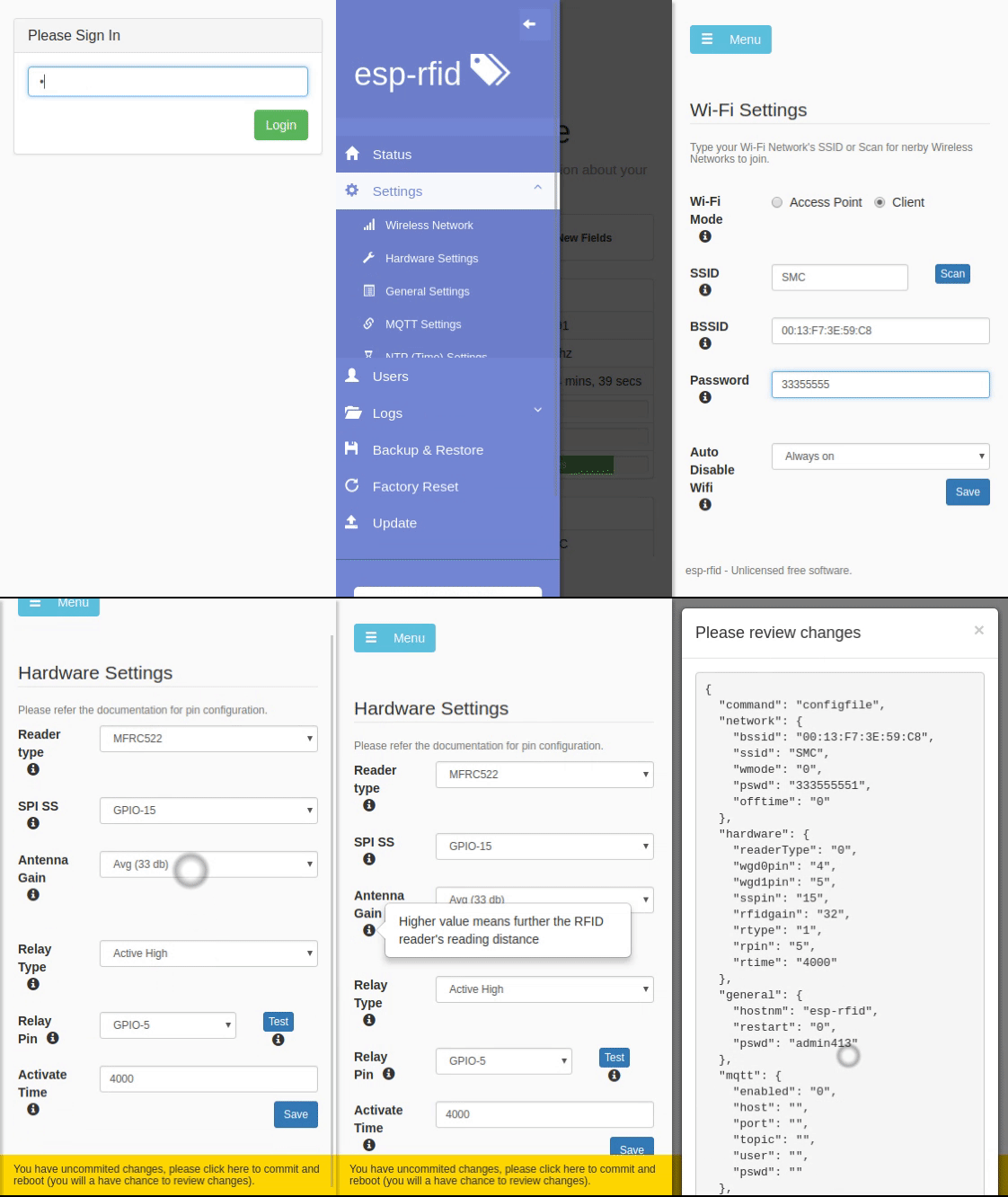
ESP8266 RFID (RC522, PN532, Wiegand, RDM6300) Access Control system featuring WebSocket, JSON, NTP Client, Javascript, SPIFFS
Wazuh - The Open Source Security Platform. Unified XDR and SIEM protection for endpoints and cloud workloads.
Reverse engineer anything with agents, from app behavior down to native binaries.
A list of Free Software network services and web applications which can be hosted on your own servers
Apache Casbin: an authorization library that supports access control models like ACL, RBAC, ABAC.
Nobody has reviewed it on Take My Repo yet, which says nothing about its quality.
Take My Repo cannot say: it does not audit code and has not run enigma. What is known comes from GitHub. It declares the AGPL-3.0 license on GitHub. It is archived: its maker no longer maintains it. It has 60 stars, which measure popularity, not safety. Nobody has reviewed it on Take My Repo yet, which says nothing about its quality. Read the source before you run it. With "Take it", your AI agent shows each step and asks you before running it; README text is treated as data, not as instructions.