spicedb
Open Source, Google Zanzibar-inspired database for scalably storing and querying fine-grained authorization data
- 7.2k
- Go
- Apache-2.0
- 1 d ago
PyTorch code for paper, 'Split-NER: Named Entity Recognition via Two Question-Answering-based Classifications', ACL'23
Repo c3sr/split-ner, read from GitHub 1 min ago. c3sr has not joined Take My Repo.
c3sr/split-ner is a public repo on GitHub by c3sr. PyTorch code for paper, 'Split-NER: Named Entity Recognition via Two Question-Answering-based Classifications', ACL'23. It declares no license on GitHub. Public does not mean open source: without a license, nobody is granted the right to reuse it. It is written mainly in Python, has 18 stars and last changed on 2023-11-07. Nobody has reviewed it on Take My Repo yet, which says nothing about its quality. Read from GitHub on 2026-11-21.

This repository has the source code and pretrained models for our work, Named Entity Recognition via Two Question-Answering-based Classifications published in ACL 2023.
In this work, we address the NER problem by splitting it into two logical sub-tasks:
Further, we formulate both sub-tasks as question-answering (QA) problems and produce two leaner models which can be optimized separately for each sub-task. Experiments with four cross-domain datasets demonstrate that this two-step approach is both effective and time efficient. Our system, SplitNER outperforms baselines on OntoNotes5.0, WNUT17 and a cybersecurity dataset and gives on-par performance on BioNLP13CG. In all cases, it achieves a significant reduction in training time compared to its QA baseline counterpart. The effectiveness of our system stems from fine-tuning the BERT model twice, separately for span detection and classification.
pip install -r requirements.txt
pip install -e .All model training / evaluations happen via run arguments specified in config (JSON) files. In this repo, we also provide a small dummy dataset on which users can train and evaluate our model variants and baselines easily. Any new dataset should be formatted and used in the same way.
The dummy data is actually a small randomly sampled set of sentences from WNUT17 corpus website and is just being used for illustration. As mentioned eariler, this should help the reader get the code up and runing, understand input/output data format and configure different train/eval scripts.
Dataset Citation:
Leon Derczynski, Eric Nichols, Marieke van Erp, Nut Limsopatham (2017) "Results of the WNUT2017 Shared Task on Novel and Emerging Entity Recognition", in Proceedings of the 3rd Workshop on Noisy, User-generated Text.
model_name which is a unique identifier for the model architecturedataset_dir under the data directory with all required files (see example dummy dataset dir)experiment_dir which by default is outseed specified in the configrun_dirmodel_name is trained on a dataset_dir in a specific run setting identified by run_dir, model checkpoints are created under <repo root>/out/<dataset_dir>/<model_name>/<run_dir>checkpoints sub-directory which maintains PyTorch checkpoint snapshots for 2 models by default (latest and best so far).predictions folder where outputs from the model when run in eval mode on train, dev or test sets is savedmain.py: trains using Sequence Tagging setupmain_qa.py: training using a Question-Answering setupmain_span.py: trains Span Classification model in Question-Answering setupdummy dataset under the config/dummy directory<repo root>/splitner directory which is configured as a python package (pip installable)spandetect)spanclass-dice)spandetect model and feed them as inputs to a trained spanclass-dice model to generate final output predictionsMore details are provided in specific sections as detailed below.
The training script:
Whenever training a model, make sure to set in its config file:
{
"do_train": true,
"resume": null,
}
For resuming training from the latest checkpoint, find the last saved checkpoint from the checkpoint dir (default path: out/dummy/<model name>/<run name>/checkpoints). Say last checkpoint was checkpoint-4840, then update in config:
{
 "resume": "4840",
}The training script itself, when run in eval mode:
out/dummy/<model name>/<run name>/predictions, by defaultWhenever evaluating a model on saved checkpoint (say, 4840), make sure to set in its config file:
{
 "do_train": false,
 "resume": "4840",
}The following script takes the output predictions from the model and calculates mention-level metrics (most importantly Micro-F1 Score) as is most commonly reported in literature. If output predictions are in file <repo root>/out/dummy/<model name>/<run name>/predictions/test.tsv then,
python analysis.py --experiment_dir out --dataset dummy --model <model name> --run_dir <run name> --file test
For getting metrics for span detection only, add flag --span_based. Example, for spandetect model:
python analysis.py --experiment_dir out --dataset dummy --model spandetect --run_dir <run name> --file test --span_based
Move to the working directory
cd splitnerMake sure config file has "detect_spans": true. Example run command:
CUDA_VISIBLE_DEVICES=0,1 python main_qa.py ../config/dummy/spandetect.json
This uses Dice Loss, hence the name of the corresponding config script.
CUDA_VISIBLE_DEVICES=0,1 python main_span.py ../config/dummy/spanclass-dice.json
Once the above models are individually trained and evaluated, copy test.tsv from predictions folder of Span Detector into predictions folder for Span Classification model. Rename this file as say, infer_inp.tsv. Specify this file name in the config for span classifier (as shown below). Specify an output file path say, infer.tsv.
"infer_inp_path": "infer_inp.tsv",
"infer_out_path": "infer.tsv",
Run evaluation once again.
CUDA_VISIBLE_DEVICES=0,1 python main_span.py ../config/dummy/spanclass-dice.json
The final outputs whill be in file infer.tsv under the predictions folder of Span Classification model. To get the mention-level F1-score metrics over your outputs, run:
python analysis.py --experiment_dir out --dataset dummy --model spanclass-dice --run_dir <run name> --file infer
CUDA_VISIBLE_DEVICES=0,1 python main_qa.py ../config/dummy/single-qa.json
CUDA_VISIBLE_DEVICES=0,1 python main.py ../config/dummy/single-seqtag.json
CUDA_VISIBLE_DEVICES=0,1 python main_qa.py ../config/dummy/spandetect-seqtag.json
CUDA_VISIBLE_DEVICES=0,1 python main_qa.py ../config/dummy/spandetect-nocharpattern.json
CUDA_VISIBLE_DEVICES=0,1 python main_span.py ../config/dummy/spanclass-crossentropy.json
Experiments are performed on 4 datsets: BioNLP13CG, CyberThreats, OntoNotes5.0, WNUT17. Config files are similar to the ones for dummy dataset with the below differences.
"max_seq_len": 512 for OntoNotes5.0"max_seq_len": 256 for other datasets"base_model": "bert-base-uncased" for WNUT17 and CyberThreats"base_model": "allenai/scibert_scivocab_uncased" for BIONLP13CG"base_model": "roberta-base" and "model_mode": "roberta_std" for OntoNotes5.0We also provide pretrained model checkpoints for all our model variants and baselines. Checkpoints are provided for all the publicly available datasets used in our study. Checkpoints are hosted on HuggingFace Hub under the Split-NER classroom. To use a pretrained checkpoint, make sure to update the following fields in the config:
{
 "do_train": false,
 "resume": null,
 "base_model": "<pretrained checkpoint name>",
}
The following table lists our pre-trained model checkpoint names:
| Model | Dataset | Pre-trained Checkpoint Name |
|---|---|---|
| Span Detection (QA) | BioNLP13CG | splitner/spandetect-qa-bionlp13cg |
| OntoNotes5.0 | splitner/spandetect-qa-ontonotes |
|
| WNUT17 | splitner/spandetect-qa-wnut17 |
|
| Span Classification (Dice Loss) | BioNLP13CG | splitner/spanclass-qa-dice-bionlp13cg |
| OntoNotes5.0 | splitner/spanclass-qa-dice-ontonotes |
|
| WNUT17 | splitner/spanclass-qa-dice-wnut17 |
|
| Span Detection Model (Sequence Tagging) |
BioNLP13CG | splitner/spandetect-seqtag-bionlp13cg |
| OntoNotes5.0 | splitner/spandetect-seqtag-ontonotes |
|
| WNUT17 | splitner/spandetect-seqtag-wnut17 |
|
| Span Detection (QA - No Char Pattern) |
BioNLP13CG | splitner/spandetect-qa-nocharpattern-bionlp13cg |
| OntoNotes5.0 | splitner/spandetect-qa-nocharpattern-ontonotes |
|
| WNUT17 | splitner/spandetect-qa-nocharpattern-wnut17 |
|
| Span Classification (Cross-Entropy Loss) |
BioNLP13CG | splitner/spanclass-qa-crossentropy-bionlp13cg |
| OntoNotes5.0 | splitner/spanclass-qa-crossentropy-ontonotes |
|
| WNUT17 | splitner/spanclass-qa-crossentropy-wnut17 |
|
| Single NER Model (Sequence Tagging) |
BioNLP13CG | splitner/single-seqtag-bionlp13cg |
| OntoNotes5.0 | splitner/single-seqtag-ontonotes |
|
| WNUT17 | splitner/single-seqtag-wnut17 |
|
| Single NER Model (Question-Answering) |
BioNLP13CG | splitner/single-qa-bionlp13cg |
| OntoNotes5.0 | splitner/single-qa-ontonotes |
|
| WNUT17 | splitner/single-qa-wnut17 |
Other ablations are only performed on the BioNLP13CG dataset and are listed below.
| Model Name | Pretrained Checkpoint Name |
|---|---|
| Span Detection (no Char / Pattern features) | splitner/spandetect-qa-nocharpattern-bionlp13cg |
| Span Detection (Char features only) | splitner/spandetect-qa-charonly-bionlp13cg |
| Span Detection (Pattern features only) | splitner/spandetect-qa-patonly-bionlp13cg |
| Span Detection (Char + Pattern features) | splitner/spandetect-qa-bionlp13cg |
| Span Detection (Char + Pattern + POS features) | splitner/spandetect-qa-pos-bionlp13cg |
For ease of nomenclature we define query types as mentioned below.
| Query Type | Description |
|---|---|
| Q1 | Extract important entity spans from the following text. |
| Q2 | Where is the entity mentioned in the text? |
| Q3 | Find named entities in the following text. |
| Q4 | < empty > |
For the query types, the pre-trained model checkpoint names as as under:
| Model Name | Pretrained Checkpoint Name |
|---|---|
| Span Detection (Q1) | splitner/spandetect-qa-extract-bionlp13cg |
| Span Detection (Q2) | splitner/spandetect-qa-where-bionlp13cg |
| Span Detection (Q3) | splitner/spandetect-qa-find-bionlp13cg |
| Span Detection (Q4) | splitner/spandetect-qa-empty-bionlp13cg |
We also have a video presentation of our work from ACL 2023 conference and some slides / poster. Do check them out in the resources directory!
We hope you like our work. 😊 Please do cite us when you reference Split-NER:
@inproceedings{arora2023split,
  title={Split-NER: Named Entity Recognition via Two Question-Answering-based Classifications},
  author={Arora, Jatin and Park, Youngja},
  booktitle={Proceedings of the 61st Annual Meeting of the Association for Computational Linguistics (Volume 2: Short Papers)},
  pages={416--426},
  year={2023}
}
For any follow-ups, please don't hesitate in reaching out to us over e-mail!
Jatin Arora <jatinarora2702@gmail.com>
Youngja Park <young_park@us.ibm.com>
This work was conducted under the IBM-Illinois Center for Cognitive Computing Systems Research (C3SR), while the first author was an intern at IBM and a graduate student at University of Illinois Urbana-Champaign advised by Prof. Jiawei Han. We are very grateful to him for his continued guidance, support and valuable feedback throughout this work.


c3sr/split-ner is a public repo on GitHub by c3sr. PyTorch code for paper, 'Split-NER: Named Entity Recognition via Two Question-Answering-based Classifications', ACL'23.
It declares no license on GitHub. Public does not mean open source: without a license, nobody is granted the right to reuse it.
Its maker has not tagged a system, so it is unknown here. Its README says what it needs.
Open "Take it" on its page: Take My Repo writes an install plan for your machine and hands it to your AI agent (Claude Code, Codex or Cursor), which asks you before each step. Take My Repo has not tested it on any machine.
Its last change on GitHub was on 2023-11-07. Take My Repo does not judge from that whether it is maintained.
Nobody has reviewed it on Take My Repo yet, which says nothing about its quality.
Open Source, Google Zanzibar-inspired database for scalably storing and querying fine-grained authorization data
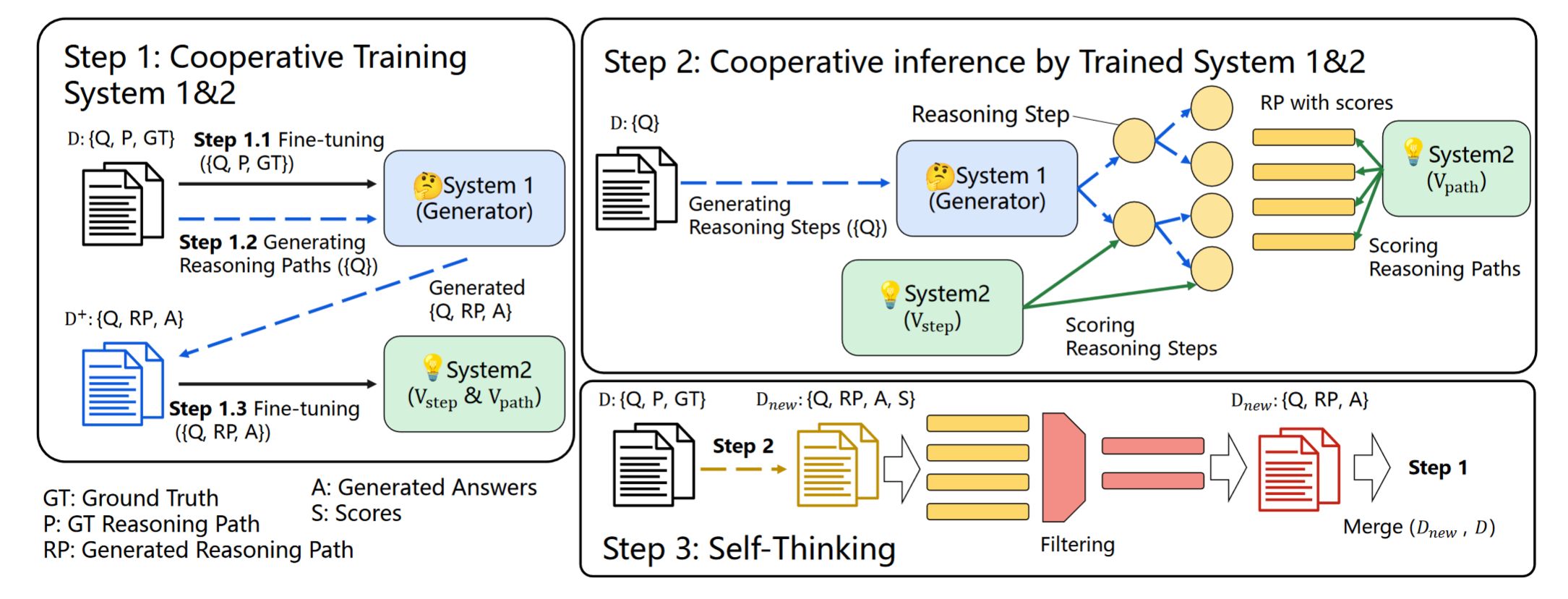
[ACL 2023] Solving Math Word Problems via Cooperative Reasoning induced Language Models (LLMs + MCTS + Self-Improvement)
This repository is the implementation of the ProTACT architecture, introduced in the paper "Prompt- and Trait Relation-aware Cross-prompt Essay Trait Scoring" (ACL Findings 2023).