mailcheap
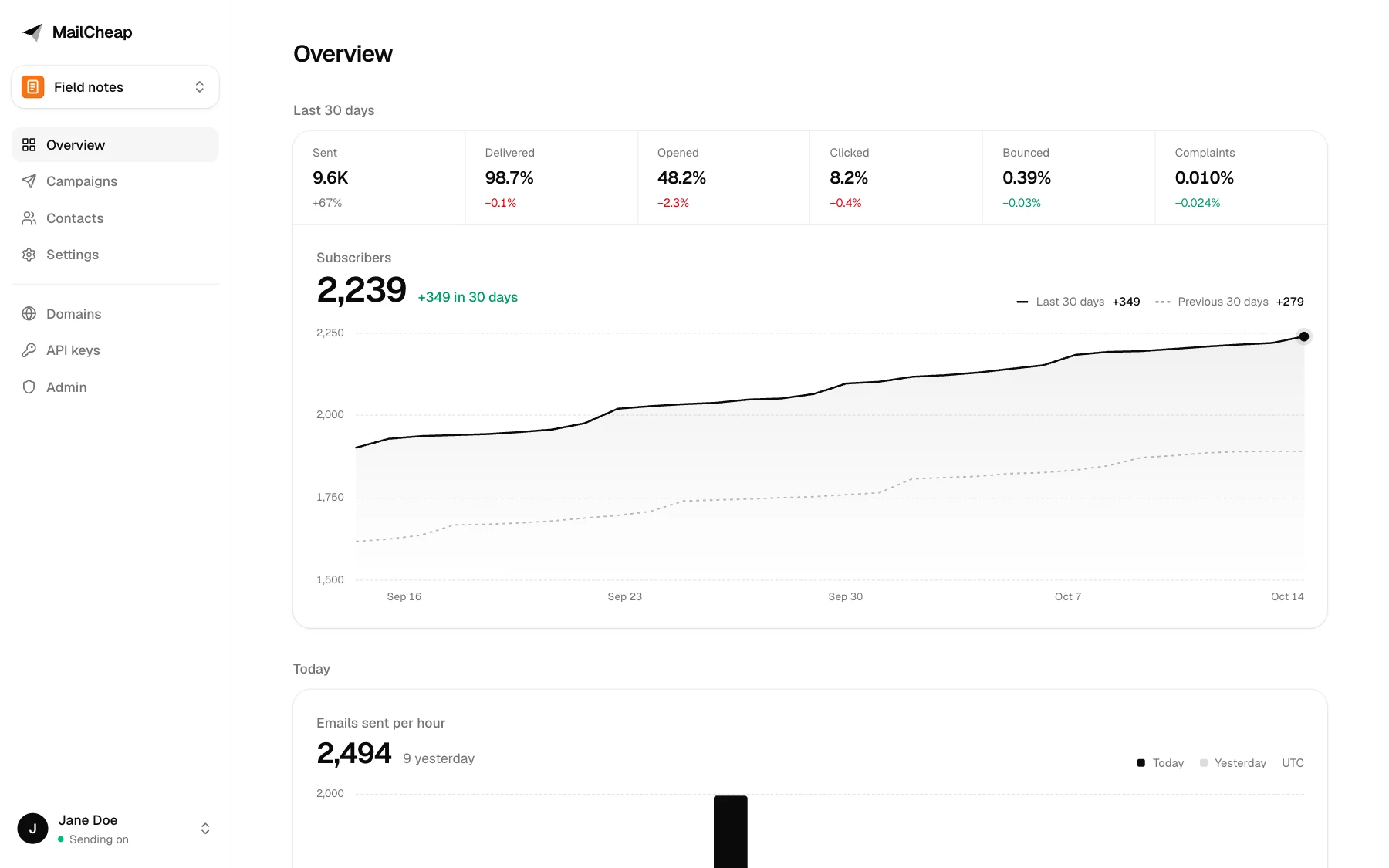
Newsletters where you pay for the emails you send, not for dormant subscribers, at a fraction of the price of beehiiv and the like. Open source: self-host it, or use mailcheap.ai.
- 1.8k
- JavaScript
- AGPL-3.0
- 2 wk ago
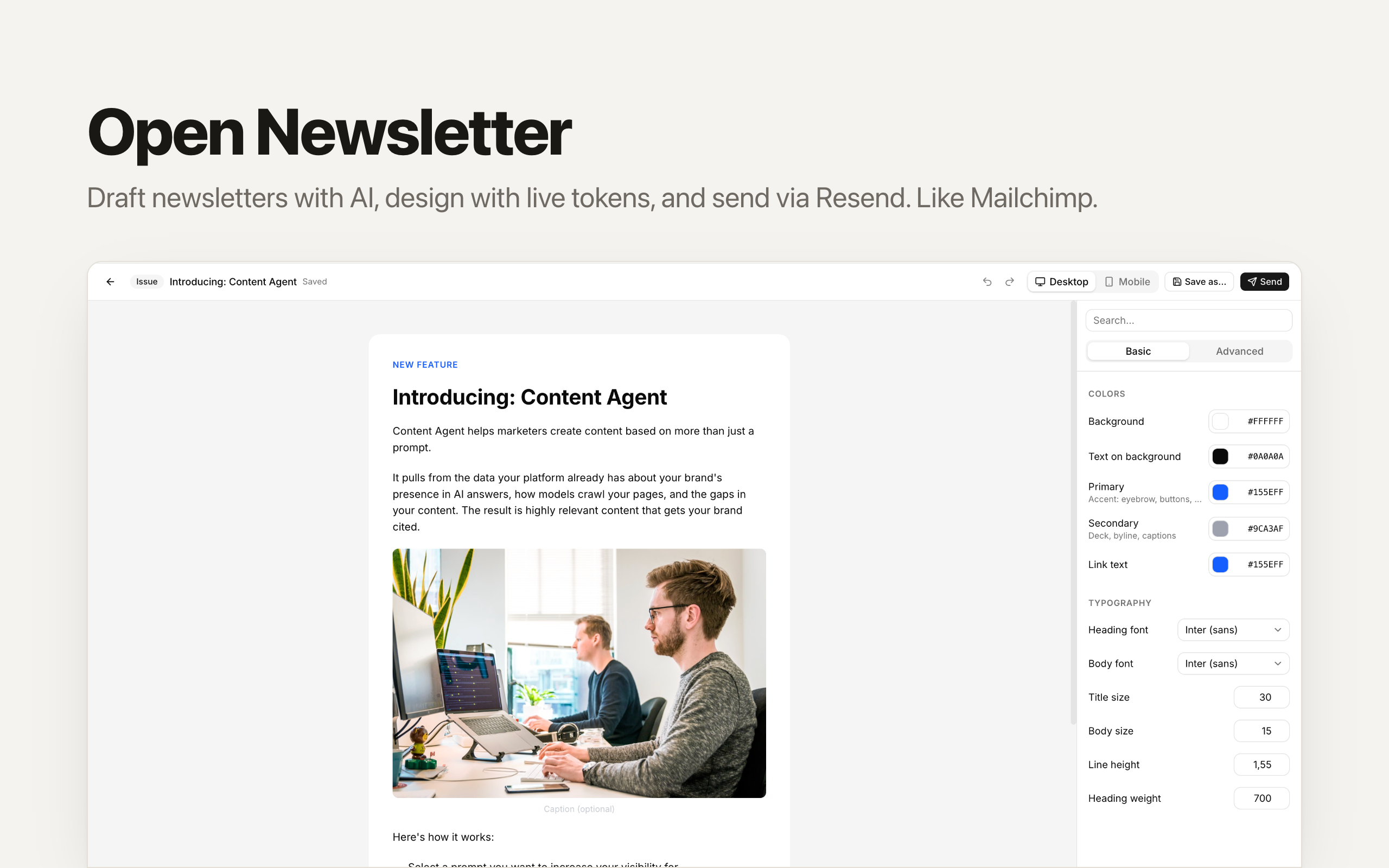
Generation-first, open-source newsletter studio — write with AI, design with DESIGN.md tokens, send via Resend. Built with React + Hono + D1 on Cloudflare Workers.
Repo clawnify/OpenNewsletter, read from GitHub 3 h ago. clawnify has not joined Take My Repo.
clawnify/OpenNewsletter is a public repo on GitHub by clawnify. Generation-first, open-source newsletter studio — write with AI, design with DESIGN.md tokens, send via Resend. Built with React + Hono + D1 on Cloudflare Workers. It declares the MIT license on GitHub. It is written mainly in TypeScript, has 8 stars and last changed on 2026-11-17. Nobody has reviewed it on Take My Repo yet, which says nothing about its quality. Read from GitHub on 2026-11-22.

A generation-first newsletter studio. Describe a newsletter and let AI draft it, design it live with DESIGN.md tokens, and send it to a subscriber list you own. Built with React + Tailwind CSS + Hono + D1, deploys to Cloudflare Workers via Clawnify.
A self-hostable, open-source alternative to Mailchimp, beehiiv, Substack, and ConvertKit — the AI editor, the brand controls, and the sending pipeline, fully yours. No per-subscriber pricing, no lock-in.
Your contacts live in your own database, not in a sending provider's account. The provider is just delivery, and it's swappable.
pending and only become subscribers
when the person confirms by email. Only confirmed contacts are ever sent to,
so an import can't quietly start mailing people who never asked.<script src=".../widget.js"> on your
own site; it starts the same opt-in flow.Hi {{first_name|there}}, in any text. Each
reader gets their own name, and the word after the bar goes to readers
without one. {{last_name}} and {{email}} work the same way. Names are
always inserted as plain text, so a signup can't slip a link into your issue.List-Unsubscribe headers
mailbox providers expect from bulk senders.flowchart TD
prompt(["Prompt"]) --> draft["AI draft · OpenRouter"]
draft --> mail[("Mail · D1")]
mail --> renderer["renderer"]
tokens["DESIGN.md tokens"] --> renderer
renderer --> html["email-safe HTML"]
contacts[("Contacts · D1")] --> send["one message per subscriber"]
html --> send
send --> provider["your sending provider"]
One message per subscriber rather than a single broadcast, so each carries its own unsubscribe link — a shared link would let whoever clicks it unsubscribe everyone.
A send is recorded per recipient. When it starts, the issue is frozen and a delivery row is written for each confirmed subscriber; batches of 100 then go out through the provider's batch API. An attempt whose outcome is unknown is retried under the same idempotency key, so a timeout never mails a batch twice. Closing the tab or a worker restart doesn't lose the send: on Clawnify a queued job picks it up within a minute, and pressing Send again resumes it. If the provider refuses the send outright (an unverified domain, a revoked key), it stops as failed with the reason, and sending again after the fix delivers only to the people who haven't had it.
A template = a DESIGN.md token set + a content skeleton. Each mail can
override the template's tokens; the design panel edits that override live and
"Save as…" serializes it back to the DESIGN.md format.
| Layer | Technology |
|---|---|
| Frontend | React, TypeScript, Tailwind CSS v4, Vite, shadcn/ui |
| Backend | Hono (Cloudflare Worker) |
| Database | D1 (mails, templates, settings, audiences, contacts) |
| Bring your own provider — Resend wired today | |
| AI | OpenRouter (configurable model) |
| Icons | Lucide |
git clone https://github.com/clawnify/OpenNewsletter.git
cd open-newsletter
pnpm install
pnpm dev          # Vite on :5173, Worker + local D1 on :8787
Open http://localhost:5173. The schema is applied to local D1 automatically.
To exercise sending and generation locally, copy the example env file:
cp .dev.vars.example .dev.vars
RESEND_API_KEY=re_xxxxxxxx        # https://resend.com/api-keys
OPENROUTER_API_KEY=sk-or-xxxxxxxx # https://openrouter.ai/keys
# NEWSLETTER_MODEL=anthropic/claude-sonnet-5.5   (optional override)
Restart pnpm dev after editing .dev.vars.
In Settings, set your publication name and a from address on a domain you've verified with your sending provider. Sending is refused from an unverified domain, and you'll be told which one and where to fix it.
Audiences and contacts are yours — create an audience in the Audience view; no provider dashboard involved.
Point people at the embeddable widget, or POST /api/subscribe from your own
form:
<div data-newsletter-subscribe></div>
<script src="https://<your-app>/widget.js"></script>
Either way it's double opt-in: the contact is created pending and only
becomes a subscriber once they confirm. Sends go to confirmed subscribers only.
Adding someone by hand from the Audience view also lands them pending,
until they confirm from the email that button sends. If
you're migrating a list that already has recorded consent, pass
consent_evidence to POST /api/audiences/:id/contacts to record how it was
obtained and mark them subscribed.
When OpenNewsletter runs next to a CRM in the same Clawnify workspace, set
CRM_APP_ID to that app's id (a bundle install does this for you) and the
Audience view gains Import from CRM. It reads contacts live from the CRM,
lets you pick them, and asks how they agreed to hear from you before anyone is
imported. That sentence is stored on every row as consent_evidence with
consent_source = 'crm_sync', and the CRM contact id is kept, so an
unsubscribe here leaves a note on that person's CRM timeline.
The CRM stays the system of record for the person. This app stays the system of record for consent and membership. Nothing is mailed straight out of the CRM, and people who unsubscribed here are never re-imported.
GET /api/crm/contacts?search=&page=&audience_id= — the picker's readPOST /api/audiences/:id/import-crm { contact_ids, consent_evidence } — up to 200 at a time; evidence is requiredWithout CRM_APP_ID neither route exists and the app behaves as a single
install.
npx clawnify deploy
clawnify.json declares the env contract:
| Env | Required | Purpose |
|---|---|---|
RESEND_API_KEY |
for sending | Your own key — delivery only; contacts stay in D1 |
OPENROUTER_API_KEY |
no | The editor's own assistant, when the app runs outside Clawnify (on Clawnify the sidebar chat is the assistant) |
GITHUB_TOKEN |
no | Private repos as Sources (Contents: read). Public repos work without it |
NEWSLETTER_MODEL |
no | Override the generation model |
RESEND_WEBHOOK_SECRET |
no | Signing secret of a Resend webhook you created by hand. Only needed when your key can send but not manage webhooks; otherwise Settings → Delivery tracking → Turn on sets it up |
On Clawnify these are injected automatically from your org's API keys / environment variables at deploy time — no secrets in the app.
src/
  shared/
    design.ts        — DESIGN.md token model, panel metadata, CSS-var + serializer
    templates.ts     — built-in templates (runtime mirror of templates/*/DESIGN.md)
    markdown.ts      — email-safe Markdown → HTML
    types.ts         — Mail, Template, Settings, Contact types
    mail-ops.ts      the editing ops both assistants use (edit, style, design…)
  server/
    index.ts         — Hono API (mails, templates, settings, audiences,
                       subscribe/confirm/unsubscribe, widget, generate, send)
    contacts.ts      — audiences + contacts + the consent lifecycle
    sending.ts       — the send engine: per-recipient deliveries, batches, resume
    events.ts        — what bounces, complaints, opens and clicks change
    render.ts        — mail + tokens → email-safe inlined HTML
    ai.ts            — OpenRouter generation
    sources.ts       Sources (GitHub repos in Settings): recent commits, search
    providers/       — EmailProvider interface (send-only) + adapters
    schema.sql       — D1 schema
  client/
    app.tsx          — shell + nav
    store.tsx        — app state
    components/
      editor.tsx       — top bar, preview/edit, generation bar
      preview.tsx      — live canvas (mirrors render.ts)
      design-panel.tsx — the DESIGN.md token editor
      …                — mails, templates, audience, settings views
DESIGN.md            — the default brand (Classic Editorial), Google Labs format
templates/<slug>/    — each template as DESIGN.md + content.md
MIT
clawnify/OpenNewsletter is a public repo on GitHub by clawnify. Generation-first, open-source newsletter studio — write with AI, design with DESIGN.md tokens, send via Resend. Built with React + Hono + D1 on Cloudflare Workers.
It declares the MIT license on GitHub.
Its maker has not tagged a system, so it is unknown here. Its README says what it needs.
Open "Take it" on its page: Take My Repo writes an install plan for your machine and hands it to your AI agent (Claude Code, Codex or Cursor), which asks you before each step. Take My Repo has not tested it on any machine.
Its last change on GitHub was on 2026-11-17. Take My Repo does not judge from that whether it is maintained.
Nobody has reviewed it on Take My Repo yet, which says nothing about its quality.
Newsletters where you pay for the emails you send, not for dormant subscribers, at a fraction of the price of beehiiv and the like. Open source: self-host it, or use mailcheap.ai.
Marketing skills for Claude Code and AI agents. CRO, copywriting, SEO, analytics, and growth engineering.
Open-source, self-hosted newsletter, email marketing and transactional email platform. Visual MJML editor, Liquid templating, 7 sending providers.
A list of Free Software network services and web applications which can be hosted on your own servers
Memory and context engine + app that is extremely fast, scalable, and can be run fully locally. The Memory API for the AI era.
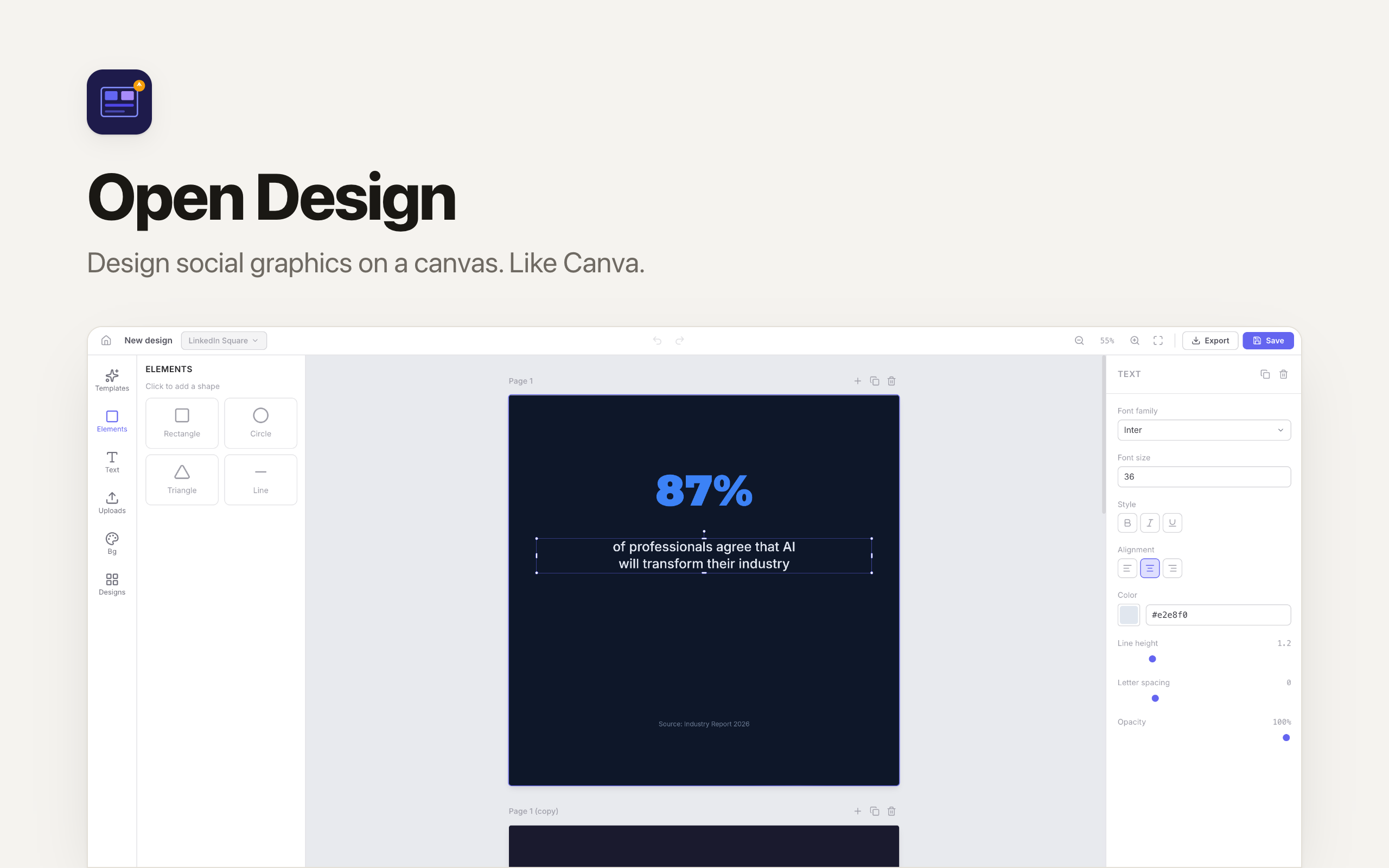
Open-source Canva alternative — design editor for social media graphics. Fabric.js + Preact + Hono + SQLite. Part of the OpenClaw ecosystem.
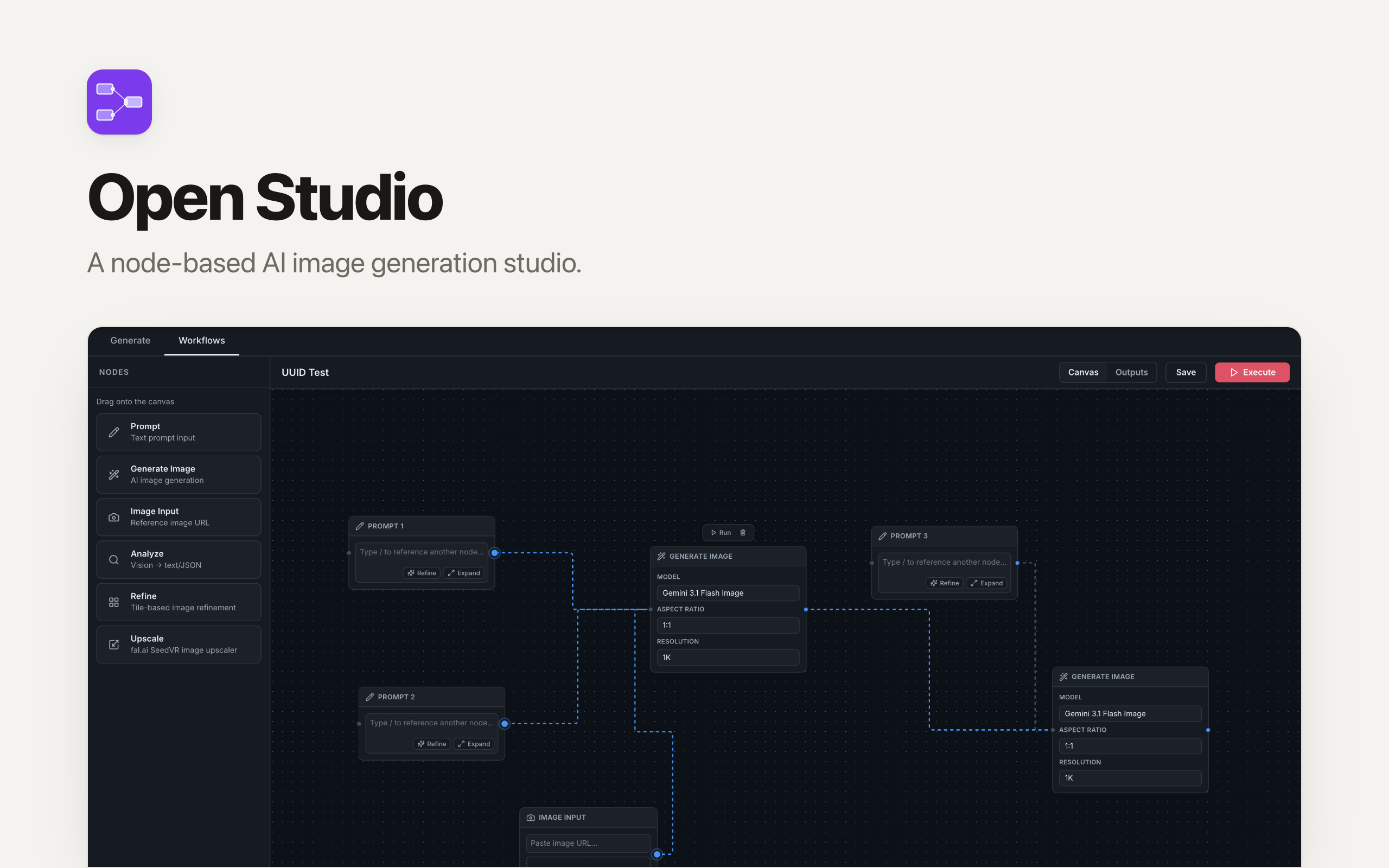
Open-source Higgsfield alternative — AI image generation studio with justified gallery and node-based workflows. Preact + Tailwind + Hono + SQLite.
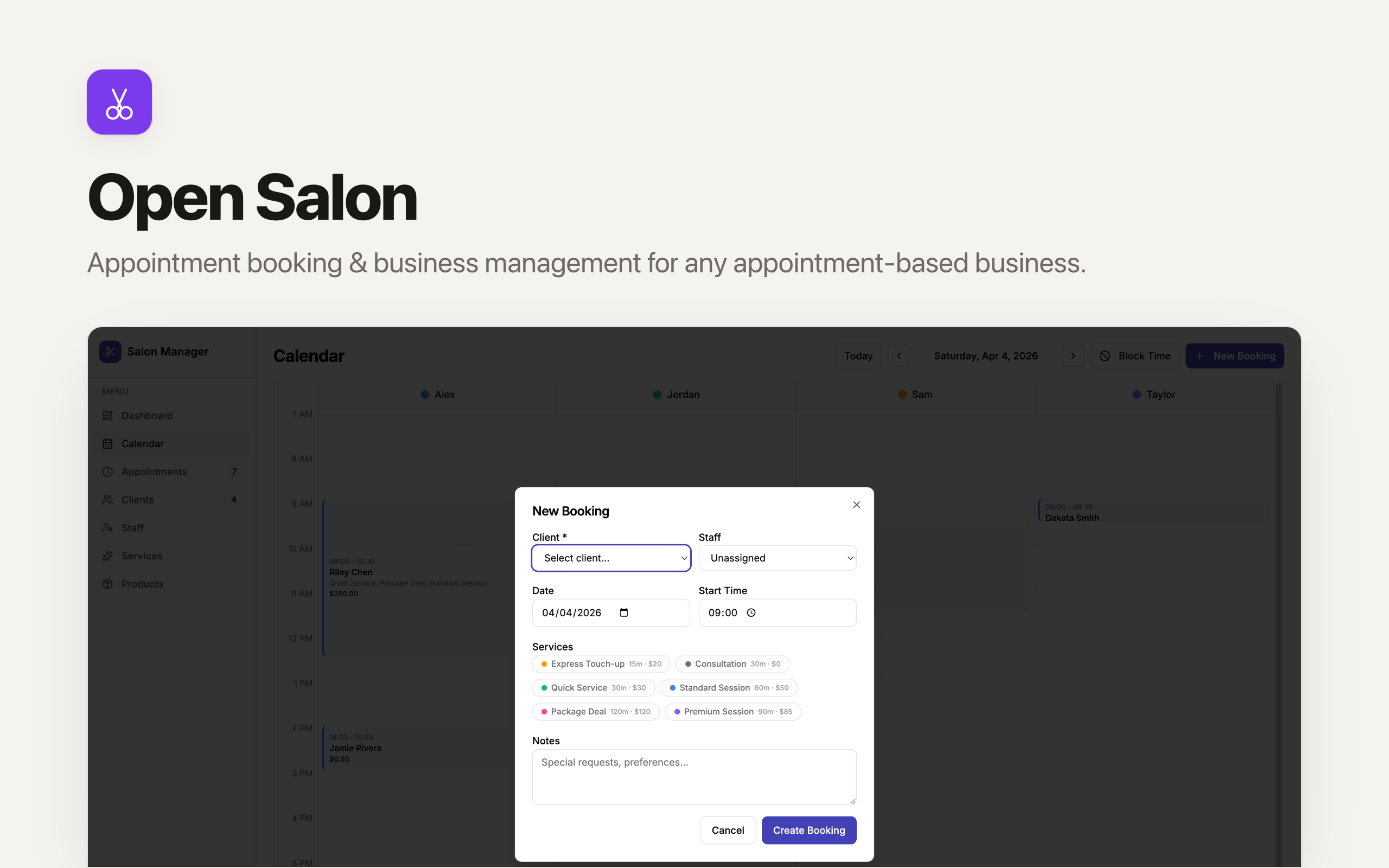
Open-source Salonist/Fresha alternative — appointment booking & scheduling for salons, spas, barbershops, tattoo studios, pet groomers, yoga studios & any appointment-based business. Preact + Tailwind + shadcn/ui + Hono + SQLite.
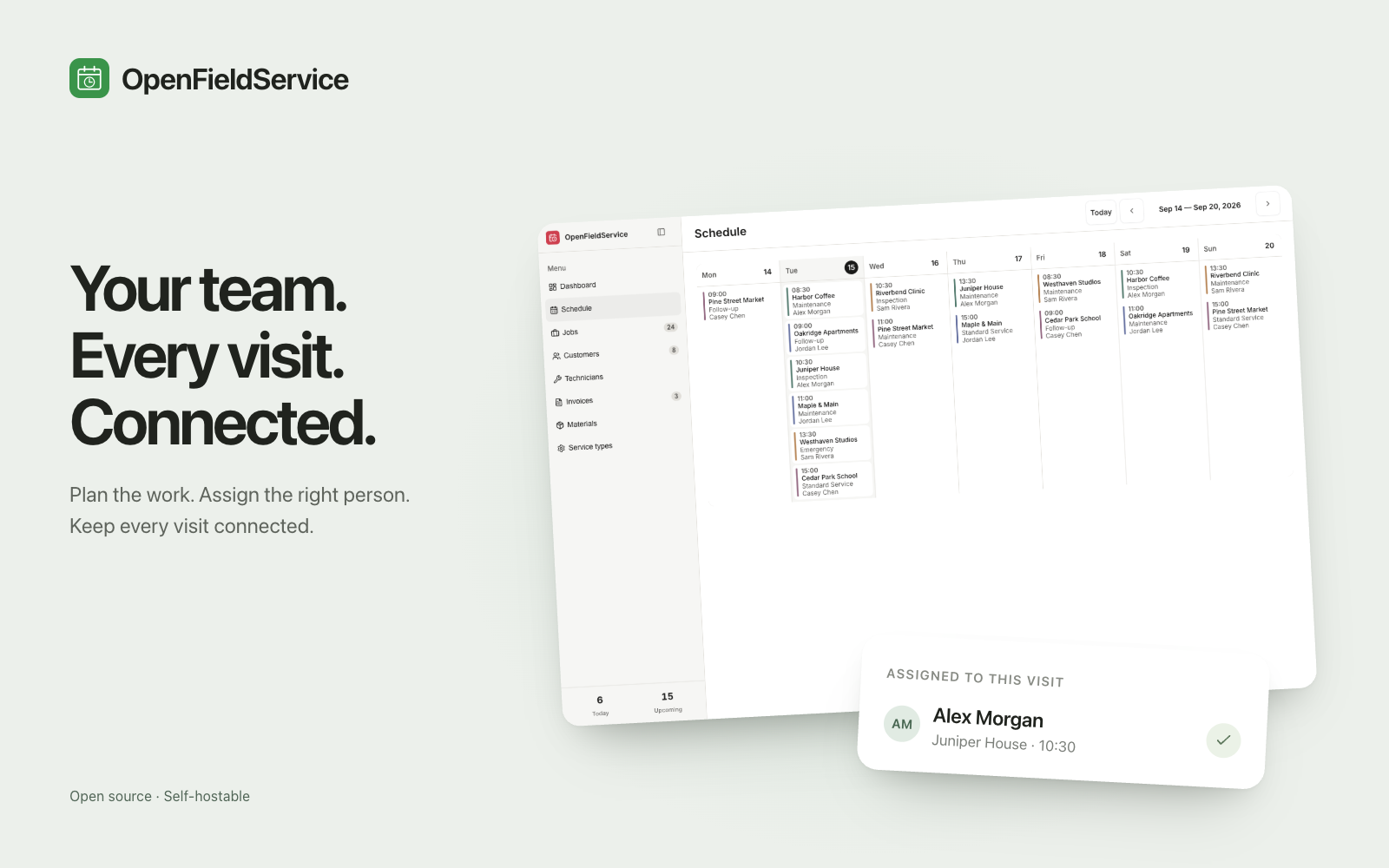
Open-source field service scheduling software. Alternative to PestPac, ServiceTitan, Jobber, Housecall Pro. For pest control, HVAC, plumbing, cleaning, landscaping & more.
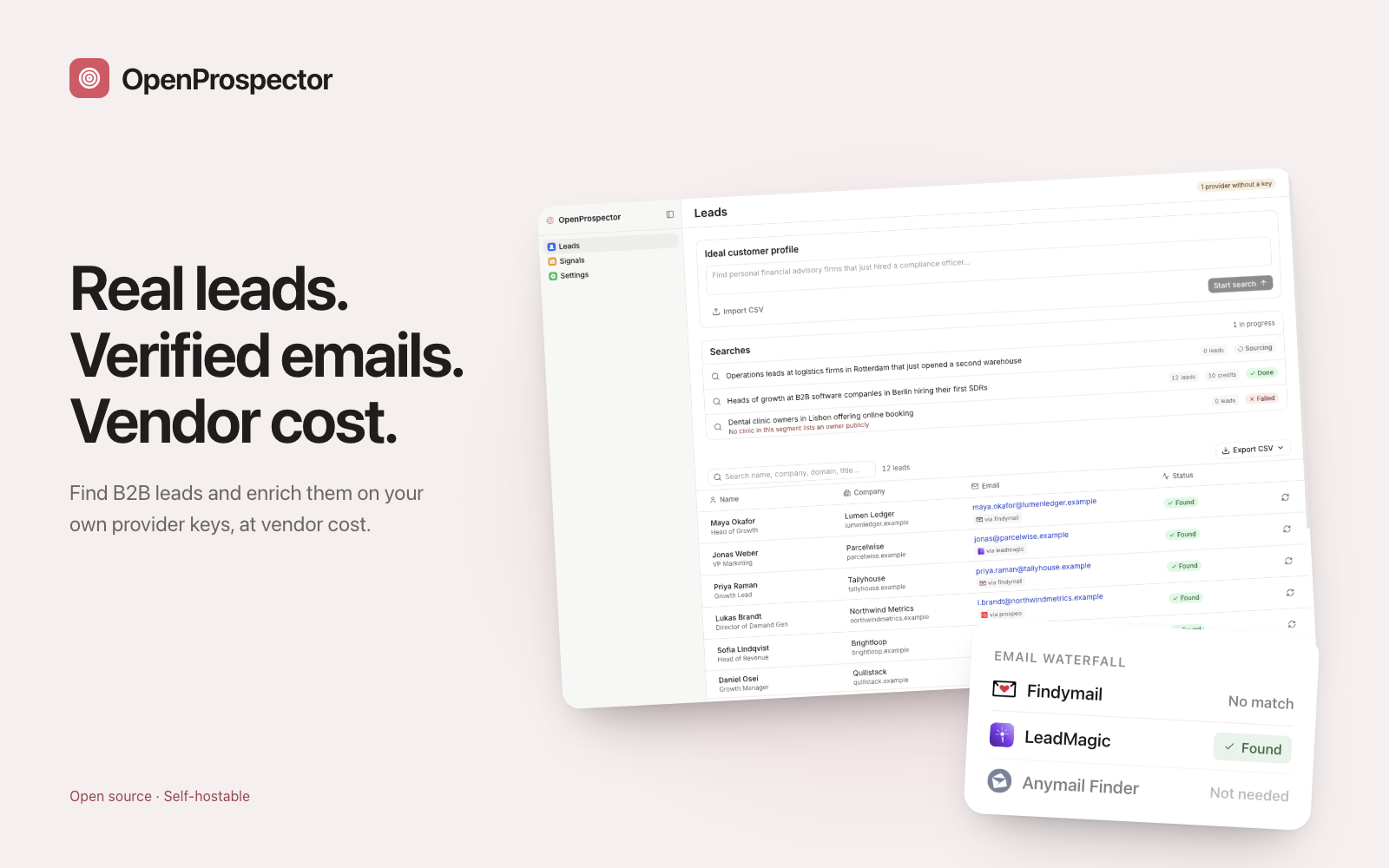
The open-source Clay alternative — find and enrich B2B leads on your own provider keys, at cost with no per-lead markup.
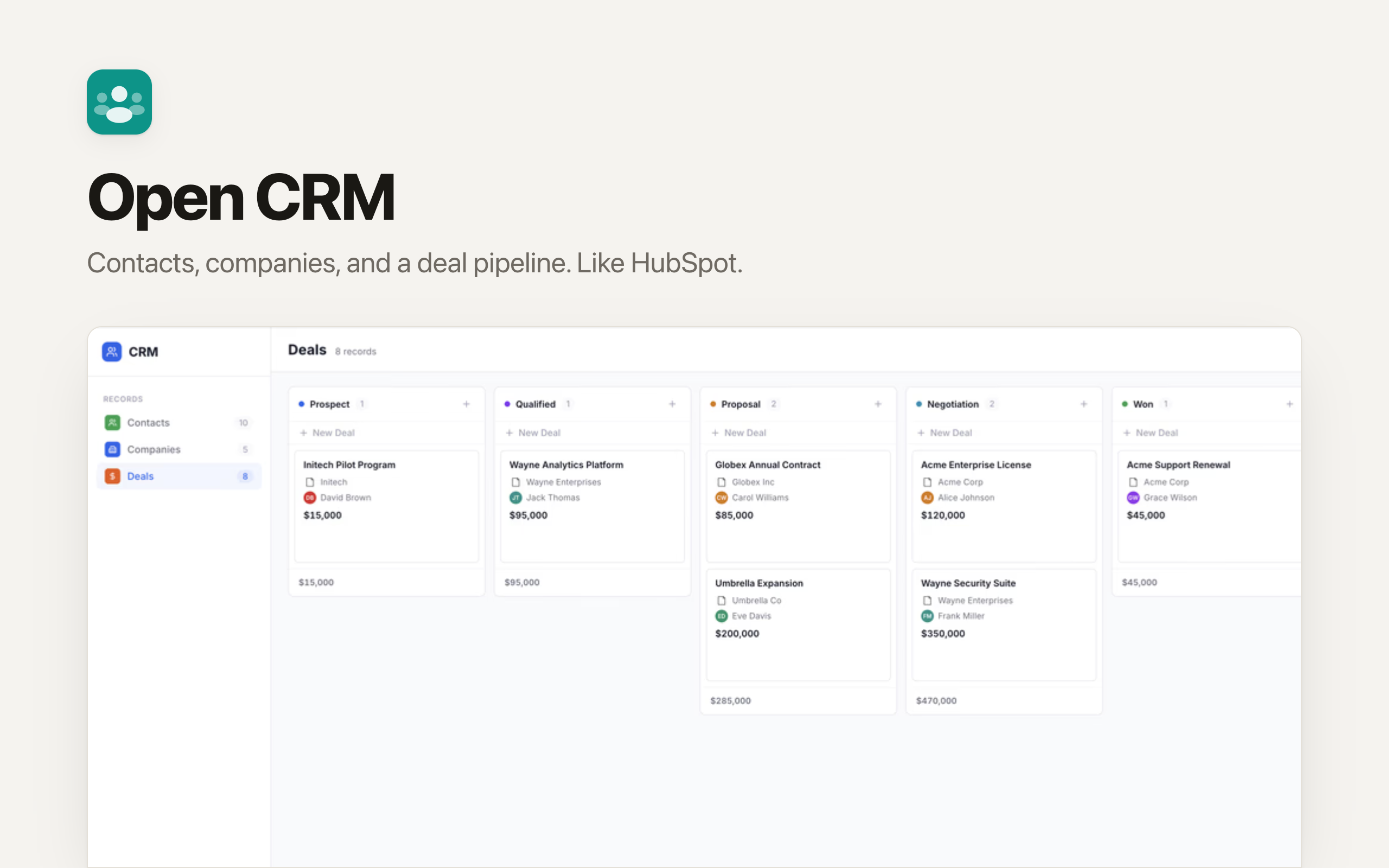
🤝 Open-source HubSpot alternative. A lightweight CRM for SaaS to manage contacts, companies, and deals with OpenClaw.