Jenkins-Zero-To-Hero
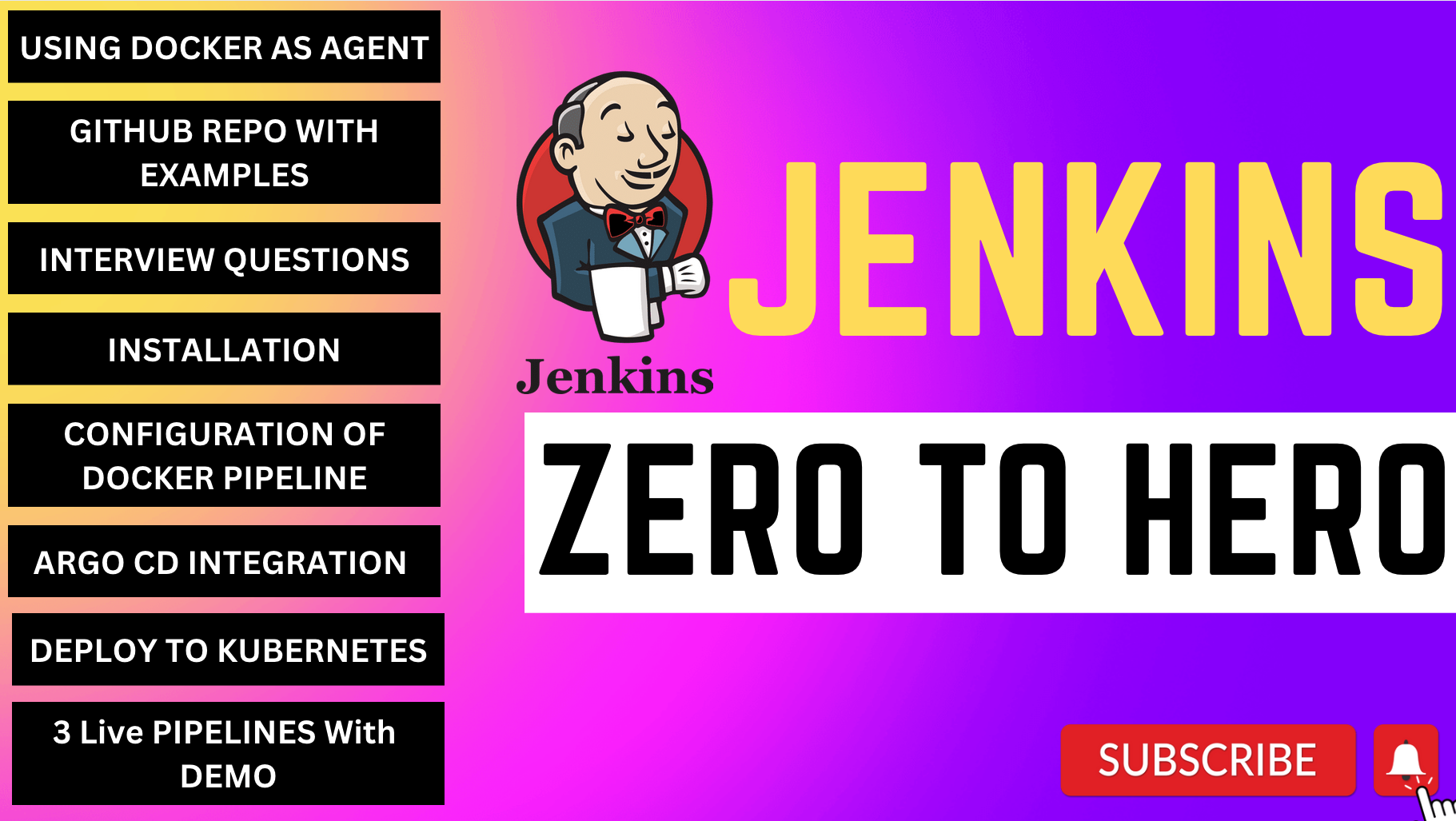
Install Jenkins, configure Docker as slave, set up cicd, deploy applications to k8s using Argo CD in GitOps way.
- 10k
- Python
- MIT
- 21 mo ago
Three-Tier Full-Stack Web Application Deployment on AWS EKS with ArgoCD, Prometheus, Grafana, and Jenkins
Repo codewithmuh/three-tier-devsecops-project, read from GitHub 1 min ago. codewithmuh has not joined Take My Repo.
codewithmuh/three-tier-devsecops-project is a public repo on GitHub by codewithmuh. Three-Tier Full-Stack Web Application Deployment on AWS EKS with ArgoCD, Prometheus, Grafana, and Jenkins. It declares the MIT license on GitHub. It is written mainly in HCL, has 22 stars and last changed on 2026-11-04. Nobody has reviewed it on Take My Repo yet, which says nothing about its quality. Read from GitHub on 2026-11-24.
Install Jenkins, configure Docker as slave, set up cicd, deploy applications to k8s using Argo CD in GitOps way.
Deploy a full-stack React + Django + PostgreSQL application to Amazon EKS with an enterprise-grade, security-first CI/CD pipeline: Jenkins builds and automates code security scans (SonarQube, OWASP Dependency-Check, Trivy), pushes container images to Amazon ECR, and Argo CD continuously deploys them GitOps-style. Prometheus and Grafana provide real-time cluster observability. The entire Jenkins infrastructure is provisioned with Terraform.
📺 Video walkthrough: https://youtu.be/UNF5JdUEfh8 · 📝 Article: Deploying a three-tier DevSecOps web application on AWS EKS

flowchart LR
    dev([git push]) --> gh[(GitHub repo)]
    gh --> jenkins[Jenkins on EC2<br/>provisioned by Terraform]
    jenkins -- code quality + quality gate --> sonar[SonarQube]
    jenkins -- dependency + filesystem scans --> scans[OWASP Dependency-Check<br/>Trivy fs]
    jenkins -- build, push, image scan --> ecr[(Amazon ECR)]
    jenkins -- bump image tag in manifests --> gh
    gh --> argocd[Argo CD]
    argocd --> eks
    subgraph eks [Amazon EKS · namespace three-tier]
        alb[ALB Ingress] --> fe[React frontend]
        alb --> be[Django REST API]
        be --> db[(PostgreSQL)]
    end
    monitoring[Prometheus + Grafana] -.-> eks
The flow: every push runs a Jenkins pipeline per tier. If the image passes the scans, Jenkins pushes it to ECR
tagged with the build number, then commits the new tag to kubernetes-manifests/. Argo CD notices the commit and rolls
the change out to EKS. No kubectl apply from laptops — Git is the source of truth.
| Layer | Tools |
|---|---|
| Application | React 18 (frontend), Django 5 + Django REST Framework (backend), PostgreSQL |
| Infrastructure as Code | Terraform (Jenkins server: VPC, subnet, security group, EC2, IAM role; S3 + DynamoDB remote state) |
| CI | Jenkins, SonarQube, OWASP Dependency-Check, Trivy, Docker |
| Registry | Amazon ECR |
| CD / GitOps | Argo CD |
| Runtime | Amazon EKS, AWS Load Balancer Controller (ALB Ingress) |
| Monitoring | Prometheus, Grafana |
| Repo security | gitleaks secret scanning on every push and pull request |
app-code/
  backend/                  Django REST API (notes app) + Dockerfile
  frontend/notes-frontend/  React app + Dockerfile
jenkins-pipeline/
  jenkinsfile-backend       CI/CD pipeline for the API
  jenkinsfile-frontend      CI/CD pipeline for the web app
jenkins-server-terraform/   Terraform for the Jenkins server + tools-install.sh (Jenkins, Docker, SonarQube, AWS CLI, kubectl, …)
kubernetes-manifests/
  database/                 PostgreSQL Deployment, Service, PV/PVC, Secret (example only)
  backend/  frontend/       Deployments + Services
  backend-ingress/ frontend-ingress/   ALB Ingress rules
.github/workflows/secret-scan.yml      gitleaks on every push / PR
Both jenkinsfile-backend and jenkinsfile-frontend run the same stages:
kubernetes-manifests/, which Argo CD deployskubectl, eksctl and helmrepo scope (Jenkins pushes the image-tag updates)⚠️ Cost: the Jenkins server is a
t2.2xlarge, plus an EKS cluster and an Application Load Balancer. This is not free-tier. Follow Clean up when you are done.
Terraform stores its state in S3 with DynamoDB locking, so create those first (names are in
jenkins-server-terraform/02_backend.tf — change them to your own):
aws s3 mb s3://<your-state-bucket> --region us-west-2
aws dynamodb create-table --table-name lock-files --region us-west-2 \
  --attribute-definitions AttributeName=LockID,AttributeType=S \
  --key-schema AttributeName=LockID,KeyType=HASH --billing-mode PAY_PER_REQUEST
Create an EC2 key pair in the AWS console (EC2 → Key Pairs) and set its name in variables.tf (key_name).
Keep the .pem file outside this repository — .gitignore blocks *.pem, but don't rely on that alone.
cd jenkins-server-terraform
terraform init
terraform plan
terraform apply
scripts/tools-install.sh runs on first boot and installs Jenkins, Docker, SonarQube (as a container on port 9000),
the AWS CLI, kubectl and the other tools the pipeline needs.
http://<jenkins-server-ip>:9000 and change the default admin password.sonar-token.http://<jenkins-server-ip>:8080/sonarqube-webhook/ so the quality gate can report back.Open http://<jenkins-server-ip>:8080 and finish the setup wizard.
Plugins: SonarQube Scanner, OWASP Dependency-Check, NodeJS, Eclipse Temurin installer, Docker Pipeline.
Tools (Manage Jenkins → Tools) — the names must match the Jenkinsfiles:
| Tool | Name |
|---|---|
| JDK 17 | jdk |
| NodeJS | nodejs |
| SonarQube Scanner | sonar-scanner |
| Dependency-Check | DP-Check |
SonarQube server (Manage Jenkins → System → SonarQube servers): name it sonar-server, URL http://<jenkins-server-ip>:9000,
token credential sonar-token. The pipelines get the URL and token from here — they are never written in the Jenkinsfiles.
Credentials (Manage Jenkins → Credentials):
| ID | Kind | Value |
|---|---|---|
ACCOUNT_ID |
Secret text | Your AWS account ID |
ECR_REPO_BACKEND |
Secret text | Backend ECR repository name (e.g. backend) |
ECR_REPO_FRONTEND |
Secret text | Frontend ECR repository name (e.g. frontend) |
GITHUB |
Username with password | GitHub username + personal access token (checkout) |
github |
Secret text | GitHub personal access token (pushing manifest updates) |
sonar-token |
Secret text | The SonarQube token from step 2 |
Create the two ECR repositories (aws ecr create-repository --repository-name backend, and the same for frontend),
then create one Pipeline job per tier pointing at jenkins-pipeline/jenkinsfile-backend and jenkins-pipeline/jenkinsfile-frontend.
In both Jenkinsfiles, set GIT_USER_NAME / GIT_REPO_NAME to your fork.
eksctl create cluster --name three-tier-cluster --region us-west-2 --node-type t3.medium --nodes 2
Install the AWS Load Balancer Controller (it turns the Ingress files into an ALB) by following the official guide.
kubectl create namespace three-tier
kubectl create secret generic postgres-sec -n three-tier \
  --from-literal=username=<db-user> --from-literal=password=<strong-password>
kubernetes-manifests/database/secrets.yaml only shows the shape of this secret — don't put real values in Git.
Before deploying, replace the placeholders in the manifests with your own values:
backend/deployment.yaml and frontend/deployment.yaml (your account ID and region)frontend-ingress/ and backend-ingress/ (your domain)The deployments reference an image-pull secret named ecr-registry-secret. Either create it, or remove imagePullSecrets
if your worker nodes' IAM role already allows reading from ECR (the default for EKS managed node groups).
kubectl create namespace argocd
kubectl apply -n argocd -f https://raw.githubusercontent.com/argoproj/argo-cd/stable/manifests/install.yaml
kubectl -n argocd get secret argocd-initial-admin-secret -o jsonpath="{.data.password}" | base64 -d   # admin password
kubectl -n argocd port-forward svc/argocd-server 8081:443
In the Argo CD UI (https://localhost:8081), create one Application per folder in kubernetes-manifests/
(database, backend, frontend, backend-ingress, frontend-ingress) with namespace three-tier and automatic sync.
Point your domain's DNS records at the ALB that the ingress creates.
helm repo add prometheus-community https://prometheus-community.github.io/helm-charts
helm repo update
helm install monitoring prometheus-community/kube-prometheus-stack -n monitoring --create-namespace
kubectl -n monitoring port-forward svc/monitoring-grafana 3000:80
Grafana's admin password is in the monitoring-grafana secret (admin-password key). The chart ships with
Kubernetes dashboards for nodes, pods and workloads.
.gitignore blocks keys, .tfvars and .env files..github/workflows/secret-scan.yml).codewithmuh/three-tier-devsecops-project is a public repo on GitHub by codewithmuh. Three-Tier Full-Stack Web Application Deployment on AWS EKS with ArgoCD, Prometheus, Grafana, and Jenkins.
It declares the MIT license on GitHub.
Its maker tagged it for macOS, Windows and Linux, or as Docker or cross-platform. That is declared by the maker; Take My Repo has not tested it.
Explain complex systems using visuals and simple terms. Help you prepare for system design interviews.
The Patterns of Scalable, Reliable, and Performant Large-Scale Systems
Shannon is an AI pentester for web applications and APIs. It analyzes your source code, identifies attack vectors, and executes real exploits to prove vulnerabilities before they reach production.
Flutter makes it easy and fast to build beautiful apps for mobile and beyond
f.k.a. Awesome ChatGPT Prompts. Share, discover, and collect prompts from the community. Free and open source — self-host for your organization with complete privacy.
Open "Take it" on its page: Take My Repo writes an install plan for your machine and hands it to your AI agent (Claude Code, Codex or Cursor), which asks you before each step. Take My Repo has not tested it on any machine.
Its last change on GitHub was on 2026-11-04. GitHub counts 0 open issues and pull requests. Take My Repo does not judge from that whether it is maintained.
Nobody has reviewed it on Take My Repo yet, which says nothing about its quality.
Take My Repo cannot say: it does not audit code and has not run three-tier-devsecops-project. What is known comes from GitHub. It declares the MIT license on GitHub. Its last change was on 2026-11-04. It has 22 stars, which measure popularity, not safety. Nobody has reviewed it on Take My Repo yet, which says nothing about its quality. Read the source before you run it. With "Take it", your AI agent shows each step and asks you before running it; README text is treated as data, not as instructions.