rea
Reverse engineer anything with agents, from app behavior down to native binaries.
- 474k
- TypeScript
- MIT
- 43 min ago
Commit policy as code inside your AI agent: the MCP server for Commit Check.
Repo commit-check/commit-check-mcp, read from GitHub 9 min ago. commit-check has not joined Take My Repo.
commit-check/commit-check-mcp is a public repo on GitHub by commit-check. Commit policy as code inside your AI agent: the MCP server for Commit Check. It declares the MIT license on GitHub. It is written mainly in Python, has 1 stars and last changed on 2026-11-12. Nobody has reviewed it on Take My Repo yet, which says nothing about its quality. Read from GitHub on 2026-11-22.

Catch bad commits before they merge — inside your AI agent.
Docs · Rules · CLI · GitHub Action · GitHub App
The Model Context Protocol server for Commit Check, commit policy as code for teams and AI agents. It gives your coding agent the rules your CI enforces: the agent validates its commit message, branch name and author before it commits or pushes, and when a correction is unambiguous it gets the fix to apply.
claude mcp add commit-check -- uvx commit-check-mcp
Every other client launches the same command. This is the object to register:
{
  "mcpServers": {
    "commit-check": {
      "command": "uvx",
      "args": ["commit-check-mcp"]
    }
  }
}
No uv yet? curl -LsSf https://astral.sh/uv/install.sh | sh — or use
pip install commit-check-mcp, as in the last row below.
| Client | Where it goes | Notes |
|---|---|---|
| Claude Code | claude mcp add commit-check -- uvx commit-check-mcp |
Add --scope project to write a shareable .mcp.json at the repo root (--scope user makes it available in all your projects). You can also commit a .mcp.json containing the block above; "type": "stdio" may be added inside the server object. MCP servers are not configured in ~/.claude/settings.json. |
| Claude Desktop | macOS ~/Library/Application Support/Claude/claude_desktop_config.json; Windows %APPDATA%\Claude\claude_desktop_config.json |
Block above as-is; restart Claude Desktop. |
| Cursor | project .cursor/mcp.json or global ~/.cursor/mcp.json |
Block above as-is (or Settings → Cursor Settings → MCP → Add new MCP server with command uvx commit-check-mcp). |
| VS Code (Copilot agent mode) | .vscode/mcp.json |
Different key: {"servers": {"commit-check": {"type": "stdio", "command": "uvx", "args": ["commit-check-mcp"]}}} |
| Cline | MCP Servers panel → Configure → cline_mcp_settings.json (check your client's docs) |
Block above as-is. |
| Roo Code | project .roo/mcp.json or global mcp_settings.json (Edit Global MCP) |
Block above as-is; optional "alwaysAllow": [...]. |
| Windsurf | ~/.codeium/windsurf/mcp_config.json (check your client's docs) |
Block above as-is. |
| Continue | config.yaml (or a file in .continue/mcpServers/) |
YAML list under mcpServers:, see below. Continue also picks up the JSON block above when dropped into .continue/mcpServers/. |
| Zed | ~/.config/zed/settings.json |
Different key: {"context_servers": {"commit-check": {"command": "uvx", "args": ["commit-check-mcp"]}}} |
| Anything else | your client's MCP config | If the client cannot run uvx: pip install commit-check-mcp, then set "command" to the absolute path of the installed binary and drop args. Find it with which commit-check-mcp (macOS/Linux), where commit-check-mcp (Windows cmd) or Get-Command commit-check-mcp | Select-Object -ExpandProperty Source (PowerShell). |
Continue's config.yaml entry in full (name, version and schema are required by Continue; drop them if you are adding only the mcpServers fragment to an existing file, or save this as a standalone file in .continue/mcpServers/):
name: commit-check
version: 0.0.1
schema: v1
mcpServers:
  - name: commit-check
    command: uvx
    args: ["commit-check-mcp"]
| Tool | What it checks | Arguments |
|---|---|---|
validate_commit_message |
A commit message: Conventional Commits, subject length and case, body, sign-off, WIP and fixup markers, AI attribution | message |
validate_branch_name |
A branch name, or the checked-out one, and its rebase target when configured | branch? |
validate_author_info |
Author name and email, and whether an AI tool is the author (CC017); read from the repository's git config when omitted | author_name? author_email? |
validate_commit_context |
Message, branch and author in one call, for whichever you pass | message? branch? author_name? author_email? |
validate_push_safety |
That a push is not a force push (CC301) | push_refs? — pre-push lines; omit to compare the branch with its upstream |
validate_repository_state |
The latest commit's message and author, the checked-out branch and, optionally, the push | include_message include_branch include_author (default true), include_push (default false) |
describe_validation_rules |
Nothing: returns the merged config and the rules it enables | — |
server_health |
Nothing: returns the server, commit-check and MCP SDK versions | — |
Every tool but server_health also takes:
repo_path — the repository whose cchk.toml / commit-check.toml applies.
It must be a git repository when the tool reads git state; a plain directory
holding a config file is enough when you pass every value yourself.config_path — a config file to use instead of the repository's own;
relative paths resolve from repo_path.config — inline overrides merged on top, e.g. {"commit": {"require_body": true}}.No tool changes the working tree or the commits. validate_push_safety and
validate_repository_state may run git fetch to resolve a SHA, so only they
are annotated as not read-only; a client that gates on MCP tool hints can
auto-approve the other six.
Validate a message with the repository's rules:
{
  "message": "feat(api): add MCP validation tool",
  "repo_path": "/path/to/repo"
}
Check the repository as it stands, including the push:
{
  "repo_path": "/path/to/repo",
  "include_push": true
}
Validate push safety from git pre-push ref metadata (<local_ref> <local_sha> <remote_ref> <remote_sha>):
{
  "repo_path": "/path/to/repo",
  "push_refs": "refs/heads/main abc123 refs/heads/main def456"
}
See which rules apply once an override is merged in:
{
  "repo_path": "/path/to/repo",
  "config": {
    "commit": {
      "require_body": true
    }
  }
}
Every validate_* tool returns the shape commit-check --format json prints:
{
  "status": "pass|fail|skip",
  "warnings": 0,
  "checks": [
    {
      "rule_id": "CC001",
      "check": "message",
      "status": "pass|fail|warn|skip",
      "value": "...",
      "error": "...",
      "suggest": "...",
      "fix": "...",
      "docs_url": "https://commit-check.com/rules/#cc001",
      "reason": ""
    }
  ]
}
fail is a rejection. skip means nothing was validated — never read
it as approval — and warn is reported without failing the run. With
commit-check 2.19.0 or later, a skipped check names why in reason, e.g.
"author dependabot[bot] is in [commit].ignore_authors"; older releases
leave the field out.fail, apply a non-empty fix verbatim, otherwise follow suggest,
then validate again. The server's instructions teach the agent this loop.message, a repo_path that does
not exist or is not a git repository where one is needed, an invalid config, a push_refs SHA
that cannot be resolved — comes back as an MCP tool error that names the
problem, never as a pass.pip install -e .[dev]
python -m pytest
The server speaks stdio, so an MCP client launches it; run uvx commit-check-mcp
by hand only to see that it starts.
Questions and ideas go to Discussions, bugs to Issues. Releases follow Semantic Versioning. Released under the MIT License.
mcp-name: io.github.commit-check/commit-check-mcp
commit-check/commit-check-mcp is a public repo on GitHub by commit-check. Commit policy as code inside your AI agent: the MCP server for Commit Check.
It declares the MIT license on GitHub.
Its maker tagged it for macOS, Windows and Linux, or as Docker or cross-platform. That is declared by the maker; Take My Repo has not tested it.
Open "Take it" on its page: Take My Repo writes an install plan for your machine and hands it to your AI agent (Claude Code, Codex or Cursor), which asks you before each step. Take My Repo has not tested it on any machine.
Its last change on GitHub was on 2026-11-12. GitHub counts 1 open issue and pull requests. Take My Repo does not judge from that whether it is maintained.
Reverse engineer anything with agents, from app behavior down to native binaries.
Nobody has reviewed it on Take My Repo yet, which says nothing about its quality.
Create committing rules for projects :rocket: auto bump versions :arrow_up: and auto changelog generation :open_file_folder:
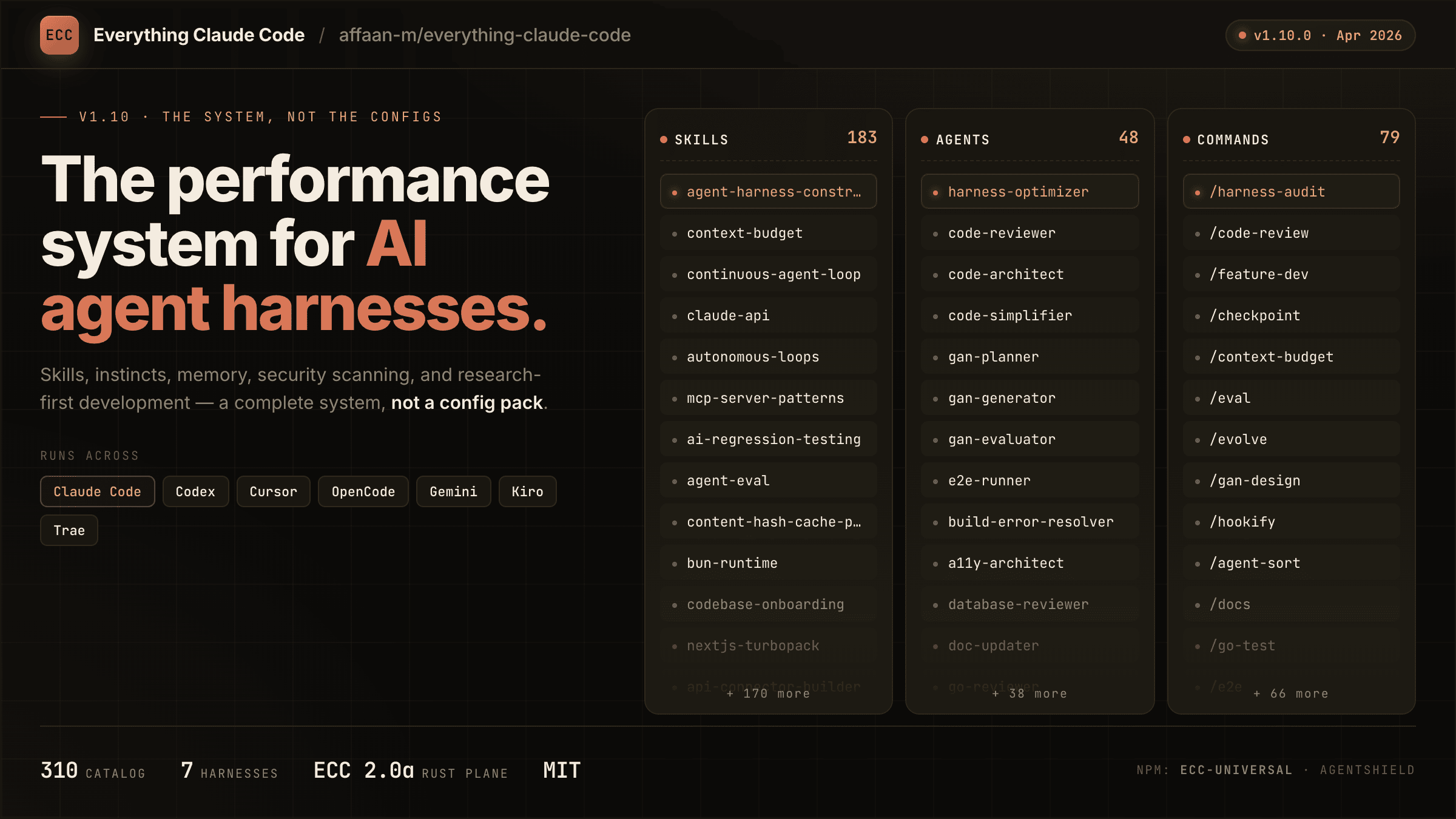
The agent harness performance optimization system. Skills, instincts, memory, security, and research-first development for Claude Code, Codex, Opencode, Cursor and beyond.
Commit policy as code for teams and AI agents: commit messages, branch names, authors, sign-offs, tags, files and AI attribution, checked from one config file.
Commit policy as code on every pull request: the GitHub Action for Commit Check.
Org-wide defaults for Commit Check: profile, branding, community files and reusable workflows.
Website, docs and blog for Commit Check: commit policy as code for teams and AI agents.