flutter
Flutter makes it easy and fast to build beautiful apps for mobile and beyond
- 181k
- Dart
- BSD-3-Clause
- 1 d ago
Starter kit for an iOS application with no 3rd lib
Repo congnd/iOS-PureStarterKit, read from GitHub 1 min ago. congnd has not joined Take My Repo.
congnd/iOS-PureStarterKit is a public repo on GitHub by congnd. Starter kit for an iOS application with no 3rd lib. It declares no license on GitHub. Public does not mean open source: without a license, nobody is granted the right to reuse it. It is written mainly in Swift, has 0 stars and last changed on 2021-04-14. Nobody has reviewed it on Take My Repo yet, which says nothing about its quality. Read from GitHub on 2026-11-22.
Please read carefully this documentation before starting to make any change
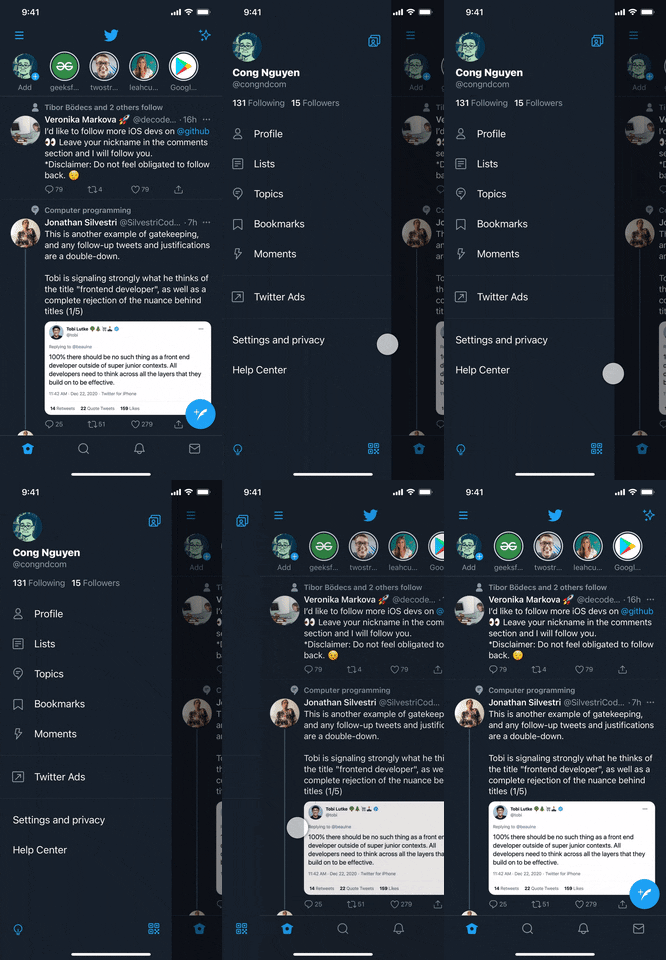
To reduce the complexity as the project growths and having good separation of concerns, this project has been devided into multiple parts, each part has its own responsibility. We call them, modules. Those modules are not only separeted conventionally but also configured to prevent from incorrectly mixing them together. Please take a look at the picture below to understand how they are connected.

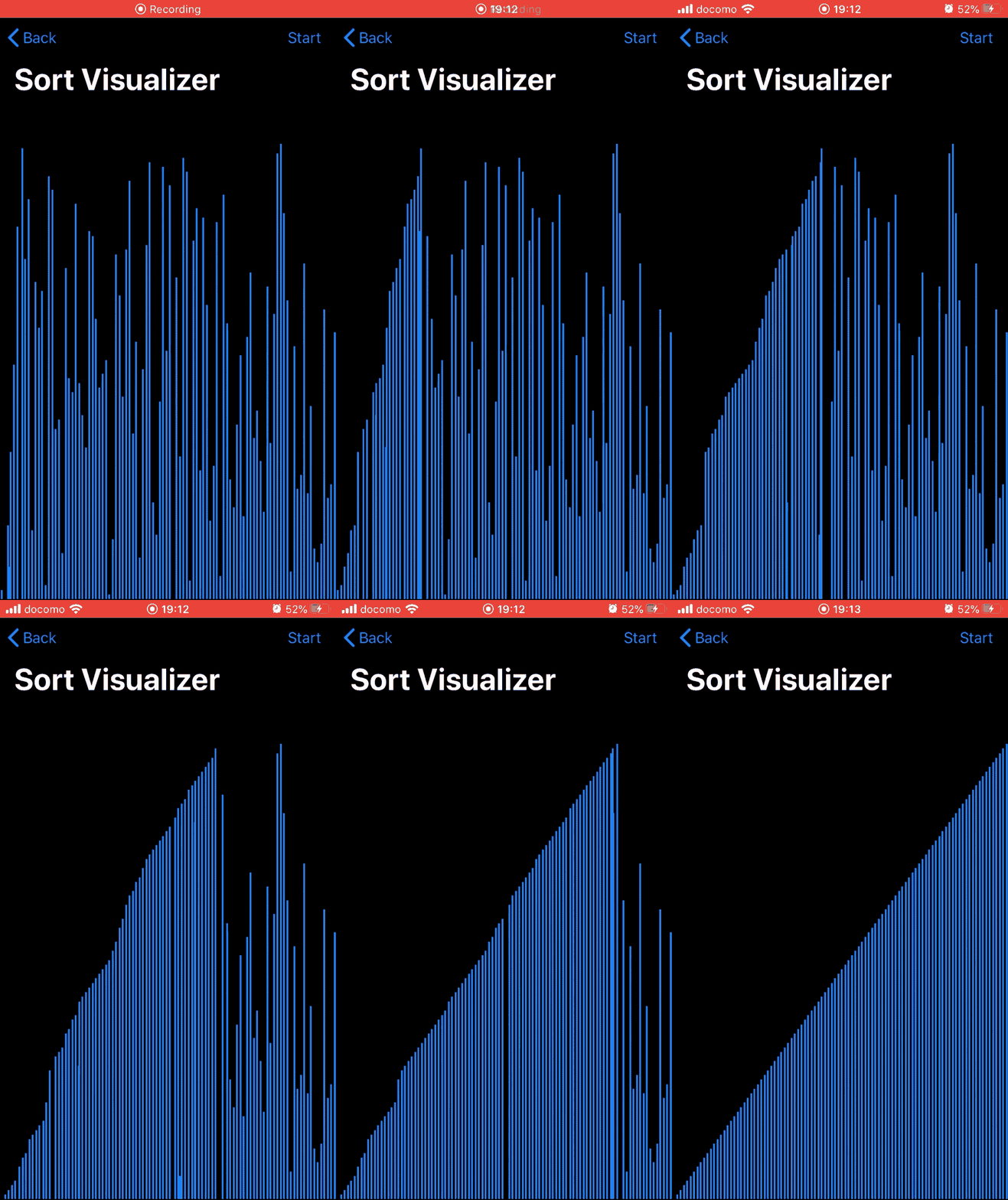
Using modular design not only helps us to have well code separation but also reduces the build time (both clean builds and incremental builds) significantly. Look at the picture below for details.

Now, let's have a brief explaination about all modules and their responsibilities:
Domain: Contains business logic & model definition. This module doesn't
depend on any other modules. The business logic should be defined as pure protocols.
The detail implmenetation must be done in Platform.
Platform: Contains detail implementation for the Domain. Ranging from network communication
to data persistence, this module is where the business logic of the application is implemented.
Do NOT import view related modules here (modules like UIKit must NOT be imported in this module).
Scene: Contains UI implementation for the app. All the user interface modules
(view, screen, ...) must be implemented here. This module depends on only the Domain.
Do NOT use Platform directly here.
Main: The main module of the application. This module is the composition root for the app.
It is the PIC for creating screens, initializing view models, injecting dependecies,
and routing between screens. This module depends on Scene and Platform.
This application utilizes MVVM-C (MVVM plus the Coordinator) pattern. We are also using RxSwift & RxCocoa intensively to implement the MVVM for the UI layer. So you should get familiar with all of them first.
The coordinator pattern helps us separate view controllers and the navigation between view controllers so that each view controller is completely isolated.
RxSwift: reactive programming used to control the UI layer. RxSwift is NOT allowed
in any other modules except the Scene module where the user interface is managed.
ViewControllers: setup & manage views and that's all.
ViewModels: acts the middle layer between the view controller and services (from Platform).
ViewModels receive UI events from ViewControllers, parse them, call proper actions on services
and then response to the ViewController to update views. ViewControllers depend on ViewModels.
Services that the ViewModels depend on are injected when creating the ViewController-ViewModel
instances within the main module.
As explained above, ViewModels are preaty much like outputing data based on input events.
To make life a little bit easier, for both reading side and implementing side, we use Input-Output
pattern for all the ViewModels.
Input-Out pattern is very simple. To adopt this pattern, all you need to do is making your view model conforms to this protocol.
protocol ViewModelType {
  associatedtype Input
  associatedtype Output

  func transform(_ input: Input) -> Output
}
Then, when setting up binding in view controller, all you need to do is passing
necessary input data and getting output data to control your views.
Please take a look at the HomeViewModel.swift and HomeViewController.swift for details.
Please refer to this page if you have no idea about what I've mentioned above. Coordinator pattern: https://khanlou.com/2015/10/coordinators-redux/
Storyboard and Xibs are great but they are not friendly for code review. That's the reason interface builder tools like Storyboards and Xibs are not allowed in this project.
You have to create all of you views by code.
We are following the coding guidelines defined by Google here:
https://google.github.io/swift/
Please make sure that you understand all the rules written there before making changes.
Additionally, we are also using SwfitLint to enfoce all the common rules so please make sure that you don't violate any of them. Always try to solve all the warnings.
Last but not least, please make sure that you are not leaving any layout constraint warnings.
We use unit testing to ensure the product quality. All the modules below need to be covered by unit tests:
When writting unit tests please:
Please check the implemented unit tests in each module above for details.
Just select the corresponding scheme for the module you want to run unit tests then press Cmd + U.
If you want to run all the tests in the project, select the main scheme and press Cmd + U
Refer to the docs folder of this project for details about each feature. (Under construction)
congnd/iOS-PureStarterKit is a public repo on GitHub by congnd. Starter kit for an iOS application with no 3rd lib.
It declares no license on GitHub. Public does not mean open source: without a license, nobody is granted the right to reuse it.
Its maker has not tagged a system, so it is unknown here. Its README says what it needs.
Open "Take it" on its page: Take My Repo writes an install plan for your machine and hands it to your AI agent (Claude Code, Codex or Cursor), which asks you before each step. Take My Repo has not tested it on any machine.
Its last change on GitHub was on 2021-04-14. GitHub counts 0 open issues and pull requests. Take My Repo does not judge from that whether it is maintained.
Flutter makes it easy and fast to build beautiful apps for mobile and beyond
Nobody has reviewed it on Take My Repo yet, which says nothing about its quality.
f.k.a. Awesome ChatGPT Prompts. Share, discover, and collect prompts from the community. Free and open source — self-host for your organization with complete privacy.
Build Agentic workflows, RAG pipelines, with rich AI model and tool support on one collaborative workspace. Deploy on cloud, VPC, or self-hosted, so teams move from prototype to production without rebuilding the stack.
A modern, simple and zero-dependency photo picker with an elegant and customizable image editor
Practice for the new compositional layout of UICollectionView