Cortex Backend Plugin for Backstage
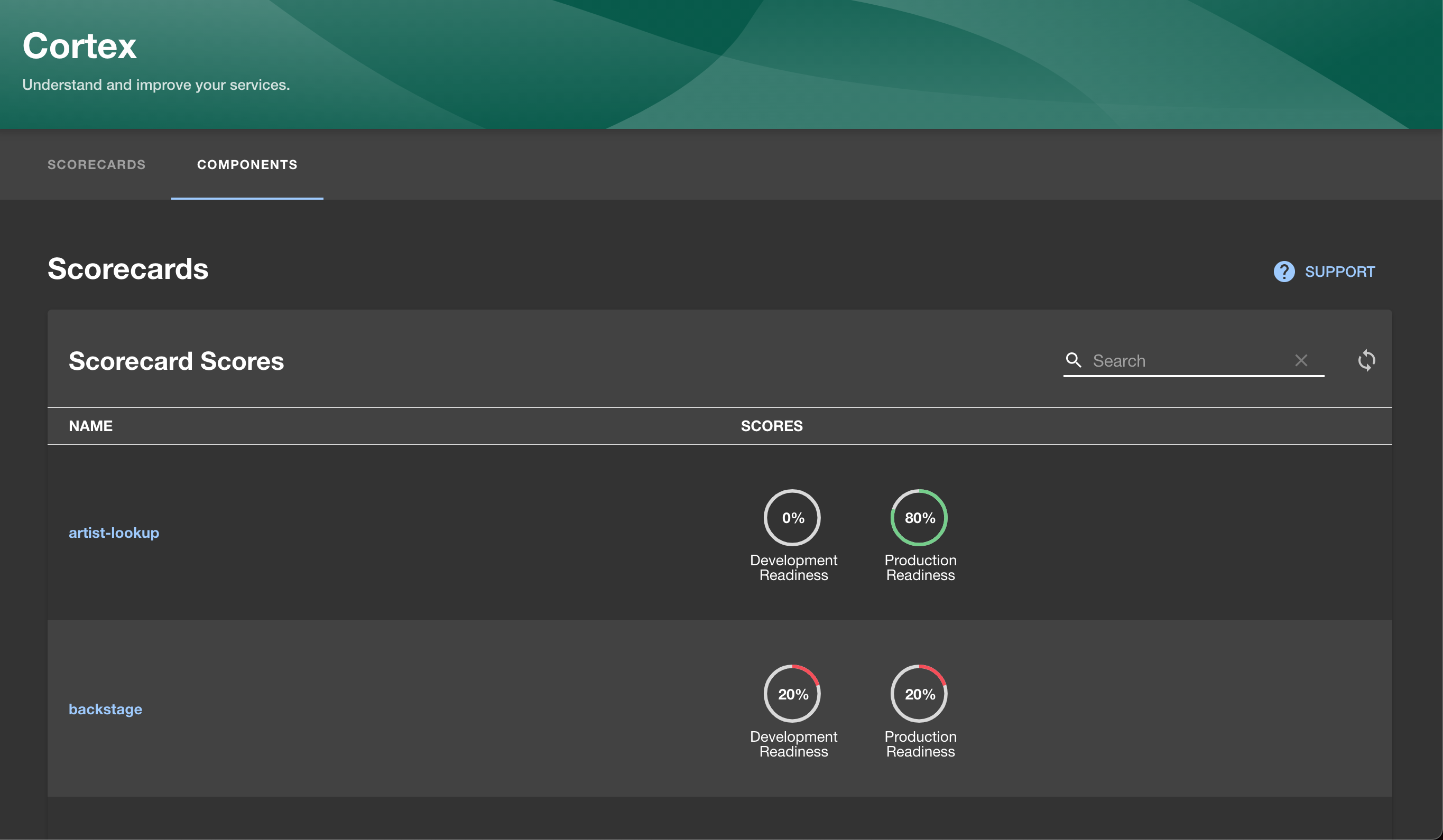
See the Cortex Scorecard Plugin for more details.
The backend plugin will allow you to sync your Backstage services with Cortex asynchronously, set
to any cron schedule of your choosing.
To start using the Backstage plugin and see a demo, please book a demo!
- In the packages/backend directory of your Backstage
instance, add the plugin as a package.json dependency:
$ yarn add @cortexapps/backstage-backend-plugin
- Create a new file:
packages/backend/src/plugins/cortex.ts:
import { PluginEnvironment } from '../types';
import { createRouter } from '@cortexapps/backstage-backend-plugin';

export default async function createPlugin(env: PluginEnvironment) {
  return await createRouter({
    discoveryApi: env.discovery,
    logger: env.logger,
    cronSchedule:
      env.config.getOptionalString('cortex.backend.cron') ??
      '0 3,7,11,15,19,23 * * *',
  });
}
- Update
packages/backend/src/index.ts:
import cortex from './plugins/cortex';
...
const cortexEnv = useHotMemoize(module, () => createEnv('cortex'));
...
apiRouter.use('/cortex', await cortex(cortexEnv));
- Update app-config.yaml to add a new config under
the
proxy section:
'/cortex':
  target: ${CORTEX_BACKEND_HOST_URL}
  headers:
    Authorization: Bearer ${CORTEX_TOKEN}
- (Optional) You can choose to have the entity sync cron job use gzip to compress the entities by updating
cortex.ts from step 2. You must also update the Backstage HTTP proxy to allow the Content-Encoding header.
import { PluginEnvironment } from '../types';
import { createRouter } from '@cortexapps/backstage-backend-plugin';

export default async function createPlugin(env: PluginEnvironment) {
  return await createRouter({
    discoveryApi: env.discovery,
    logger: env.logger,
    syncWithGzip: true,
    cronSchedule:
      env.config.getOptionalString('cortex.backend.cron') ??
      '0 3,7,11,15,19,23 * * *',
  });
}proxy:
'/cortex':
target: ${CORTEX_BACKEND_HOST_URL}
headers:
Authorization: Bearer ${CORTEX_TOKEN}
allowedHeaders:
- Content-Encoding
- In the packages/backend directory of your Backstage
instance, add the plugin as a package.json dependency:
$ yarn add @cortexapps/backstage-backend-plugin
- Update
packages/backend/src/index.ts:
import { cortexPlugin } from '@cortexapps/backstage-backend-plugin';
...
const backend = createBackend();
...
backend.add(cortexPlugin)
...
backend.start()
- Update app-config.yaml to add a new config under
the
proxy.endpoints section:
proxy:
  endpoints:
    '/cortex':
      target: ${CORTEX_BACKEND_HOST_URL}
      headers:
        Authorization: Bearer ${CORTEX_TOKEN}
- (Optional) You may further configure entity sync cron job to set a custom schedule or use gzip to compress the entities by adding appropriate configuration properties. If enabling gzip, you must also update the Backstage HTTP proxy to allow the
Content-Encoding header.
cortex:
  syncWithGzip: true
  backend:
    cron: 0 * * * * # every hour
---
proxy:
  endpoints:
    '/cortex':
      target: ${CORTEX_BACKEND_HOST_URL}
      headers:
        Authorization: Bearer ${CORTEX_TOKEN}
      allowedHeaders:
        - Content-Encoding
- (Optional) If you wish to make use of custom mappings via the
ExtensionsApi in @cortexapps/backstage-plugin-extensions, you must configure a module to supply an implementation of this API to the Cortex plugin.
Implementing the ExtensionsApi interface is discussed further in the cortexapps/backstage-plugin repo.
The official Backstage documentation suggests first creating a new package for the module using yarn new and selecting backend-module. With a moduleId of extension-api the full package should be created at /modules/cortex-backend-module-extension-api.
In module.ts of the new package, create a module which supplies your custom implementation of ExtensionApi:
// src/module.ts
import { createBackendModule } from '@backstage/backend-plugin-api';
import { cortexExtensionApiExtensionPoint } from '@cortexapps/backstage-plugin-extensions';
import { MyExtensionApiImpl } from `./MyExtensionApiImpl`;

export const cortexModuleExtensionApiProvider = createBackendModule({
  pluginId: 'cortex-backend',
  moduleId: 'my-extension-api',
  register(env) {
    env.registerInit({
      deps: {
        cortexBackend: cortexExtensionApiExtensionPoint,
      },
      async init({ cortexBackend }) {
        cortexBackend.setExtensionApi(new MyExtensionApiImpl());
      },
    });
  },
});
Export the module from index.ts:
// src/index.ts
export { cortexModuleExtensionApiProvider as default } from './module';
And finally add the extension to the backend in packages/backend/src/index.ts after the Cortex plugin itself:
backend.add(cortexPlugin); // should already be present from step 2
backend.add(import('<your-module-package>'));
Alternatively, if you do not wish to separate the module into its own package, you can instantiate cortexModuleExtensionApiProvider as shown above and add it to the backend directly:
const cortexModuleExtensionApiProvider = createBackendModule({...})
...
backend.add(cortexModuleExtensionApiProvider);