daisyui
🌼 🌼 🌼 🌼 🌼 The most popular, free and open-source Tailwind CSS component library
- 43k
- JavaScript
- MIT
- 3 d ago

Free and Open Source UI Kit for Tailwind CSS and React based on Google's Material Design.
Repo creativetimofficial/material-tailwind-kit-react, read from GitHub 18 h ago. creativetimofficial has not joined Take My Repo.
creativetimofficial/material-tailwind-kit-react is a public repo on GitHub by creativetimofficial. Free and Open Source UI Kit for Tailwind CSS and React based on Google's Material Design. It declares the MIT license on GitHub. It is written mainly in JavaScript, has 103 stars and last changed on 2024-07-25. Nobody has reviewed it on Take My Repo yet, which says nothing about its quality. Read from GitHub on 2026-11-22.
Material Tailwind Kit React is our newest free Material Tailwind UI Kit based on Tailwind CSS and React. If you’re a developer looking to create an ui kit that is developer-friendly, rich with features, and highly customisable, here is your match. Our innovative Material Tailwind, Tailwind CSS & React ui kit comes with a beautiful design inspired by Google's Material Design and it will help you create stunning websites & web apps to delight your clients.
Fully Coded Elements
Material Tailwind Kit React is built with over 40 frontend individual elements coming from @material-tailwind/react, like buttons, inputs, navbars, nav tabs, cards, or alerts, giving you the freedom of choosing and combining. All components can take variations in color, which you can easily modify using props and tailwind css classnames. You will save a lot of time going from prototyping to full-functional code because all elements are implemented.
This free Material Tailwind, Tailwind CSS & React UI Kit is coming with prebuilt design blocks, so the development process is seamless, switching from our pages to the real website is very easy to be done.
View all components here.
Documentation built by Developers
Each element is well presented in very complex documentation.
You can read more about the documentation here.
Example Pages
If you want to get inspiration or just show something directly to your clients, you can jump-start your development with our pre-built example pages. You will be able to quickly set up the basic structure for your web project.
View example pages here.
HELPFUL LINKS
During the development of this ui kit, we have used many existing resources from awesome developers. We want to thank them for providing their tools open source:
Let us know your thoughts below. And good luck with development!

| React |
|---|
| 
Quick start options:
npm install or yarn install or pnpm install to install our local dependencies.:rocket: You can deploy your own version of the template to Genezio with one click:

The documentation for the Material Tailwind Kit React is hosted at our website.
Within the download you'll find the following directories and files:
material-tailwind-kit-react
    ├── public
    │   ├── css
    │   └── img
    ├── src
    │   ├── data
    │   ├── pages
    │   ├── widgets
    │   ├── App.jsx
    │   ├── main.jsx
    │   └── routes.jsx
    ├── .gitignore
    ├── CHANGELOG.md
    ├── index.html
    ├── ISSUE_TEMPLATE.md
    ├── jsconfig.json
    ├── LICENSE
    ├── package.json
    ├── postcsss.config.cjs
    ├── prettier.config.cjs
    ├── README.md
    ├── tailwind.config.cjs
    └── vite.config.js
At present, we officially aim to support the last two versions of the following browsers:


We use GitHub Issues as the official bug tracker for the Material Tailwind Kit React. Here are some advices for our users that want to report an issue:
If you have questions or need help integrating the product please contact us instead of opening an issue.
More products from Creative Tim
Freebies from Creative Tim
Affiliate Program (earn money)
Twitter: https://twitter.com/CreativeTim
Facebook: https://www.facebook.com/CreativeTim
Dribbble: https://dribbble.com/creativetim
Google+: https://plus.google.com/+CreativetimPage
Instagram: https://instagram.com/creativetimofficial
creativetimofficial/material-tailwind-kit-react is a public repo on GitHub by creativetimofficial. Free and Open Source UI Kit for Tailwind CSS and React based on Google's Material Design.
It declares the MIT license on GitHub.
Its maker has not tagged a system, so it is unknown here. Its README says what it needs.
Open "Take it" on its page: Take My Repo writes an install plan for your machine and hands it to your AI agent (Claude Code, Codex or Cursor), which asks you before each step. Take My Repo has not tested it on any machine.
Its last change on GitHub was on 2024-07-25. Take My Repo does not judge from that whether it is maintained.
🌼 🌼 🌼 🌼 🌼 The most popular, free and open-source Tailwind CSS component library
Nobody has reviewed it on Take My Repo yet, which says nothing about its quality.
Reverse engineer anything with agents, from app behavior down to native binaries.
Flutter makes it easy and fast to build beautiful apps for mobile and beyond
f.k.a. Awesome ChatGPT Prompts. Share, discover, and collect prompts from the community. Free and open source — self-host for your organization with complete privacy.
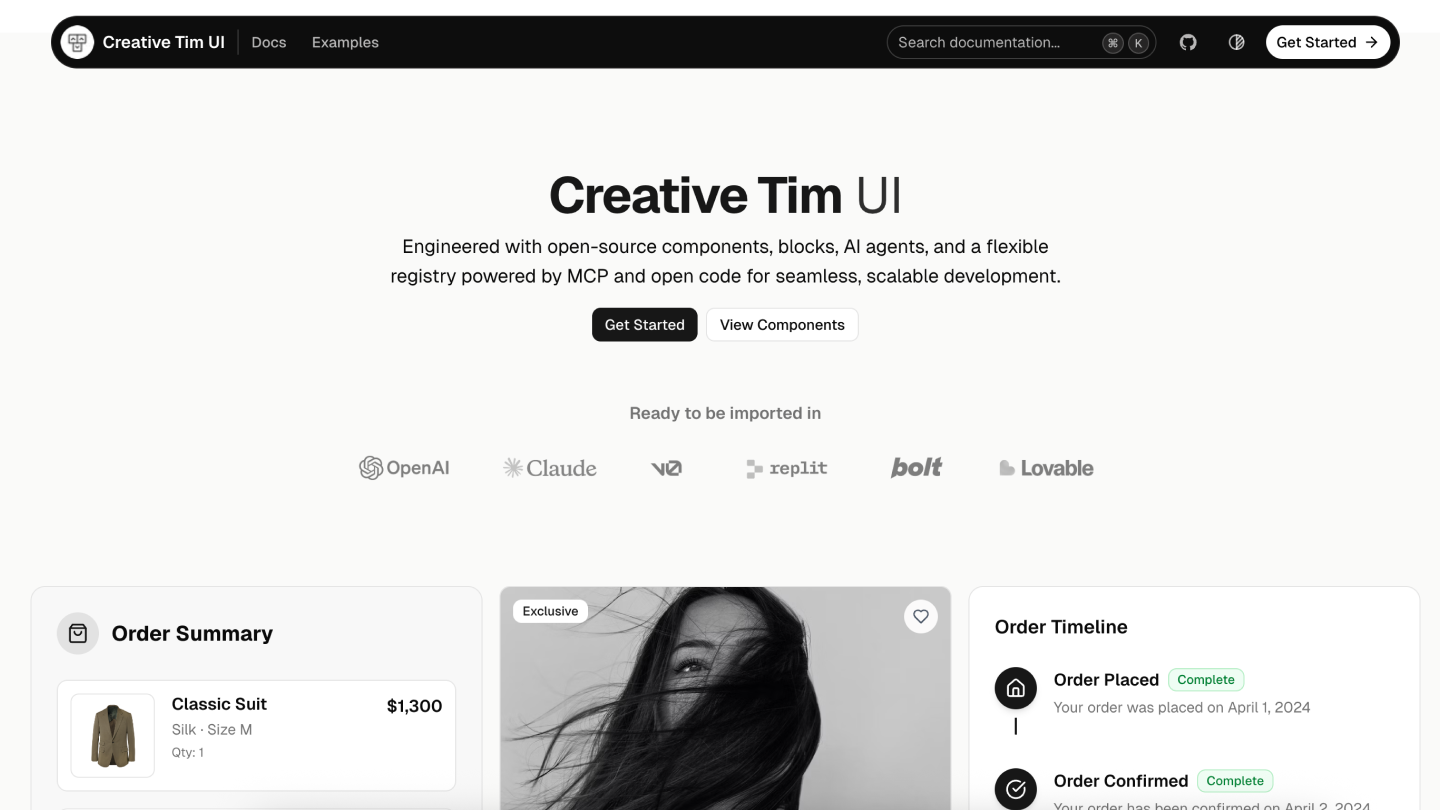
Open-source components, blocks, and AI agents designed to speed up your workflow. Import them seamlessly into your favorite tools through Registry and MCPs.
David AI is a free and open-source collection of customizable, production-ready UI components built with Tailwind CSS.
Free and Open Source UI Kit for Bootstrap 5, React, Vue.js, React Native and Sketch based on Google's Material Design
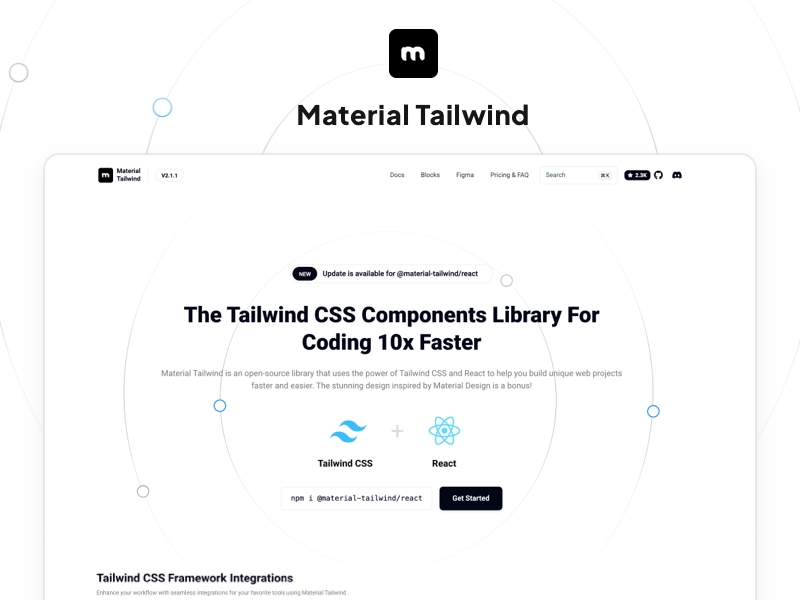
@material-tailwind is an easy-to-use components library for Tailwind CSS and Material Design.