nexting
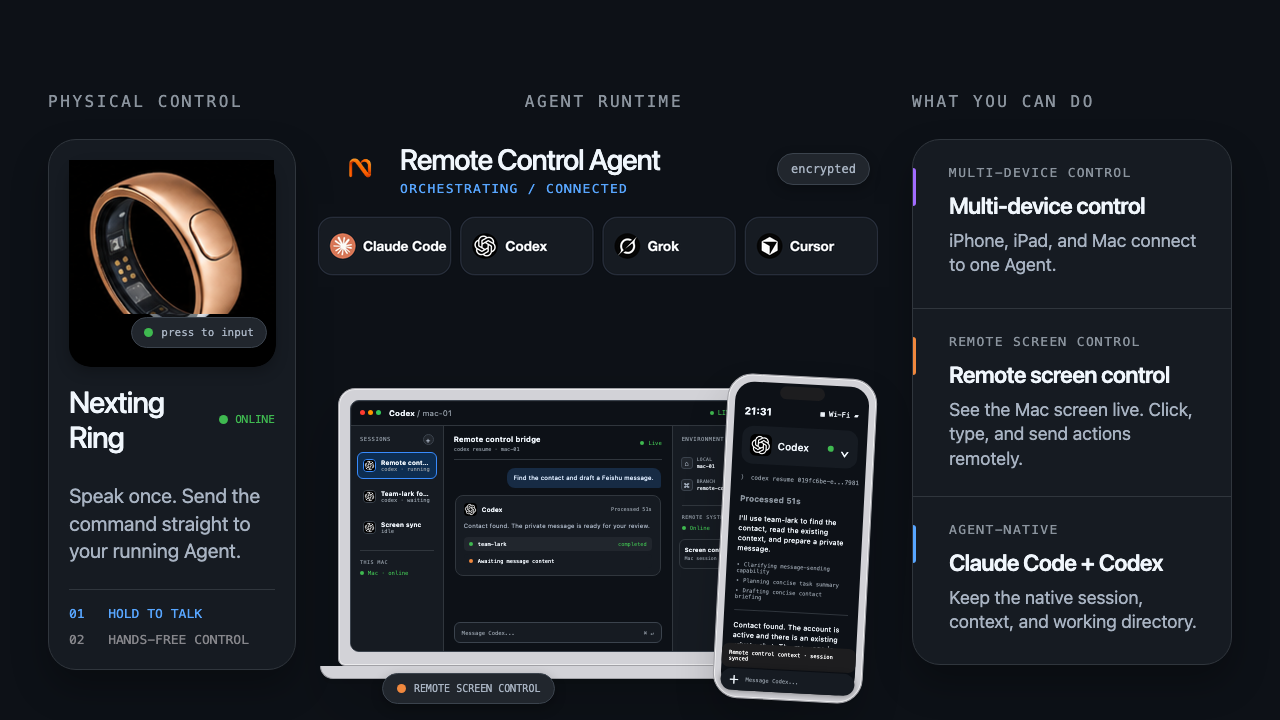
Remote control for Claude Code, Codex, Grok, and Cursor on Mac or PC. View sessions, send tasks, and drive them remotely from your phone. OpenClaw supported.
- 2.4k
- C
- MIT
- 7 d ago
Local-First Remote AI Engineering Control Plane Monitor, prompt, and control AI coding agents running on your Mac from your phone via private Tailscale mesh.
Repo darknecrocities/Agentdeck, read from GitHub 19 h ago. darknecrocities has not joined Take My Repo.
darknecrocities/Agentdeck is a public repo on GitHub by darknecrocities. Local-First Remote AI Engineering Control Plane Monitor, prompt, and control AI coding agents running on your Mac from your phone via private Tailscale mesh. It declares no license on GitHub. Public does not mean open source: without a license, nobody is granted the right to reuse it. It is written mainly in Dart, has 13 stars and last changed on 2026-08-30. Nobody has reviewed it on Take My Repo yet, which says nothing about its quality. Read from GitHub on 2026-11-24.
Remote control for Claude Code, Codex, Grok, and Cursor on Mac or PC. View sessions, send tasks, and drive them remotely from your phone. OpenClaw supported.

Local-First Remote AI Engineering Control Plane
Monitor, prompt, and control AI coding agents running on your Mac from your phone via private Tailscale mesh.
The goal of AgentDeck is NOT to build another AI coding agent.
The goal is to build an autonomous remote control plane around the coding agents you already use.
Leave your MacBook running AI coding agents at home, walk outside with your phone, and seamlessly:
flowchart TB
    subgraph Mobile["📱 Mobile Command Center (Flutter)"]
        UI["Monochrome OLED UI"]
        Sess["Live Session & Prompt Center"]
        TermUI["PTY ANSI Terminal"]
        DiffUI["Git & Files Diff Viewer"]
    end

    subgraph Tailscale["🔒 Private Encrypted WireGuard Mesh (100.x.x.x)"]
        Mesh["Tailscale Peer-to-Peer Tunnel\nZero Open Internet Ports"]
    end

    subgraph Host["💻 macOS Workstation"]
        Daemon["agentdeckd Daemon (Axum + Tokio)"]
        DB[(SQLite Event Store)]
        PTY["Portable-PTY Subsystem"]
        Watch["notify FS Watcher"]

        subgraph Agents["🤖 AI Coding Agent Fleet"]
            AGY["Antigravity CLI (agy)\nstream-json / subagents"]
            Claude["Claude Code (claude)"]
            Gemini["Gemini CLI (gemini)"]
            Ollama["Ollama (Local LLMs)"]
        end
    end

    Mobile <-->|Encrypted REST & WebSockets| Mesh
    Mesh <-->|Port 8765| Daemon
    Daemon <--> DB
    Daemon <--> PTY
    Daemon <--> Watch
    Daemon <--> AGY
    Daemon <--> Claude
    Daemon <--> Gemini
    Daemon <--> Ollama
agy) Core Integration:--output-format stream-json).THINKING steps, planning milestones, subagent delegation).~/.gemini/antigravity-ide/brain/<id>/.system_generated/logs/transcript.jsonl.agy --continue or agy --conversation <id>.AgentAdapter async trait supporting Google Antigravity (agy), Anthropic Claude Code (claude), Google Gemini CLI (gemini), and Ollama Local Fleet (ollama).<thinking> XML token parsing and print streaming.deepseek-r1, qwen2.5-coder:32b, codellama:70b, llama3.3:70b) with native R1 <think> token stream parsing.agentdeck doctor) for binary detection, PATH verification, and daemon connectivity.~/.gemini/google_accounts.json and ~/.gemini/oauth_creds.json./ws/screen) with double-tap pinch zoom and live frame capture./api/system/camera/stop) to immediately release camera device & turn off hardware LED.say on macOS, PowerShell SAPI on Windows, espeak on Linux)./api/system/play-sound)./api/system/mkdir), and file content reader.portable-pty):/bin/zsh or PowerShell PTY instances streaming over WebSocket (/ws/terminal/:id).\r\n line ending normalization for cross-platform terminal compatibility.Ctrl+C, Tab, Esc, ↑, ↓, Enter, Clear, and modifier keys./api/projects/:id/git/log).+ added, - removed lines) with line numbers and file breadcrumbs./api/projects/:id/github).rm -rf, git push --force, DB reset, credential file edits).Approve / Deny gates.100.x.y.z).agentdeckd) & Event Replaylaunchd plist or Windows Scheduled Task (AgentDeckDaemon).agentdeck.db) surviving network dropouts or phone reboots.event_id Replay:#000000 dark mode with white accents (#FFFFFF).████████░░░░ 75%), micro-animations, and status radars.curl --proto '=https' --tlsv1.2 -sSf https://sh.rustup.rs | sh on macOS/Linux, or rustup.rs on Windows)git clone https://github.com/darknecrocities/Agentdeck.git
cd Agentdeck
Run the one-click setup script to build release binaries, install the launchd background service (auto-starts on boot), and verify system agents:
./scripts/setup-all.sh
Run the automated PowerShell installer or double-click scripts\setup-windows.bat:
powershell -ExecutionPolicy Bypass -File .\scripts\install-windows-service.ps1
This automatically:
agentdeckd.exe and agentdeck.exe).~/.agentdeck/bin to your User PATH..env and detects your Windows Tailscale IP (100.x.x.x).AgentDeckDaemon) that auto-starts agentdeckd on login silently in the background without needing manual cargo run.Verify all agents and subsystems:
# macOS / Linux
./target/release/agentdeck doctor

# Windows
.\target\release\agentdeck.exe doctor
Output:
═══════════════════════════════════════════════════
           AGENTDECK SYSTEM DOCTOR REPORT
═══════════════════════════════════════════════════
Checking AgentDeck Daemon (http://127.0.0.1:8765) ... [OK]
Checking Antigravity CLI (`agy`) ... [FOUND]
Checking Claude Code CLI (`claude`) ... [FOUND]
Checking Gemini CLI (`gemini`) ... [FOUND]
Checking Ollama (`ollama`) ... [FOUND]
Checking Git (`git`) ... [FOUND]
Checking GitHub CLI (`gh`) ... [FOUND]
Checking Tailscale ... [FOUND] (100.x.x.x)
Checking Local Storage & Permissions ... [OK]
═══════════════════════════════════════════════════
System is READY for AgentDeck mobile connections!
http://100.x.x.x:8765
📖 For full multi-node fleet setup, MagicDNS, and platform guides, see SETUP.md.
| Endpoint | Method | Description |
|---|---|---|
/health |
GET |
Daemon health & version check |
/api/device |
GET |
CPU, RAM, Disk, and Host telemetry |
/api/status |
GET |
Active sessions, approvals, and Tailscale info |
/api/diagnostics |
GET |
Comprehensive system & agent doctor diagnostics |
/api/system/browse |
GET |
Browse host machine directories |
/api/system/mkdir |
POST |
Create new directory on host machine |
/api/system/ping_workstation |
GET |
Ping workstation latency & health check |
/api/system/launch-app |
POST |
Launch remote desktop applications (VS Code, Terminal, etc.) |
darknecrocities/Agentdeck is a public repo on GitHub by darknecrocities. Local-First Remote AI Engineering Control Plane Monitor, prompt, and control AI coding agents running on your Mac from your phone via private Tailscale mesh.
It declares no license on GitHub. Public does not mean open source: without a license, nobody is granted the right to reuse it.
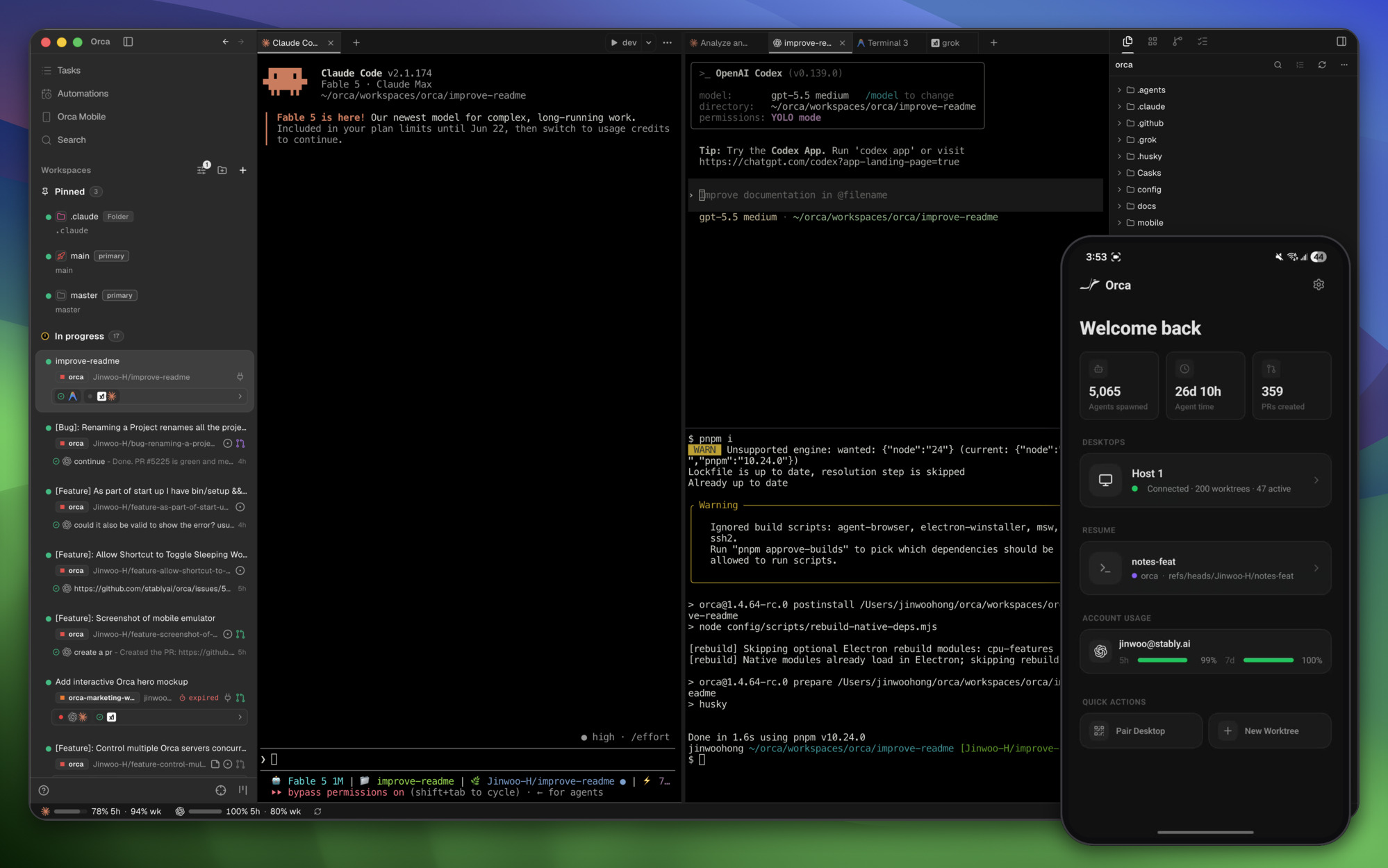
Orca lets you run a fleet of bots with your own subscription (e.g. Claude Code, Grok, Agy, Codex). Available on desktop, mobile and remote runtime.
Checklist of the most important security countermeasures when designing, creating, testing your web/mobile application
High performance self-hosted photo and video management solution.
🐦 Flappy Bird game reincarnation [GameplayKit, SpriteKit, iOS 12+].
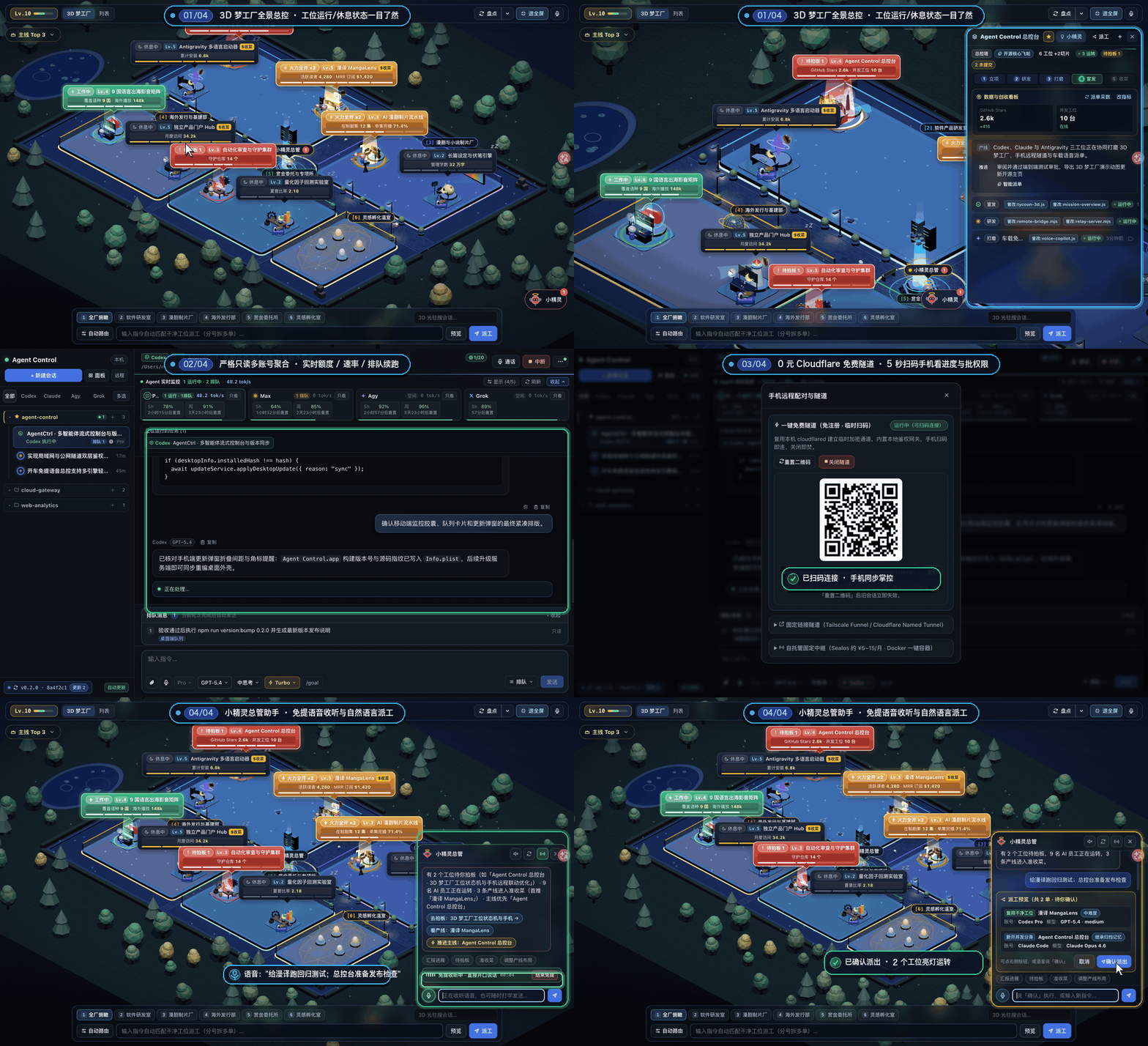
Self-hosted desktop & mobile remote control console for Codex, Claude Code, Antigravity, and Grok.
Its maker tagged it for macOS, Windows and Linux, or as Docker or cross-platform. That is declared by the maker; Take My Repo has not tested it.
Open "Take it" on its page: Take My Repo writes an install plan for your machine and hands it to your AI agent (Claude Code, Codex or Cursor), which asks you before each step. Take My Repo has not tested it on any machine.
Its last change on GitHub was on 2026-08-30. GitHub counts 0 open issues and pull requests. Take My Repo does not judge from that whether it is maintained.
Nobody has reviewed it on Take My Repo yet, which says nothing about its quality.
Take My Repo cannot say: it does not audit code and has not run Agentdeck. What is known comes from GitHub. It declares no license on GitHub. Public does not mean open source: without a license, nobody is granted the right to reuse it. Its last change was on 2026-08-30. It has 13 stars, which measure popularity, not safety. Nobody has reviewed it on Take My Repo yet, which says nothing about its quality. Read the source before you run it. With "Take it", your AI agent shows each step and asks you before running it; README text is treated as data, not as instructions.