
Power-BI-Design-Files
A library of Power BI dashboards, design files, datasets, and visualization resources. Learn dashboard design, explore real-world business scenarios, and accelerate your Power BI development.
- 443
- Jupyter Notebook
- MIT
- 3 wk ago
A command-line interface for notebooks in Microsoft Fabric
Repo data-goblin/nb-cli, read from GitHub 1 min ago. data-goblin has not joined Take My Repo.
data-goblin/nb-cli is a public repo on GitHub by data-goblin. A command-line interface for notebooks in Microsoft Fabric. It declares no license on GitHub. Public does not mean open source: without a license, nobody is granted the right to reuse it. It is written mainly in Rust, has 12 stars and last changed on 2026-10-15. It is archived: its maker no longer maintains it. Nobody has reviewed it on Take My Repo yet, which says nothing about its quality. Read from GitHub on 2026-11-22.
Note
This repo has been archived by the author. It's no longer receiving updates and remains public just for reference. Please continue to respect LICENSE.
A command-line interface to (try and) make it easier for agents to develop, execute, and manage notebooks in Microsoft Fabric
Experimental. Commands and flags may change between versions. Pin your version if stability matters.
cargo install nb-fabric
Or download a prebuilt binary from Releases.
az) installed and authenticated (az login)# Check auth nb auth status # List notebooks nb list "My Workspace" # Create a Python notebook with a lakehouse attached nb create "My Workspace/ETL Pipeline" --kernel python --lakehouse MainLH # Add a cell nb cell add "My Workspace/ETL Pipeline" --code "print('hello')" # Run code directly against a lakehouse (no notebook needed) nb exec code "My Workspace/MainLH.Lakehouse" "print('hello')" nb exec code "My Workspace/MainLH.Lakehouse" "spark.sql('SHOW TABLES').show()" # Execute a notebook cell interactively nb exec cell "My Workspace/ETL Pipeline" 0 --lakehouse MainLH # Run as a batch job nb job run "My Workspace/ETL Pipeline" --wait
nb auth status Check Azure CLI authentication
nb list <workspace>                List notebooks in a workspace
nb create <ws/name>                Create a new notebook
  --kernel python|pyspark            Kernel type (default: python)
  --lakehouse <name>                 Attach a lakehouse
  --warehouse <name>                 Attach a warehouse
nb export <ws/name> -o <path>      Export notebook to local .ipynb
nb open <ws/name>                  Open notebook in browser
nb delete <ws/name> --force        Delete a notebook
nb cells <ws/name>                 List all cells (index, type, preview)
nb cell view <ws/name> <index>     View a single cell's source
nb cell add <ws/name>              Add a new cell
  --code <code>                      Cell content (required)
  --markdown                         Create markdown cell (default: code)
  --at <index>                       Insert at position (default: append)
nb cell edit <ws/name> <index>     Replace a cell's source
  --code <code>                      New content
nb cell rm <ws/name> <index>       Remove a cell
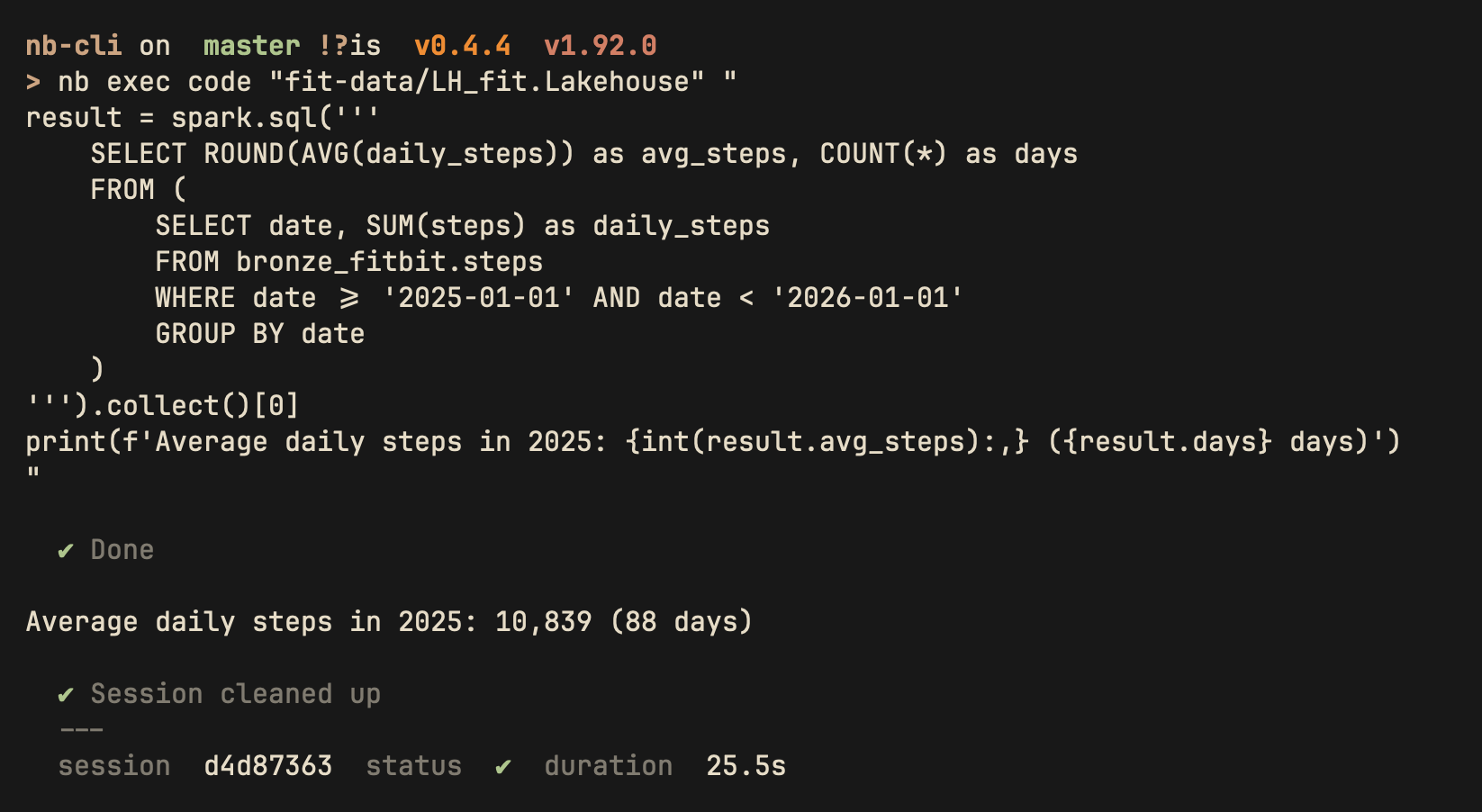
nb exec code <ws/lakehouse> <code>   Run code directly against a lakehouse (no notebook)

nb exec cell <ws/notebook> <index>   Execute a notebook cell via its attached lakehouse
  --lakehouse <name>                   Lakehouse (auto-detected from notebook metadata)

nb job run <ws/notebook>             Run notebook as batch job
  --wait                               Wait for completion
  --timeout <secs>                     Timeout in seconds (default: 3600)
nb job list <ws/notebook>            List recent job runs
exec codeRun Python code against a lakehouse without creating a notebook. The spark (SparkSession) variable
is always available for querying lakehouse tables. Sessions are created, used, and cleaned up
automatically (including on Ctrl+C). Pass - as the code arg to read from stdin.

$ nb exec code "My Workspace/MainLH.Lakehouse" "print(2+2)"
---- exec: Python ----
  Creating session...
  Waiting for idle...  (session a1b2c3d4)
  Session ready.
  Submitting code...
4
  Session cleaned up.
---- result ----
  session  a1b2c3d4-...
  runtime  Python
  duration 10.2s
  status   ok
Stdin piping for agents:
echo "spark.sql('SELECT count(*) FROM my_table').show()" | nb exec code "WS/LH.Lakehouse" -
exec cellExecute a specific cell from a notebook. Auto-detects kernel type and lakehouse from notebook metadata.
nb exec cell "My Workspace/ETL Pipeline" 0
nb exec cell "My Workspace/ETL Pipeline" 3 --lakehouse MainLH
nb session <ws/notebook> Show active sessions for a notebook
nb schedule list <ws/notebook>     List schedules
nb schedule create <ws/notebook>   Create a schedule
  --type Cron|Daily|Weekly           Schedule type (default: Cron)
  --interval <n>                     Interval (minutes for Cron)
  --start <datetime>                 Start time (ISO 8601)
  --end <datetime>                   End time (optional)
  --timezone <tz>                    Timezone (default: UTC)
  --enable                           Enable immediately
nb schedule update <ws/notebook> <id>  Update a schedule
  --enable true|false                Enable or disable
  --interval <n>                     New interval
nb schedule delete <ws/notebook> <id>  Delete a schedule
nb authenticates via Azure CLI (az account get-access-token) using the same credentials as fab and az. It calls the Fabric REST API for notebook management and interactive execution.
No service principal required. nb uses your Azure CLI session:
az login        # One-time; opens browser
nb auth status  # Verify
nb create generates notebooks with the correct Fabric metadata for either kernel:
| Field | Python | PySpark |
|---|---|---|
kernel_info.name |
jupyter |
synapse_pyspark |
microsoft.language_group |
jupyter_python |
synapse_pyspark |
Runtime kind |
python |
pyspark |
You do not have the license to copy and incorporate this into your own products, trainings, courses, or tools. If you copy this project or use an agent to rewrite it, you must include attribution and a link to the original project.
Built with assistance from Claude Code. AI-generated code has been reviewed but may contain errors. Use at your own risk.
Kurt Buhler · Data Goblins · part of Tabular Editor
data-goblin/nb-cli is a public repo on GitHub by data-goblin. A command-line interface for notebooks in Microsoft Fabric.
It declares no license on GitHub. Public does not mean open source: without a license, nobody is granted the right to reuse it.
Its maker has not tagged a system, so it is unknown here. Its README says what it needs.
Open "Take it" on its page: Take My Repo writes an install plan for your machine and hands it to your AI agent (Claude Code, Codex or Cursor), which asks you before each step. Take My Repo has not tested it on any machine.
No. It is archived on GitHub: its maker no longer maintains it.
Nobody has reviewed it on Take My Repo yet, which says nothing about its quality.
A library of Power BI dashboards, design files, datasets, and visualization resources. Learn dashboard design, explore real-world business scenarios, and accelerate your Power BI development.
A one stop repository for generative AI research updates, interview resources, notebooks and much more!
12 weeks, 26 lessons, 52 quizzes, classic Machine Learning for all
Bring data to life with SVG, Canvas and HTML. :bar_chart::chart_with_upwards_trend::tada:
Power BI AI skills and Power BI agents for Claude Code and GitHub Copilot: a plugin marketplace of Power BI skills, subagents, and hooks for semantic models, DAX, TMDL, reports, and AI dashboards. Includes Microsoft Fabric skills and Fabric agents. Weekly updates.
Power BI report .pbip templates and patterns to create special visuals, address specific problems, and have adventures..
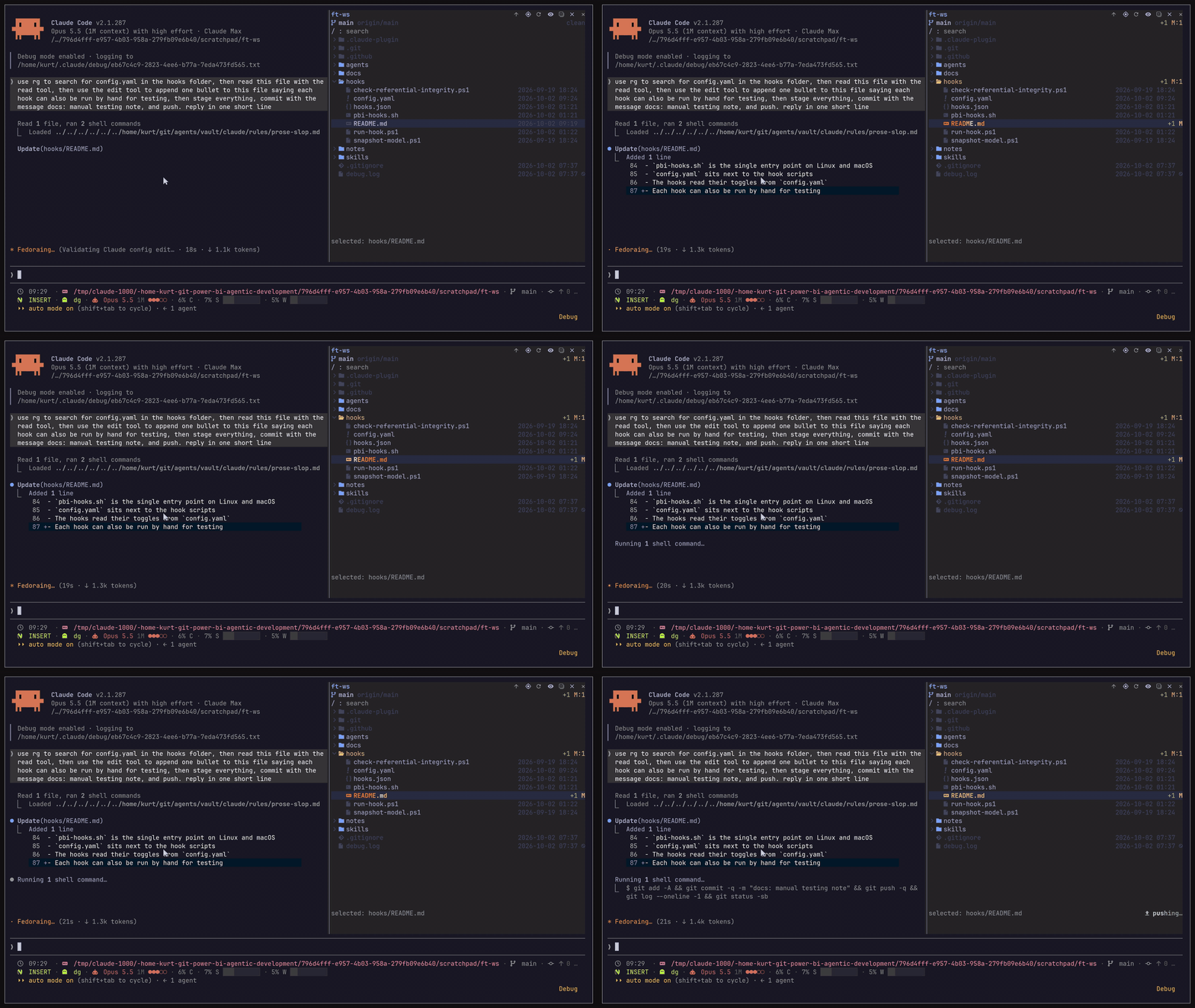
IDE-style file tree for Claude Code: a live pane that shows which files Claude reads and edits, with git status, diffs, content search, file previews and guarded paths, in the terminal and the Claude Desktop app.
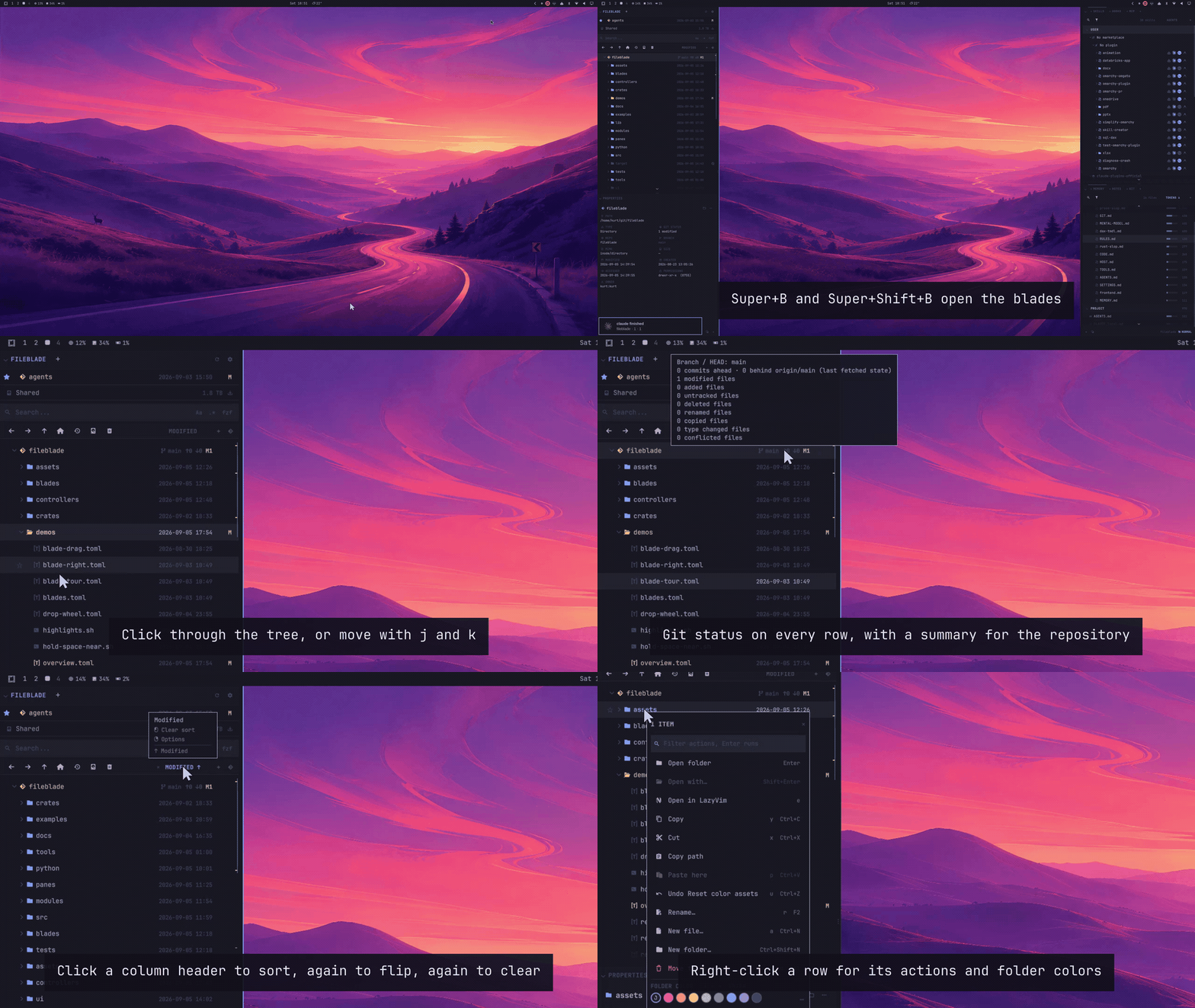
Customizable IDE-like sidebars for managing files and referencing information in Omarchy.
Resources and examples to learn how to use and make MCP servers for data and analytics.