
docling-parse
Simple package to extract text with coordinates from programmatic PDFs
- 351
- MIT
- 3 h ago
Repo docling-project/docling-parse, read from GitHub 40 min ago. docling-project has not joined Take My Repo.
In short
docling-project/docling-parse is a public repo on GitHub by docling-project. Simple package to extract text with coordinates from programmatic PDFs. It declares the MIT license on GitHub. It is written mainly in C++, has 351 stars and last changed on 2026-11-24. Nobody has reviewed it on Take My Repo yet, which says nothing about its quality. Read from GitHub on 2026-11-24.
Docling Parse
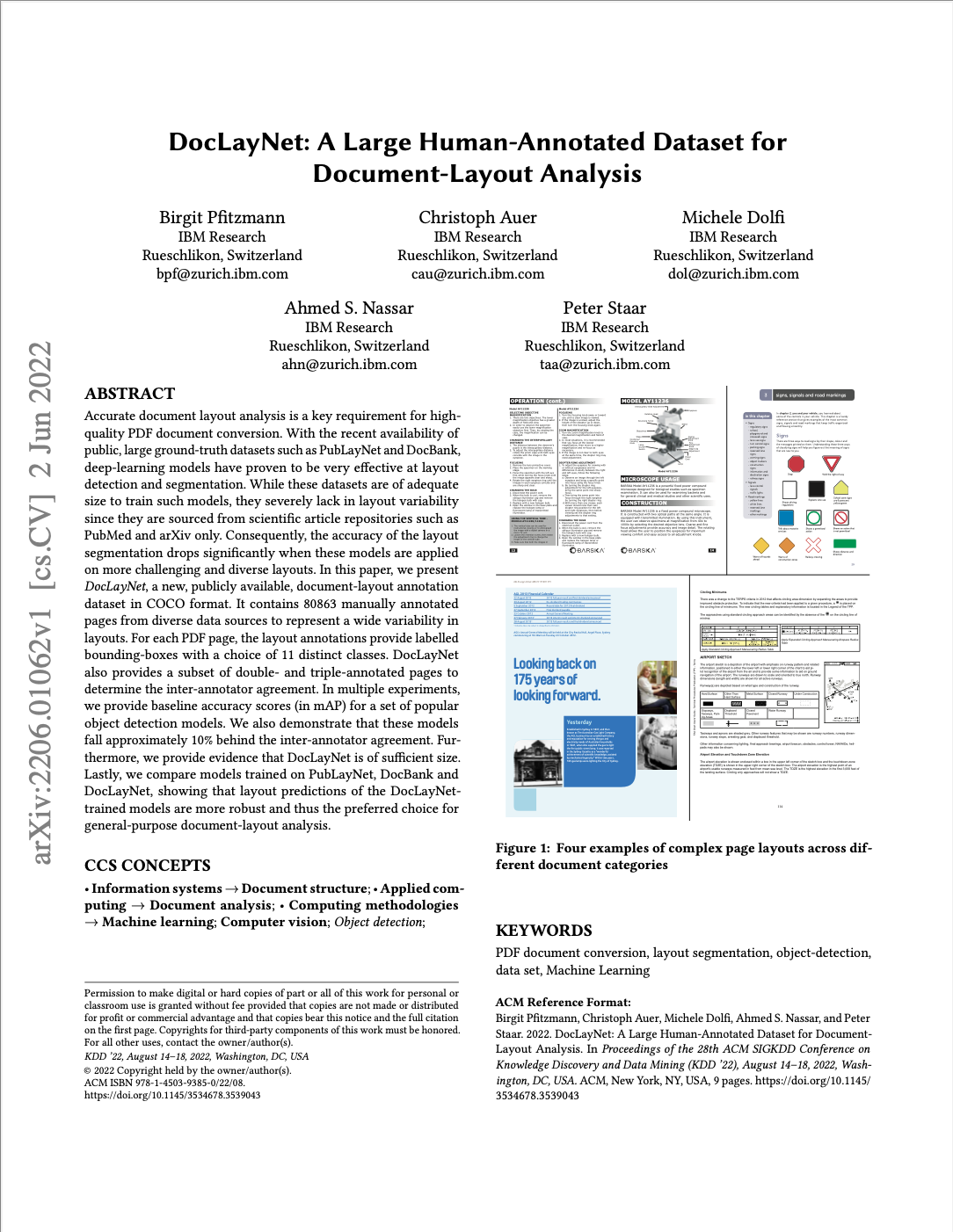
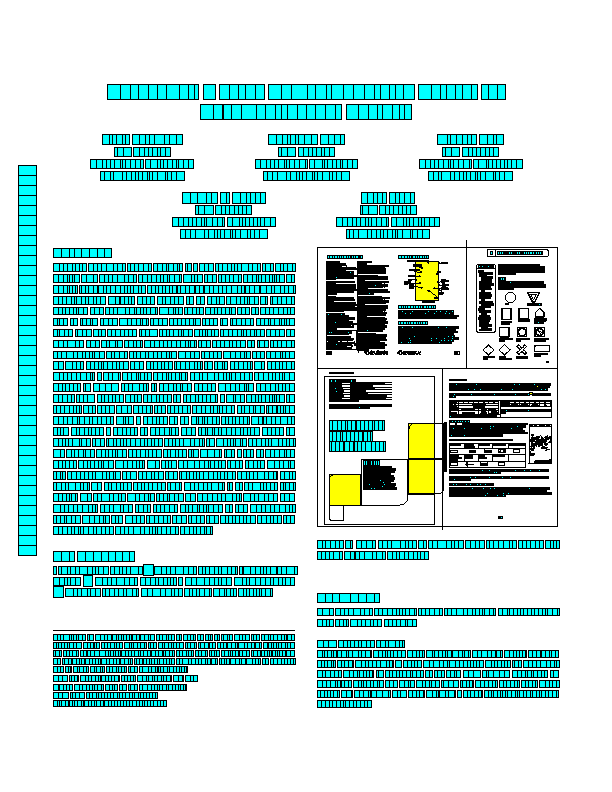
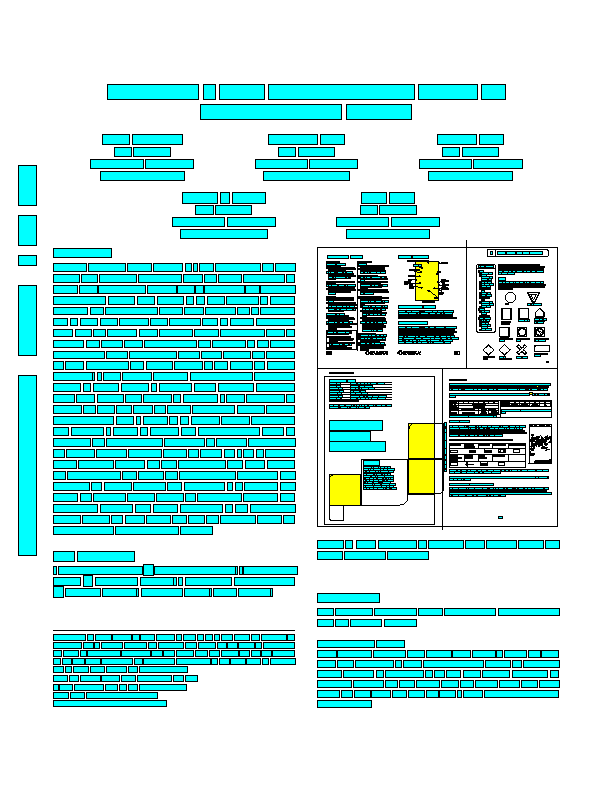
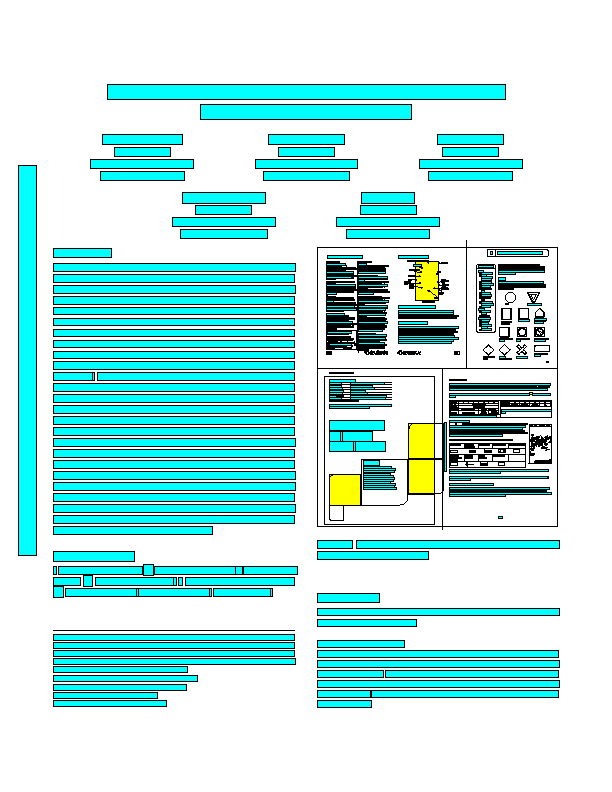
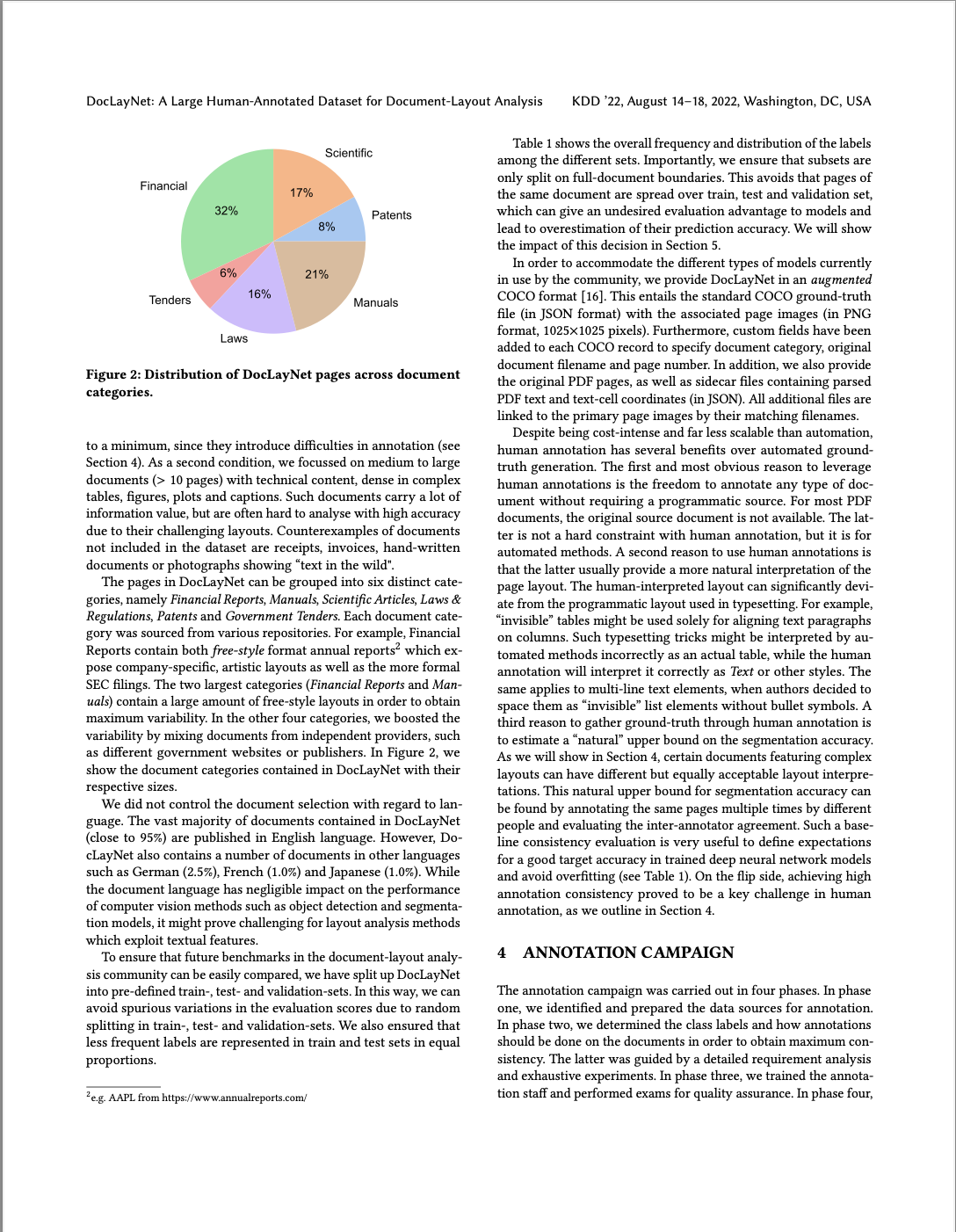
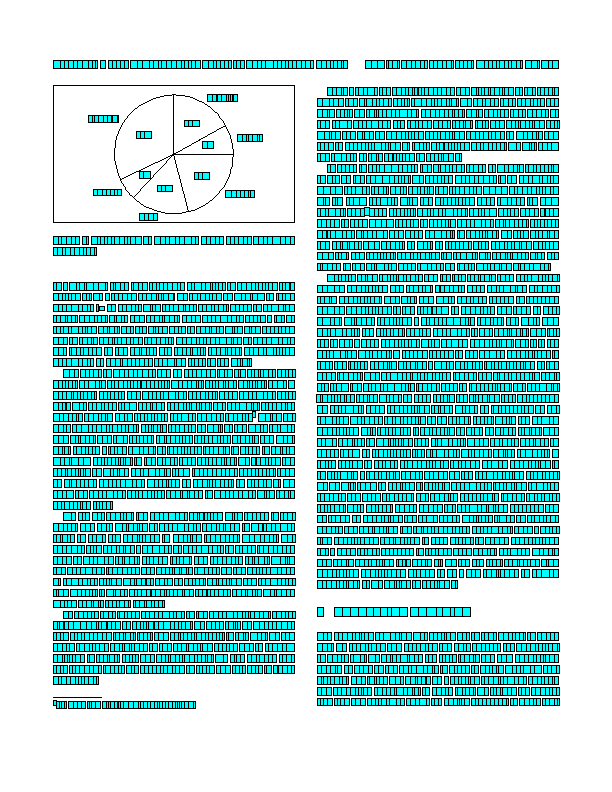
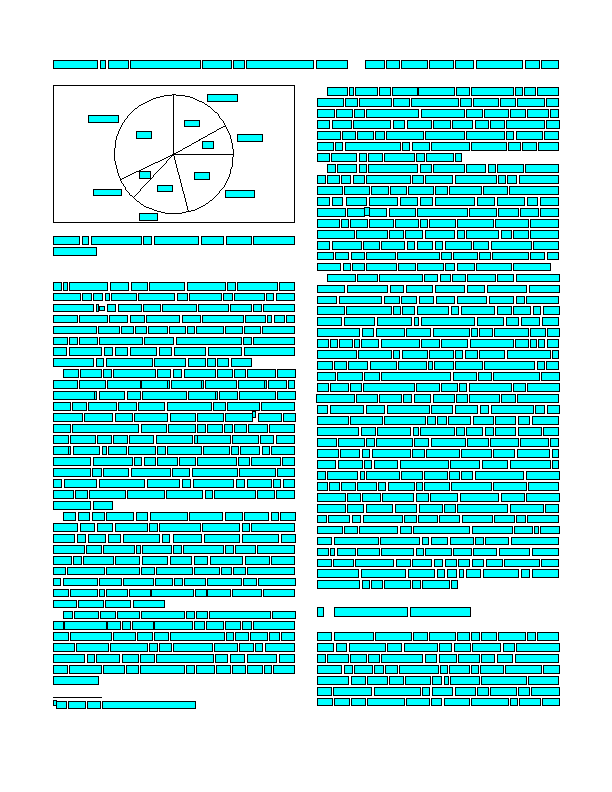
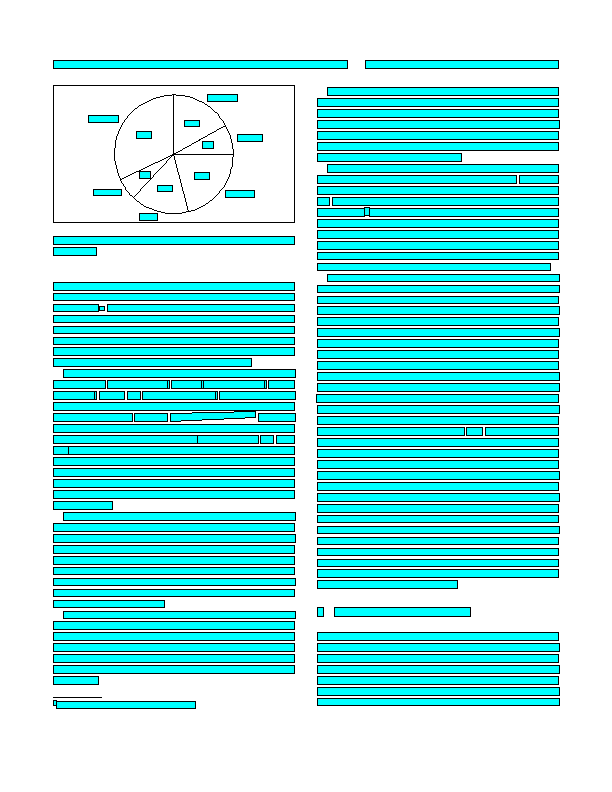
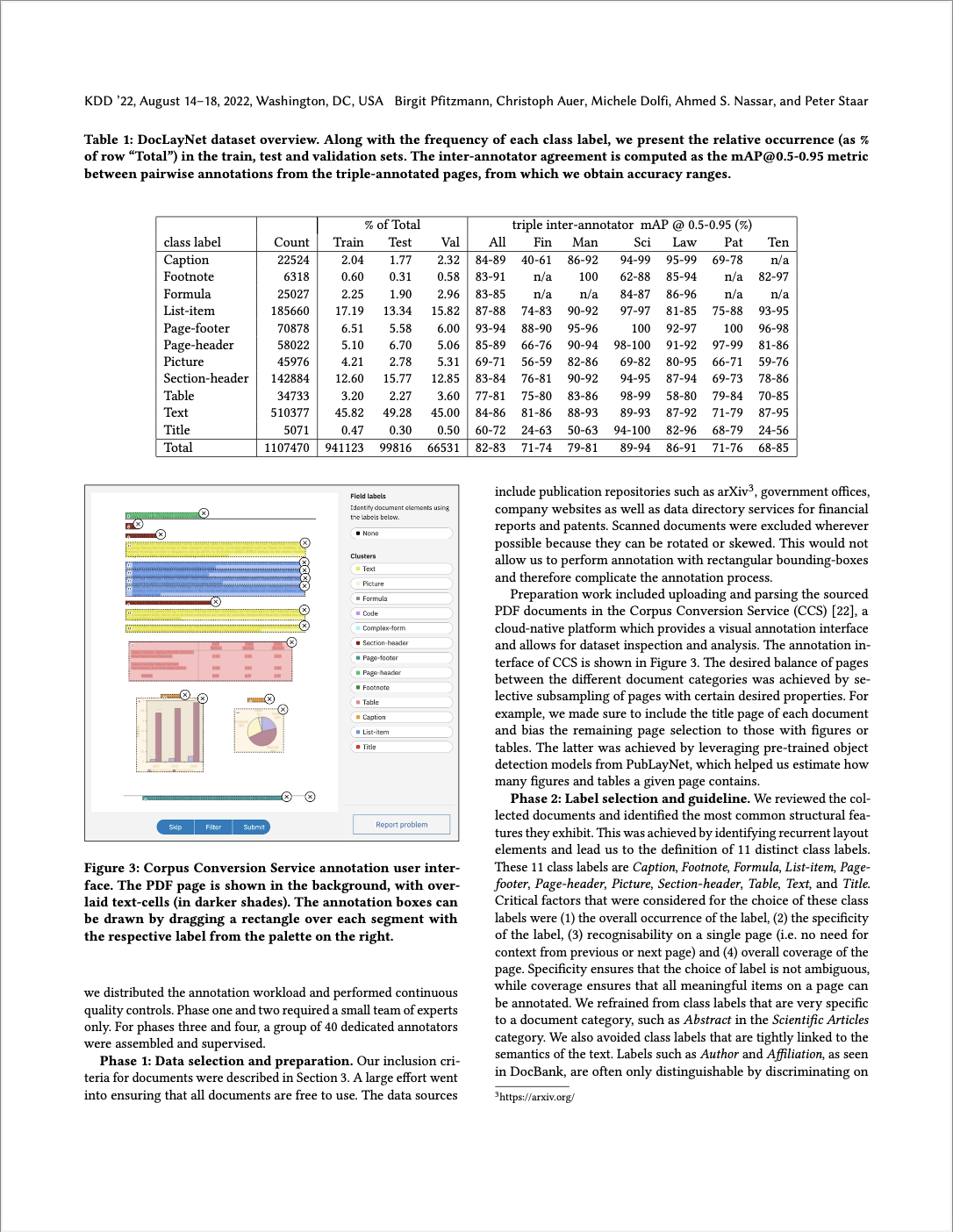
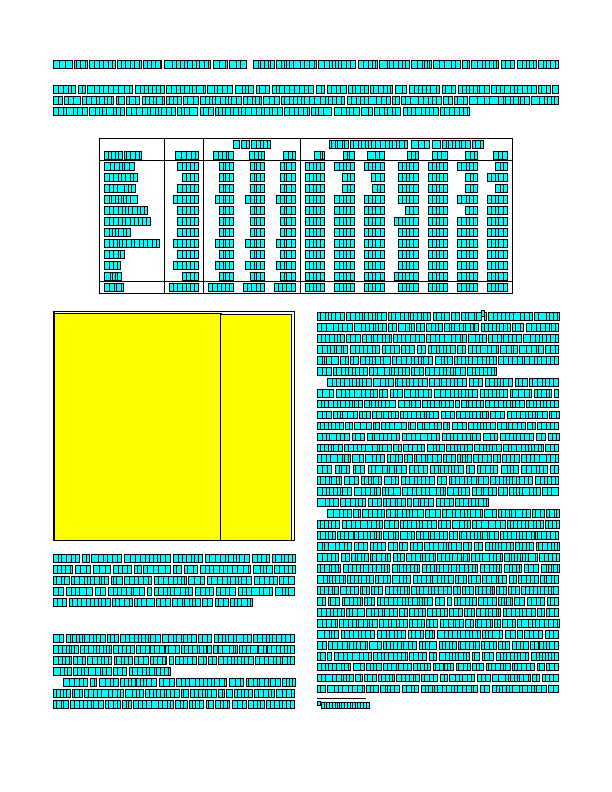
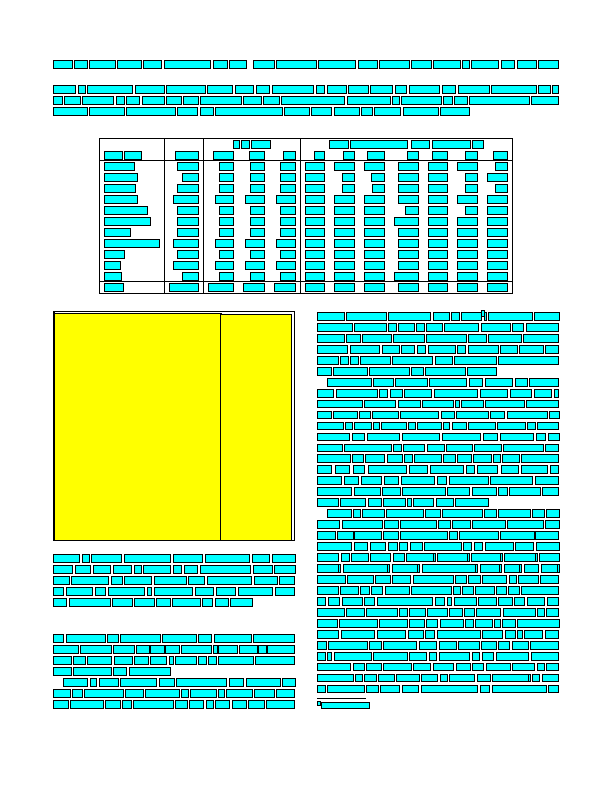
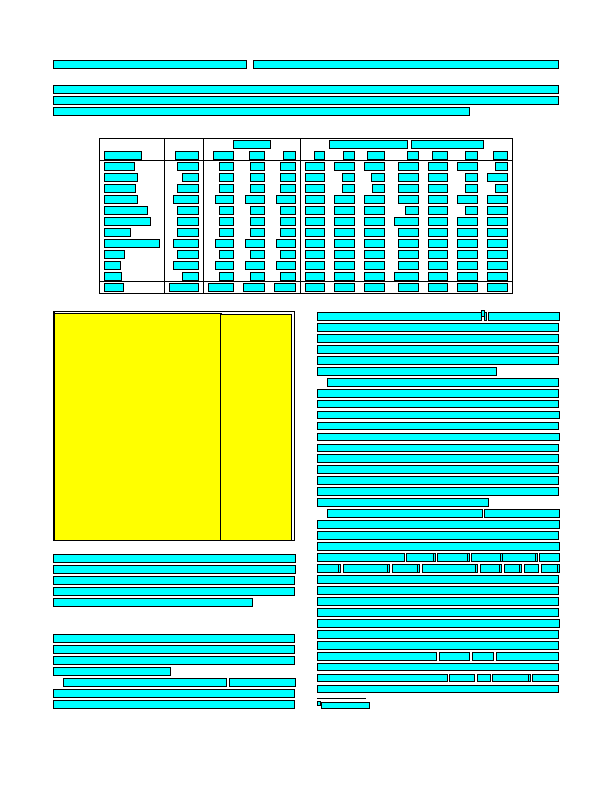
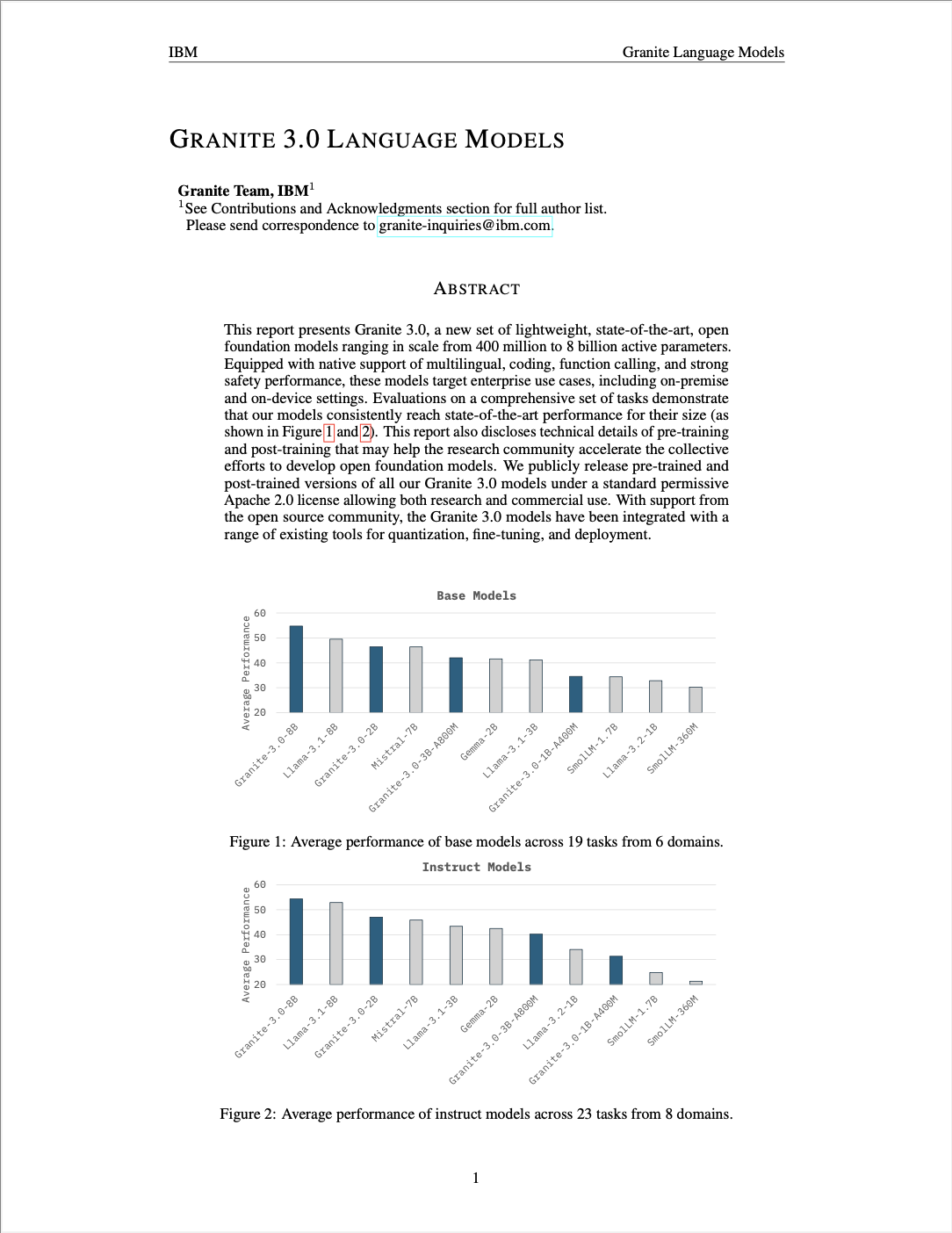
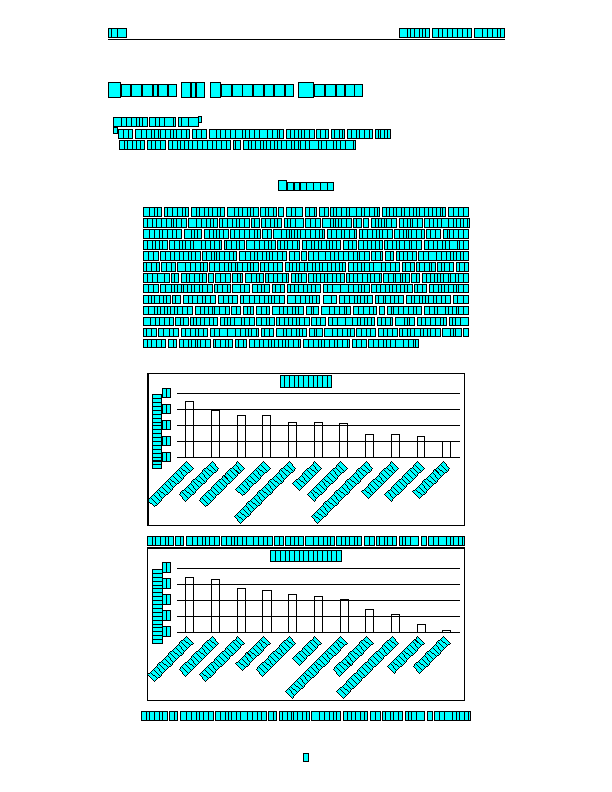
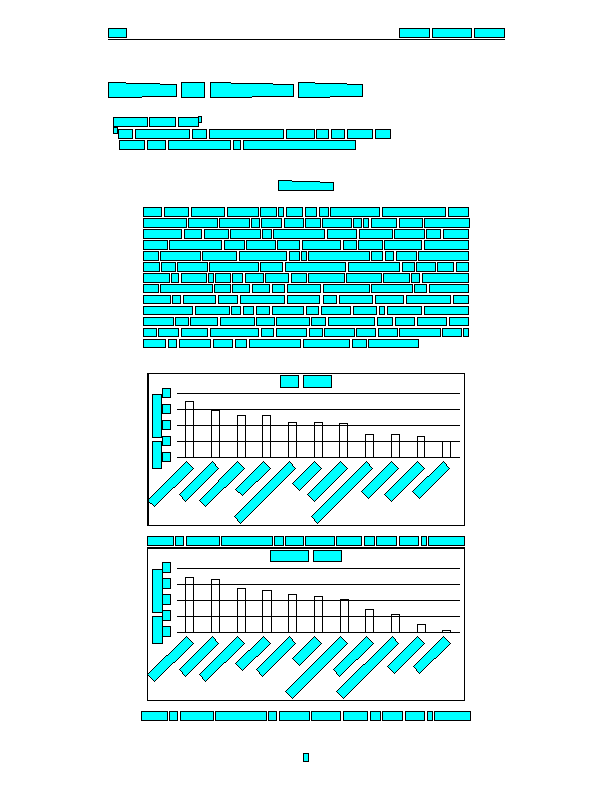
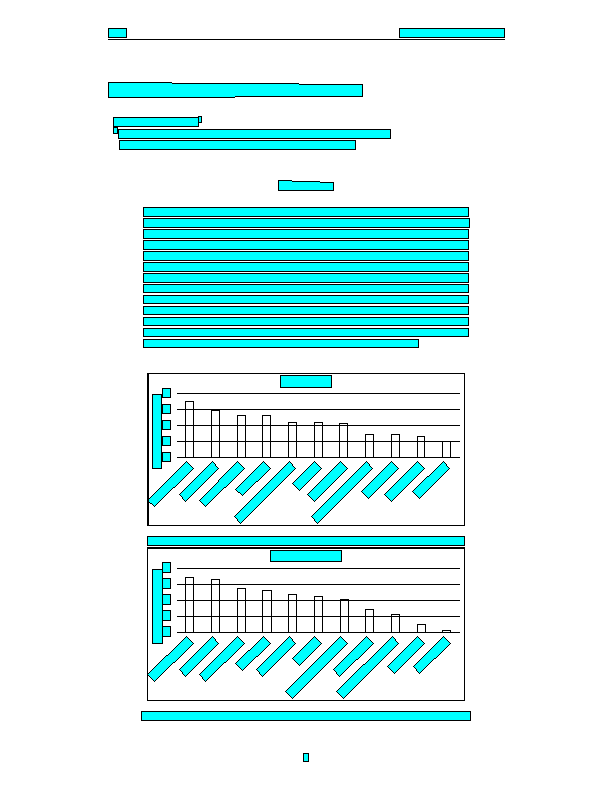
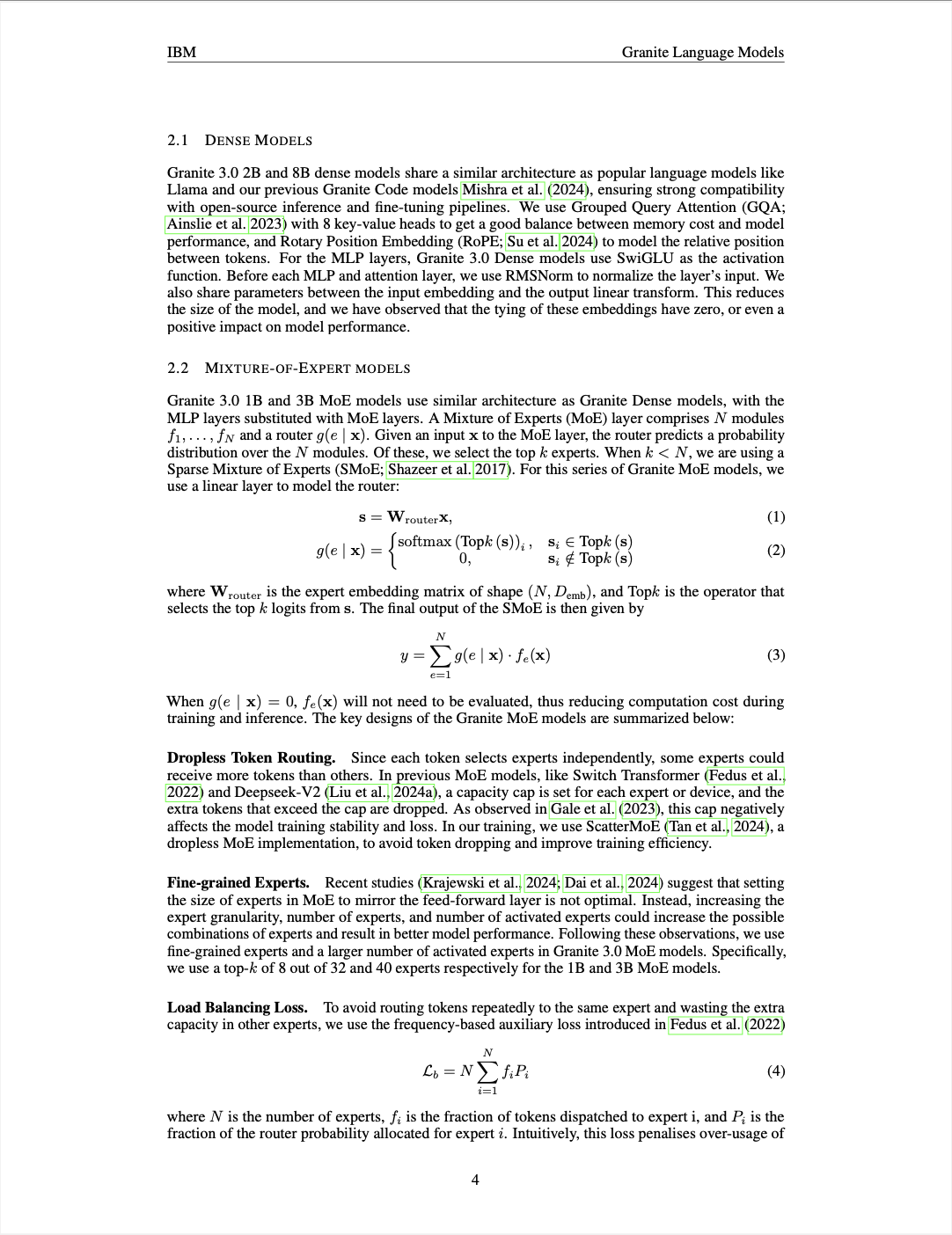
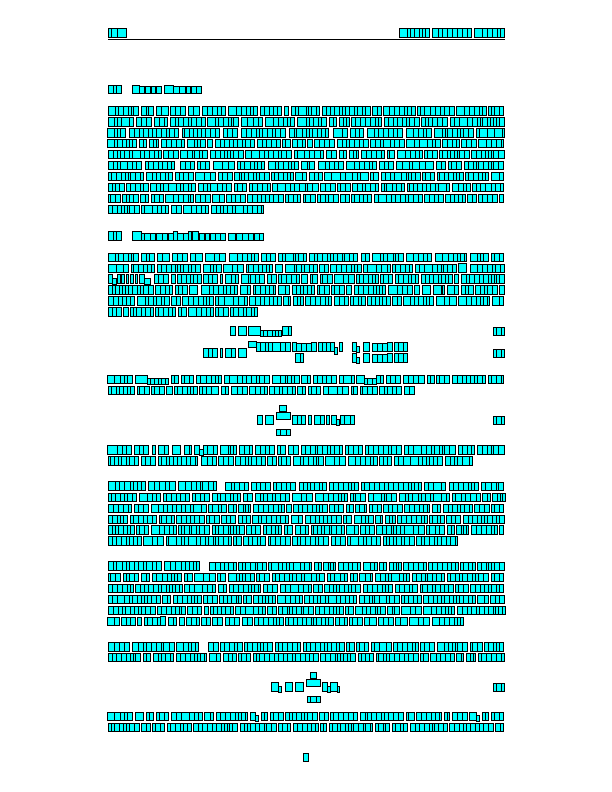
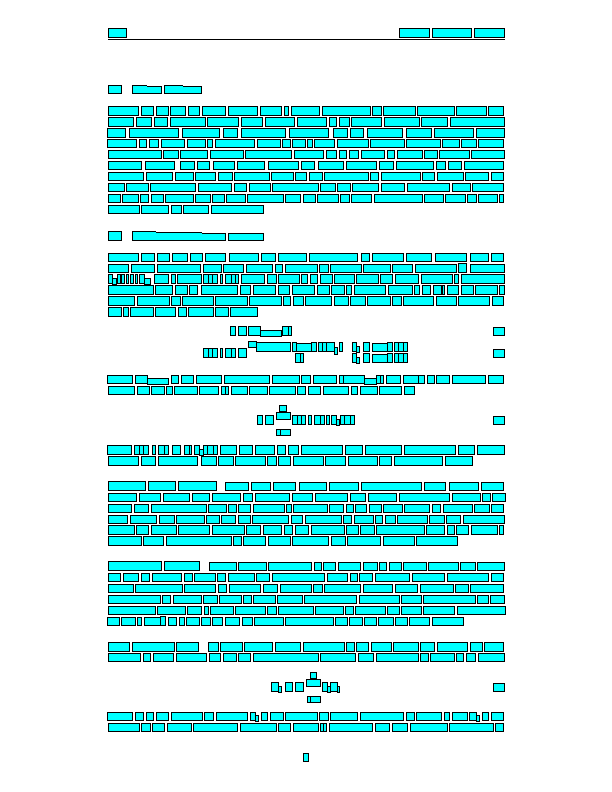
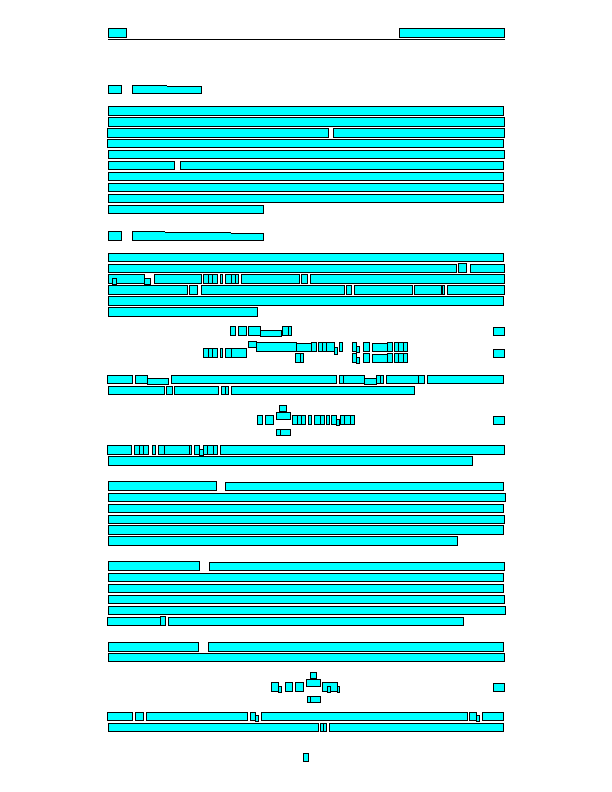
Simple package to extract text, paths and bitmap images with coordinates from programmatic PDFs. This package is used in the Docling PDF conversion. Below, we show a few output of the latest parser with char, word and line level output for text, in addition to the extracted paths and bitmap resources.
To do the visualizations yourself, simply run (change word into char or line),
uv run python ./docling_parse/visualize.py -i <path-to-pdf-file> -c word --interactive
| original | char | word | line |
|---|---|---|---|
 |
 |
 |
 |
 |
 |
 |
 |
 |
 |
 |
 |
 |
 |
 |
 |
 |
 |
 |
 |
Quick start
Install the package from PyPI:
pip install docling-parse
Sequential parsing
docling-parse v7 split page parsing into two public configs:
DecodeConfig: how to compute pages. This is fixed when a document is opened.ContentConfig: what to keep or materialize per page. This can be overridden per page.
from docling_core.types.doc.page import TextCellUnit
from docling_parse.pdf_parser import (
    ContentConfig,
    ContentLevel,
    DecodeConfig,
    DoclingPdfParser,
)

parser = DoclingPdfParser(loglevel="fatal")

pdf_doc = parser.load(
    path_or_stream="<path-to-pdf>",
    decode_config=DecodeConfig(
        do_sanitization=True,
        keep_glyphs=False,
    ),
    content_config=ContentConfig(
        char_cells_content_level=ContentLevel.SKIP,
        word_cells_content_level=ContentLevel.COMPUTE_AND_MATERIALIZE,
        line_cells_content_level=ContentLevel.COMPUTE_AND_MATERIALIZE,
        shapes_content_level=ContentLevel.SKIP,
        bitmaps_content_level=ContentLevel.SKIP,
    ),
)

for page_no, page in pdf_doc.iterate_pages():
    print(page_no, len(page.word_cells), len(page.textline_cells))

    for word in page.iterate_cells(unit_type=TextCellUnit.WORD):
        print(word.rect, word.text)

    image = page.render_as_image(cell_unit=TextCellUnit.WORD)
    image.show()
Duplicate removal is enabled by default. It removes exact overprints across
the page and nearby same-line copies before building words and lines. The
distance tolerance scales with glyph width so adjacent repeated letters in
very small text survive. Set DecodeConfig(do_remove_duplicate_cells=False)
to preserve repeated drawing passes at every cell level.
After construction, repeated words and lines at nearly the same position are also removed. Full text and font must match, clipping must be compatible, and the corresponding rotated corners must be closer than 0.5 pt and 10% of the smaller box dimension. A partial text match or overlapping boxes alone do not qualify. These passes can remove shifted copies separated by other lines that the character pass leaves in place.
This option is independent of do_sanitization. It changes extracted cells;
the PDF's rendering instructions are preserved.
The native CLI option to preserve copies is --do-remove-duplicate-cells=false.
If you open cheaply and later need richer output, request it per page. When the
new content_config needs entities that were previously skipped, that page is
re-decoded automatically:
from docling_parse.pdf_parser import ContentConfig, ContentLevel

page = pdf_doc.get_page(
    1,
    content_config=ContentConfig(
        word_cells_content_level=ContentLevel.COMPUTE_AND_MATERIALIZE,
        line_cells_content_level=ContentLevel.COMPUTE_AND_MATERIALIZE,
    ),
)
Clipped text
Some producers fit long text into a table cell by clipping it to the cell's
box (q <cell> re W n ... Q): the page shows the part that fits, the text
layer keeps the whole string. Every char, word and line cell carries the
bounding box of the clip it was painted under as clip_bbox (None when
nothing clipped it), so a consumer can tell which cell a hidden tail belongs
to. Two glyphs under different clips, of which one is cut by its clip, never
join into one word or line. Clip paths are tracked even when shapes are
skipped; DecodeConfig(keep_clips=False) turns that off.
v6 -> v7 migration
The main API break in v7 is that the old public DecodePageConfig selection
flags were split into two concerns:
DecodeConfig: compute-time tuning onlyContentConfig: what to skip, compute, or materialize per page
In practice:
- open-time
decode_configreplaces the old per-page decode tuning - per-page content selection now lives in
content_config materialize_bitmap_bytesbecameinclude_bitmap_bytes- threaded
page_materialization_configbecamepage_content_config
Typical migration examples:
- old
DecodePageConfig.keep_char_cells=True->ContentConfig(char_cells_content_level=ContentLevel.COMPUTE_AND_MATERIALIZE) - old
DecodePageConfig.create_word_cells=Truewithout surfacing them everywhere ->ContentConfig(word_cells_content_level=ContentLevel.COMPUTE) - old
materialize_bitmap_bytes=False->ContentConfig(include_bitmap_bytes=False)
One semantic change matters: decode_config is now fixed when the document or
threaded batch is opened. If you want richer page output later, override
content_config on get_page(...) instead. On the sequential path this may
re-decode that page; on the threaded path you can only materialize entities the
batch already computed.
Parallel parsing (multi-threaded)
Parse one or more PDFs in parallel with backpressure:
from docling_parse.pdf_parser import (
    ContentConfig,
    ContentLevel,
    DecodeConfig,
    DoclingThreadedPdfParser,
    ThreadedPdfParserConfig,
)

parser = DoclingThreadedPdfParser(
    parser_config=ThreadedPdfParserConfig(
        loglevel="fatal",
        threads=4,
        max_concurrent_results=32,
        page_content_config=ContentConfig(
            word_cells_content_level=ContentLevel.COMPUTE,
            line_cells_content_level=ContentLevel.COMPUTE_AND_MATERIALIZE,
        ),
    ),
    decode_config=DecodeConfig(),
)

doc_key = parser.load("doc_a.pdf", page_numbers=[1, 3, 5])
print(doc_key, parser.page_count(doc_key), parser.scheduled_page_count(doc_key))

for result in parser.iterate_results():
    if not result.success:
        print(result.doc_key, result.page_number, result.error_message)
        continue

    # Batch decode kept word cells in C++, but did not materialize them by default.
    page = result.get_page(
        ContentConfig(
            word_cells_content_level=ContentLevel.COMPUTE_AND_MATERIALIZE,
            line_cells_content_level=ContentLevel.COMPUTE_AND_MATERIALIZE,
        )
    )
    print(
        result.doc_key,
        result.page_number,
        len(page.word_cells),
        result.timings.total_s,
    )
For threaded parse-and-render workloads, set
ThreadedPdfParserConfig.render_config and use result.get_image(),
result.get_image(scale=...), or result.get_image(canvas_size=...).
Call parser.cancel(doc_key) before or during iteration to discard that
document's pending pages and unread results. The call returns None immediately
after removing work from the queue. Workers finish pages they already claimed in
the background and discard their results. Iteration ends as soon as the batch
has no results left to deliver.
After consuming any remaining results, call unload() or unload_all().
These calls wait for running workers while other Python threads can continue.
Use all_scheduled_work_completed() to check whether all results have been
consumed or discarded and the workers have already exited. The check leaves
batch startup to has_tasks(). Destroying the parser discards queued work and
unread results across the batch and joins the workers.
Use the CLI
$ docling-parse -h
usage: docling-parse [-h] -p PDF

Process a PDF file.

options:
  -h, --help         show this help message and exit
  -p PDF, --pdf PDF  Path to the PDF file
PDF reading and editing
Use PdfEditor for PDF inspection, text extraction, editing and output.
Its methods take named arguments and one-based page numbers.
from docling_parse import PdfEditor, PdfExtractionMode

with PdfEditor(source="document.pdf") as editor:
    print(editor.page_count(), editor.metadata.get("Title"))
    print(editor.extract_text(page_no=1, extraction_mode=PdfExtractionMode.LAYOUT))
    editor.rotate_page(page_no=1, angle=90)
    editor.write(target="changed.pdf")
For existing pypdf applications, PdfReader and PdfWriter support a subset
of pypdf workflows, including zero-based pages sequences. See the
editing guide and its
pypdf migration section.
System fonts
A PDF may name a font without embedding it. There is then nothing in the file
to draw with, and the renderer substitutes a face installed on the host --
which is why the same document renders differently on two machines, and why a
container with no fonts in it renders text as .notdef boxes ("tofu").
Install the usual desktop font packages for text, plus a CJK face for Chinese, Japanese and Korean documents:
| Debian / Ubuntu | fonts-dejavu-core fonts-liberation2 fonts-freefont-ttf fonts-urw-base35 fonts-noto-core fonts-noto-cjk |
| Fedora / RHEL | dejavu-sans-fonts liberation-sans-fonts urw-base35-fonts google-noto-sans-fonts google-noto-sans-cjk-fonts |
On Fedora and RHEL take the packages without -vf- in the name. The
variable-font builds carry CFF2 outlines, which the pinned Blend2D cannot read;
such a file is still drawn, through FreeType and without shaping, but the
static build is the better path.
Questions
What is docling-parse?
docling-project/docling-parse is a public repo on GitHub by docling-project. Simple package to extract text with coordinates from programmatic PDFs.
Is docling-parse open source?
It declares the MIT license on GitHub.
Does docling-parse run on macOS, Windows or Linux?
Its maker tagged it for Linux. That is declared by the maker; Take My Repo has not tested it.
How do I install docling-parse?
Open "Take it" on its page: Take My Repo writes an install plan for your machine and hands it to your AI agent (Claude Code, Codex or Cursor), which asks you before each step. Take My Repo has not tested it on any machine.