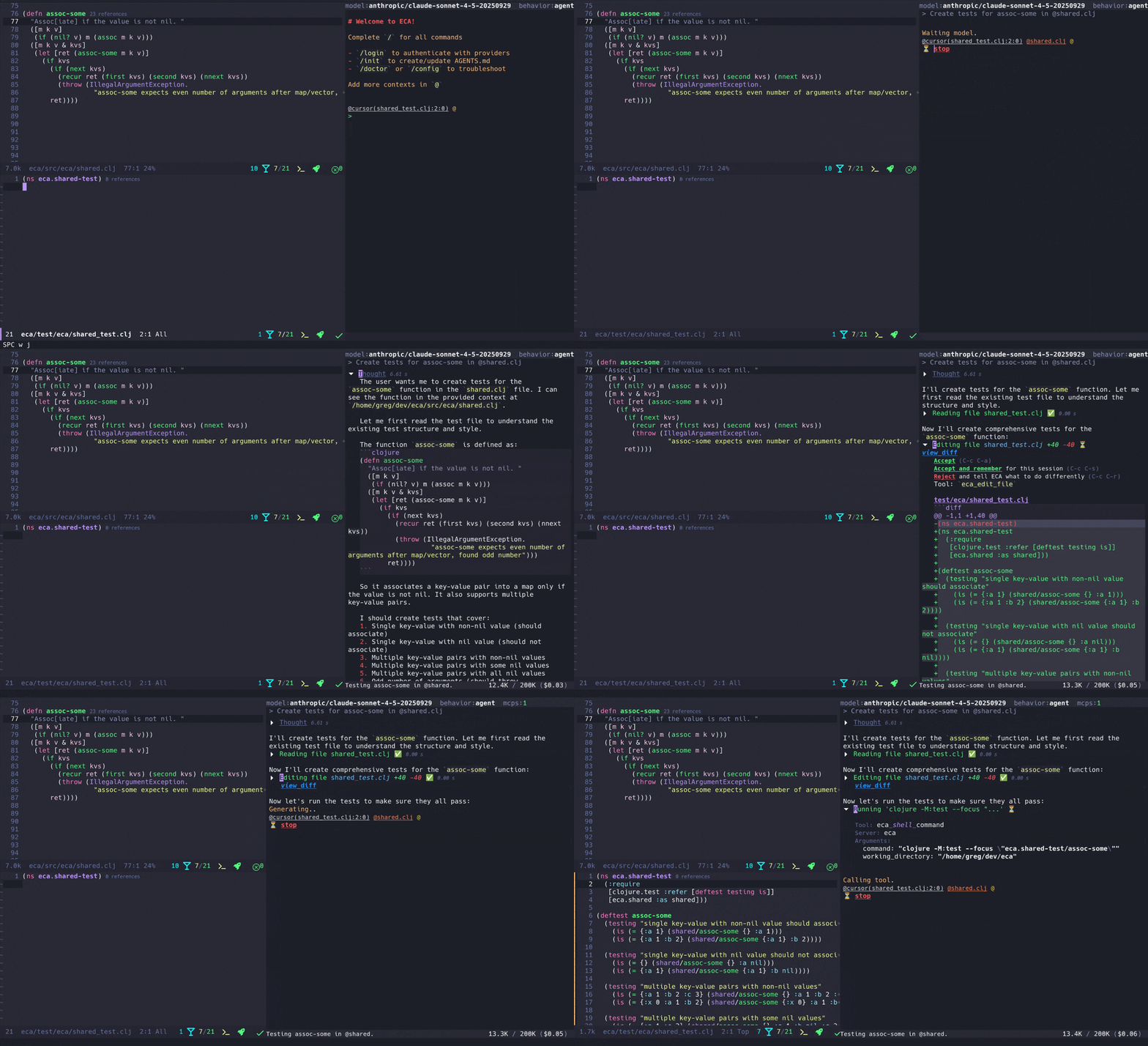
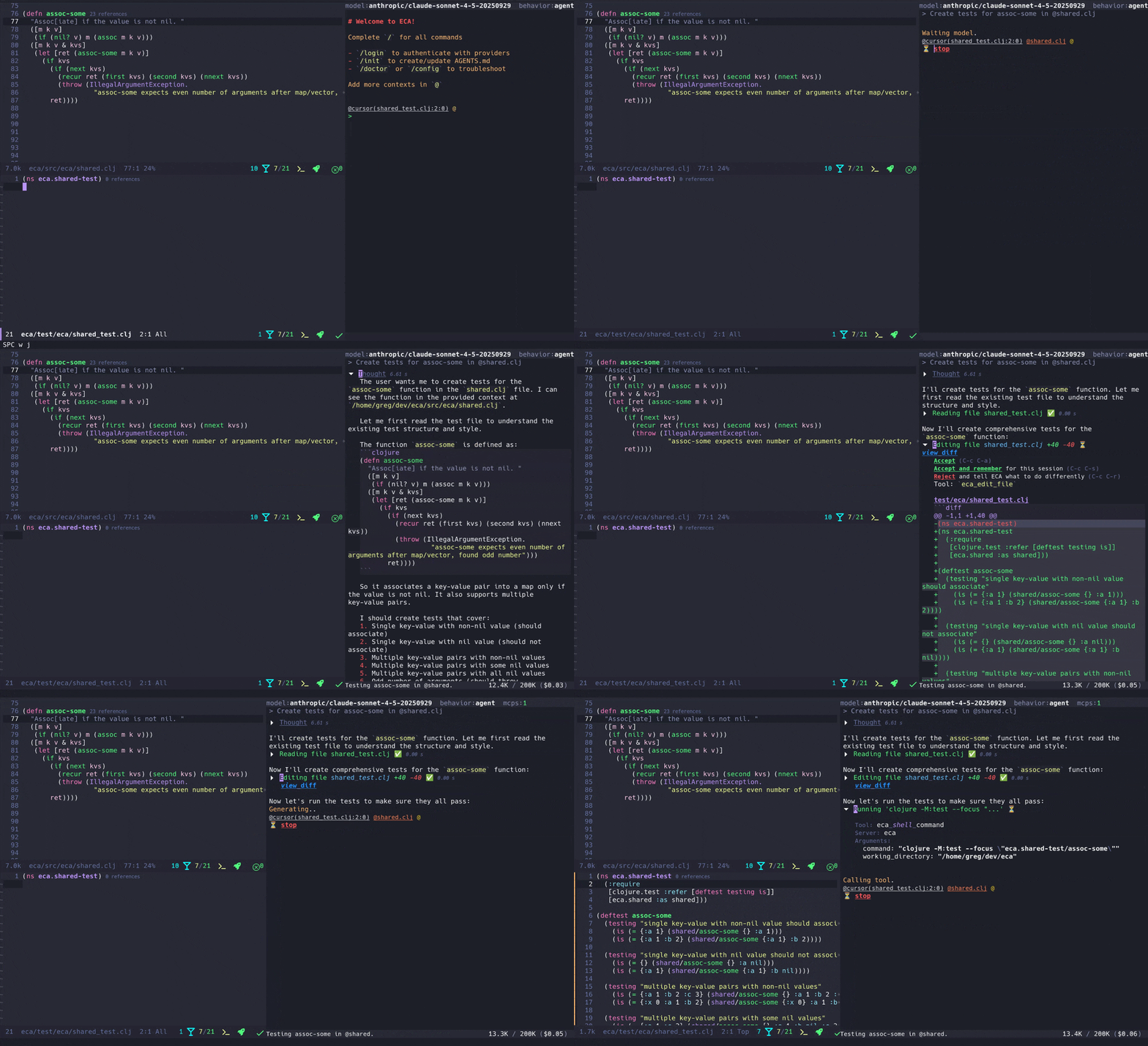
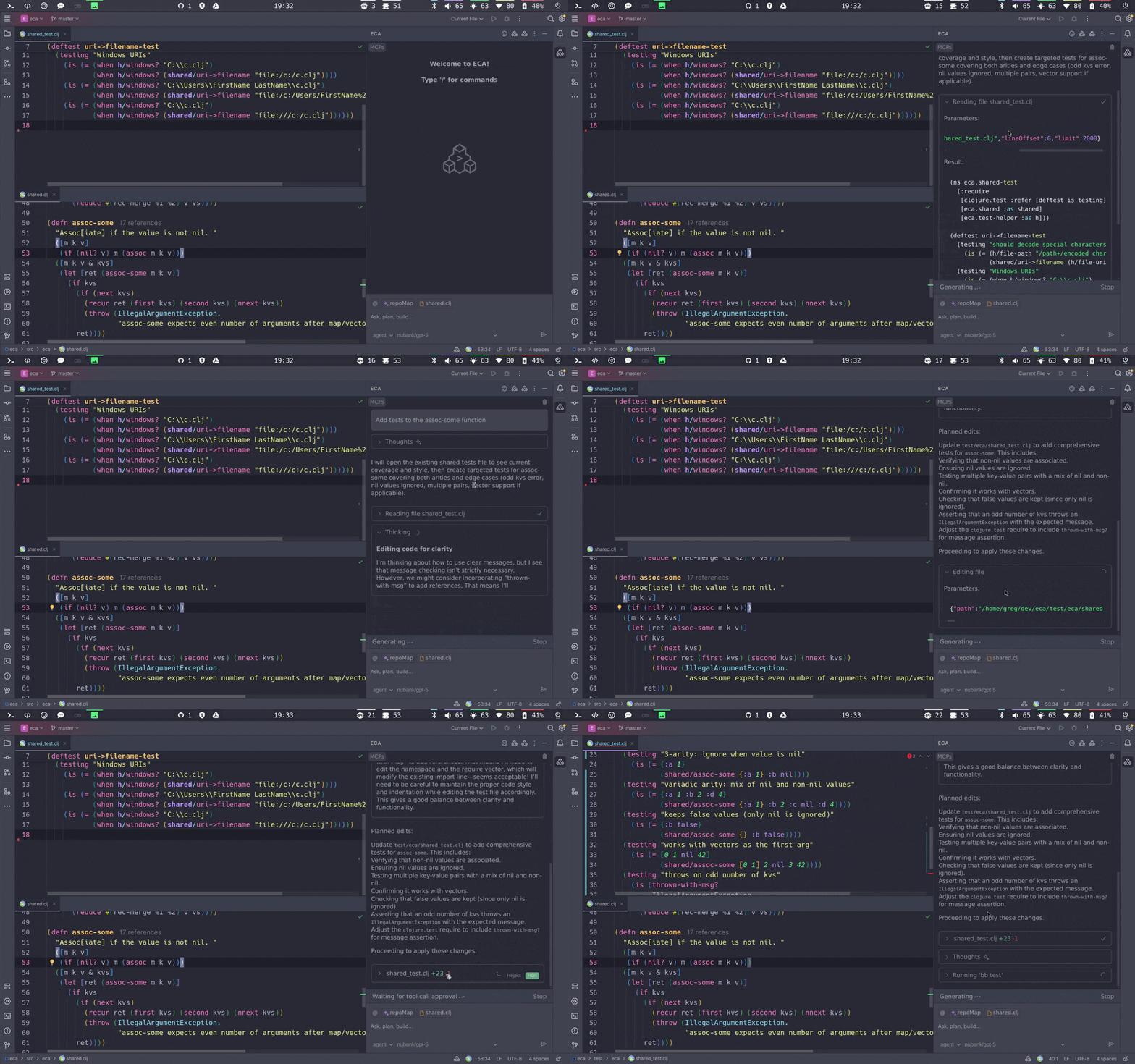
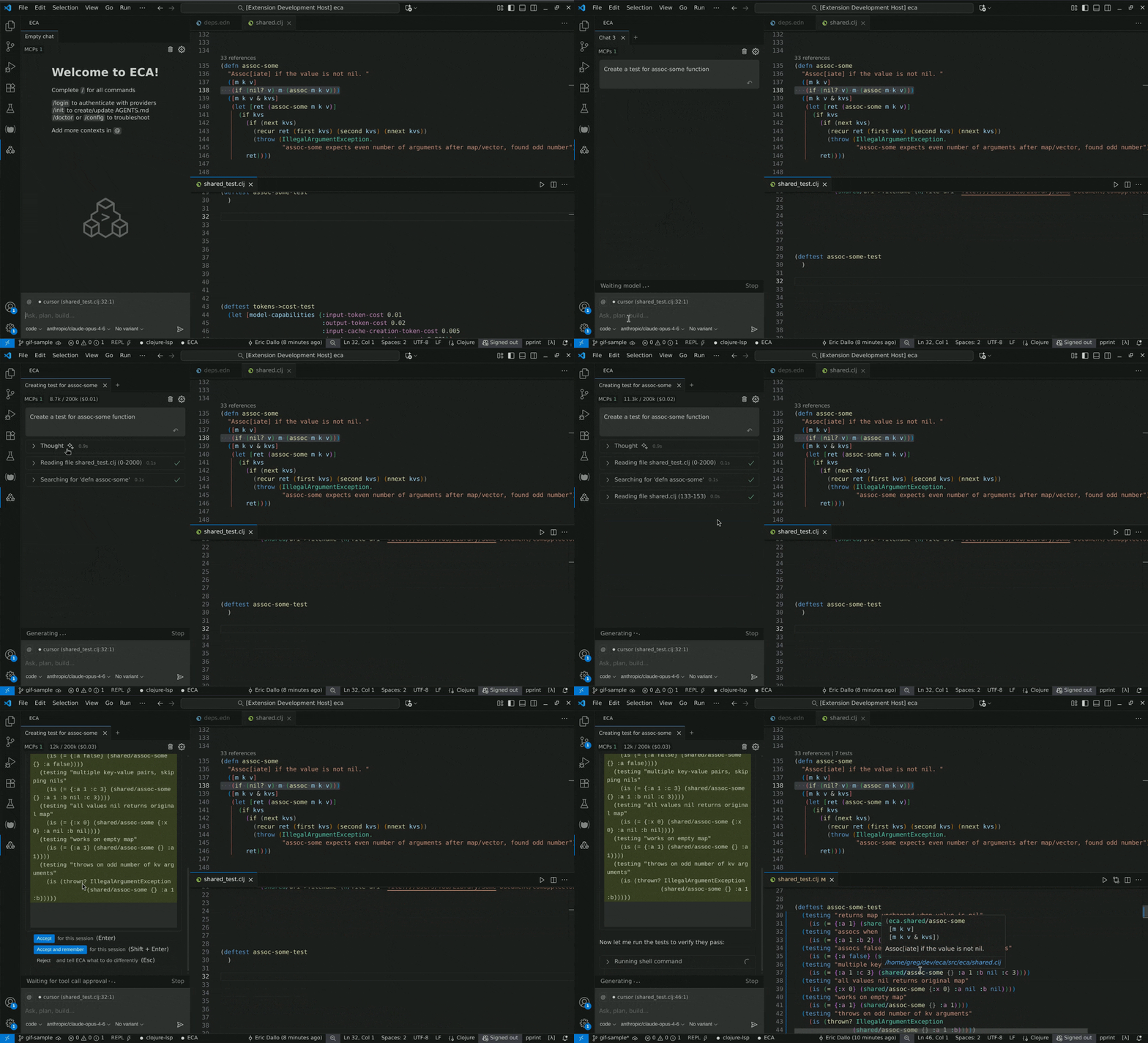
pharo-eca
A Pharo Smalltalk client for ECA (Editor Code Assistant) — AI pair
programming in your Pharo image via the ECA JSON-RPC protocol.
Prerequisites
Pharo 14 (64-bit)
The eca server binary. With Homebrew, install it from the
bundled Brewfile:
brew bundle --file Brewfile
This taps editor-code-assistant/brew and installs the native eca binary.
Alternatively, install manually (see the ECA install docs)
and either put eca on your $PATH or set its location in the Settings Browser
under ECA > Server path.
Install
From a GitHub clone:
Metacello new
	baseline: 'ECA';
	repository: 'github://statonjr/pharo-eca:main/src';
	load.
Or from this local checkout:
Metacello new
	baseline: 'ECA';
	repository: 'gitlocal:///Users/statonjr/code/personal/pharo-eca/src';
	load.
Usage
Everything lives under the ECA entry in the World menu:
| Menu item |
What it does |
| Open Chat |
Starts the eca server if needed and opens the chat window |
| MCP Servers |
Live table of MCP server statuses |
| Restart ECA Server |
Kill and respawn the server (picks up config changes) |
| Inspect Server Log |
The server's stderr — first stop when debugging |
| Start / Stop Peer Server |
Image-to-image endpoint on the configured port |
| ECA Settings |
Server path, extra args (e.g. --verbose), peer port, sandbox timeout |
Headless or scripted use works too:
EcaClient default start.        "spawn eca server + initialize handshake"
EcaChatPresenter open.          "open the chat window"
Type your prompt and press Enter (or Send). Features:
- Streaming chat with Microdown-rendered markdown and reasoning indicators
@ context completion — pause after @token for a chooser backed by
chat/queryContext; chosen contexts ride along with your next prompt/ command completion — /login, /config, /doctor, /resume, …- Tool-call approval — dialogs for gated tools (shell, file edits), with
status lines (
-> tool (awaiting approval), ok tool, rejected tool)
- Session tokens/cost in the window title
- Calypso integration — right-click a class → Ask ECA about this class
- Model selector fed live from
config/updated; Stop button for running prompts
Things to try
First prompts for a new user — all verified working:
Hello! — sanity check; watch the reasoning indicator and streamed reply.Run the shell command date and tell me the output. — your first
tool-call approval dialog. Run it twice: click Always Allow the first
time and note the second run skips the dialog (per-command session memory)./doctor — provider/model health report; /config and /login also
work via / completion.@ then pause — context completion. Pick a file, then ask
"summarize that file" — answered from context, no tool call needed.- Peer demo (needs a second image running ECA → Start Peer Server):
"Using pharo-peer-eval on port 8086, evaluate
Smalltalk globals allClasses size and tell me how many classes the peer has."
- Remote tests: "Using pharo-peer-test on port 8086, run the test class
EcaJsonRpcFramerTest in the peer and summarize the result."
- The self-recognition finale (peer running in this image's port):
"Use pharo-peer-eval on port 8087 to evaluate
Smalltalk image imageDirectory basename. Separately, tell me the name of the current
workspace's image directory. Do they match?" — see
docs/peer-experiments.md for why this phrasing.
Image-to-image communication
See docs/peer-experiments.md for the full
experiment log — including the ouroboros run where an image received a
description of itself through a second image's compiler.
EcaPeerServer is a deliberately tiny HTTP endpoint (Zinc, loopback-only)
that lets one image be driven by another image's ECA agent — no MCP required,
the "protocol" fits in a sentence of prompt. It borrows the op model
(describe/eval) of nREPL as inspiration only:
this is plain HTTP, not the nREPL wire protocol — curl works, nREPL clients
don't. (Actual nREPL support is on the roadmap, pending user feedback.)
In the image to be driven (Image B):
EcaPeerServer startOn: 8086. "EcaPeerServer stop. to shut down"
Ops: GET /describe (JSON: image info + ops), GET /classes?q=Substring
(matching class names), POST /eval (raw Smalltalk source → printString).
Then, in the driving image's ECA chat, a prompt like:
There's another Pharo image listening on localhost:8086. GET /describe
returns JSON about it, GET /classes?q=Substring searches its class names,
and POST /eval with Smalltalk source in the body (use --data-binary and
Content-Type: text/plain) evaluates it and returns the result. Find out
which image it is, then evaluate Smalltalk globals allClasses size in it.
The agent drives Image B through approved shell_command/curl tool calls.
Every evaluation passes through the driving side's ECA approval gate; the
endpoint binds to loopback only and must be started explicitly.
/eval is guarded by EcaPeerSandbox: a substring denylist (process
spawning, FFI, become:, image snapshot/exit, and the peer machinery
itself) plus a 5s evaluation timeout, both class-side configurable. The
sandbox advertises its rules in /describe so driving agents learn the
limits up front. It is a tripwire against accidents, not a security
boundary — approval on the driving side remains the real gate.
Custom tools (recommended)
.eca/config.json in this repo defines pharo-peer-eval
and pharo-peer-classes as ECA custom tools,
so the LLM gets typed, named tools instead of improvising curl (the source is
passed via a quoted heredoc, sidestepping shell-quoting bugs). Picked up
automatically when this repo is one of your ECA workspace folders; copy the
customTools stanza into ~/.config/eca/config.json to have it everywhere.
Then the driving prompt shrinks to:
Using pharo-peer-eval (port 8086), find out how many classes the peer
image has loaded.
To auto-deny dangerous evaluations while auto-approving the rest, add:
{
  "toolCall": {
    "approval": {
      "allow": { "pharo-peer-classes": {} },
      "deny": {
        "pharo-peer-eval": {
          "argsMatchers": { "code": [ ".*become:.*", ".*Smalltalk snapshot.*" ] }
        }
      }
    }
  }
}
Security
What the peer relies on today, and the one risk knowingly accepted:
Covered. The server binds loopback only (127.0.0.1, verifiable with
lsof -nP -iTCP:8086 -sTCP:LISTEN) and never starts unless you start it.
Every agent-driven call passes the driving side's ECA approval gate. /eval
runs inside EcaPeerSandbox — advertised denylist plus timeout — which stops
accident-shaped damage (snapshot, exit, FFI, become:, the peer machinery
itself) even from requests that bypassed approval.
Residual risk. Loopback is per-machine, not per-caller: while a peer is
listening, any local process can hit it — including your browser. A
malicious webpage can POST to localhost:8086/eval as a CORS "simple
request" (text/plain, no preflight); the page can't read the response, but
the eval executes anyway. This is the same gap that led Jupyter to adopt
tokens in 2016. It is accepted here deliberately: peers are short-lived,
explicitly started experiment fixtures on a single-user machine, driving
disposable images, with the sandbox blunting drive-by payloads.
When that acceptance expires — any of the following triggers adding the
deferred auth (an opaque random token in an Authorization: Bearer header,
read by the custom tools from a mode-600 file; not a JWT — with issuer and
verifier being the same image, a signature proves nothing a stored random
string doesn't, and buys the alg-confusion bug class for free):
- A peer runs unattended or auto-starts with the image
- Anything binds beyond loopback (hard requirement, immediately)
- The machine gains a second human user
- The denylist loosens (e.g. a real
save op — persistence plus drive-by
is a worse combination)
If auth ever wants a second knob (sessions, scopes, expiry), that is the
signal to stop hand-rolling and adopt a real protocol.
Architecture
| Package |
Responsibility |
ECA-Core |
Transport (OSSubprocess), LSP-style Content-Length JSON-RPC framing, client lifecycle, session model |
ECA-Spec |
Spec2 chat UI, tool-call approval, MCP server list, Calypso integration |
ECA-Tests |
Unit tests with a scripted fake server; opt-in integration test |
Protocol coverage
Implements the ECA protocol: initialize/initialized,
shutdown/exit, chat/prompt, chat/queryContext, chat/queryCommands,
chat/toolCallApprove, chat/toolCallReject, chat/promptStop, and handles
chat/contentReceived, chat/cleared, config/updated, tool/serverUpdated,
$/showMessage notifications.