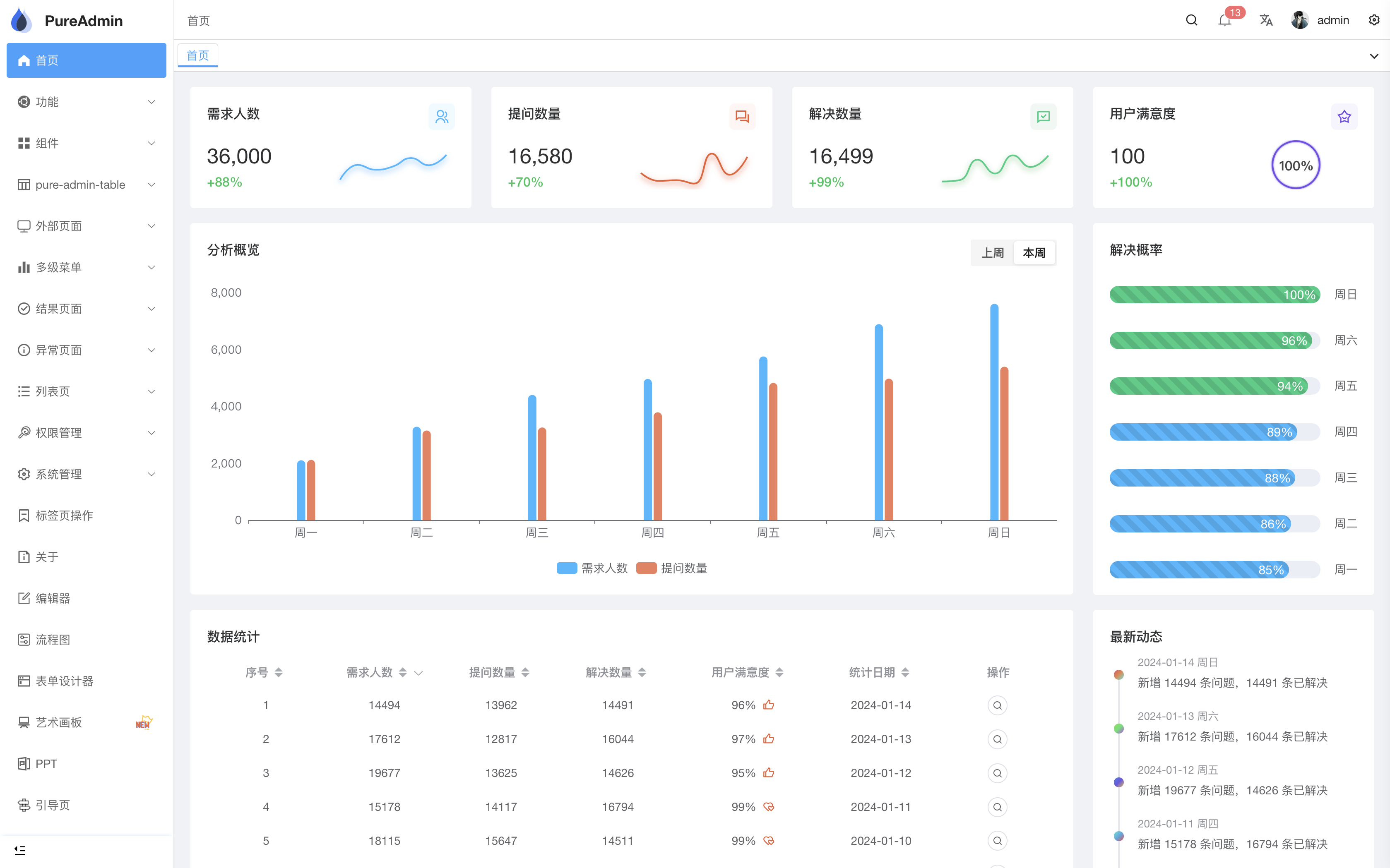
vue-vben-admin
A modern vue admin panel built with Vue3, Shadcn UI, Vite, TypeScript, and Monorepo. It's fast!
- 34k
- TypeScript
- MIT
- 4 d ago

Element Plus module for Nuxt
Repo element-plus/element-plus-nuxt, read from GitHub 15 h ago. element-plus has not joined Take My Repo.
element-plus/element-plus-nuxt is a public repo on GitHub by element-plus. Element Plus module for Nuxt. It declares the MIT license on GitHub. It is written mainly in TypeScript, has 176 stars and last changed on 2026-11-21. Nobody has reviewed it on Take My Repo yet, which says nothing about its quality. Read from GitHub on 2026-11-23.
Element Plus module for Nuxt
npx nuxi@latest module add element-plus
# or
npm i element-plus @element-plus/nuxt -D
[!WARNING] At present, the method cannot automatically obtain the context, and you need to manually configure installMethods in the options.
export default defineNuxtConfig({
  modules: ["@element-plus/nuxt"],
  elementPlus: {
    /** Options */
  },
});
<template>
  <el-button @click="ElMessage('hello')">button</el-button>
  <ElButton :icon="ElIconEditPen" type="success">button</ElButton>
  <LazyElButton type="warning">lazy button</LazyElButton>
</template>
Reference Nuxt documentation and playground use.
'css' | 'scss' | booleancssimport style css or sass(scss) with components, disable automatically import styles with false.
arrayA list of themes that require import styles automatically.
e.g. ['dark']
string | falseElIconIcon prefix name, disable automatically import icon with false.
arrayList of methods that need to be installed.
e.g. ['ElLoading', 'ElMessage', 'ElMessageBox', 'ElNotification']
stringelGlobal component className prefix. The module injects it into the global config automatically, so you don't need to wrap your app with <el-config-provider> just to configure the namespace.
stringReplace default locale, you can find locale list here
e.g. 'zh-cn'
booleantrueWhether to cache the Element Plus components and directives. Only effective in development mode.
Enabled by default, this gives you faster loading speed in development mode. Set it to false to disable it.
objectConfigure SCSS variables for generating custom themes. Only effective when importStyle is scss.
e.g.
{
  $colors: {
    primary: { base: 'rgba(107,33,168, 1)' }
  },
  dark: {
    $colors: {
      primary: { base: 'rgb(242, 216, 22)' }
    }
  }
}
objectSet global configuration, such as modifying the default size and z-index of the component.
When a custom namespace is configured, it is injected here automatically and takes precedence over this value.
e.g. { size: 'small', zIndex: 3000 }
object{ prefix: 1024, current: 0 }Automatically inject the ID_INJECTION_KEY into Vue.
object{ current: 0 }Automatically inject the Z_INDEX_INJECTION_KEY into Vue.
arrayWhen you modify the append-to props in all based on ElTooltip components, you need to add the value here.
arrayIf there are components that are not imported automatically from Element Plus, you need to add the component name here.
e.g. ['ElSubMenu']
objectA map of components that the definition file of subComponent is in its parent component.
objectIf there are directives that are not imported automatically from Element Plus, you need to add the directive name here.
arrayIf you wish to add automatically import content from Element Plus, you can add it here.
e.g.
[
  ['useLocale', 'es/hooks/use-locale/index.mjs'],
  [['castArray', 'unique'], 'es/utils/arrays.mjs']
],
arrayList of imports that will be imported whether if autoImports is disabled.
arrayWhen a component incorrectly loads styles, you need to add the component name here.
array[ /\.vue$/, /\.vue\?vue/, /\.vue\?v=/, /\.((c|m)?j|t)sx?$/]Include files that need to automatically import styles.
array[/[\\/]node_modules[\\/]/, /[\\/]\.git[\\/]/, /[\\/]\.nuxt[\\/]/]Exclude files that do not require the automatic import of styles.
pnpm i to install the dependencies.pnpm dev:prepare to generate type stubs.pnpm dev to start playground in development mode.pnpm dev:build to build playground.pnpm dev:start to locally preview playground.pnpm build to build this project.element-plus/element-plus-nuxt is a public repo on GitHub by element-plus. Element Plus module for Nuxt.
It declares the MIT license on GitHub.
Its maker has not tagged a system, so it is unknown here. Its README says what it needs.
Open "Take it" on its page: Take My Repo writes an install plan for your machine and hands it to your AI agent (Claude Code, Codex or Cursor), which asks you before each step. Take My Repo has not tested it on any machine.
Its last change on GitHub was on 2026-11-21. GitHub counts 0 open issues and pull requests. Take My Repo does not judge from that whether it is maintained.
Nobody has reviewed it on Take My Repo yet, which says nothing about its quality.
A modern vue admin panel built with Vue3, Shadcn UI, Vite, TypeScript, and Monorepo. It's fast!
The full-stack Vue framework.
🔌 Import Element Plus on demand. Support Vite, Webpack, Vue CLI, Rollup and esbuild.