FAZ-Cookie-Manager
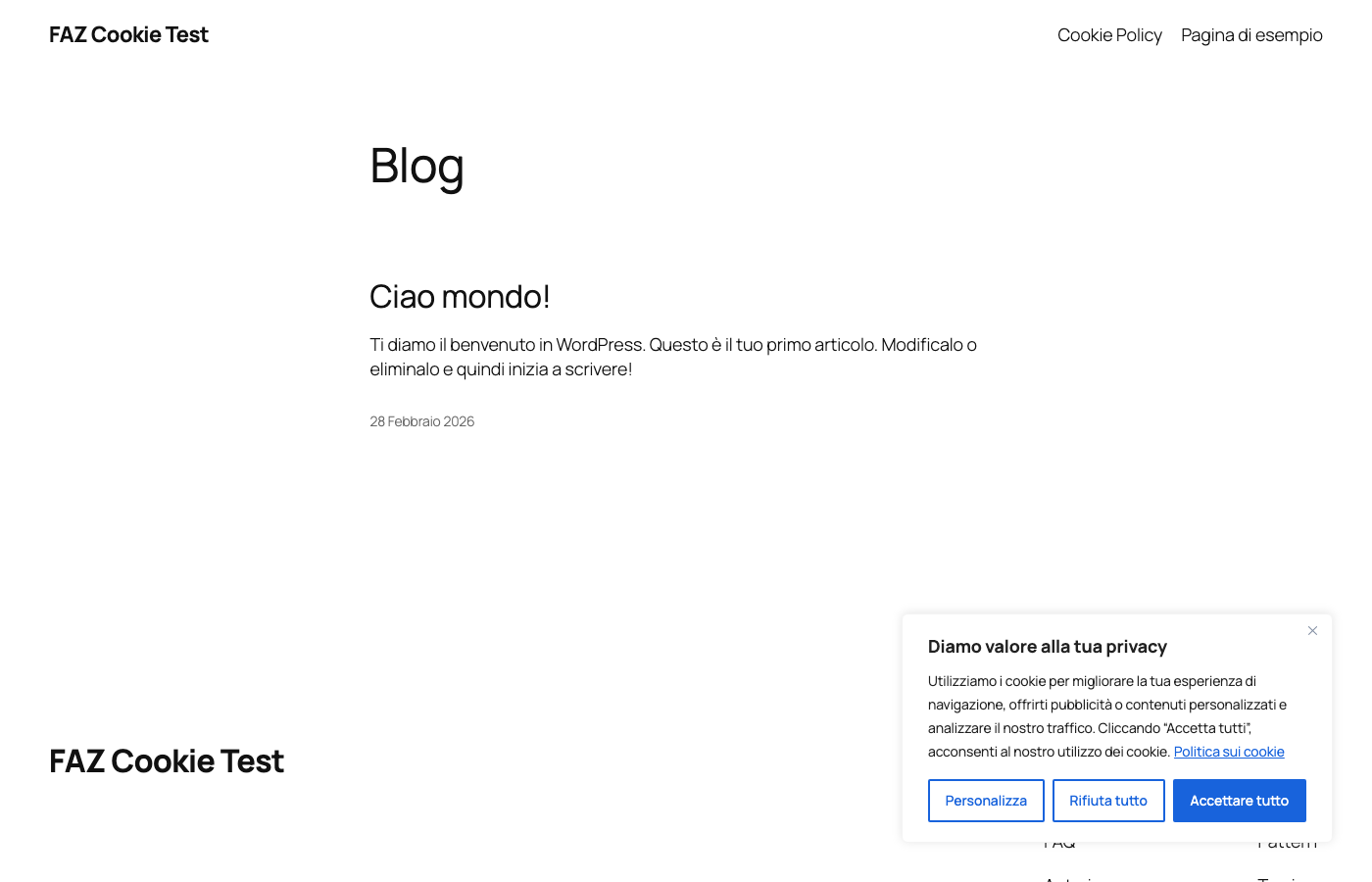
Free, open-source WordPress cookie consent plugin (GPL-3.0). Cloud-free fork with browser-based cookie scanner, GDPR/ePrivacy compliance, GCM v2, IAB TCF v2.3.
- 141
- PHP
- GPL-3.0
- 22 h ago
Native Android client for a Pinakes library instance (Kotlin/Compose/Material3)
Repo fabiodalez-dev/Pinakes-Android, read from GitHub 9 min ago. fabiodalez-dev has not joined Take My Repo.
fabiodalez-dev/Pinakes-Android is a public repo on GitHub by fabiodalez-dev. Native Android client for a Pinakes library instance (Kotlin/Compose/Material3). It declares no license on GitHub. Public does not mean open source: without a license, nobody is granted the right to reuse it. It is written mainly in Kotlin, has 0 stars and last changed on 2026-11-22. Nobody has reviewed it on Take My Repo yet, which says nothing about its quality. Read from GitHub on 2026-11-22.
Native Android client for a Pinakes library instance. Browse the catalog, check real availability, borrow and reserve books, read ebooks and listen to audiobooks, and manage your loans, all from your phone. Optional Archives, Desiderata and analytic articles are available when the server advertises their APIs. The five bottom navigation destinations are retained.
Get the latest debug APK from the Releases page (pinakes-android-v<version>-debug.apk), then install it on your phone (enable install from unknown sources) or adb install -r <file>.apk. Point it at your Pinakes instance URL on first launch.
These are debug-signed builds for direct sideloading, not Play Store releases. Each release bumps
versionCode, so a newer APK installs over the previous one in place.
Pinakes Android 1.14.0 follows Pinakes 0.9.4 (Mobile API 1.12.0). A loan ready for pickup shows the last day to collect it, the same day the loan desk shows, moved past the branch closures by the server. The offline cache keeps the server calendar of every loan, so a loan opened without a connection shows the same dates and state as online. On older servers the row keeps showing the return day, as in 1.13.0.
The complete history is on the Releases page.
Follows Pinakes 0.9.2 (Mobile API 1.11.0). In the staff area the visitor log checks in a member without the card: Find member opens the same member search as the loan desk. The button appears only when the server announces staff_attendance_member_pick in /health.
Follows Pinakes 0.9.0 and 0.9.1 (Mobile API 1.10.0). Reader and staff loans show the usable return day the server computes from the branch closures calendar, and lateness follows the server in the library timezone, so a loan due on a closed day is no longer shown as late. Library settings → Loans gains the closures calendar section with the same-day handover switch.
A single self-contained app any Pinakes library can hand to its members. On first
launch you enter your library's web address; the app discovers the instance
through its public /api/v1/health endpoint, you sign in with your library
account, and from then on everything talks to that instance's REST API over a
bearer token stored in EncryptedSharedPreferences.
The app is server-agnostic: it works against any Pinakes instance that has the Mobile API enabled, and it adapts to that instance's settings (language, catalogue-only mode, push availability).
The Android interface follows the public Pinakes 2026 restyle: shared theme tokens, Geist for controls, Fraunces for titles, fitted book artwork and a quiet warm background. ThemePalette accepts library colours and hero/card styles; Classic / Covers are the built-in defaults until the Mobile API exposes theme settings. Existing circulation, account and plugin flows remain available. See DESIGN.md for the component contract and API limitations.
Login, home, catalog, book detail and calendar captures use the 2026 interface on Android 15 at 360 dp, with fixture data. The remaining account captures document the earlier flow layout.
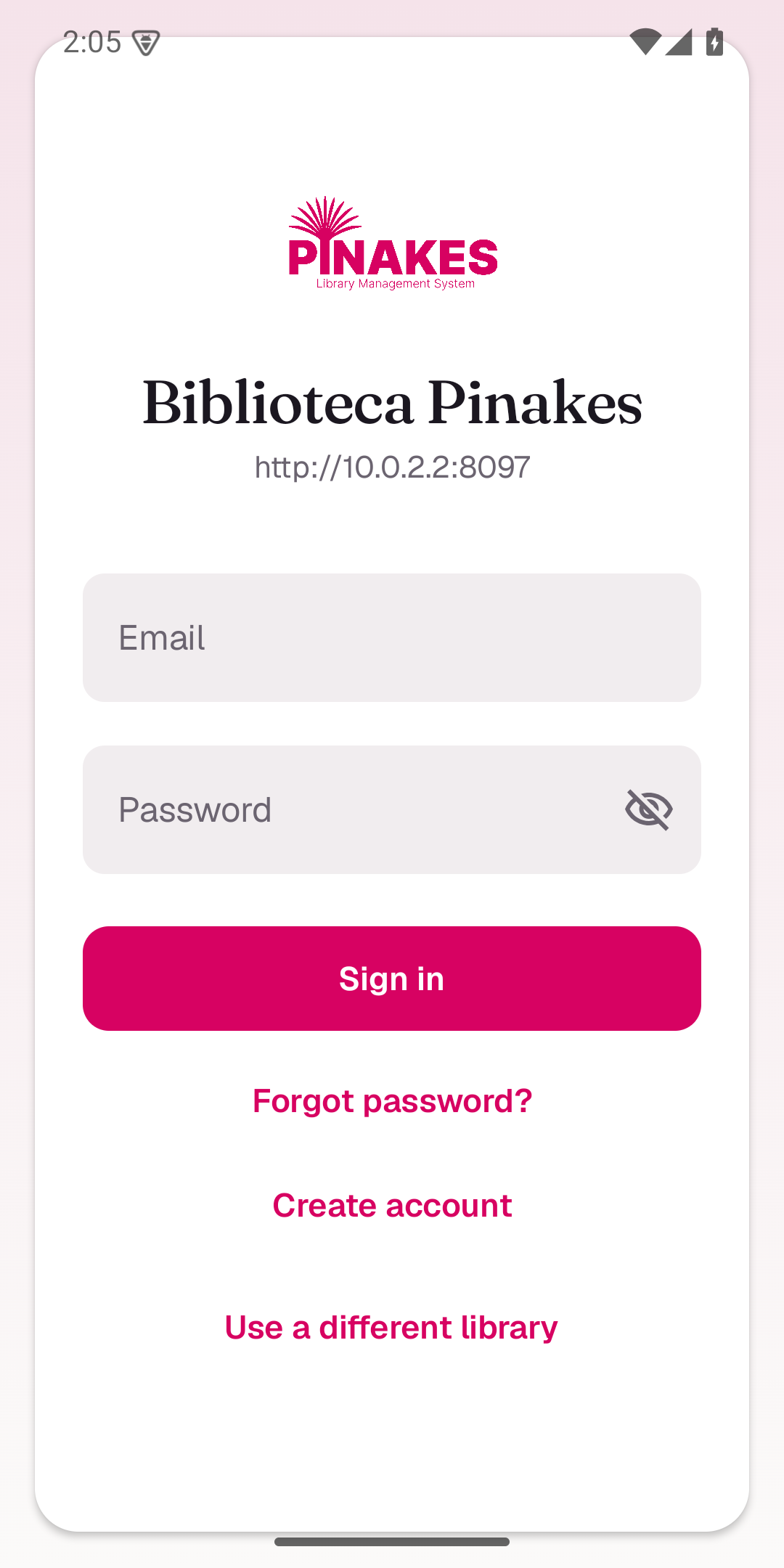 Login |
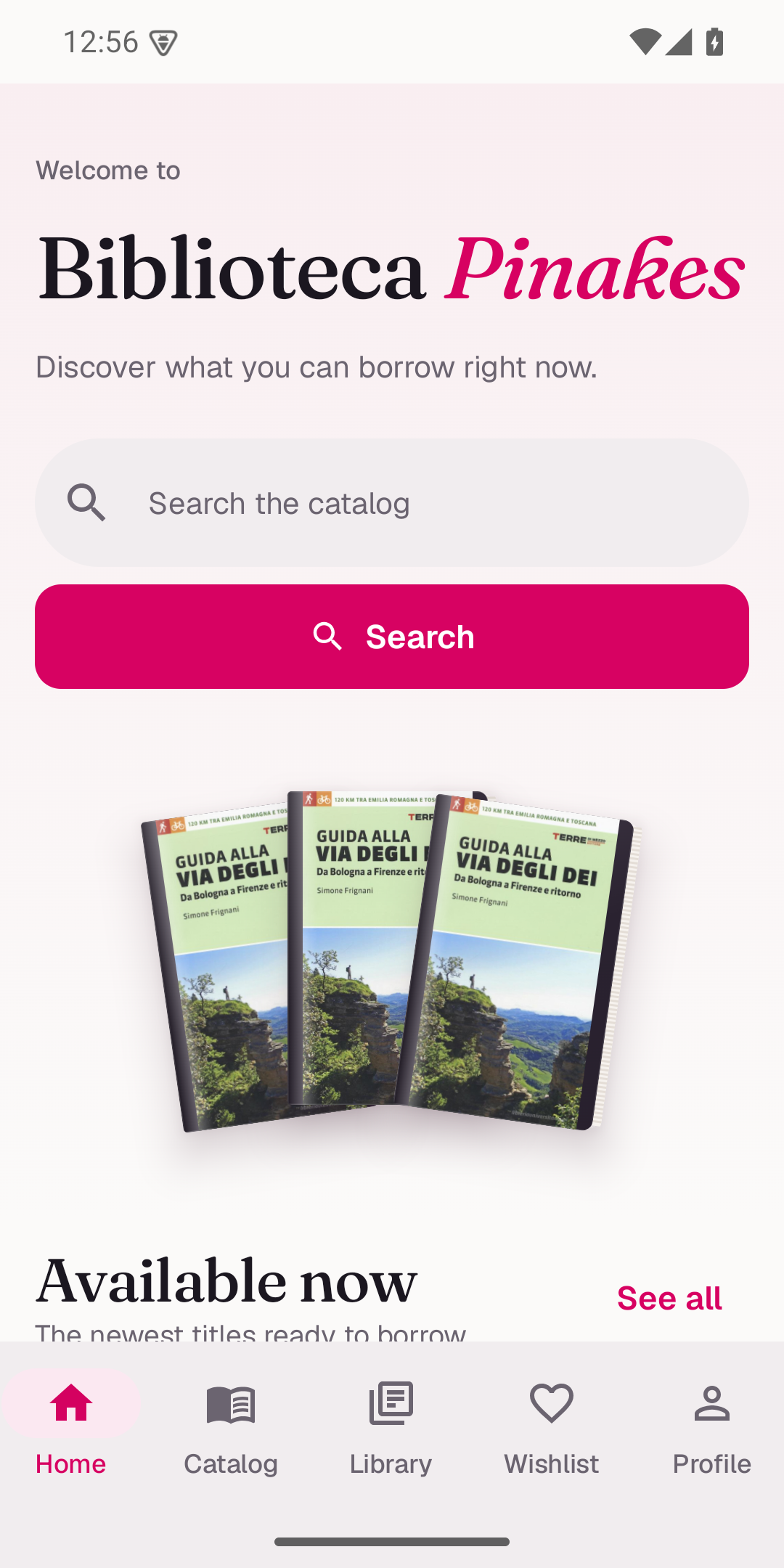 Home |
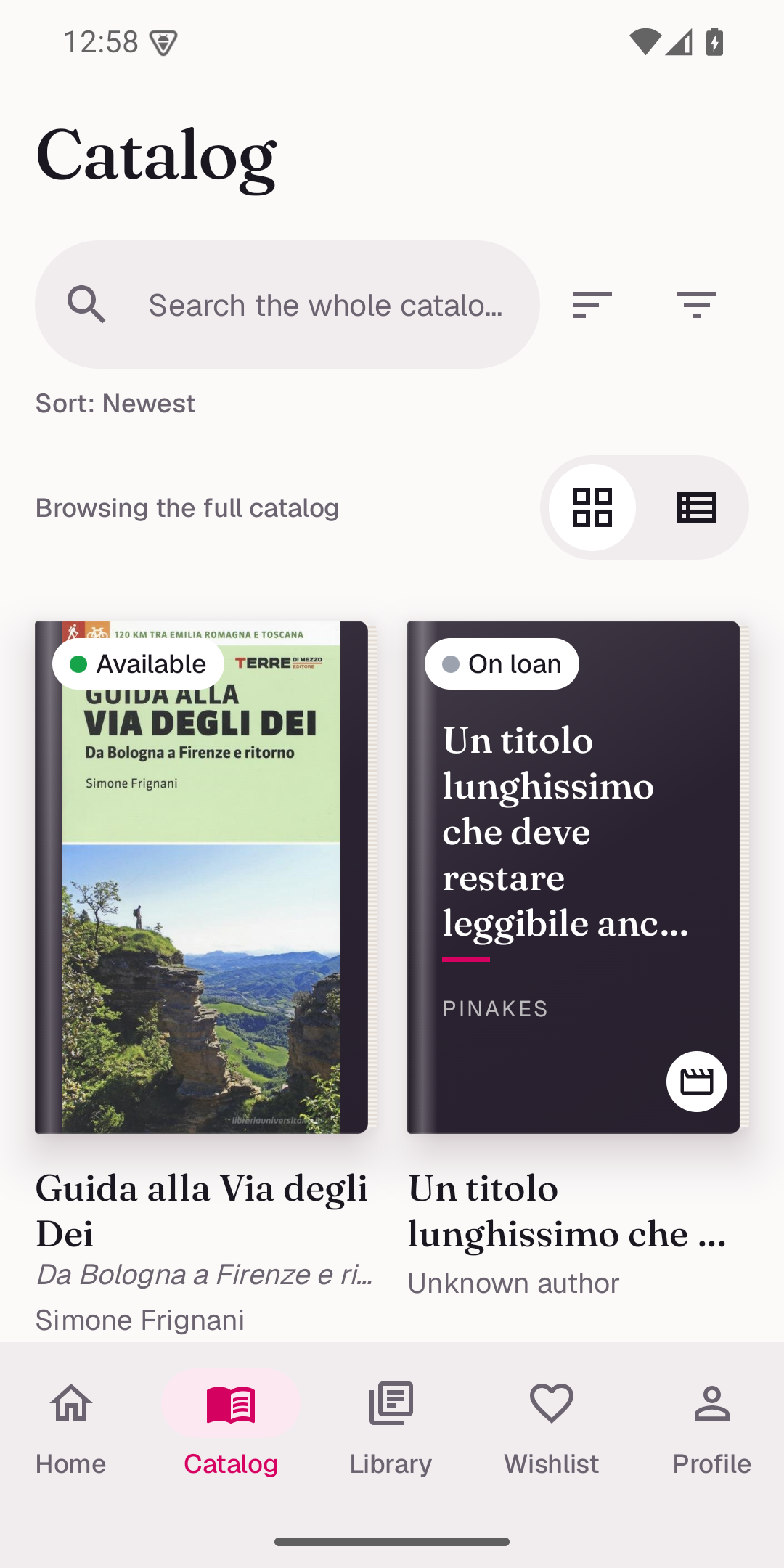 Catalog + filters |
 Book detail |
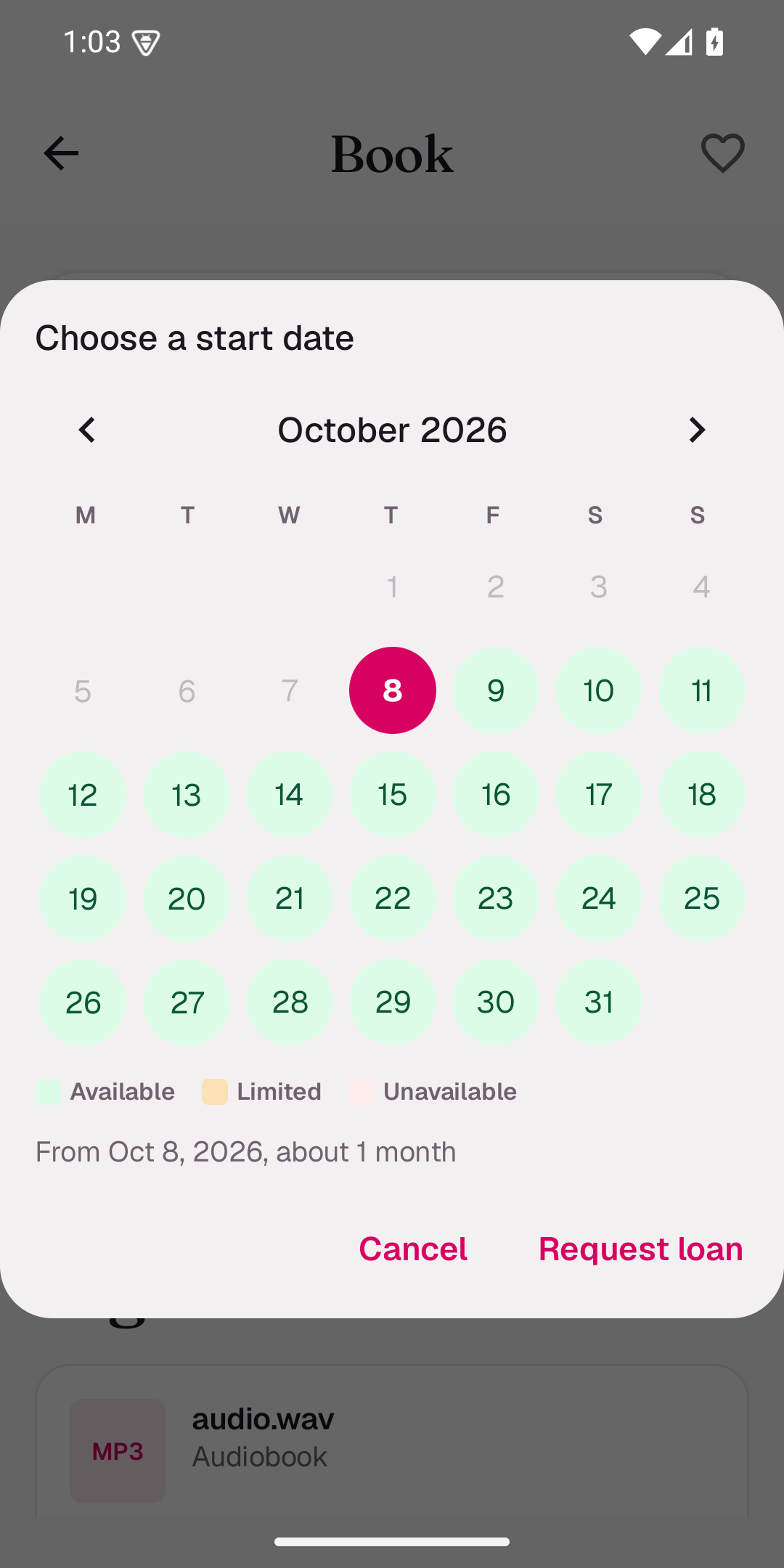 Availability calendar |
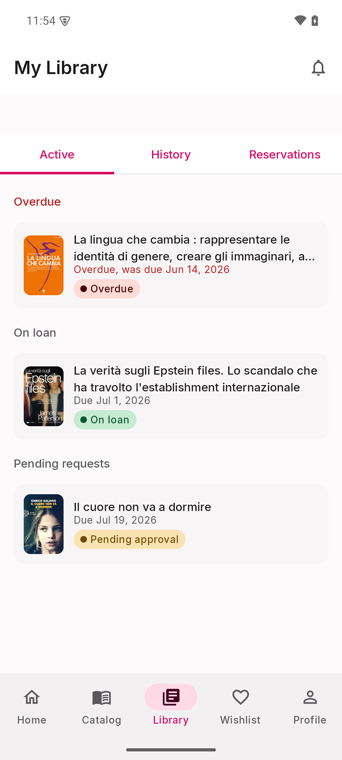 My Library |
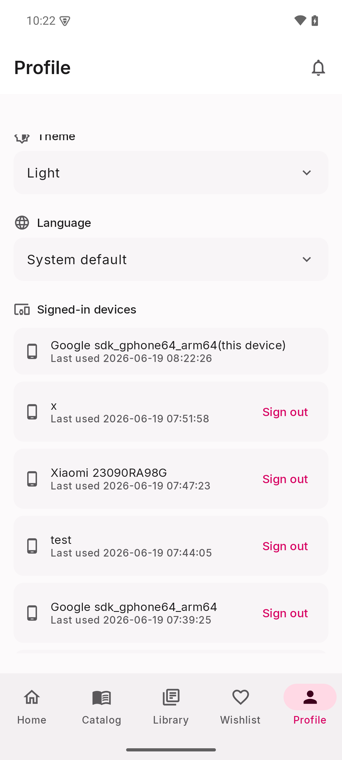 Profile |
Admin and staff accounts get a native staff area when the instance runs Mobile API 1.7.0: cataloguing with ISBN scanning, the whole circulation desk and the content of the Desiderata, Archives, Periodicals, Book Club and FRBR plugins. Captured on Android 15 at 360 dp against a local instance with demo data.
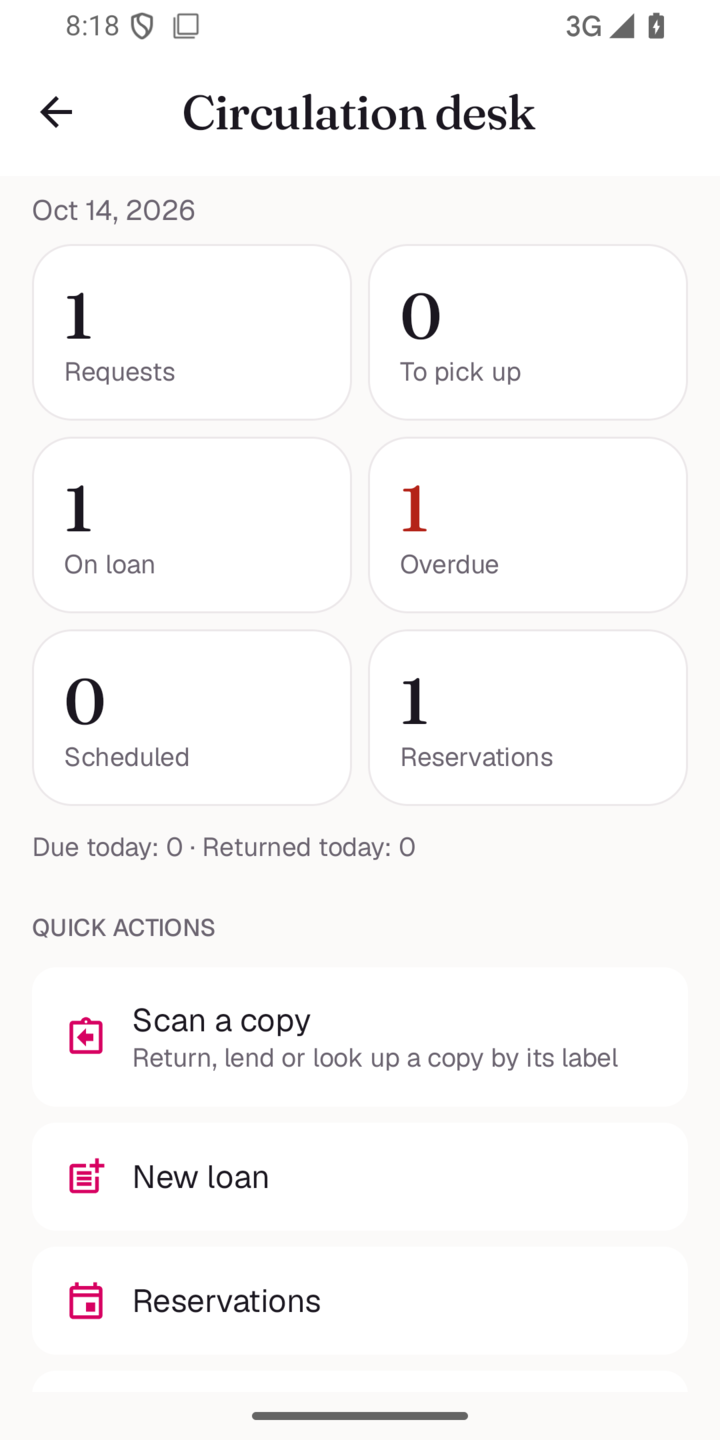 Circulation desk |
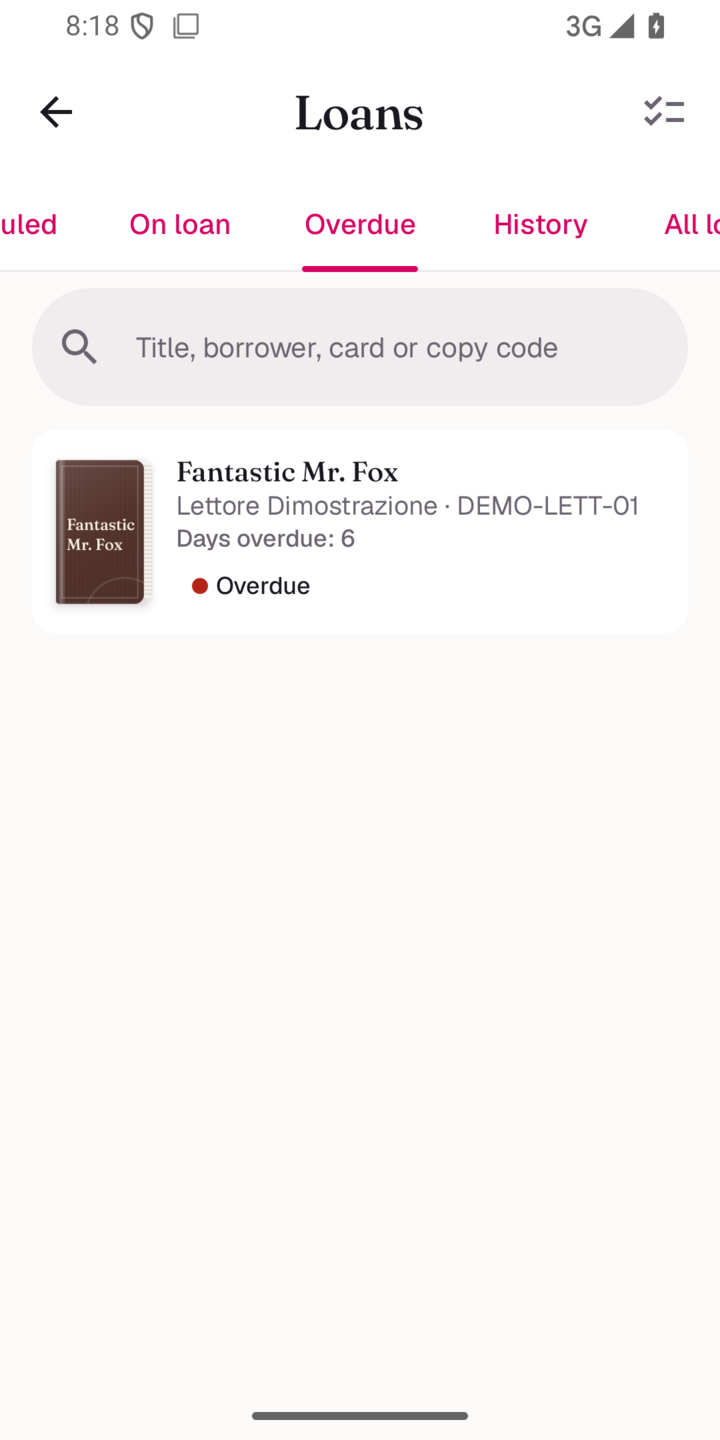 Loans by status |
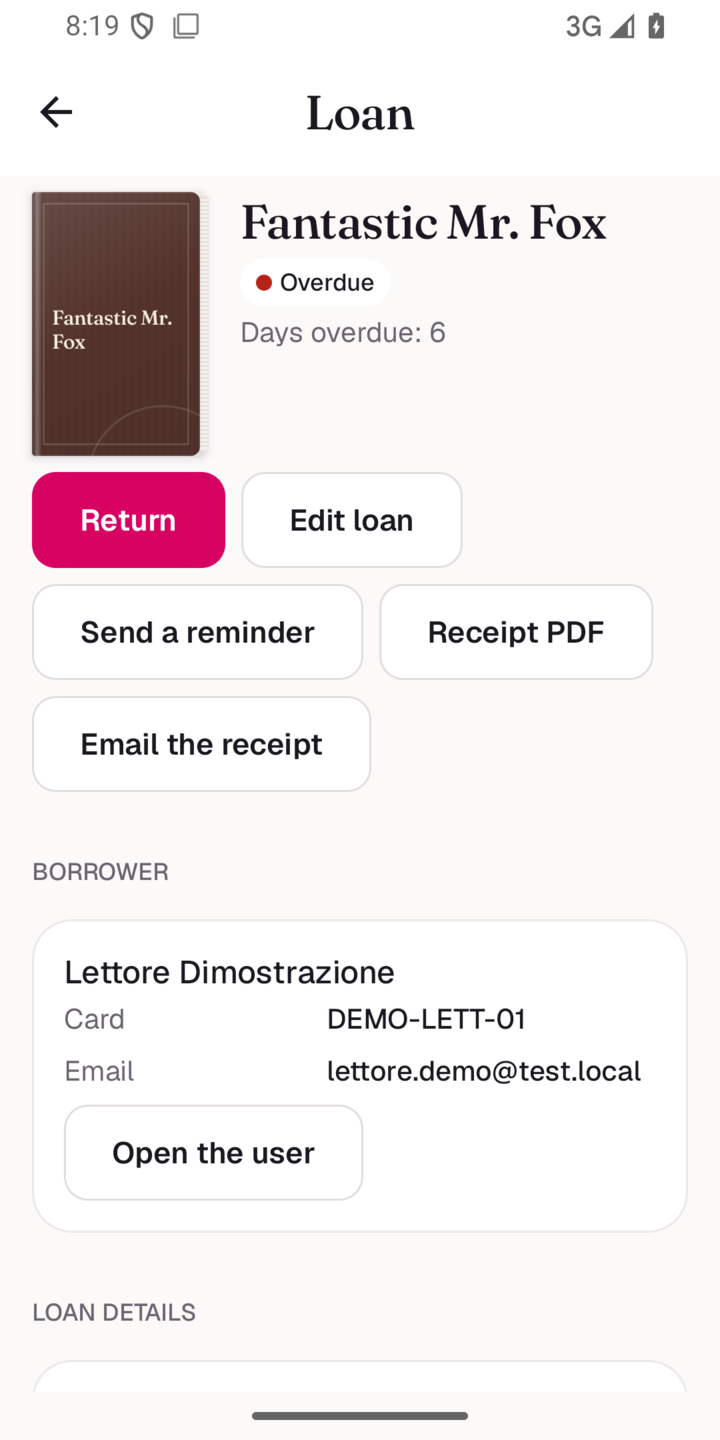 Loan actions |
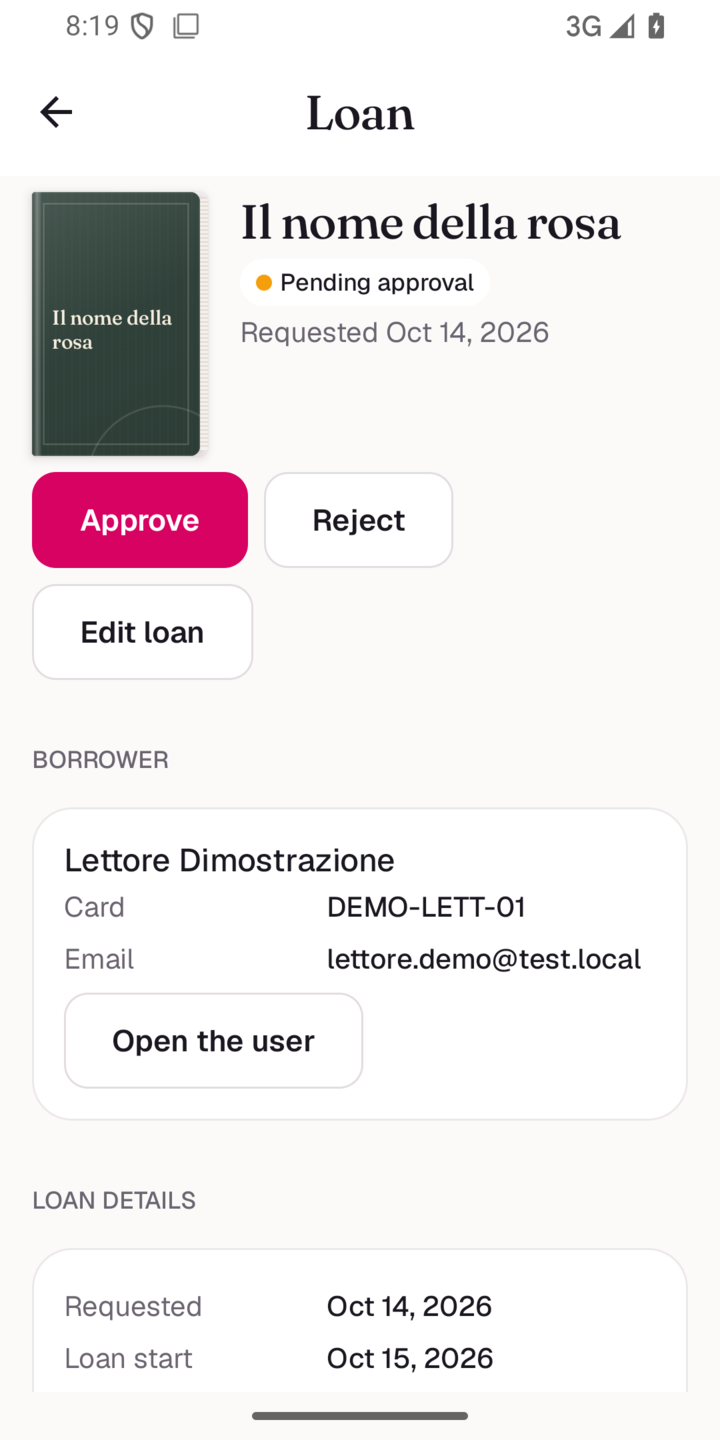 Approve a request |
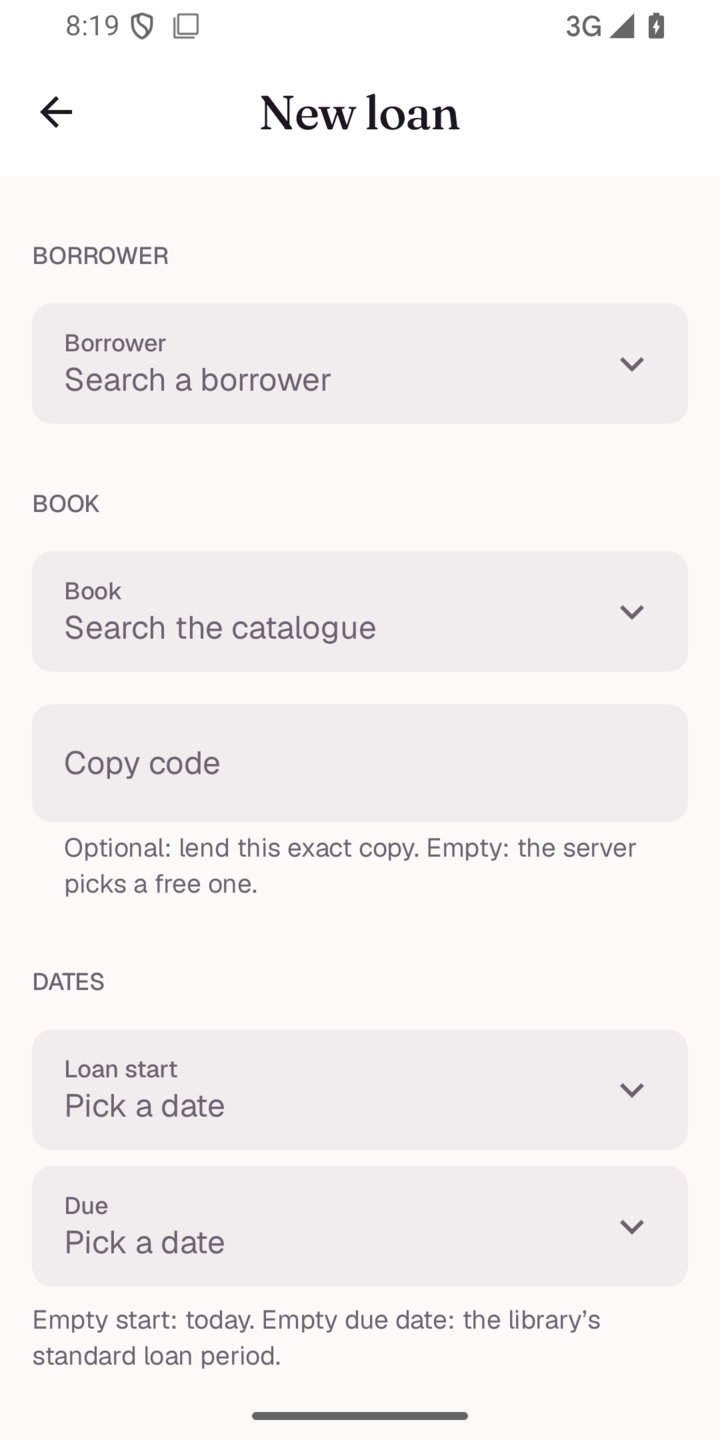 New loan |
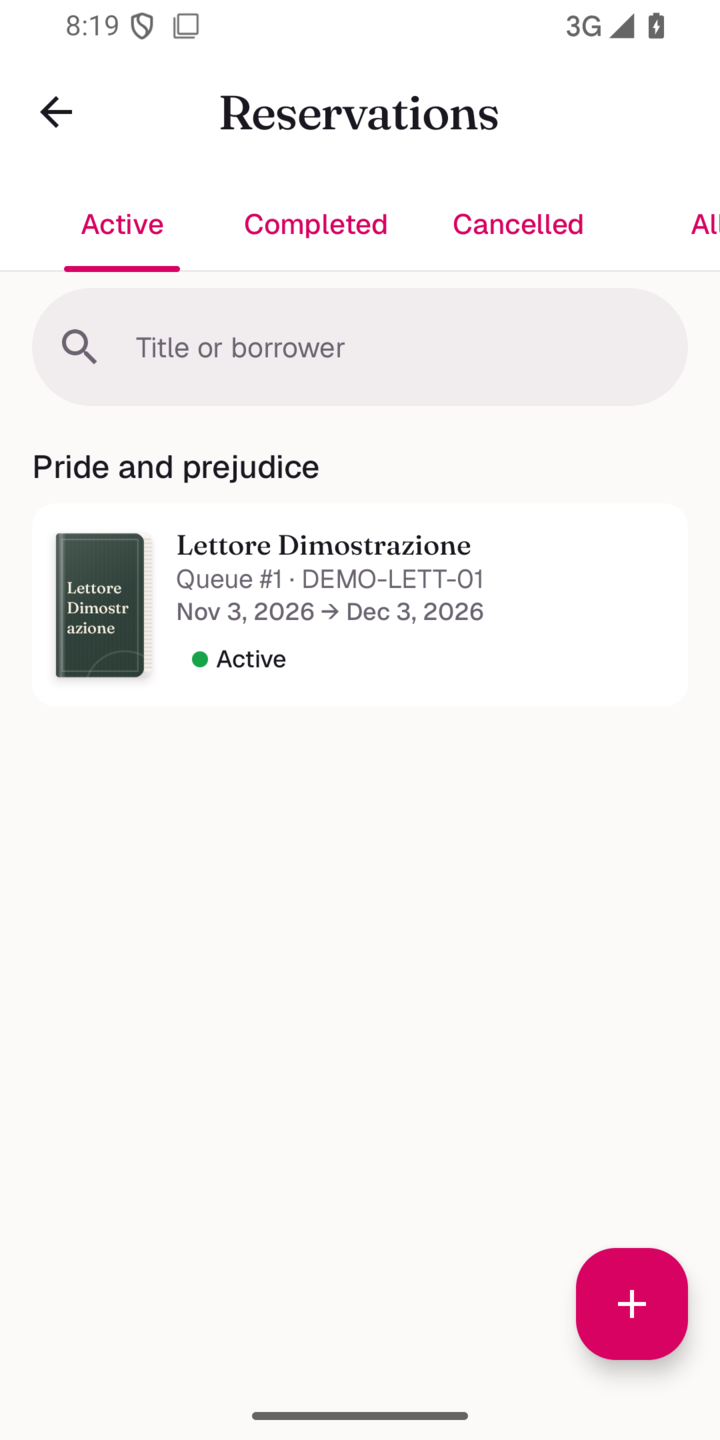 Reservations queue |
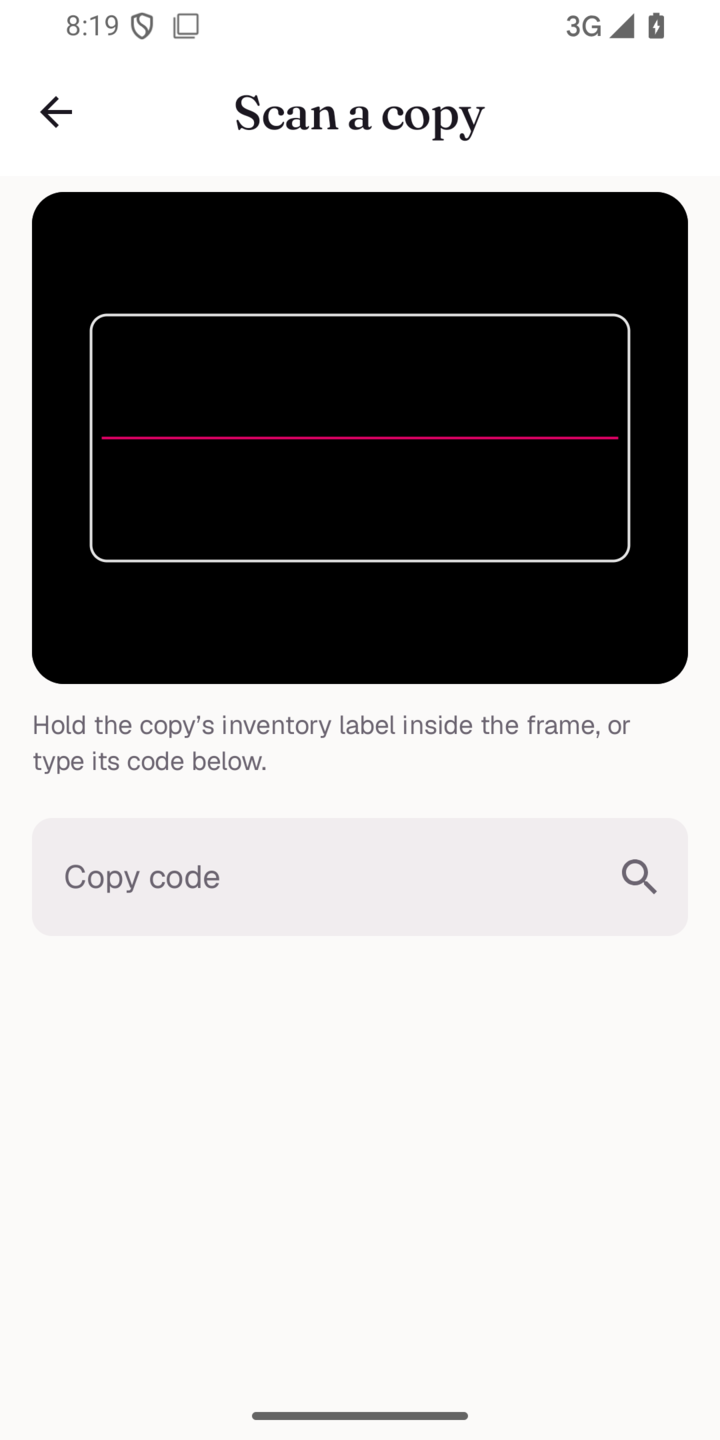 Scan a copy label |
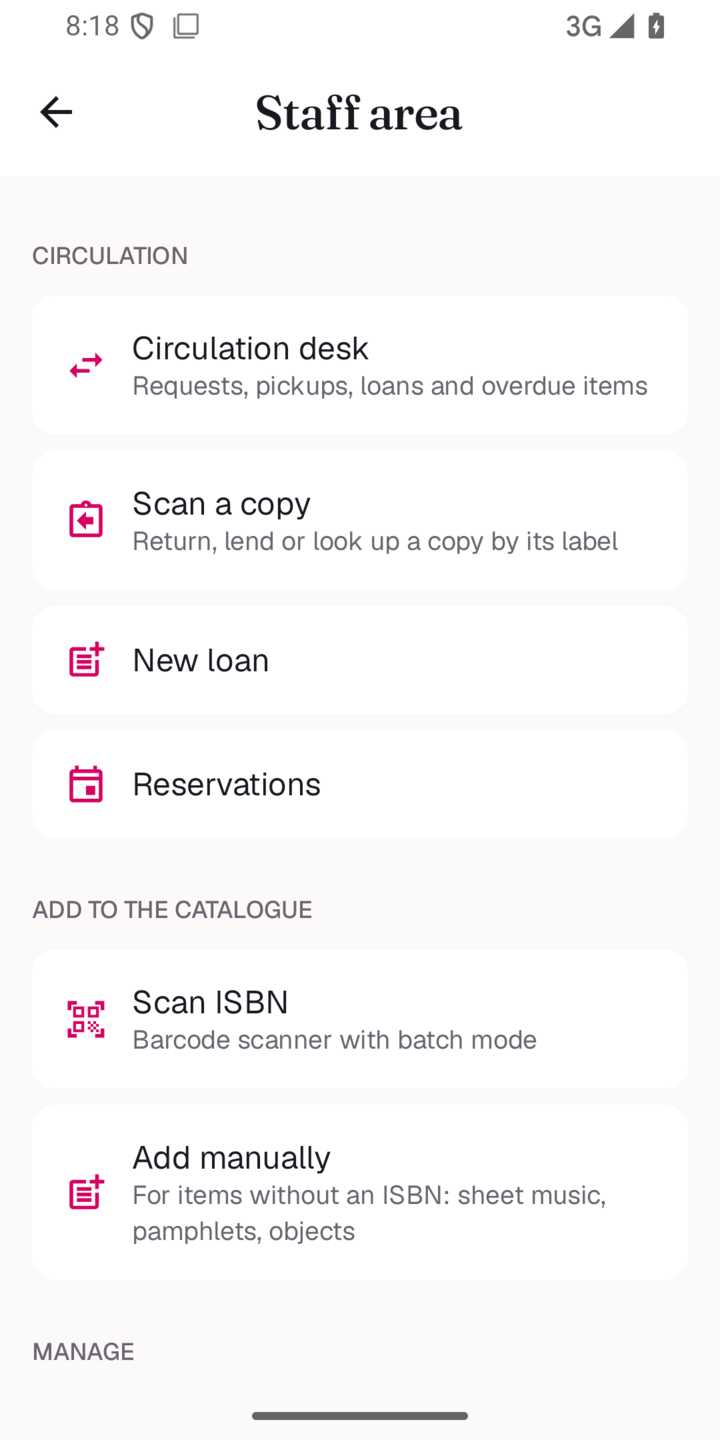 Admin area |
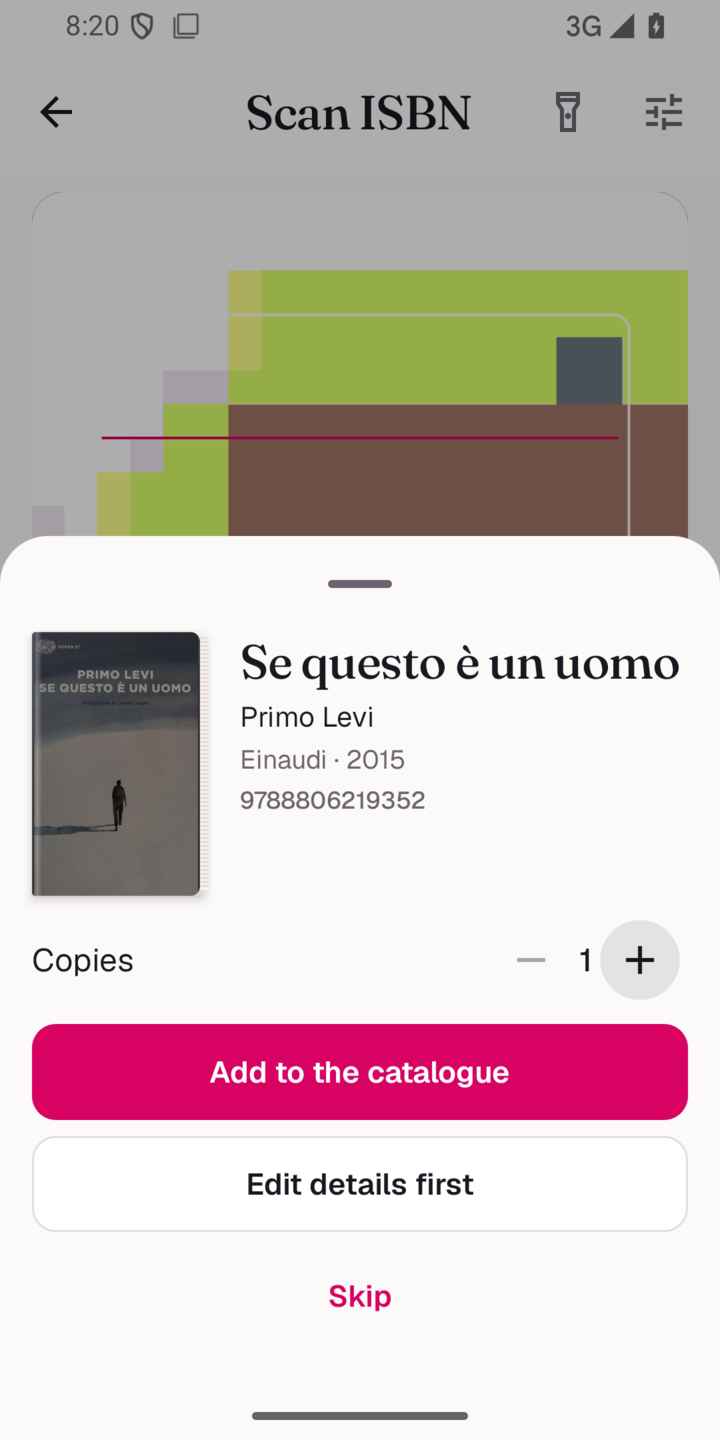 Scan an ISBN |
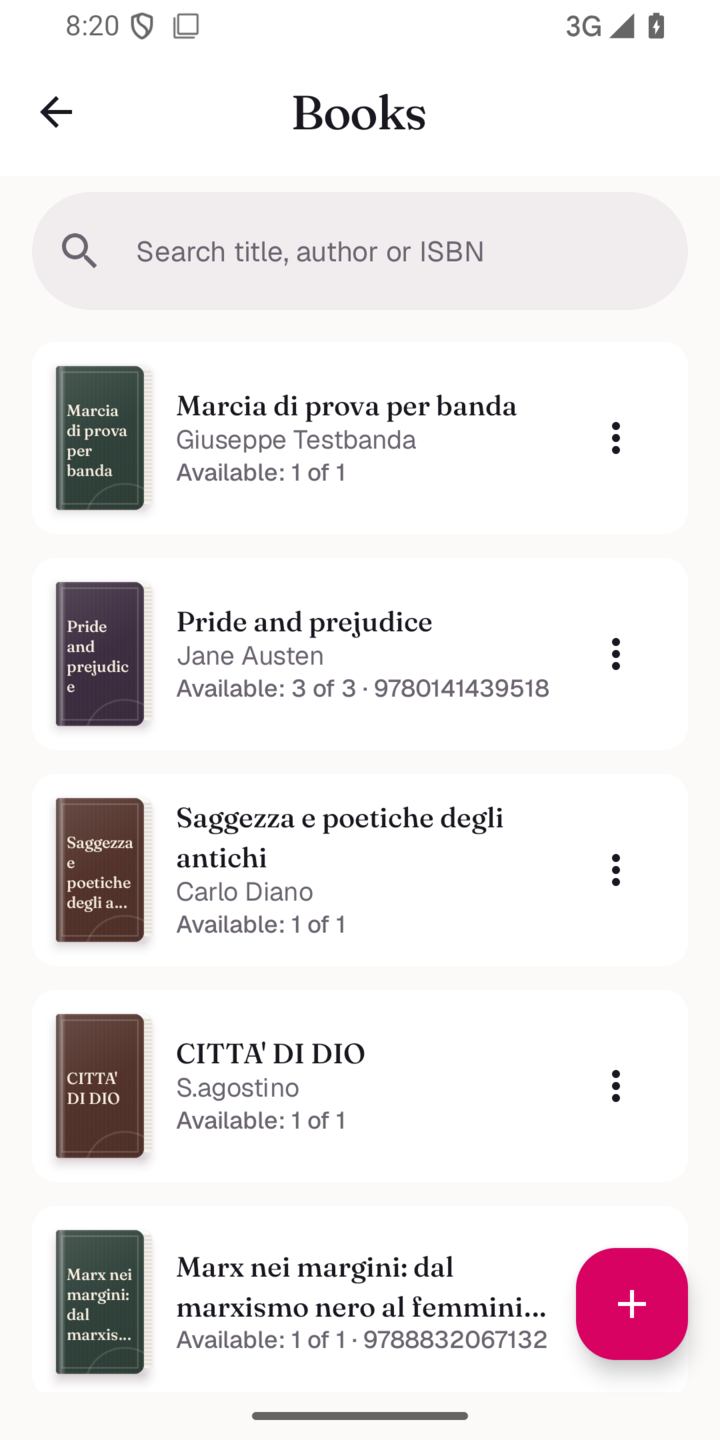 Books |
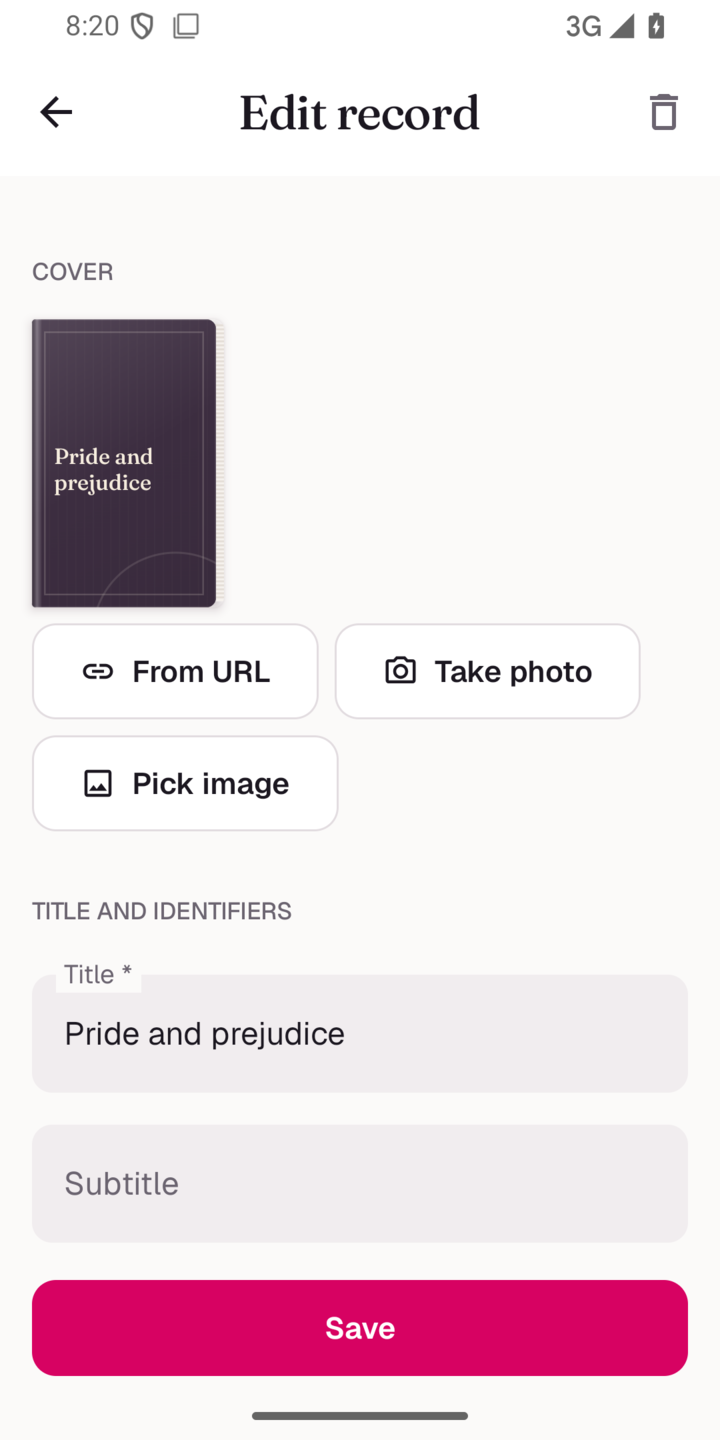 Edit a record |
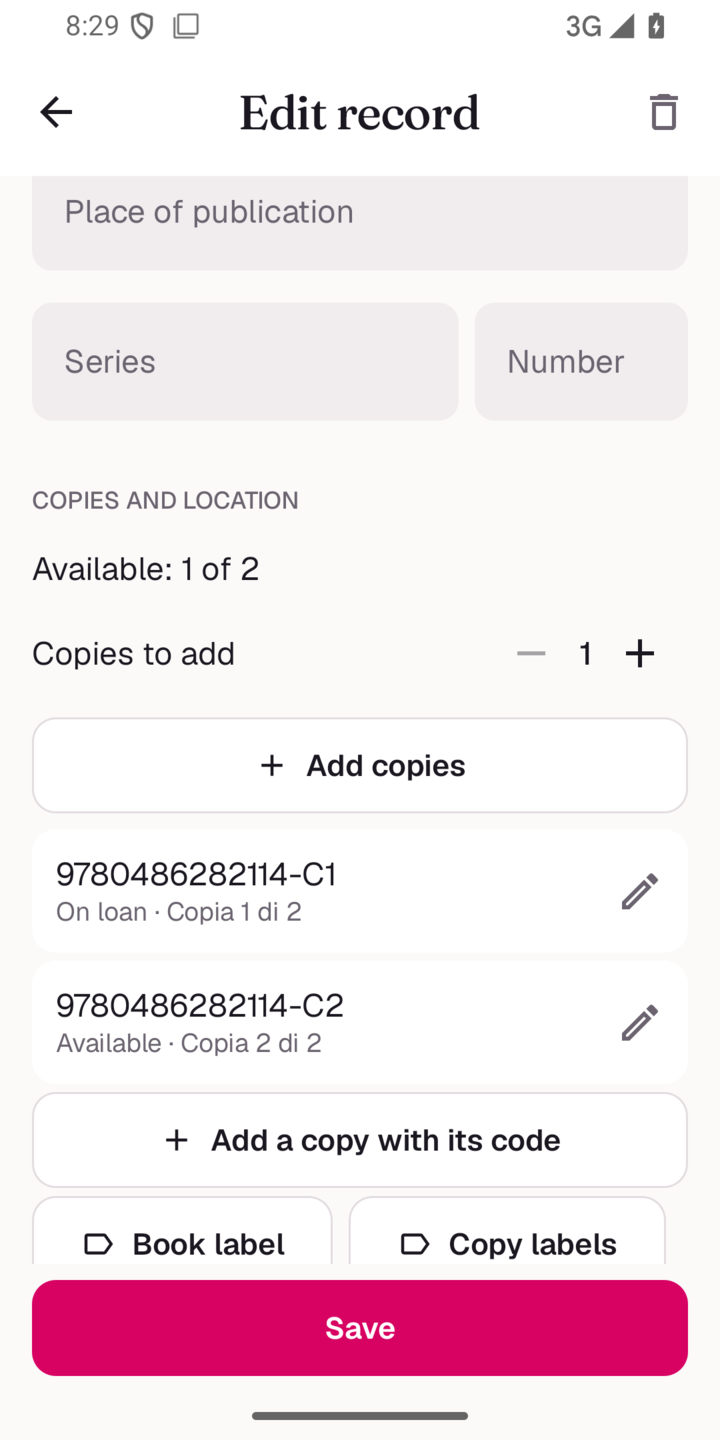 Copies and labels |
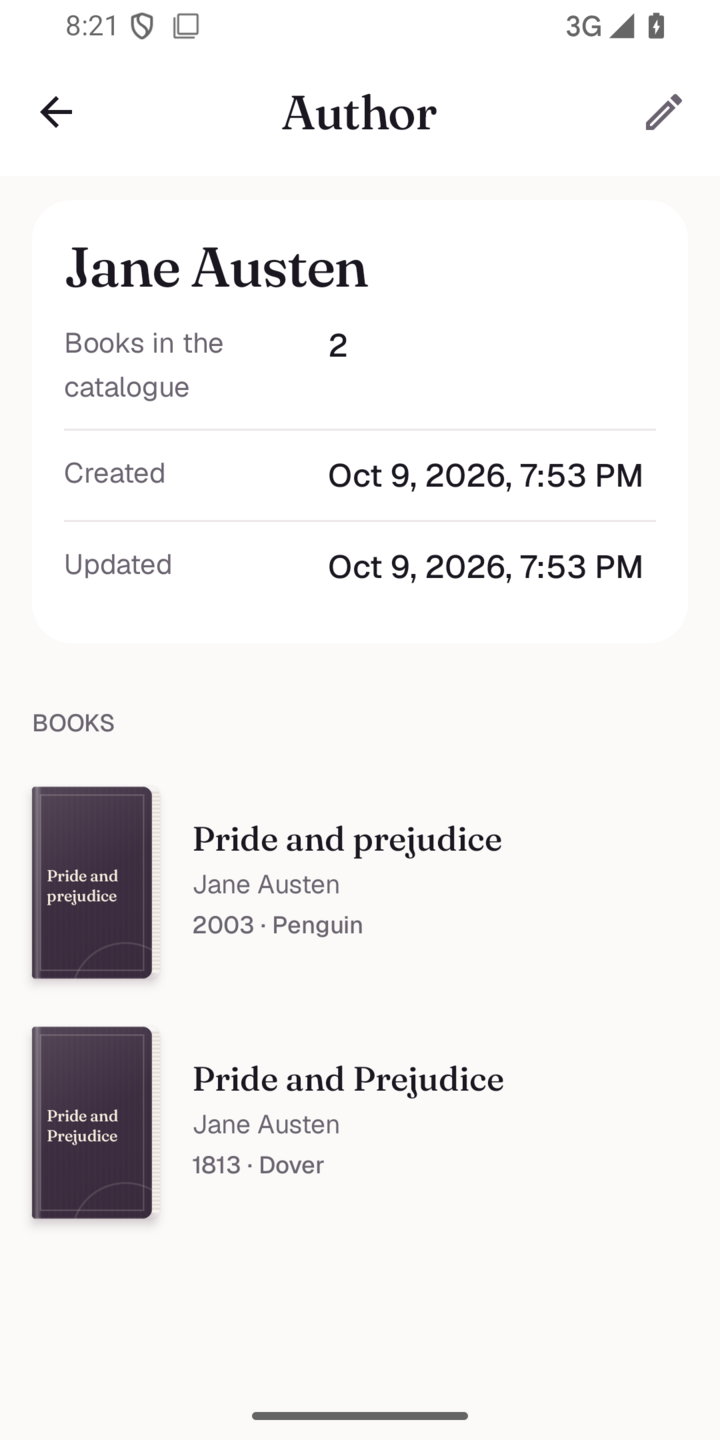 Author page |
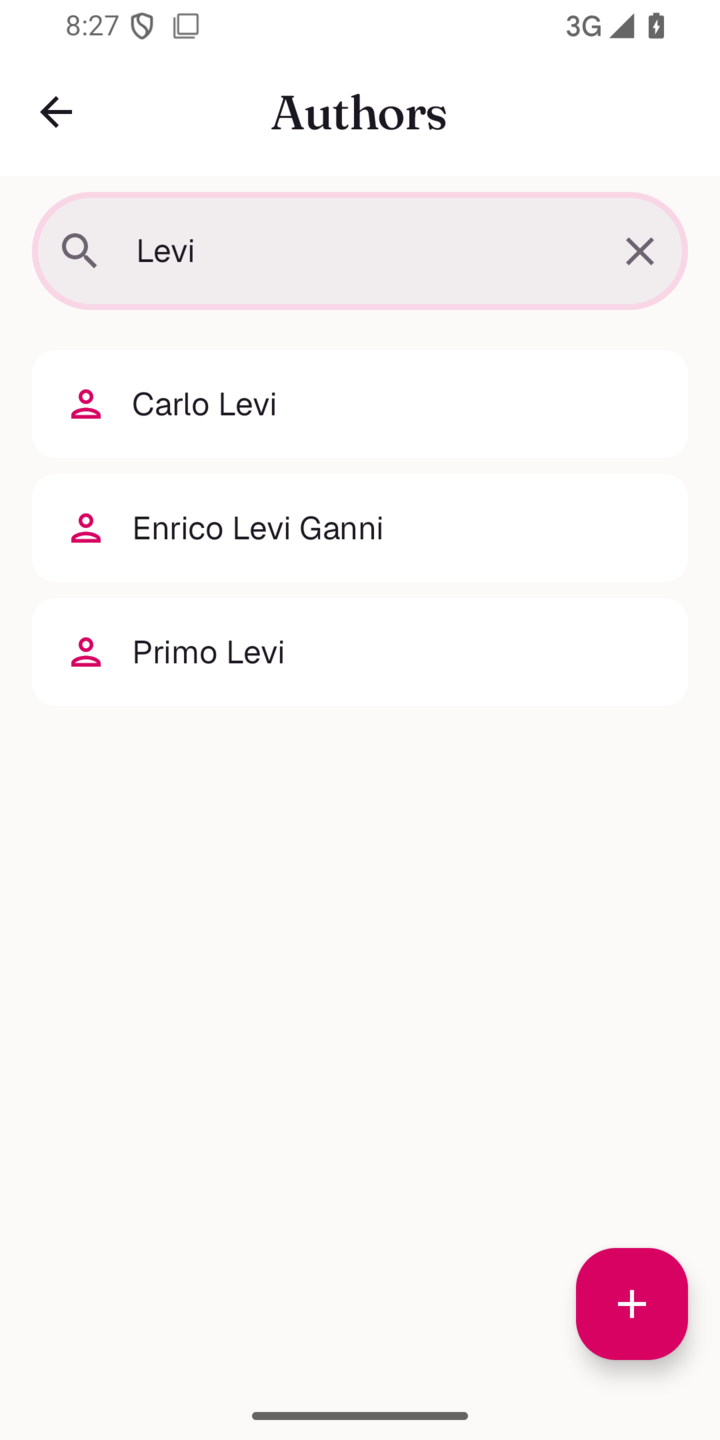 Authors |
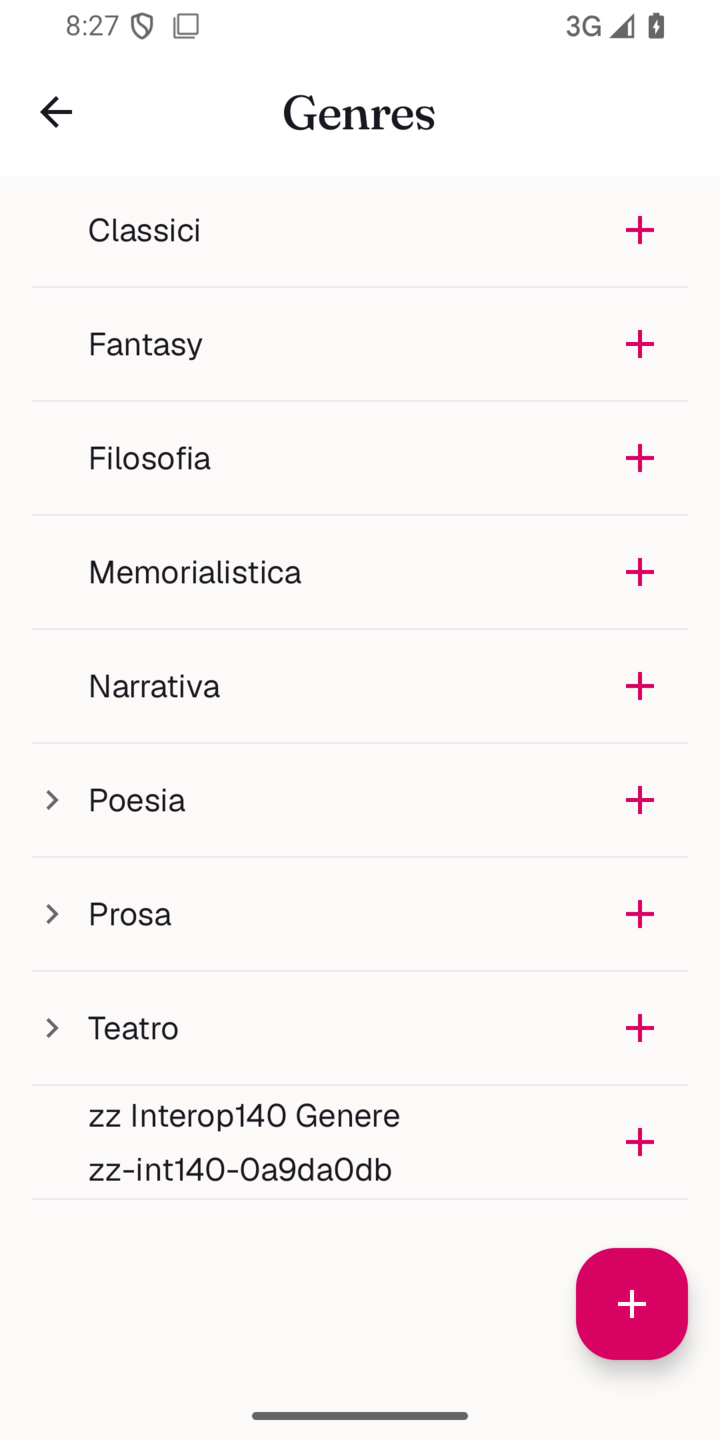 Genres |
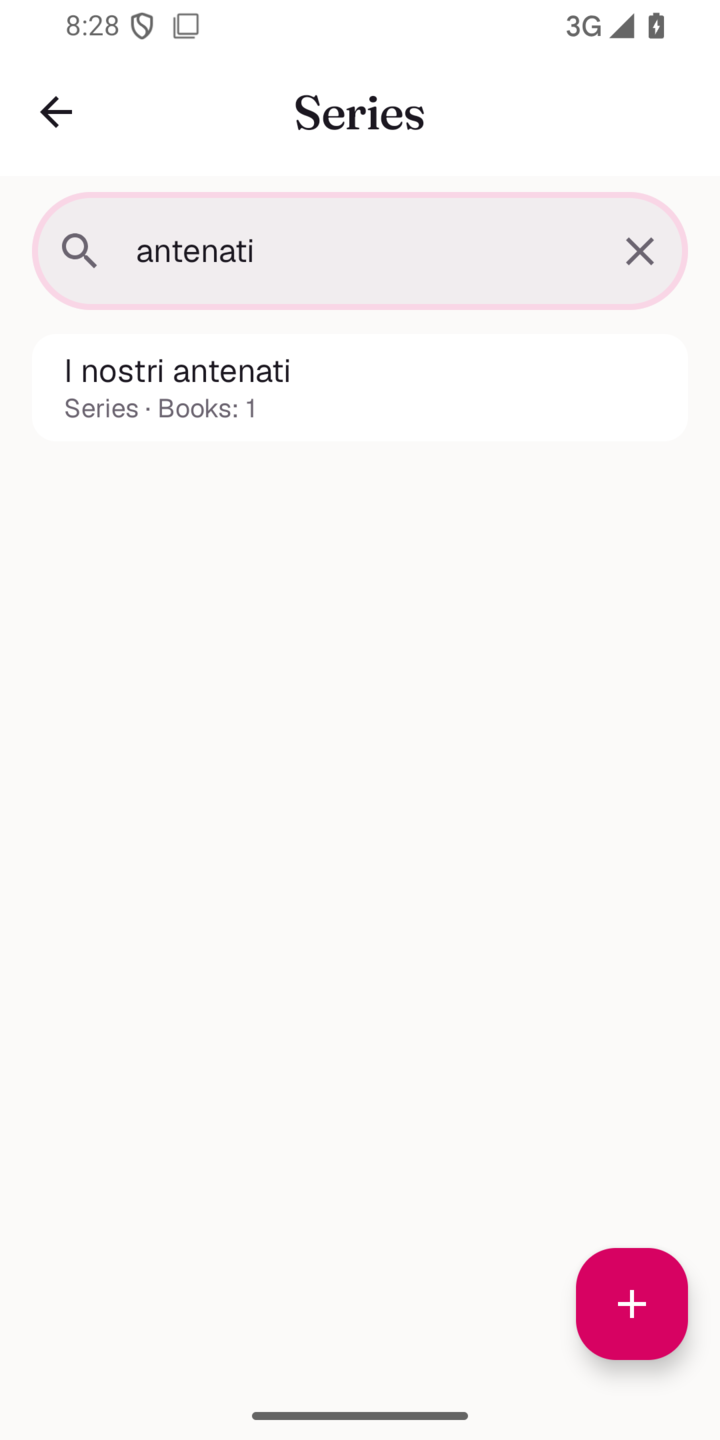 Series |
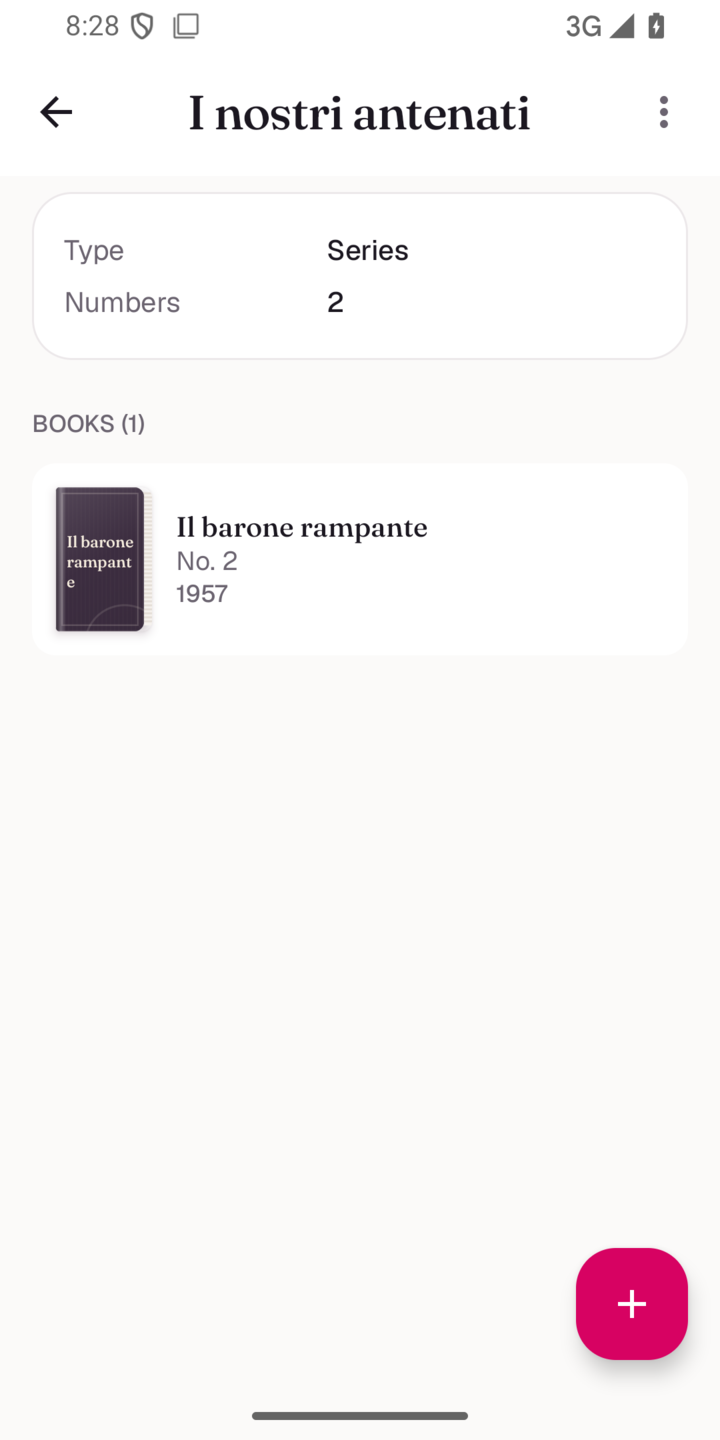 Series detail |
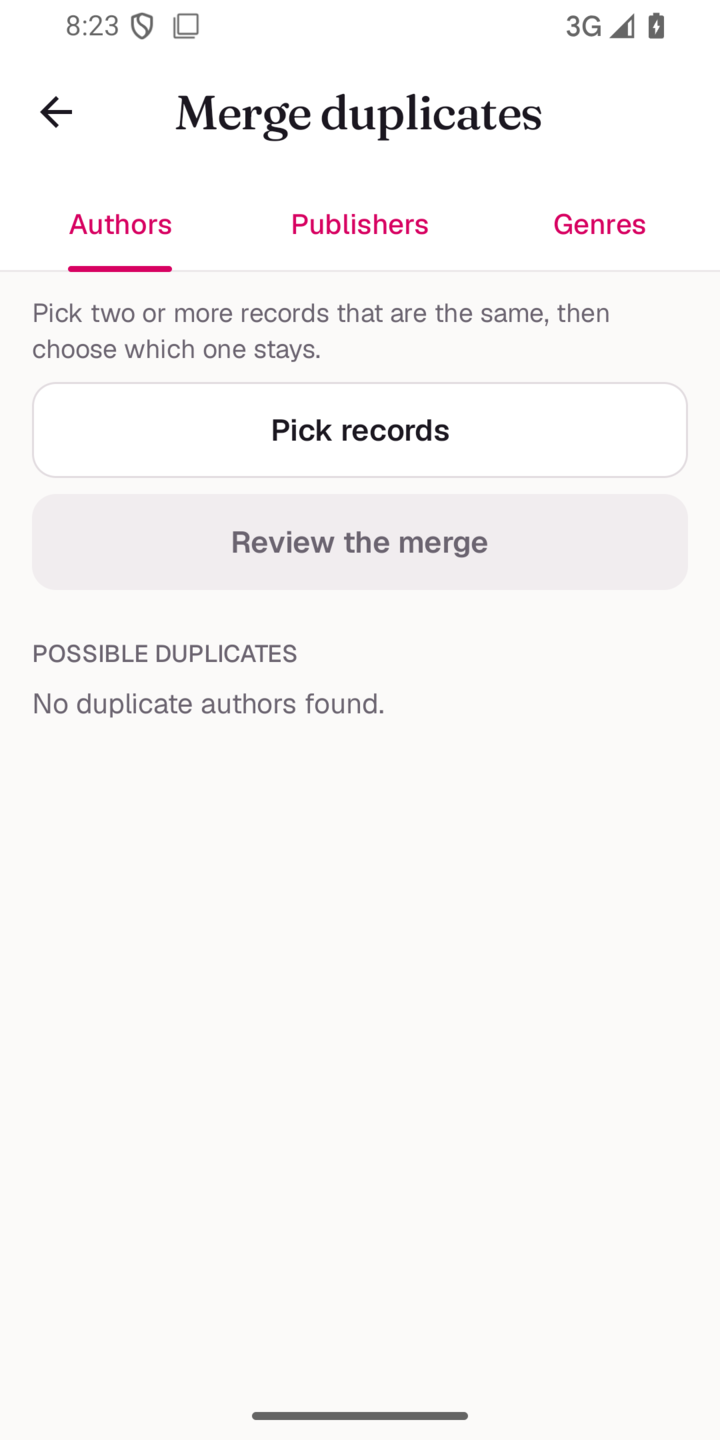 Merge duplicates |
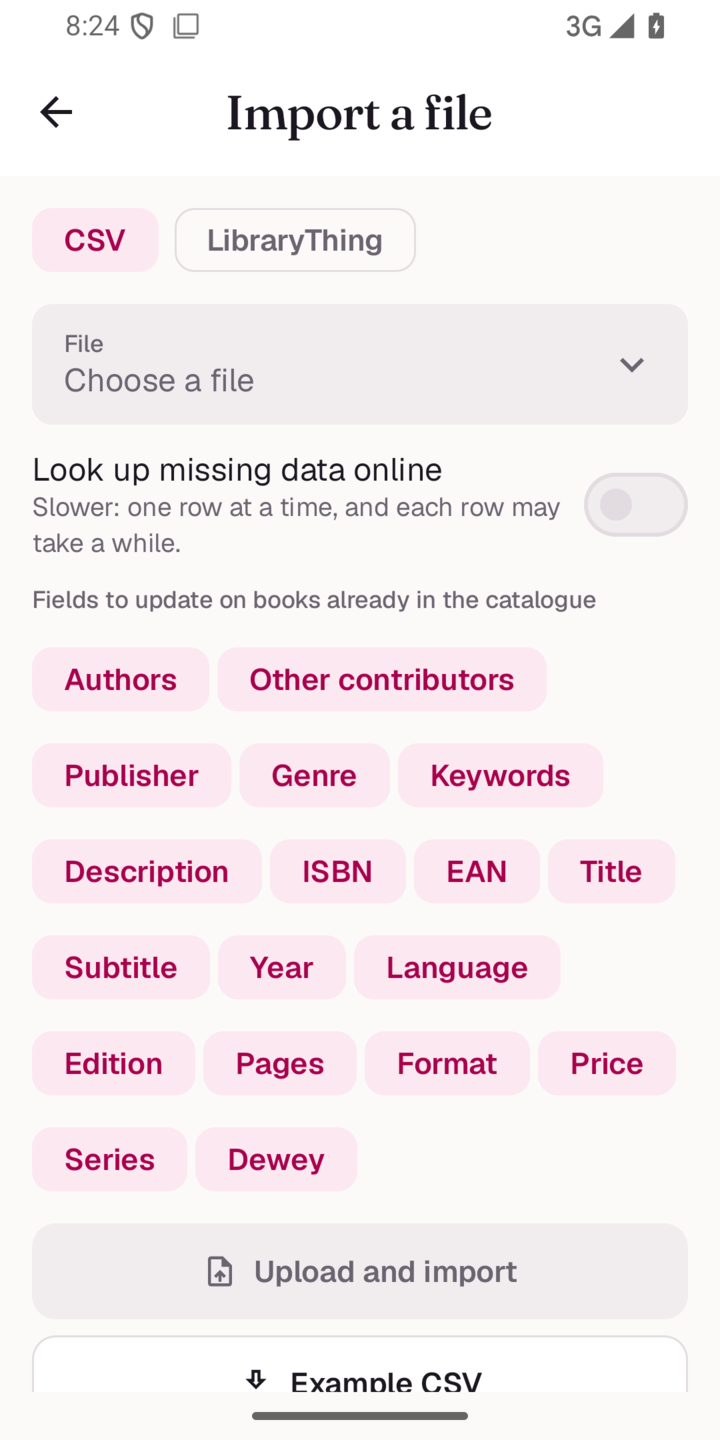 Import a file |
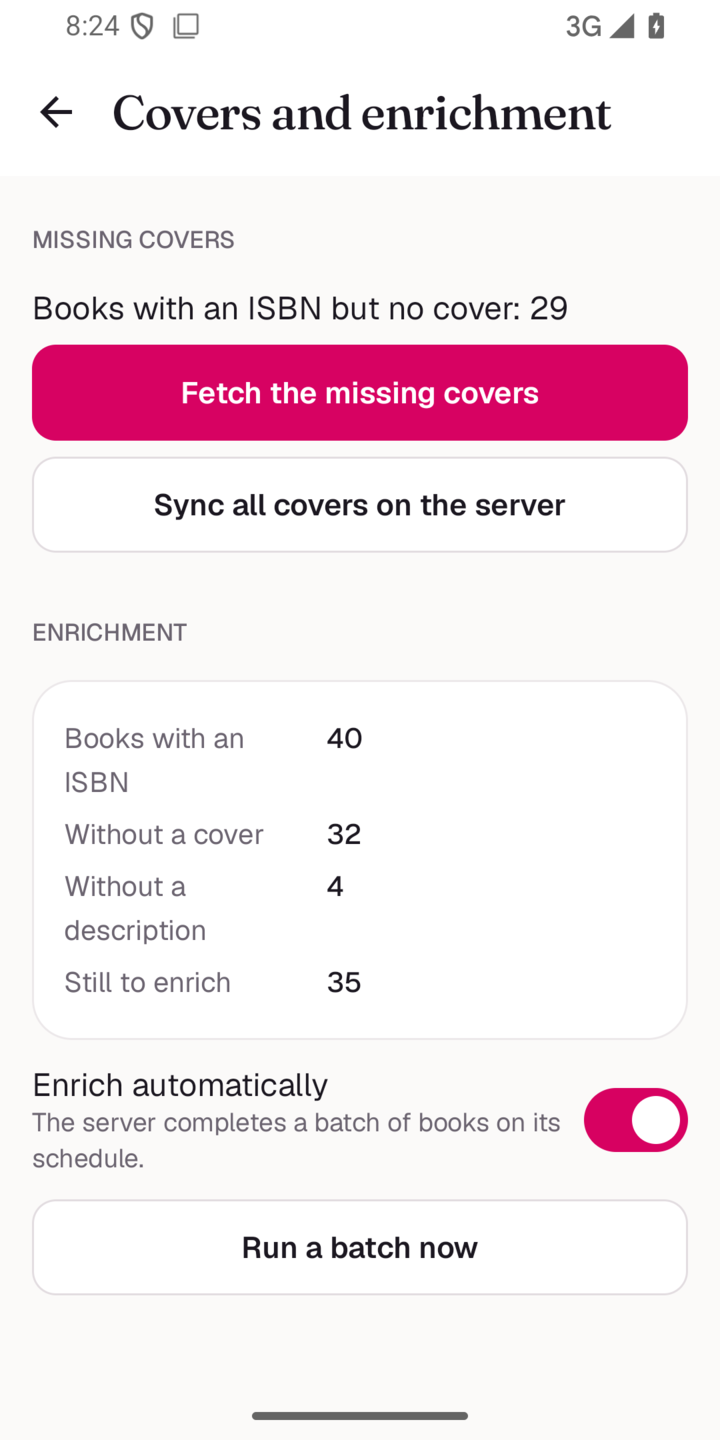 Covers and enrichment |
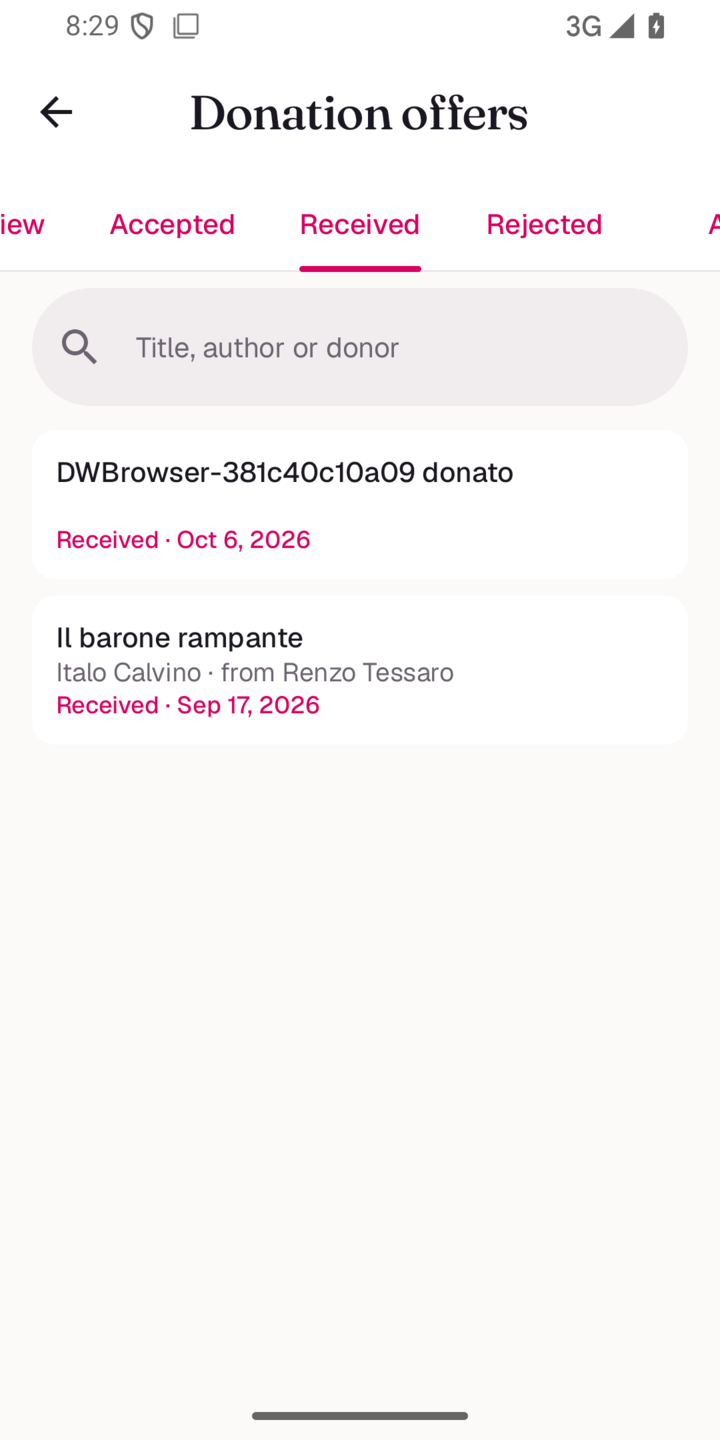 Donation offers |
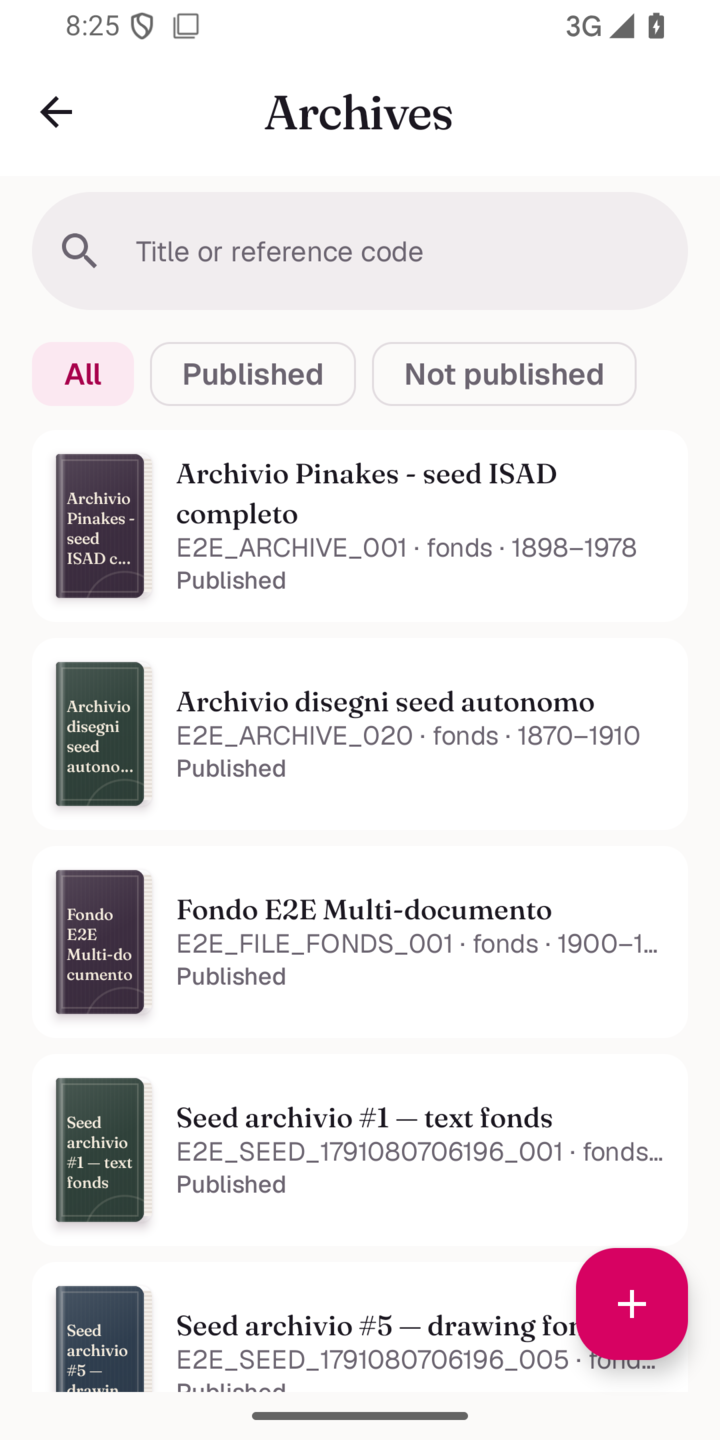 Archives |
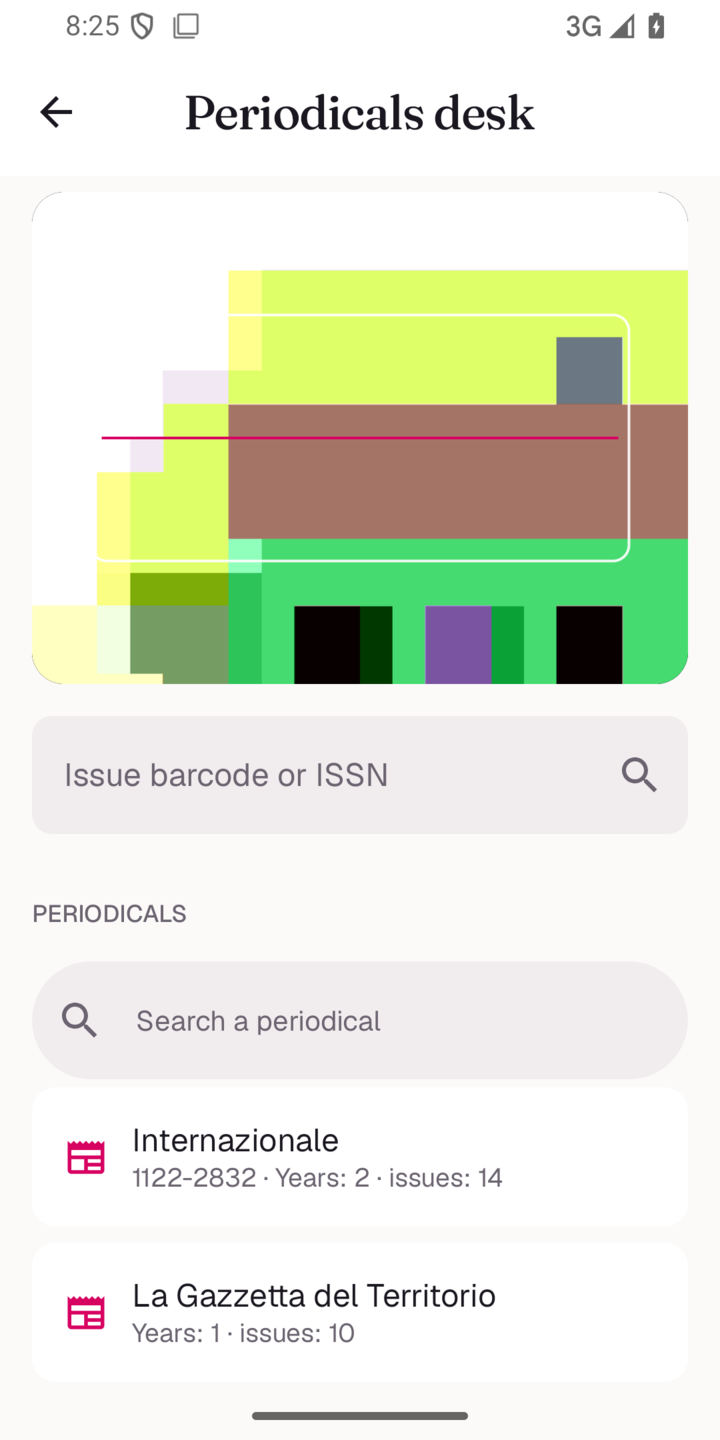 Periodicals desk |
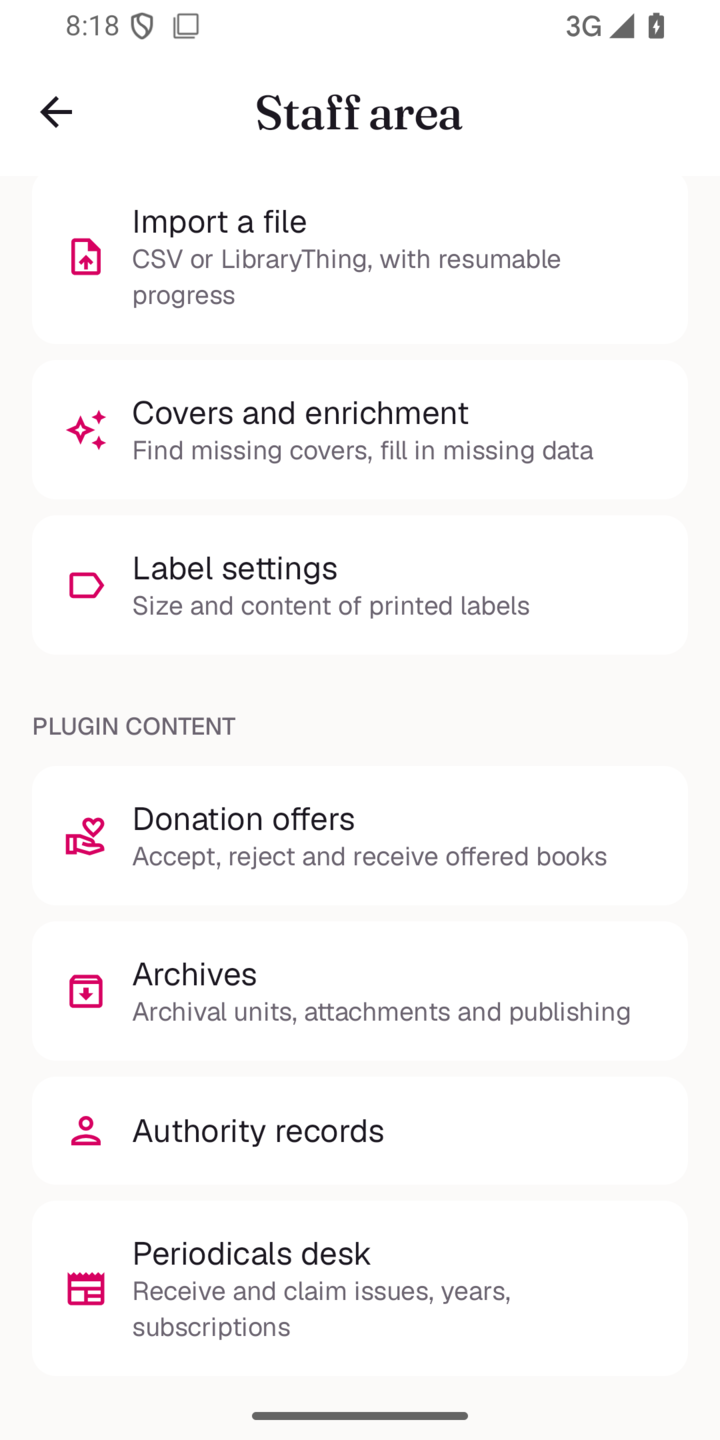 Staff tools |
| Area | What you get |
|---|---|
| Onboarding | Enter the instance URL, /health discovery card (library name, logo, HTTPS check, mobile-access check) |
| Sign in & sign up | Email/password login, in-app registration and password recovery, mapped error messages, secure token storage |
| Home | Searchable library hero, a fan of real shelf covers, and an "Available now" / recent shelf |
| Catalog | Two-column book grid or compact list, infinite scroll, search, sort and a filter sheet (availability, genre, author, publisher, language) |
| Book detail | HTML-rendered description, tap-to-zoom cover, full metadata block (ISBN, year, pages …), genre hierarchy |
| Availability | Neutral status pills with a coloured dot: green available, red on loan, amber reserved |
| Loan calendar | Pick a start date on a calendar that paints already-booked days and pre-selects the first free day |
| Audiobooks | In-app player (Media3 ExoPlayer) when the title has an audio file |
| Ebooks | In-app PDF reader (PdfRenderer); other formats open externally |
| My Library | Loans grouped into Overdue / On loan / Ready & scheduled / Pending, with due dates; reservations with cancel |
| Wishlist | Add and remove titles |
| Book Club | When the instance runs the Book Club plugin: browse your clubs and the directory, open a club's reading list / polls / meetings, join, vote in-app (simple / multi / weighted ballots), RSVP to meetings and track your reading progress — advanced poll modes and proposing a title deep-link to the web |
| Profile | Edit profile, change password, device list, theme switcher, language switcher, logout |
| Notifications | Loan due/overdue, reservation ready, book available |
| Themes | 2026 warm neutrals, Geist + Fraunces, complete 3D covers and paired theme colours. Light by default; pick light/dark/system in Profile |
| Admin area | For admin and staff accounts: cataloguing (ISBN/EAN scanner with batch mode, manual records, copies with their own codes, series, merge duplicates, label PDFs, CSV and LibraryThing import, covers and enrichment, authors, publishers, genres, shelves) and plugin content (donation offers, archives, periodicals desk, book clubs, FRBR works, digital files) |
| Circulation desk | Counters, loans by status, new loan with borrower search and copy scanning, approve/reject, pickup, return with copy outcome, renew, bulk extend, reminders, receipt PDF, reservations queue. Hidden while offline |
| Offline catalogue | Full catalogue mirrored on the device with delta sync; search, book pages, My Library and Wishlist work offline, while loan and reservation actions stay hidden until the connection is back |
| Loans in your calendar | A private, revocable calendar link with your loans (start to due date) and reservations, for Google Calendar, Apple Calendar, Outlook and others |
| Languages | Italian, English, French, German, following the device locale or an in-app choice |
ViewModel/StateFlow + Hilt/api/v1 client ({data, meta, error} envelope)PdfRenderer for PDFsEncryptedSharedPreferences) for the bearer token and instance URLgradle/libs.versions.toml (no dynamic versions)platforms;android-35 and matching build-tools./gradlew assembleDebug # debug APK → app/build/outputs/apk/debug/app-debug.apk
./gradlew lintDebug # static analysis
./gradlew testDebugUnitTest
adb shell pm revoke com.pinakes.app android.permission.CAMERA # the camera-denied test needs it denied
./gradlew connectedDebugAndroidTest # UI regression tests, with a running emulator
./gradlew assembleRelease # R8 + resource shrinking, unsigned without release credentials
Create a local.properties with sdk.dir=/path/to/android-sdk (or set ANDROID_HOME).
Always build with the Gradle wrapper (./gradlew).
adb install -r app/build/outputs/apk/debug/app-debug.apk
A prebuilt debug APK is published on the Releases page.
./tools/run-emulator.sh my_avd -no-snapshot-load -gpu auto
The launcher forwards the remaining options to the Android SDK emulator. On macOS,
it holds a caffeinate assertion for that emulator PID, then releases it when the
emulator exits; Ctrl+C stops both. This reduces host power throttling during local
testing. It does not change global power
settings or Android crash reporting.
An Android 15 startup ANR was reproduced before application initialization, along with system/launcher stalls. With the same debug APK, host priority dropped to 4 without the assertion and startup exceeded 21 seconds; with the assertion, three cold starts completed in 2.3–3.1 seconds. After restarting the VM through this launcher, five more cold starts completed in 1.66–1.80 seconds with no ANR events. An older AVD still stalled after a cold boot, and a restored snapshot retained a system-not-responding dialog. The assertion alone does not repair an unhealthy AVD; use a fresh development AVD without deleting needed user data. This is a development-emulator mitigation; device ANRs still require their own trace diagnosis.
On first launch the app asks for the instance URL.
https://your-library.example (HTTPS required)http://10.0.2.2:8081Cleartext HTTP is only permitted for loopback and the emulator alias (localhost,
127.0.0.1, 10.0.2.2); every other host must be HTTPS.
The app talks to Pinakes' bundled Mobile API plugin (/api/v1). A library
admin enables it once:
/api/v1/health and the interactive docs at /api/v1/docs are always reachable.
See the Mobile API documentation.
If the instance runs the Book Club plugin (with its mobile module enabled),
the app auto-discovers it via GET /api/v1/bookclub/health (a 2xx after login) and
adds a Book Club entry to the Profile tab; otherwise the section stays hidden.
It reuses the same bearer token — no extra login — and talks to the plugin's
/api/v1/bookclub/* surface. Advanced poll modes (stars / ranking / elimination)
and proposing a title open the corresponding web page.
Translations live in i18n/{en,it,fr,de}.json (one flat key/value map per
language; English is the source). A Gradle task generates the Android
res/values*/strings.xml from those JSON files at build time, so the editable
source stays in JSON and can be kept in sync with the Pinakes web locales. The
generated strings.xml files are git-ignored.
The app follows the device locale by default and offers an in-app language switcher in Profile (System / Italiano / English / Français / Deutsch).
If the instance runs in catalogue-only mode (/health reports
catalogue_mode: true and the matching features.* flags false), the app hides
loans, reservations and the wishlist: the Library and Wishlist tabs disappear and
the book detail drops its borrow/reserve actions, leaving a clean read-only
browsing experience.
app/src/main/java/com/pinakes/app/
├── data/
│   ├── model/        kotlinx.serialization models (mirror the live /api/v1 JSON)
│   ├── network/      PinakesApi (Retrofit) + interceptors
│   ├── repository/   Auth / Catalog / Library / Profile / Notifications
│   └── store/        SessionStore, FeatureStore, ThemeStore (EncryptedSharedPreferences)
├── di/               ServiceLocator
└── ui/
    ├── theme/        Color / Type / Theme (magenta #D70161 brand, light default)
    ├── components/   BookCard, AvailabilityChip, AudioPlayer, bottom bar …
    ├── navigation/   NavHost + scaffold
    └── screens/      onboarding, login, home, search, detail, library, wishlist, profile, bookclub …
i18n/                 en/it/fr/de.json  (source of truth for strings)
_contract/            OpenAPI snapshot + API spec the app is built against
All core screens are implemented and verified end-to-end on an emulator against a
live instance (onboarding, login, catalog, detail, loans, reservations, audio, PDF,
themes, languages). UnifiedPush registration is wired in the data layer; the
distributor receiver is a follow-up. See STATUS.md for the full breakdown, and the request-by-request Uwe verification for the reader-side parity with the website.
Released under the same license as Pinakes: AGPL-3.0.
On compatible servers, Emeroteca → Articles searches and displays standalone newspaper and magazine articles, without requiring ownership of their issues. Publication screens also link to their associated articles. Article covers, subtitles and published online resources follow the server data. Public PDFs use the URL supplied by the server; the website action opens the article’s full page. Older servers retain the existing periodicals browser. See the article integration notes.
fabiodalez-dev/Pinakes-Android is a public repo on GitHub by fabiodalez-dev. Native Android client for a Pinakes library instance (Kotlin/Compose/Material3).
It declares no license on GitHub. Public does not mean open source: without a license, nobody is granted the right to reuse it.
Its maker has not tagged a system, so it is unknown here. Its README says what it needs.
Open "Take it" on its page: Take My Repo writes an install plan for your machine and hands it to your AI agent (Claude Code, Codex or Cursor), which asks you before each step. Take My Repo has not tested it on any machine.
Its last change on GitHub was on 2026-11-22. Take My Repo does not judge from that whether it is maintained.
Nobody has reviewed it on Take My Repo yet, which says nothing about its quality.
Free, open-source WordPress cookie consent plugin (GPL-3.0). Cloud-free fork with browser-based cookie scanner, GDPR/ePrivacy compliance, GCM v2, IAB TCF v2.3.

Complete Library Management System (ILS) - Circulation, OPAC, cataloging, reservations, loans, automatic notifications, plugin system, and Z39.50/SRU server
MusicFLAC is the modern web app that lets you paste a Spotify link (track, album, or playlist) and download high-quality FLAC audio, a lossless CD-quality format, via compatible services like Tidal, Qobuz, and Amazon Music.
Photography portfolio CMS with AVIF/WebP optimization, film metadata tracking, 6 home + 6 gallery templates. Self-hosted, open source.
Piattaforma SaaS multi-tenant per la gestione completa di associazioni: soci, tesseramento, eventi con prenotazioni online, quote, registro, governance e organizzazione. Laravel 12.