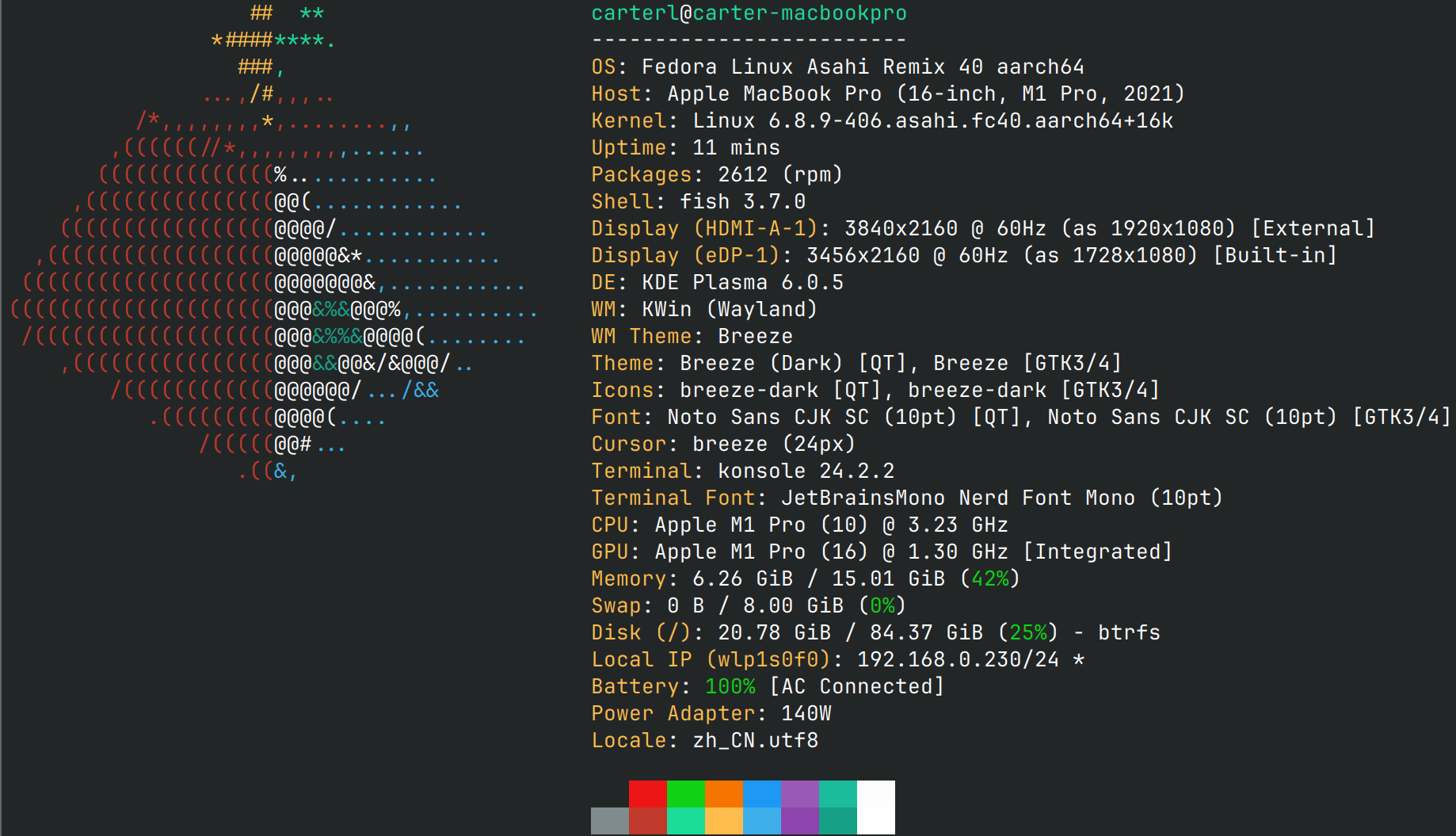
Fastfetch Config Editor
A visual configuration editor for Fastfetch — inspect, tweak, and generate config.jsonc through a graphical interface without writing a single line of JSON by hand.
Disclaimer
This project is fully AI generated and barely tested. Bugs are expected.
Overview
Fastfetch is a cross-platform system information tool. Its configuration file uses the JSONC format, with every available setting defined by a canonical JSON Schema. This project fetches that schema live from the official Fastfetch repository and renders it into a three-panel editing experience modelled after the VS Code Settings UI — what you see is what you get.
Features
- Dynamic JSON Schema forms — parses Fastfetch's schema and recursively renders type-appropriate form controls
- Three-panel layout — sidebar navigation, settings editor, and live JSONC preview
- Comprehensive schema support — objects (collapsible nested properties), arrays (add/remove/reorder), enum select boxes, boolean toggles, numeric and text inputs
oneOf / anyOf variant switching — automatically detects branching schemas, switches between variants, and inherits correct defaults$ref resolution — resolves internal schema references recursively against the root schema- Module manager — purpose-built for Fastfetch's
modules array; search, add, delete, reorder, collapse, and convert between string-mode and object-mode
- Import & export — import existing
.json / .jsonc files, download a syntax-highlighted config.jsonc
- Markdown rendering — schema
description fields support Markdown via marked
- JSONC syntax highlighting — the live preview pane highlights properties, strings, numbers, literals, and punctuation
- Dark & light theme — automatically adapts to the system color scheme
- Responsive layout — optimized for desktop, tablet, and mobile breakpoints
Tech Stack
| Category |
Tools |
| Framework |
Vue 3 (<script setup> + TypeScript) |
| Build tool |
Vite 8 |
| Language |
TypeScript ~6.0 |
| Styling |
SCSS / Sass |
| Key dependencies |
jsonc-parser (JSONC parsing), marked (Markdown rendering) |
| Type checking |
vue-tsc |
Getting Started
# Install dependencies
pnpm install

# Start the development server
pnpm dev

# Build for production
pnpm build

# Preview the production build
pnpm preview
Project Structure
src/
├── main.ts                          # Application entry point
├── App.vue                          # Main shell: three-panel layout, module management, import/export
├── style.scss                       # Global styles & CSS custom properties
├── components/
│   ├── SchemaField.vue              # Core recursive component: JSON Schema → form controls
│   └── MarkdownDescription.vue      # Markdown renderer wrapping `marked`
Architecture
1. Data Flow
flowchart LR
    A[Remote JSON Schema] -->|fetch| B[App.vue]
    B --> C[reactive config object]
    C --> D[SchemaField recursive render]
    D <-->|v-model| C
    C --> E[Live preview: JSON.stringify]
    E --> F[Syntax highlighting + line numbers]
Loading
2. SchemaField Recursive Component
SchemaField.vue is the heart of the editor. It accepts any JSON Schema node and maps its type and structural features to the appropriate form control:
| Schema trait |
Rendered control |
oneOf / anyOf (no const) |
Variant picker — switches the entire sub-form |
type: "object" or properties |
Collapsible property list with add/remove support |
type: "array" |
Array editor with add/remove, each item recursed |
enum |
Select box |
type: "boolean" |
Toggle switch |
type: "number" / "integer" |
Numeric input |
| Everything else |
Text input |
Key design decisions:
- Depth tracking via
props.depth controls indentation and CSS nesting class
- Property collapsing uses a
Set<string> (collapsedProperties) — lightweight, O(1) lookup
- Smart defaults —
defaultValue() inspects the schema (e.g. default, minimum, type) to produce a sensible starting value
3. Module Manager
Fastfetch's modules array is the most complex part of the configuration: each element's structure depends on its type. App.vue implements a dedicated module-management layer:
- Module type selection — extracts available modules from
items.anyOf[0].oneOf, with real-time search filtering
- Reordering — up / down buttons rearrange modules within the array via splice
- String mode — uncustomized modules are stored as plain strings, keeping configs concise
- Object mode — clicking "Customize" promotes a string module to a full object, exposing the complete sub-schema form
- Collapse — individual module cards can be collapsed to keep long lists manageable
4. Configuration Lifecycle
| Phase |
Implementation |
| New |
Resets the reactive config, preserving only the $schema reference |
| Import |
Uses jsonc-parser to parse the selected .jsonc file, merging into the current config |
| Edit |
SchemaField binds bidirectionally to the reactive config object — changes appear instantly |
| Export |
Serialises the config with JSON.stringify, wraps it in a JSONC template (with // Generated header), and triggers a Blob download |
License
MIT