
FileCentipede
Cross-platform internet upload/download manager for HTTP(S), FTP(S), SSH, magnet-link, BitTorrent, m3u8, mpd, ed2k, and online videos. WebDAV client, FTP client, SSH client.
- 11k
- 4 wk ago
Repo filecxx/FileCentipede, read from GitHub 6 h ago. filecxx has not joined Take My Repo.
In short
filecxx/FileCentipede is a public repo on GitHub by filecxx. Cross-platform internet upload/download manager for HTTP(S), FTP(S), SSH, magnet-link, BitTorrent, m3u8, mpd, ed2k, and online videos. WebDAV client, FTP client, SSH client. It declares no license on GitHub. Public does not mean open source: without a license, nobody is granted the right to reuse it. It is written mainly in C++, has 10,956 stars and last changed on 2026-10-26. Nobody has reviewed it on Take My Repo yet, which says nothing about its quality. Read from GitHub on 2026-11-24.
Similar repos
ab-download-manager
A Download Manager that speeds up your downloads



File Centipede
A general-purpose download manager, network file manager, and file server.
Focused on making file transfers more efficient.
No AI, no claims of 10x faster downloads, and no attempt to be the center of attention on your computer.
Just a tool for solving practical problems.
Website: http://filecxx.com
Dashboard: https://w.filecxx.com
Devlog: https://dev.to/filecxx
Screenshots
Main Application and File Manager
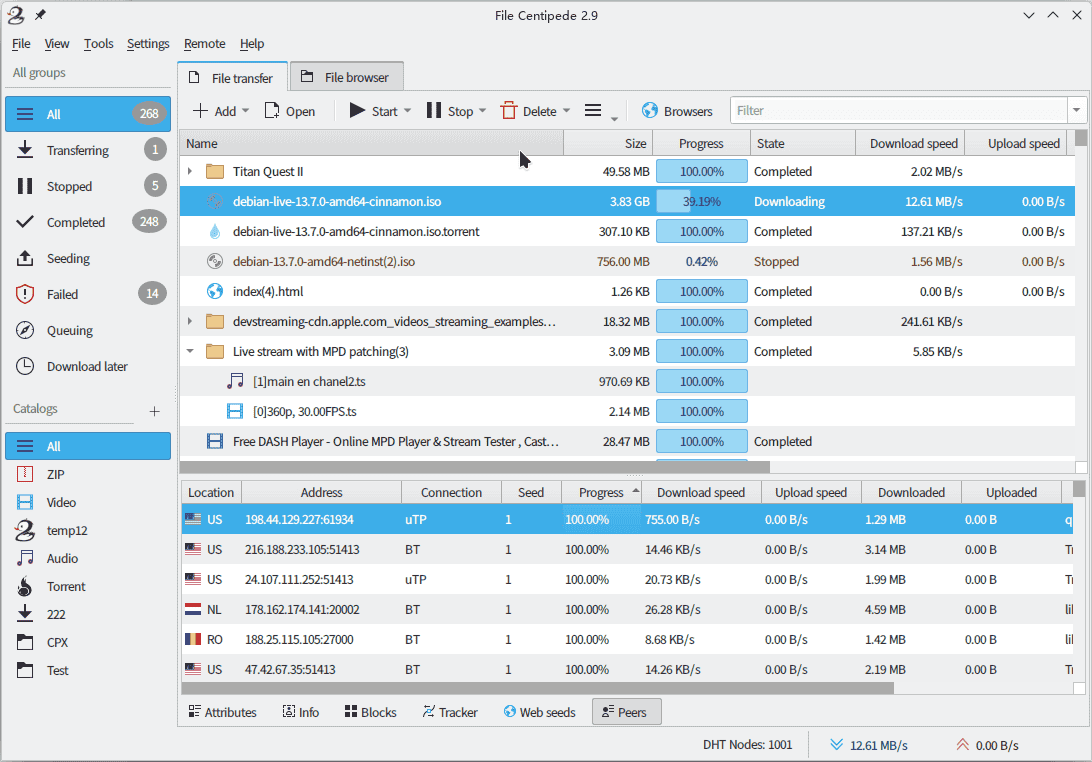
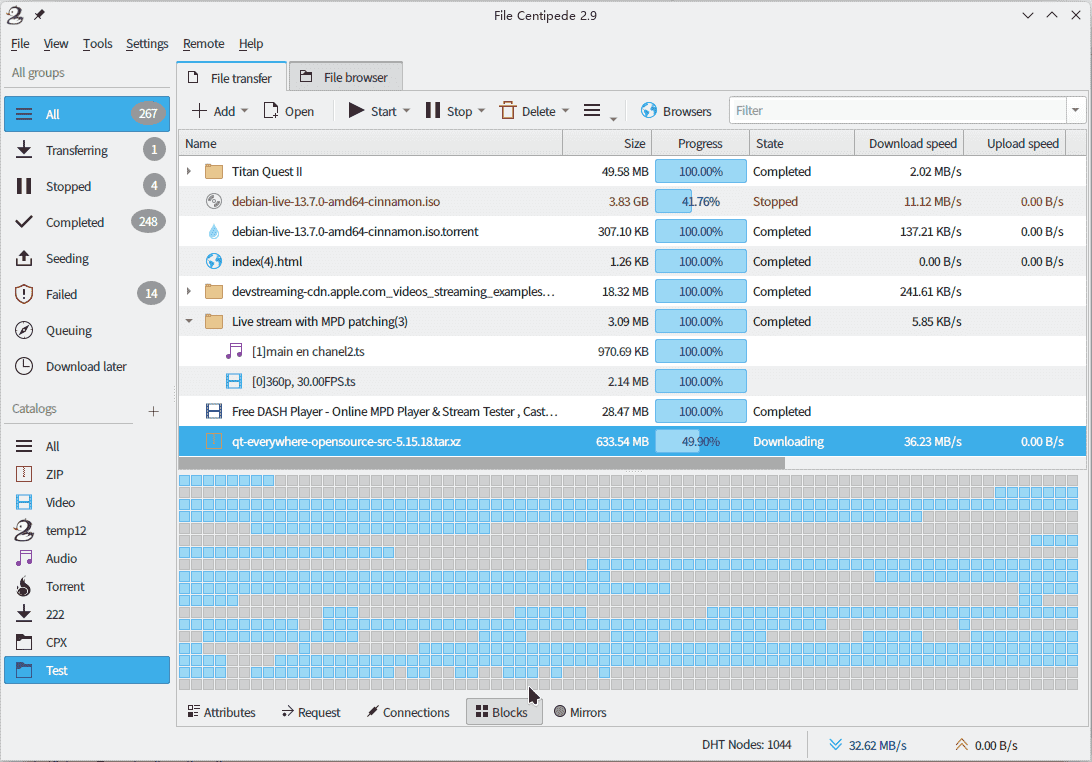
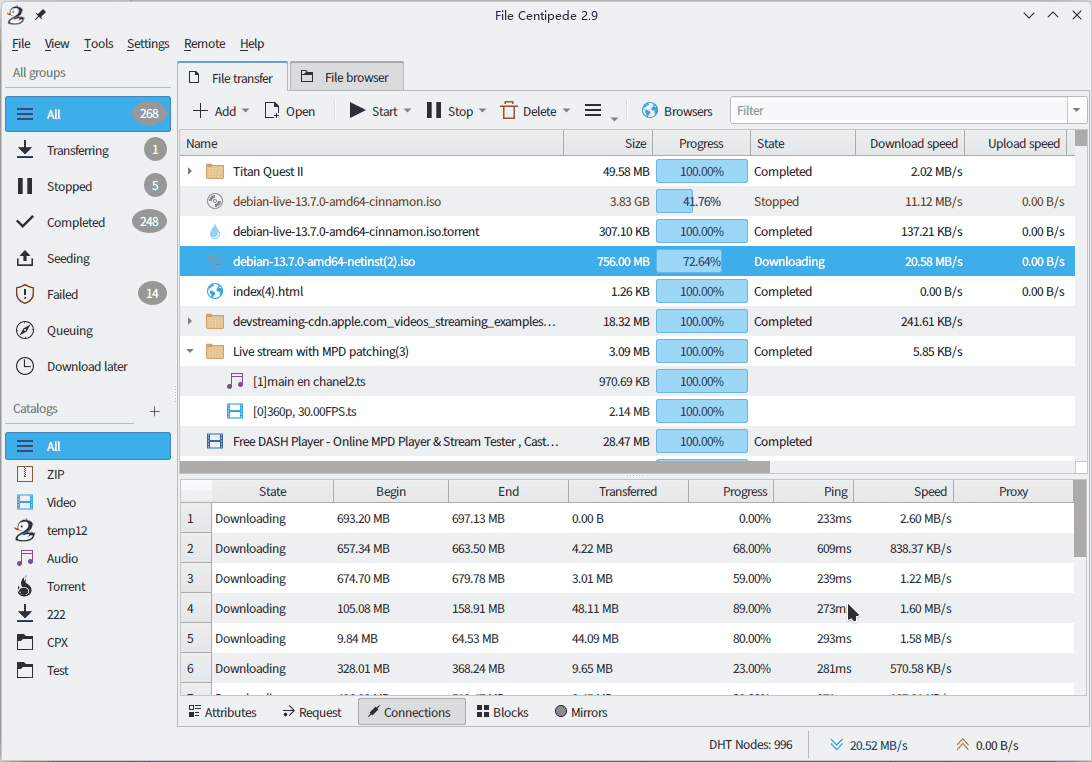
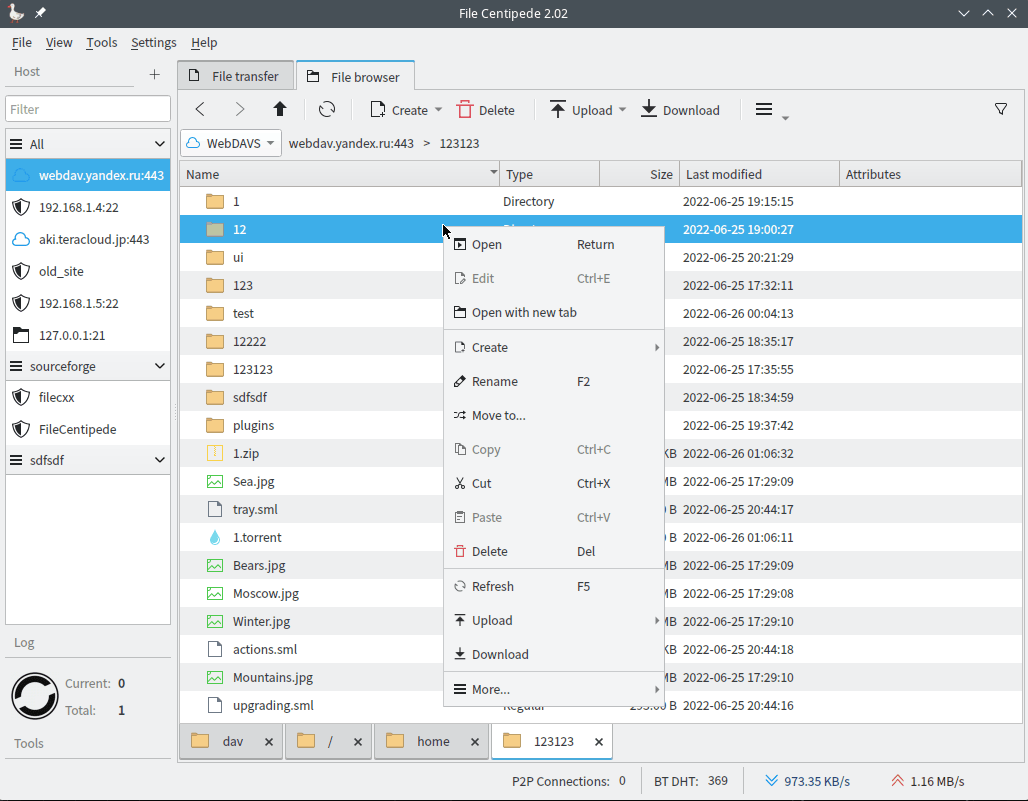
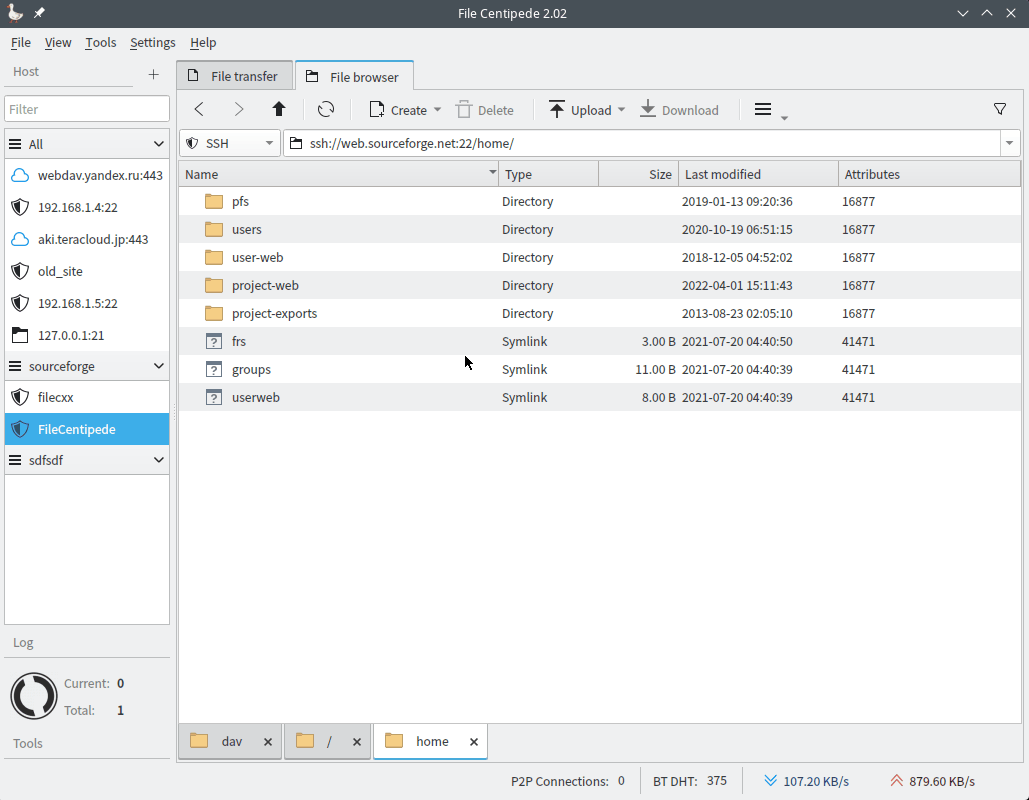
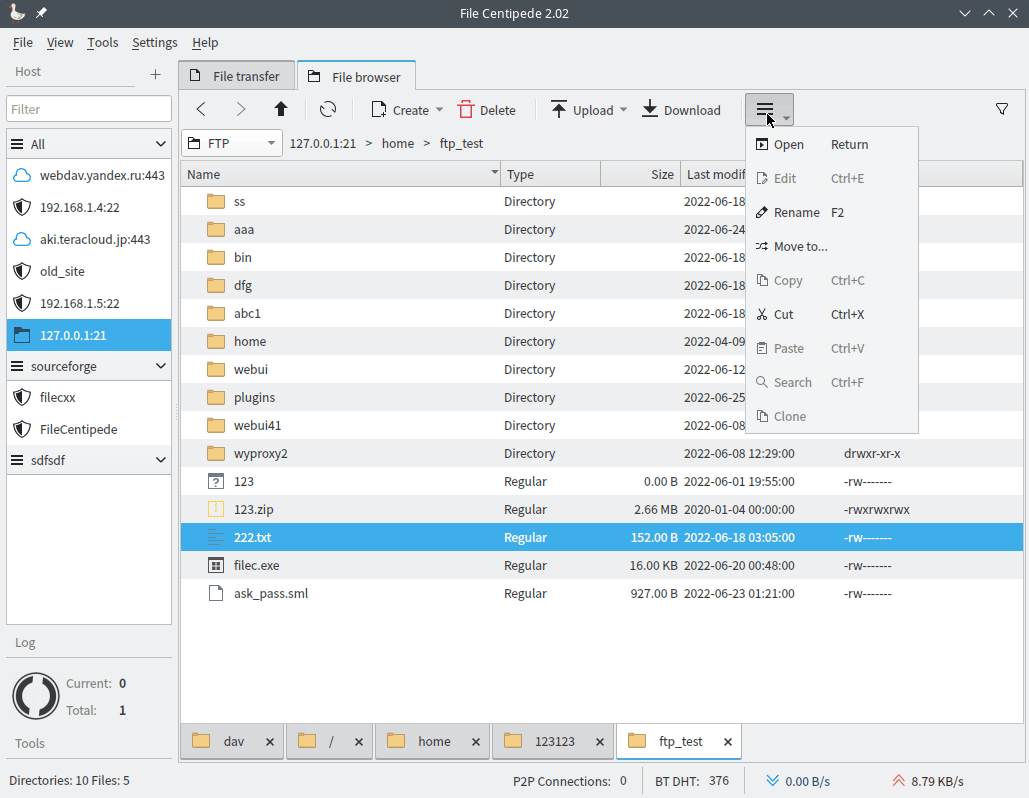
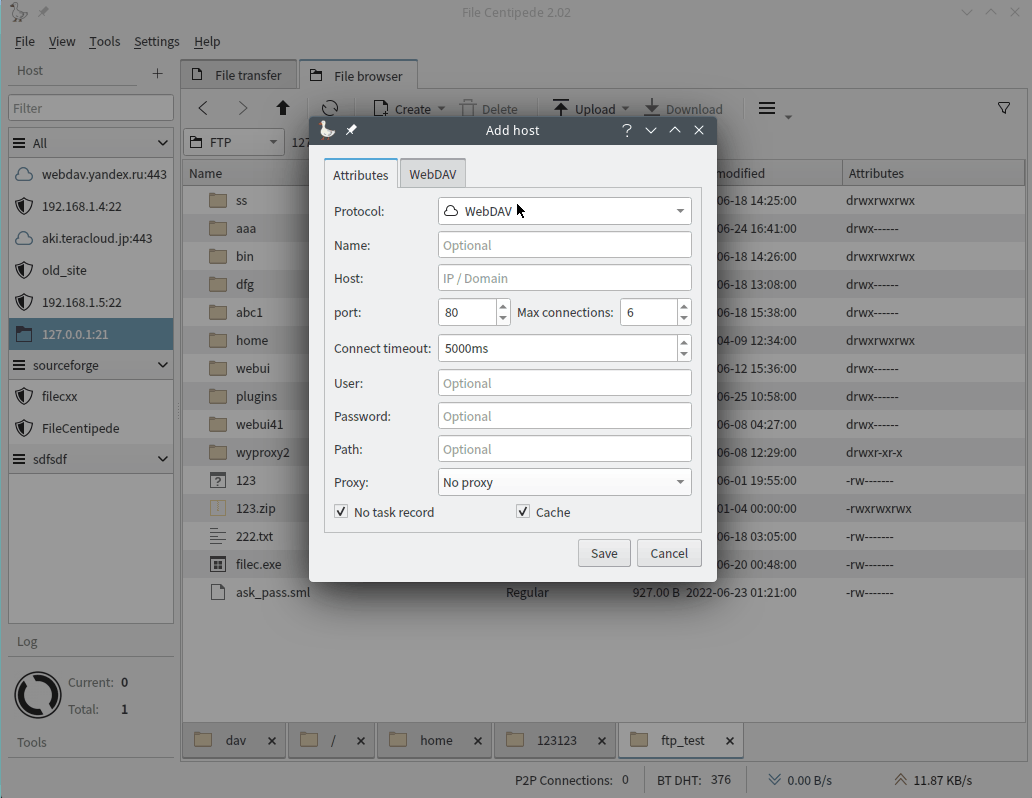
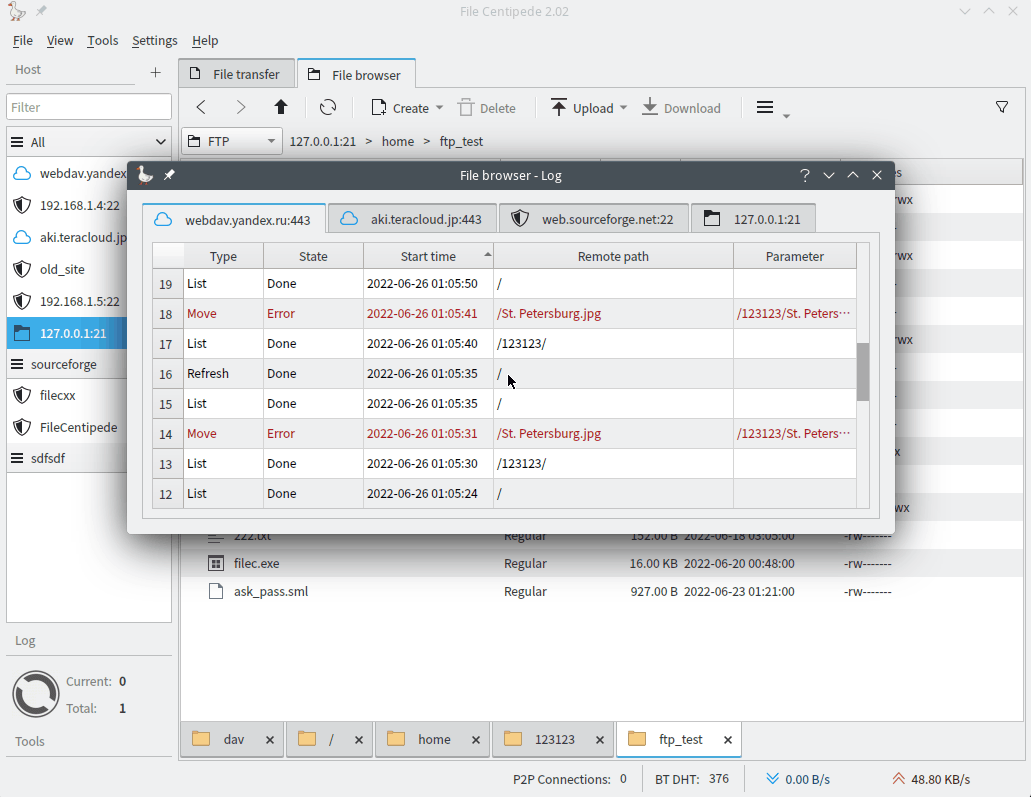
Add Download Task
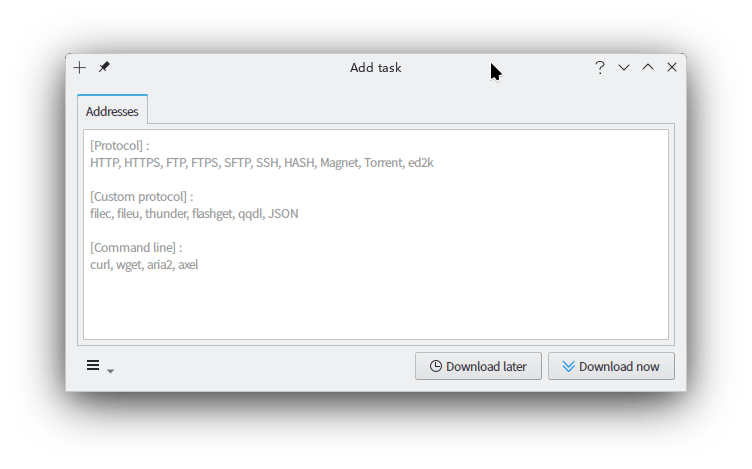
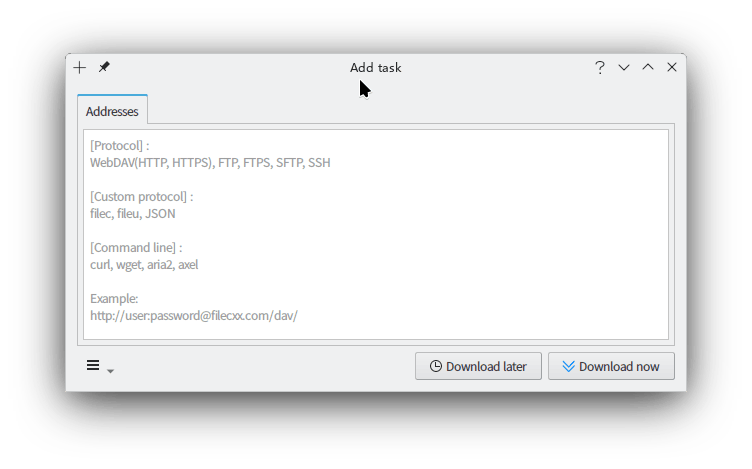
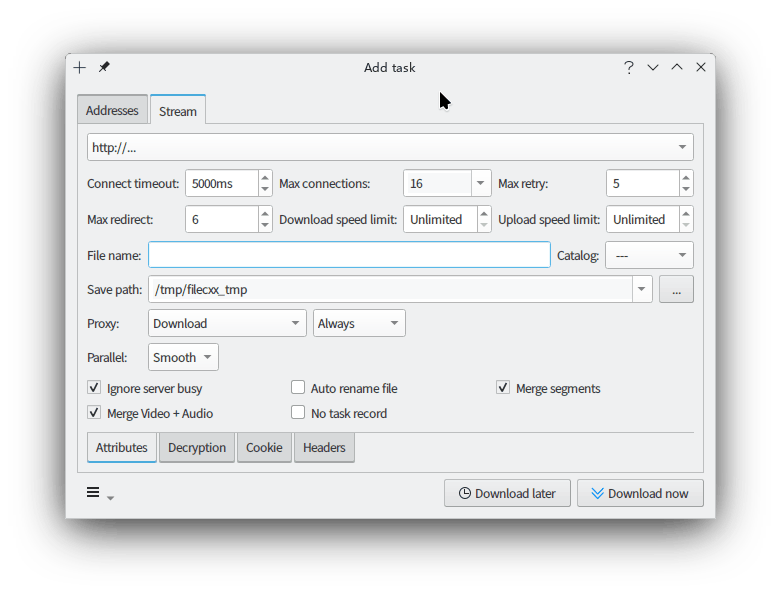
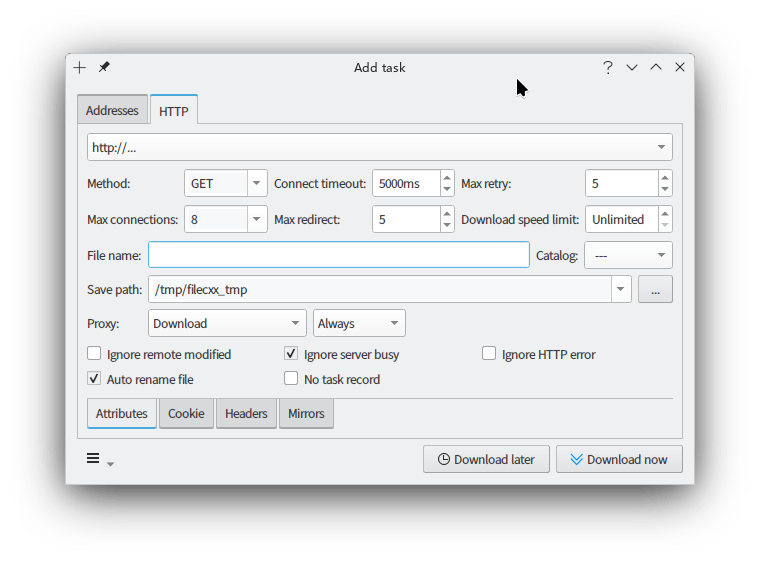
Edit Download Task
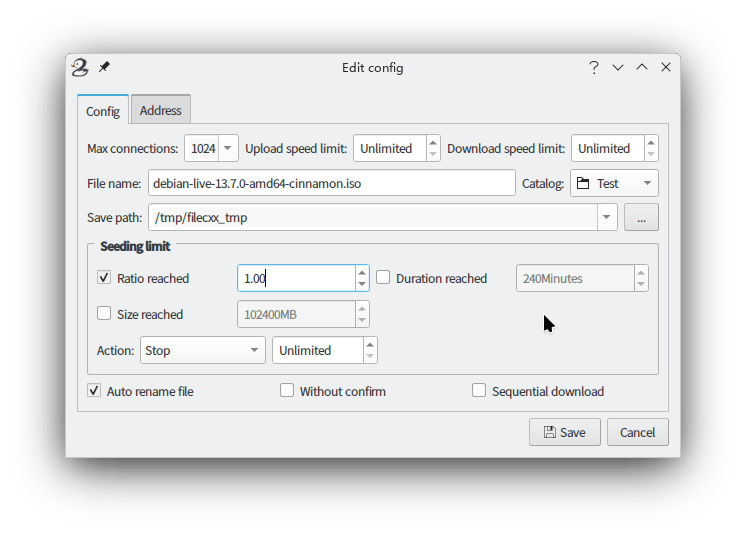
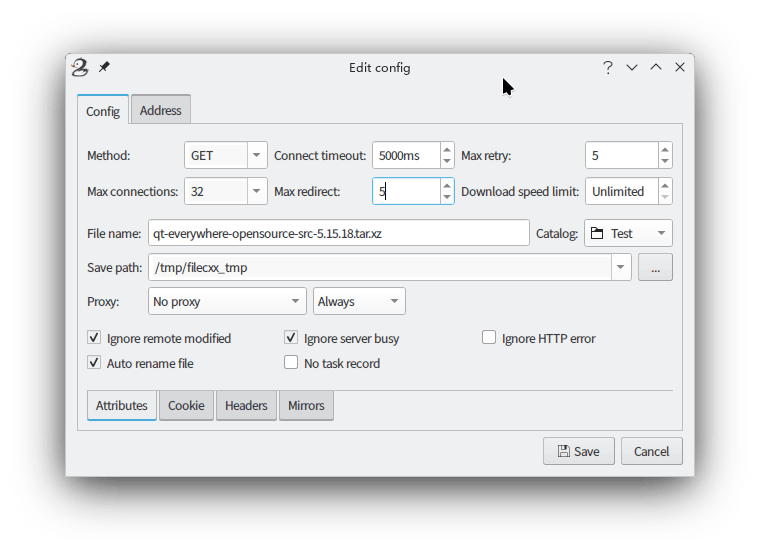
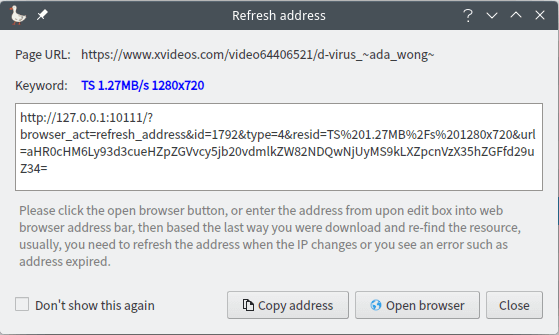
Task Confirmation Dialogs
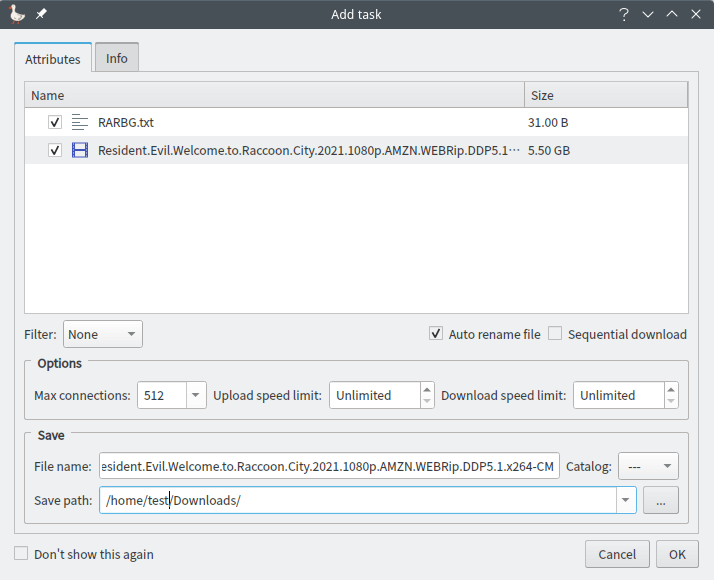
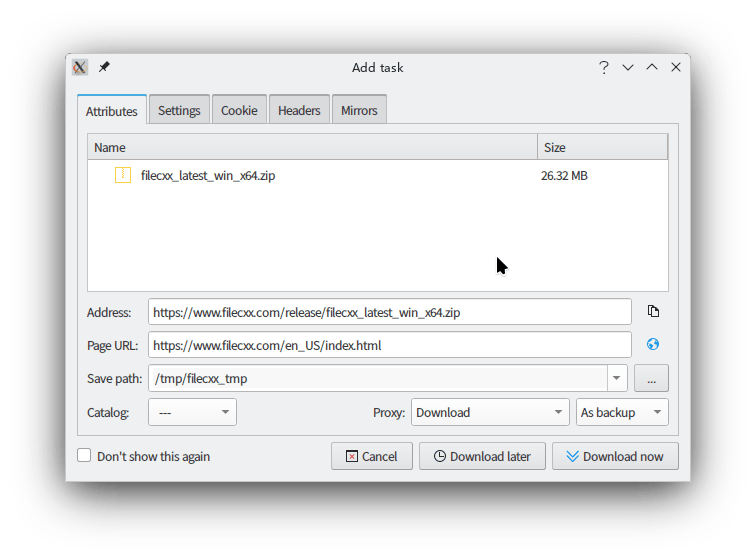
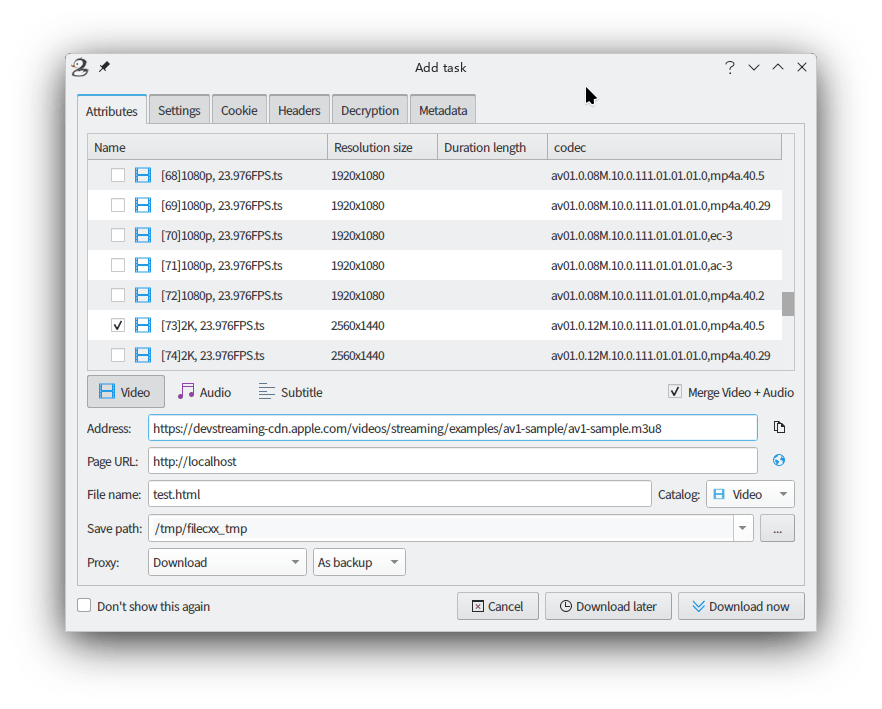
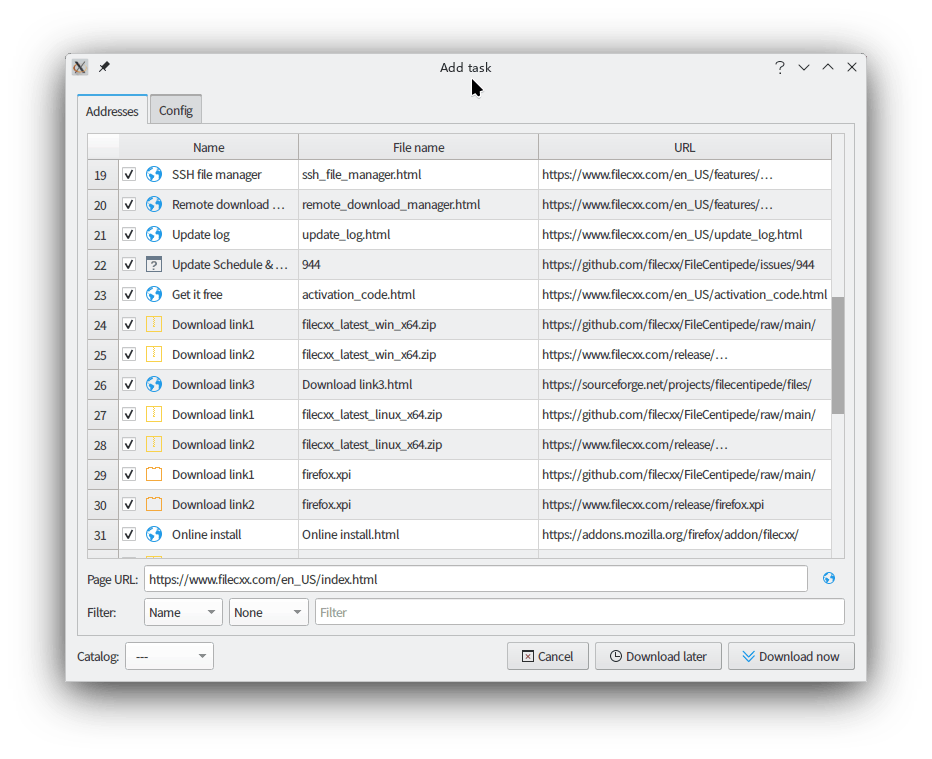
Categories and Settings
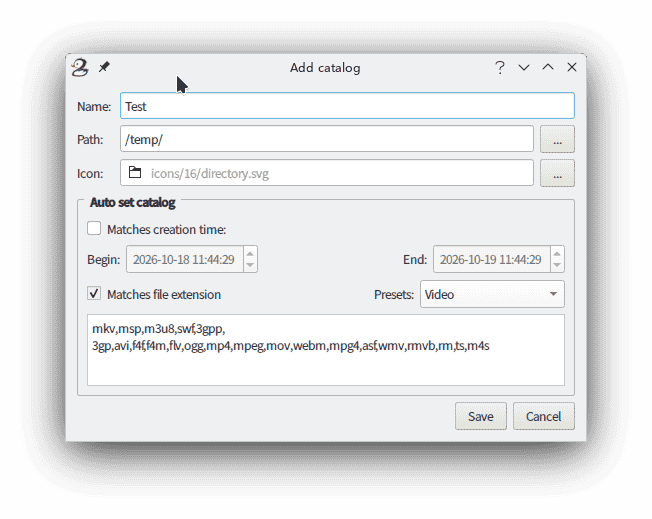
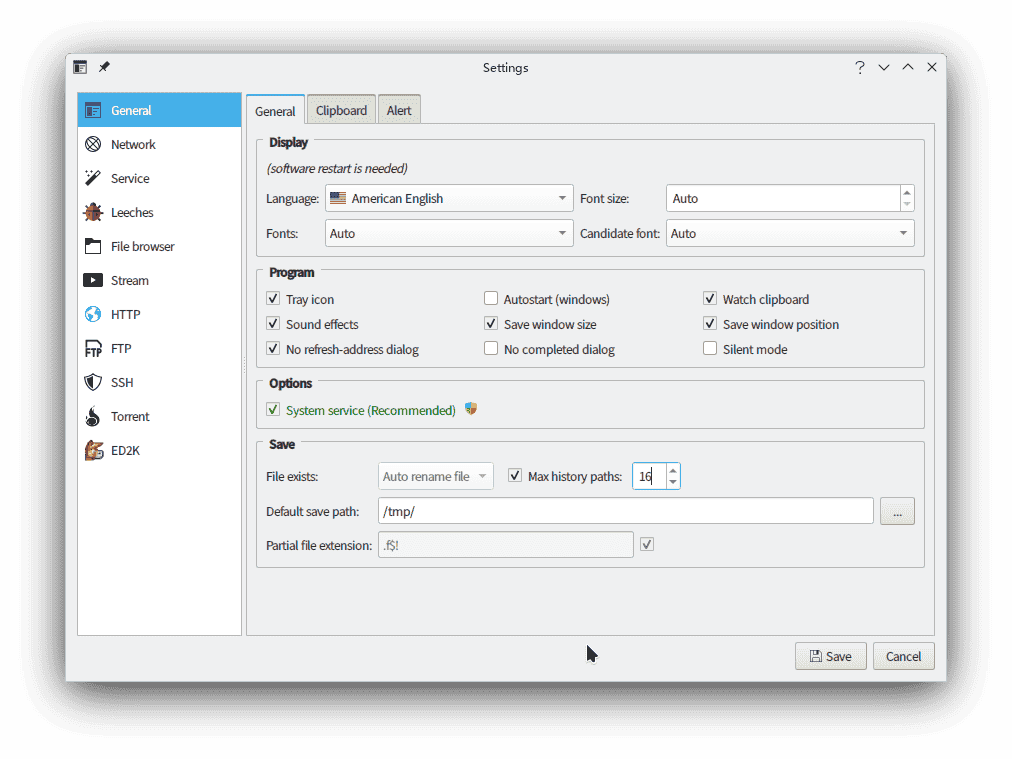
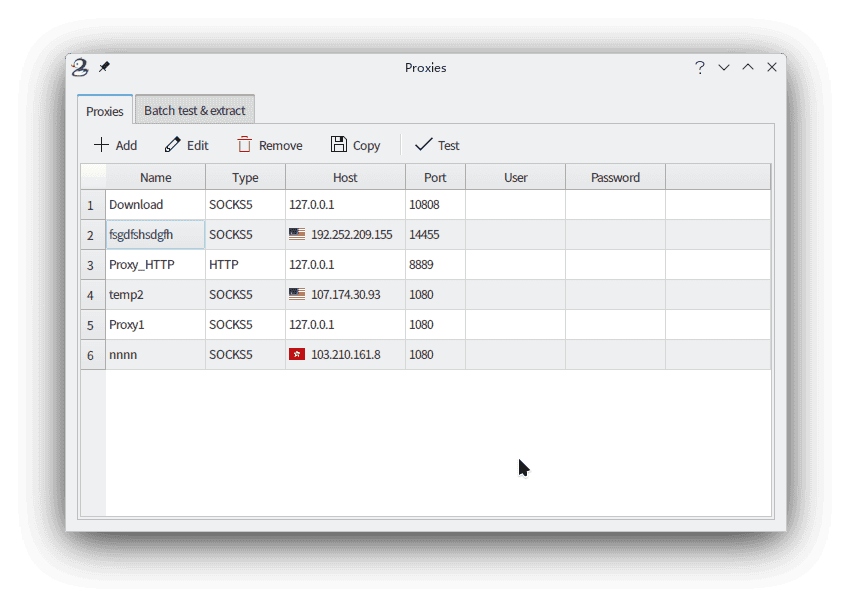
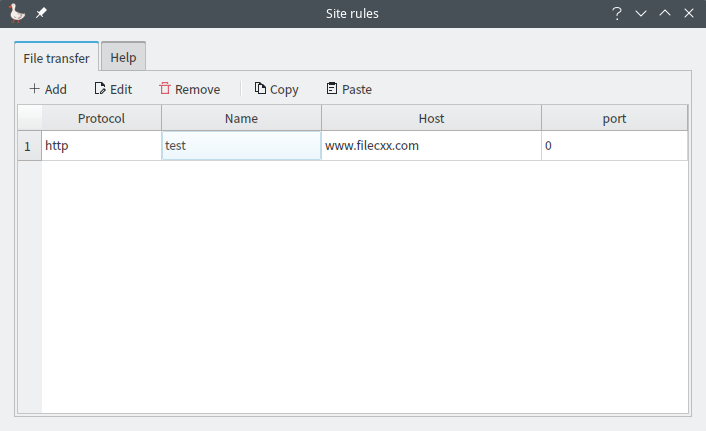
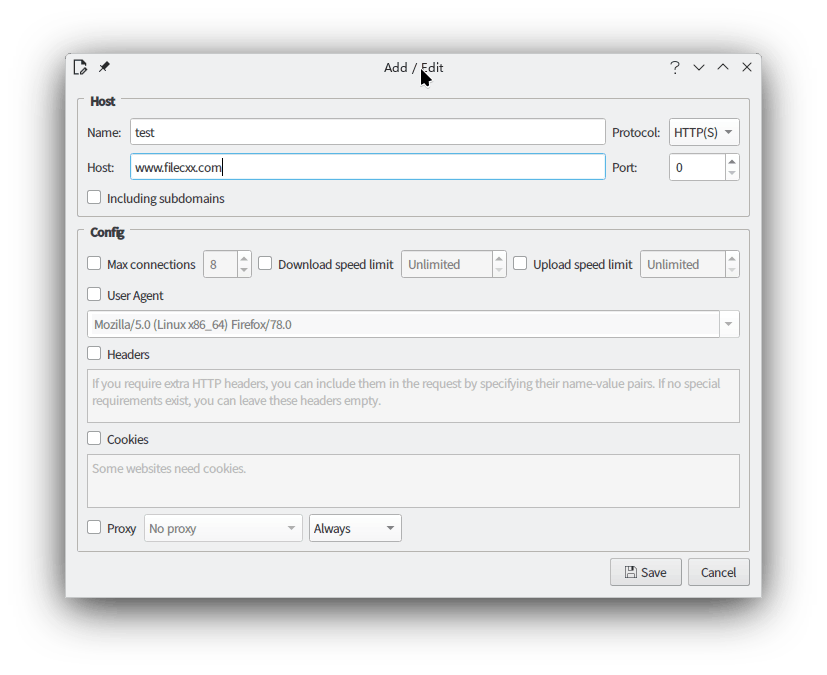
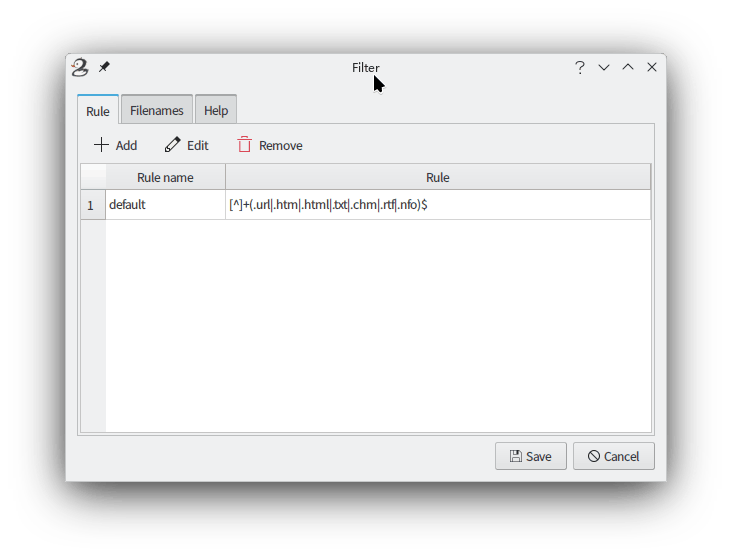
Site Rules and Filters
Other Features
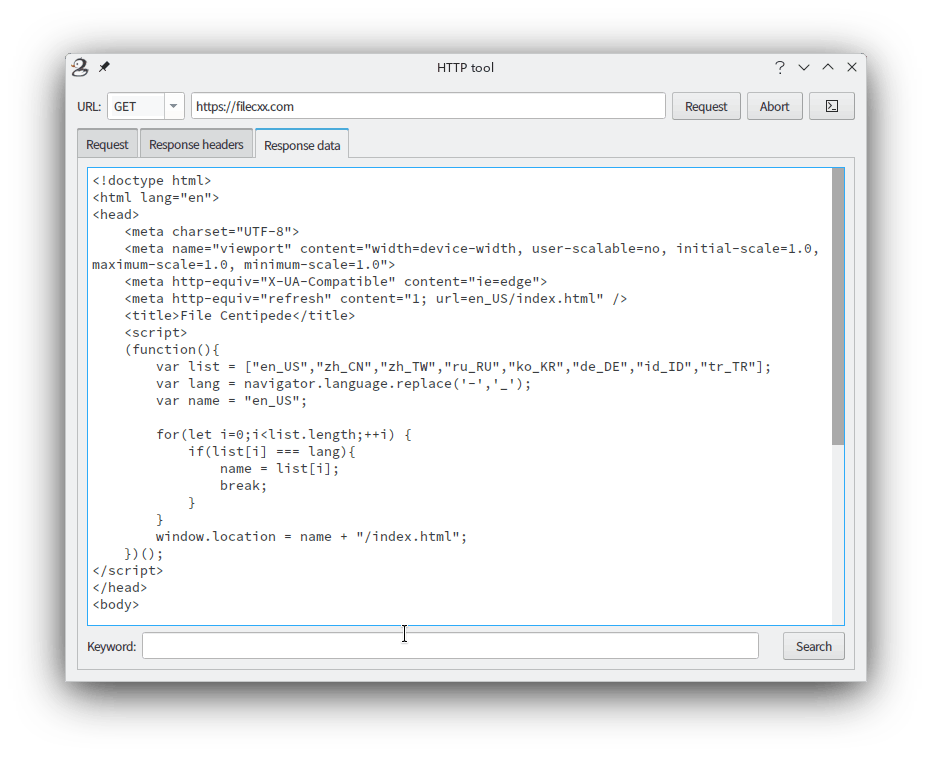
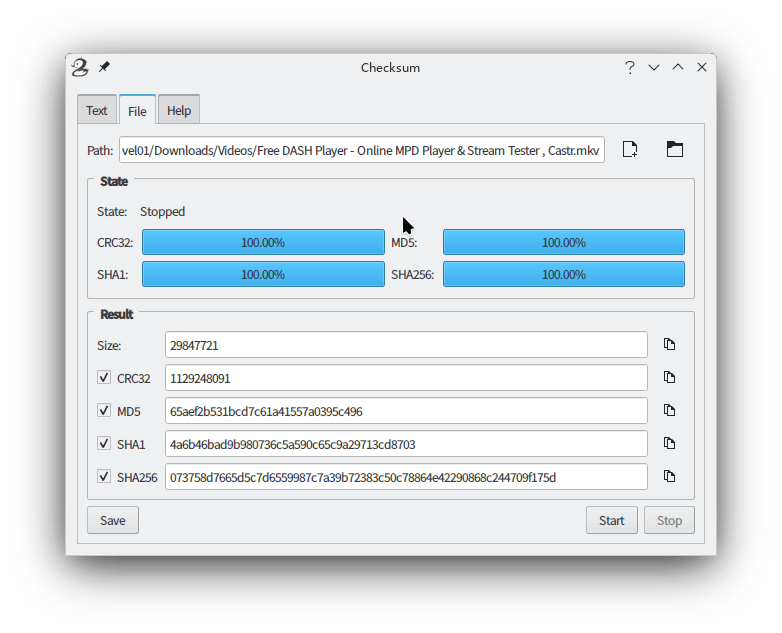
Browser Extension Screenshots
Video Toolbar
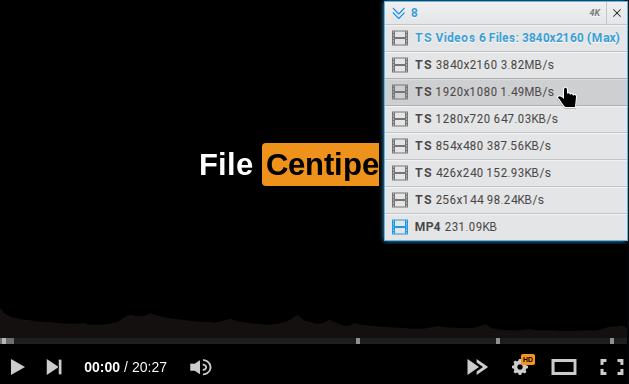
Videos Panel
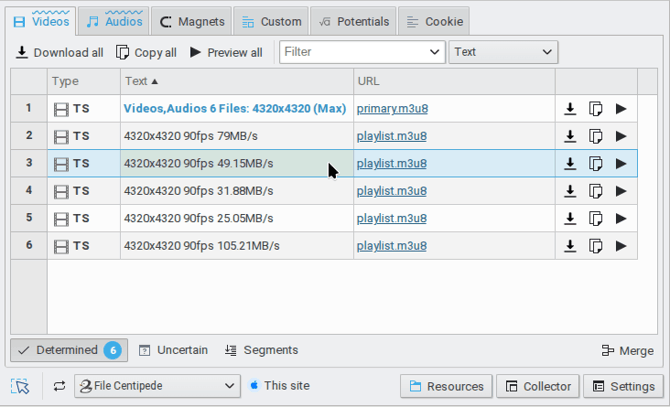
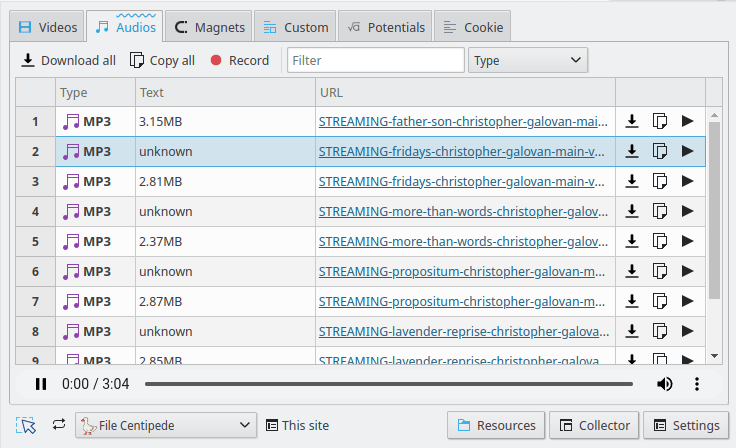
Audios Panel
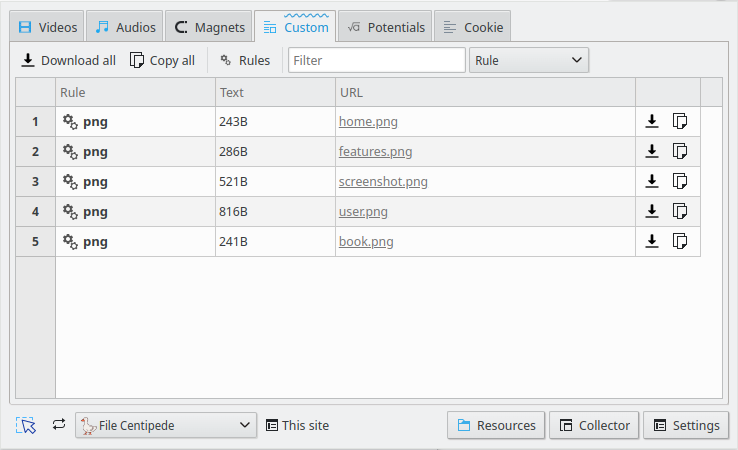
Custom Files Panel
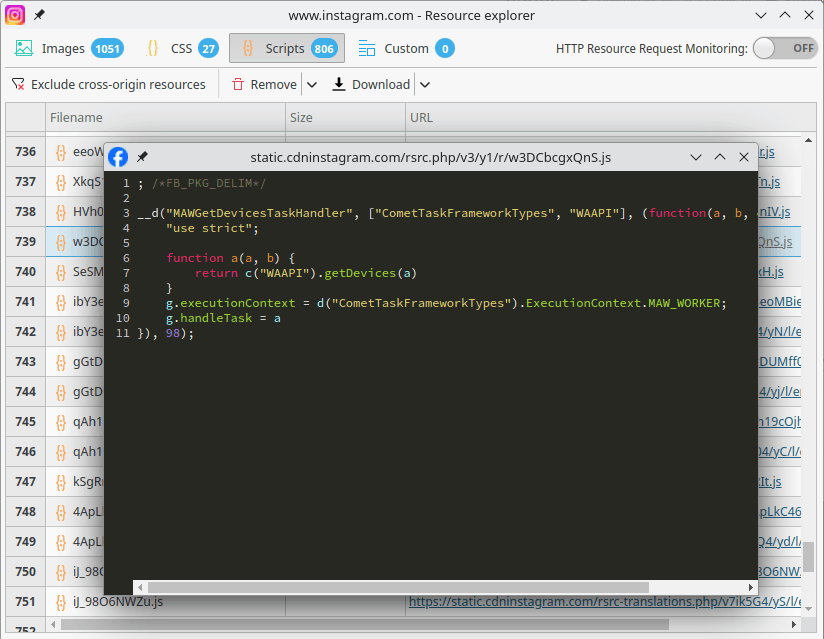
Resource Explorer: Images

Resource Explorer: Scripts
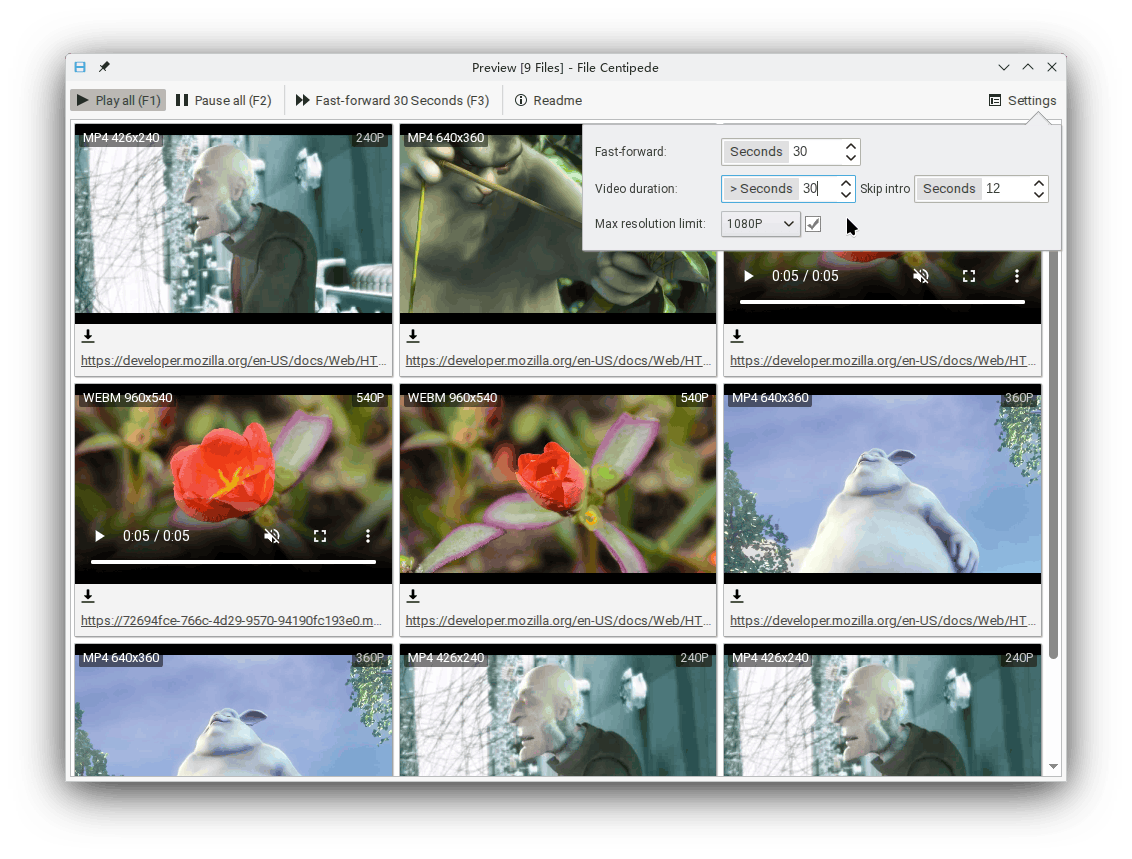
Video Preview
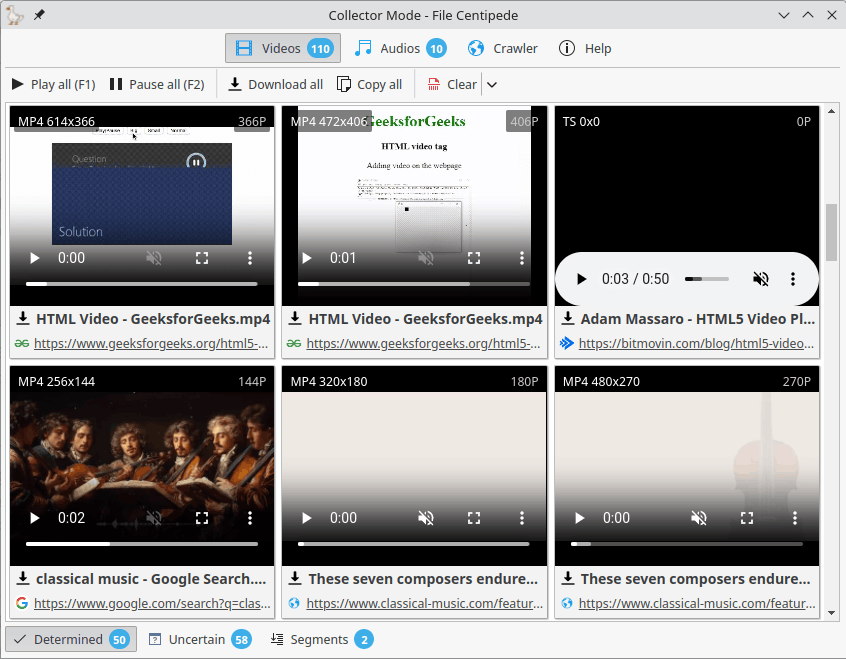
Video Collector
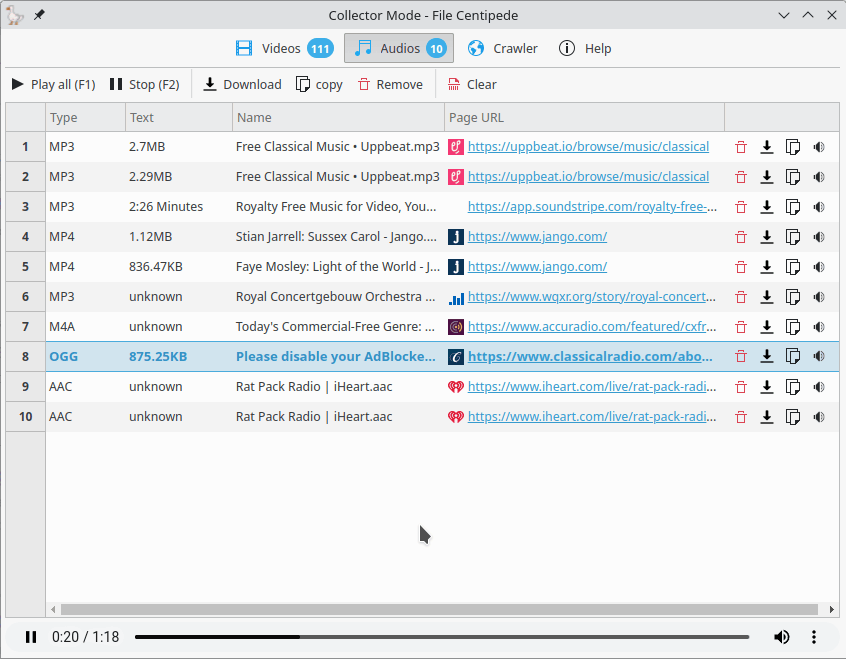
Audio Collector
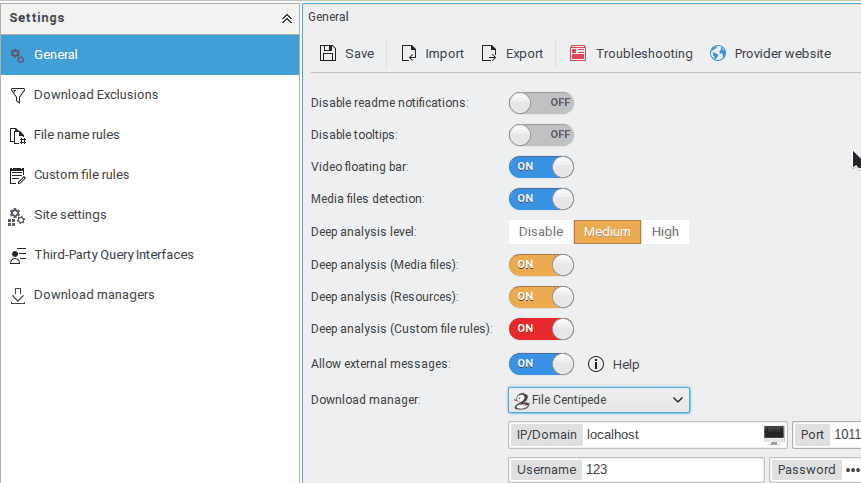
Extension Settings
Features
The following list highlights the major features introduced in each version. Basic HTTP and HTTPS download capabilities, such as Gzip support, resumable downloads, and multi-connection downloads, are not listed separately.
1.0 — Core Download Features and Utilities
- HTTP and HTTPS downloads
- FTP and FTPS downloads
- Magnet links and hash addresses
- BitTorrent downloads
- Custom protocols such as Thunder, FlashGet, and QQDL
- JSON-formatted download addresses
- M3U8 stream downloads
- AES-128 decryption for stream downloads (SAMPLE-AES decryption is not supported yet)
- Custom HTTP cookies, request headers, and User-Agent
- Torrent seeding limits
- Dynamic modification of download task settings
- Anti-leeching protection
- Refresh expired download addresses
- Download categories
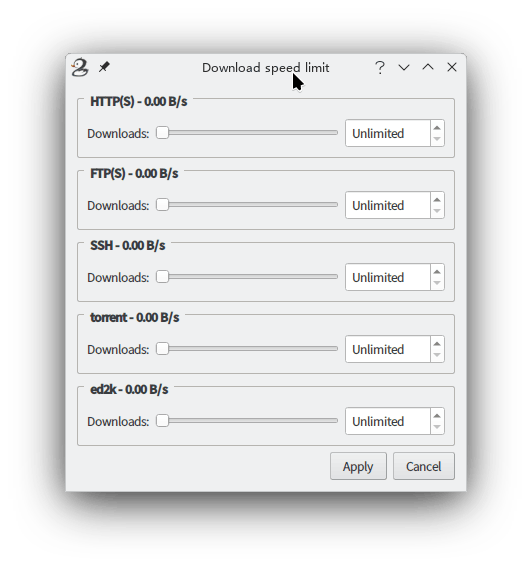
- Download and upload speed limits
- Custom address schemes (
filec,fileu) - Proxy management
- Custom filters
- Tracker management
- Download task details
- Export torrents from download tasks
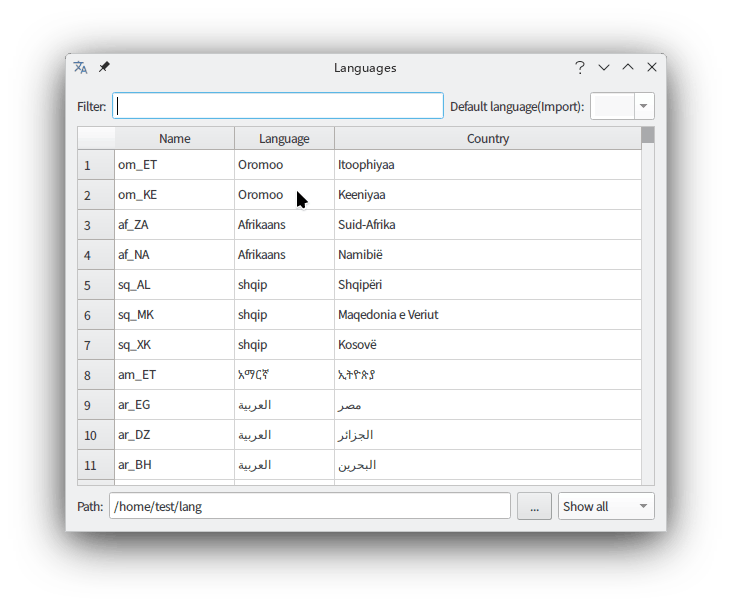
- Multi-language support
- Queued downloads or unlimited concurrency
- Chrome browser integration
- Firefox browser integration
- Capture videos and audio from web pages
- Find all Magnet links on a web page
- Translation tool
- HTTP tool
- URI encoding and decoding
- Base64 encoding and decoding
- Regular expression testing tool
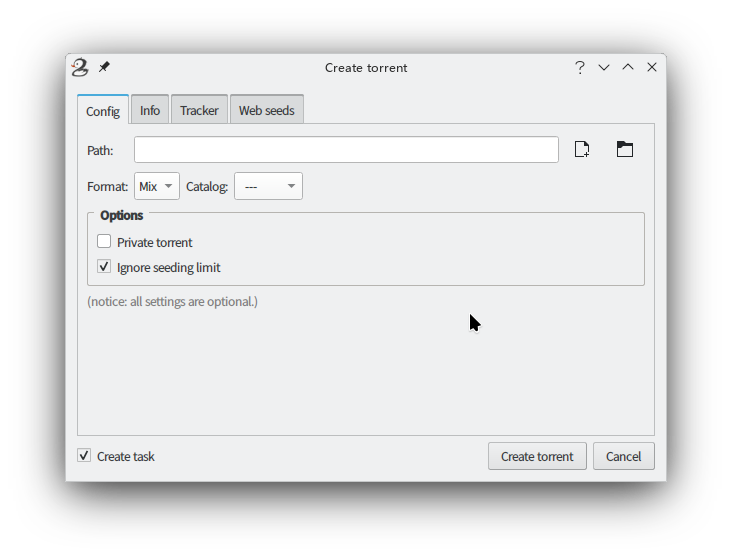
- Create torrents
- Convert torrents to Magnet links
- Convert Magnet links to torrent files
- File merging tool
- Statistics
1.6 — Web Link Downloads
- Download all links from a web page
2.0 — Remote File Management and Command-Line Integration
- SSH and SFTP protocols
- Command-line integration for curl, wget, aria2, and axel
- WebDAV protocol
- File uploads
- Directory uploads
- Directory downloads
- Full-featured WebDAV/WebDAVS file manager
- Full-featured FTP/FTPS file manager
- Full-featured SSH/SFTP file manager
- Persistent file browser caches
2.1 — Site Rules
- Site rule management
2.3 — File Verification
- Checksum tool
2.6 — Remote Downloads
- Remote downloads
2.9 — Streaming, Proxy, and Performance Enhancements
- TS video file transcoding and repair
- Built-in video and audio merging
- HTTPS proxy and SOCKS5 proxy support
- Batch proxy testing and extraction
- Use system proxy settings
- Multiple proxy modes: Always, If available, As Backup, and Round robin
- DASH (MPD) stream downloads
- Live stream downloads
- Stream task confirmation dialogs
- Multi-file stream tasks
- High-performance HTTP file server
- HTTP mirrors and CDN settings
- Automatic video and audio merging
- Gloryhole
- WebTorrent support
Help Improve Translations
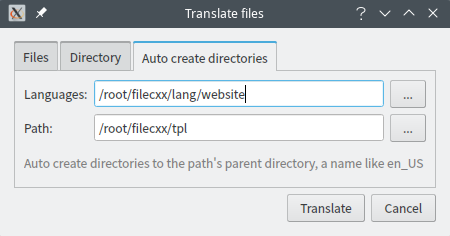
If you like this software, you can help make it available to more people by using the built-in translation tool to translate it into other languages.
Your contribution will help make the software accessible to users around the world. Every translation and improvement is appreciated.
Language Files
- Website:
lang/website/*.lang - Software:
lang/software/*.lang - Browser extension:
lang/browser_extension/*.lang
How to Translate the Website
Licensing and Source Code Policy
1. Platform Availability and Licensing
This software is free to use on Linux and FreeBSD.
On Windows, macOS, and other platforms, the software is distributed as paid software.
2. Website Templates and Localization
The entire website is built using static templates, which are located in the tpl directory.
You can use the built-in translation tool to generate a complete multilingual version of the website.
3. Open-Source Scope and Limitations
The frontend is open source and includes the SML source code used to implement the UI, along with the associated C++ source code. The backend remains closed source.
The publicly available frontend source code is primarily intended as a reference for software design and implementation. It cannot be used on its own to build the complete application.
This project depends on underlying C++ libraries that are commercially licensed, including the SML interpreter and other core libraries. These components are not provided as free, community-oriented software. Consequently, the publicly available source code alone is insufficient to build the complete application.
4. Requests for Additional Source Code
If you are developing a project from the ground up and genuinely need additional source code as a technical reference or foundation for your implementation, the developer may provide relevant source code free of charge, depending on the circumstances and within a reasonable scope, in an effort to help.
Questions
What is FileCentipede?
filecxx/FileCentipede is a public repo on GitHub by filecxx. Cross-platform internet upload/download manager for HTTP(S), FTP(S), SSH, magnet-link, BitTorrent, m3u8, mpd, ed2k, and online videos. WebDAV client, FTP client, SSH client.
Is FileCentipede open source?
It declares no license on GitHub. Public does not mean open source: without a license, nobody is granted the right to reuse it.


