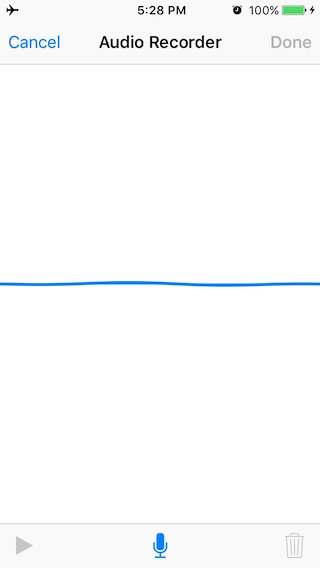
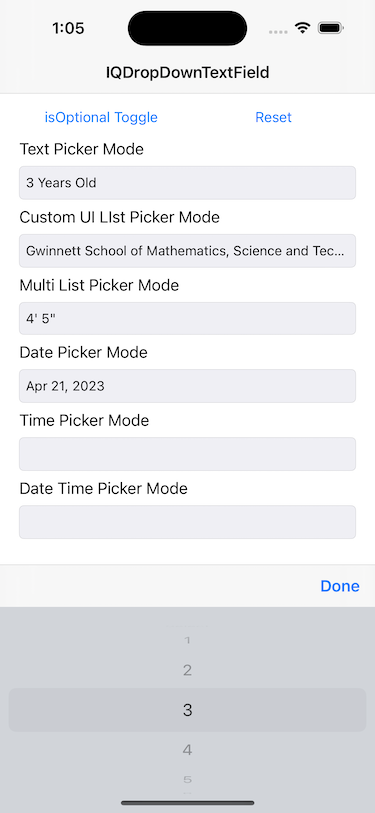
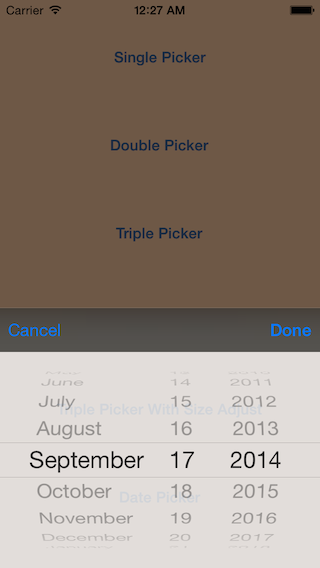
IQListKit
Model driven UITableView/UICollectionView
- 69
- MIT
- 20 mo ago
Repo hackiftekhar/IQListKit, read from GitHub 1 min ago. hackiftekhar has not joined Take My Repo.
In short
hackiftekhar/IQListKit is a public repo on GitHub by hackiftekhar. Model driven UITableView/UICollectionView. It declares the MIT license on GitHub. It is written mainly in Swift, has 69 stars and last changed on 2025-03-18. Nobody has reviewed it on Take My Repo yet, which says nothing about its quality. Read from GitHub on 2026-11-22.
🏆 IQListKit
Model-Driven UITableView and UICollectionView in Swift
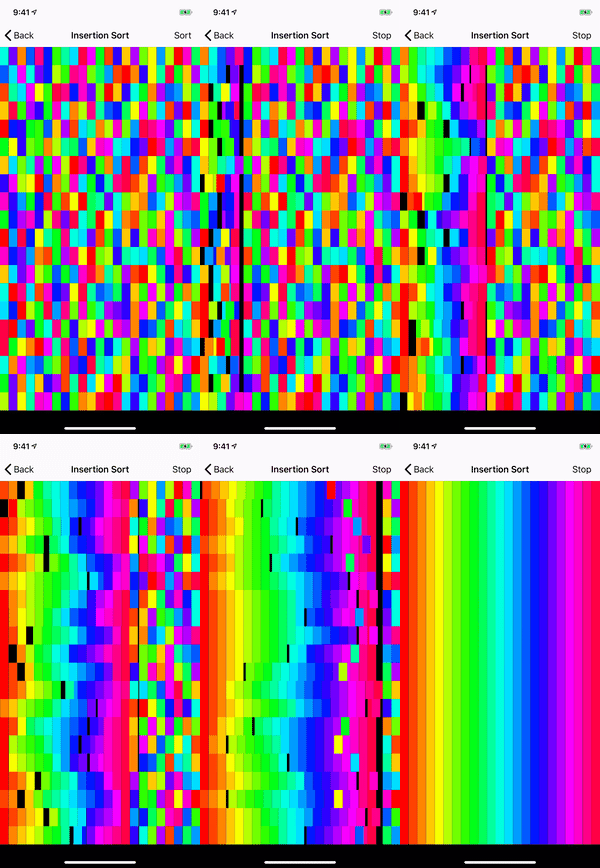
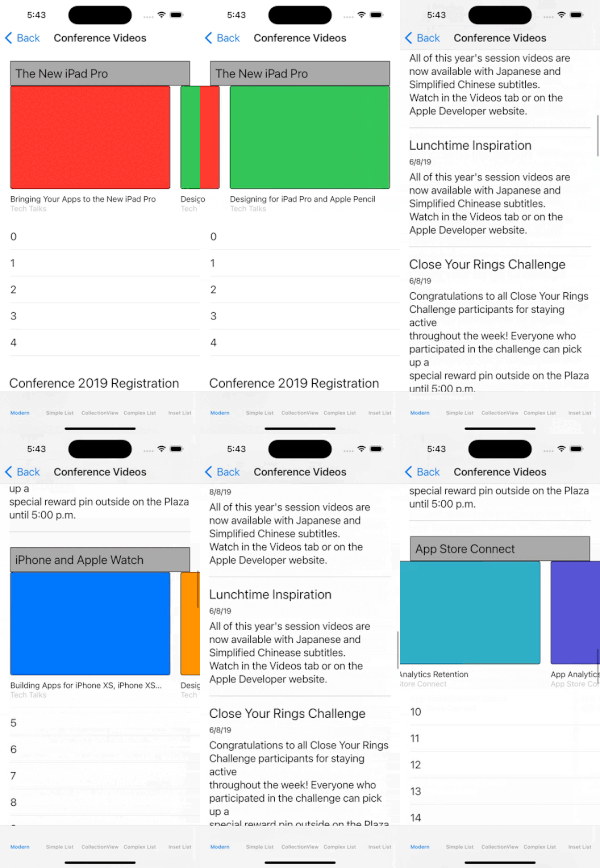
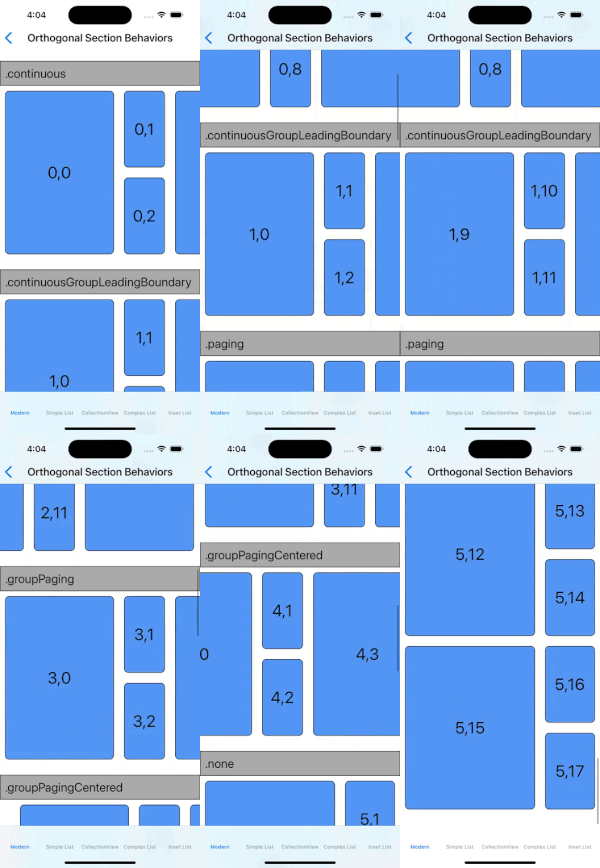
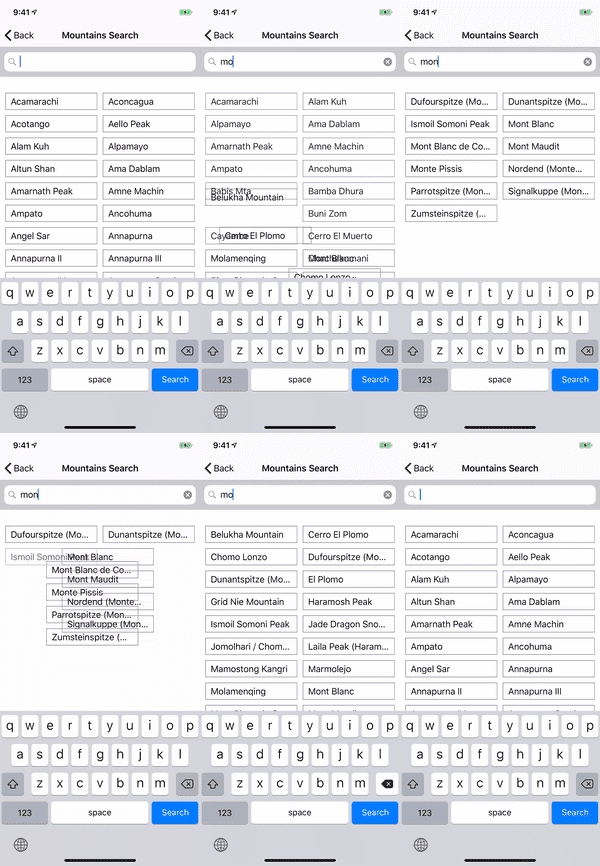
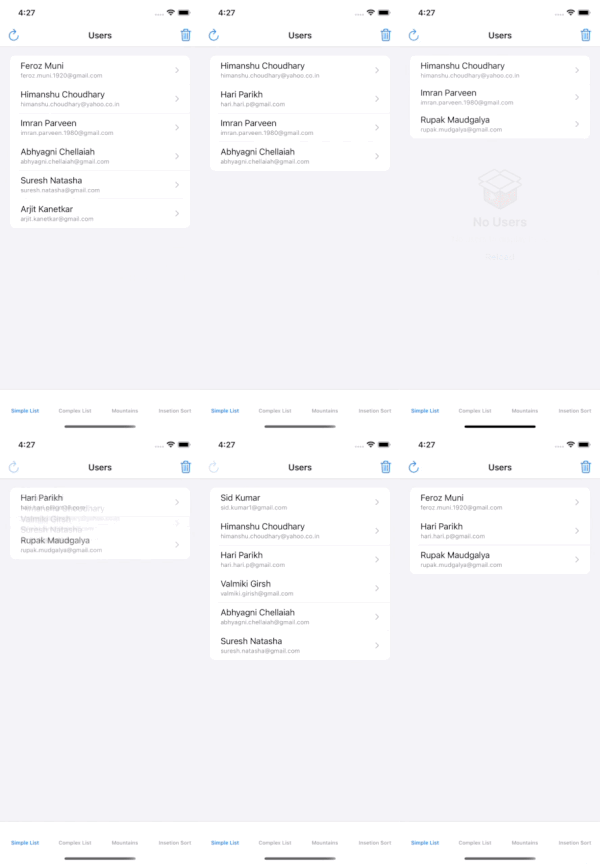
🚀 Why IQListKit?
IQListKit simplifies working with UITableView and UICollectionView by eliminating the need to implement dataSource methods manually. Just define your sections, models, and cell types — IQListKit takes care of the rest, including:
✅ Automatic diffing and animations
✅ Clean and reusable code
✅ Single API for both UITableView and UICollectionView
🎯 Features
- ✅ Unified API – Works with both
UITableViewandUICollectionView - ✅ Diffable Data Source – Smooth animations and state updates
- ✅ Declarative Syntax – Cleaner and more concise code
- ✅ Custom Headers/Footers – Easy to implement and manage
- ✅ Reusable Cells – No more
dequeueReusableCellhassles
📋 Requirements
| Version | Swift | iOS Target | Xcode Version |
|---|---|---|---|
| IQListKit 1.1.0 | Swift 5.7+ | iOS 9.0+ | Xcode 11+ |
| IQListKit 4.0.0+ | Swift 5.7+ | iOS 13.0+ | Xcode 14+ |
| IQListKit 5.0.0+ | Swift 5.7+ | iOS 13.0+ | Xcode 14+ |
📦 Installation
▶️ Swift Package Manager
- Open Xcode → File → Add Package Dependency
- Enter URL:
https://github.com/hackiftekhar/IQListKit.git - Select the version and install.
▶️ CocoaPods
Add to your Podfile:
pod 'IQListKit'
▶️ Manual Installation
- Clone the repository.
- Drag and drop the
IQListKitfolder into your project.
🛠️ How to Use IQListKit
Let’s build a user list in 5 simple steps!
1️⃣ Create a Model
Make sure your model conforms to Hashable:
struct User: Hashable {
    let id: Int
    let name: String
}
2️⃣ Create a Cell
Create a cell that conforms to IQModelableCell:
class UserCell: UITableViewCell, IQModelableCell {
    @IBOutlet var nameLabel: UILabel!

    struct Model: Hashable {
        let user: User
    }

    var model: Model? {
        didSet {
            nameLabel.text = model?.user.name
        }
    }
}
3️⃣ Set Up the List
Create a list in your UIViewController:
class UsersViewController: UIViewController {

    private lazy var list = IQList(listView: tableView, delegateDataSource: self)
    private var users = [User(id: 1, name: "John"), User(id: 2, name: "Jane")]

    override func viewDidLoad() {
        super.viewDidLoad()
        loadData()
    }
}
4️⃣ Provide Data
Provide data directly to IQListKit:
func loadData() {
    list.reloadData { [users] builder in

        let section = IQSection(identifier: "Users")
        builder.append([section])

        let models: [UserCell.Model] = users.map { .init(user: $0) }
        builder.append(UserCell.self, models: models, section: section)
    }
}
5️⃣ Handle Selection
Handle user selection easily:
extension UsersViewController: IQListViewDelegateDataSource {
    func listView(_ listView: IQListView, didSelect item: IQItem, at indexPath: IndexPath) {
        if let model = item.model as? UserCell.Model {
            print("Selected user: \(model.user.name)")
        }
    }
}
🧰 Using the Wrapper Class
If you would like to display a single-section list of similar objects in a UITableView or UICollectionView, IQListKit provides a convenient IQListWrapper class to handle all the boilerplate code for you.
▶️ Setup with IQListWrapper
You can set up IQListWrapper in just a few lines of code:
class UsersViewController: UIViewController {

    @IBOutlet var tableView: UITableView!

    private lazy var listWrapper = IQListWrapper(listView: tableView,
                                                 type: UserCell.self,
                                                 registerType: .nib,
                                                 delegateDataSource: self)
    private var users = [User(id: 1, name: "John"), User(id: 2, name: "Jane")]

    override func viewDidLoad() {
        super.viewDidLoad()
        loadData()
    }

    func loadData() {
        listWrapper.setModels(users, animated: true, completion: nil)
    }
}
The IQListWrapper class reduces complexity by handling the setup and data binding automatically, making it ideal for quick implementations!
📖 Documentation
- Delegate, DataSource and Cell Configuration Guide
- Workaround Guide
- IQListKit Presentation
- Modern Collection View
🏆 Best Practices
- Always handle cell reuse correctly to avoid glitches.
- Use lightweight models for better memory usage.
❤️ Contributions
Contributions are welcome!
- Report issues
- Submit pull requests
- Improve documentation
📄 License
IQListKit is distributed under the MIT license.
👨💻 Author
Iftekhar Qureshi
- GitHub Sponsors: Support my open-source work
- PayPal: PayPal
- Buy Me a Coffee: Support here
- Twitter: @hackiftekhar
- Website: hackiftekhar.com
⭐️ Star the repo on GitHub if you like it!
Questions
What is IQListKit?
hackiftekhar/IQListKit is a public repo on GitHub by hackiftekhar. Model driven UITableView/UICollectionView.
Is IQListKit open source?
It declares the MIT license on GitHub.
Does IQListKit run on macOS, Windows or Linux?
Its maker tagged it for macOS. That is declared by the maker; Take My Repo has not tested it.
How do I install IQListKit?
Open "Take it" on its page: Take My Repo writes an install plan for your machine and hands it to your AI agent (Claude Code, Codex or Cursor), which asks you before each step. Take My Repo has not tested it on any machine.
Is IQListKit still maintained?
Its last change on GitHub was on 2025-03-18. GitHub counts 0 open issues and pull requests. Take My Repo does not judge from that whether it is maintained.
What do people who ran IQListKit say?
Nobody has reviewed it on Take My Repo yet, which says nothing about its quality.