django-ecommerce-project-amazon-clone
Complete Django Ecommerce Project Course Tutorial Based on Amazon Clone "SuperCodersStore"
- 298
- JavaScript
- 2 y ago
Complete Amazon Clone Ecommerce with Inventory Management System Using Using Django and React
Repo hackstarsj/AmazonCloneEcommerceProjectUsingDjangoReact, read from GitHub 33 min ago. hackstarsj has not joined Take My Repo.
hackstarsj/AmazonCloneEcommerceProjectUsingDjangoReact is a public repo on GitHub by hackstarsj. Complete Amazon Clone Ecommerce with Inventory Management System Using Using Django and React. It declares no license on GitHub. Public does not mean open source: without a license, nobody is granted the right to reuse it. It is written mainly in Python, has 57 stars and last changed on 2024-08-28. Nobody has reviewed it on Take My Repo yet, which says nothing about its quality. Read from GitHub on 2026-11-22.
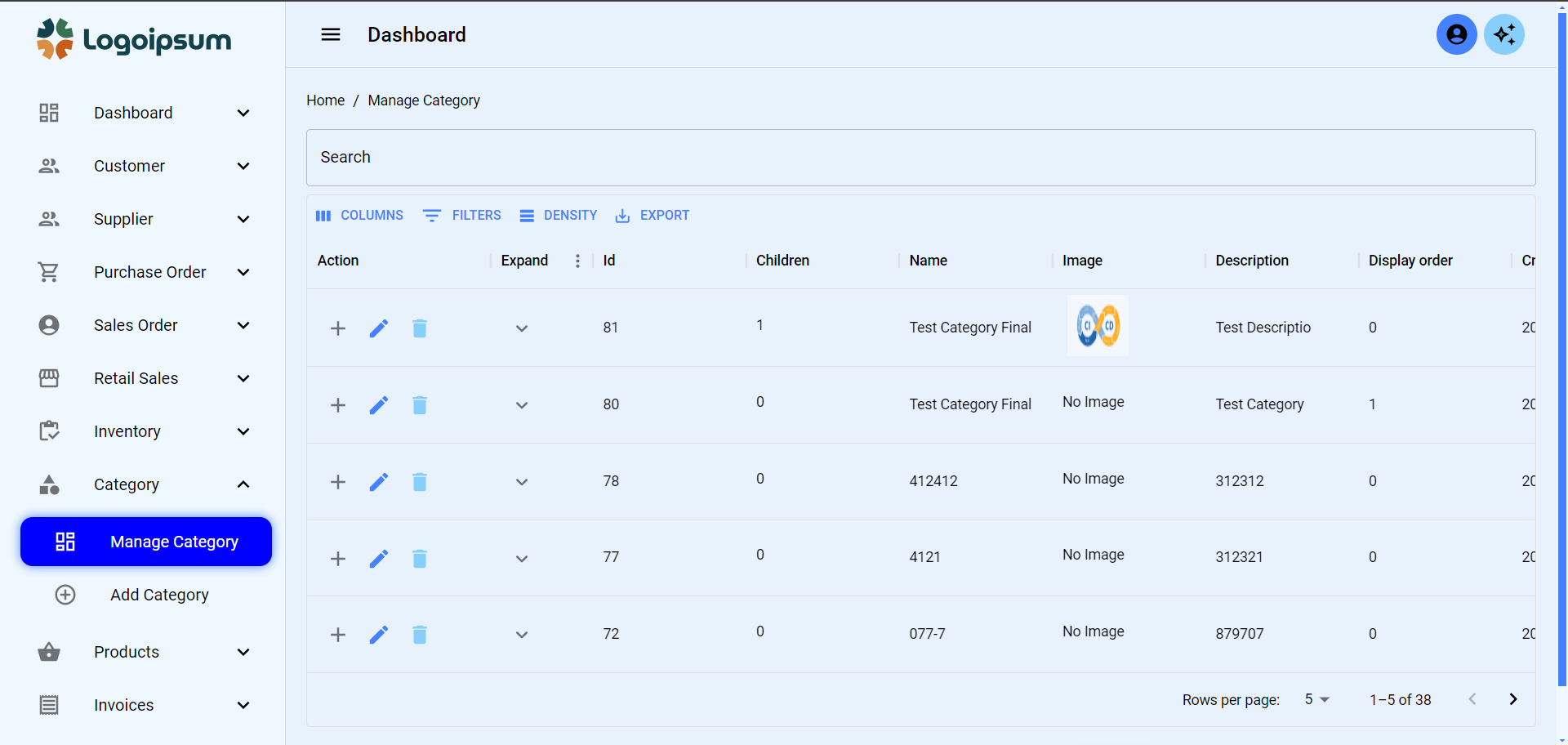
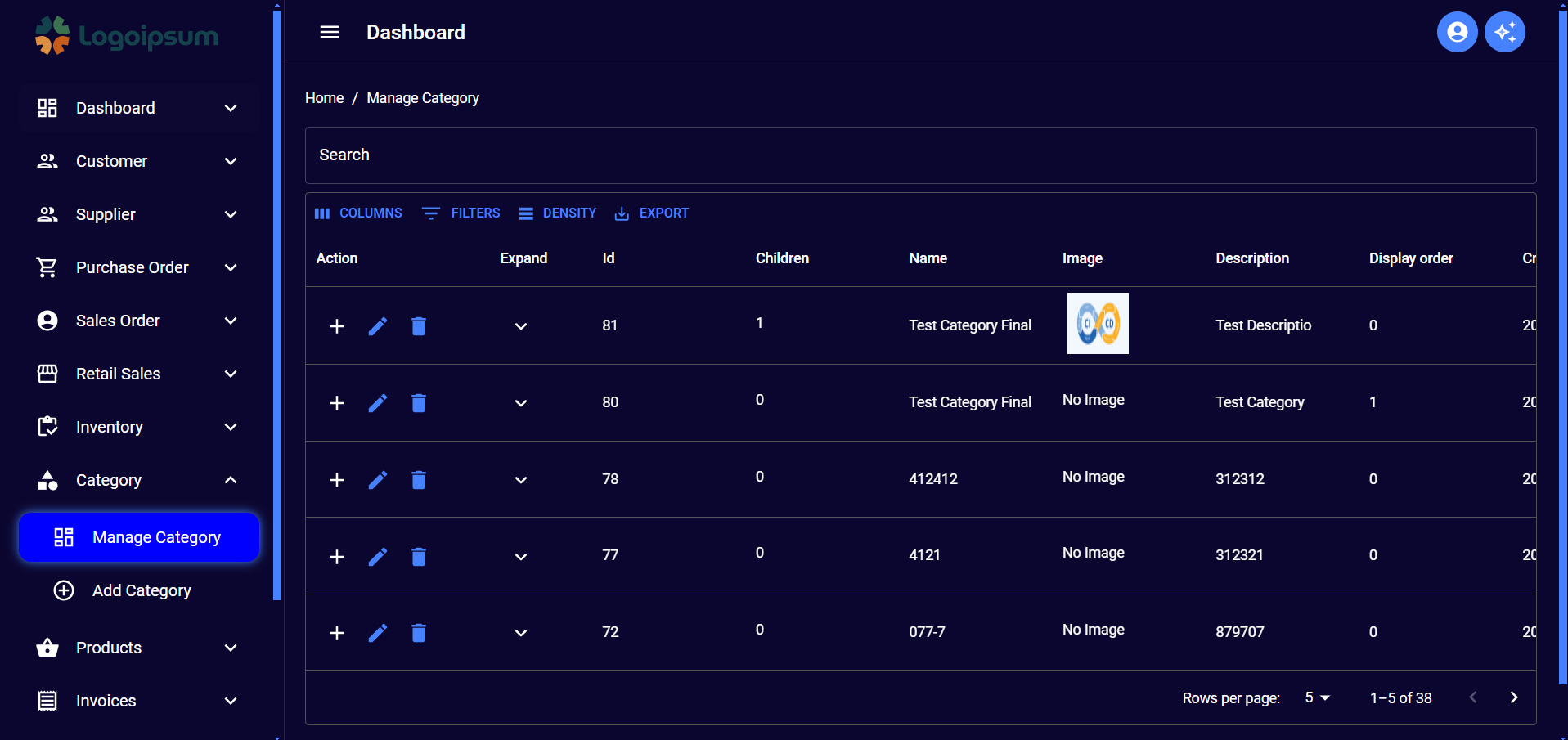
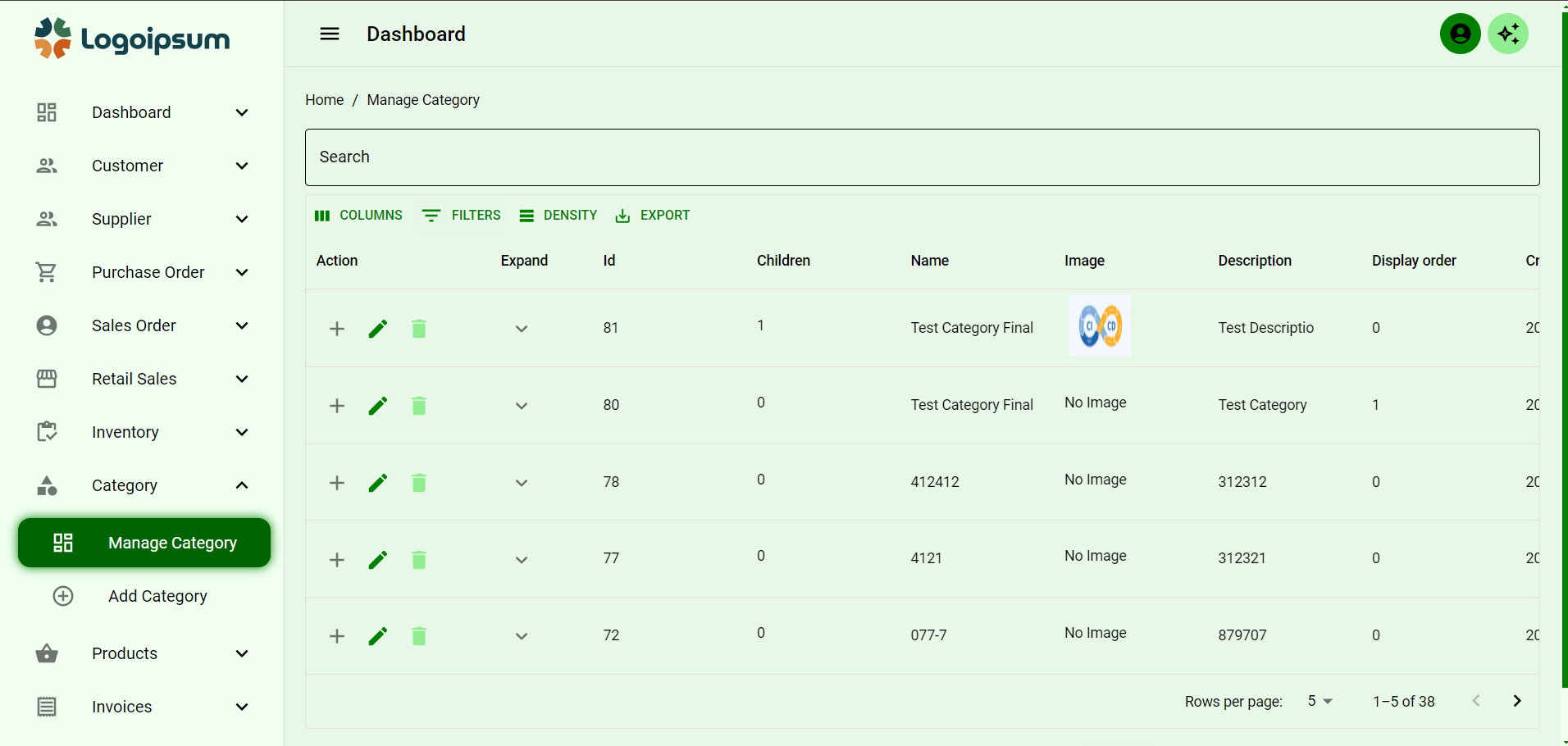
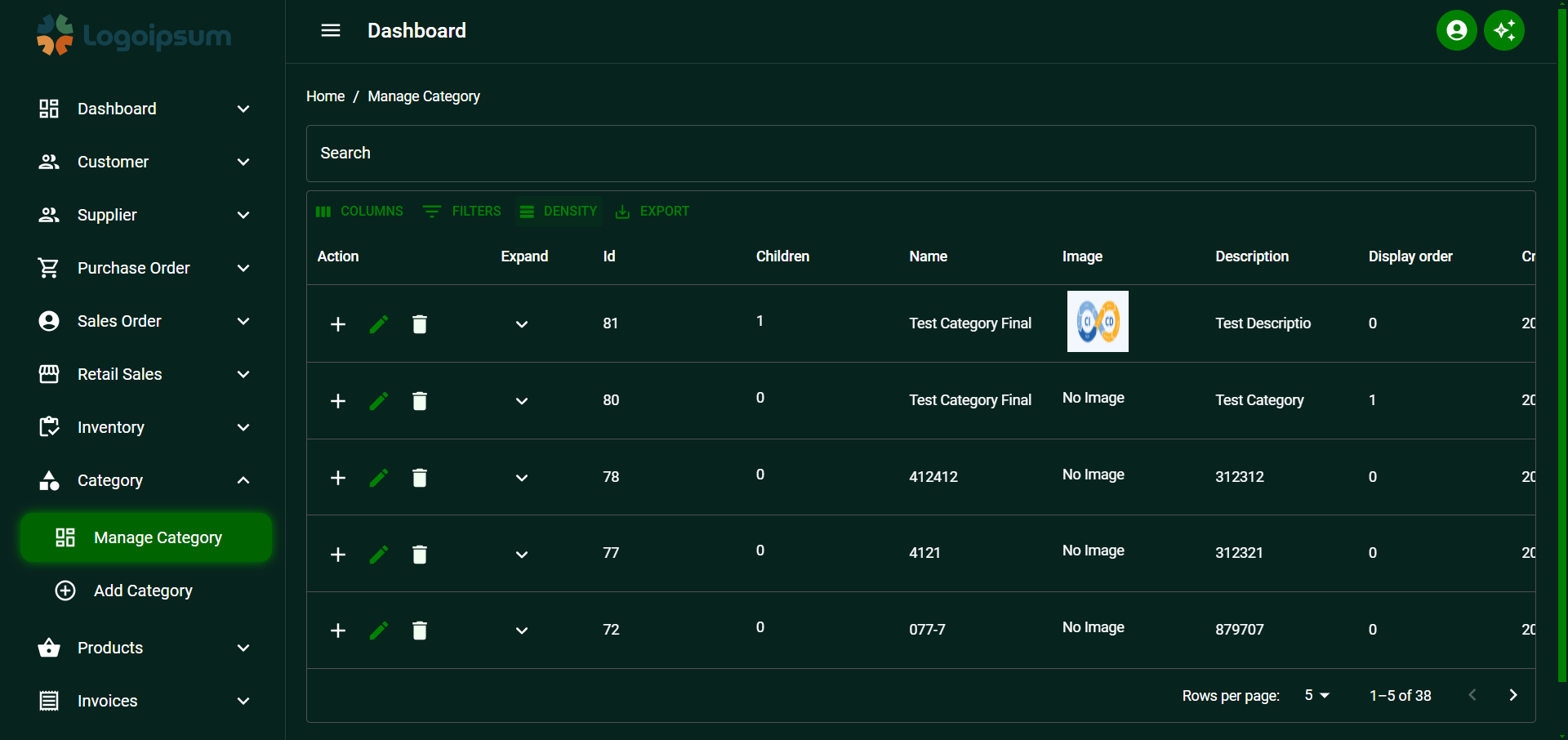
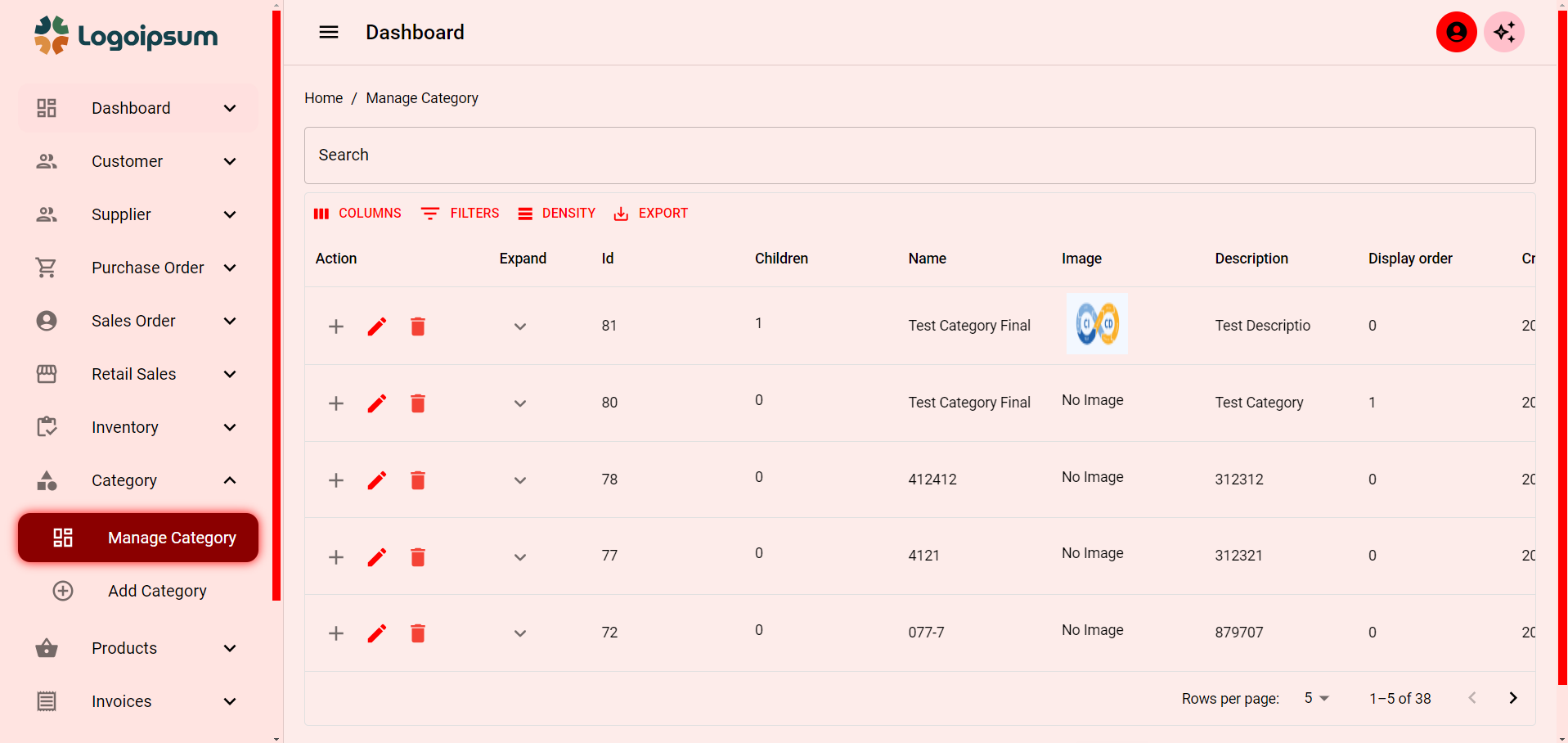
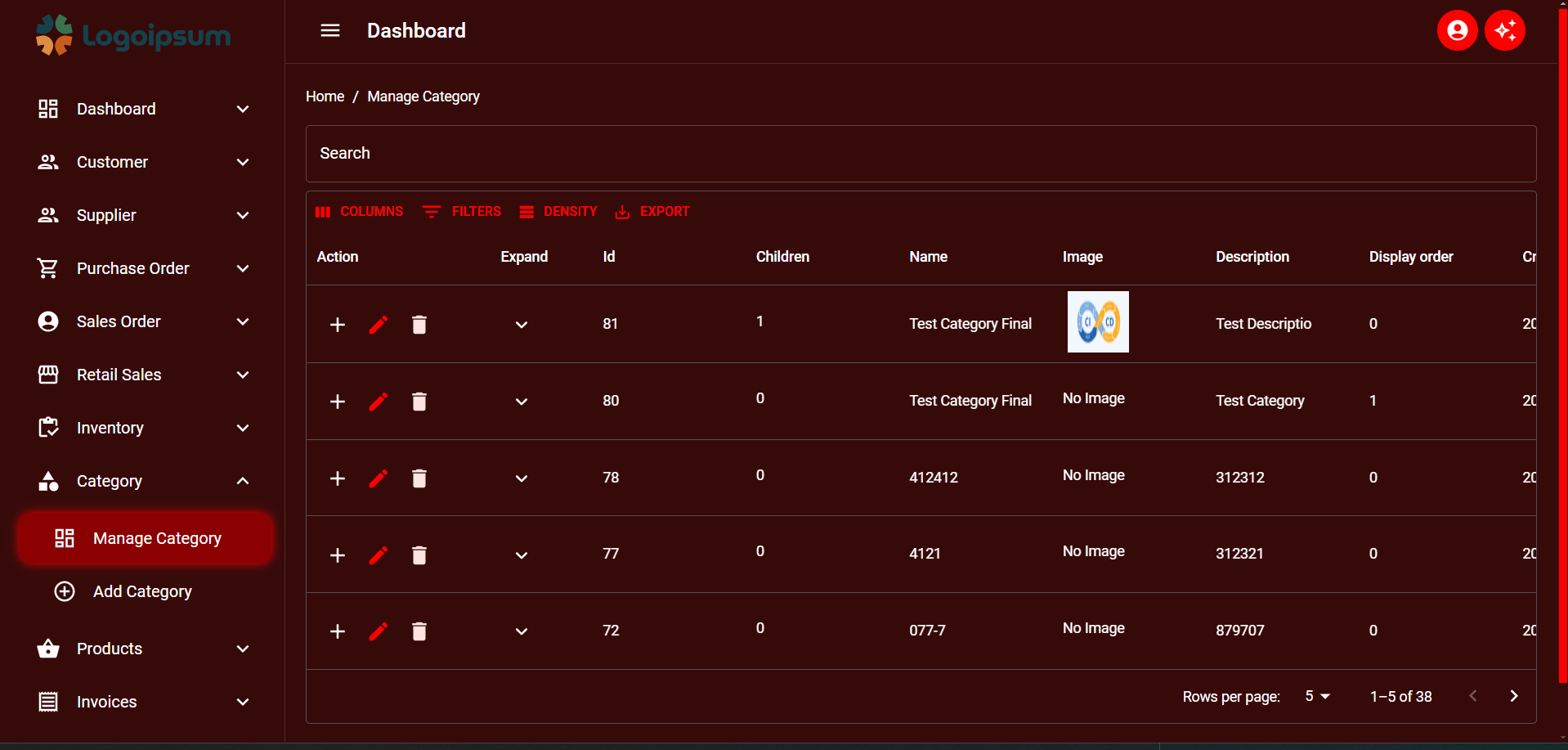
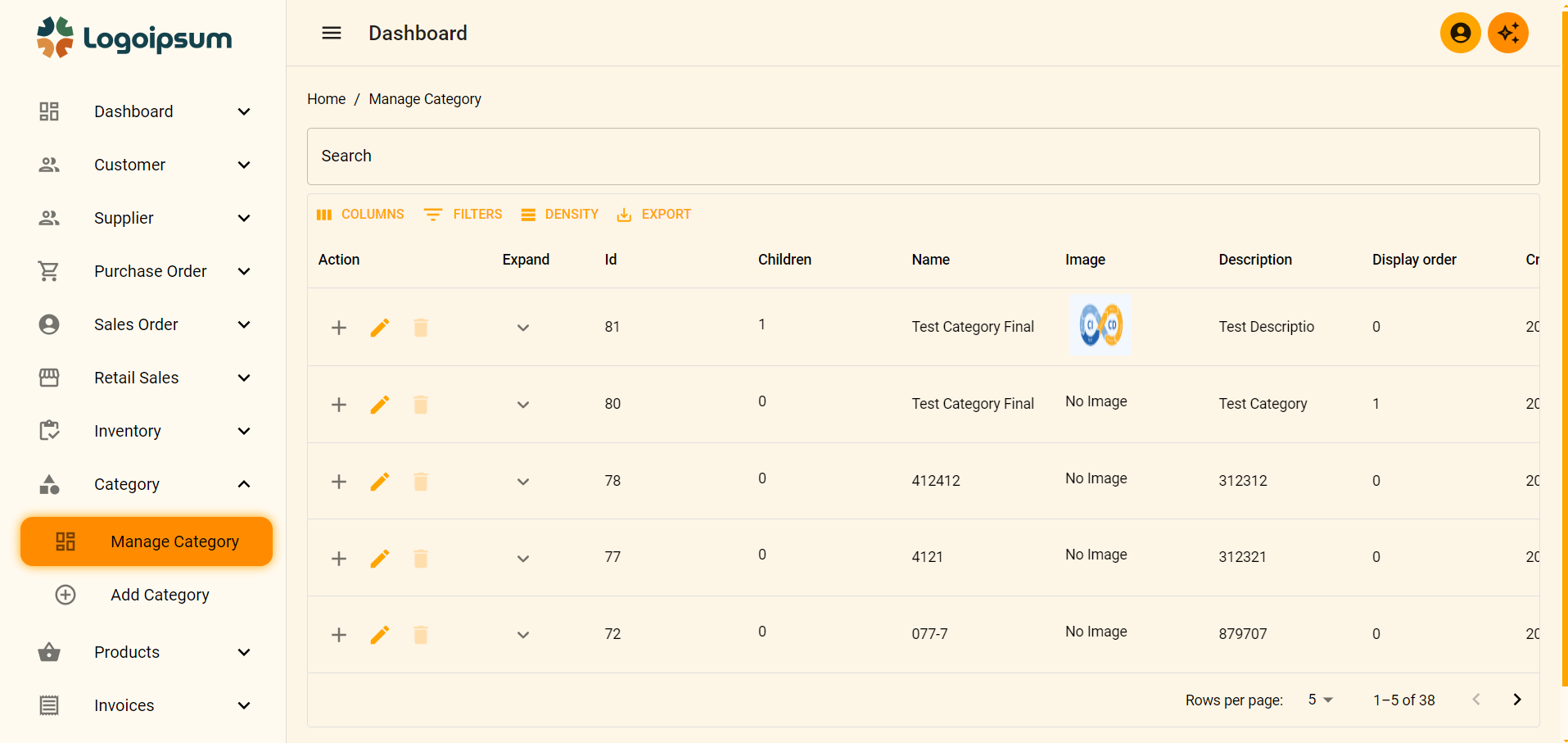
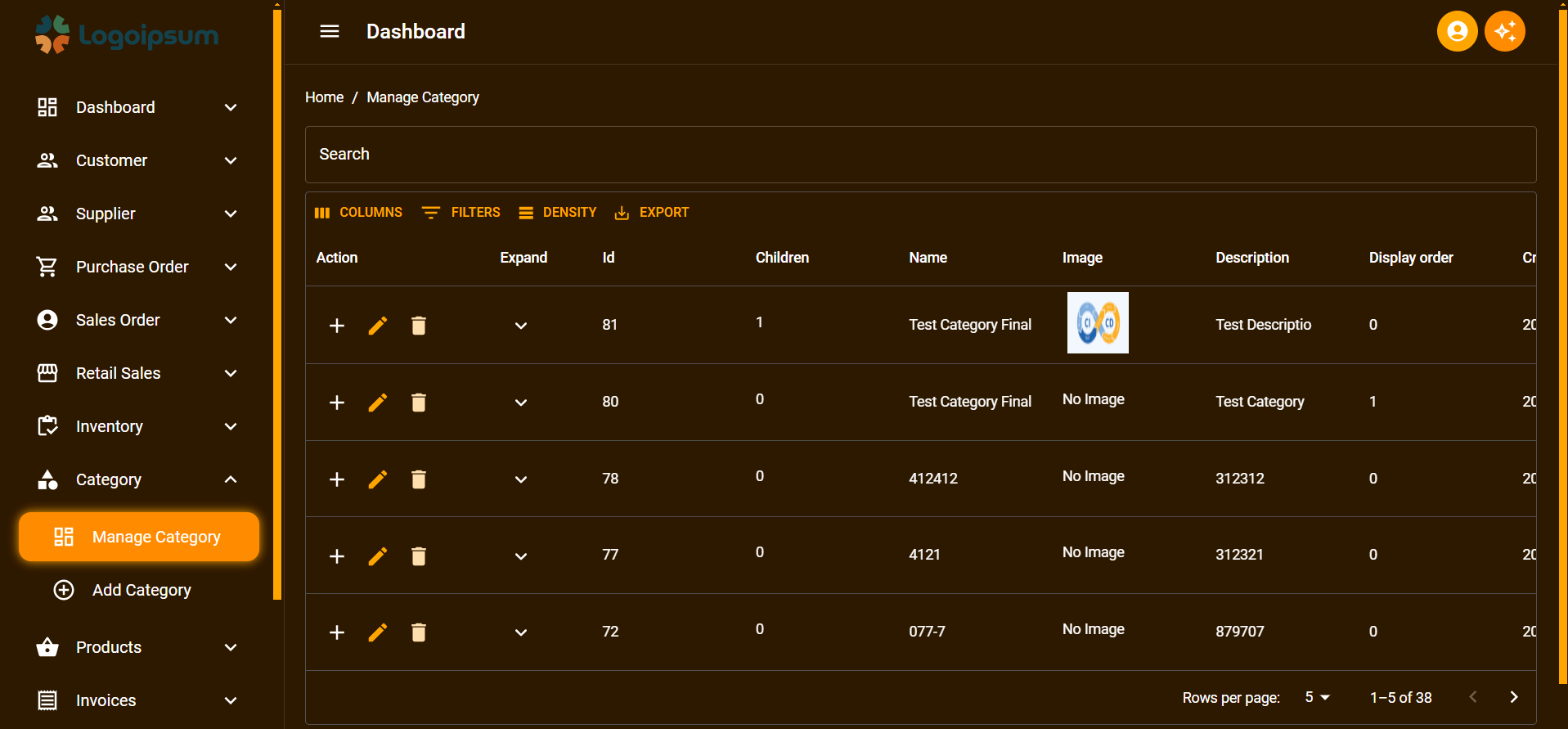
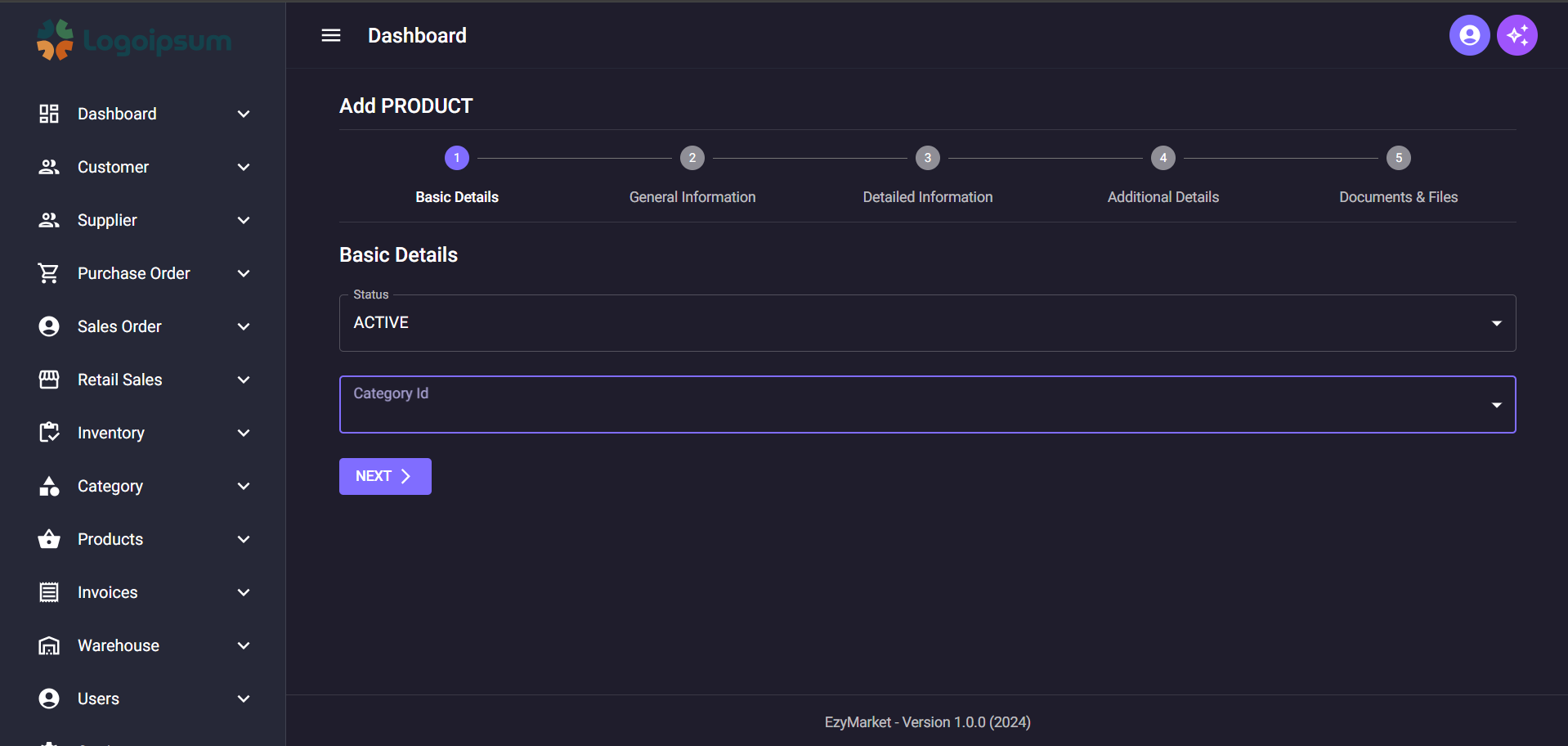
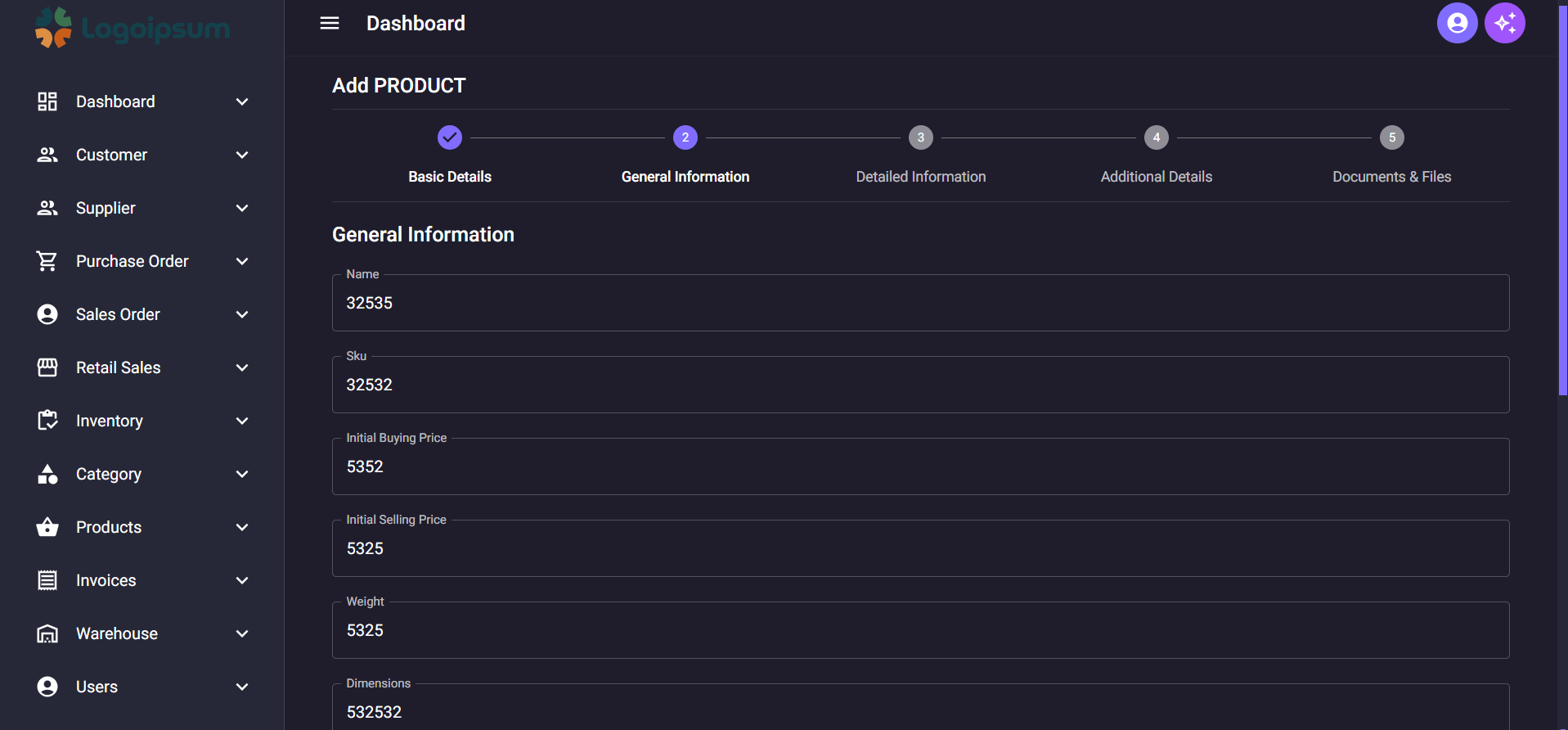
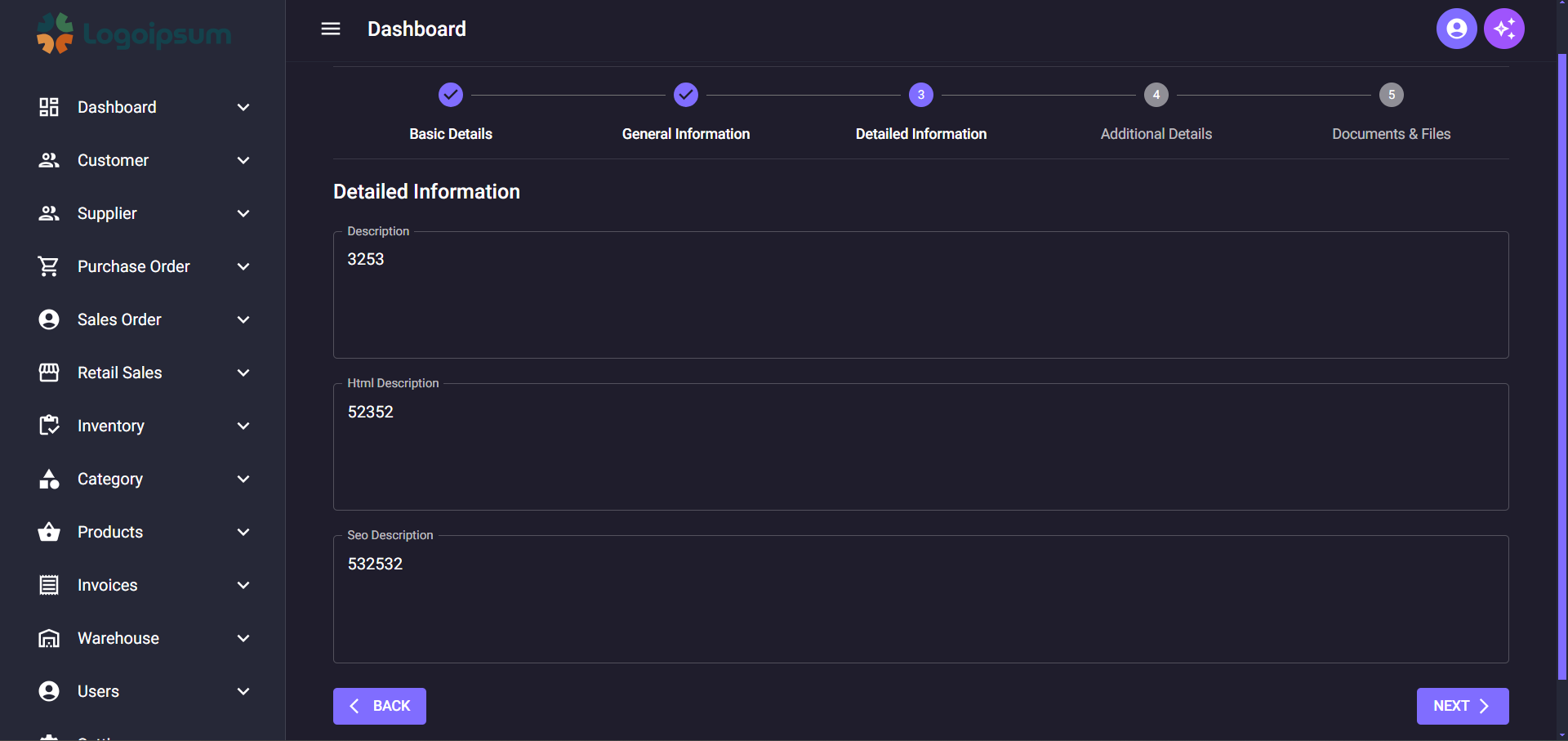
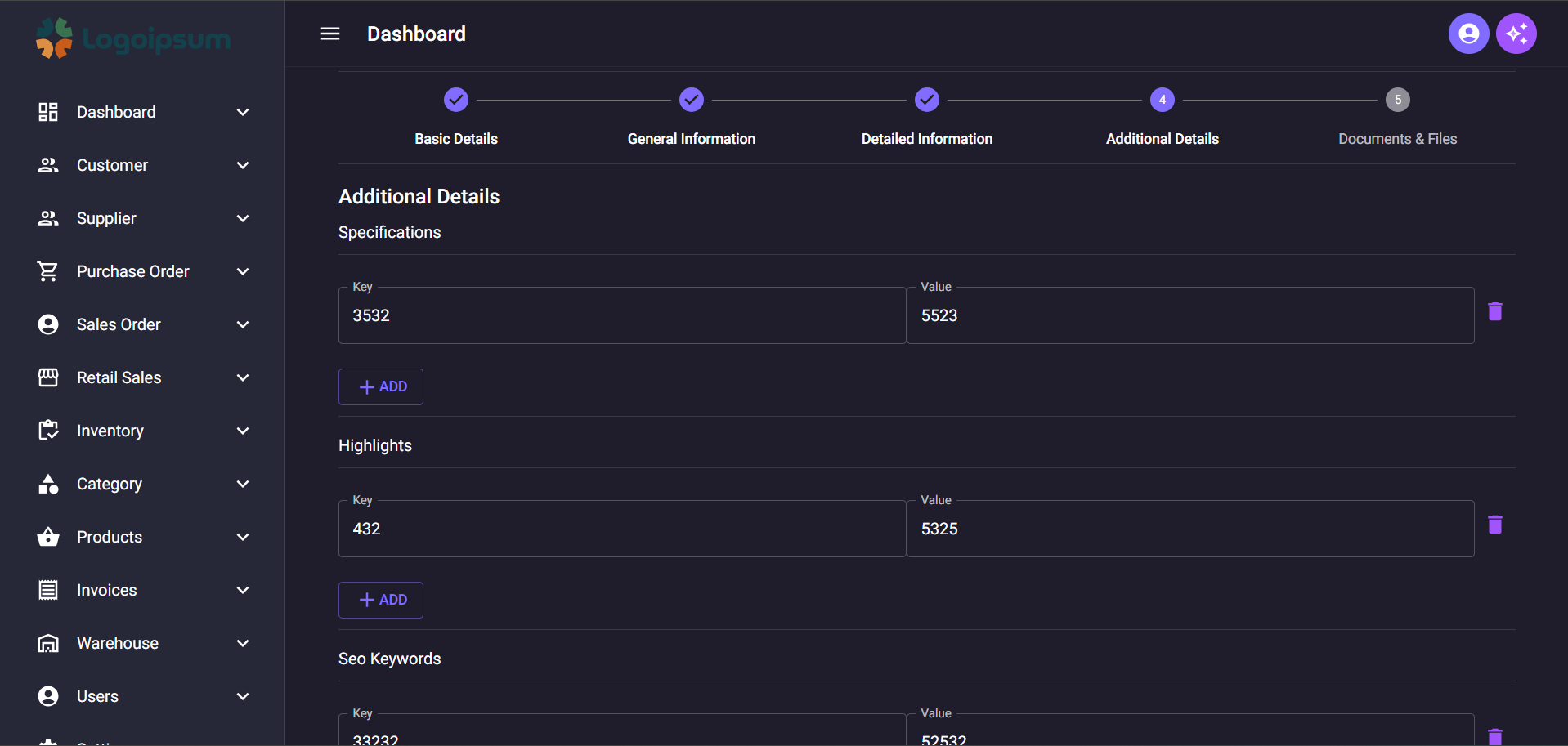
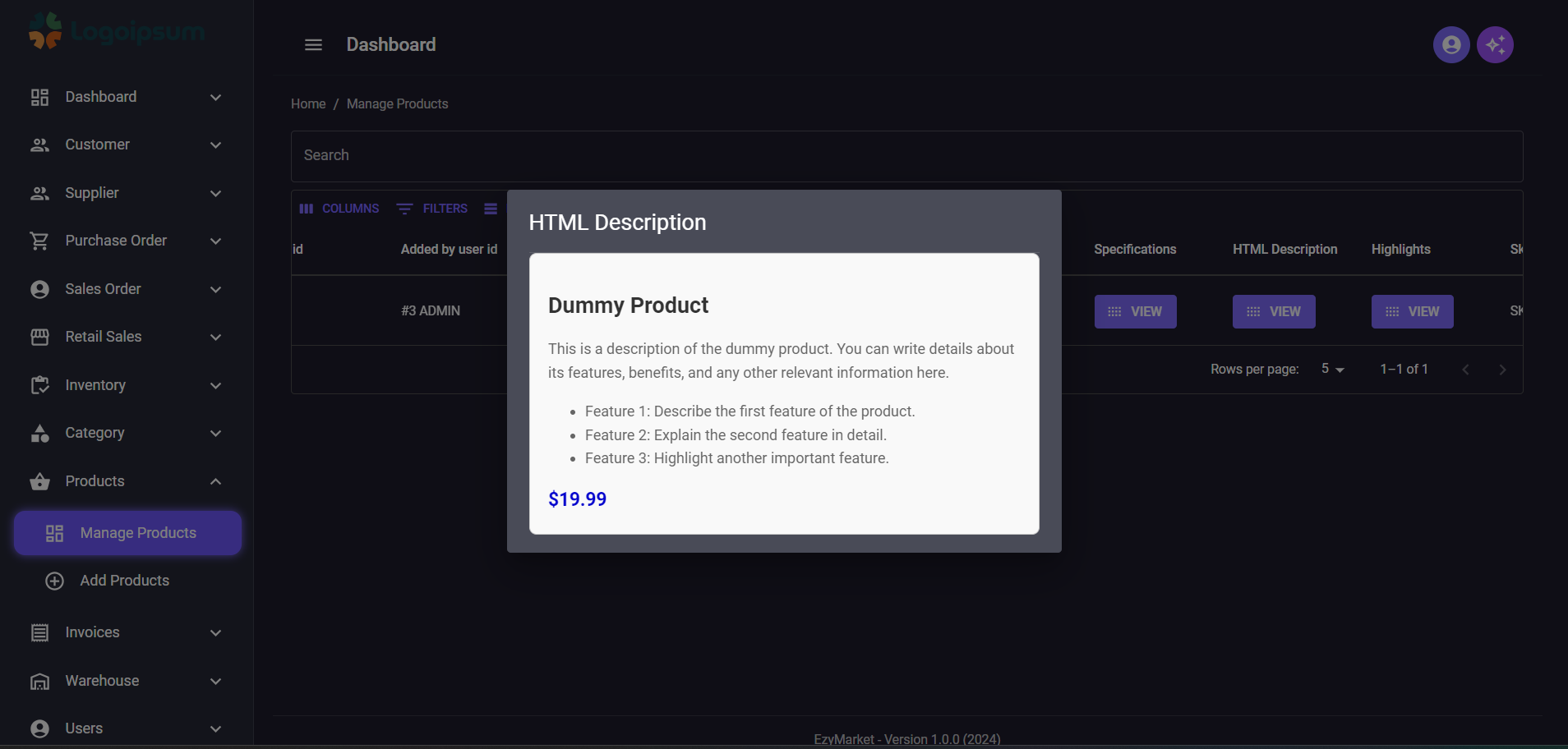
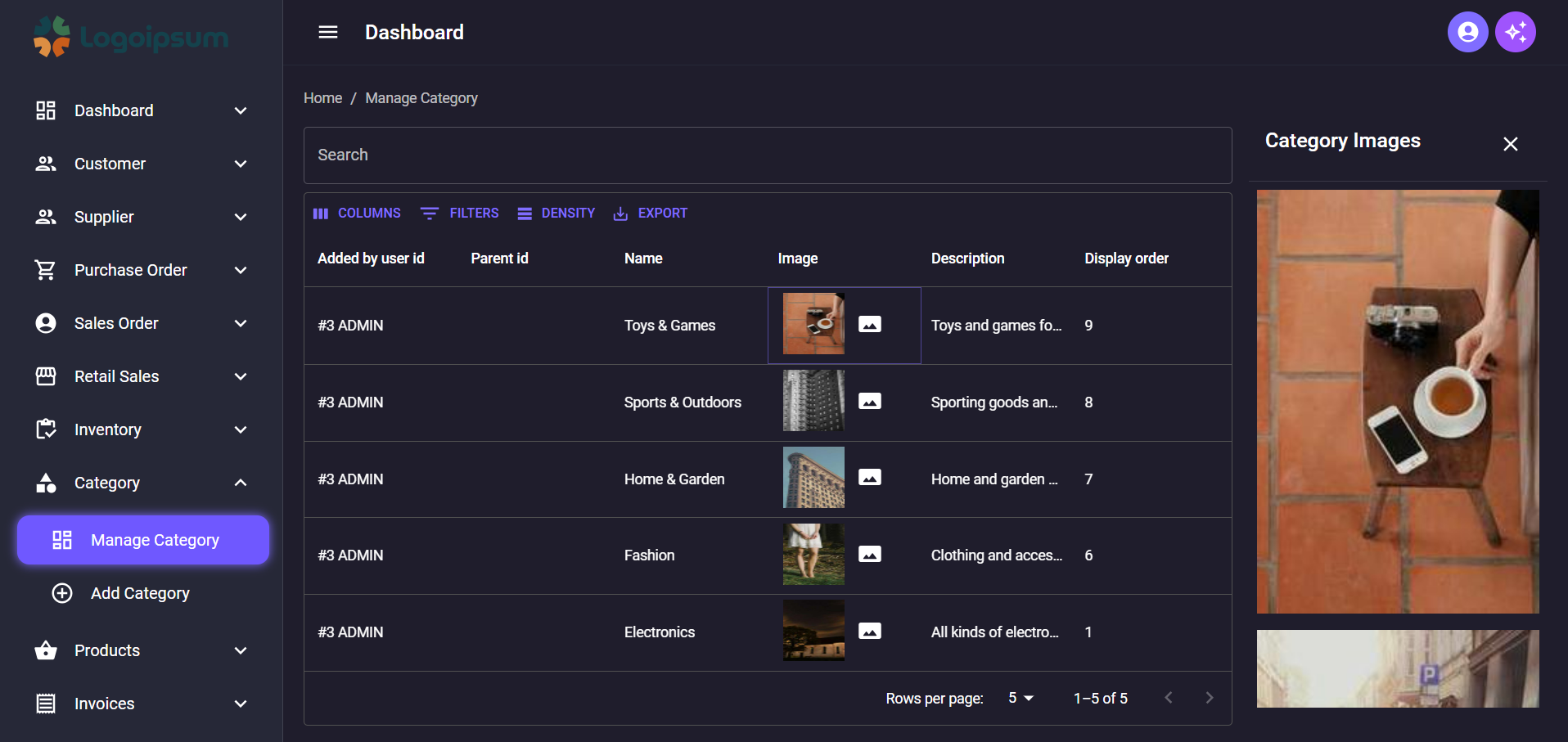
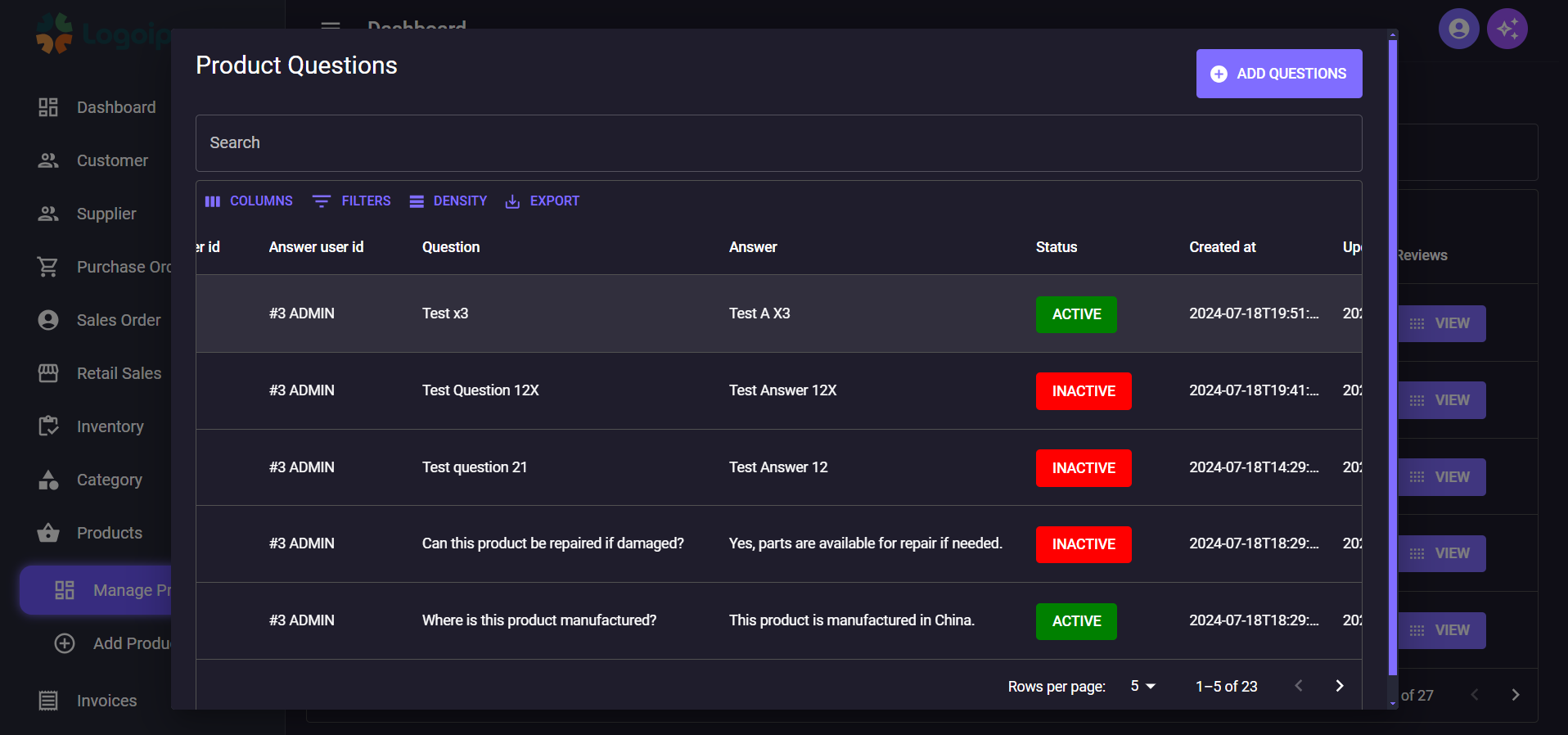
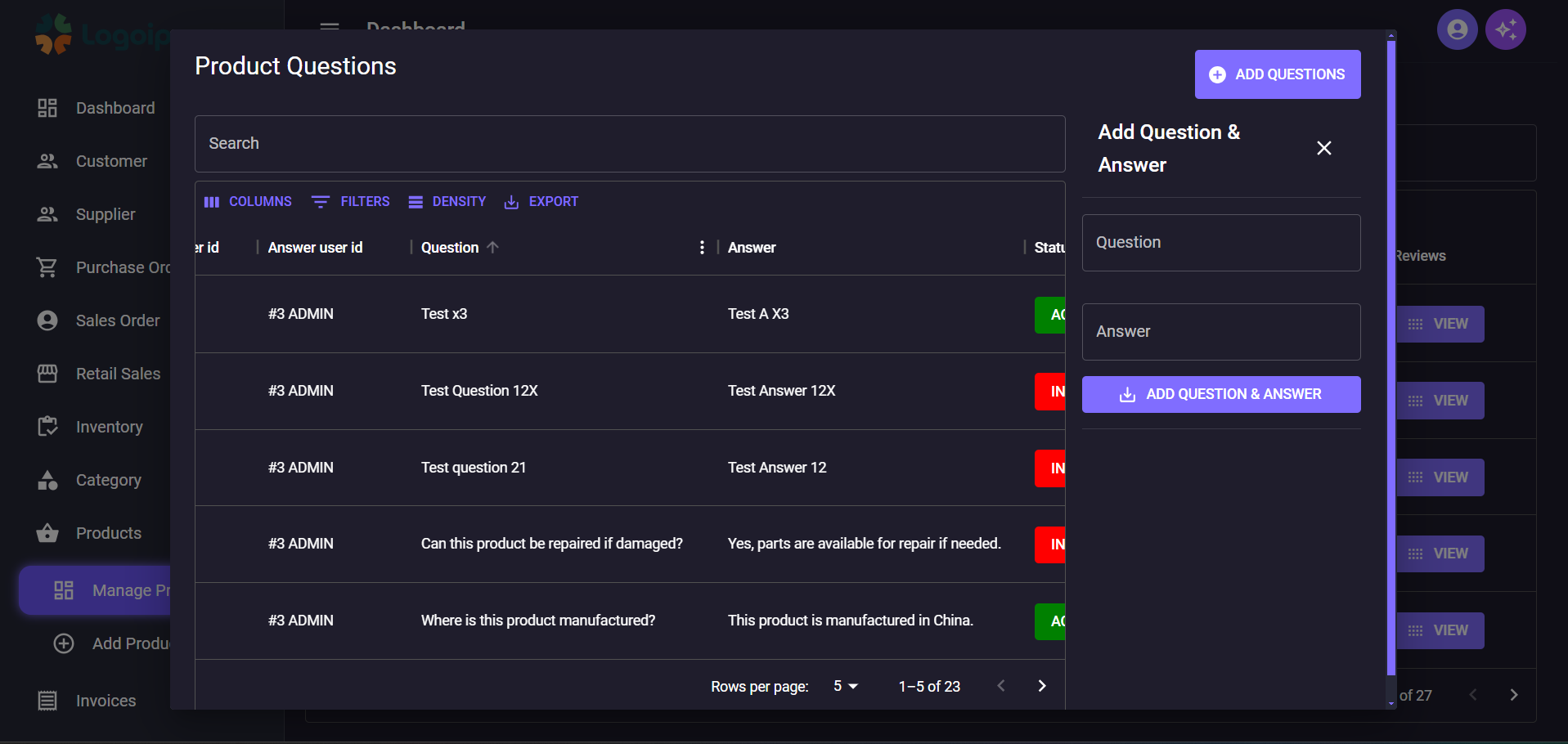
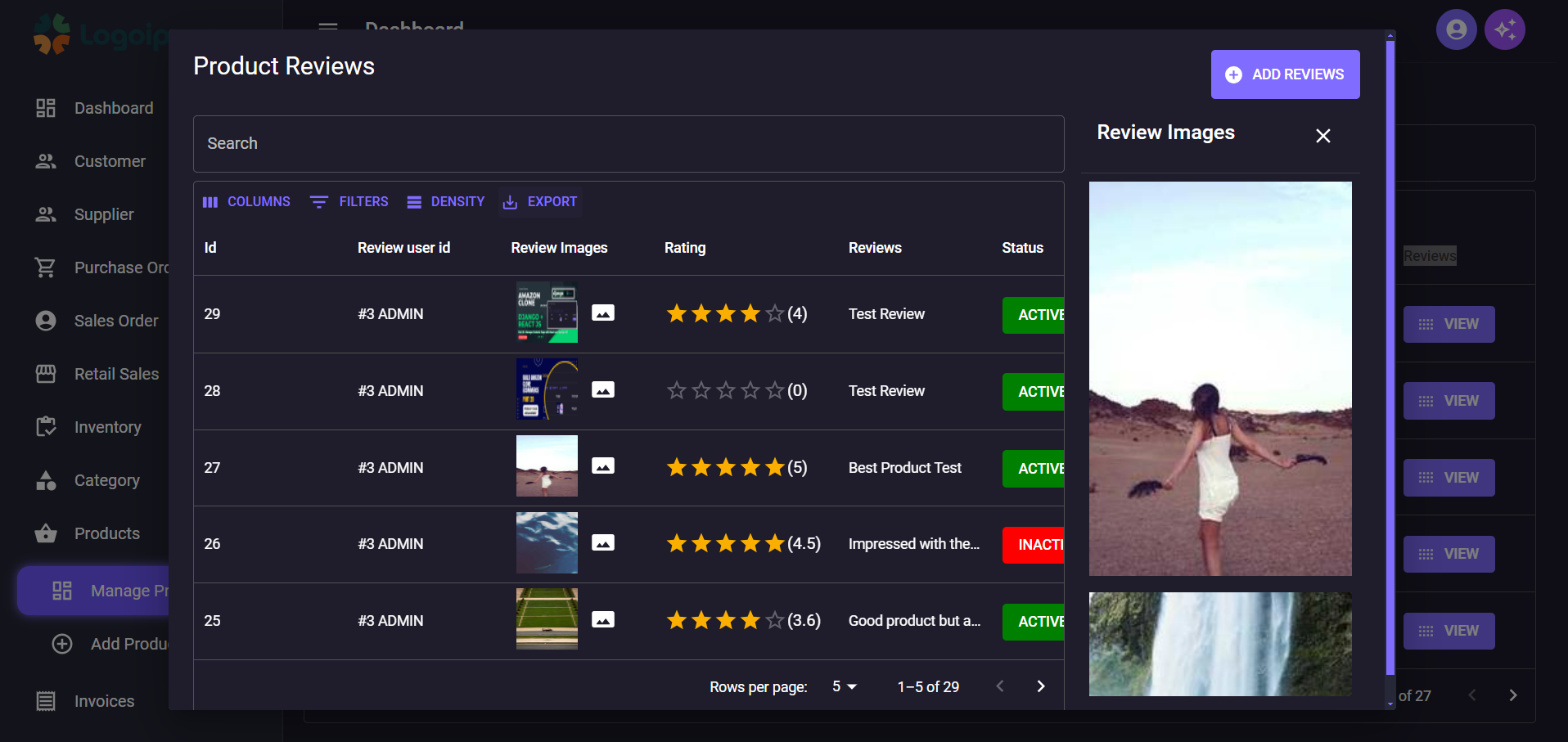
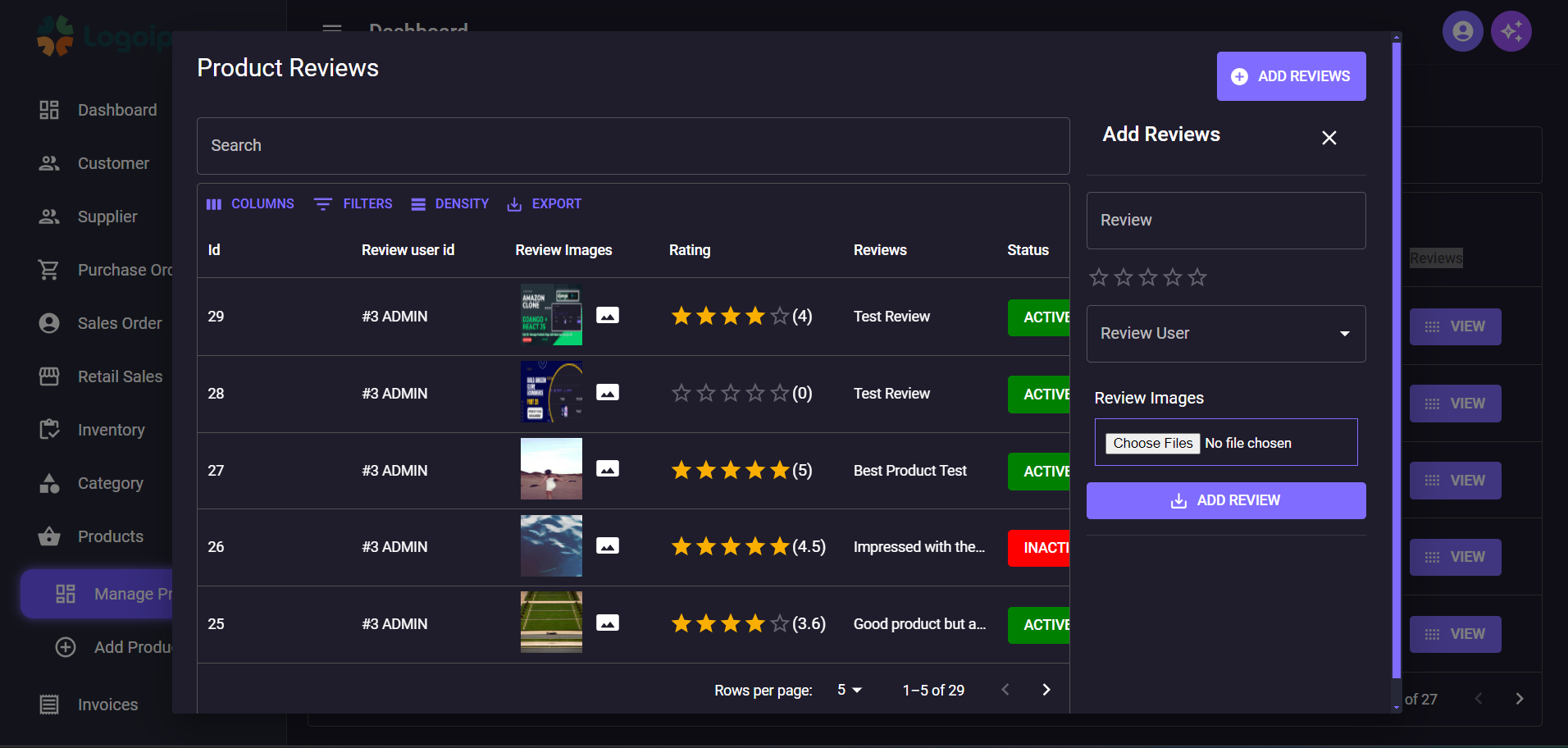
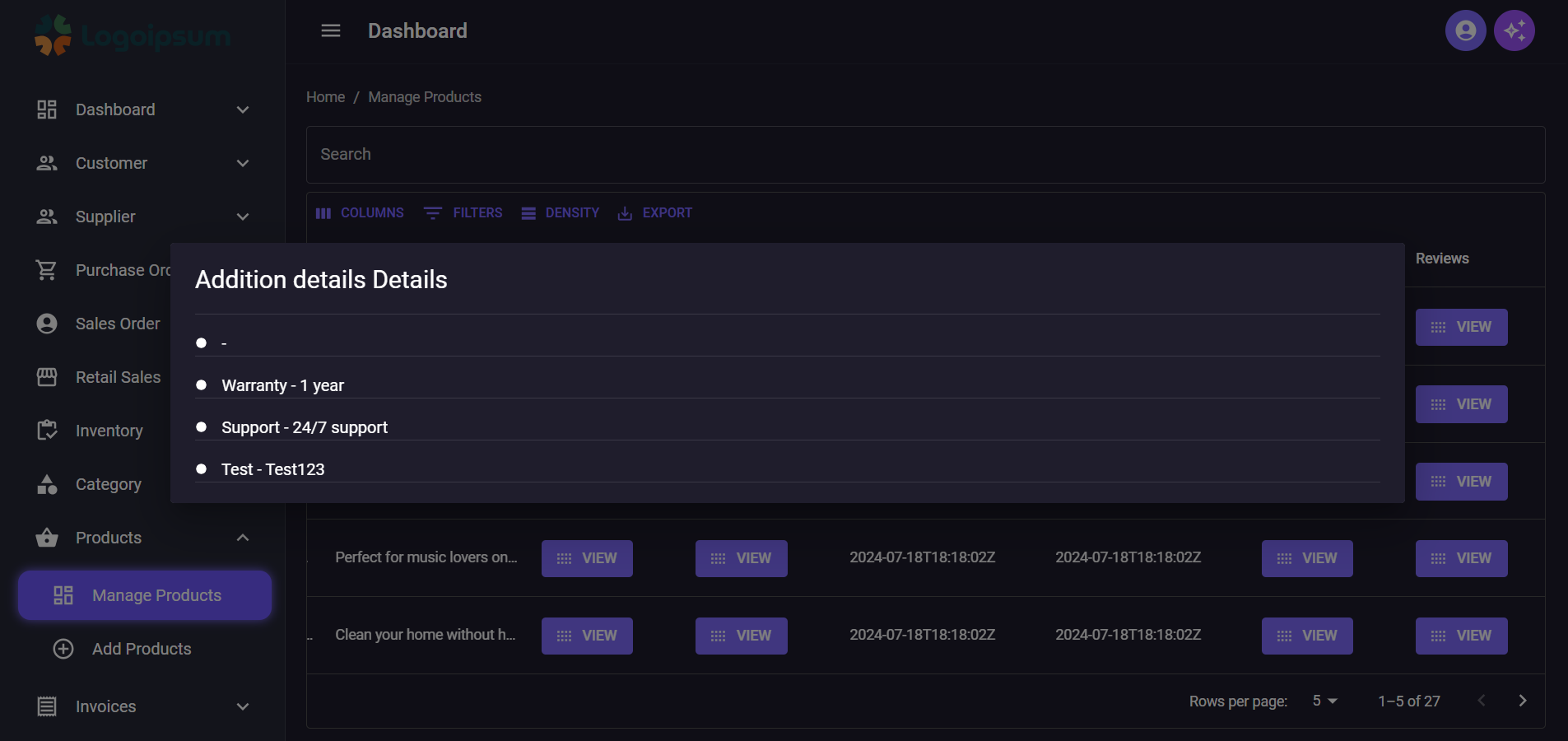
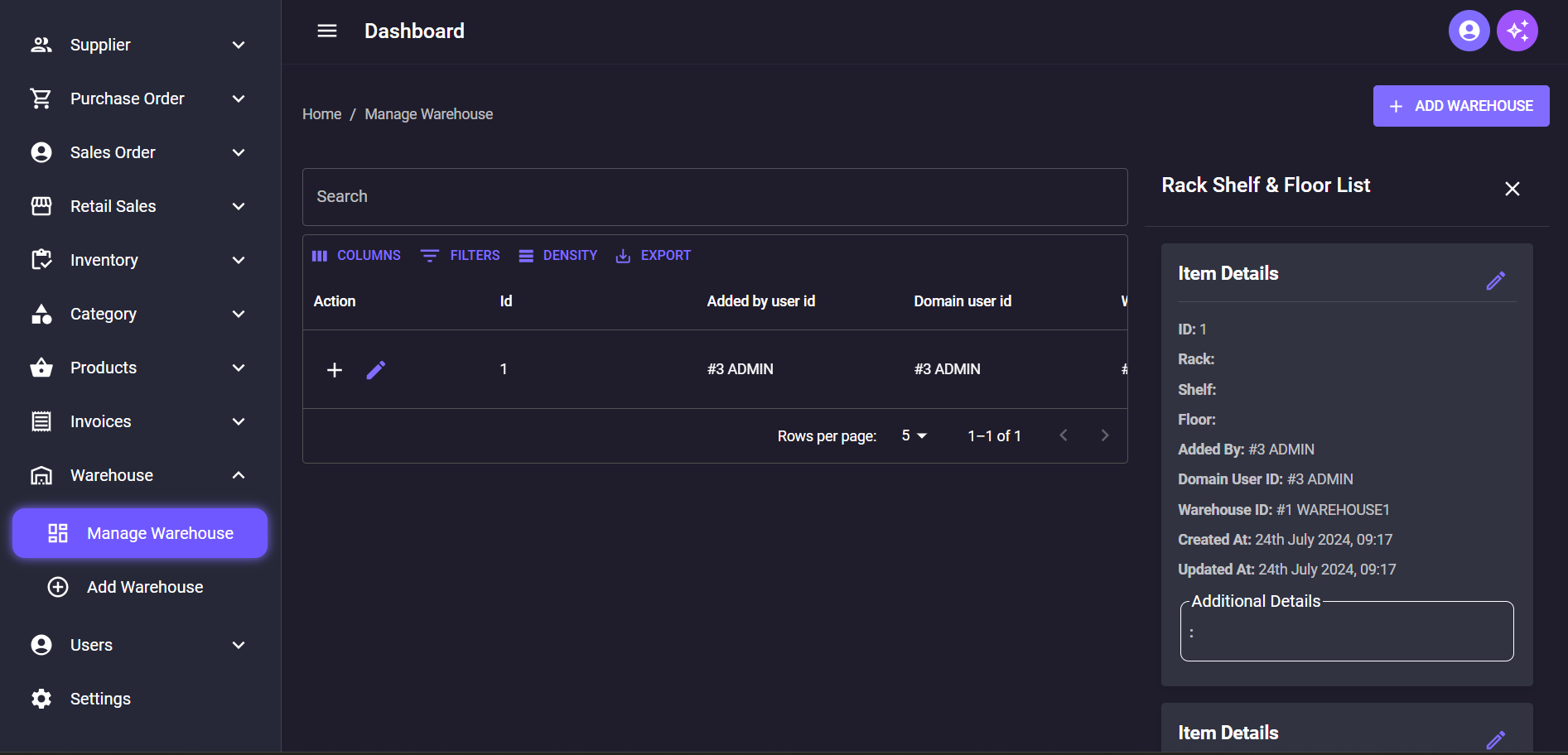
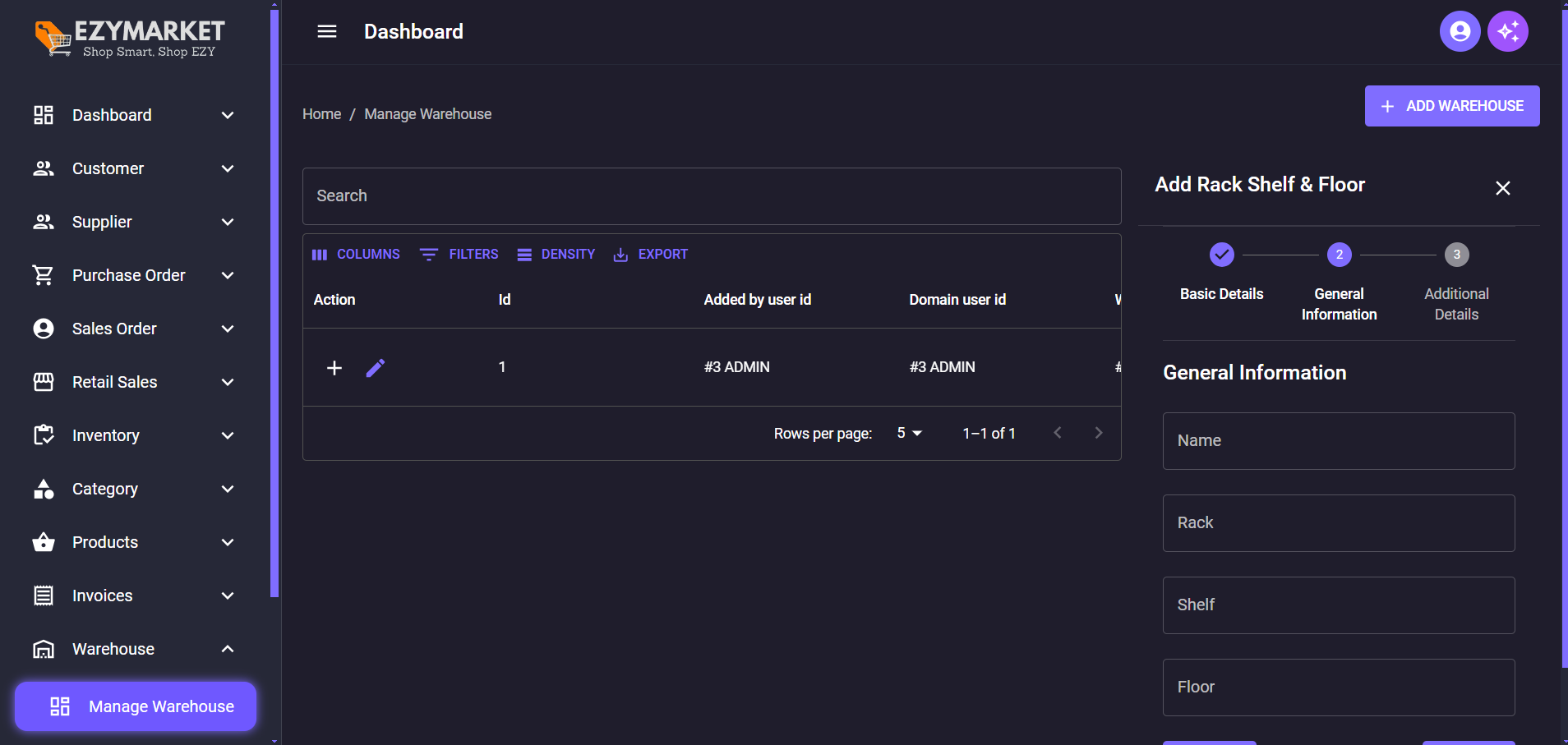
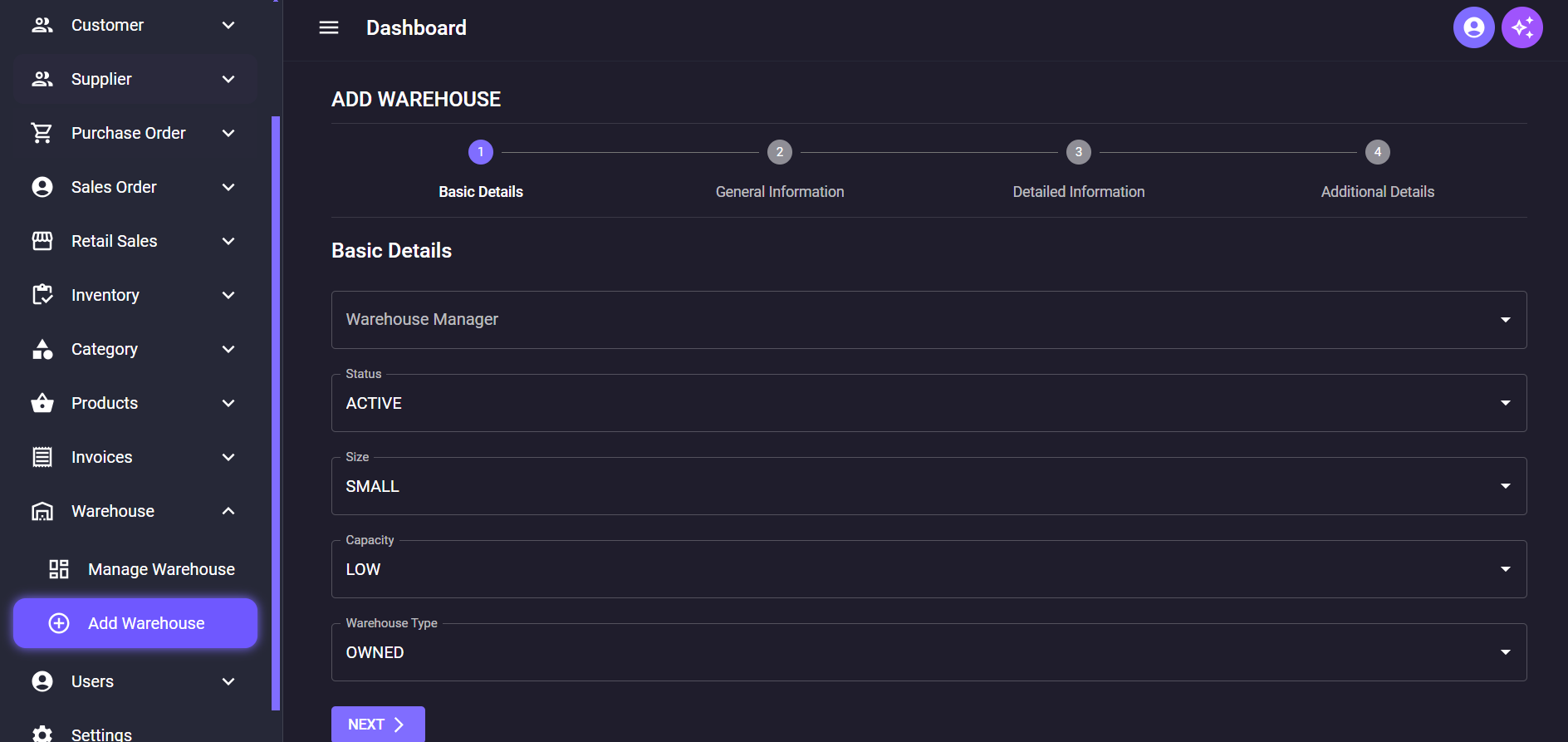
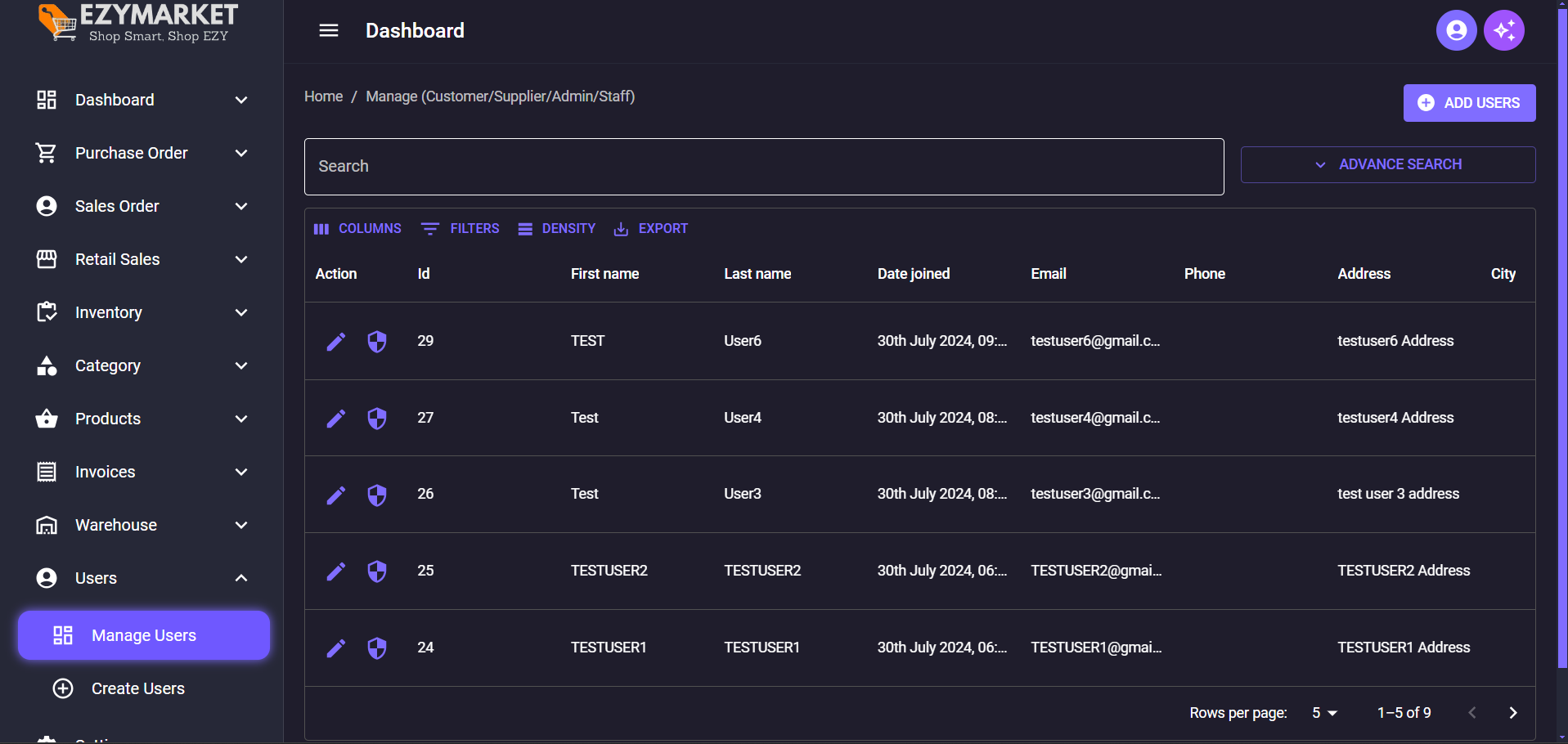
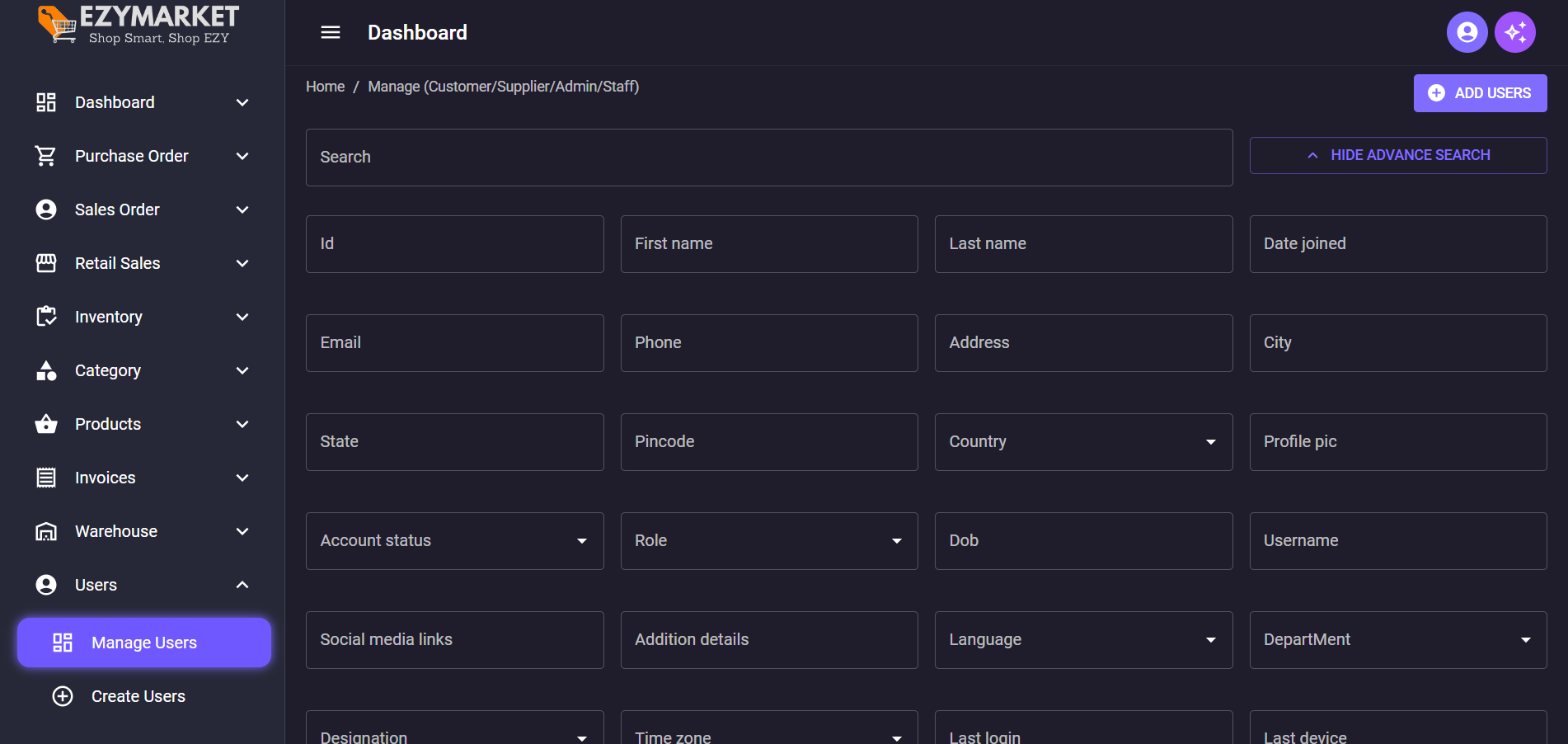
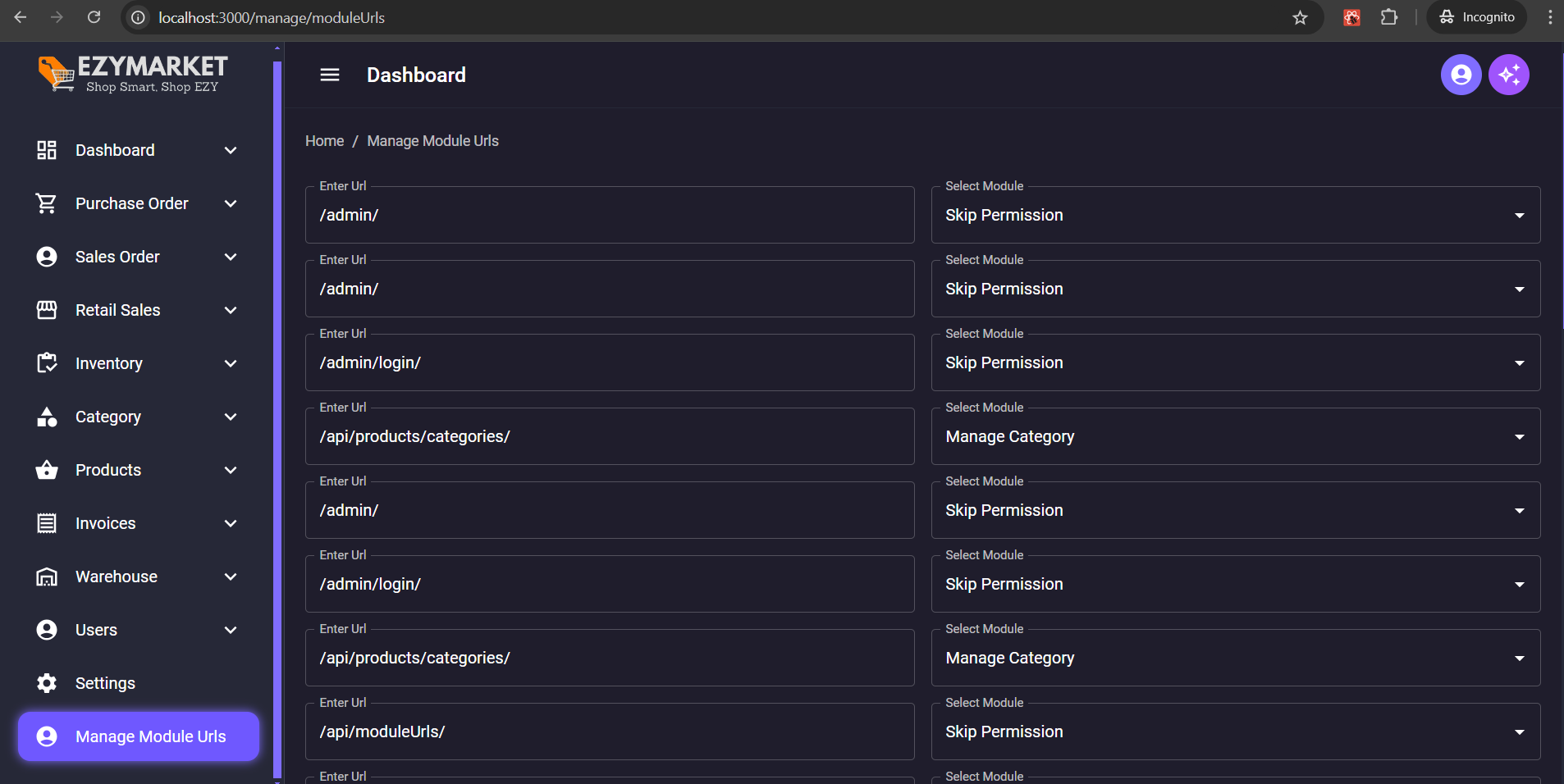
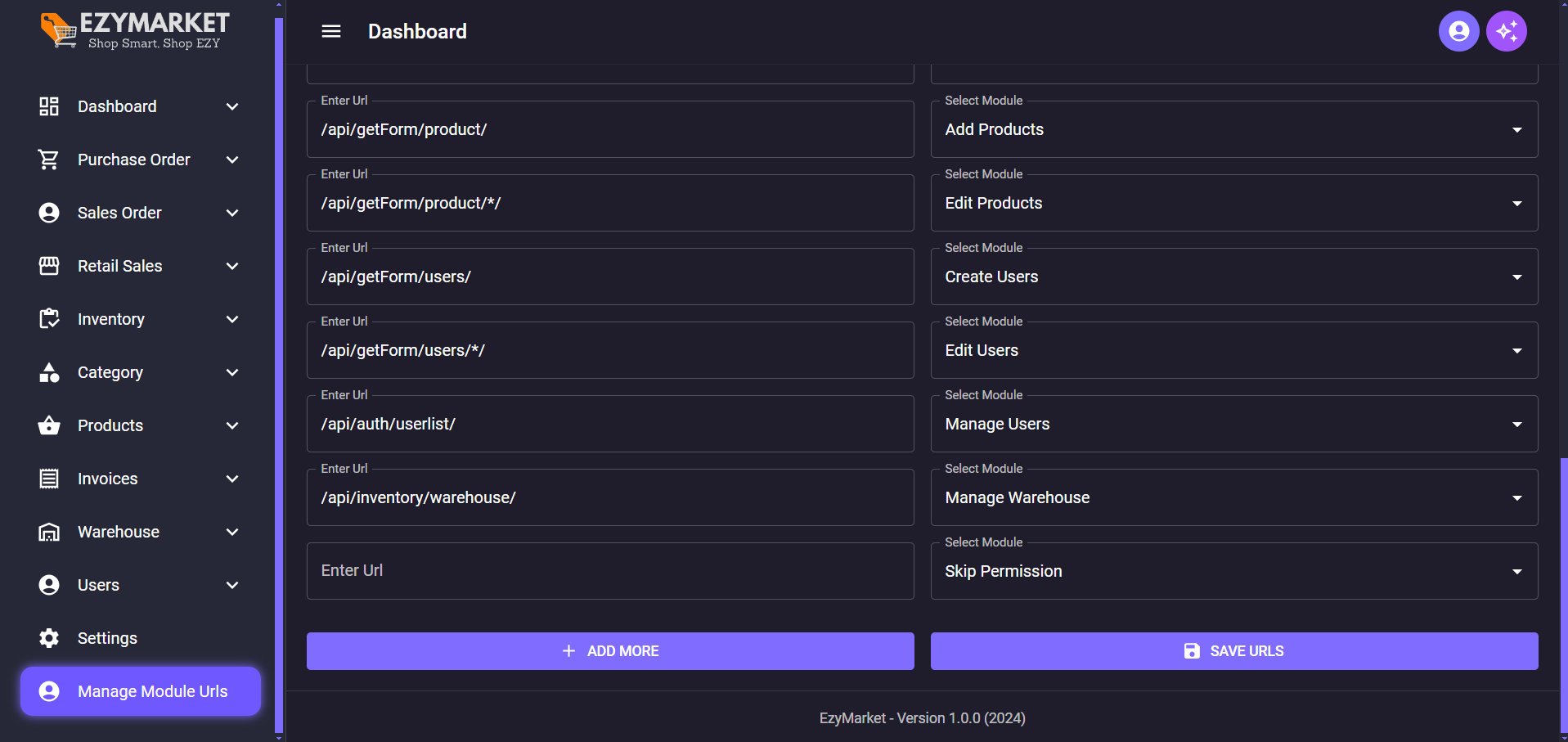
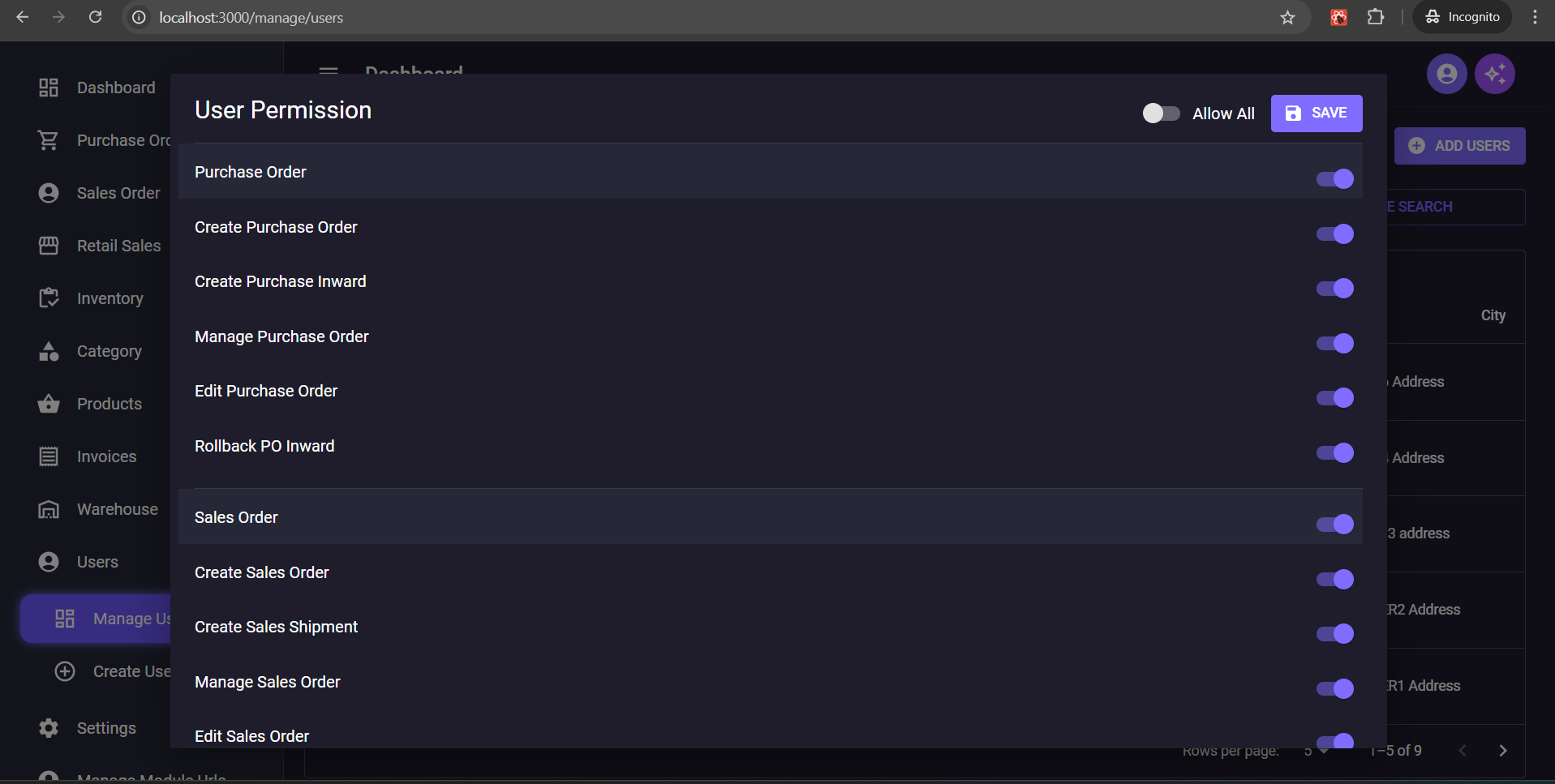
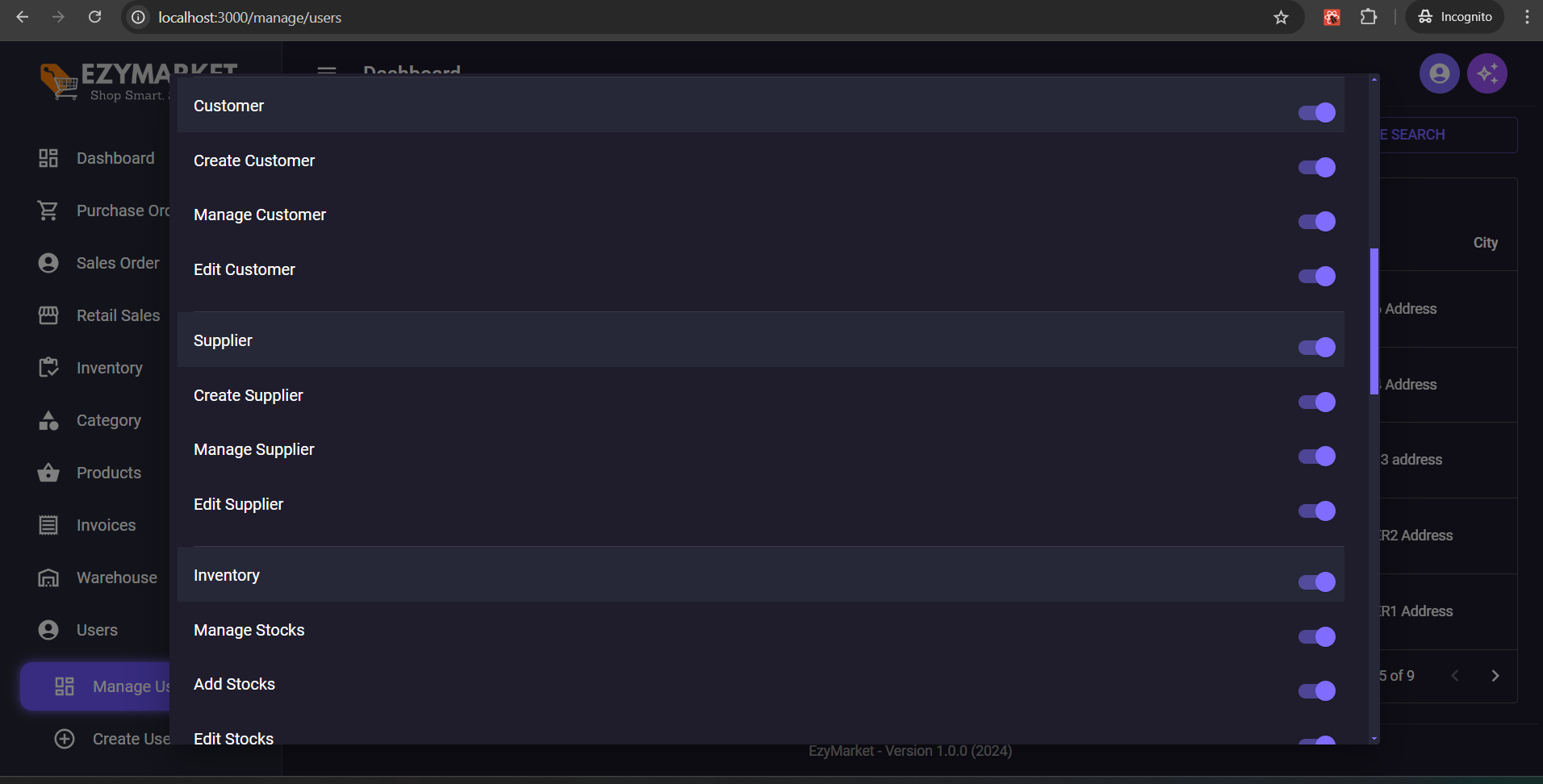
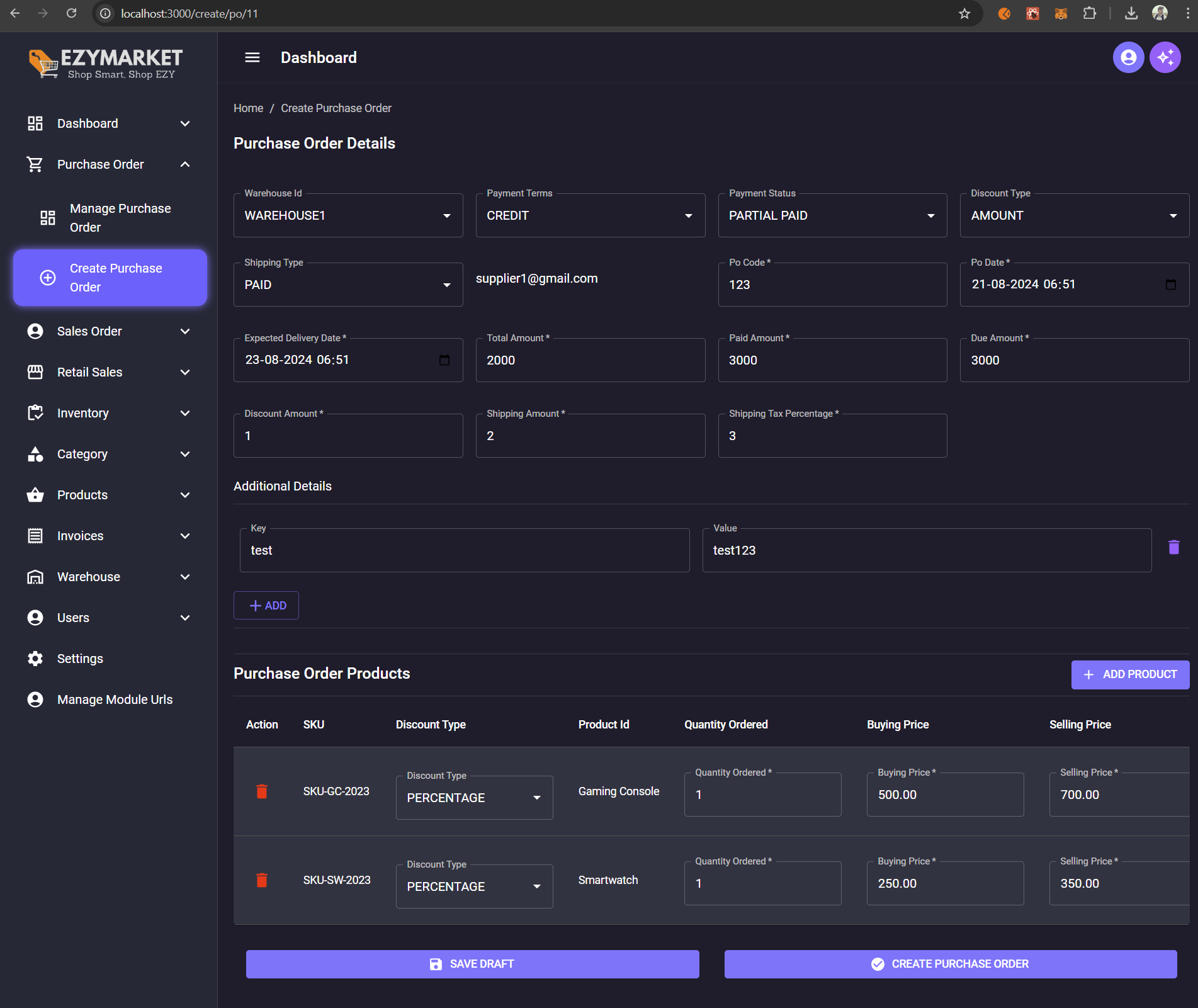
Welcome to the Amazon Clone Project! This project is based on a tutorial series by the SuperCoders YouTube channel. The series walks through creating a fully functional Amazon clone using Django and React, complete with an inventory management system.
You love our open source project? We love you too! Your sponsorship helps us dedicate more time to development, improvements, and community support.
Show your appreciation for our open source project. Your sponsorship directly impacts our ability to innovate and grow.
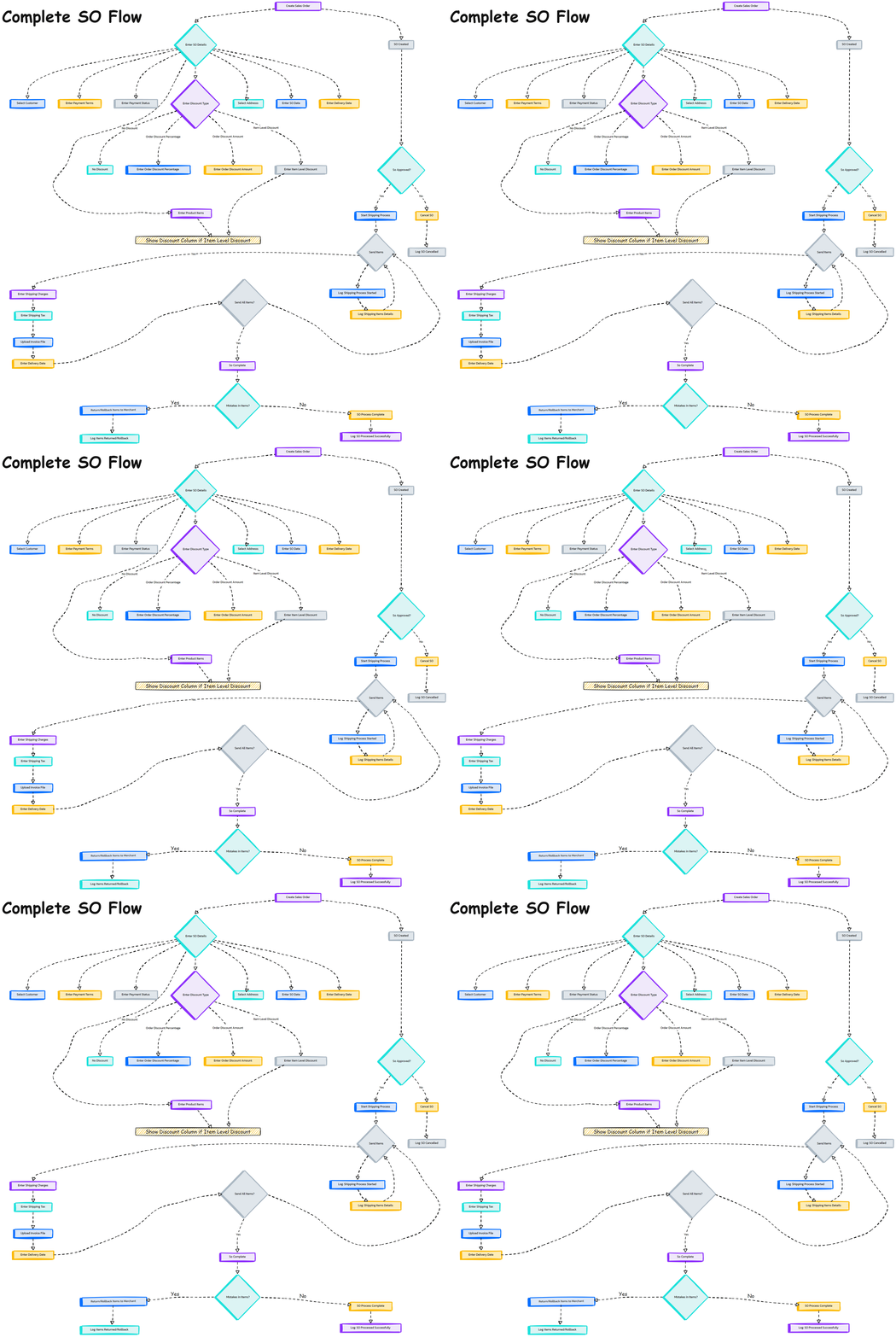
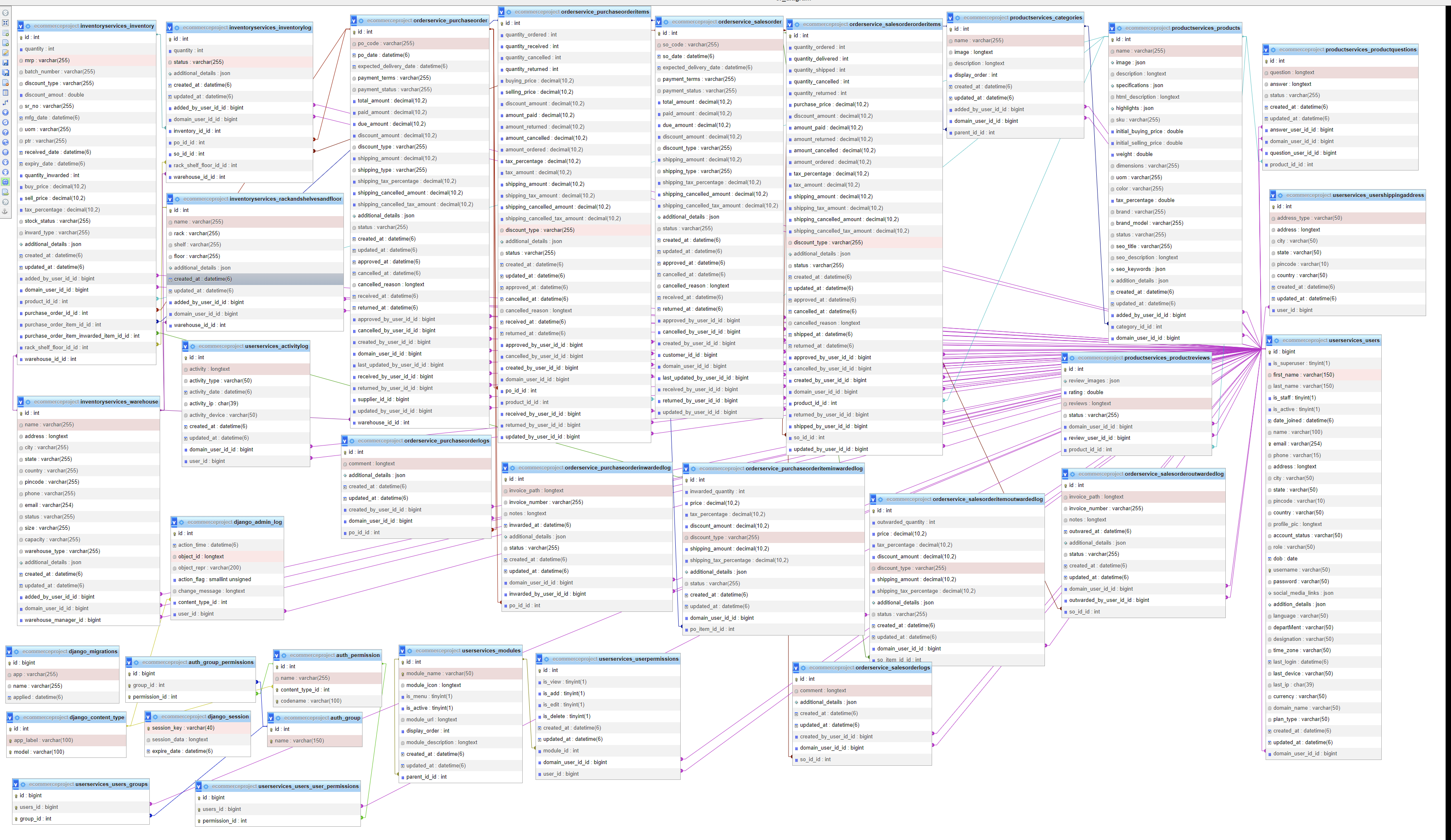
-- Video Steps : Deployment in AWS
This project follows the tutorial series available on the SuperCoders YouTube channel. You can watch the entire series using the following links:
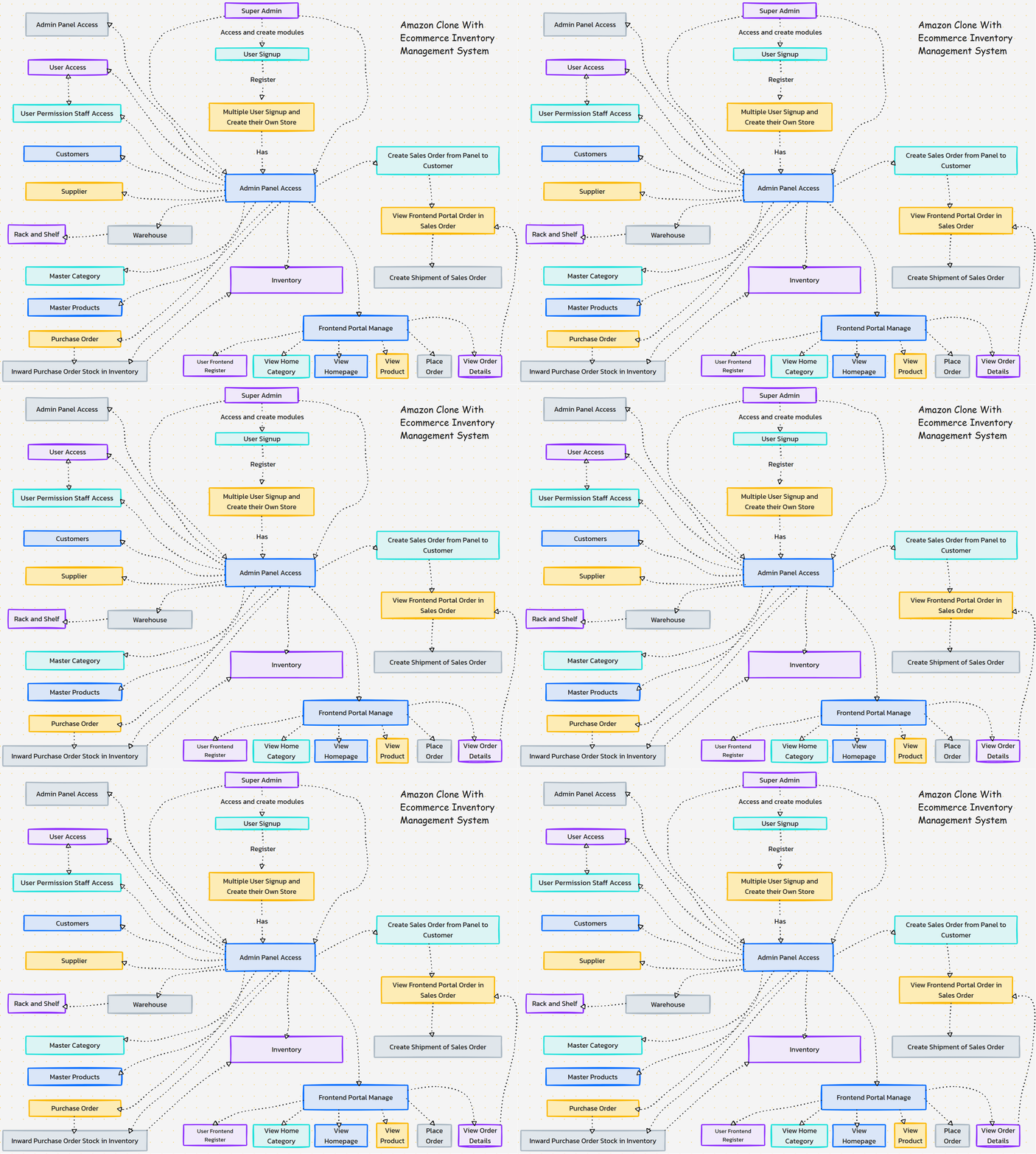
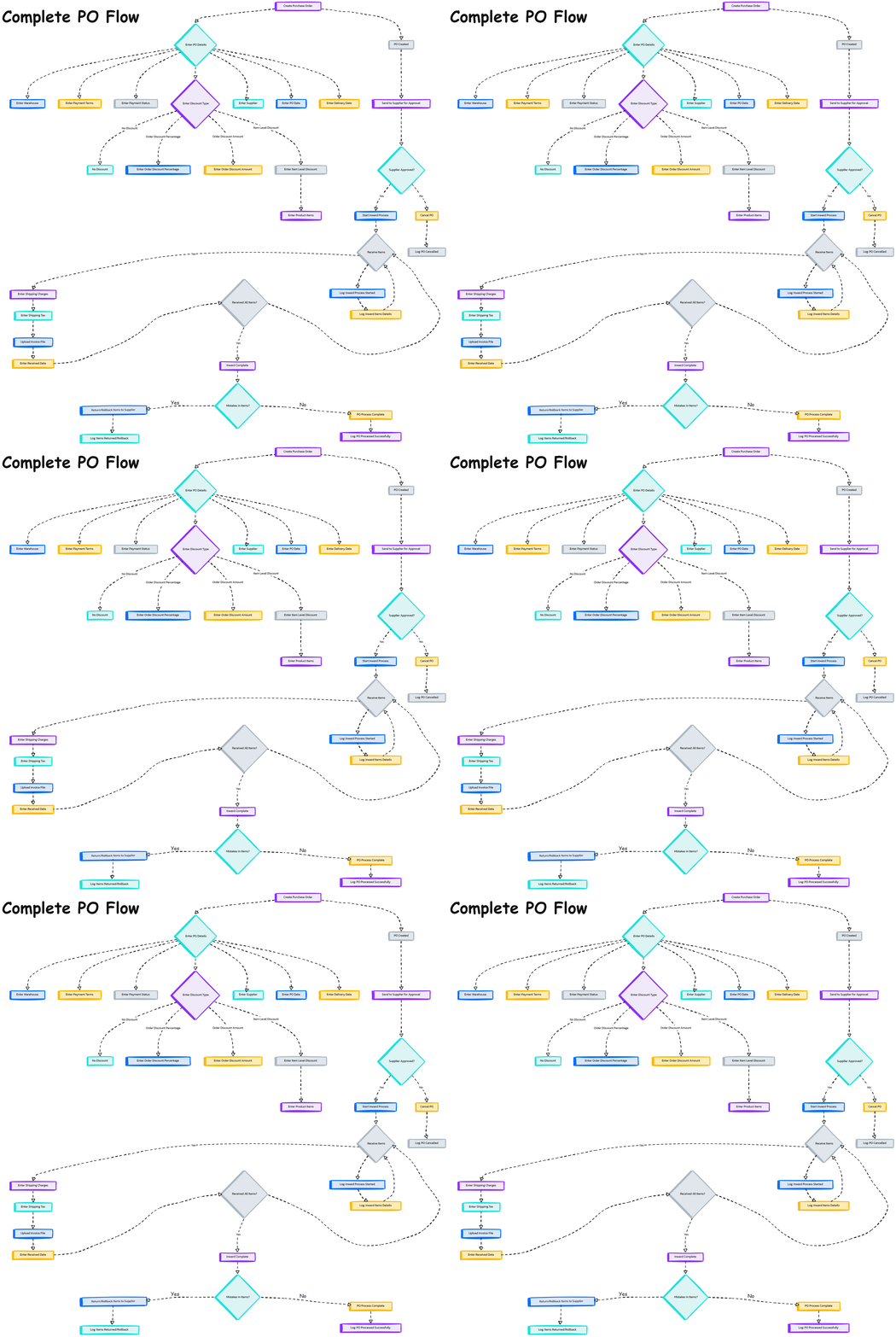
This project involves creating a clone of Amazon's web application. It includes features such as user authentication, product listings, a shopping cart, and an inventory management system. The project is built using the following technologies:
Ensure you have the following installed on your local development machine:
-cd backend
python -m venv venv
source ../venv/bin/activate  # On Windows, use `venv\Scripts\activate`
pip install -r requirements.txt

DATABASES = {
    'default': {
        'ENGINE': 'django.db.backends.mysql',
        'NAME': 'your_database_name',
        'USER': 'your_database_user',
        'PASSWORD': 'your_database_password',
        'HOST': 'localhost',
        'PORT': '3306',
    }
}


python manage.py migrate
python manage.py runserver
cd ../frontend
npm install
npm start
Once both the backend and frontend servers are running, you can access the application at http://localhost:3000 for the frontend and http://localhost:8000 for the backend.
We welcome contributions! Please read our contributing guidelines for more information on how to get started.
This project is licensed under the MIT License. See the LICENSE file for more details.
Enjoy building your Amazon clone! If you have any questions or run into issues, feel free to open an issue on this repository or reach out through the comments on the YouTube tutorial videos.
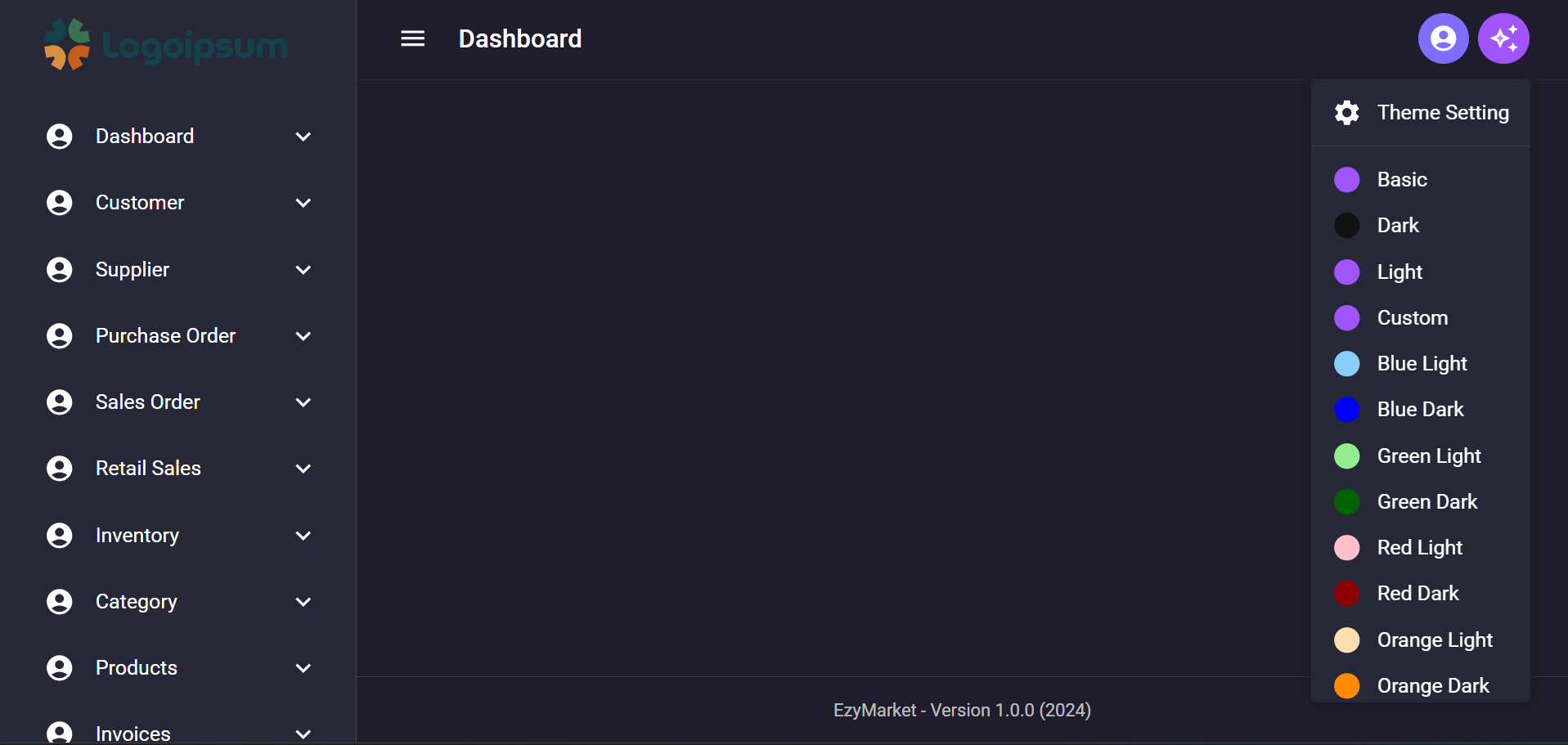
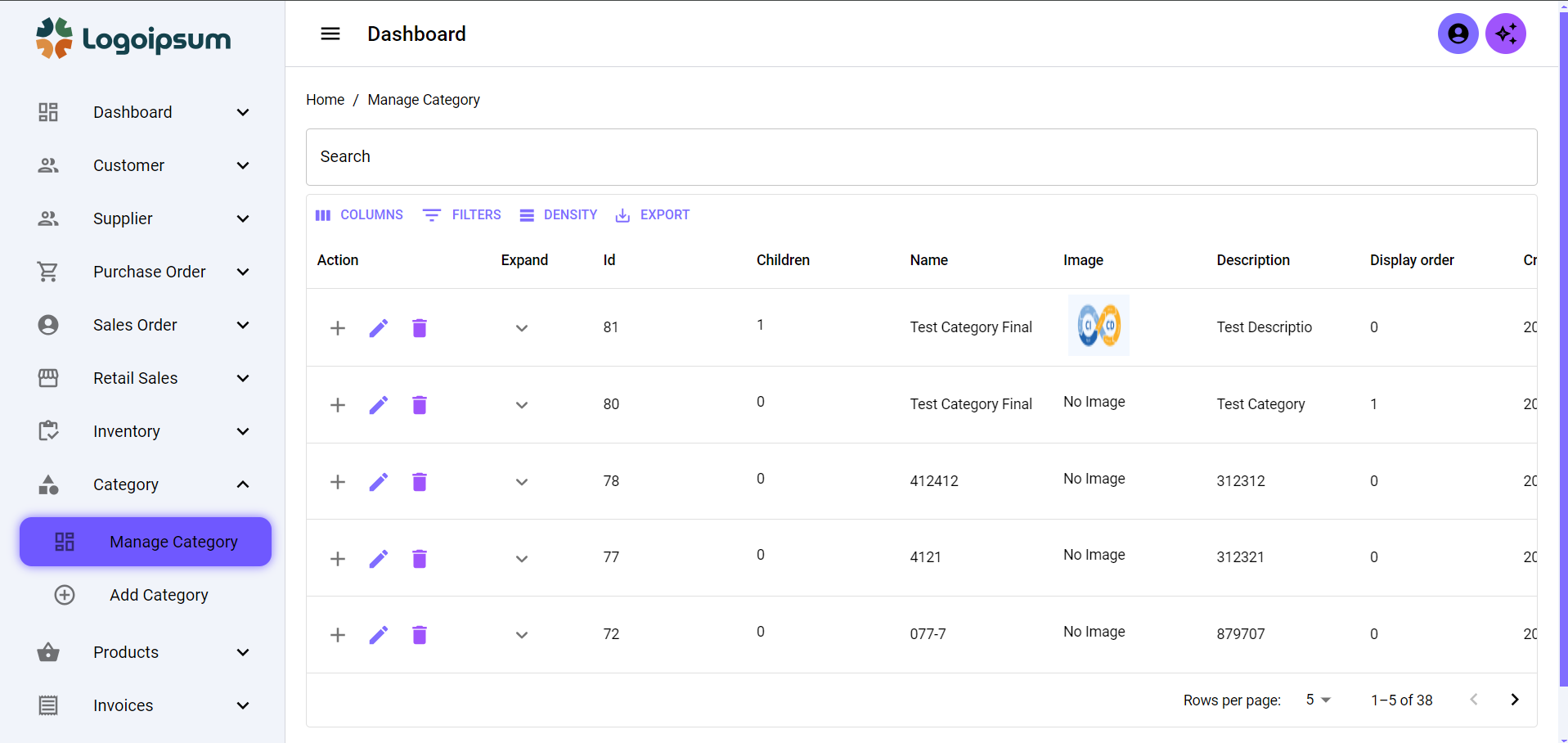
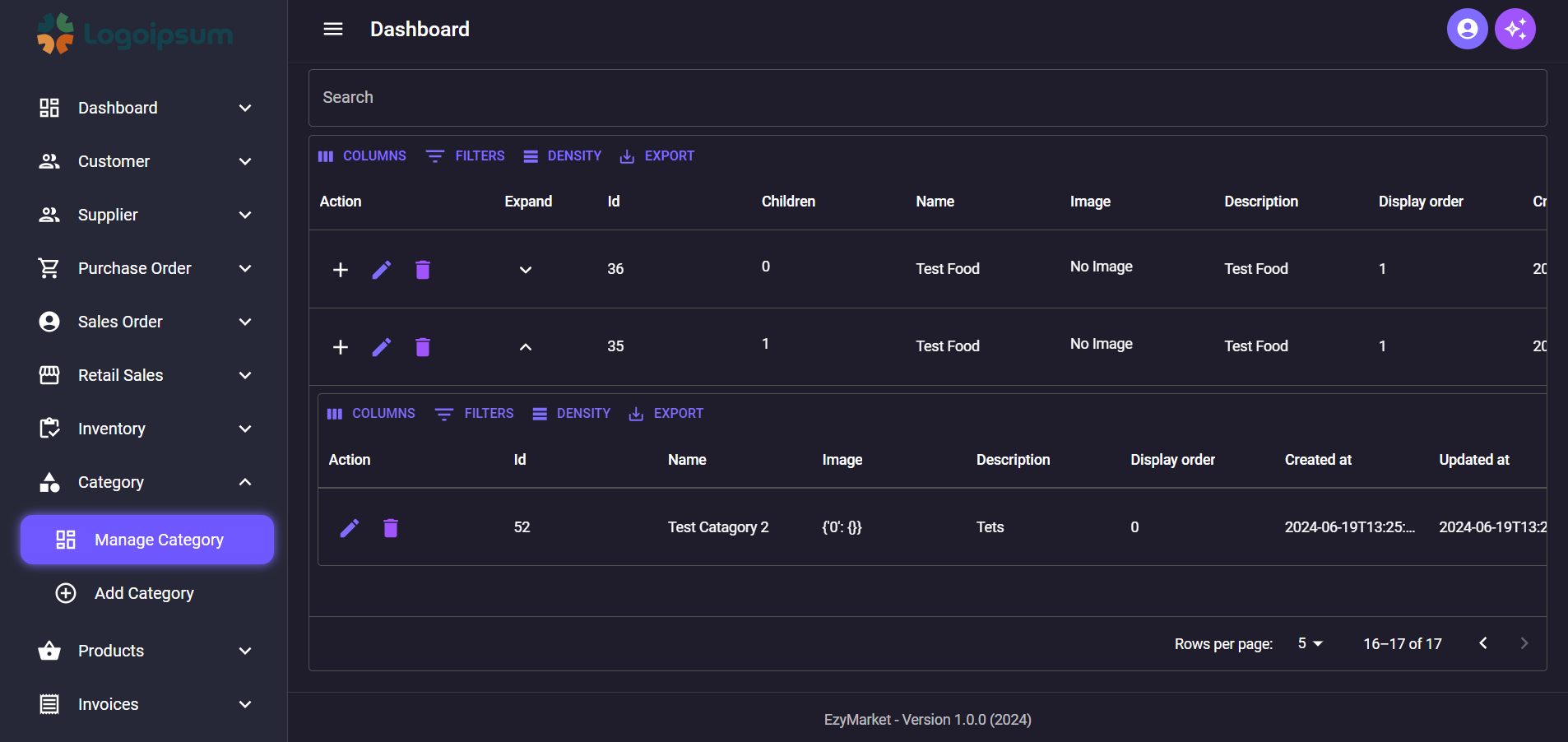
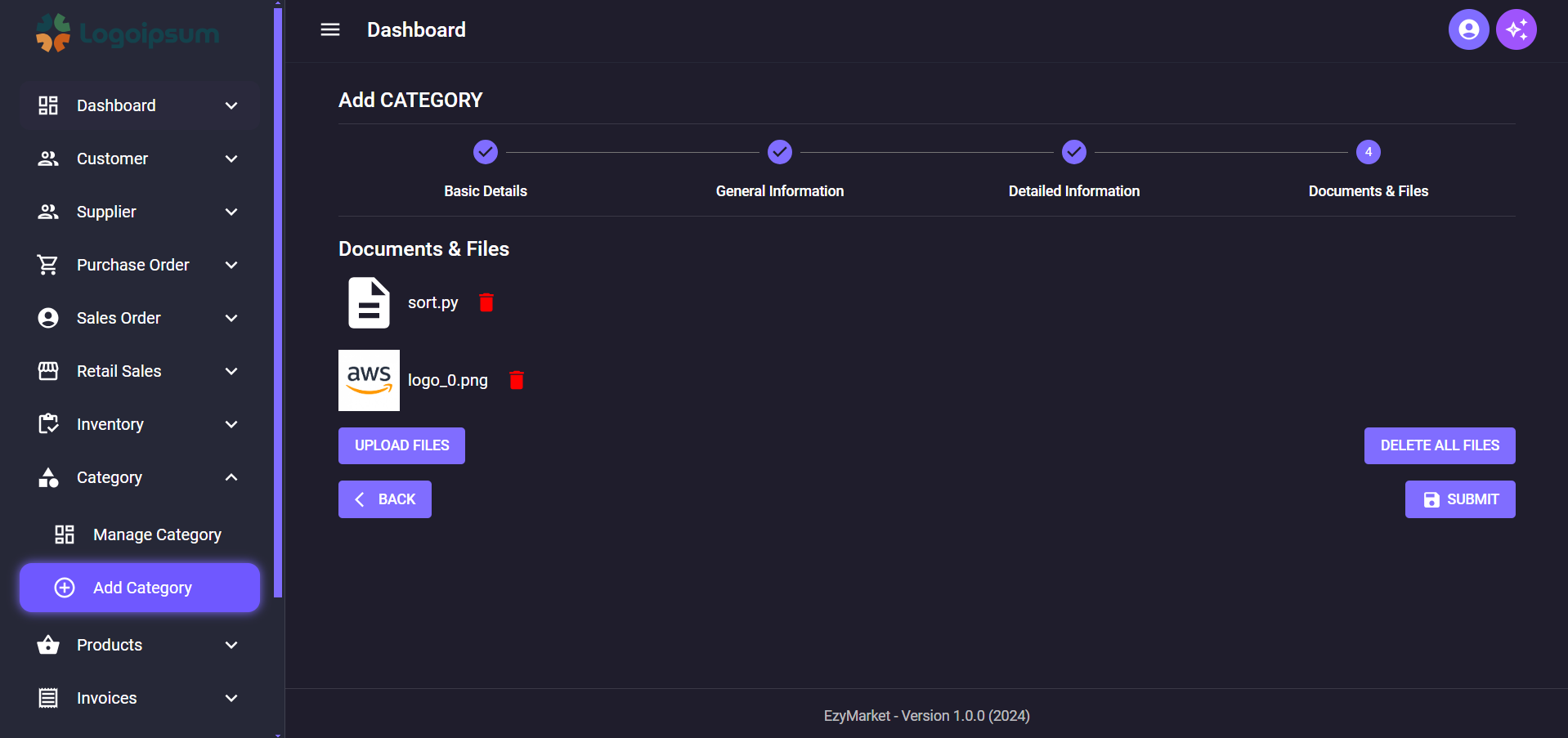
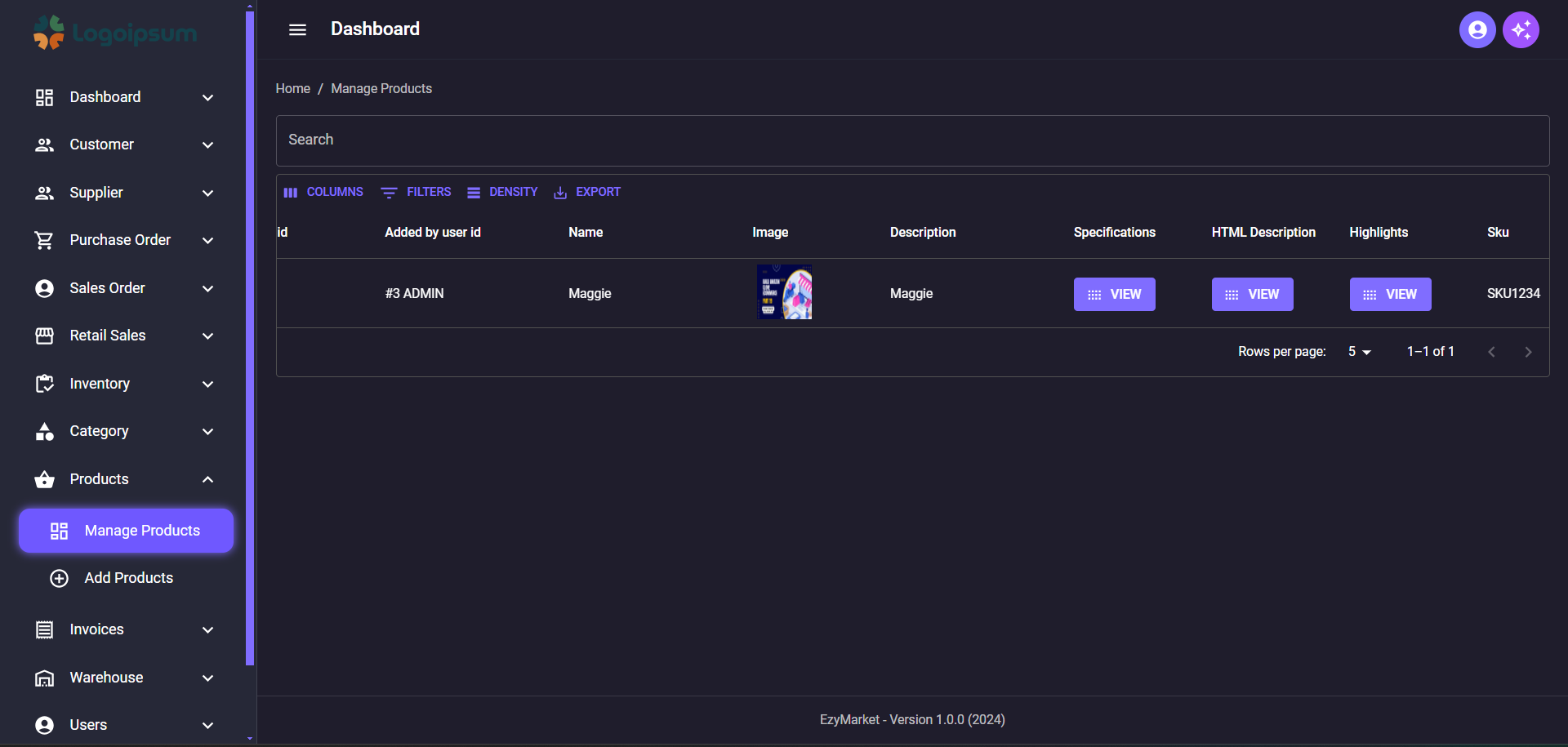
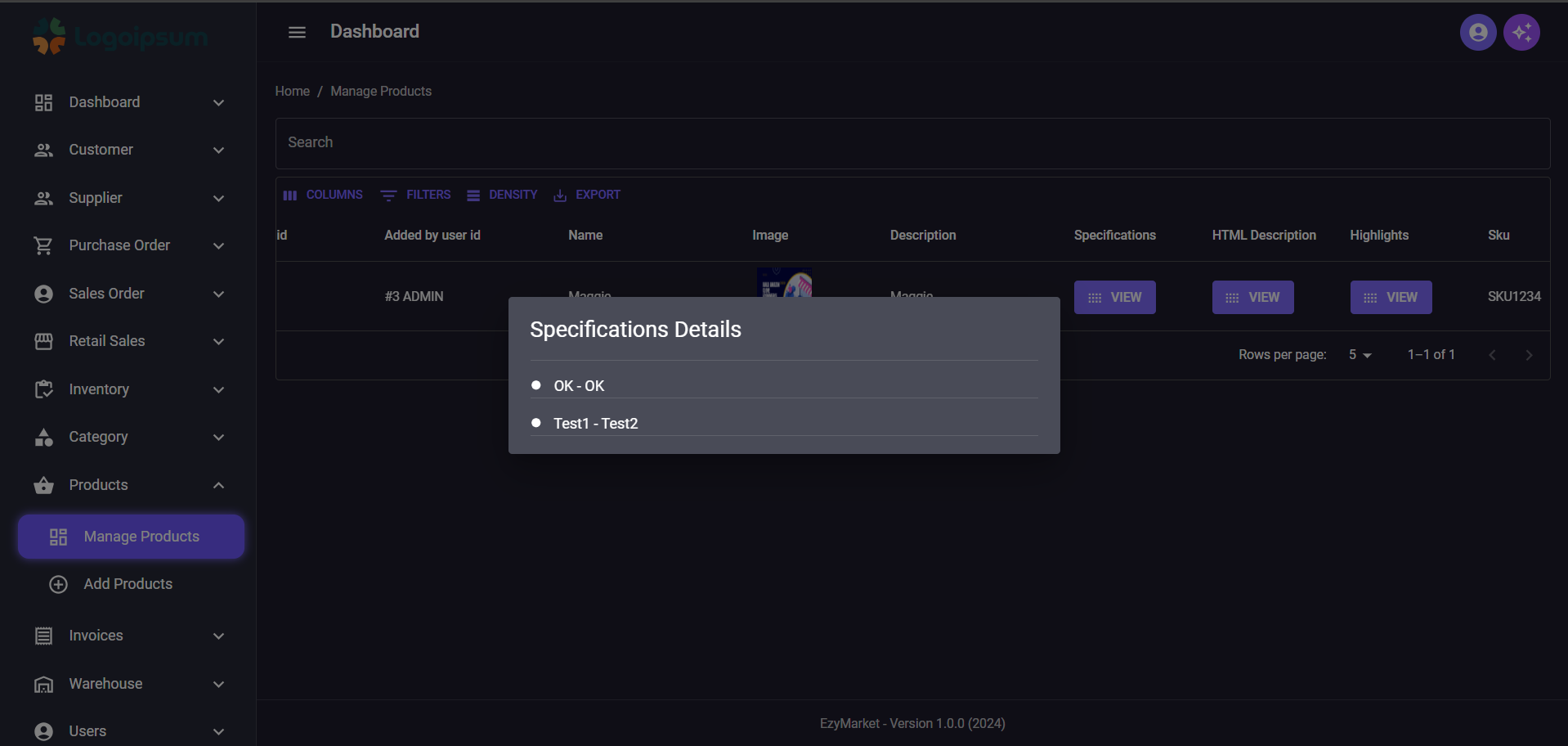
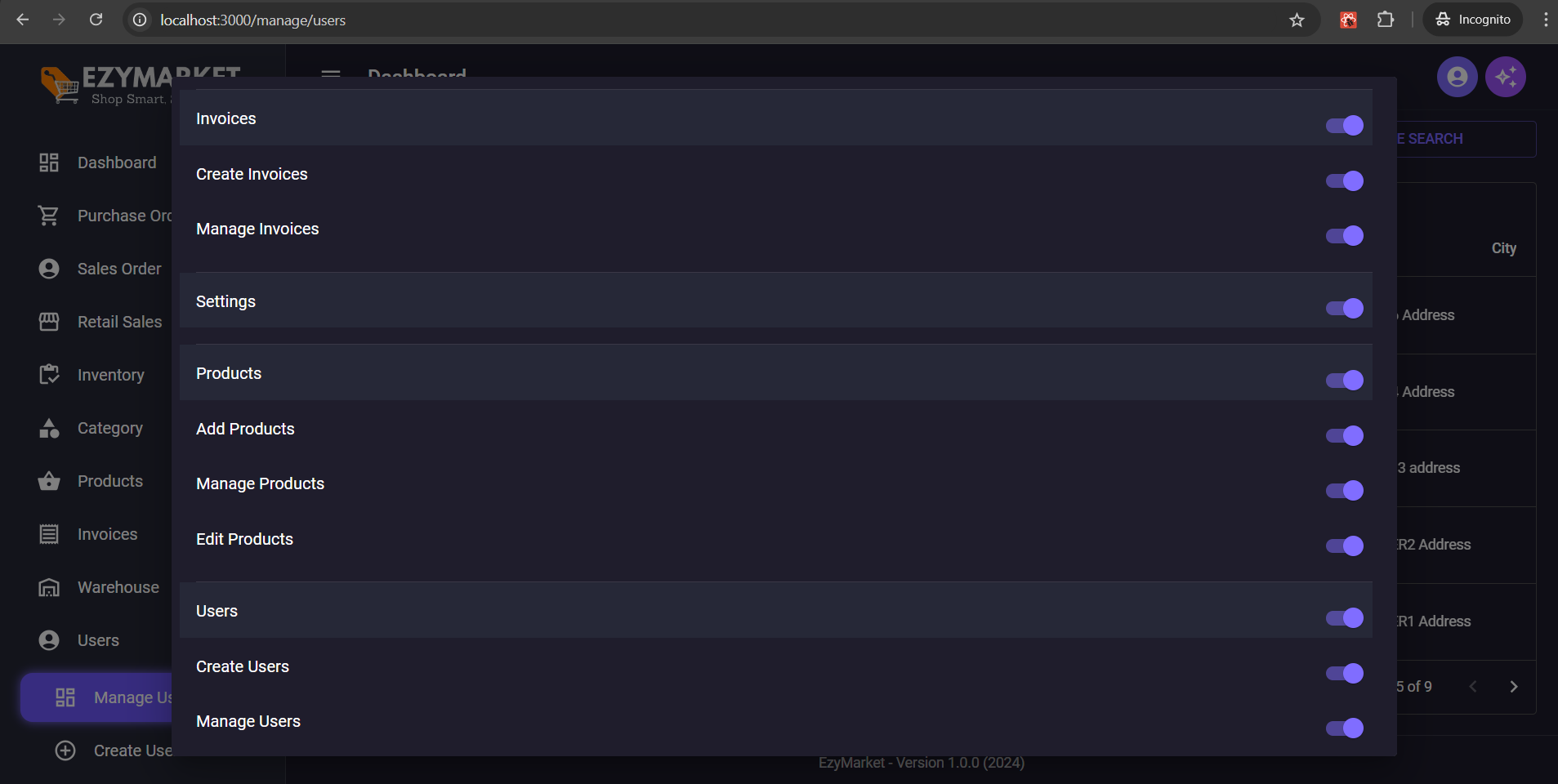
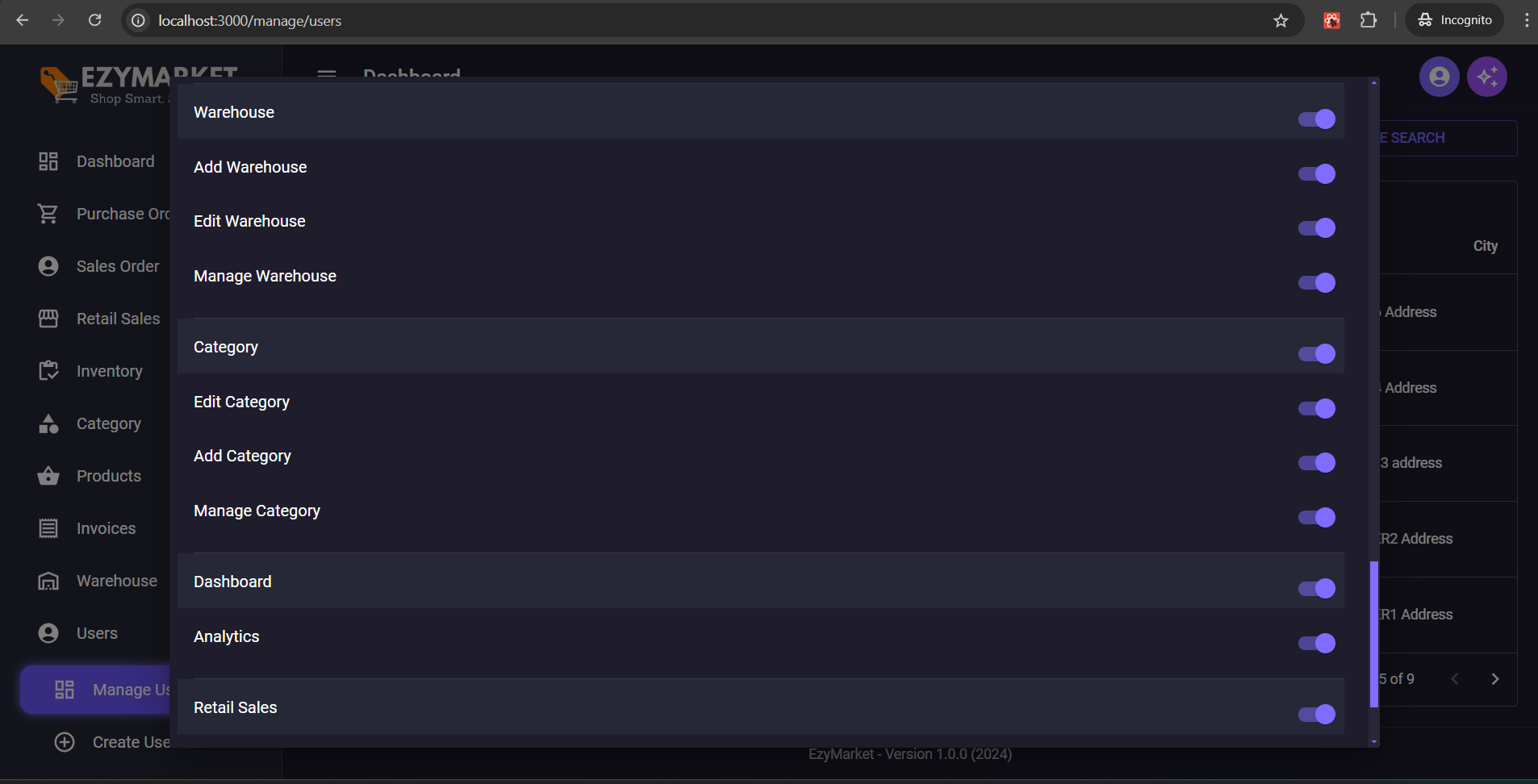
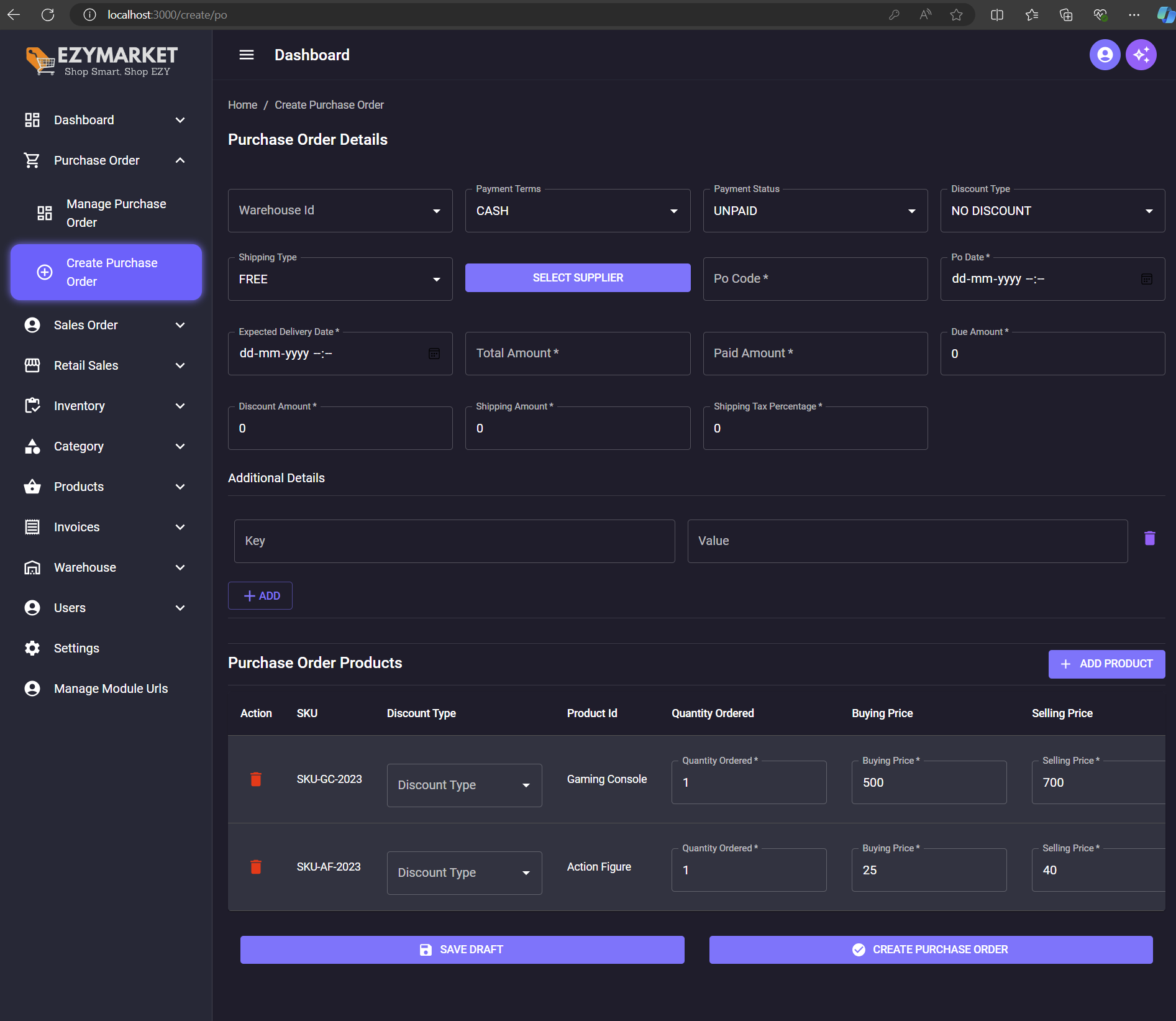
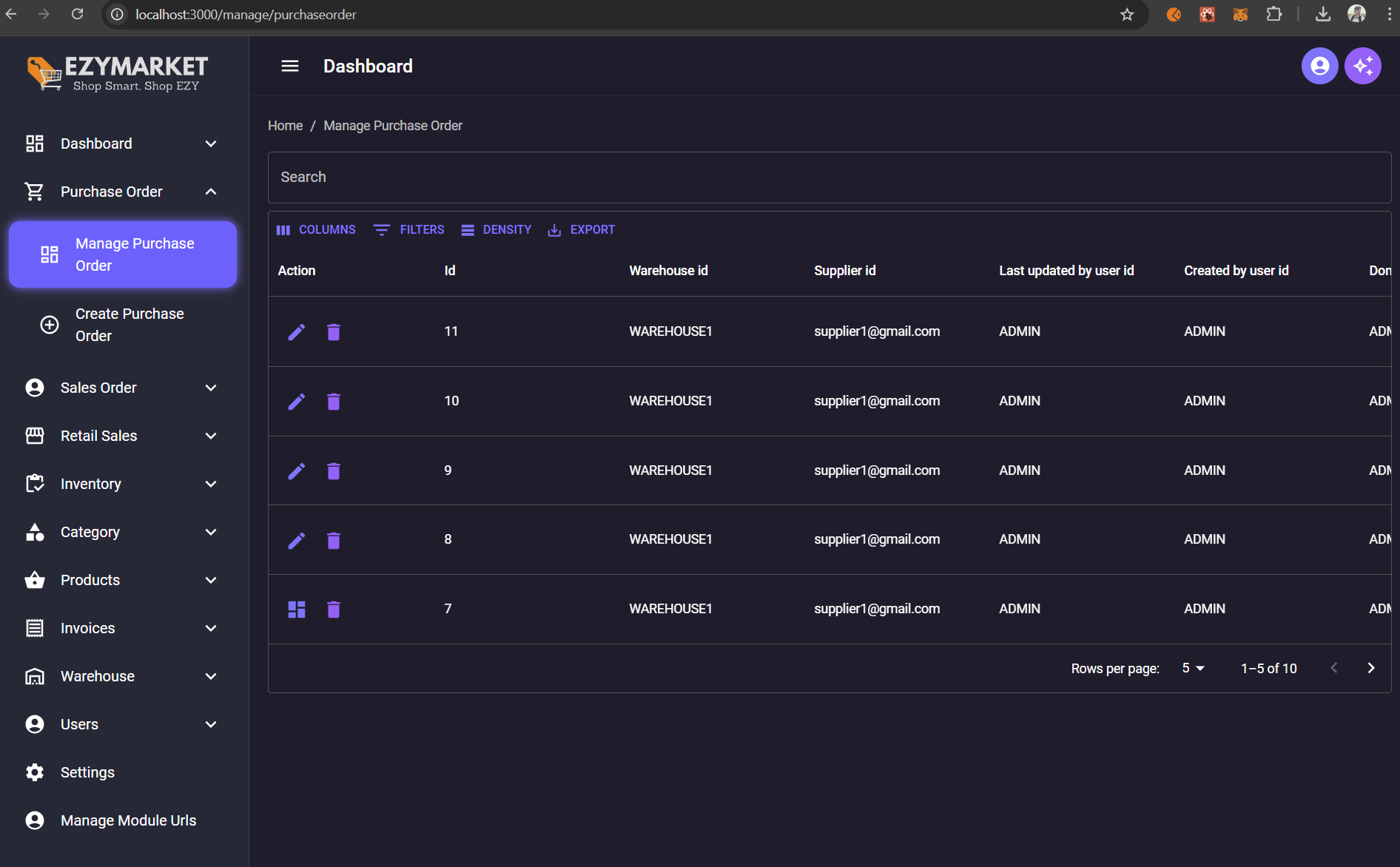
hackstarsj/AmazonCloneEcommerceProjectUsingDjangoReact is a public repo on GitHub by hackstarsj. Complete Amazon Clone Ecommerce with Inventory Management System Using Using Django and React.
It declares no license on GitHub. Public does not mean open source: without a license, nobody is granted the right to reuse it.
Its maker tagged it for macOS, Windows and Linux, or as Docker or cross-platform. That is declared by the maker; Take My Repo has not tested it.
Open "Take it" on its page: Take My Repo writes an install plan for your machine and hands it to your AI agent (Claude Code, Codex or Cursor), which asks you before each step. Take My Repo has not tested it on any machine.
Complete Django Ecommerce Project Course Tutorial Based on Amazon Clone "SuperCodersStore"
Its last change on GitHub was on 2024-08-28. GitHub counts 0 open issues and pull requests. Take My Repo does not judge from that whether it is maintained.
Nobody has reviewed it on Take My Repo yet, which says nothing about its quality.

Student Management System With Video Conferencing Class Room Features