
ParallelTestingFrameworkForAPIAutomation
Parallel testing framework for API automation using pytest, allure, pytest-xdist
- 1
- 16 mo ago
Repo halloichbinrohit/ParallelTestingFrameworkForAPIAutomation, read from GitHub 1 min ago. halloichbinrohit has not joined Take My Repo.
In short
halloichbinrohit/ParallelTestingFrameworkForAPIAutomation is a public repo on GitHub by halloichbinrohit. Parallel testing framework for API automation using pytest, allure, pytest-xdist. It declares no license on GitHub. Public does not mean open source: without a license, nobody is granted the right to reuse it. It is written mainly in HTML, has 1 stars and last changed on 2025-07-25. Nobody has reviewed it on Take My Repo yet, which says nothing about its quality. Read from GitHub on 2026-11-23.
Parallel Testing Framework For API Automation Using Pytest
- This repository contains a modular and scalable API automation framework built using Python, Pytest, and Requests library.
- It supports parallel execution, data-driven testing, and generates detailed reports using Allure and pytest-html.
📂 Project Structure
│ conftest.py - contains pytest fixtures and hook implementation, to generate log files for each tests, kind of listeners that will tell when each test is starting and ending, to get data for api tests such as base url, api key, endpoints etc, hooks (used in report generation/config)
│ pytest.ini - pytest configurations and default options
│ requirements.txt - project dependencies
│ runtest.ps1 - powershell script to run tests easily
├───allure-report - generated Allure HTML report
├───allure-results - allure raw result files
├───data - test data (JSON, CSV, Excel)
│   │   create_user.json
│   │   credentials.csv
│   │   stocks.csv
│   │
│   └───fake_store_api --> FakeStore API-specific data
│           create_user.json
│           sample_file_json_to_upload.json
│           sample_file_json_to_upload.png
│           sample_file_to_upload.xlsx
│
├───logs - log files per test
│       test_able_to_get_same_user_created_using_post_request.log
│       test_able_to_update_same_user_and_get_updated_details.log
│       test_create_user.log
│       test_get_uploaded_file.log
│       test_get_with_query_params.log
│       test_not_able_to_get_non_existed_file.log
│       test_some_verifications_for_nested_json_response.log
│       test_upload_file.log
│       test_user_not_created.log
│       test_verify_able_to_get_existing_user_details.log
│       test_verify_user_created_successfully.log
│
├───results │ report.html - pytest html test report output
├───tests - organized tests by API source
│   ├───fake_store_api_tests
│   │   │   test_fake_store_api.py
│   │   │   test_upload_endpoint.py
│   │
│   ├───postman_echo_api_tests
│   │   │   test_postman_echos.py
│   │
│   ├───reqres_api_tests
│   │   │   test_random_apis.py
└───utils - utility and helper modules
    │   data_generator.py
    │   helpers.py
    │   request_response_logger.py
🚀 Features
- ✅ Pytest-based test runner
- ✅ Parallel testing with
pytest-xdist - ✅ Request/response logging
- ✅ Allure and HTML reports
- ✅ CSV, JSON, Excel-driven data tests
- ✅ Multipart file upload
- ✅ Custom utility functions
- ✅ Supports API chaining and dynamic data generation using faker library
🧰 Tools & Libraries Used
- pytest
- pytest-xdist
- requests
- allure-pytest
- pytest-html
- faker
📝 Logging
- Each test creates a separate log file under the logs/ directory using a custom logger defined in utils/request_response_logger.py.
📂 Sample Test Types
- 🔁 GET, POST, PUT, DELETE
- 📄 File Uploads (PNG, Excel, JSON)
- 🔐 Authenticated requests (Basic, API Keys etc)
- 🔍 Status code, and deep response verification
- 🔗 API chaining
📈 Reporting
- ✅ Allure : Provides interactive test results, Captures logs, request/response, attachments
- ✅ Pytest HTML : Generates self-contained, static reports
🔄 Parallel Execution
- This framework uses pytest-xdist to execute tests in parallel:
pytest -n auto
- You can also control the number of workers:
pytest -n 4
🧪 How to Run Tests
Pre-requisites
- You should have python & allure cli installed on your system, if not please install
- Python
- Allure CLI here
- IDE of your choice for ex: Pycharm Or VS Code
- Clone/download the repo on your system, open in IDE or navigate to project root directory
1. 📦 Install Dependencies
pip install -r requirements.txt
2. 📦 Run All Tests (with Allure and HTML reports)
pytest -s -v -n 3 --dist=loadfile --html=results/report.html --self-contained-html --alluredir=allure-results --clean-alluredir tests
3. 📦 Generating Allure Report
allure generate allure-results -o allure-report --clean
4. 📦 Opening Allure And Self Contained HTML Reports in browser
# Open Pytest Self Contained HTML Report
Start-Process "results\report.html"
# Open Allure Report
Start-Process "allure" -ArgumentList "open", "allure-report"
5. 📦 Or directly run runtest.ps1 in powershell mode if python and allure-cli is installed
- This will first clear the
- allure-results: directory that generates with xml and json files for allure report generation post test execution, so that we get fresh version of these file on each run
- results: directory that contains the report.html i.e, self-contained html report generated by pytest-html
- logs: directory containing separate log file for each executed test in parallel mode using pytest-xdist
- Install dependencies as mentioned in step 1
- Run All Tests with Allure, HTML reports options leveraging pytest-xdist option --dist=loadfile to distribute tests based on file for parallel testing as per step 2
- Generate allure report in allure-report directory based on xml/json file generated in allure-results directory as per step 3
- Directly open pytest self-contained html report from results\report.html directory and interactive allure report from allure-report in your system default browser as per step 4
📊 Sample Reports
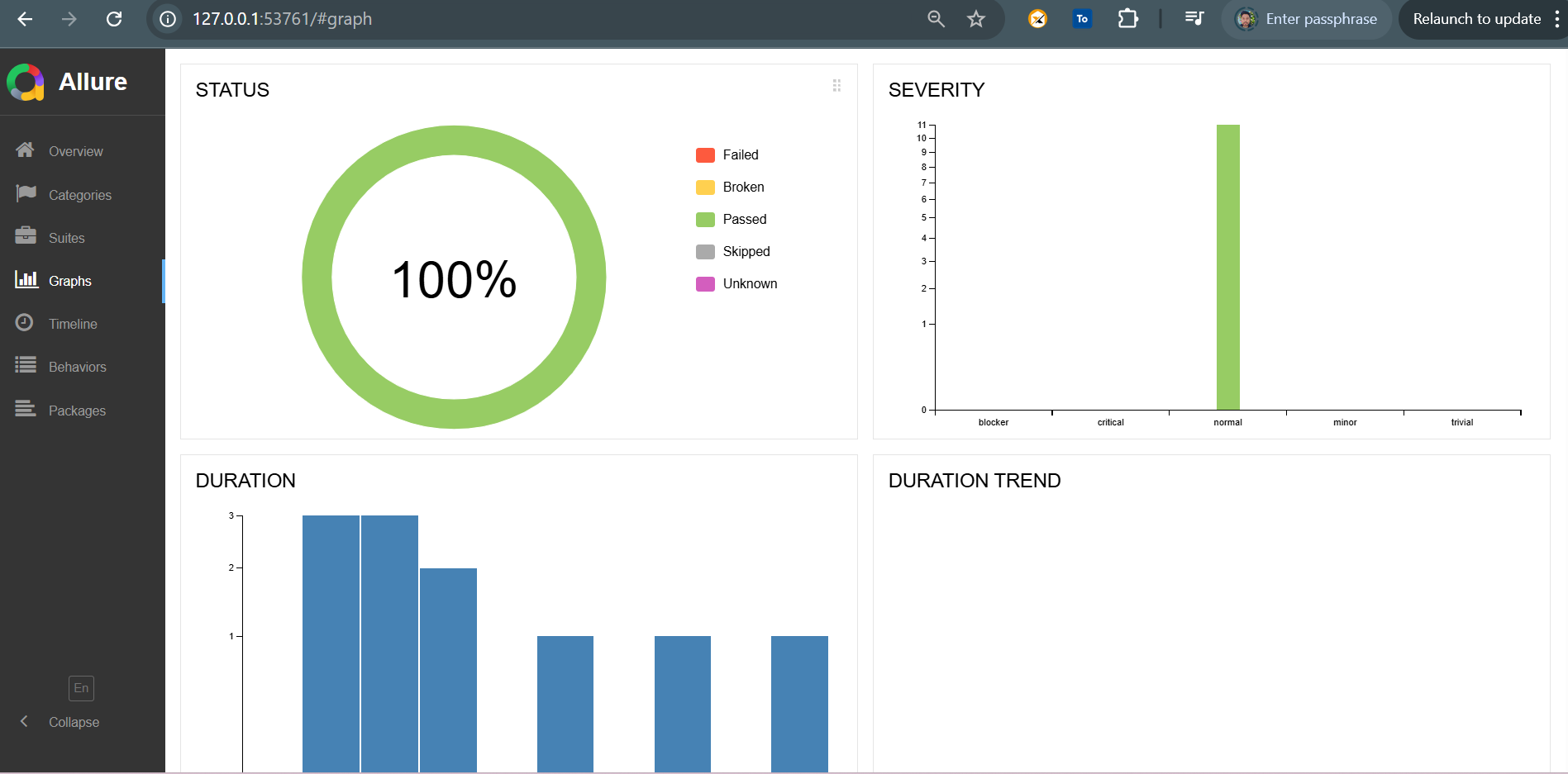
✅ Allure Report


✅ Pytest HTML Report


🙋♂️ Author: Rohit Negi
- 📧 Email: rohitnegichd@gmail.com
- 📞 Phone: +91-8077683563
- 🔗 LinkedIn: linkedin.com/in/halloichbinrohit
Questions
What is ParallelTestingFrameworkForAPIAutomation?
halloichbinrohit/ParallelTestingFrameworkForAPIAutomation is a public repo on GitHub by halloichbinrohit. Parallel testing framework for API automation using pytest, allure, pytest-xdist.
Is ParallelTestingFrameworkForAPIAutomation open source?
It declares no license on GitHub. Public does not mean open source: without a license, nobody is granted the right to reuse it.
Does ParallelTestingFrameworkForAPIAutomation run on macOS, Windows or Linux?
Its maker tagged it for Windows. That is declared by the maker; Take My Repo has not tested it.
How do I install ParallelTestingFrameworkForAPIAutomation?
Open "Take it" on its page: Take My Repo writes an install plan for your machine and hands it to your AI agent (Claude Code, Codex or Cursor), which asks you before each step. Take My Repo has not tested it on any machine.


