Github-Ranking
:star:Github Ranking:star: Github stars and forks ranking list. Github Top100 stars list of different languages. Automatically update daily. | Github仓库排名,每日自动更新
- 13k
- Python
- MIT
- 2 d ago
Simple utilities to transfer all forked repos from your account to another organization in order to declutter your profile
Repo hesreallyhim/transfer-github-forks, read from GitHub 19 h ago. hesreallyhim has not joined Take My Repo.
hesreallyhim/transfer-github-forks is a public repo on GitHub by hesreallyhim. Simple utilities to transfer all forked repos from your account to another organization in order to declutter your profile. It declares no license on GitHub. Public does not mean open source: without a license, nobody is granted the right to reuse it. It is written mainly in Shell, has 2 stars and last changed on 2025-10-14. Nobody has reviewed it on Take My Repo yet, which says nothing about its quality. Read from GitHub on 2026-11-21.

This repository contains two Bash scripts (macOS-compatible) that help you migrate GitHub forks from your personal account into an organization, and then update your local Git remotes to point to the new org repositories.
Both scripts are safe by default (dry-run mode) and fully compatible with Bash 3.2 (the macOS default Bash).
| Script | Purpose |
|---|---|
transfer-forks.sh |
Scans your personal forks, transfers eligible ones to an organization, and records a mapping file (~/.fork_transfer_map.tsv). |
fix-local-remotes.sh |
Reads that mapping file and updates local clones’ origin URLs to point to the new organization repos. |
| Script | Flag / Argument | Description |
|---|---|---|
transfer-forks.sh |
<your-username> |
Your GitHub username (owner of the forks). |
<target-org> |
Target organization to transfer forks into. | |
--execute |
Actually perform transfers (otherwise dry-run). | |
--delete-inactive |
Delete inactive forks left in your account. | |
--inactive-days N |
Days since last push to consider a fork inactive (default: 120). | |
--limit N |
Process at most N eligible (post-skip) repos in this run. | |
--debug |
Enable detailed execution trace and logging to ~/transfer-forks-debug.log. |
|
fix-local-remotes.sh |
<local-clone-root> |
Directory under which your local clones live. |
--execute |
Apply remote changes (otherwise dry-run). | |
--debug |
Enable xtrace and logging to ~/fix-remotes-debug.log. |
./transfer-forks.sh myuser myorg --limit 10
./transfer-forks.sh myuser myorg --execute
./transfer-forks.sh myuser myorg --execute --delete-inactive --inactive-days 90
./fix-local-remotes.sh ~/projects/forks
./fix-local-remotes.sh ~/projects/forks --execute
To successfully perform transfers using the GitHub API:
When authenticating via the GitHub CLI (gh auth login), use one of the following:
Required scopes:
You can verify your token’s scopes with:
gh auth status
gh auth token
If a transfer fails with 403 or 404, confirm that your token covers both repo administration and org creation rights.
--execute is given. ~/.fork_transfer_map.tsv stores tab-separated lines old_full<TAB>new_full.--limit) applies to attempted transfers, not scanned forks.Both scripts support a --debug flag.
When enabled:
set -x).~/transfer-forks-debug.log~/fix-remotes-debug.log./transfer-forks.sh myuser myorg --execute --limit 5 --debug
./fix-local-remotes.sh ~/projects/forks --execute --debugIf you performed a partial transfer (e.g. --limit 10) and want to restart fresh:
rm -f ~/.fork_transfer_map.tsv#!/usr/bin/env bash # clean-run.sh – removes all transferred forks from the org and resets mapping. MAPPING_FILE="${HOME}/.fork_transfer_map.tsv" [ ! -f "$MAPPING_FILE" ] && echo "No mapping file found." && exit 0 read -p "Delete all mapped repos from org and reset mapping? (y/N) " resp [[ "$resp" != [yY] ]] && echo "Aborted." && exit 0 while IFS=$'\t' read -r old new; do [ -z "$new" ] && continue echo "Deleting $new ..." gh repo delete "$new" --yes || echo "Warning: failed to delete $new" done < "$MAPPING_FILE" rm -f "$MAPPING_FILE" echo "Mapping cleared. Ready for a clean run."
When a repo is transferred, GitHub automatically redirects all git and HTTP operations from the old path to the new one.
However, updating remotes is still recommended because:
git remote -v.Reference: GitHub Docs — About repository transfers
transfer-forks.sh → Moves forks from your personal account to an org, logs results to ~/.fork_transfer_map.sh.fix-local-remotes.sh~/.fork_transfer_map.tsv..git presence.[2025-10-14T00:30:02Z] TRANSFER user/foo → org/foo [dry-run=true]
[2025-10-14T00:30:02Z] OK transferred: user/foo → org/foo
[2025-10-14T00:30:02Z] Done. Transferred: 1, Deleted: 0, Attempted: 1, Scanned: 3 (execute=false, limit=1)
[2025-10-14T00:30:02Z] Mapping persisted at: /Users/you/.fork_transfer_map.tsv| Script | Function | Key Options |
|---|---|---|
transfer-forks.sh |
Transfers forks to an organization and records mappings. | --execute, --limit, --debug |
fix-local-remotes.sh |
Updates local clones’ origin URLs to match transferred repos. | --execute, --debug |
clean-run.sh |
Deletes mapped repos and clears state for a clean rerun. | (no flags) |
All scripts are safe, idempotent, and designed for incremental migration of large numbers of forks.
hesreallyhim/transfer-github-forks is a public repo on GitHub by hesreallyhim. Simple utilities to transfer all forked repos from your account to another organization in order to declutter your profile.
It declares no license on GitHub. Public does not mean open source: without a license, nobody is granted the right to reuse it.
Its maker tagged it for macOS. That is declared by the maker; Take My Repo has not tested it.
Open "Take it" on its page: Take My Repo writes an install plan for your machine and hands it to your AI agent (Claude Code, Codex or Cursor), which asks you before each step. Take My Repo has not tested it on any machine.
Its last change on GitHub was on 2025-10-14. GitHub counts 0 open issues and pull requests. Take My Repo does not judge from that whether it is maintained.
:star:Github Ranking:star: Github stars and forks ranking list. Github Top100 stars list of different languages. Automatically update daily. | Github仓库排名,每日自动更新
Nobody has reviewed it on Take My Repo yet, which says nothing about its quality.
:octocat: 分享 GitHub 上有趣、入门级的开源项目。Share interesting, entry-level open source projects on GitHub.
Improving GitHub's Forks list discoverability through automatic filtering. The project offers an online tool and a Chrome extension.
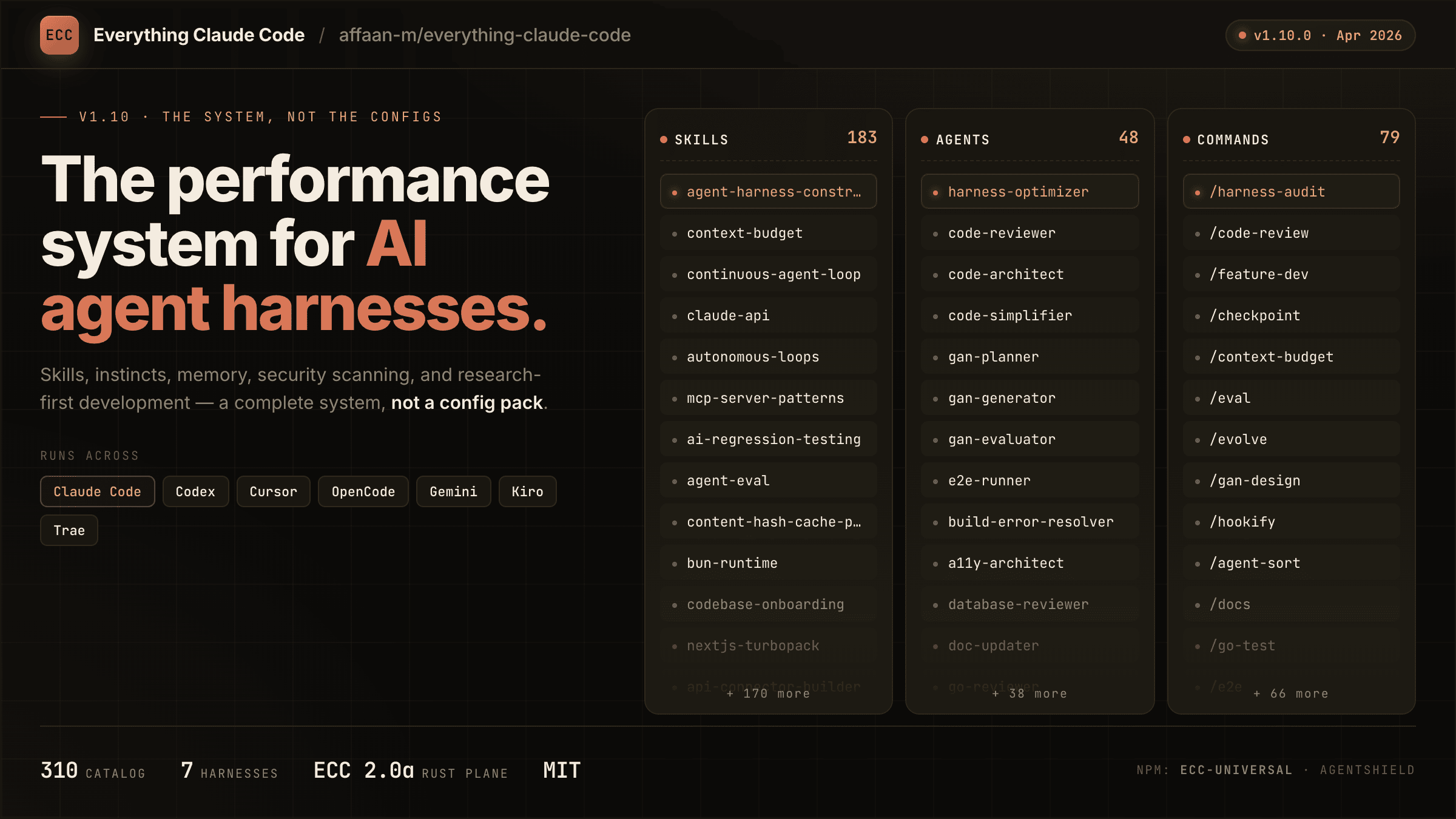
The agent harness performance optimization system. Skills, instincts, memory, security, and research-first development for Claude Code, Codex, Opencode, Cursor and beyond.
Reverse engineer anything with agents, from app behavior down to native binaries.
A hand-picked collection of the finest of resources for the most awesome of agents, Claude Code, the undisputed champion of coding companions, from the unstoppable team at Anthropic PBC (no affiliation). A delectable showcase of top tier skills, ambidextrous agents, scintillating status lines, top notch developer tooling, and also we have plugins
A list of Claude Code Sub-Agents submitted by the community.
A curated collection of probably the most awesome feature of Claude Code - Output Styles
An MCP server that allows users to dynamically add custom tools/functions at runtime
Unofficial MCP server that integrates with the Proton Pass CLI
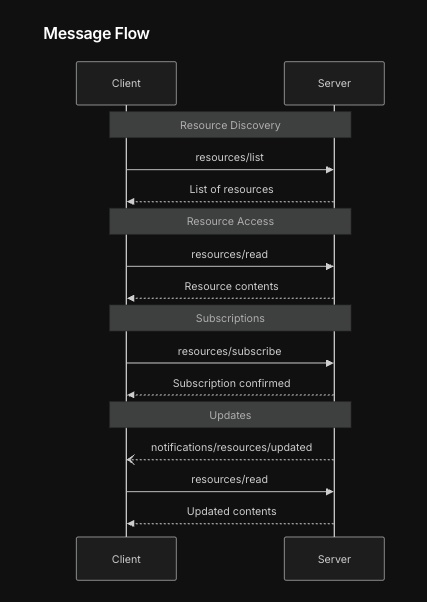
An MCP server that provides server-to-client notifications for file changes that the client subscribes to