flutter
Flutter makes it easy and fast to build beautiful apps for mobile and beyond
- 181k
- Dart
- BSD-3-Clause
- 3 h ago
Noter: sticky notes at the edge of your Mac screen
Repo hex/Noter, read from GitHub 1 min ago. hex has not joined Take My Repo.
hex/Noter is a public repo on GitHub by hex. Noter: sticky notes at the edge of your Mac screen. It declares the MIT license on GitHub. It is written mainly in Swift, has 0 stars and last changed on 2026-09-17. Nobody has reviewed it on Take My Repo yet, which says nothing about its quality. Read from GitHub on 2026-11-21.
Noter is a signed macOS app bundle. The Xcode project is generated from project.yml by
xcodegen (brew install xcodegen):
xcodegen generate
xcodebuild -project Noter.xcodeproj -scheme Noter -configuration Debug -derivedDataPath DerivedData build
open DerivedData/Build/Products/Debug/Noter.app
Signing uses the "Developer ID Application" identity of team 7G4UQW35EL with the hardened
runtime; change DEVELOPMENT_TEAM in project.yml to build with another account. Versions follow
YYYY.M.PATCH (MARKETING_VERSION) with a date-encoded build number (CURRENT_PROJECT_VERSION)
that Sparkle compares to offer updates; both live in project.yml. The plugin carries the same
version: a MARKETING_VERSION bump also updates version in .claude-plugin/marketplace.json and
plugin/.claude-plugin/plugin.json.
The platform-neutral model, storage and enrichment code is the NoterKit package in NoterKit/,
shared with the iOS app. swift test in the repo root runs the Mac tests; swift test in NoterKit/
runs the shared model, storage and enrichment tests.
NoterMobile/ is the iOS app on the same library, synced through CloudKit: pinned and recent notes, an archived
toggle, and a note opens as a read-only clipping with its link preview and attachments. Edit
swaps in a title field, a tags field that suggests tags already in the library as you type, and a
body editor; Done saves, and so does leaving the note
or backgrounding the app. The toolbar menu holds Pin, Archive, a colour picker and Delete. "+"
makes a note and opens it in Edit; tapping Done on a still-empty note deletes it, but clearing an
existing note never deletes it. Settings has a Summaries section for the provider (Anthropic,
OpenAI or Gemini), the model, and an API key kept in the device keychain with a Test button;
settings are per device. With a key stored, a note whose only tag is inbox gets a link preview and a
title, summary and tags from the chosen provider the next time the app comes to the foreground.
Editing its title or body by hand takes it out of the inbox, so a summary never replaces your text.
It is not released yet. xcodegen generate then xcodebuild -scheme NoterMobile -destination 'generic/platform=iOS Simulator' CODE_SIGNING_ALLOWED=NO build compiles it; running it on a phone
needs the "Noter iOS Development" profile and a device registered on the team.
The Mac keeps its library in Application Support; the iPhone keeps its in the shared App Group
folder. The two sync through CloudKit in your private iCloud database. The Mac imports your
existing notes into Application Support the first time you run this version; the phone gets them
through CloudKit sync. Every target is pinned to the Production CloudKit environment in
project.yml (xcodegen writes the .entitlements files from it, so edit the pin there), and the
Mac registers for remote notifications so a change on the phone lands within seconds while the
phone app is open. Refresh (⌘R) in the menu bar or the rail's right-click menu fetches at once, and
so does dragging the rail down and letting go.
Noter watches iCloud Drive/Shortcuts/Noter/Inbox, the folder Shortcuts' Save File action writes to. Anything the phone drops there as JSON becomes a note, and
a model writes a title, a four-line summary, and tags for it.
A link in a note gets a preview card from the page's OpenGraph tags. GitHub repos and issues, Reddit posts, YouTube videos, Hacker News items and X posts come from each site's own API instead, with a detail line (stars, points, comments, channel) and the avatar or thumbnail. Both happen when the card closes: a note whose body is nothing but a link is also given a title, summary and tags, the same as pressing Rewrite; a note with your own words around the link only gets the preview.
The quickest way in: open the share sheet on a link, selected text, a photo, a PDF or any file, tap
Edit Actions once to add Noter to the row, then Noter. The extension saves the note
straight into the library through Inbox.add, tagged inbox, with the page title and a random
colour, shows a "Saved to Noter" pill, and sends the note and its files to CloudKit itself
(ShareUpload), so the Mac gets it without the phone app opening. It gives the upload ten
seconds; whatever did not get through goes the next time the phone app comes to the foreground,
and a note the app has already sent is left alone. The Mac summarises it as soon as it arrives; the
phone summarises it the next time it opens with a key set. Each share appends a line to
Library/Noter/share-log.txt in the App Group with its outcome. If Noter can't reach its library,
the sheet shows only a message and Cancel.
The Shortcut below still works, and stays useful for automation and for the Mac's own importer, which watches the drop folder.
Enrichment runs through a local agent CLI in print mode, so Noter holds no API key. Default is
agy with Gemini Flash; claude with Haiku is the alternate, switched in Enricher.backend. Either
must be logged in and installed under ~/.local/bin, /opt/homebrew/bin, or /usr/local/bin.
The shortcut is generated and signed on the Mac; Shortcuts syncs it to the iPhone through iCloud.
cd Shortcut && python3 build.py && open "Send to Noter.shortcut"
Click Add Shortcut in the window that opens. On the phone, share any page or text and tap Send to Noter. A note appears on the Mac once iCloud syncs, usually within seconds, and is rewritten a few seconds later. Select text on the page before sharing to give the summary more to work with; pages behind a login cannot be fetched from the Mac.
Favourite the shortcut in the share sheet's actions row so it is one tap from the top.
The shortcut reads the page name, the page selection, any URLs, and the raw input, writes them as
JSON, and saves it as iCloud Drive/Shortcuts/Noter/Inbox/<timestamp>.txt; files it shares are saved
beside it as <timestamp>-<name>.
{"url": "https://example.com/post", "title": "Page title", "text": "selected text", "input": "raw shared input"}Any key may be missing or empty; input is used when text is empty. A drop that is not valid JSON is left in the folder.
The app binary doubles as a command line when invoked as noter. The Homebrew cask links it into
your path; from a local build, symlink it yourself:
ln -s /Applications/Noter.app/Contents/MacOS/Noter /usr/local/bin/noter
Output is JSON, ids may be shortened to a unique prefix, and - reads a body from stdin. The
running app notices every write and updates the rail. The app does not need to be running for
local changes; they reach your other devices while it runs.
noter list                      # active notes, newest first, with excerpts
noter list --archived           # or --all
noter search cloudkit sync      # notes containing every word; --tag t, --archived, --all
noter search -- --archived      # after "--" a word is text, not an option
noter show 6950                 # one note with its markdown body
noter add --title "Groceries" --tags home,food --color mint "milk\neggs"
pbpaste | noter add --title "Clipboard" -
noter edit 6950 --content - < body.md
noter edit 6950 --tags a,b --pin
noter archive 6950 | noter unarchive 6950 | noter delete 6950
noter export ~/Desktop/notes    # the active notes as Markdown files
noter mcp serves the same verbs as MCP tools over stdio (list_notes, search_notes, get_note,
add_note, edit_note, archive_note, unarchive_note, delete_note):
claude mcp add noter -- noter mcp
The plugin adds the MCP server and a skill that knows how to save a note from a session, find and read
notes, and tidy the library. Tidying proposes its retags, archives and merges and waits for your yes; a
merge archives the originals rather than deleting them. It needs noter on your PATH.
/plugin marketplace add hex/Noter
/plugin install noter@noter
Writes from the shell skip enrichment: the caller already chose the title and tags. Drop a JSON file in the inbox instead when you want the model to write them.
Menu bar icon > Settings… (⌘,), or right-click anywhere on the rail. Stored in UserDefaults.
SMAppService; it also shows under System Settings >
General > Login Items, and macOS may ask for approval there the first time.agy, Claude Code (claude) and Codex (codex)
are detected when installed under ~/.local/bin, Homebrew, /usr/local/bin or nvm; each runs in
print mode with its own login. Pick any model name, or leave it empty for the tool's default.
The three "API key" options (Anthropic, OpenAI, Gemini) call the provider directly. Paste a
key and press Return to store it in your login keychain (service Noter, account anthropic,
openai or gemini); nothing is written to a file. Without a stored key, Noter falls back to
ANTHROPIC_API_KEY, OPENAI_API_KEY or GEMINI_API_KEY, which only exist when Noter is
started from a terminal, not from Finder or at login.project.yml (SUFeedURL, appcast.xml on GitHub); automatic checks can be turned off.Noter.icon is the app icon in Icon Composer format: icon.json plus one layer in Assets/, the
full-bleed artwork (noter-icon-fullbleed.png, which keeps its own painted shadows). macOS 26
masks it and adds its glass rim; for macOS 14 and 15 actool flattens it into Noter.icns at build
time, so no .appiconset is needed. noter-icon.png and Icon/ are the pre-squircled legacy exports
kept for the README and docs. The menu bar uses a code-drawn template mark (App/AppIcon.swift).
Sources/Noter/App window, menu bar, tooltip panel, inbox watcherSources/Noter/Views rail strip, note card, glass surface, shared metricsSources/Noter/Model note, store, panel state, content kind, inbox, enricher, settings, login itemSources/Noter/Persistence markdown plus JSON sidecar storageMIT
hex/Noter is a public repo on GitHub by hex. Noter: sticky notes at the edge of your Mac screen.
It declares the MIT license on GitHub.
Its maker tagged it for macOS. That is declared by the maker; Take My Repo has not tested it.
Open "Take it" on its page: Take My Repo writes an install plan for your machine and hands it to your AI agent (Claude Code, Codex or Cursor), which asks you before each step. Take My Repo has not tested it on any machine.
Its last change on GitHub was on 2026-09-17. Take My Repo does not judge from that whether it is maintained.
Nobody has reviewed it on Take My Repo yet, which says nothing about its quality.
Flutter makes it easy and fast to build beautiful apps for mobile and beyond
There can be more than Notion and Miro. AFFiNE(pronounced [ə‘fain]) is a next-gen knowledge base that brings planning, sorting and creating all together. Privacy first, open-source, customizable and ready to use.
Bring projects, wikis, and teams together with AI. AppFlowy is the AI collaborative workspace where you achieve more without losing control of your data. The leading open source Notion alternative.
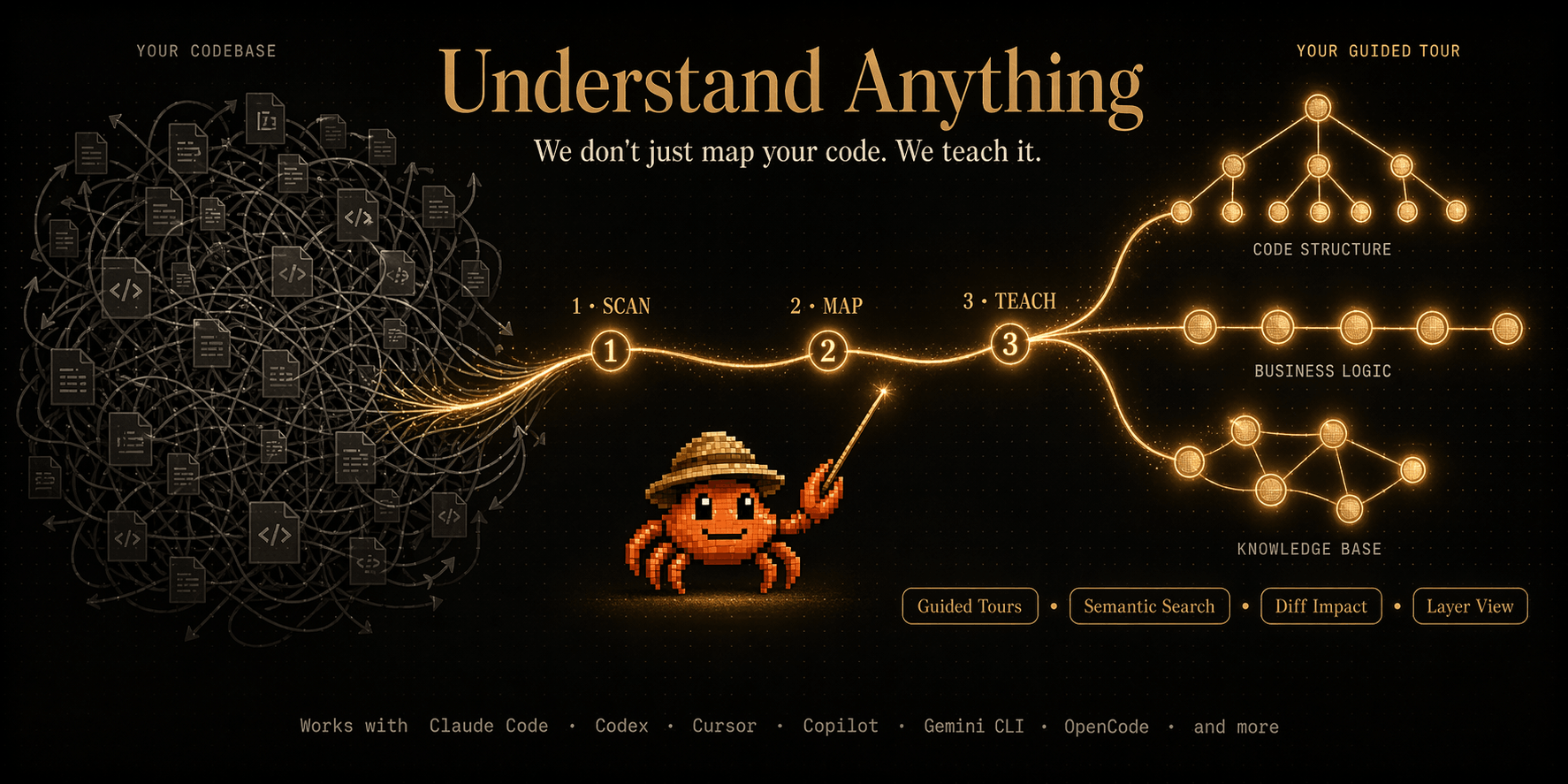
Graphs that teach > graphs that impress. Turn any code into an interactive knowledge graph you can explore, search, and ask questions about. Works with Claude Code, Codex, Cursor, Copilot, Gemini CLI, and more.
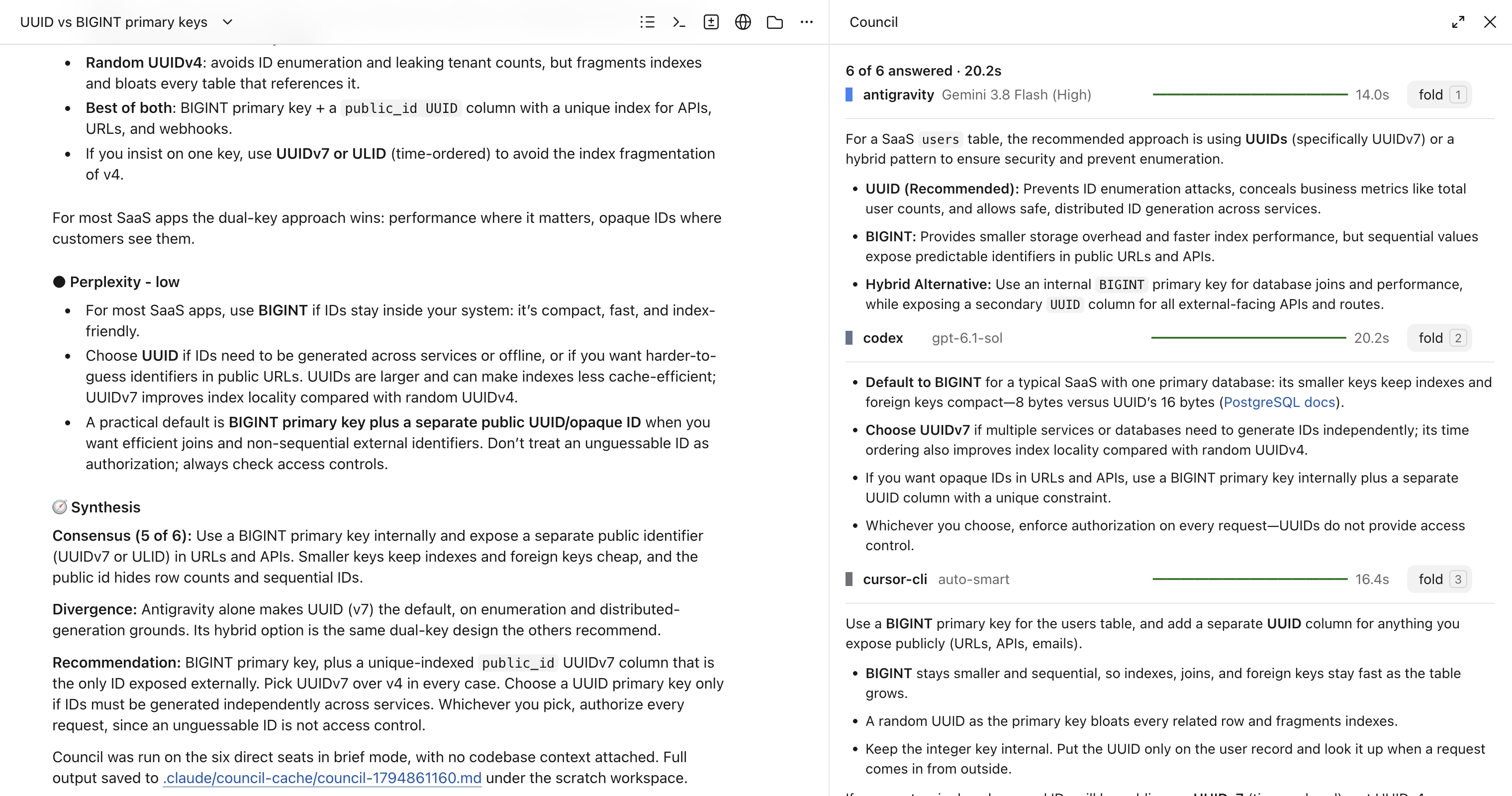
Claude Code plugin that asks several AI coding agents the same question and shows their answers side by side. Gemini, OpenAI, Grok, Perplexity, Kimi and any model OpenRouter routes to over API; codex, antigravity, grok, kimi and cursor CLIs on subscription auth; ollama locally. Codex specialists take coding tasks on their own branch (experimental).
Session manager for Claude Code with automatic documentation and artifact tracking
Claude Code plugin for generating and editing images using Google Gemini and OpenAI GPT Image APIs
A native macOS menu bar app for managing mutagen file sync and network forwarding sessions