
tensorflow-1-public
- 2.6k
- Jupyter Notebook
- Apache-2.0
The maintainer has not written a description at the source.
Repo https-deeplearning-ai/sc-on-device-ai-memory, read from GitHub 1 min ago. https-deeplearning-ai has not joined Take My Repo.
https-deeplearning-ai/sc-on-device-ai-memory is a public repo on GitHub by https-deeplearning-ai. It declares the Apache-2.0 license on GitHub. It is written mainly in HTML, has 41 stars and last changed on 2026-10-09. Nobody has reviewed it on Take My Repo yet, which says nothing about its quality. Read from GitHub on 2026-11-18.

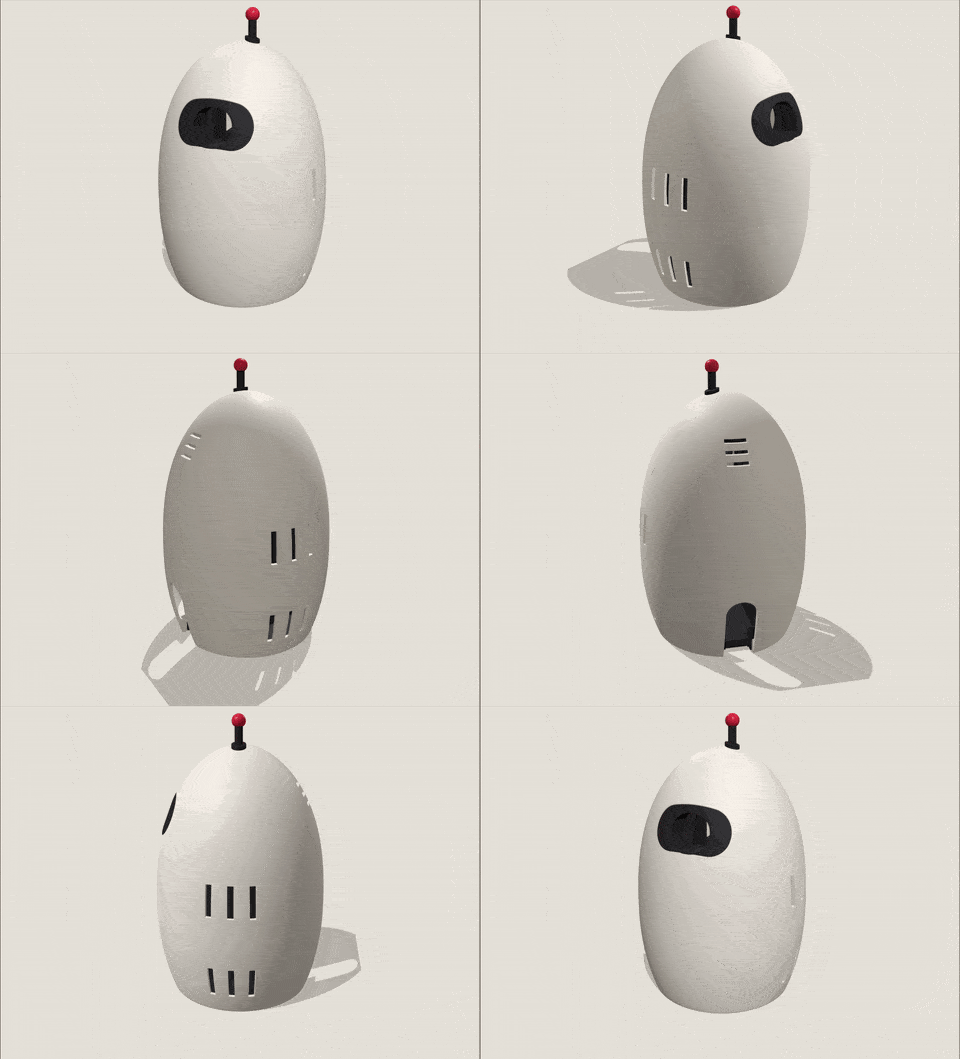
The Qdrant Edge Memory Robot sees an object, learns its name from your voice, and remembers where and when it saw it. Detection, speech recognition, embeddings, and vector search all run on the device, no cloud service, API key, or large language model required.
This project is the physical continuation of the DeepLearning.AI short course Building AI Assistants with On-Device Memory, which builds the memory layer in the notebooks. This repository connects that layer to a camera, microphone, object detector, and browser interface.
You do not need to print the enclosure or own a Jetson to explore the code.
| Goal | Guide |
|---|---|
| Run the robot with a computer and webcam | Get Started |
| Check the hardware requirements for the complete robot | Hardware |
| Build the complete Jetson robot | Build Your Own Robot |
| Connect the course concepts to the implementation | Understand the Architecture |
| Find a specific setup or reference page | Browse the Documentation |
 Recognize objects |
 Recall sightings |
 Browse memories |
 Manage memories |
You need Windows, macOS, or Linux, Python 3.12 or newer, uv, a webcam, and a microphone. Windows support targets 64-bit Windows on x86 processors.
uv sync
cp .env.example .env
uv run python -m robot.app
On Windows PowerShell, replace the copy command with:
Copy-Item .env.example .envOpen http://127.0.0.1:8765. The first run downloads about 1.5 GB of model files and takes longer than later starts.
For the first interaction, hold an object near the center of the camera view. When its box becomes steady, hold TEACH, say "This is my object," and release the button. See Get Started for the full walkthrough and common setup issues.
camera -> detect and track -> crop -> CLIP image vector
                                         |
voice  -> Whisper -> name -> Nomic text vector
                                         |
                                  Qdrant Edge shard
                                         |
                              recognize and recall
YOLOE finds and tracks objects, but the application discards its class names. The memories you teach determine an object's name. Qdrant Edge stores two named vectors on each taught view: a CLIP image vector for recognition and a Nomic text vector for spoken recall.
robot/
  brain/          course concepts: detection, embeddings, memory, and recall
  device/         camera, microphone, browser server, and interface
  app.py          command-line entry point and image replay
  config.py       settings loaded from .env
docs/             setup, build, architecture, and calibration guides
deploy/           optional headless Jetson service and Wi-Fi setup
hardware/         printable enclosure files
testdata/         sample images and the calibration check
tests/            unit tests for platform-specific helpers
Start reading at robot/brain/core.py. The Robot.process_frame method connects detection, embedding, recognition, and sighting storage. The architecture guide provides a guided reading order.
Runtime memories are stored in edge-data/, which Git ignores. Use --reset to start with an empty memory.
The code and documentation are licensed under Apache 2.0.
The calibration photographs in testdata/ come from Wikimedia Commons under CC BY-SA 4.0. testdata/CREDITS.json names each photographer and links the original file.
https-deeplearning-ai/sc-on-device-ai-memory is a public repo on GitHub by https-deeplearning-ai. Its maker has not written a description.
It declares the Apache-2.0 license on GitHub.
Its maker has not tagged a system, so it is unknown here. Its README says what it needs.
Open "Take it" on its page: Take My Repo writes an install plan for your machine and hands it to your AI agent (Claude Code, Codex or Cursor), which asks you before each step. Take My Repo has not tested it on any machine.
Its last change on GitHub was on 2026-10-09. Take My Repo does not judge from that whether it is maintained.
Nobody has reviewed it on Take My Repo yet, which says nothing about its quality.
Public repo for DeepLearning.AI MLEP Specialization