
DetectKit
The lightweight mobile toolkit for image-based detection using any AI model. Built for flexibility. Powered by vision
- 0
- MIT
- 19 mo ago
Repo iAnisdev/DetectKit, read from GitHub 15 h ago. iAnisdev has not joined Take My Repo.
In short
iAnisdev/DetectKit is a public repo on GitHub by iAnisdev. The lightweight mobile toolkit for image-based detection using any AI model. Built for flexibility. Powered by vision. It declares the MIT license on GitHub. It is written mainly in JavaScript, has 0 stars and last changed on 2025-04-19. Nobody has reviewed it on Take My Repo yet, which says nothing about its quality. Read from GitHub on 2026-11-24.
🔍 DetectKit
DetectKit is a lightweight, open-source mobile toolkit for image-based detection using any AI model. Built with React Native + Expo, it supports real-time image upload and response rendering from customizable backend APIs. Use it with zero-shot models like CLIP, object detectors like YOLO, or even your own ML pipelines.
📱 Features
- 📸 Capture or upload image from mobile
- 🧠 Send to any backend for inference (REST API)
- 🔊 Read out the response via device text-to-speech
- 🧩 Modular and backend-agnostic design
- 🌐 Works in tunnel, LAN, or cloud environments
- 🧪 Built with React Native and Expo SDK
📸 Screenshots
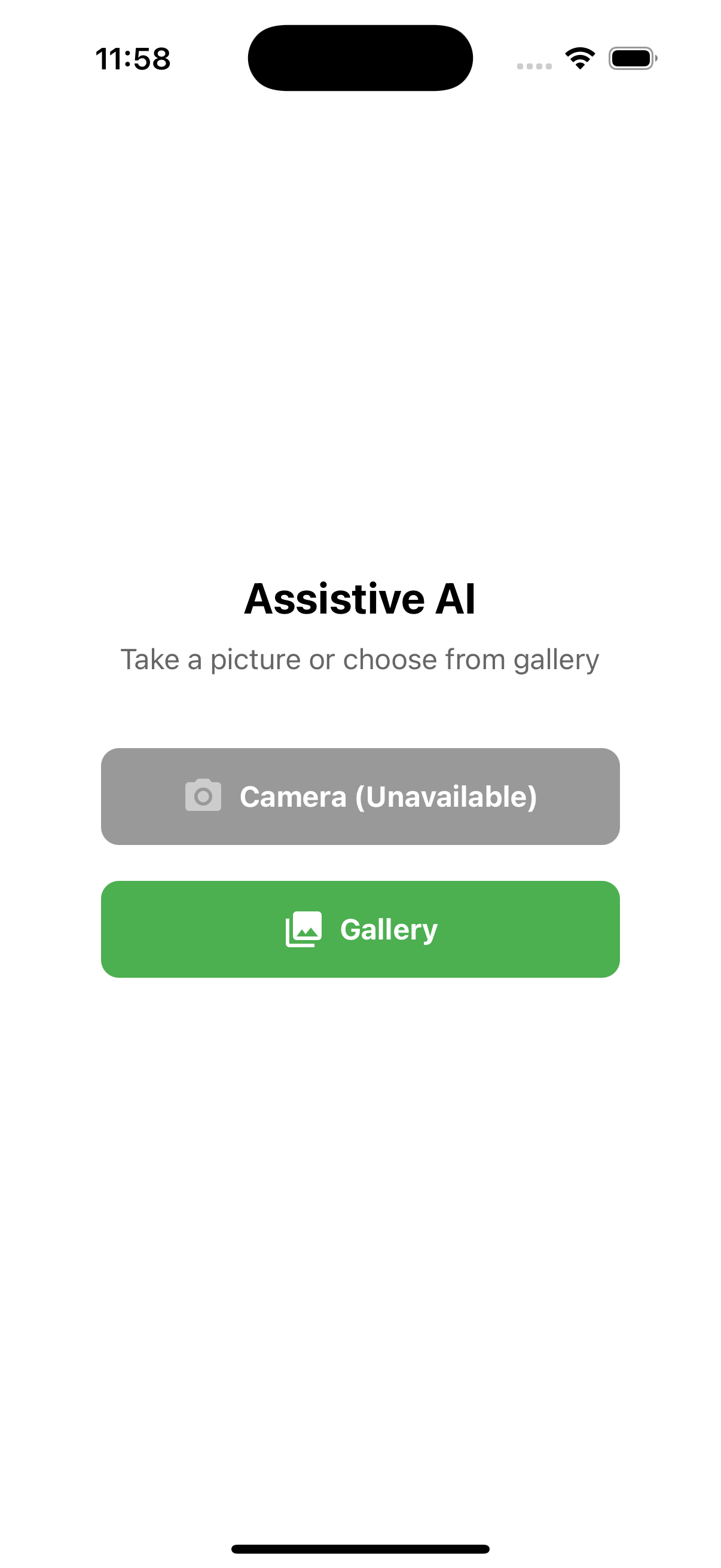
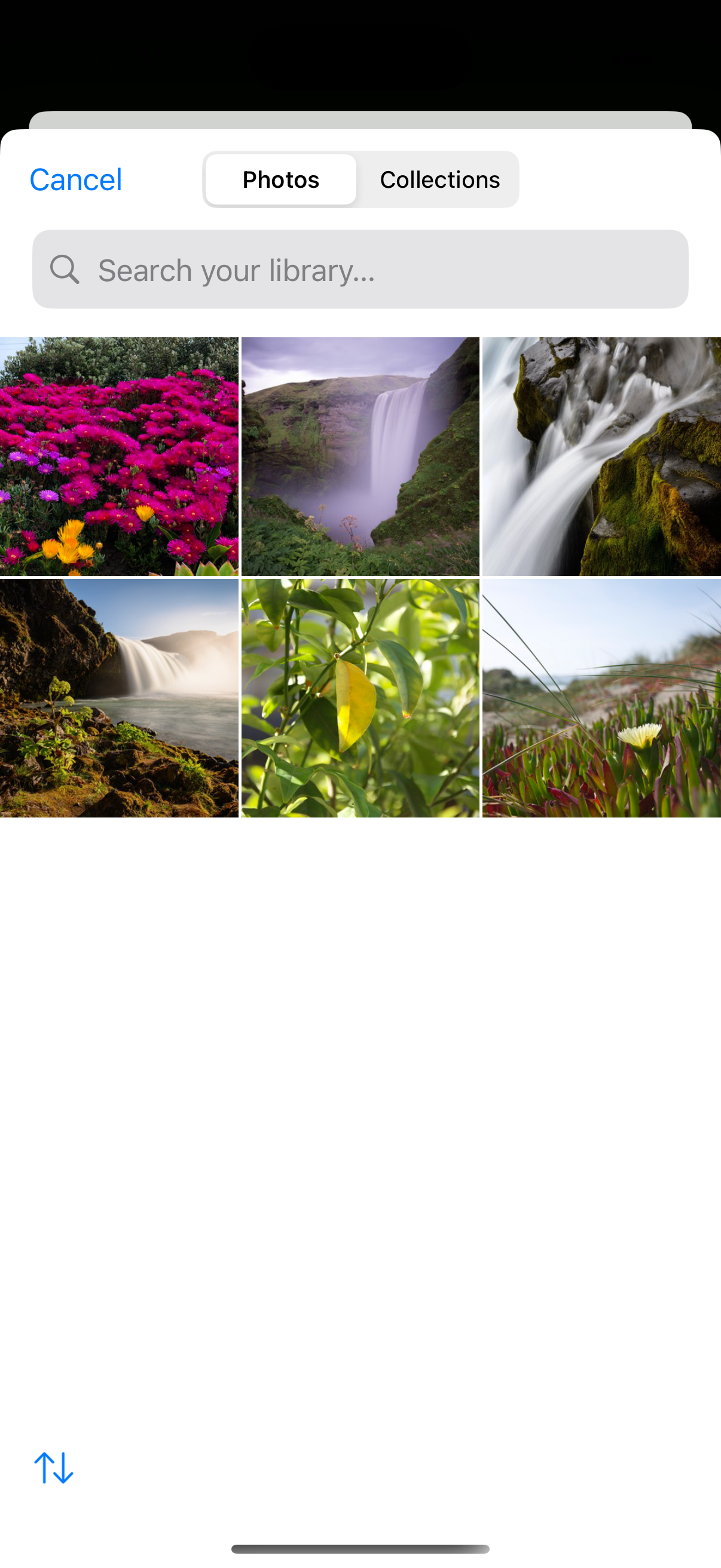
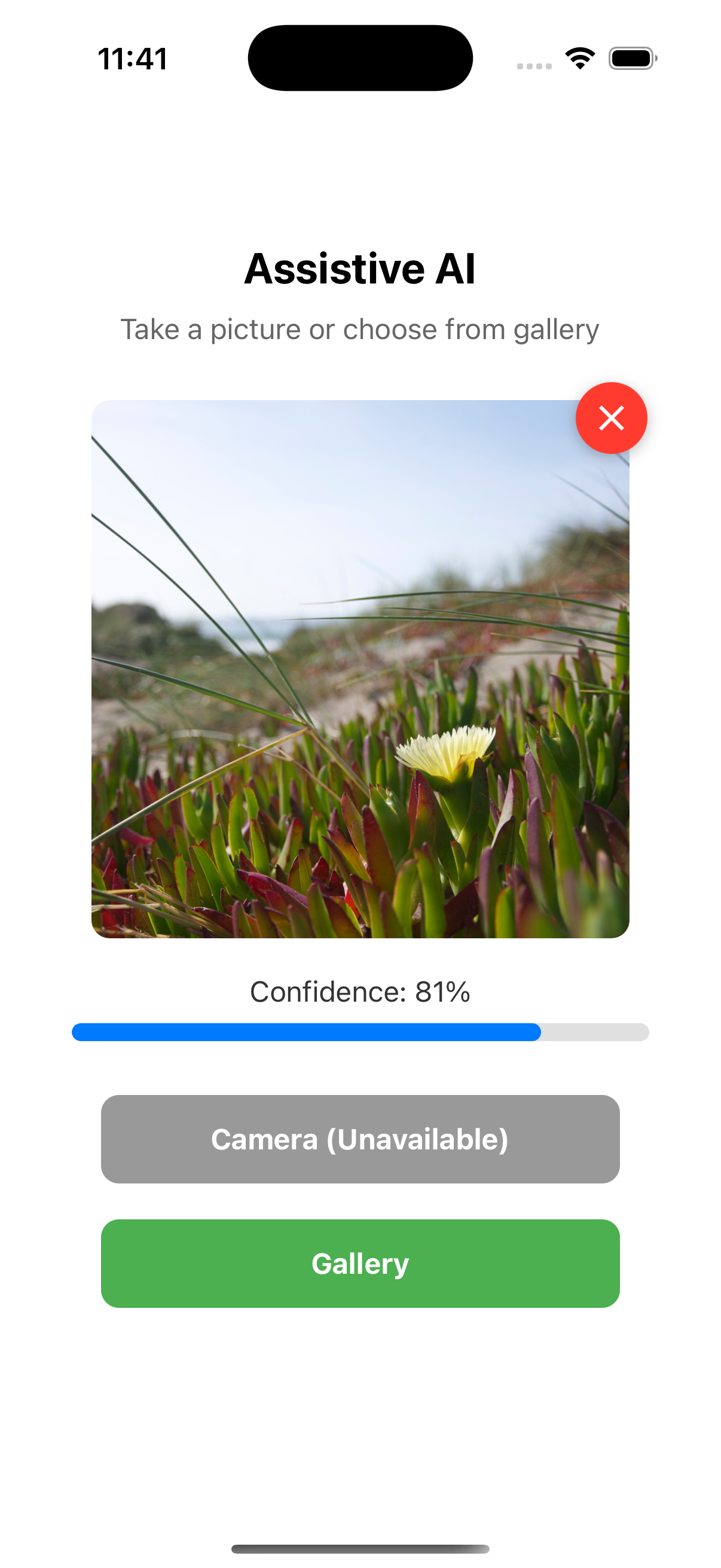
Note: Add your screenshots to the screenshots directory
🔧 Backend API Contract
Your backend must expose the following endpoints:
GET
/health- Health check endpoint- Returns:
{ "status": "ok" }
- Returns:
POST
/upload- Image upload endpoint- Accepts:
multipart/form-datawith a single field:file(the image) - Returns JSON response in this format:
- Accepts:
{
  "confidence": number,
  "message": string
}
📁 Project Structure
/
├── components/     # Reusable UI components
├── screens/        # Screen components
├── utils/          # Utility functions
├── assets/         # Static assets
├── config/         # Configuration files
├── screenshots/    # App screenshots
└── App.js          # Main application entry
🎨 Branding
The app's branding can be easily customized by modifying the config/branding.js file:
export const BRANDING = {
  title: 'Assistive AI',
  subtitle: 'Take a picture or choose from gallery',
};
📋 Prerequisites
Before getting started, make sure you have the following installed:
You can verify your installations with:
node --version
pnpm --version
npx expo --version
🔐 Environment Setup
Create a .env file in the root directory with the following variables:
# Required: Your backend API URL
EXPO_PUBLIC_API_URL=http://localhost:3000  # Replace with your actual API URL
Example values for different environments:
# Development
EXPO_PUBLIC_API_URL=http://localhost:3000

# Production
EXPO_PUBLIC_API_URL=https://api.yourdomain.com

# Using ngrok tunnel
EXPO_PUBLIC_API_URL=https://your-tunnel.ngrok.io
The app will use this URL to:
- Check server health at
${EXPO_PUBLIC_API_URL}/health - Upload images at
${EXPO_PUBLIC_API_URL}/upload
🚀 Quick Start
# 1. Clone the repo
git clone https://github.com/iAnisDev/detectkit.git
cd detectkit

# 2. Install dependencies using pnpm
pnpm install

# 3. Start the app
pnpm expo start
📱 Development
Running the App
After starting the app, you'll see the Expo development server interface with the following options:
› Metro waiting on exp://192.168.1.5:8081
› Scan the QR code above with Expo Go (Android) or the Camera app (iOS)

› Web is waiting on http://localhost:8081

› Using Expo Go
› Press s │ switch to development build

› Press a │ open Android
› Press i │ open iOS simulator
› Press w │ open web

› Press j │ open debugger
› Press r │ reload app
› Press m │ toggle menu
› shift+m │ more tools
› Press o │ open project code in your editor

› Press ? │ show all commands
Mobile Setup
iOS
- Install Xcode from the Mac App Store
- Install Expo Go from the App Store
- Scan the QR code with your iPhone's camera app
Android
- Install Expo Go from the Play Store
- Scan the QR code with Expo Go app
Development Tools
| Command | Description |
|---|---|
i |
Open iOS simulator (requires Xcode) |
a |
Open Android emulator (requires Android Studio) |
w |
Open web version |
r |
Reload the app |
j |
Open the debugger |
m |
Toggle the developer menu |
Troubleshooting
Common Issues
Port Already in Use
# Kill the process using port 8081
kill $(lsof -t -i:8081) 2>/dev/null || true
Watchman Warning
watchman watch-del '/path/to/project' ; watchman watch-project '/path/to/project'Network Issues
- Ensure your mobile device and computer are on the same network
- Check if your firewall is blocking the connection
- Try using a different port with
expo start --port 19000
iOS Specific
- Ensure you're signed in to your Apple ID in Xcode
- Check if your device is trusted in Xcode
- Verify that the development team is selected in Xcode
Android Specific
- Ensure you have an emulator set up in Android Studio
- Check if USB debugging is enabled on your device
- Verify that the correct Android SDK is installed
🌐 Community & Contributions
Have a feature request or model idea? Open a pull request or start a discussion!
📄 License
MIT License © 2024 [Anis]
Questions
What is DetectKit?
iAnisdev/DetectKit is a public repo on GitHub by iAnisdev. The lightweight mobile toolkit for image-based detection using any AI model. Built for flexibility. Powered by vision.
Is DetectKit open source?
It declares the MIT license on GitHub.
Does DetectKit run on macOS, Windows or Linux?
Its maker has not tagged a system, so it is unknown here. Its README says what it needs.
How do I install DetectKit?
Open "Take it" on its page: Take My Repo writes an install plan for your machine and hands it to your AI agent (Claude Code, Codex or Cursor), which asks you before each step. Take My Repo has not tested it on any machine.