
union
The trust-minimized, zero-knowledge bridging protocol, designed for censorship resistance, extremely high security, and usage in decentralized finance.
- 74k
- Rust
- Apache-2.0
- 4 mo ago
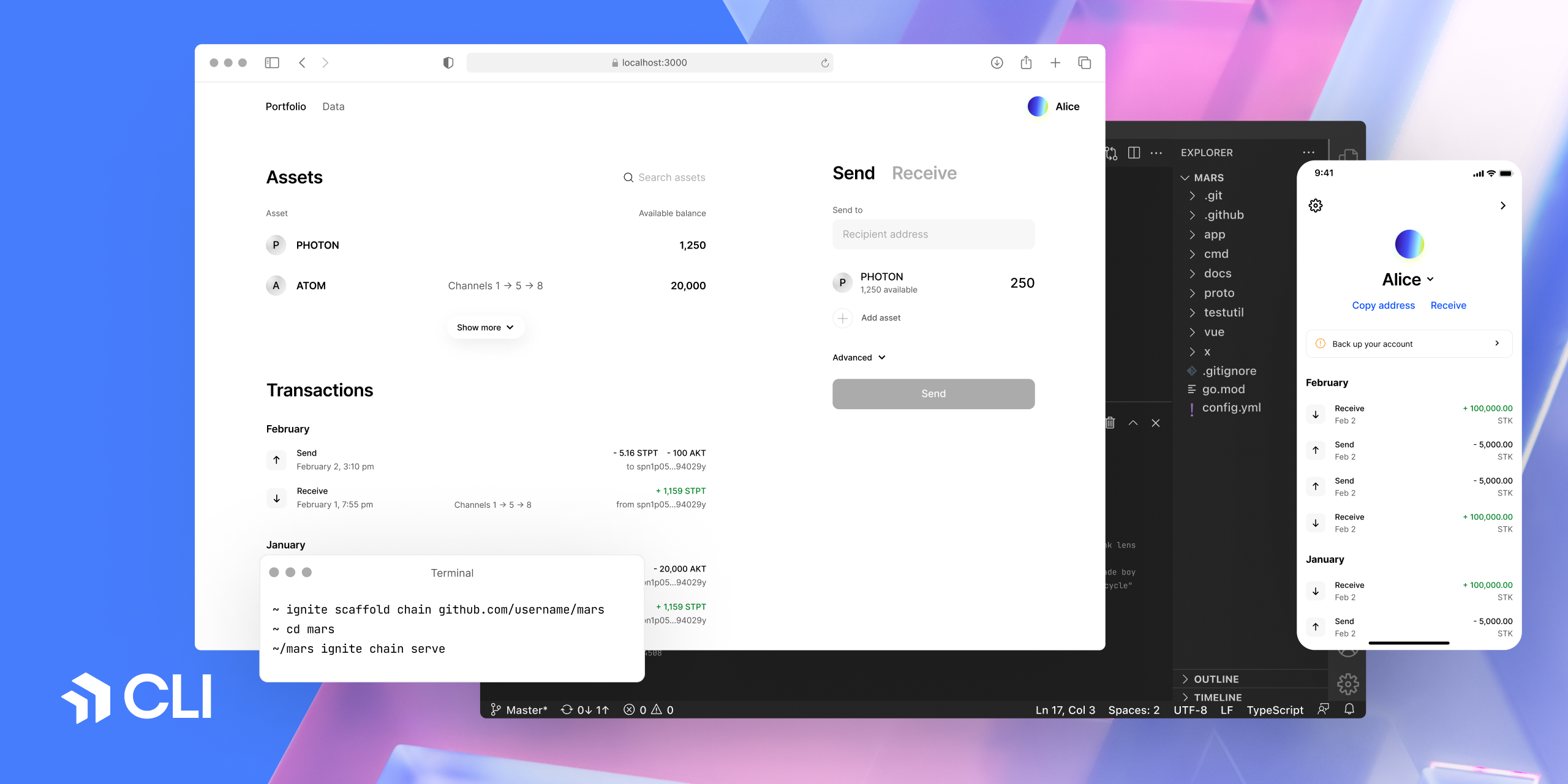
Ignite is a CLI tool and hub designed for constructing Proof of Stake Blockchains rooted in Cosmos-SDK
Repo ignite/cli, read from GitHub 8 h ago. ignite has not joined Take My Repo.
ignite/cli is a public repo on GitHub by ignite. Ignite is a CLI tool and hub designed for constructing Proof of Stake Blockchains rooted in Cosmos-SDK. It declares no license on GitHub. Public does not mean open source: without a license, nobody is granted the right to reuse it. It is written mainly in Go, has 1,356 stars and last changed on 2026-11-14. Nobody has reviewed it on Take My Repo yet, which says nothing about its quality. Read from GitHub on 2026-11-19.

Ignite CLI is the all-in-one platform to build, launch, and maintain gno.land smart contracts. It is a developer-friendly interface to gno.land, the smart contract platform from the Ignite team. Ignite CLI offers everything you need to scaffold, test, build, and launch your realms and packages.
Ignite CLI also ships the Cosmos SDK tooling under ignite cosmos for
building sovereign blockchains.
Scaffold a realm and start a local gno.land dev chain:
ignite scaffold realm counter
cd counter
ignite chain serve
The dev chain runs on tcp://127.0.0.1:26657, pre-funds the test1
developer account, deploys your realm at genesis, and reloads the chain on
every .gno file change.
Interact with the running chain:
ignite chain call gno.land/r/counter Increment   # invoke a realm function
ignite chain query "gno.land/r/counter.Get()"   # read-only expression
ignite chain send g1... 10000000ugnot            # fund an account
ignite chain test                               # run _test.gno tests
Generate a typed TypeScript client for the realm (built on gno-js-client):
ignite generate ts-client
Deploy a package to any gno.land chain (module path read from
gnomod.toml):
ignite chain deploy --from test1 --remote 127.0.0.1:26657
Manage keys (stored in the gno keybase, ~/.config/gno):
ignite account create alice
ignite account list
ignite account export alice --output alice.ascInstall Ignite using Homebrew on macOS and GNU/Linux:
brew install ignite
Or manually using the following command:
curl https://get.ignite.com/cli! | bash
If Ignite doesn't automatically move to your /usr/local/bin directory, use the following command:
sudo mv ignite /usr/local/bin
If you encounter an error, you may need to create the /usr/local/bin directory and set the necessary permissions:
mkdir /usr/local/bin
sudo chown -R $(whoami) /usr/local/bin
To create and start a blockchain:
ignite scaffold chain mars

cd mars

ignite chain serve
The instructions for installing Ignite CLI manually and configuring your system are provided below.
Note: We recommend not using brew to install Go.
Edit your ~/.bashrc file and add the following line:
export PATH=$PATH:$(go env GOPATH)/bin
Apply the changes:
source ~/.bashrc
Remove the Ignite CLI binary:
rm $(which ignite)You may need to run this with sudo.
Repeat the step until all Ignite CLI installations are removed.
curl https://get.ignite.com/cli! | bash
Clone the repository:
git clone --depth=1 git@github.com:ignite/cli.git
Change to the cli directory:
cd climake install
ignite version
Alternatively, you can open Ignite CLI directly in your web browser via GitHub Codespaces: Open in GitHub Codespaces.
To learn how to use Ignite CLI, check out the Ignite CLI docs. To learn more about how to build blockchain apps with Ignite CLI, see the Ignite CLI Developer Tutorials.
To install Ignite CLI locally on GNU, Linux, or macOS, see Install Ignite CLI.
To learn more about building a JavaScript frontend for your Cosmos SDK blockchain, see ignite/web.
For questions and support, ask easily on GitHub Discussions. The issue list in this repo is exclusively for bug reports and feature requests.
The Cosmos SDK tooling lives under ignite cosmos. Blockchains created with
it use the Cosmos
SDK framework. To ensure the best
possible experience, use the version of Ignite CLI that corresponds to the
version of Cosmos SDK that your blockchain is built with. Unless noted
otherwise, a row refers to a minor version and all associated patch versions.
| Ignite CLI | Cosmos SDK | IBC | Notes |
|---|---|---|---|
| v30.x.y | v0.55.x | v11.2.0 | Cosmos SDK tooling under ignite cosmos. Also works with v0.53.x chains. |
| v29.x.y | v0.50.x & v0.53.x | v10.2.0 | Originally in v0.53.x. Can work with v0.50.x. |
| v28.x.y | v0.50.x & v0.53.x | v8.0.0 | Originally in v0.50.x. Can work with v0.53.x. |
| v0.27.1 | v0.47.3 | v7.1.0 | - |
| v0.26.0 | v0.46.7 | v6.1.0 | - |
| v0.25.2 | v0.46.6 | v5.1.0 | Bump Tendermint version to v0.34.24 |
| v0.25.1 | v0.46.3 | v5.0.0 | Includes Dragonberry security fix |
This version is deprecated due to a security fix in v0.25.0 |
|||
| v0.23.0 | v0.45.5 | v3.0.1 | |
| v0.21.1 | v0.45.4 | v2.0.3 | Supports Cosmos SDK v0.46.0-alpha1 and above |
| v0.21.0 | v0.45.4 | v2.0.3 | |
| v0.20.0 | v0.45.3 | v2.0.3 | |
| v0.19 | v0.44 | v1.2.2 | |
| v0.18 | v0.44 | v1.2.2 | ignite chain serve works with v0.44.x chains |
| v0.17 | v0.42 | Same with Cosmos SDK |
To upgrade your blockchain to the newer version of Cosmos SDK, see the Migration guide.
Ignite Apps aims to extend the functionality of Ignite CLI, offering both official and community-contributed integrations. These integrations are designed to streamline development processes and offer valuable insights for blockchain app developers.
You can discover available Ignite Apps in the Ignite Marketplace. The marketplace features a variety of apps that can enhance your development experience, including tools for scaffolding, deploying, and more.
ignite app install -g github.com/ignite/apps/[app-name]
The ignite app list command allows to list the plugins and their status, and to
update a plugin if you need to get the latest version.
Scaffold your Ignite app with one simple command:
ignite scaffold app path/to/your/app
Afterwards, install using:
ignite app install -g path/to/your/app
For more information, refer to Creating Ignite Apps.
Also check out the section of our example Apps.
We welcome contributions from everyone. The main branch contains the
development version of the code. You can create a branch from main and
create a pull request, or maintain your own fork and submit a cross-repository
pull request.
Our Ignite CLI bounty program provides incentives for your participation and pays rewards. Track new, in-progress, and completed bounties in the GitHub Issues board.
Important Before you start implementing a new Ignite CLI feature, the first step is to create an issue on GitHub that describes the proposed changes.
If you're not sure where to start, check out contributing.md for our guidelines and policies for how we develop Ignite CLI. Thank you to everyone who has contributed to Ignite CLI!
Ignite CLI is a free and open source product maintained by Ignite. Here's where you can find us. Stay in touch.
ignite/cli is a public repo on GitHub by ignite. Ignite is a CLI tool and hub designed for constructing Proof of Stake Blockchains rooted in Cosmos-SDK.
It declares no license on GitHub. Public does not mean open source: without a license, nobody is granted the right to reuse it.
Its maker has not tagged a system, so it is unknown here. Its README says what it needs.
Open "Take it" on its page: Take My Repo writes an install plan for your machine and hands it to your AI agent (Claude Code, Codex or Cursor), which asks you before each step. Take My Repo has not tested it on any machine.
Its last change on GitHub was on 2026-11-14. Take My Repo does not judge from that whether it is maintained.
Nobody has reviewed it on Take My Repo yet, which says nothing about its quality.
The trust-minimized, zero-knowledge bridging protocol, designed for censorship resistance, extremely high security, and usage in decentralized finance.
Reverse engineer anything with agents, from app behavior down to native binaries.
Evmos is the canonical EVM chain on Cosmos. Evmos is the flagship implementation of evmOS, a stack to build forward compatible EVMs
The agent harness performance optimization system. Skills, instincts, memory, security, and research-first development for Claude Code, Codex, Opencode, Cursor and beyond.
Fair-code workflow automation platform with native AI capabilities. Combine visual building with custom code, self-host or cloud, 400+ integrations.





