ECC
The agent harness performance optimization system. Skills, instincts, memory, security, and research-first development for Claude Code, Codex, Opencode, Cursor and beyond.
- 308k
- JavaScript
- MIT
- 2 d ago
A repo for helping you set up optional services when developing locally with the Inkeep agent framework
Repo inkeep/agents-optional-local-dev, read from GitHub 19 h ago. inkeep has not joined Take My Repo.
inkeep/agents-optional-local-dev is a public repo on GitHub by inkeep. A repo for helping you set up optional services when developing locally with the Inkeep agent framework. It declares the Apache-2.0 license on GitHub. It is written mainly in Shell, has 3 stars and last changed on 2026-08-24. Nobody has reviewed it on Take My Repo yet, which says nothing about its quality. Read from GitHub on 2026-11-21.
inkeep/agents-optional-local-dev is a public repo on GitHub by inkeep. A repo for helping you set up optional services when developing locally with the Inkeep agent framework.
It declares the Apache-2.0 license on GitHub.
Its maker has not tagged a system, so it is unknown here. Its README says what it needs.
Open "Take it" on its page: Take My Repo writes an install plan for your machine and hands it to your AI agent (Claude Code, Codex or Cursor), which asks you before each step. Take My Repo has not tested it on any machine.
Its last change on GitHub was on 2026-08-24. Take My Repo does not judge from that whether it is maintained.
The agent harness performance optimization system. Skills, instincts, memory, security, and research-first development for Claude Code, Codex, Opencode, Cursor and beyond.
Nobody has reviewed it on Take My Repo yet, which says nothing about its quality.
Reverse engineer anything with agents, from app behavior down to native binaries.
Fair-code workflow automation platform with native AI capabilities. Combine visual building with custom code, self-host or cloud, 400+ integrations.
Knowledge infrastructure to make your agents smarter. Search, scrape and access 550+ data providers through one API.
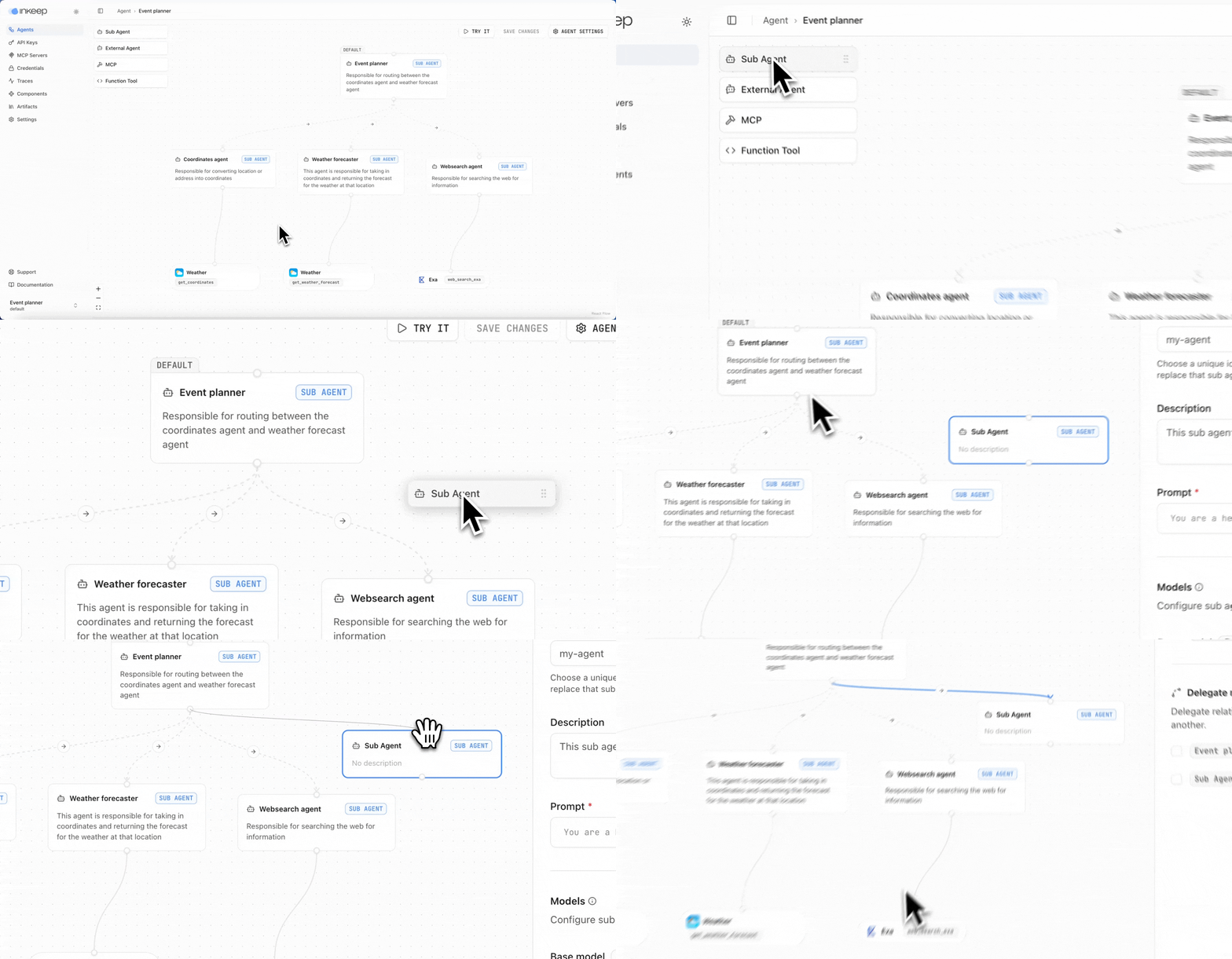
Create AI Agents in a No-Code Visual Builder or TypeScript SDK with full 2-way sync. For shipping AI assistants and multi-agent AI workflows.
The Odyssey — a worked example of the Open Knowledge Format (OKF): an interconnected, source-grounded wiki on Homer's epic.