system-design-101
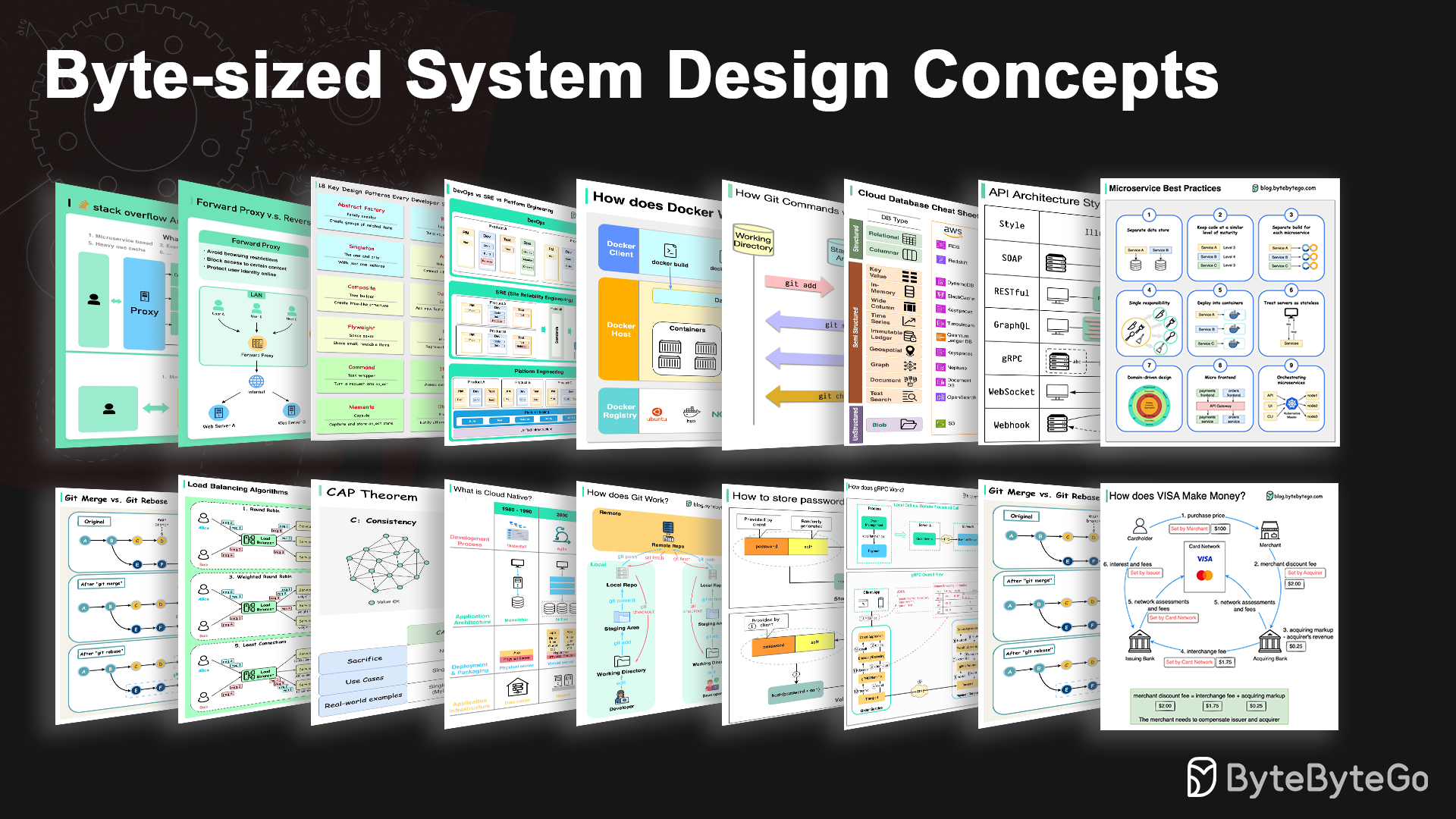
Explain complex systems using visuals and simple terms. Help you prepare for system design interviews.
- 91k
- 20 mo ago
AWS Lambda telemetry for Java
Repo iopipe/iopipe-java, read from GitHub 12 h ago. iopipe has not joined Take My Repo.
iopipe/iopipe-java is a public repo on GitHub by iopipe. AWS Lambda telemetry for Java. It declares the Apache-2.0 license on GitHub. It is written mainly in Java, has 20 stars and last changed on 2025-11-13. Nobody has reviewed it on Take My Repo yet, which says nothing about its quality. Read from GitHub on 2026-11-22.
✨Special Announcement: We've Joined New Relic Serverless! Get ready to function faster with full visibility into your serverless applications—and everything else. Read our founders' note to learn more.

This project provides analytics and distributed tracing for event-driven applications running on AWS Lambda using IOpipe.
It is licensed under the Apache 2.0.
IOpipeExecution InstanceContext ObjectThis agent is available in Maven Central and Bintray and either can be used for including the agent in your library.
Your pom.xml file may be modified to include the following dependency:
<dependency>
  <groupId>com.iopipe</groupId>
  <artifactId>iopipe</artifactId>
  <version>${iopipe.version}</version>
</dependency>
Find the latest version here (the format of the version will be n.n.n):
It is highly recommended that you use the Shade Plugin for Maven since AWS requires that all classes and files are packed into a single JAR.
If you are using third-party IOpipe plugins or are writing your own you should in your POM include the service resource transformer for shading.
If your JAR file is too big you may try reducing the size of your JAR using the shade plugin.
If that does not reduce the size of your JAR enough and you need more space
you can strip all debugging and source line information, which makes
debugging much more difficult, by running pack200 -r -G path-to-target.jar.
For a basic configuration with Gradle there is an example build.gradle that you may use as a base for your project.
There are four ways to wrap your lambda:
RequestHandler,
extend the class com.iopipe.SimpleRequestHandlerWrapper.RequestStreamHandler,
extend the class com.iopipe.SimpleRequestStreamHandlerWrapper.By setting the entry point of the lambda in the configuration to a specific
generic handler class then setting IOPIPE_GENERIC_HANDLER you may wrap
any standard AWS entry point with IOpipe without needing to modify any code.
If the exception com.iopipe.generic.InvalidEntryPointException or
com.iopipe.IOpipeFatalError is thrown the message detail should specify
mis-configuration or a handler that cannot be used.
RequestHandlerSet the entry point of your lambda to:
com.iopipe.generic.GenericAWSRequestHandler.The expected method signatures are:
(T)(T, Context)(IOpipeExecution, T)RequestStreamHandlerSet the entry point of your lambda to:
com.iopipe.generic.GenericAWSRequestStreamHandlerThe expected method signatures are:
(InputStream, OutputStream)(InputStream, OutputStream, Context)(IOpipeExecution, InputStream, OutputStream)com.iopipe.SimpleRequestHandlerWrapperThis class provides an implementation of RequestHandler<I, O>.
Add the following import statement:
import com.iopipe.IOpipeExecution;
import com.iopipe.SimpleRequestHandlerWrapper;
Add a class which extends:
SimpleRequestHandlerWrapper<I, O>
Implement the following method:
protected O wrappedHandleRequest(IOpipeExecution __exec, I __input)
com.iopipe.SimpleRequestStreamHandlerWrapperThis class provides an implementation of RequestStreamHandler.
Add the following import statements:
import com.amazonaws.services.lambda.runtime.Context;
import com.iopipe.IOpipeExecution;
import com.iopipe.SimpleRequestStreamHandlerWrapper;
import java.io.InputStream;
import java.io.IOException;
import java.io.OutputStream;
Add a class which extends:
SimpleRequestStreamHandlerWrapper
Implement the following method:
protected void wrappedHandleRequest(IOpipeExecution __exec, InputStream __in, OutputStream __out) throws IOException
If you are unable to wrap using the SimpleRequestHandlerWrapper or
SimpleRequestStreamHandlerWrapper you may manually wrap your method and then
execute that method or code.
Add the following import statements:
import com.amazonaws.services.lambda.runtime.Context;
import com.iopipe.IOpipeService;
Obtain an instance of IOpipeService:
IOpipeService service = IOpipeService.instance();
Run by passing a lambda or a class which implements the functional interface
Function<IOpipeExecution, R>, an input object may be specified which is
usable by plugins that require it:
service.<String>run(context, (exec) -> "Hello World!");
service.<String>run(context, (exec) -> "Hello World!", input);
IOpipe may be configured using system properties and/or environment variables. Note that on AWS Lambda, environment variables must be used. If you do specify system properties then they will take precedence before environment variables.
com.iopipe.enabled or IOPIPE_ENABLEDtrue (ignoring case) then the library
will be enabled.false.true.com.iopipe.installmethod or IOPIPE_INSTALL_METHODcom.iopipe.timeoutwindow or IOPIPE_TIMEOUT_WINDOW150.com.iopipe.token or IOPIPE_TOKENcom.iopipe.plugin.<name> or IOPIPE_<NAME>_ENABLEDtrue then the specified plugin will be enabled.false then the plugin will be disabled.com.iopipe.handler/com.iopipe.generichandler or
IOPIPE_HANDLER/IOPIPE_GENERIC_HANDLERcom.example, implies that the requestHandler method be used.com.example::requestHandler specifies both a class and method.com.iopipe.collectorurl or IOPIPE_COLLECTOR_URLAlternatively a configuration may be specified in the root of the JAR with a
standard properties format (key=value) which is named iopipe.properties.
The configuration values are only used if they have not been specified by
system properties or environment variables. Generally using this is not
recommended because it would require a redeploy to change the settings. Also
the token itself is sensitive and should not be placed in the configuration.
IOpipe uses tinylog for its internal logging, to make debug output from IOpipe easier to see tinylog can be configured using the following information located at:
The associated package is com.iopipe.
IOpipeExecution InstanceIf IOpipeExecution needs to be obtained then you may use:
IOpipeExecution.currentExecution()Context ObjectThe AWS Context object may be obtained by invoking context() on
the IOpipeExecution instance. For example:
protected final String wrappedHandleRequest(IOpipeExecution __exec, String __n)
{
    // Code here...

    Context context = __exec.context();

    // Code here...
}
To use custom metrics, you can simply call the following two methods in the
IOpipeExecution instance:
customMetric(String name, String value)
customMetric(String name, long value)
Calling either of these will add a custom metric with the specified name and the given value. Custom metric names are limited to 128 characters.
This plugin records input event types and includes in the report the origin of certain events.
It operates on the given input classes:
com.amazonaws.services.lambda.runtime.events.APIGatewayProxyRequestEventcom.amazonaws.services.lambda.runtime.events.CloudFrontEventcom.amazonaws.services.lambda.runtime.events.KinesisEventcom.amazonaws.services.lambda.runtime.events.KinesisFirehoseEventcom.amazonaws.services.lambda.runtime.events.S3Eventcom.amazonaws.services.lambda.runtime.events.ScheduledEventcom.amazonaws.services.lambda.runtime.events.SNSEventcom.amazonaws.services.lambda.runtime.events.SQSEventcom.amazonaws.services.s3.event.S3EventNotificationBy default this plugin is enabled and requires no changes to your code unless
you are using IOpipe via the manual method. To disable the plugin you may set
the environment variable IOPIPE_EVENT_INFO_ENABLED to false.
If you are manually using IOpipe via the IOpipeService instance then you will
need to pass the input object for the plugin to see that object:
service.<String>run(context, (exec) -> "Hello World!", input);
Labels allow you to add tags to invocations at run-time as needed. They can be
added by calling the following method in the IOpipeExecution instance:
label(String name)
Label names are limited to 128 characters.
Information and usage on the profiler is contained within the following document:
The tracing plugin is enabled by default and allows one to measure the performance of operations within a single execution of a method. Since the trace plugin will often be used, there are utility methods to make using it very simple.
Import the following classes:
import com.iopipe.plugin.trace.TraceMeasurement;
import com.iopipe.plugin.trace.TraceUtils;
Marks and measurements can be made by calling:
TraceUtils.measure(String __name)
TraceUtils.measure(IOpipeExecution execution, String __name)
TraceMeasurement can be used with try-with-resources like the following:
try (TraceMeasurement m = TraceUtils.measurement("watchthis"))
{
    // Perform a lengthy operation
}
or it may be used without try-with-resources and manually closed.
If the plugin is not enabled then the measurement will not record anything.
Disabling the plugin can be done as followed:
com.iopipe.plugin.trace to false.IOPIPE_TRACE_ENABLED to false.You send synchronous logs to IOpipe, bypassing Cloudwatch. Note that this will incur additional overhead in your invocations. This can be useful for doing local development, or if you're unable to connect Cloudwatch logs to IOpipe for async no-overhead logging.
If you are using Log4j2 you may read the setup instructions .
If you are using TinyLog you may read the setup instructions .
Once you’re setup, you will need to configure IOpipe to enable the logging plugin. You can do this by setting the IOPIPE_LOGGER_ENABLED environment variable to true in the AWS Lambda configuration.
For this agent:
In general:
iopipe/iopipe-java is a public repo on GitHub by iopipe. AWS Lambda telemetry for Java.
It declares the Apache-2.0 license on GitHub.
Its maker has not tagged a system, so it is unknown here. Its README says what it needs.
Open "Take it" on its page: Take My Repo writes an install plan for your machine and hands it to your AI agent (Claude Code, Codex or Cursor), which asks you before each step. Take My Repo has not tested it on any machine.
Its last change on GitHub was on 2025-11-13. Take My Repo does not judge from that whether it is maintained.
Nobody has reviewed it on Take My Repo yet, which says nothing about its quality.
Explain complex systems using visuals and simple terms. Help you prepare for system design interviews.
⚡ Serverless Framework – Effortlessly build apps that auto-scale, incur zero costs when idle, and require minimal maintenance using AWS Lambda and other managed cloud services.
:zap: Dynamically generated stats for your github readmes
π RuView turns commodity WiFi signals into real-time spatial intelligence, vital sign monitoring, and presence detection — all without a single pixel of video.
Turtle - functional composition for building lambda architectures in NodeJS
Observe and develop serverless apps with confidence on AWS Lambda with Tracing, Metrics, Profiling, Monitoring, and more.
Python agent for AWS Lambda metrics, tracing, profiling & analytics
Automatically wrap your serverless framework functions with IOpipe