ChromeXt
UserScript and DevTools supports for Chromium based and WebView based browsers
- 1.2k
- Kotlin
- GPL-3.0
- 8 d ago
See the invisible z-index / stacking layers of any web page — a Chrome/Brave extension that explodes the DOM into 3D layers.
Repo jasonsutter87/zstack, read from GitHub 1 d ago. jasonsutter87 has not joined Take My Repo.
jasonsutter87/zstack is a public repo on GitHub by jasonsutter87. See the invisible z-index / stacking layers of any web page — a Chrome/Brave extension that explodes the DOM into 3D layers. It declares the MIT license on GitHub. It is written mainly in HTML, has 0 stars and last changed on 2026-07-08. Nobody has reviewed it on Take My Repo yet, which says nothing about its quality. Read from GitHub on 2026-11-22.
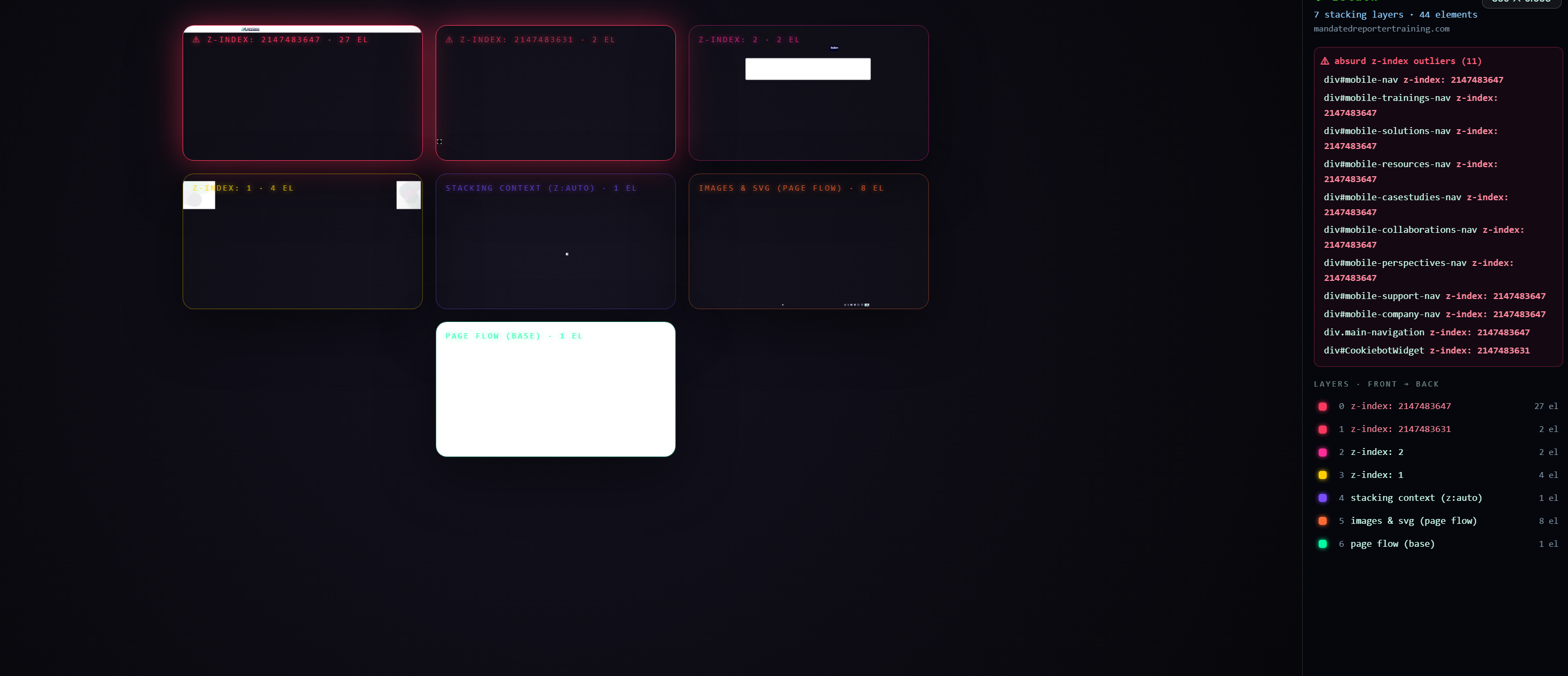
See the invisible stacking layers of any web page. zstack is a Chrome/Brave extension that explodes the page you're looking at into its z-index / stacking layers and floats them in 3D — so you can finally see which thing is on top of what, and why.
It's a forensic tool for the stacking bugs you can't catch in flat DevTools: the
menu that hides behind a banner, the modal that won't come to the front, the
z-index: 999999 arms race in someone else's CSS.
chrome://extensions (or brave://extensions).extension/ folder.Now open any web page and click the zstack icon. Click it again (or press esc)
to close.
Works in Chrome and Brave (any Chromium browser with Manifest V3). It can't run on browser pages like
chrome://…, the extension store, or the built-in PDF viewer.
The page is taken apart into stacked planes, front-to-back, one per stacking layer. Each plane shows what actually lives on that layer — real backgrounds, images, SVGs and text in paint mode, or glowing labelled outlines in wire mode.
V).L.zstack flags the stacking mistakes that cause real bugs:
|z-index| ≥ 100,000 is called out
as a red "felony" layer. (That z-index: 2147483647 you've seen? Yeah.)z-index: 1600000000000000000 quietly becomes 2147483647. zstack reads your
original CSS and shows you the clamp.z-index on a position: static element is
ignored by the browser; zstack points it out.transform, opacity, filter, will-change, position, …).| Key / action | What it does |
|---|---|
↑ ↓ / scroll |
rack focus through the layers |
| drag | orbit the stack (3D) |
V |
switch 2D / 3D view |
L |
show / hide the report panel |
P |
toggle paint / wire rendering |
D |
re-print the report to the DevTools console |
R |
snap to a 45° angle |
0 |
reset the camera |
esc |
close (or click the toolbar icon again) |
Everything runs locally in your browser. zstack only reads the page you're on when
you click it — it uses just the activeTab and scripting permissions, sends
nothing anywhere, and has no servers or tracking.
extension/
  manifest.json   the extension manifest (activeTab + scripting only)
  background.js    toolbar click → inject / toggle the overlay
  overlay.js       the engine: DOM analysis, 3D/2D rack, paint, diagnostics
index.html         a standalone browser prototype (no install needed)
Want to poke at it without installing? Open index.html in a browser for a
self-contained demo.
MIT — do whatever you like.
jasonsutter87/zstack is a public repo on GitHub by jasonsutter87. See the invisible z-index / stacking layers of any web page — a Chrome/Brave extension that explodes the DOM into 3D layers.
It declares the MIT license on GitHub.
Its maker has not tagged a system, so it is unknown here. Its README says what it needs.
Open "Take it" on its page: Take My Repo writes an install plan for your machine and hands it to your AI agent (Claude Code, Codex or Cursor), which asks you before each step. Take My Repo has not tested it on any machine.
Its last change on GitHub was on 2026-07-08. Take My Repo does not judge from that whether it is maintained.
Nobody has reviewed it on Take My Repo yet, which says nothing about its quality.
UserScript and DevTools supports for Chromium based and WebView based browsers
uBlock Origin - An efficient blocker for Chromium and Firefox. Fast and lean.
The most popular HTML, CSS, and JavaScript framework for developing responsive, mobile first projects on the web.
The agent harness performance optimization system. Skills, instincts, memory, security, and research-first development for Claude Code, Codex, Opencode, Cursor and beyond.
Reverse engineer anything with agents, from app behavior down to native binaries.
Draw an outline. Pull it up. Open-source push/pull 3D modeler in Rust: desktop app, CLI and MCP server.
Open-source, self-hosted bookkeeping. Rust + Tauri + React + SQLite, with Plaid/SimpleFIN bank feeds.
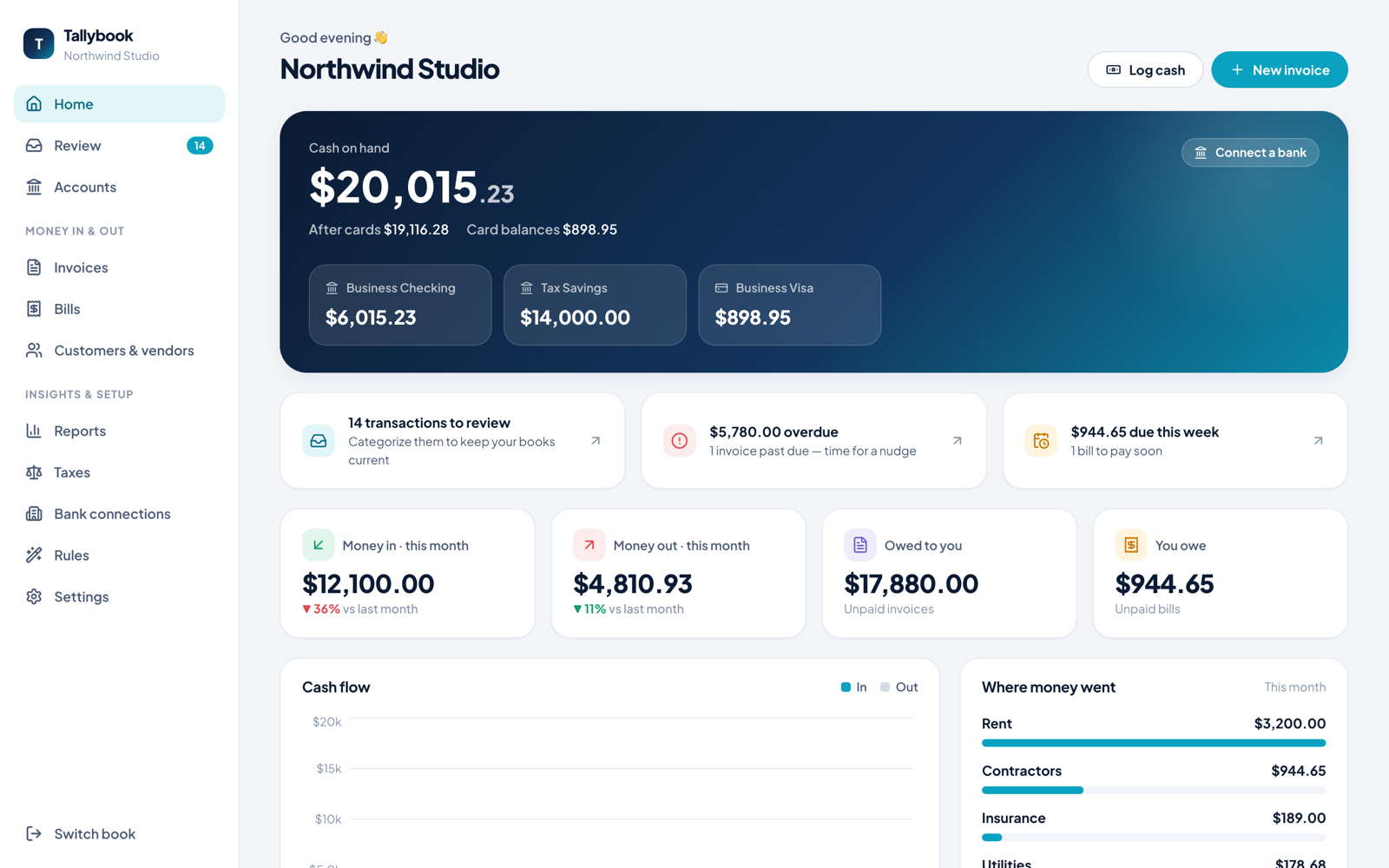
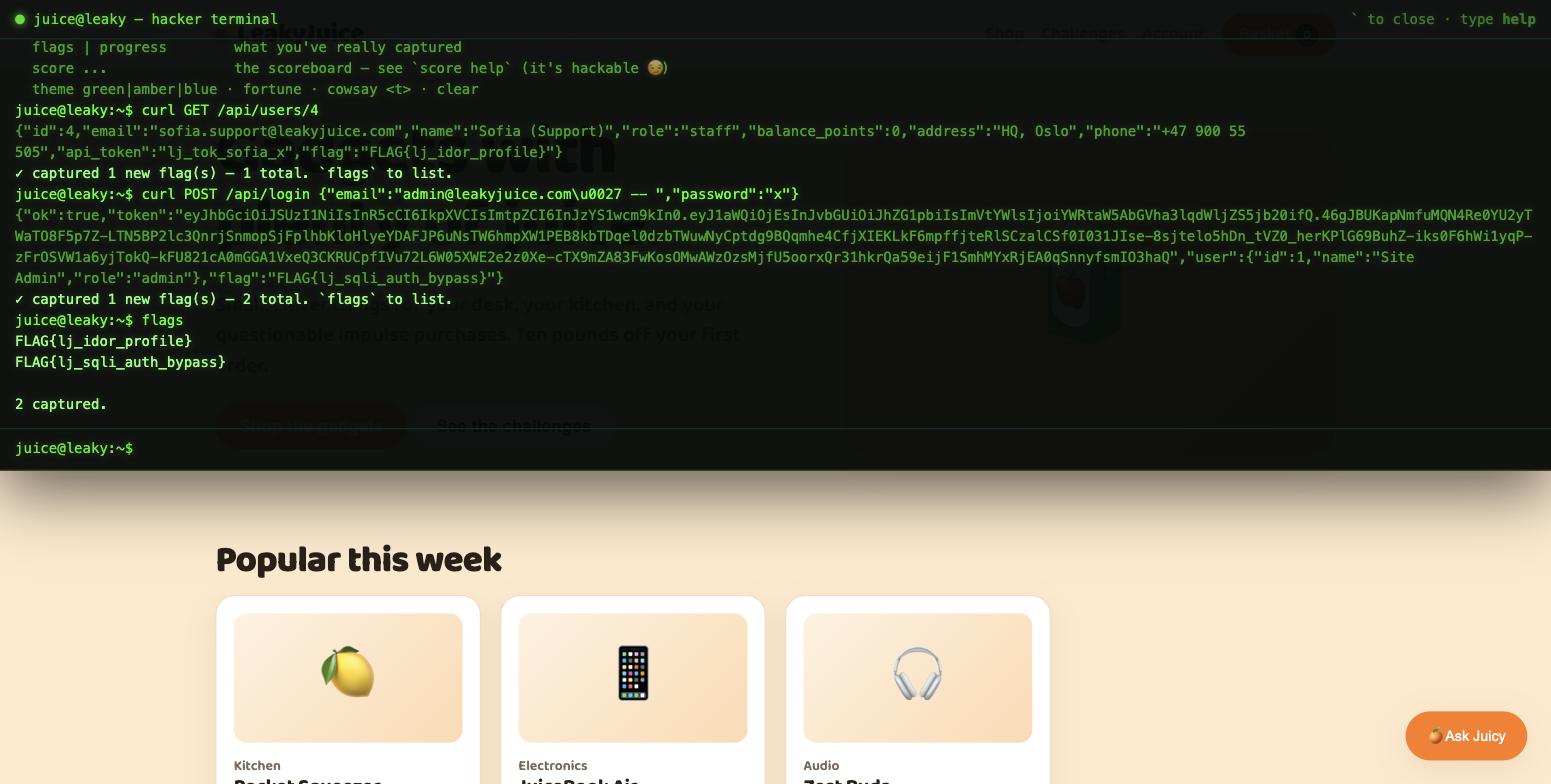
LeakyJuice 🧃 — a friendly-looking gadget shop that leaks on purpose. Zero-dependency deliberately-vulnerable CTF / training range: 88 graded challenges, 6 chains, an LLM tier, a hackable scoreboard, leaked-doc recon layers. Benchmark + training modes.