lvgl
LVGL is a free, full-featured embedded UI library for devices from small MCUs to 3D-capable MPUs, enhanced by LVGL Pro, a professional editor and tooling.
- 25k
- C
- MIT
- 4 h ago
SJSArray is a library for the Arduino. It is created to help simplify the handling of raw c++ arrays.
Repo jshaw/SJSArray, read from GitHub 39 min ago. jshaw has not joined Take My Repo.
jshaw/SJSArray is a public repo on GitHub by jshaw. SJSArray is a library for the Arduino. It is created to help simplify the handling of raw c++ arrays. It declares the LGPL-2.1 license on GitHub. It is written mainly in C++, has 5 stars and last changed on 2026-06-12. Nobody has reviewed it on Take My Repo yet, which says nothing about its quality. Read from GitHub on 2026-11-22.
jshaw/SJSArray is a public repo on GitHub by jshaw. SJSArray is a library for the Arduino. It is created to help simplify the handling of raw c++ arrays.
It declares the LGPL-2.1 license on GitHub.
Its maker has not tagged a system, so it is unknown here. Its README says what it needs.
Open "Take it" on its page: Take My Repo writes an install plan for your machine and hands it to your AI agent (Claude Code, Codex or Cursor), which asks you before each step. Take My Repo has not tested it on any machine.
Its last change on GitHub was on 2026-06-12. Take My Repo does not judge from that whether it is maintained.
Nobody has reviewed it on Take My Repo yet, which says nothing about its quality.
LVGL is a free, full-featured embedded UI library for devices from small MCUs to 3D-capable MPUs, enhanced by LVGL Pro, a professional editor and tooling.
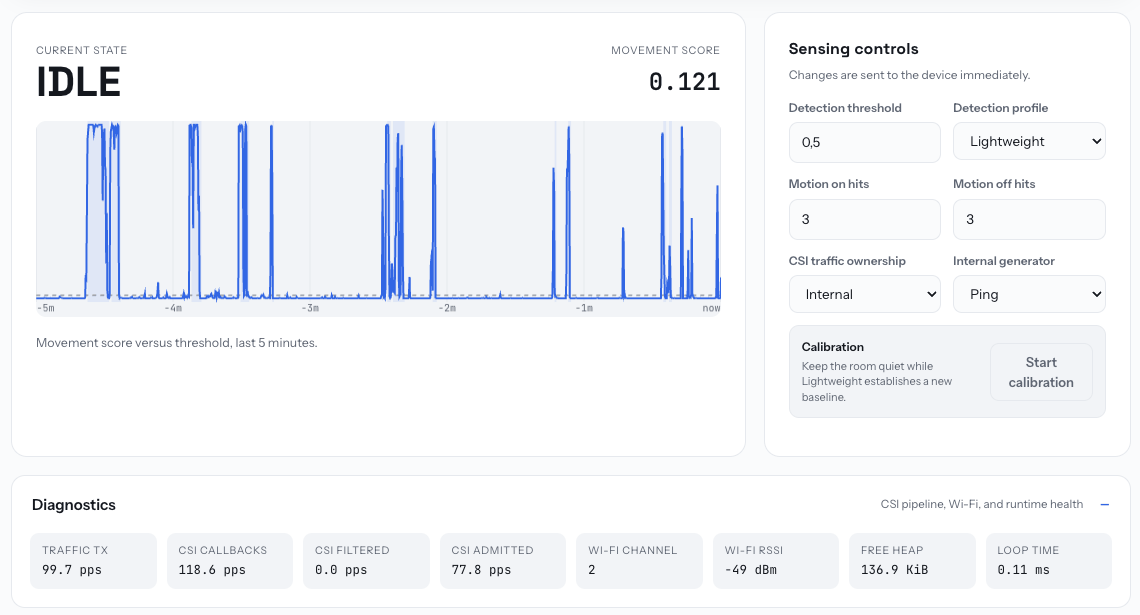
Wi-Fi motion sensing platform for ESP32. C++ SDK, ESPHome, Native, and Matter frontends, browser tools, and a CLI for the full device lifecycle. GPLv3 and commercial licensing.
Provide all my solutions and explanations in Chinese for all the Leetcode coding problems.
:house_with_garden: Open source home automation that puts local control and privacy first.
π RuView turns commodity WiFi signals into real-time spatial intelligence, vital sign monitoring, and presence detection — all without a single pixel of video.
Alternative firmware for ESP8266 and ESP32 based devices with easy configuration using webUI, OTA updates, automation using timers or rules, expandability and entirely local control over MQTT, HTTP, Serial or KNX. Full documentation at
Ultrasonic sensor library for ESP8266, ESP32, Arduino & Teensy — extended from NewPing
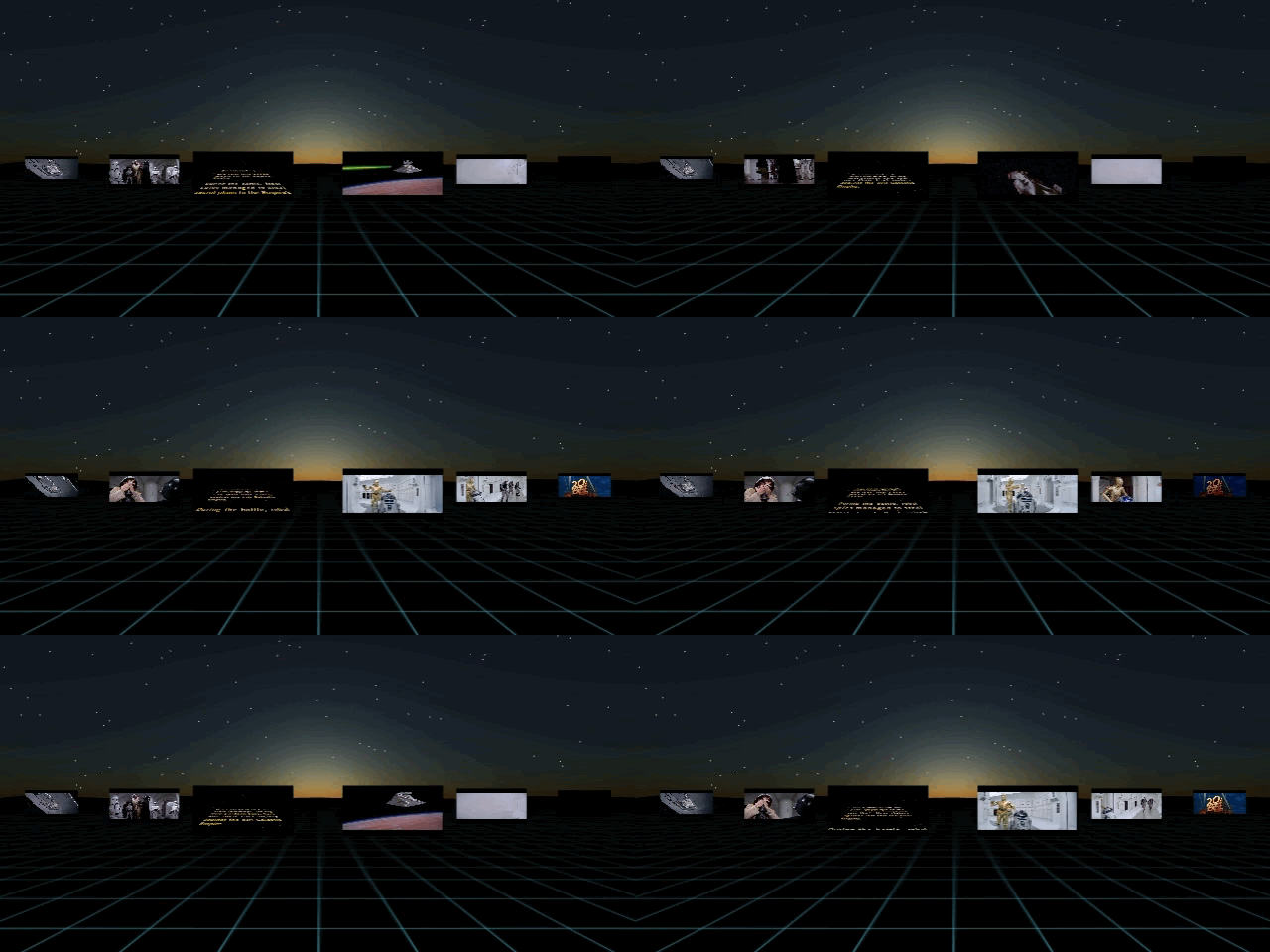
AFRAME multi-video component allowing for using a single video source organized like an image sprite as textures on multiple geometries each starting at different times in the video source.
Sample colors from your Processing canvas and send them to DMX fixtures in real-time
Run an Art-Net node on a Teensy 4.1 and OctoWS28 adaptor with FastLED
Example project for the TMLS workshop Training Machines for Autonomous Interactive Artworks