
mitmproxy
An interactive TLS-capable intercepting HTTP proxy for penetration testers and software developers.
- 47k
- Python
- MIT
- 2 d ago
A cross-platform high performing HTTP(S) proxy server in C#.
Repo justcoding121/titanium-web-proxy, read from GitHub 1 min ago. justcoding121 has not joined Take My Repo.
justcoding121/titanium-web-proxy is a public repo on GitHub by justcoding121. A cross-platform high performing HTTP(S) proxy server in C#. It declares the MIT license on GitHub. It is written mainly in C#, has 2,015 stars and last changed on 2026-11-21. Nobody has reviewed it on Take My Repo yet, which says nothing about its quality. Read from GitHub on 2026-11-21.
Embeddable .NET 10 HTTP(S) and man-in-the-middle (MITM) proxy library, standalone CLI and Kubernetes reverse proxy, and desktop MITM inspector — on Windows, Linux, and macOS.
Website · Download · Library · CLI · Inspector · Benchmarks · Docs · License
dotnet add package Titanium.Web.Proxy
# Prerelease / beta:
dotnet add package Titanium.Web.Proxy --prerelease
Explicit HTTP(S) proxy on 127.0.0.1:8000 that logs each requested URL:
using System;
using System.Net;
using System.Threading.Tasks;
using Microsoft.Extensions.Logging;
using Titanium.Web.Proxy;
using Titanium.Web.Proxy.EventArguments;
using Titanium.Web.Proxy.Models;

using var proxyServer = new ProxyServer();

proxyServer.Logging.MinimumLevel = LogLevel.Information;
proxyServer.BeforeRequest += OnRequest;

var endPoint = new ExplicitProxyEndPoint(
    IPAddress.Loopback, 8000, decryptSsl: true);
proxyServer.AddEndPoint(endPoint);

// The first run installs a root certificate in the current user's trust store.
proxyServer.CertificateManager.EnsureRootCertificate(
    userTrustRootCertificate: true,
    machineTrustRootCertificate: false);

proxyServer.Start();
proxyServer.Logger.LogInformation(
    "Listening on 127.0.0.1:8000. Press Enter to stop.");
await Console.In.ReadLineAsync();
proxyServer.Stop();

Task OnRequest(object sender, SessionEventArgs e)
{
    proxyServer.Logger.LogInformation("{Url}", e.HttpClient.Request.Url);
    return Task.CompletedTask;
}

Point your client at 127.0.0.1:8000 as its HTTP and HTTPS proxy. The first run installs a root certificate for the current user — only on a machine you control. Trust.
titanium / twp) — Standalone reverse / edge proxy from the command lineRequires .NET 10 or later for the library. CLI and Inspector downloads are self-contained (no SDK needed to run them).
Titanium.Web.Proxy) — Same engine inside your app. NuGet · Librarytitanium / twp) — Reverse / edge proxy from YAML, Docker, or Helm. Download CLI · CLI · KubernetesTitanium.Plus) — xDS, GeoIP, caching, rate limiting, health probes, dashboard. titanium update --plus · PlusCreate twp.yaml, then validate and run:
schemaVersion: "7.1"
listeners:
  - host: "127.0.0.1"
    port: 8000
    # false = plain reverse proxy (no HTTPS decrypt)
    decryptSsl: false
    forwardHost: "127.0.0.1"
    forwardPort: 8080
titanium test -c twp.yaml
titanium run -c twp.yaml
Plus is optional and is not a separate download. After the CLI is installed, run titanium update --plus, then set plus.enabled: true. It adds a control plane, dashboard, and observability. Plus.
Desktop debugger for HTTP and HTTPS. Download for Windows, macOS, or Linux, then launch Titanium Inspector. Capturing and the system proxy are on by default on the local machine. Turn on Decrypt HTTPS when you need to see inside HTTPS. The first run installs a root certificate for the current user — only on a machine you control. Inspector guide.

Full catalog: Features. What is supported, partial, and not supported: capability coverage. Protocol coverage: protocol support matrix. HTTP/3 packaging: HTTP/3 wiki.
Tiny keep-alive GET (~56 B) on common reverse wires, plus WebSocket and unary gRPC:

Heavier reverse load (64 KB GET/POST on typical wires):

RPS is requests per second (gRPC bars are RPC/s). 45,499 requests per second on Linux for a tiny keep-alive GET (~56 B), HTTP/1 with TLS in and plain HTTP/1 out (4 vCPU / 16 GiB, median of 3, sustain at concurrency 64), on the same harness as peer proxies. Named comparison: Performance.
Inspector and CLI (Windows, Linux, macOS): use Download — MSI / DMG / AppImage / .deb / .rpm / zip. Short walkthrough: Install.
After the CLI is on your PATH (or in the current folder):
titanium run -c twp.yaml
titanium test -c twp.yaml
titanium version --check
titanium update
titanium run is foreground (Ctrl+C to stop). Boot persistence: titanium service install -c twp.yaml — CLI — service. Each CLI zip also includes a twp alias.
Container and Helm: the CLI ships as a hardened image (ghcr.io/justcoding121/titanium-web-proxy, Linux (64-bit and ARM)) and charts under deploy/helm/ (also Release .tgz and oci://ghcr.io/justcoding121/charts) — Kubernetes. Gateway API / Ingress: Gateway API.
The image entrypoint is titanium run --config /etc/titanium/twp.yaml. Save this as conf/twp.yaml. The listener is 0.0.0.0:8080 so the published port reaches it.
schemaVersion: "7.1"
listeners:
  - host: "0.0.0.0"
    port: 8080
    decryptSsl: false
    forwardHost: "127.0.0.1"
    forwardPort: 8080
mkdir conf
docker run --rm -p 8080:8080 --read-only --tmpfs /tmp \
  -v "$PWD/conf:/etc/titanium:ro" \
  ghcr.io/justcoding121/titanium-web-proxy:latest
From a clone of this repo:
helm install titanium deploy/helm/titanium \
  -n proxy --create-namespace \
  -f my-values.yaml
Trusting a generated root certificate changes the current user's certificate store — only do this on a machine you control.
Lua 5.4 and proxy-wasm scripting ship with the CLI (titanium scripting-deps). Container images include Lua and Wasmtime natives per RID. Details: Scripting.
titanium scripting-deps).tgz, or OCI), probes, a Gateway API / Ingress controller, and an optional Manager control plane; hot restart for TCP without a gaptitanium-web-proxy tag)
Actively maintained by justcoding121. Past collaborator: honfika.
Titanium.Web.Proxy, Titanium.Cli, Titanium.Manager, Titanium.Gateway, docs, and this website are MIT. Titanium Inspector, Titanium.Plus, Titanium.Xds, and Titanium.Cli.GeoIp are PolyForm Noncommercial 1.0.0. Product overview: titaniumproxy.com · Editions & licenses.
Vendored xDS protos keep their Apache-2.0 text in src/Titanium.Xds/LICENSE.Apache-2.0.txt and src/Titanium.Xds/NOTICE. Third-party notices for the MIT library are in src/Titanium.Web.Proxy/NOTICE.
src/Titanium.Web.Proxy, src/Titanium.Web.Proxy.Abstractions, src/Titanium.Web.Proxy.Configuration, src/Titanium.Web.Proxy.Scripting, src/Titanium.Cli, src/Titanium.Manager, src/Titanium.Gateway, examples, website, docs, wiki, tools, deploy, and tests other than the four PolyForm test projectssrc/Titanium.Plus, src/Titanium.Inspector, src/Titanium.Xds, src/Titanium.Cli.GeoIp, tests/Titanium.Plus.Tests, tests/Titanium.Inspector.Tests, tests/Titanium.Xds.Tests, tests/Titanium.Cli.GeoIp.Testsjustcoding121/titanium-web-proxy is a public repo on GitHub by justcoding121. A cross-platform high performing HTTP(S) proxy server in C#.
It declares the MIT license on GitHub.
Its maker has not tagged a system, so it is unknown here. Its README says what it needs.
Open "Take it" on its page: Take My Repo writes an install plan for your machine and hands it to your AI agent (Claude Code, Codex or Cursor), which asks you before each step. Take My Repo has not tested it on any machine.
Its last change on GitHub was on 2026-11-21. Take My Repo does not judge from that whether it is maintained.
Nobody has reviewed it on Take My Repo yet, which says nothing about its quality.
An interactive TLS-capable intercepting HTTP proxy for penetration testers and software developers.
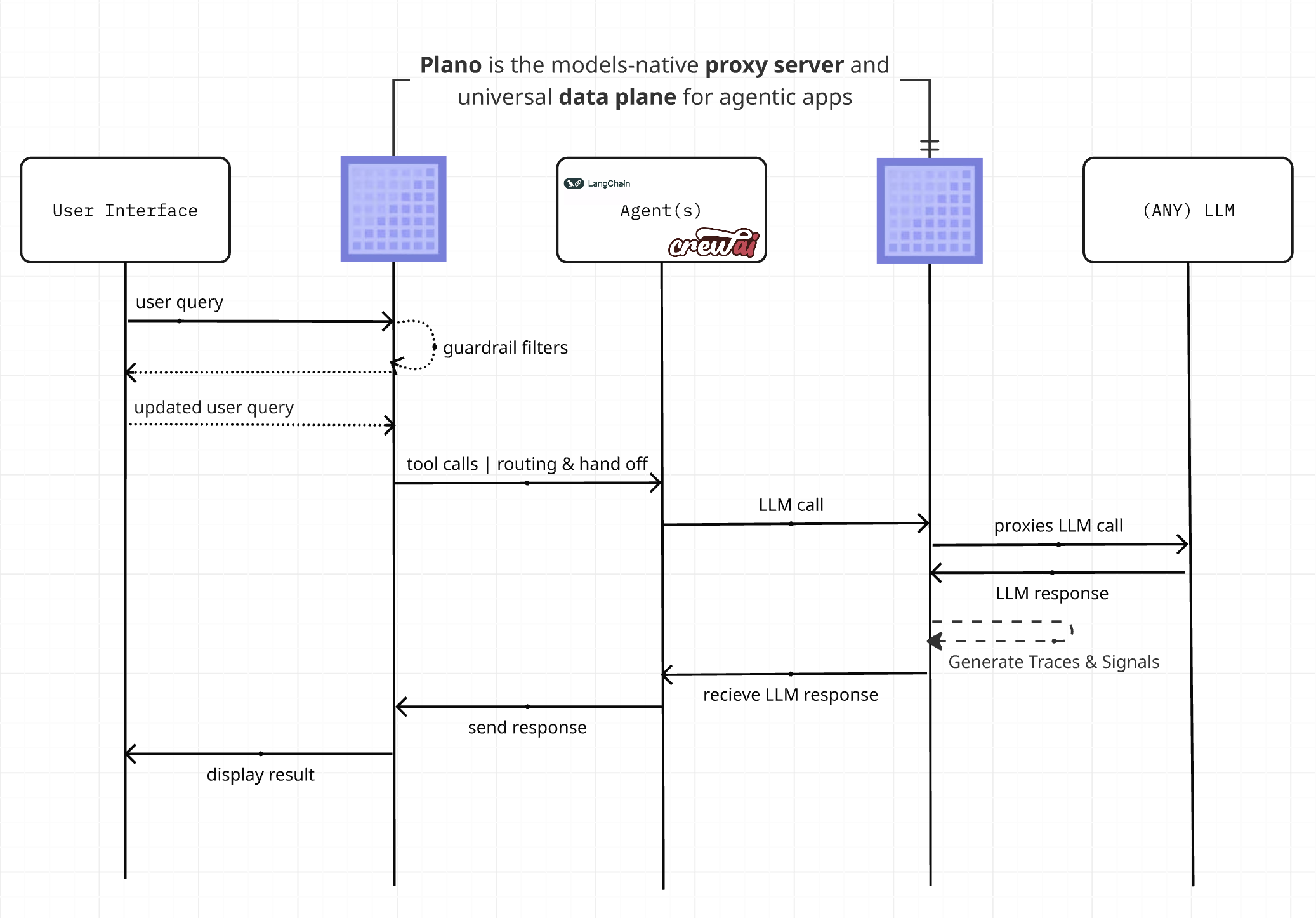
Plano is an AI-native proxy server and data plane for agentic apps. Smart LLM routing, observability, agent orchestration, and guardrails so you stay focused on your agents core logic.
A fast reverse proxy to help you expose a local server behind a NAT or firewall to the internet.
Outline Server, developed by Jigsaw. The Outline Server is a proxy server that runs a Shadowsocks instance and provides a REST API for access key management.
Fast and extensible multi-platform HTTP/1-2-3 web server with automatic HTTPS
A .NET library to subscribe to global user actions on Windows, macOS, and Linux: keyboard, mouse, clipboard, application windows, print jobs, and hotkeys.
A minimal C language compiler for arm64 microprocessors (development in progress)