
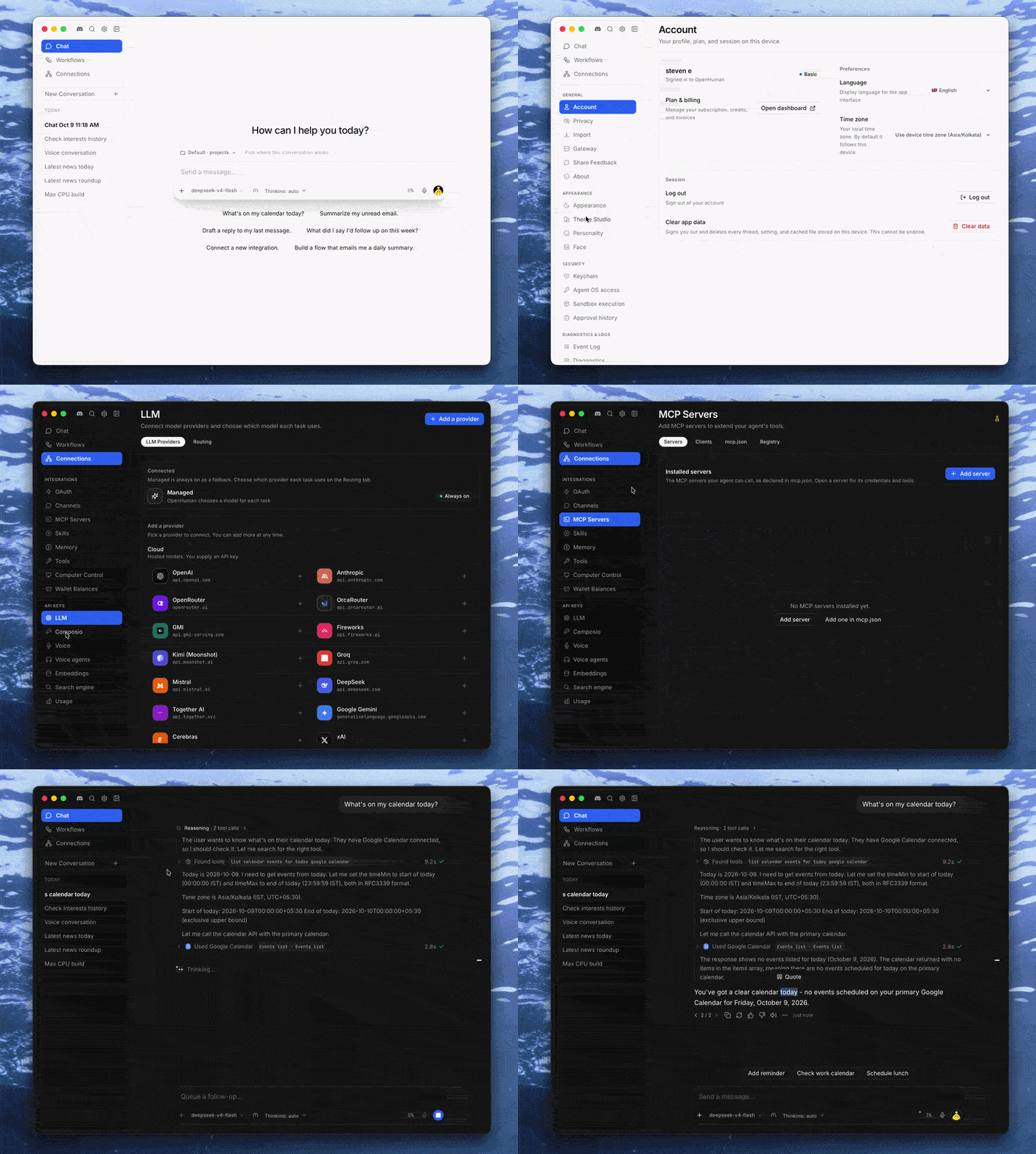
openhuman
The fastest, cheapest, most efficient open-source agent harness. Run more than 500 agents on a $10 VPS.
- 43k
- Rust
- GPL-3.0
- 23 h ago
NCode — Privacy-first AI code editor with local (Ollama) and cloud LLM support built using Rust, Tauri, React, and Python.
Repo knand4930/ncode, read from GitHub 7 h ago. knand4930 has not joined Take My Repo.
knand4930/ncode is a public repo on GitHub by knand4930. NCode — Privacy-first AI code editor with local (Ollama) and cloud LLM support built using Rust, Tauri, React, and Python. It declares the MIT license on GitHub. It is written mainly in TypeScript, has 0 stars and last changed on 2026-10-16. Nobody has reviewed it on Take My Repo yet, which says nothing about its quality. Read from GitHub on 2026-11-24.
The fastest, cheapest, most efficient open-source agent harness. Run more than 500 agents on a $10 VPS.
A VS Code-inspired desktop code editor built with Tauri, React, and Rust — with a built-in AI assistant powered by local and cloud LLMs.

NCode is a cross-platform desktop IDE that combines a familiar editor experience with a deeply integrated AI coding assistant. It supports local models via Ollama and cloud providers (OpenAI, Anthropic, Groq, HuggingFace Inference API).
Stack:
Ctrl+Shift+P)Ctrl+P)Ctrl+T)Ctrl+H)@file / @folder / @errors context injection| Provider | Type | Notes |
|---|---|---|
| Ollama | Local | Runs models on your machine |
| OpenAI | Cloud API | GPT-4, GPT-4o, etc. |
| Anthropic | Cloud API | Claude 3 family |
| Groq | Cloud API | Ultra-fast inference |
| AirLLM | Local | Split-model for low RAM |
| vLLM | Local/Cloud | High-throughput batched inference |
| HuggingFace Inference API | Cloud API | Any HF-hosted model |
┌─────────────────────────────────────────────┐
│             NCode (React + Tauri)            │
│                                              │
│  ┌──────────┐  ┌──────────┐  ┌────────────┐ │
│  │  Editor  │  │ Sidebar  │  │  AI Panel  │ │
│  │ (Monaco) │  │ (Files,  │  │ (Chat,     │ │
│  │          │  │  Git,    │  │  Agent)    │ │
│  │          │  │  Search) │  │            │ │
│  └──────────┘  └──────────┘  └────────────┘ │
│  ┌────────────────────────────────────────┐  │
│  │          Rust (Tauri) Backend          │  │
│  │      fs · process · terminal · ai      │  │
│  └────────────────────────────────────────┘  │
└─────────────────────────────────────────────┘
                      │
                      ▼
                 Direct HTTP
      (Ollama / OpenAI / Anthropic / Groq /
          HuggingFace Inference API)
git clone https://github.com/your-username/ncode.git
cd ncode
npm install
npm run tauri:dev
This starts the Vite dev server and the Tauri app together.
npm run tauri:build
Output bundles (.deb, .rpm, .dmg, .exe) are in src-tauri/target/release/bundle/.
Open Settings (Ctrl+,) → AI / LLM tab.
http://localhost:11434), click Fetch to load installed models, then check the ones you want to use.| Shortcut | Action |
|---|---|
Ctrl+P |
Quick open file |
Ctrl+Shift+P |
Command palette |
Ctrl+S |
Save file |
Ctrl+Shift+S |
Save all files |
Ctrl+W |
Close tab |
Ctrl+B |
Toggle sidebar |
Ctrl+`` `` |
Toggle terminal |
Ctrl+, |
Settings |
Ctrl+Shift+A |
Toggle AI panel |
Ctrl+Shift+E |
Explorer view |
Ctrl+Shift+F |
Search view |
Ctrl+Shift+G |
Git view |
Ctrl+Shift+X |
Extensions view |
Ctrl+T |
Symbol search |
Ctrl+H |
Search & replace |
ncode/
├── src/                        # React frontend
│   ├── components/
│   │   ├── ai/                 # AI panel, diff modal
│   │   ├── editor/             # Monaco editor, tabs, breadcrumbs, command palette
│   │   ├── sidebar/            # File explorer, git, search, symbols, tasks
│   │   ├── terminal/           # Integrated terminal
│   │   ├── settings/           # Settings panel
│   │   ├── statusbar/          # Status bar
│   │   └── titlebar/           # Title bar, menu bar
│   ├── store/                  # Zustand stores (editor, AI, UI, terminal)
│   └── utils/                  # Error parser, language runner, project scanner
└── src-tauri/                  # Rust/Tauri backend
    ├── src/
    │   ├── commands/           # fs, process, terminal Tauri commands
    │   ├── ai/                 # AI Tauri commands (chat, stream, RAG, agent)
    │   └── lsp/                # LSP module
    └── tauri.conf.json
| Model | RAM | Notes |
|---|---|---|
qwen2.5-coder |
4 GB | Lightweight, fast |
deepseek-coder |
4 GB | Balanced quality |
codellama |
4 GB | Best code quality |
mistral |
4 GB | General purpose |
starcoder2 |
2 GB | Good for completions |
Install a model:
ollama pull qwen2.5-coder
Ollama not detected
ollama serve is runningBuild fails (Rust)
rustup update stable# TypeScript / frontend tests
npm test
MIT License — Copyright (c) 2024 NCode Contributors
See LICENSE for the full text.
knand4930/ncode is a public repo on GitHub by knand4930. NCode — Privacy-first AI code editor with local (Ollama) and cloud LLM support built using Rust, Tauri, React, and Python.
It declares the MIT license on GitHub.
Its maker tagged it for macOS, Windows and Linux, or as Docker or cross-platform. That is declared by the maker; Take My Repo has not tested it.
Open "Take it" on its page: Take My Repo writes an install plan for your machine and hands it to your AI agent (Claude Code, Codex or Cursor), which asks you before each step. Take My Repo has not tested it on any machine.
Windsurf Cursor Pro Trial Unlocker PC [2026] — Standalone Windows 10/11 (x64) Release, Setup & Config
The agent harness performance optimization system. Skills, instincts, memory, security, and research-first development for Claude Code, Codex, Opencode, Cursor and beyond.
The Frontend Stack for Agents & Generative UI. React, Angular, Mobile, Slack, and more. Makers of the AG-UI Protocol
Its last change on GitHub was on 2026-10-16. Take My Repo does not judge from that whether it is maintained.
Nobody has reviewed it on Take My Repo yet, which says nothing about its quality.
Take My Repo cannot say: it does not audit code and has not run ncode. What is known comes from GitHub. It declares the MIT license on GitHub. Its last change was on 2026-10-16. It has 0 stars, which measure popularity, not safety. Nobody has reviewed it on Take My Repo yet, which says nothing about its quality. Read the source before you run it. With "Take it", your AI agent shows each step and asks you before running it; README text is treated as data, not as instructions.






