SonicFlow Monorepo
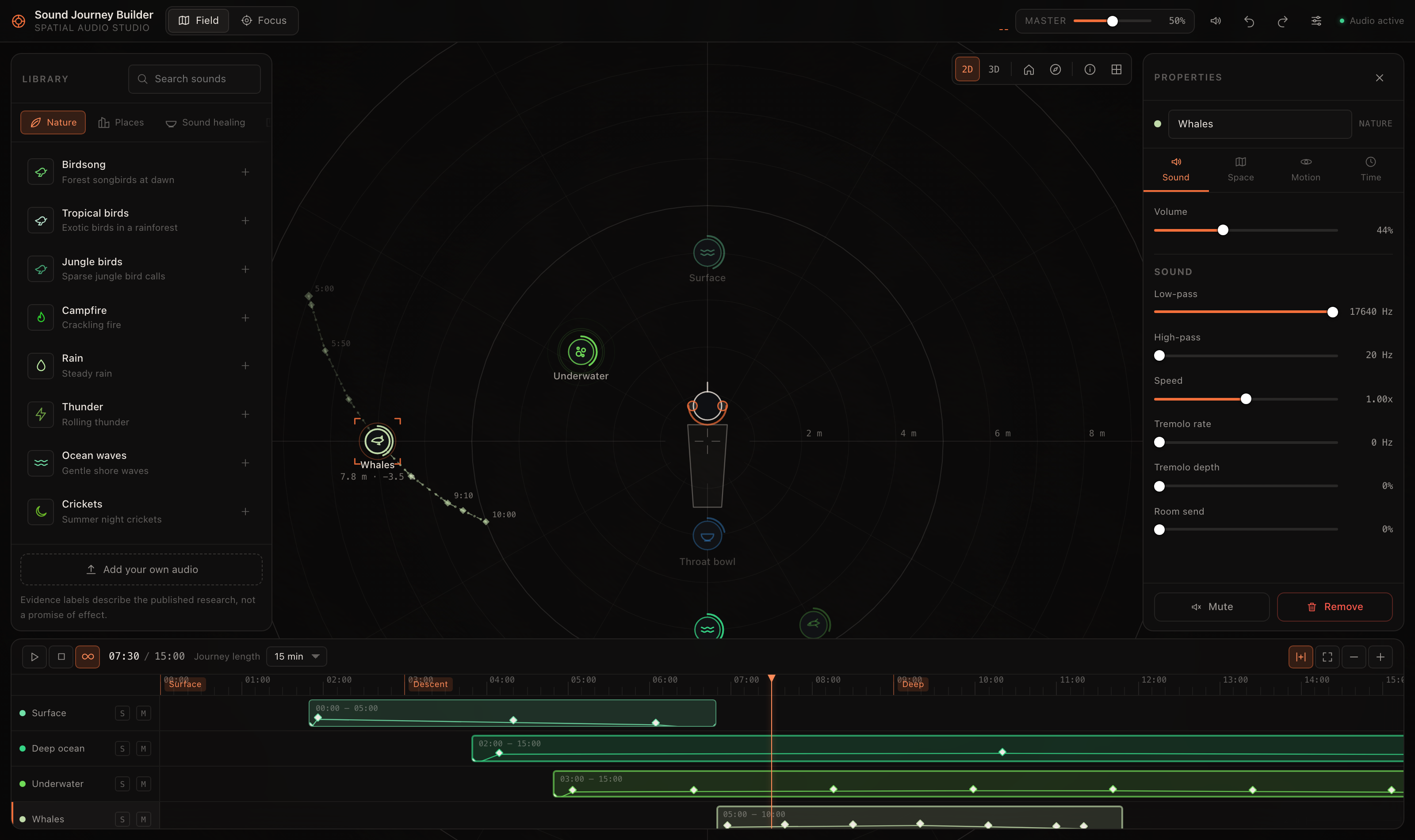
SonicFlow is an Apple-first audio project that overlays entrainment-style beat layers on user audio across iPhone, Safari, the macOS menu-bar app, and an Apple-look web app.
Public product name: SonicFlow
SonicFlow Runtime Upgrade
SonicFlow now uses one naming model across product copy, app code, tests, project schemes, and shared runtime packages.
The key runtime concepts now shaping this repo are:
- preset-first sessions
- richer session settings including
durationMinutes, ambientMix, and pulseDepth
- ambient-layer and renderer/cache concepts on native platforms where support is real
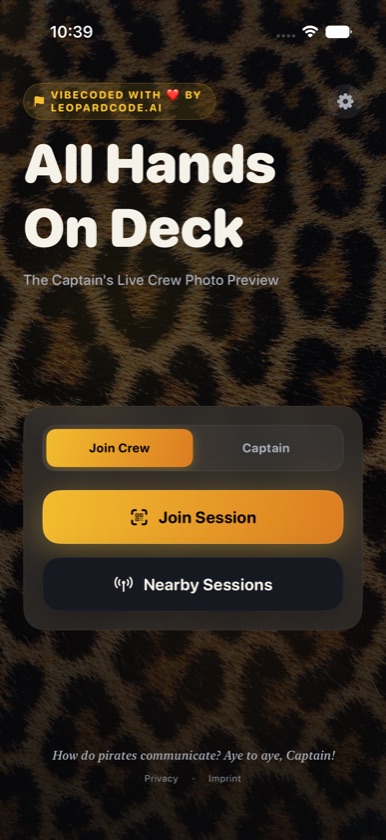
- SonicFlow UI direction layered with SonicFlow Leopard branding
Architecture (Visual)
flowchart LR
    subgraph Cores["Shared Beat Cores"]
        SW["shared/core-swift (Swift Package)"]
        JS["shared/core-js (Safari/Web resources)"]
    end

    subgraph Platforms["Active Apple Platforms"]
        SF["extensions/safari"]
        IOS["apps/ios"]
        MAC["macOS menu-bar target"]
        WEB["apps/web"]
    end

    JS --> SF
    JS --> WEB
    SW --> IOS
    SF --> MAC
Repository Structure
soundhealing_sonicflow/
├── docs/
│   ├── architecture/
│   ├── graphics/
│   ├── guides/
│   └── reports/
├── scripts/
├── sonicflow_app/
│   ├── apps/
│   │   ├── ios/
│   │   ├── macos/
│   │   └── web/
│   ├── extensions/
│   │   └── safari/
│   └── shared/
│       ├── core-js/
│       └── core-swift/
├── Makefile
└── README.md
Platform Capability
| Platform |
Runtime/UI status |
Audio source path |
System audio capture |
Notes |
| Safari extension (web shell) |
Leopard-backed SonicFlow-style wrapper messaging |
Web extension runtime shell |
No dedicated system capture path |
Mirrors product language, but native-only features belong in the app targets. |
| iOS app |
Native SonicFlow settings model plus upgraded screen state, Overlay Mode status, advanced controls, and mobile offline download/delete state |
Local file + generated beat layer with generated-session cache identifiers |
No |
Downloaded generated sessions can be started without network; Spotify/YouTube system overlay is unavailable, so picked files remain the local overlay path. |
| macOS app |
Leopard-native menu-bar popover with starter sessions, Overlay Mode, preset metadata, and advanced controls |
Local file/system capture + generated beat layer |
Partial/limited |
Native app exposes permitted system overlay capture with file fallback. |
| Web app/PWA |
Apple-look Liquid Glass SonicFlow surface for standalone sessions and research/product flows |
Browser Web Audio + generated beat layer |
Browser-gated/limited |
Active lightweight web surface aligned with the Apple visual system. |
Legacy non-Safari browser and non-iOS mobile product surfaces have been removed from the active platform tree. Safari Web Extension resources live in sonicflow_app/extensions/safari.
Brand Asset Usage
The upgraded SonicFlow direction keeps the SonicFlow Leopard identity through shared repo assets:
- Leopard wallpaper source:
brand/assets/wallpapers/leopard_wallpaper.png
- Singing-bowl hero/icon source:
brand/assets/icons/a_premium_ultra_modern_high_definition_vector_icon_of_a_golden_tibetan_singing_bowl._the_bowl_is_minimalist_with_sleek_sharp_edges_and_a_subtle_metallic_gradient._a_smooth_flowing_and_vibrant_rainbow_energy_swirl_rises_elegantly_from_the_bowl._sev….png
Usage guidelines in the current rollout:
- native app surfaces should use the Leopard wallpaper as the atmospheric backdrop, cropped as needed
- browser shells should stay visually aligned with Leopard branding without implying native-only capabilities
- the singing-bowl art is intended for hero/icon contexts, not as a substitute for every in-app illustration
Quick Start
Prerequisites
- Node.js 22+
- Xcode 17+ (for iOS/macOS/Safari targets)
Main Commands
make help
make safari-web-assets
make web
make web-dev
make ios
make mac
make mac-smoke
make test
make verify
make safari-web-assets builds the JavaScript resources consumed by the Safari extension.
make web-dev starts the local Apple-look web app.
Development Checks
- Fast cross-platform unit checks:
make test
- Full merge gate with warning audit:
make verify
- JS core tests:
make test-core-js
- Swift core tests:
make test-core-swift
- Safari Web Extension resource tests:
make test-safari-web-extension
- Web app tests:
make test-web
- iOS app tests:
make test-ios
- iOS focused test gate:
make test-ios
- macOS menu-bar smoke gate:
make mac-smoke
The warning audit runs active Apple/Safari/web tests and builds. iOS app tests run when a compatible simulator destination is available.
Workflow (Linear-First)
- Move ticket from
Backlog to Todo (manual/explicit).
- Create branch
feature/TICKET-ID-desc.
- Implement and verify (
make test-*, make verify).
- Open PR with title
[TICKET-ID] ... and Linear link in PR body.
- Set PR ready for review -> ticket moves to
Preview (or In Review fallback).
- Merge path:
- PR merge -> ticket
Done
- ticket
Done -> automation merges open PR
Parallel work is supported via agents for independent tickets, with one branch/PR per ticket.
Beat Mode Reference
| Mode |
Frequency |
Typical intent |
| Focus |
40 Hz (gamma) |
Concentration |
| Flow |
10 Hz (alpha) |
Light productivity |
| Meditation |
6 Hz (theta) |
Calm/reflection |
| Sleep |
2 Hz (delta) |
Wind-down |
Documentation Map
Known Limitations
- iOS does not implement Spotify/system-output capture in this repository; Overlay Mode copy calls out local-session support and policy limits.
- Safari behavior can differ between iOS Safari and macOS Safari due to Web Extension API differences.
- Mobile offline support is limited to generated-session asset/cache state in the native iOS app, including download/delete controls and quota handling.
- Safari Web Extension resources expose SonicFlow-style controls, but they do not offer native offline render/export or cache flows.
- Sleep spatialization and research control sessions are implemented in shared cores/web, but formal evidence validation is still pending.
- Legacy non-Safari browser and non-iOS mobile product code are removed from the active platform tree; default verification covers only iPhone, Safari, macOS menu bar, and web app surfaces.