ECC
The agent harness performance optimization system. Skills, instincts, memory, security, and research-first development for Claude Code, Codex, Opencode, Cursor and beyond.
- 309k
- JavaScript
- MIT
- 3 d ago
A complete voice AI starter app for LiveKit Agents with Node.js
Repo livekit-examples/agent-starter-node, read from GitHub 1 min ago. livekit-examples has not joined Take My Repo.
livekit-examples/agent-starter-node is a public repo on GitHub by livekit-examples. A complete voice AI starter app for LiveKit Agents with Node.js. It declares the MIT license on GitHub. It is written mainly in TypeScript, has 118 stars and last changed on 2026-11-19. Nobody has reviewed it on Take My Repo yet, which says nothing about its quality. Read from GitHub on 2026-11-22.

A starter project for building voice AI apps with LiveKit Agents for Node.js and LiveKit Cloud.
Install the LiveKit CLI and sign in to LiveKit Cloud:
brew install livekit-clicurl -sSL https://get.livekit.io/cli | bashwinget install LiveKit.LiveKitCLISign up for a free LiveKit Cloud account if you don't have one, then link it to the CLI:
lk cloud authCreate your project from this starter:
lk agent init my-agent --template agent-starter-nodeTalk to your agent. Run it in your terminal and speak into your microphone:
cd my-agent
lk agent console
If you didn't let lk agent init install dependencies, run pnpm install first.
The starter includes:
main.Dockerfile for deploying to LiveKit Cloud.The starter works with any custom web or mobile frontend or with telephony.
The lk agent console, lk agent dev, and lk agent debugger commands run your agent on your own machine. To talk to it in your terminal:
lk agent consoleTo connect it to LiveKit Cloud so a frontend, a phone call, or the Agent Console can reach it:
lk agent devTo let a coding agent or a script test it one text turn at a time, use the agent debugger. Each turn prints the agent's reply along with the tool calls and handoffs behind it:
lk agent debugger start
lk agent debugger say "Hi, what can you do?"
lk agent debugger stop
In production, run the agent directly:
node src/main.ts startPair the agent with a prebuilt frontend starter, or add telephony:
| Platform | Link | Description |
|---|---|---|
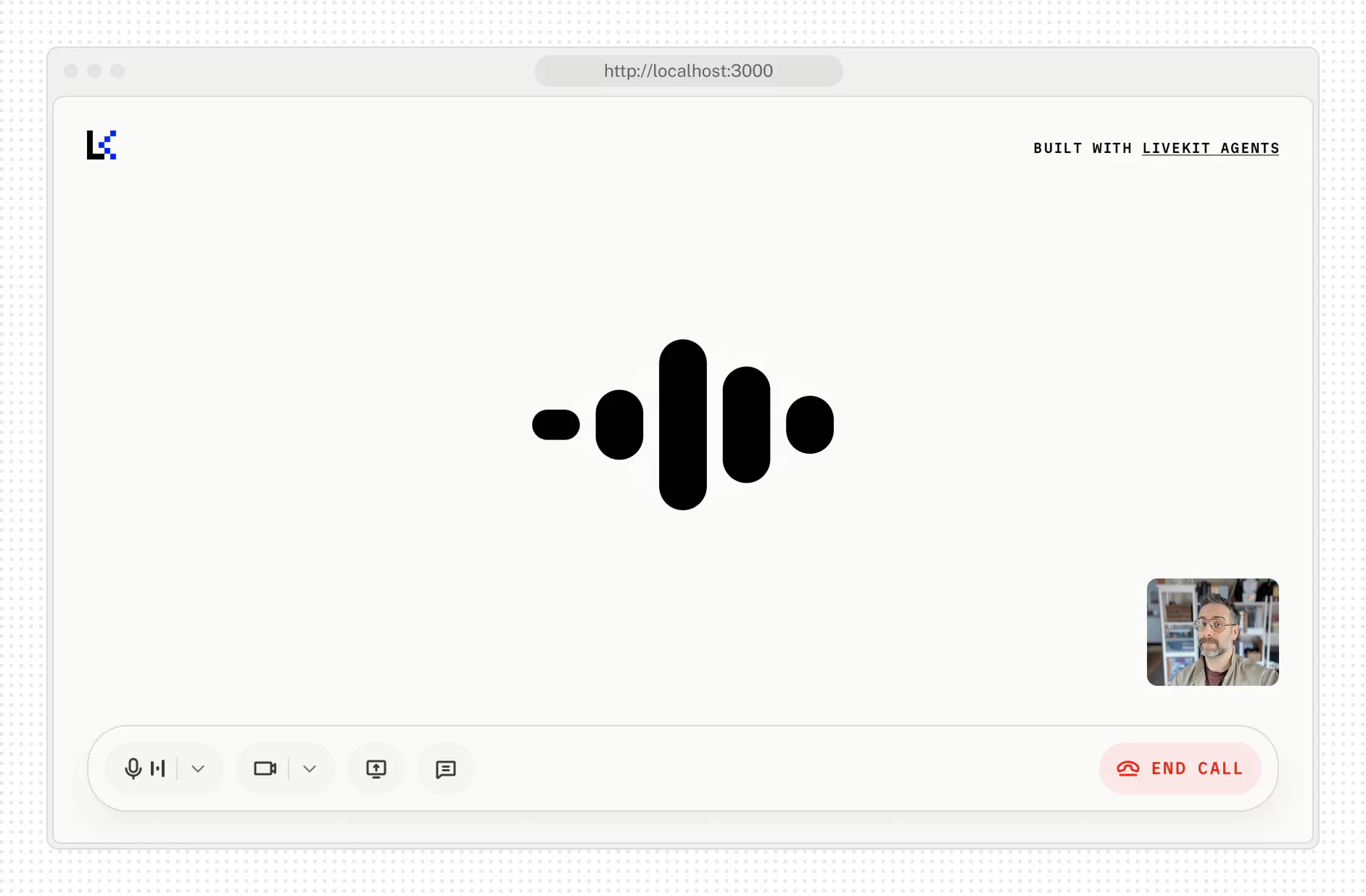
| Web | livekit-examples/agent-starter-react |
Web voice AI assistant with React & Next.js |
| iOS/macOS | livekit-examples/agent-starter-swift |
Native iOS, macOS, and visionOS voice AI assistant |
| Flutter | livekit-examples/agent-starter-flutter |
Cross-platform voice AI assistant app |
| React Native | livekit-examples/voice-assistant-react-native |
Native mobile app with React Native & Expo |
| Android | livekit-examples/agent-starter-android |
Native Android app with Kotlin & Jetpack Compose |
| Web Embed | livekit-examples/agent-starter-embed |
Voice AI widget for any website |
| Telephony | Documentation | Add inbound or outbound calling to your agent |
For more options, see the frontend guide.
Simulations run full multi-turn conversations between a simulated user and your agent on LiveKit Cloud, then judge each transcript. The scenarios live in scenarios.yaml. Run them locally with the CLI:
lk agent simulate text --scenarios scenarios.yamlThe Simulations workflow in .github/workflows/simulations.yml runs the same file on every merge to main, and on demand from the Actions tab. It doesn't run on every pull request push because each run uses real inference. See the simulations guide for how to write scenarios and read results.
To check a change turn by turn without a live session, use the agent debugger shown in Run the agent.
To debug a running agent, open it in the Agent Console. It shows events, tool calls, and model timing as you talk to the agent. To stream logs from a deployed agent, run lk agent logs.
This project works with coding agents like Claude Code, Cursor, and Codex.
Agent skills. Install LiveKit's agent skills, which teach your coding agent to build, debug, test, and deploy LiveKit agents:
lk skills installTo get the latest skills, run lk skills update.
AGENTS.md. Teaches your coding agent LiveKit's best practices for workflows, handoffs, and testing, and has it check its changes with the agent debugger.
For more, see the coding agents guide.
After you create your own project from this template:
pnpm-lock.yaml. The template doesn't track it, but your project should, for reproducible builds. If you deploy to LiveKit Cloud, commit livekit.toml too.skills-lock.json, if you installed them in the project.LIVEKIT_URL, LIVEKIT_API_KEY, and LIVEKIT_API_SECRET as repository secrets so the simulations can run in CI.To deploy the agent to LiveKit Cloud, see the deployment guide.
This project is licensed under the MIT License. See LICENSE for details.
livekit-examples/agent-starter-node is a public repo on GitHub by livekit-examples. A complete voice AI starter app for LiveKit Agents with Node.js.
It declares the MIT license on GitHub.
Its maker tagged it for macOS, Windows and Linux, or as Docker or cross-platform. That is declared by the maker; Take My Repo has not tested it.
Open "Take it" on its page: Take My Repo writes an install plan for your machine and hands it to your AI agent (Claude Code, Codex or Cursor), which asks you before each step. Take My Repo has not tested it on any machine.
Its last change on GitHub was on 2026-11-19. GitHub counts 11 open issues and pull requests. Take My Repo does not judge from that whether it is maintained.
The agent harness performance optimization system. Skills, instincts, memory, security, and research-first development for Claude Code, Codex, Opencode, Cursor and beyond.
Nobody has reviewed it on Take My Repo yet, which says nothing about its quality.
Reverse engineer anything with agents, from app behavior down to native binaries.
Fair-code workflow automation platform with native AI capabilities. Combine visual building with custom code, self-host or cloud, 400+ integrations.
Knowledge infrastructure to make your agents smarter. Search, scrape and access 550+ data providers through one API.
Open source video conferencing app built on LiveKit Components, LiveKit Cloud, and Next.js.
A complete voice AI frontend app for LiveKit Agents with Next.js
Play with OpenAI's new Realtime API in your browser