
listmonk
High performance, self-hosted, newsletter and mailing list manager with a modern dashboard. Single binary app.
- 24k
- Go
- AGPL-3.0
- 7 h ago
Write and safely manage Substack drafts from Markdown with Python, CLI, and MCP.
Repo ma2za/python-substack, read from GitHub 2 d ago. ma2za has not joined Take My Repo.
ma2za/python-substack is a public repo on GitHub by ma2za. Write and safely manage Substack drafts from Markdown with Python, CLI, and MCP. It declares the MIT license on GitHub. It is written mainly in Python, has 184 stars and last changed on 2026-11-19. Nobody has reviewed it on Take My Repo yet, which says nothing about its quality. Read from GitHub on 2026-11-20.
Write Substack posts in Markdown and safely create, inspect, schedule, and publish them through Python, a command-line interface, or MCP.
Documentation · Getting started · PyPI
[!IMPORTANT] Creating and publishing are separate operations.
substack drafts createalways creates an unpublished draft. It never schedules, sends, publishes, or deletes content.
Install the package:
pip install python-substack
Check the selected account and publication:
substack status
Create a safe unpublished draft, then publish only when it is ready:
substack drafts create post.md
substack drafts publish 12345 --no-send
Publishing and deletion require confirmation. Noninteractive and JSON
workflows must pass --yes explicitly.
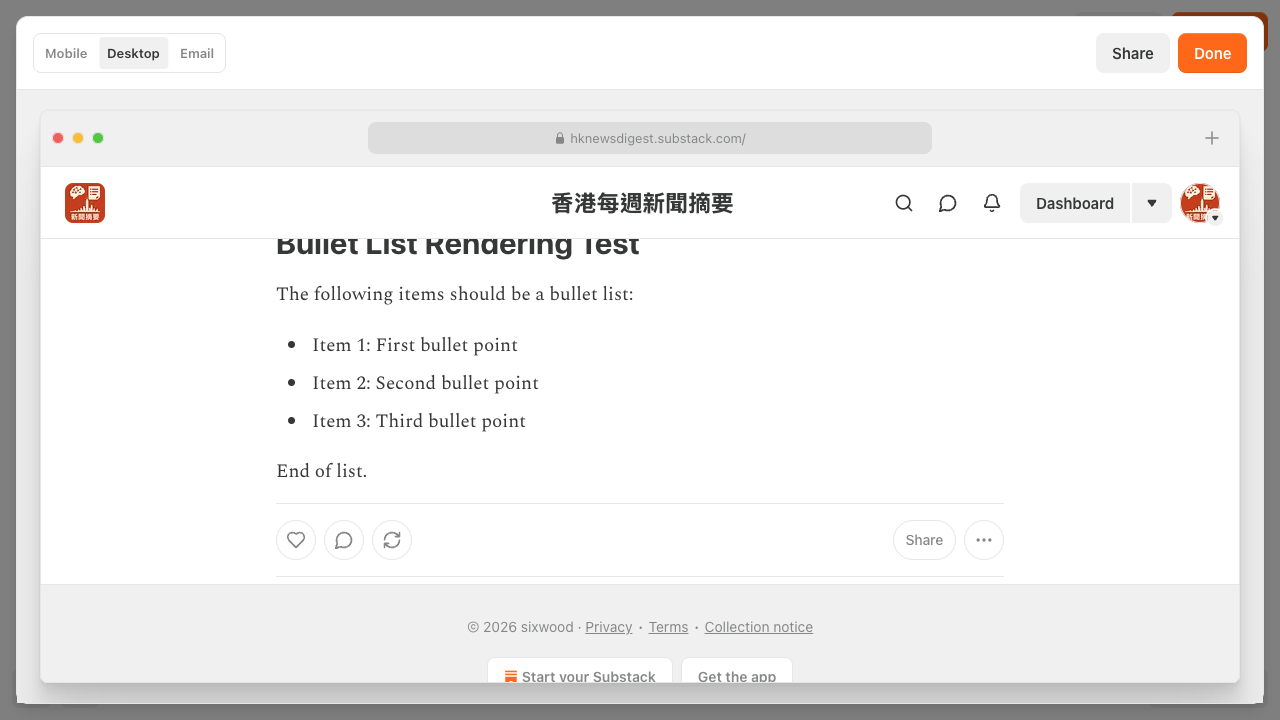
Markdown source:
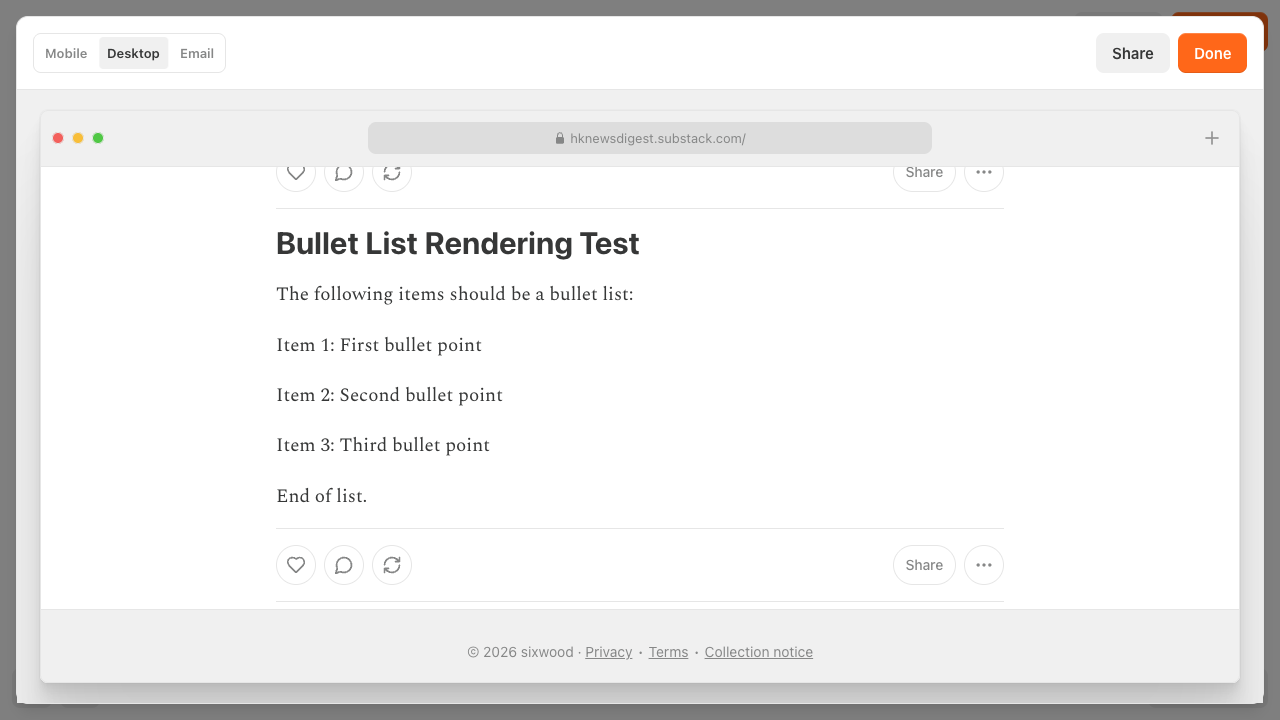
Substack result:
Copy .env.example to .env and configure one authentication method:
EMAIL=
PASSWORD=
PUBLICATION_URL=
COOKIES_PATH=
COOKIES_STRING=
Cookie authentication is usually more reliable when Substack requires captcha or magic-link sign-in. See Authentication for cookie export instructions and account-selection details.
Verify the installation without authenticating:
substack --version
substack --help
Create a draft with metadata:
substack --json drafts create post.md \
  --title "My Post" \
  --subtitle "Optional subtitle" \
  --tag python \
  --tag substack \
  --slug my-post \
  --search-engine-title "SEO title" \
  --search-engine-description "SEO description"
Inspect publications and drafts:
substack publications list
substack drafts list --limit 10
substack drafts get 12345
substack drafts export 12345 --output backup.md
substack drafts update 12345 revised-post.md --dry-run --yes
substack --publication-url https://example.substack.com drafts list
Manage scheduling:
substack drafts schedule 12345 --at 2026-08-01T09:00:00+03:00
substack drafts unschedule 12345
Publish or delete intentionally:
substack drafts publish 12345 --no-send
substack drafts delete 12345 --yes
Global options such as --json, --cookies, and --publication-url must
appear before the command:
substack --json drafts list
substack --cookies cookies.json --json status
The original standalone commands remain supported. See Legacy CLI commands.
import os
from dotenv import load_dotenv
from substack import Api
load_dotenv()
api = Api(
email=os.getenv("EMAIL"),
password=os.getenv("PASSWORD"),
publication_url=os.getenv("PUBLICATION_URL"),
)
result = api.create_draft_from_markdown(
title="Shipping with Python",
subtitle="A short note from a script",
markdown="""
# Hello
This draft was created from **Markdown**.

""",
tags=["python", "automation"],
slug="shipping-with-python",
)
print(result["draft"]["id"])
create_draft_from_markdown creates a draft by default. It publishes only when
publish=True is passed.
Back up an existing draft without modifying it:
backup = api.export_draft_to_markdown(12345)
print(backup["markdown"])
print(backup["unsupported_nodes"])
Review a Markdown update before writing it, then update deliberately:
result = api.update_draft_from_markdown(12345, "# Revised draft", dry_run=True)
result = api.update_draft_from_markdown(12345, "# Revised draft")
Unsupported editor widgets exported as python-substack-node:v1 markers are
preserved by default. An update refuses to remove or alter them unless
allow_unsupported_change=True is explicitly passed.
For direct ProseMirror node construction, see the low-level Python API. YAML workflows are documented in YAML drafts.
Supported Markdown includes headings, paragraphs, bold, italic, inline code, strikethrough, superscript, subscript, text color, highlight, links, images, linked images, image captions, code blocks, blockquotes, ordered and unordered lists, horizontal rules, footnotes, LaTeX math, pull quotes, and callouts.
from substack.post import Post

post = Post("Title", "Subtitle", user_id=1)
post.from_markdown(
    """
# Heading

Paragraph with **bold**, *italic*, `code`, and [links](https://example.com).
"""
)
Pass api= to upload local images while rendering:
post.from_markdown(markdown_content, api=api)
See the complete Markdown reference.
Install and run the optional MCP server:
pip install "python-substack[mcp]"
substack-mcp
The MCP tools use the same environment variables and SDK behavior as the CLI. See MCP server for the tool list and safety notes.
The project preserves existing Python APIs, console commands, CLI behavior, environment variables, JSON keys, and MCP tool signatures through the 1.x series. Additive capabilities may be introduced. See the compatibility policy.
This project is not affiliated with Substack. It uses undocumented Substack interfaces that may change without notice.
ma2za/python-substack is a public repo on GitHub by ma2za. Write and safely manage Substack drafts from Markdown with Python, CLI, and MCP.
It declares the MIT license on GitHub.
Its maker has not tagged a system, so it is unknown here. Its README says what it needs.
Open "Take it" on its page: Take My Repo writes an install plan for your machine and hands it to your AI agent (Claude Code, Codex or Cursor), which asks you before each step. Take My Repo has not tested it on any machine.
Its last change on GitHub was on 2026-11-19. Take My Repo does not judge from that whether it is maintained.
Nobody has reviewed it on Take My Repo yet, which says nothing about its quality.
High performance, self-hosted, newsletter and mailing list manager with a modern dashboard. Single binary app.
Reverse engineer anything with agents, from app behavior down to native binaries.
The agent harness performance optimization system. Skills, instincts, memory, security, and research-first development for Claude Code, Codex, Opencode, Cursor and beyond.
MCP server for Substack: rich drafts, Notes, analytics, and consented subscriber management across publications. Long-form posts stay draft-only; Notes publish immediately. Used regularly by multiple newsletters, includes a CLI.





