filament
Filament is a real-time physically based rendering engine for Android, iOS, Windows, Linux, macOS, WebGPU, and WebGL2
- 21k
- C++
- Apache-2.0
- 1 h ago
macOS QuickLook plugin for glTF files
Repo magicien/GLTFQuickLook, read from GitHub 1 min ago. magicien has not joined Take My Repo.
magicien/GLTFQuickLook is a public repo on GitHub by magicien. macOS QuickLook plugin for glTF files. It declares the MIT license on GitHub. It is written mainly in C, has 274 stars and last changed on 2026-10-13. Nobody has reviewed it on Take My Repo yet, which says nothing about its quality. Read from GitHub on 2026-11-22.
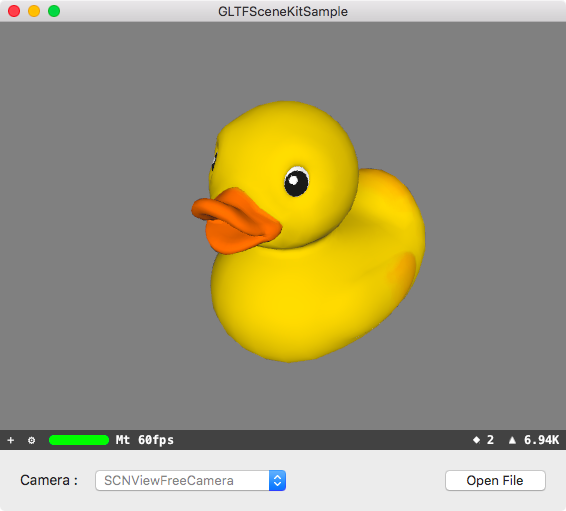
macOS QuickLook plugin for glTF files. (.gltf/.glb)
Important
GLTFQuickLook is no longer developed. Its successor is 3D Quick Viewer on the Mac App Store. Details below.
Thank you to everyone who has used GLTFQuickLook since 2017, and to everyone who reported issues and sent pull requests.
GLTFQuickLook is a .qlgenerator, the older kind of Quick Look plugin. Apple introduced its replacement, Quick Look app extensions, in macOS 10.15, deprecated the old plugin API in macOS 12, and macOS 15 Sequoia no longer loads it at all. So I rebuilt glTF previews as a new app that uses the Quick Look extension mechanism Apple supports today.
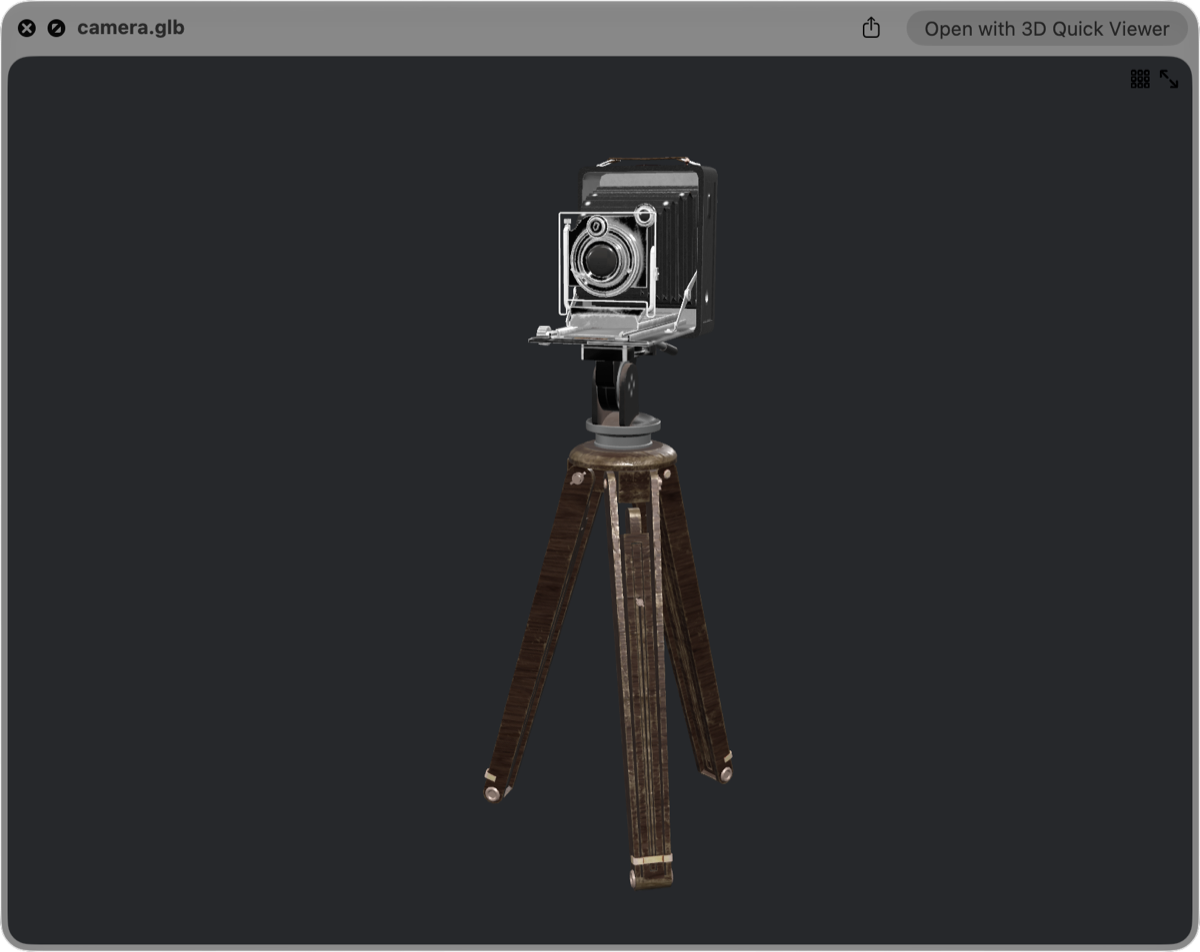
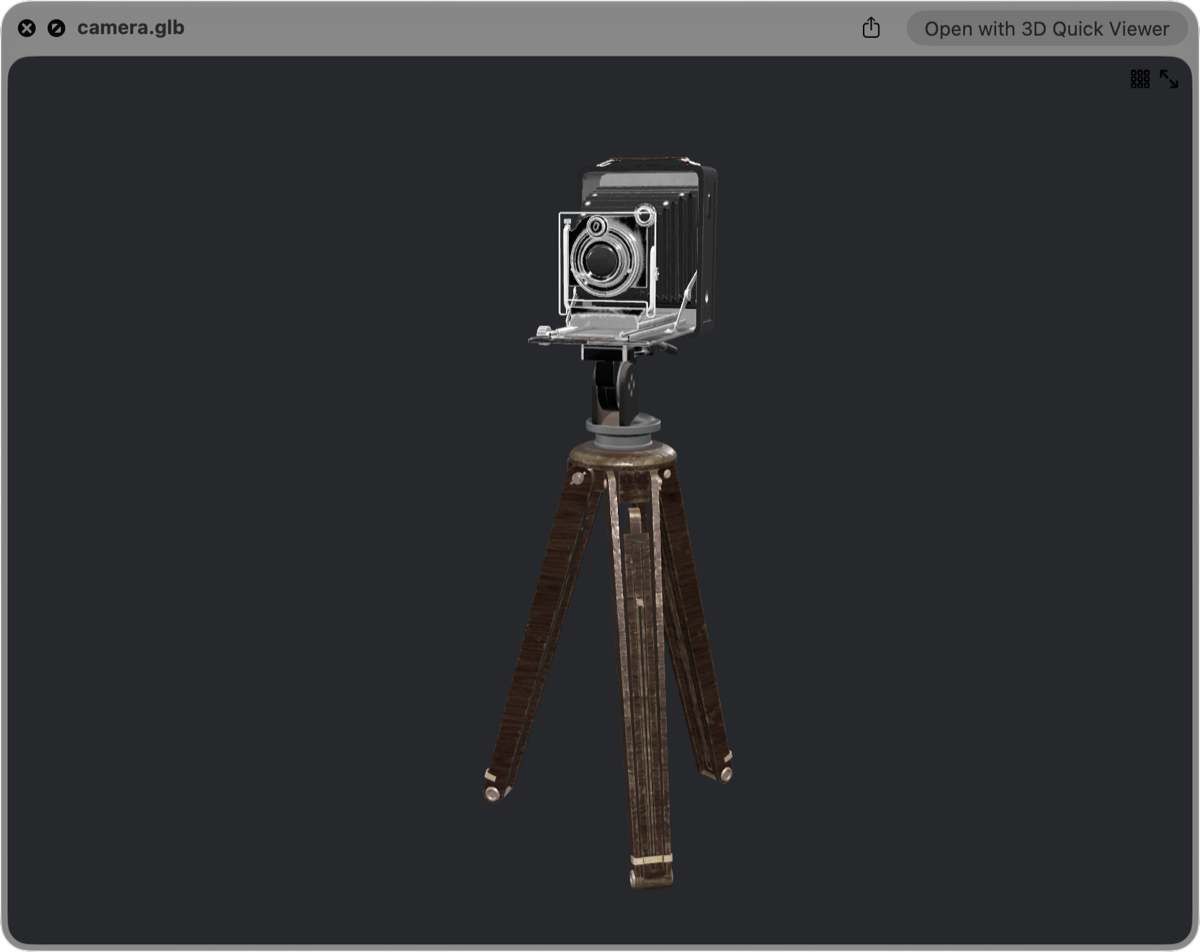
xattr, no qlmanage -r.KHR_ extensions (texture transform, emissive strength, specular-glossiness, transmission, punctual lights and more).It requires macOS 15 or later. It is a paid app with a one-time purchase. Sales pay for continued development, including support for new macOS versions.
Everything below is the original GLTFQuickLook documentation, kept for macOS 14 and earlier.


gltfquicklook cask was disabled by Homebrew in September 2026 and can no longer be installed. Install it manually instead./Library/QuickLook (for all users) or ~/Library/QuickLook (only for the logged-in user).sudo xattr -r -d com.apple.quarantine /Library/QuickLook/GLTFQuickLook.qlgenerator or xattr -r -d com.apple.quarantine ~/Library/QuickLook/GLTFQuickLook.qlgenerator to allow GLTFQuickLook.qlgenerator to run.qlmanage -r command to reload QuickLook plugins.When you switch to 3D Quick Viewer, you can remove the old plugin:
/Library/QuickLook or ~/Library/QuickLook. (Homebrew installed it into ~/Library/QuickLook.)qlmanage -r command to reload QuickLook plugins.It needs to install Carthage to get frameworks.
$ git clone https://github.com/magicien/GLTFQuickLook.git
$ cd GLTFQuickLook
$ carthage bootstrap --platform mac
$ xcodebuild
magicien/GLTFQuickLook is a public repo on GitHub by magicien. macOS QuickLook plugin for glTF files.
It declares the MIT license on GitHub.
Its maker tagged it for macOS. That is declared by the maker; Take My Repo has not tested it.
Open "Take it" on its page: Take My Repo writes an install plan for your machine and hands it to your AI agent (Claude Code, Codex or Cursor), which asks you before each step. Take My Repo has not tested it on any machine.
Its last change on GitHub was on 2026-10-13. GitHub counts 0 open issues and pull requests. Take My Repo does not judge from that whether it is maintained.
Nobody has reviewed it on Take My Repo yet, which says nothing about its quality.
Filament is a real-time physically based rendering engine for Android, iOS, Windows, Linux, macOS, WebGPU, and WebGL2
Open-source web graphics engine built on WebGPU and WebGL2
An open-source JavaScript library for world-class 3D globes and maps :earth_americas:
This plugin renders PDF file with native components provided by WebView2.