supabase
The Postgres development platform. Supabase gives you a dedicated Postgres database to build your web, mobile, and AI applications.
- 115k
- TypeScript
- Apache-2.0
- 1 h ago
A simple use iOS webview integrated w/ native features & plugin support for building hybrid apps.
Repo mgks/iOS-SmartWebView, read from GitHub 16 h ago. mgks has not joined Take My Repo.
mgks/iOS-SmartWebView is a public repo on GitHub by mgks. A simple use iOS webview integrated w/ native features & plugin support for building hybrid apps. It declares the MIT license on GitHub. It is written mainly in Swift, has 10 stars and last changed on 2025-08-06. It is archived: its maker no longer maintains it. Nobody has reviewed it on Take My Repo yet, which says nothing about its quality. Read from GitHub on 2026-11-22.
mgks/iOS-SmartWebView is a public repo on GitHub by mgks. A simple use iOS webview integrated w/ native features & plugin support for building hybrid apps.
It declares the MIT license on GitHub.
Its maker tagged it for macOS. That is declared by the maker; Take My Repo has not tested it.
Open "Take it" on its page: Take My Repo writes an install plan for your machine and hands it to your AI agent (Claude Code, Codex or Cursor), which asks you before each step. Take My Repo has not tested it on any machine.
No. It is archived on GitHub: its maker no longer maintains it.
Nobody has reviewed it on Take My Repo yet, which says nothing about its quality.
The Postgres development platform. Supabase gives you a dedicated Postgres database to build your web, mobile, and AI applications.
The official firmware for Meshtastic, an open-source, off-grid mesh communication system.
Flutter makes it easy and fast to build beautiful apps for mobile and beyond
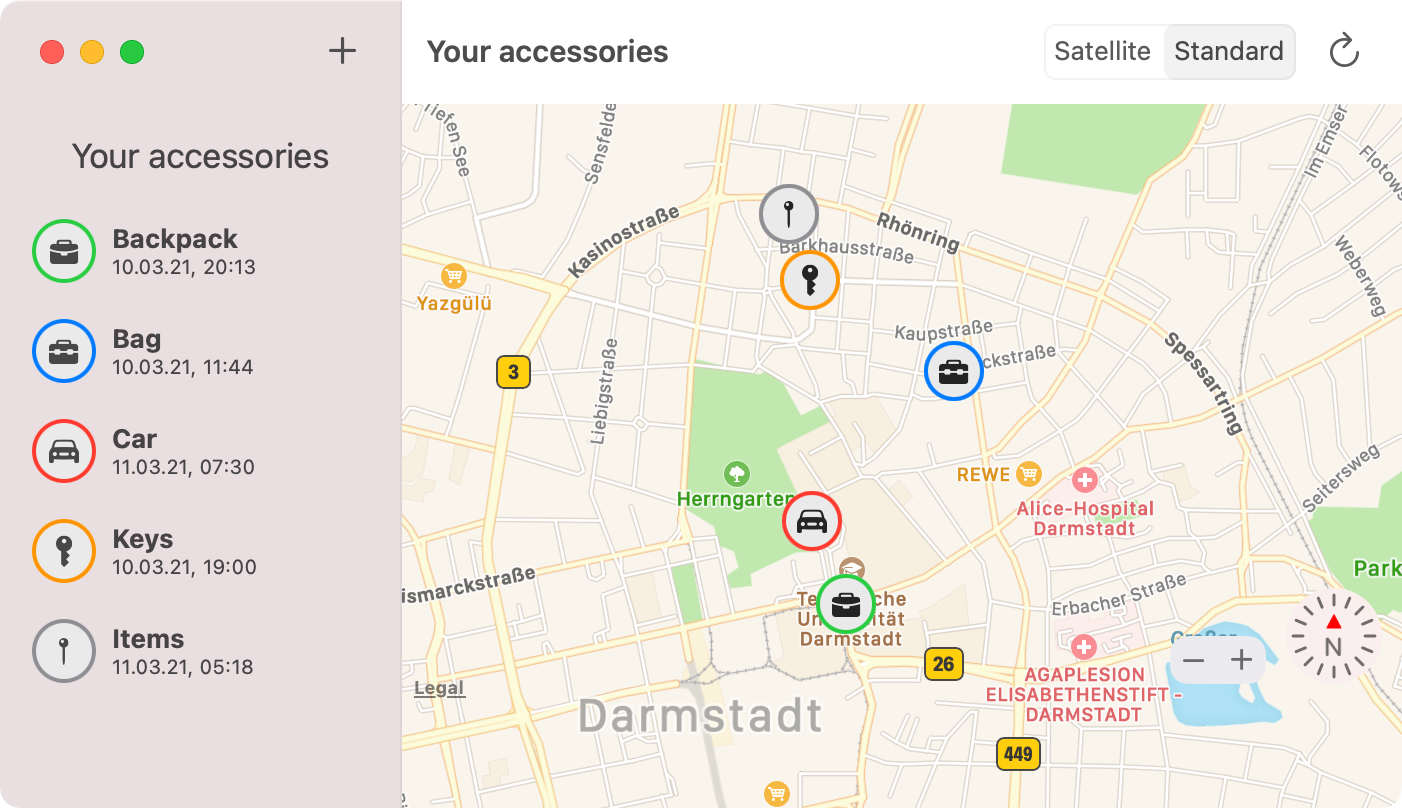
Build your own 'AirTags' 🏷 today! Framework for tracking personal Bluetooth devices via Apple's massive Find My network.
f.k.a. Awesome ChatGPT Prompts. Share, discover, and collect prompts from the community. Free and open source — self-host for your organization with complete privacy.
The open-source cloud for agents & devs. Including Auth, Databases, Storage, Functions, Messaging, Hosting, Realtime, WAF and more
A simple use webview integrated w/ native features & plugin support for building hybrid apps.
Helper app to understand how to upload files and do basic image/video processing in hybrid android apps.
Visualise any GitHub repository folder structure. Available as a web app, CLI tool, and node.js library.
Migrate notes between Google Keep, Apple Notes, Evernote, and Notion.
Kotlin variant for Android Smart WebView. Few commits behind the Java variant. Updated repo mgks/Android-SmartWebView.
Techniques and tools for optimizing how AI coding assistants understand your codebase, with a focus on cost reduction and efficiency.