
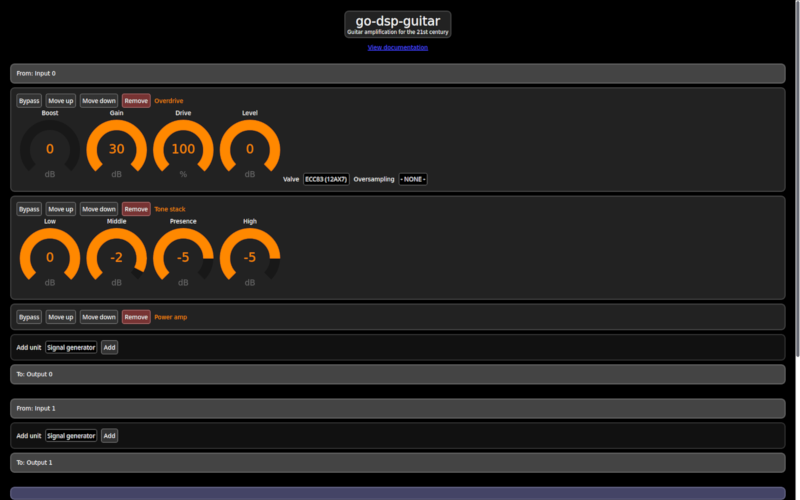
go-dsp-guitar
A cross-platform multichannel multi-effects processor for electric guitars and other instruments.
- 241
- Go
- Apache-2.0
- 3 wk ago
Play your Positive Grid Spark 2 from a browser: an open Web Bluetooth controller built from reverse-engineering its protocol
Repo michaelbeyhs/OpenSpark2, read from GitHub 1 min ago. michaelbeyhs has not joined Take My Repo.
michaelbeyhs/OpenSpark2 is a public repo on GitHub by michaelbeyhs. Play your Positive Grid Spark 2 from a browser: an open Web Bluetooth controller built from reverse-engineering its protocol. It declares no license on GitHub. Public does not mean open source: without a license, nobody is granted the right to reuse it. It is written mainly in HTML, has 1 stars and last changed on 2026-11-16. Nobody has reviewed it on Take My Repo yet, which says nothing about its quality. Read from GitHub on 2026-11-22.
Play your Positive Grid Spark 2 from a browser.
An open Web Bluetooth controller built by reverse-engineering the amp's protocol. It works with stock firmware, so there's nothing to flash and nothing to install.
▶ Open the app · Protocol notes · Help wanted
Important
On iPhone or iPad? Install the free Beacio app first. Safari on iOS and iPadOS has no Web Bluetooth, so it can't reach the amp on its own. Beacio (listed in the App Store as “ioswebble”) adds it as a Safari extension:
michaelbeyhs.github.io).The app shows these steps too when you open it on an iPhone or iPad without Beacio.

Open https://michaelbeyhs.github.io/OpenSpark2/, turn the amp on, press Connect and pick your Spark 2.
| Device | What to use |
|---|---|
| Windows, macOS, Linux, ChromeOS | Chrome or Edge |
| Android | Chrome |
| iPhone / iPad | Safari + the free Beacio app: install it, enable its Safari extension, then open the link in Safari (see the box at the top) |
Firefox, and Safari without Beacio, have no Web Bluetooth.
To run it yourself, serve the webapp/ folder from localhost or over https:
cd webapp && python3 -m http.server 8000
Then open http://localhost:8000.
 Editor: every parameter of every block on one page. Search, a draggable amp tone stack and EQ, and A/B compare. |
 Tone map: the reverb is the room around you, the delay is echo rings and modulation makes them wobble. Amps are grouped by character. |
 Stage: for mid-gig. Huge tone name, thumb-sized tiles, a SOLO switch, DRY, and an XY pad that mixes delay against reverb. |
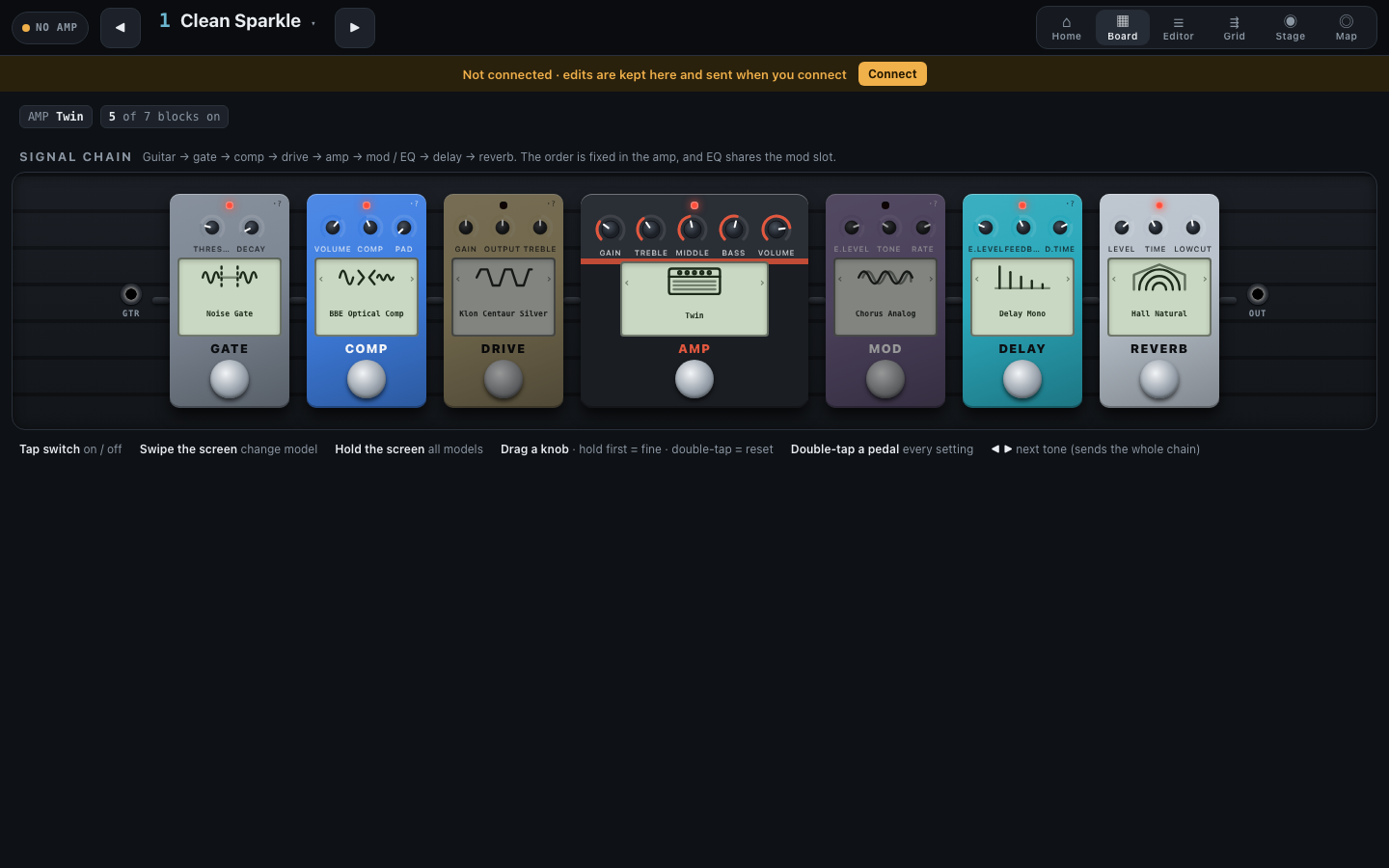
 Grid: the signal path with an inspector underneath, in the style of HX Edit or Quad Cortex. |
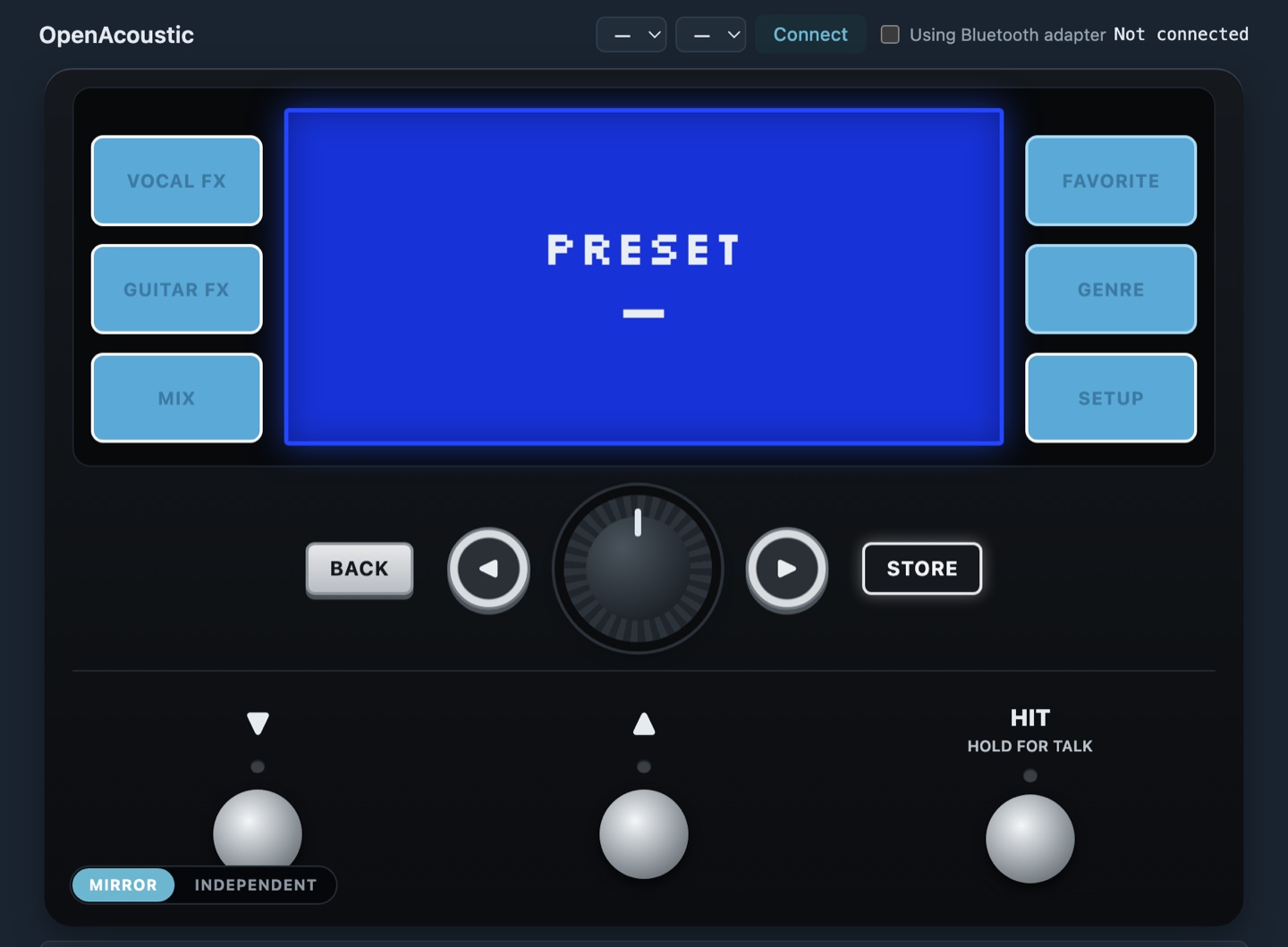
 Classic UIs: hardware-style front-ends, including a floor unit with LED-ring encoders, a pedalboard, a rack mixer and one big puck knob. |
 Debug console: a sniffer with decoded reports, read commands, a parameter explorer and a raw frame builder. |


webapp/index.html is the app. It holds one Bluetooth connection and an amp engine (webapp/spark2-core.js)
and opens each view inside itself. The engine reads the amp on connect and after every preset change, keeps track of
the amp's live reports and of everything the views send, and hands that state to whichever view is open.
The protocol, all confirmed on a real Spark 2 (full details in docs/PROTOCOL.md):
Bluetooth: GATT service 0xFFC0. Write to 0xFFC1; notifications arrive on 0xFFC2.
Frame: F0 01 SID CHK OpMsb OpLsb <8-to-7 payload> F7, with an XOR checksum over the payload.
Payload: msgpack values written back to back, with no outer array.
Verbs: OpMsb 1 = set (the amp acks with 4), 2 = get (the amp replies with 3), and 3 also carries
reports the amp sends on its own.
Commands:
| Command | Opcode | Payload |
|---|---|---|
| Set a parameter | (1,0x04) |
model id, index, value |
| Switch a block on or off | (1,0x15) |
model id, on/off |
| Change a model | (1,0x06) |
old id, new id |
| Read a preset | (2,0x01) |
1,0 = what's playing, 0,n = stored preset n |
Reports from the amp: knob moved (3,0x37), block on/off (3,0x15), preset changed (3,0x38).
Presets are numbered with one running index, not banks.
Supported models: the amp's own model list comes from its DSP firmware. The phone app's catalogue has 13 extra models from other amps, and sending one of those crashes a Spark 2, so they're left out.
·?. If you have an amp, the debug console's Explorer lets you sweep any parameter
index and hear what it does. Open an issue with what you find.(1,0x01).| Path | Contents |
|---|---|
webapp/ |
The app: index.html (start here), spark2-core.js (protocol and amp engine), views/ (touch views), the classic UIs and the debug console |
docs/ |
Write-ups: PROTOCOL.md (wire format, opcode map, hardware results), FW-ANALYSIS.md, APP-ANALYSIS.md, PARAM-MAP.md, PEDAL-ANALYSIS.md |
data/ |
Derived facts: the model catalogue with parameter labels and defaults, opcode tables |
tools/ |
Small analysis scripts |
Unofficial community project. Not affiliated with or endorsed by Positive Grid. "Spark", "Positive Grid" and "BIAS" are trademarks of their owner, used descriptively. No firmware, app binaries, disassembly or artwork are distributed here, only derived facts and original code.
michaelbeyhs/OpenSpark2 is a public repo on GitHub by michaelbeyhs. Play your Positive Grid Spark 2 from a browser: an open Web Bluetooth controller built from reverse-engineering its protocol.
It declares no license on GitHub. Public does not mean open source: without a license, nobody is granted the right to reuse it.
Its maker tagged it for macOS, Windows and Linux, or as Docker or cross-platform. That is declared by the maker; Take My Repo has not tested it.
Open "Take it" on its page: Take My Repo writes an install plan for your machine and hands it to your AI agent (Claude Code, Codex or Cursor), which asks you before each step. Take My Repo has not tested it on any machine.
Its last change on GitHub was on 2026-11-16. GitHub counts 0 open issues and pull requests. Take My Repo does not judge from that whether it is maintained.
A cross-platform multichannel multi-effects processor for electric guitars and other instruments.
Nobody has reviewed it on Take My Repo yet, which says nothing about its quality.
A collection of various awesome lists for hackers, pentesters and security researchers
A project with examples of using few commonly used data manipulation/processing/transformation APIs in Apache Spark 2.0.0
The official gpt4free repository | various collection of powerful language models | opus 4.6 gpt 5.3 kimi 2.5 deepseek v3.2 gemini 3
Unofficial reverse-engineering notes, data, and a Web MIDI remote for the TC-Helicon Play Acoustic (and Play Electric). No firmware binaries.
Script to crawl craigslist based on https://github.com/VikParuchuri/apartment-finder. Added Walkscore integration, image grabbing and pretty slack message formatting.
Simple python script to capture screenshot of Scope through Visa interface