readest
Readest is a modern, feature-rich ebook reader designed for avid readers offering seamless cross-platform access, powerful tools, and an intuitive interface to elevate your reading experience.
- 26k
- TypeScript
- AGPL-3.0
- 13 h ago
A docker-compose setup ready to spin up a bunch of useful media, file-sharing, programming, web tools, databases...
Repo mpascu/SmartHomeStack, read from GitHub 1 min ago. mpascu has not joined Take My Repo.
mpascu/SmartHomeStack is a public repo on GitHub by mpascu. A docker-compose setup ready to spin up a bunch of useful media, file-sharing, programming, web tools, databases... It declares no license on GitHub. Public does not mean open source: without a license, nobody is granted the right to reuse it. It is written mainly in Makefile, has 43 stars and last changed on 2026-02-05. Nobody has reviewed it on Take My Repo yet, which says nothing about its quality. Read from GitHub on 2026-11-20.
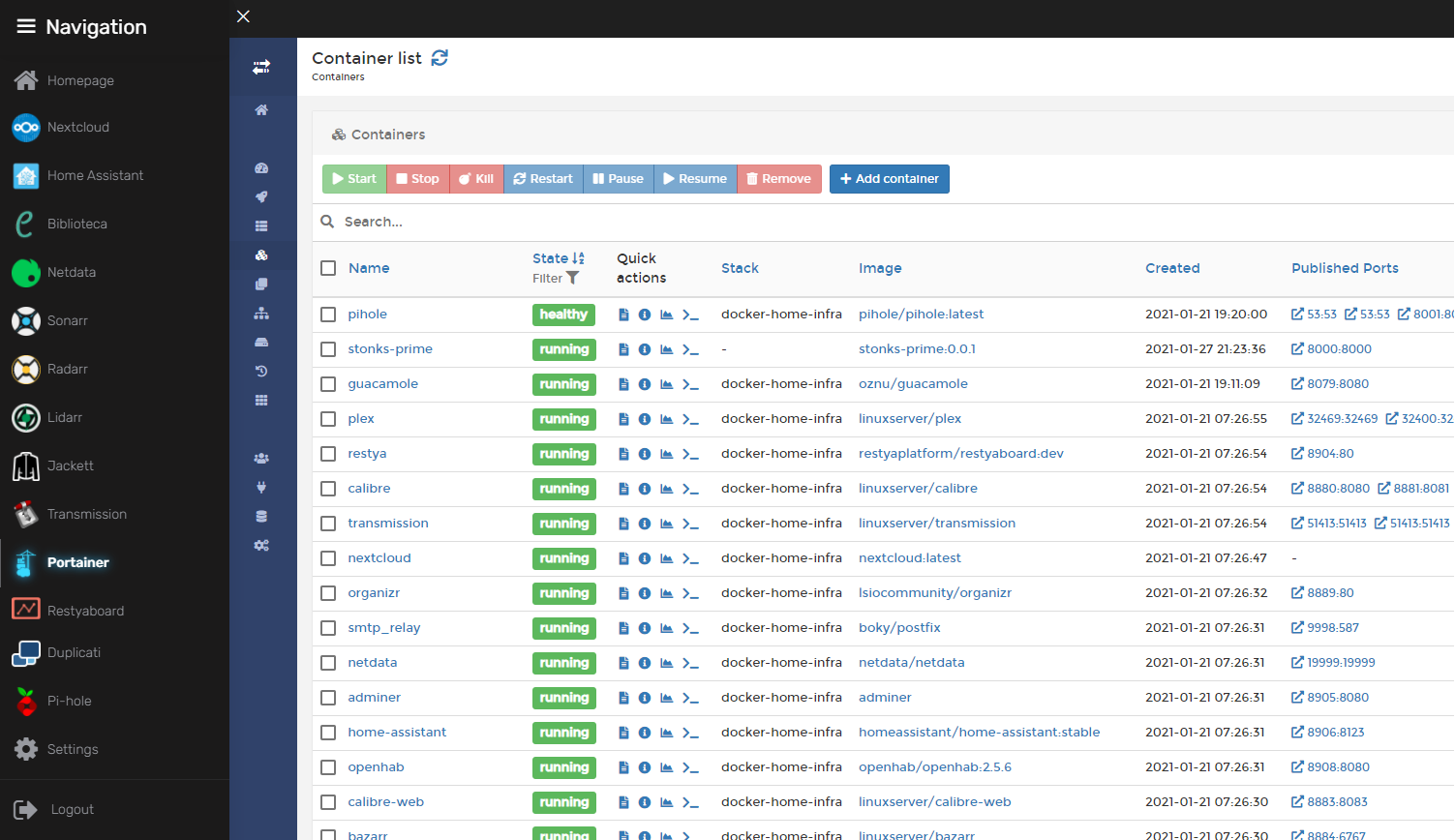
A docker-compose stack to deploy a full homelab with media management, smart home automation, monitoring, and utility services. All persistent data is stored in the ./config folder and Duplicati is provided for backups.
SmartHomeStack/
├── docker-compose.yml      # Main compose file (core infrastructure)
├── compose/                # Additional service modules
│   ├── ai.yml              # AI services (Open WebUI, Ollama)
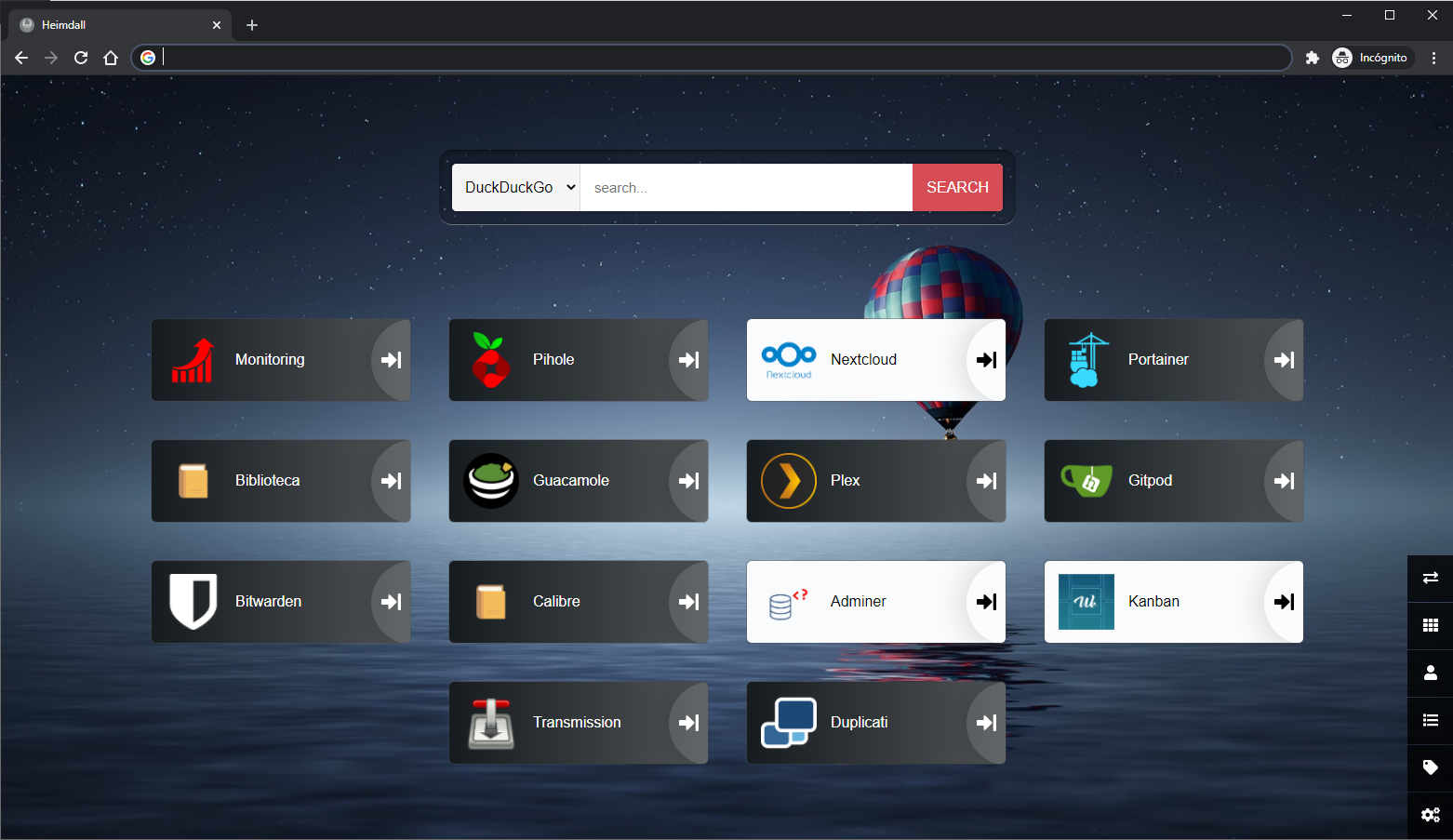
│   ├── dashboards.yml      # Dashboards (Heimdall, Organizr, Homarr)
│   ├── ebooks.yml          # E-book management (Calibre, Calibre-web)
│   ├── nextcloud.yml       # File hosting (Nextcloud + MariaDB)
│   ├── immich.yml          # Photo management (Immich)
│   ├── smarthome.yml       # Smart home (Home Assistant, Zigbee, MQTT)
│   └── media.yml           # Media management (Plex, Sonarr, Radarr, etc.)
├── config/                 # Persistent data for all services (gitignored)
├── scripts/                # Helper scripts
│   └── Makefile            # Common operations (up, down, update, logs, etc.)
├── .env.example            # Environment variables template
└── README.md
docker-compose.yml)compose/nextcloud.yml)compose/immich.yml)compose/dashboards.yml)compose/ebooks.yml)compose/smarthome.yml)compose/media.yml)compose/ai.yml)openclaw.${hostname}).env.example to .env and configure credentials and storage pathsopenssl rand -hex 32docker compose up -d
A Makefile is provided in scripts/ for common operations:
cd scripts
make up        # Start all services
make down      # Stop all services
make logs      # Follow logs for all services
make update    # Pull latest images and restart
make status    # Show container status
make help      # Show all available commands
The stack is split into multiple compose files in the compose/ folder. By default, smarthome.yml and ai.yml are included. To enable media services, uncomment the media.yml include in docker-compose.yml:
include:
  - compose/ai.yml
  - compose/smarthome.yml
  - compose/media.yml  # Uncomment to enable
To disable a specific service without removing it from the compose file, add the DONOTDEPLOY profile:
myservice:
  image: someimage
  profiles:
    - DONOTDEPLOY
  # ... rest of config
Services with this profile will be skipped during docker compose up unless explicitly requested.
Disable the system DNS resolver so Pi-hole can bind to port 53:
sudo systemctl disable systemd-resolved.service
sudo systemctl stop systemd-resolved.service
Edit NetworkManager config:
sudo nano /etc/NetworkManager/NetworkManager.conf
Add dns=default under [main]:
[main]
plugins=ifupdown,keyfile
dns=default
Rename the existing resolv.conf and restart NetworkManager:
sudo mv /etc/resolv.conf /etc/resolv.conf.bak
sudo service network-manager restart
Add your domain to config/nextcloud/config/config.php:
'trusted_domains''overwrite.cli.url'For external storage and reverse proxy support, also add:
'check_data_directory_permissions' => false,
'overwriteprotocol' => 'https',
⚠️ Important: Set up authentication on Sonarr, Radarr, and Lidarr immediately after first deployment, otherwise they will be exposed without password protection.
OpenClaw connects to Claude AI via your claude.ai session. Configure OPENCLAW_GATEWAY_TOKEN in .env (generate with openssl rand -hex 32) and add your Claude session credentials (CLAUDE_AI_SESSION_KEY, CLAUDE_WEB_SESSION_KEY, CLAUDE_WEB_COOKIE). See the OpenClaw documentation for obtaining these values. The openclaw-cli service uses the DONOTDEPLOY profile—run it manually with docker compose run --rm openclaw-cli when needed.
mpascu/SmartHomeStack is a public repo on GitHub by mpascu. A docker-compose setup ready to spin up a bunch of useful media, file-sharing, programming, web tools, databases...
It declares no license on GitHub. Public does not mean open source: without a license, nobody is granted the right to reuse it.
Its maker tagged it for macOS, Windows and Linux, or as Docker or cross-platform. That is declared by the maker; Take My Repo has not tested it.
Open "Take it" on its page: Take My Repo writes an install plan for your machine and hands it to your AI agent (Claude Code, Codex or Cursor), which asks you before each step. Take My Repo has not tested it on any machine.
Its last change on GitHub was on 2026-02-05. Take My Repo does not judge from that whether it is maintained.
Readest is a modern, feature-rich ebook reader designed for avid readers offering seamless cross-platform access, powerful tools, and an intuitive interface to elevate your reading experience.
Nobody has reviewed it on Take My Repo yet, which says nothing about its quality.

Calibre-Web but Automated and with tons of New Features! Fully automate and simplify your eBook set up!
The Postgres development platform. Supabase gives you a dedicated Postgres database to build your web, mobile, and AI applications.
Stop renting your intelligence. Own it with AnythingLLM. Everything you need for a powerful local-first agent experience
This project implemented on a Microchip PIC sends an SMS alarm when the temperature is out from the specified range
This raspberry project implemented on python reads and logs temperatures from DS18B20 sensors. It offers a web interface to retrieve de data
This arduino system opens a valve to overdose with bromine a water circuit during few hours
This program connects to a OMRON PLC by FINS protocol wich has the opening mechanism of a door connected and displays the video of a IP camera placed in front the door.