dify
Build Agentic workflows, RAG pipelines, with rich AI model and tool support on one collaborative workspace. Deploy on cloud, VPC, or self-hosted, so teams move from prototype to production without rebuilding the stack.
- 162k
- Python
- 1 h ago
A Simple Coding Agent
Repo n-n-code/nncode, read from GitHub 12 h ago. n-n-code has not joined Take My Repo.
n-n-code/nncode is a public repo on GitHub by n-n-code. A Simple Coding Agent. It declares the MIT license on GitHub. It is written mainly in Go, has 0 stars and last changed on 2026-05-01. Nobody has reviewed it on Take My Repo yet, which says nothing about its quality. Read from GitHub on 2026-11-24.
Build Agentic workflows, RAG pipelines, with rich AI model and tool support on one collaborative workspace. Deploy on cloud, VPC, or self-hosted, so teams move from prototype to production without rebuilding the stack.
A minimal coding agent built in Go. Completely under your control — from system prompts to models used.
Stripped down to essentials: an agent loop, a few tools, and a CLI. No sub-agents, no MCP, no permission popups. Just prompt → LLM → tools → repeat.
read, write, edit, patch, bash, grep, findgo.mod, package.json, Cargo.toml, and other project files on startup and injects a compact summary into the system prompt.agents/skills.nncode/loops or ~/.nncode/loops~/.nncode/sessions/Requires Go 1.26 or newer (see go.mod). No runtime dependencies beyond the standard library.
git clone <repo-url> nncode
cd nncode
go build -o nncode ./cmd/nncode/   # produces ./nncode in the repo root
./nncode
To install into $GOBIN (typically ~/go/bin):
go install ./cmd/nncode/
go vet ./...                   # static analysis
golangci-lint fmt ./...        # format imports and code
golangci-lint run ./...        # strict lint (default: all linters)
go test ./...                  # run tests
go build -o nncode ./cmd/nncode/
Tests use github.com/stretchr/testify (test-only).
Live LLM smoke tests are opt-in:
NNCODE_LIVE_BASE_URL=http://127.0.0.1:8033/v1 NNCODE_LIVE_MODEL=<served-model-id> go test ./internal/llm -run Live
nncode                    # use the configured default_model
nncode -model llama3      # override the model for this invocation
nncode -resume 123456789  # resume a saved session before chatting
nncode -dry-run           # preview effectful tools without executing them
> list the files in the current directory
> read main.go and summarize it
> /loop implement-review-fix add the requested feature
echo "summarize this codebase" | nncode
echo "…" | nncode -model gpt-4o-mini
echo "make the requested edit" | nncode -strict
echo "add the requested feature" | nncode -loop implement-review-fix -strict
nncode -loop-check implement-review-fix
nncode loop list
echo "add the requested feature" | nncode loop run implement-review-fix -strict
nncode loop check implement-review-fix
In piped mode, nncode warns if the agent exits without assistant text and without a successful effectful tool call (write, edit, patch, or bash). Add -strict to turn that incomplete-turn warning into a non-zero exit for automation.
nncode doctor             # validate config, tools, sessions, and credentials
nncode doctor -model llama3
nncode doctor -model llama3 -live
nncode doctor -timeout 30s
nncode -check             # shorthand for non-live diagnostics
doctor -live sends a tiny prompt to the selected model and also tries live context-window metadata. Without -live, diagnostics stay local and offline. Doctor also checks Agent Skills and Agent Loops discovery and reports those issues as warnings, not startup failures.
| Command | Description |
|---|---|
/help |
Show available commands |
/quit |
Exit the agent |
/exit |
Alias for /quit |
/reset |
Reset the current session |
/context -print |
Print the stored context: startup system prompt plus saved conversation messages; loop-scoped system messages are not stored |
/context -reset |
Reset stored conversation context and activated skill state |
/session |
Show current session info |
/sessions |
List saved sessions |
/resume <id|path> |
Load a saved session into the current conversation |
/tools |
List available tools |
/skills |
List discovered Agent Skills and diagnostics |
/skill:name [message] |
Activate a skill manually, optionally then run a message |
/loops |
Browse configured Agent Loops |
/loop <name|path> [message] |
Run an Agent Loop, optionally with a message |
/loop-validate <name|path> |
Validate an Agent Loop file |
/prompt |
Show the active system prompt |
The config file is optional — a small set of built-in defaults is used (see internal/config/config.go). To override, create:
~/.nncode/config.json — overlays the built-in defaults./.nncode/config.json — overlays the global fileOverlay semantics: a non-empty default_model replaces the one below it, model entries are merged per key, and non-zero tool limits override the defaults. Partial configs work — {"default_model": "llama3"} is enough to switch to the built-in llama3 entry. Invalid configs fail fast at startup.
Resolution order, highest wins:
-model <name> flagdefault_model from project-local configdefault_model from global configgpt-4o)The named model must have an entry in the models map (a local-server entry needs a base_url). Unknown model names exit with an error instead of silently falling back to a different model.
{
  "default_model": "gpt-4o",
  "models": {
    "gpt-4o": { "api_type": "openai-completions", "provider": "openai" },
    "gpt-4o-mini": { "api_type": "openai-completions", "provider": "openai" },
    "o3": { "api_type": "openai-completions", "provider": "openai" },
    "llama3": { "api_type": "openai-completions", "provider": "ollama", "base_url": "http://127.0.0.1:8033/v1", "context_window": 128000 }
  },
  "tools": {
    "disabled": [],
    "workspace_root": "",
    "max_read_bytes": 50000,
    "max_write_bytes": 1000000,
    "max_bash_output_bytes": 10000,
    "bash_timeout_seconds": 120
  }
}
The config map key is the name you pass to -model. If the server uses a different model identifier, set "id":
{
  "default_model": "local",
  "models": {
    "local": {
      "id": "<served-model-id>",
      "api_type": "openai-completions",
      "provider": "llamacpp",
      "base_url": "http://127.0.0.1:8033/v1",
      "max_tokens": 4096,
      "context_window": 128000,
      "context_probe": "auto"
    }
  }
}
context_window is optional. It is used as a manual fallback for the CTX used/free display when live provider metadata does not expose a context size. context_probe controls live metadata probing: "auto" (default) probes loopback URLs and "llamacpp" / "llama.cpp" providers, "llamacpp" forces llama.cpp probing for that model, and "off" disables live probing. When probing is enabled, nncode first tries llama.cpp metadata from <server-root>/props?autoload=false, then llama.cpp's nonstandard /v1/models meta.n_ctx_train. The TUI starts with any configured context_window and refreshes live metadata in the background; non-interactive runs resolve it before printing the final CTX summary. Standard OpenAI model objects do not expose context size, so cloud models show unknown unless context_window is configured.
If you pass -model <unknown-name> and exactly one configured model has a non-empty base_url, nncode automatically clones that entry for the unknown name. This makes it convenient to use arbitrary model names with local endpoints without pre-declaring every name in config.
tools.disabled can contain any of read, write, edit, patch, bash, grep, or find. If tools.workspace_root is set, file tools are limited to that directory and bash runs from that directory. This is a simple guardrail, not a security sandbox.
| Variable | Description |
|---|---|
OPENAI_API_KEY |
API key for OpenAI cloud models |
NNCODE_LIVE_API_KEY |
Optional API key for live LLM smoke tests |
Write to ~/.nncode/system_prompt.md for a global override, or ./.nncode/system_prompt.md for a project-local one. Project-local wins. If neither file exists, a minimal default is used.
If model-visible Agent Skills are discovered, nncode appends a compact generated catalog to this base prompt. /prompt shows the full composed prompt. The generated catalog is capped at 64 skills or about 12 KB, whichever comes first; the same capped subset is exposed in the activate_skill tool enum. If it is truncated, /skills and doctor show a diagnostic.
Agent Loops are reusable prompt loops stored as strict JSON files in:
./.nncode/loops/<name>.json~/.nncode/loops/<name>.jsonProject-local loops win over global loops with the same filename. Use /loops to browse runnable refs in the TUI, /loop <name> [message] in interactive mode, nncode -loop <name> or nncode loop run <name> with piped stdin, and nncode -loop-check <name> or nncode loop check <name> to validate a loop without running a model request. nncode loop list prints the same configured loop list from scripts.
An example loop is checked in at examples/loops/implement-review-fix.json. To try it, copy it into ./.nncode/loops/ or pass the file path directly to /loop, -loop, or nncode loop run.
V1 loops are linear and versioned with schema_version: 1: nncode runs one entry_prompt, repeats all body nodes (prompt or cmd) followed by one exit_criteria, then runs an optional exit_prompt once when the criteria passes. Exit criteria prompts must produce a LOOP_EXIT: yes or LOOP_EXIT: no line; the marker is stripped from terminal output. See the full authoring reference in docs/agent-loops-v1.md and the machine-readable schema in docs/agent-loops-v1.schema.json.
Example:
{
  "schema_version": 1,
  "name": "implement-review-fix",
  "description": "Implement, review, and refine until done.",
  "settings": {
    "model": "gpt-4o",
    "max_iterations": 10
  },
  "nodes": [
    {
      "id": "entry",
      "type": "entry_prompt",
      "locked": true,
      "content": "Start this task:\n\n{{input}}"
    },
    {
      "id": "implement",
      "type": "prompt",
      "locked": false,
      "settings": { "model": "gpt-4o-mini" },
      "content": "Implement the next useful slice."
    },
    {
      "id": "test",
      "type": "cmd",
      "settings": { "on_error": "continue" },
      "content": "go test ./..."
    },
    {
      "id": "done",
      "type": "exit_criteria",
      "locked": true,
      "content": "Exit when the requested behavior is implemented and relevant validation passes."
    },
    {
      "id": "final",
      "type": "exit_prompt",
      "content": "Summarize what changed and what was verified."
    }
  ]
}
Node types are entry_prompt, prompt, cmd, exit_criteria, and exit_prompt. Node-level settings.model overrides loop-level settings.model, which overrides the active model. cmd nodes execute content through bash -c, use the same workspace root, timeout, and output limits as the bash tool, and default to aborting the loop on failure unless settings.on_error is "continue". Loop JSON is strict: unknown fields are rejected instead of ignored. Unlocked loop files are ordinary files the agent may edit during a run; locked nodes are restored after each loop step if their content or settings change. Loop-specific system instructions are scoped to the loop run and are not saved into session history.
nncode supports local Agent Skills using progressive disclosure:
.agents/skills directories from the current working directory up to the git root. Closer directories win on name collisions.~/.agents/skills at lower precedence.n-n-code/nncode is a public repo on GitHub by n-n-code. A Simple Coding Agent.
It declares the MIT license on GitHub.
Its maker has not tagged a system, so it is unknown here. Its README says what it needs.
Open "Take it" on its page: Take My Repo writes an install plan for your machine and hands it to your AI agent (Claude Code, Codex or Cursor), which asks you before each step. Take My Repo has not tested it on any machine.
Its last change on GitHub was on 2026-05-01. Take My Repo does not judge from that whether it is maintained.
AutoGPT is the vision of accessible AI for everyone, to use and to build on. Our mission is to provide the tools, so that you can focus on what matters.
Claudable is an open-source web builder that leverages local CLI agents, such as Claude Code, Codex, Gemini CLI, Qwen Code, and Cursor Agent, to build and deploy products effortlessly.
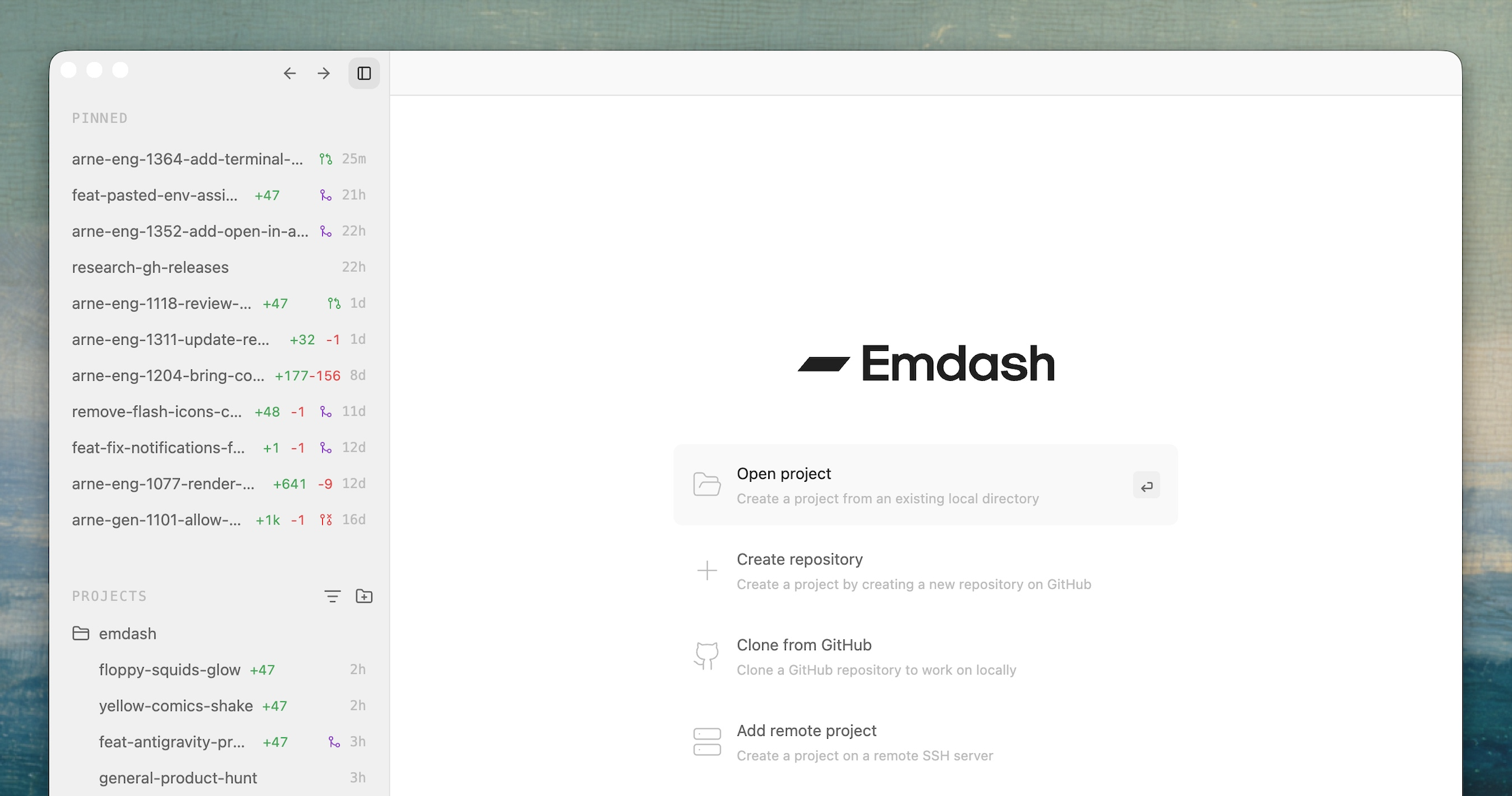
Emdash Classic is the open-source desktop app for running coding agents in parallel. Use your favorite agents in isolated Git worktrees, locally or over SSH.
The agent harness performance optimization system. Skills, instincts, memory, security, and research-first development for Claude Code, Codex, Opencode, Cursor and beyond.
Reverse engineer anything with agents, from app behavior down to native binaries.
Nobody has reviewed it on Take My Repo yet, which says nothing about its quality.
Take My Repo cannot say: it does not audit code and has not run nncode. What is known comes from GitHub. It declares the MIT license on GitHub. Its last change was on 2026-05-01. It has 0 stars, which measure popularity, not safety. Nobody has reviewed it on Take My Repo yet, which says nothing about its quality. Read the source before you run it. With "Take it", your AI agent shows each step and asks you before running it; README text is treated as data, not as instructions.