react-starter-kit
Modern React starter kit with Bun, TypeScript, Tailwind CSS, tRPC, Stripe, and Cloudflare Workers. Production-ready monorepo for building fast web apps.
- 24k
- TypeScript
- MIT
- 12 d ago
Lightweight fullstack turborepo with modular components, shared configs, containerised deployments and 100% type-safety.
Repo nktnet1/rt-stack, read from GitHub 1 min ago. nktnet1 has not joined Take My Repo.
nktnet1/rt-stack is a public repo on GitHub by nktnet1. Lightweight fullstack turborepo with modular components, shared configs, containerised deployments and 100% type-safety. It declares the MIT license on GitHub. It is written mainly in TypeScript, has 293 stars and last changed on 2026-10-19. Nobody has reviewed it on Take My Repo yet, which says nothing about its quality. Read from GitHub on 2026-11-21.

|
A modern & lightweight turborepo template for fullstack projects with modular components, shared configs, containerised deployments and 100% type-safety.
Below is an overview of all the components in the stack:
apps
  ├─ web
  |   ├─ react (vite)
  |   ├─ tanstack (router, query, form)
  |   └─ tailwindcss
  ├─ server
  |   └─ hono (wrapper for api & auth)
packages
  ├─ api
  |   └─ orpc with valibot
  ├─ auth
  |   └─ better-auth
  ├─ db
  |   └─ drizzle-orm (postgres database)
  ├─ ui
  |   ├─ tailwindcss
  |   └─ shadcn & radix ui
tools
  ├─ eslint
  ├─ prettier
  ├─ tailwind
  └─ typescript
View all catalog dependencies in pnpm-workspace.yaml.
The following features are implemented out-of-the-box:
You can visit the live demo to see these features in action.
Many aspects of the RT Stack were derived from the t3-oss/create-t3-turbo. However, there is a preference for:
.env in each application/package instead of globally, as per turborepo's recommendationsEnsure the following tools are available on your system:
# Create a repository using the rt-stack template (replace YOUR_PROJECT)
pnpx create-turbo@latest -m pnpm -e https://github.com/nktnet1/rt-stack YOUR_PROJECT

# Enter the directory or open in your IDE (replace YOUR_PROJECT)
cd YOUR_PROJECT

# Install all dependencies for apps and packages
pnpm install

# Copy .env.example to .env for all applications and the @repo/db package
pnpm env:copy-example

# Start a local postgres instance in the background (e.g. using docker)
docker compose up db --detach

# Push the drizzle schema to your database
pnpm db:push
You can then start all applications with
pnpm dev
By default, the following URLs will be accessible:
The OpenAPI reference uses Scalar to display all available endpoints.
When using an external postgres database (e.g. from supabase), you can skip the step that spins up a local postgres instance with docker.
Instead, you will need to modify the following environment variables:
SERVER_POSTGRES_URL in the file apps/server/.env
pnpm devDB_POSTGRES_URL in the file packages/db/.env
pnpm db:pushUse pnpm --filter=<name> (where <name> is
defined in the package.json of each package).
Example usage:
# Install the nuqs package for our web application:
pnpm --filter=web install nuqs

# Format only the ui package:
pnpm --filter=@repo/ui format
You can get a list of all package names using the command below:
pnpm list --depth -1 --recursive
To install a single Shadcn/UI component, e.g. button, use the command
pnpm ui-add button
You can also open an interactive session to select components using a TUI by not passing any arguments
pnpm ui-add
i to enter interactive mode on startupj/k (or arrow keys) to navigate up and down.<Space> to toggle select your desired component(s)<Enter> to install all selected componentsWhen integrating more better-auth plugins, e.g.
You should
Modify the auth package server and client files in accordance with the plugin's respective documentation.
Run the interactive command:
pnpm auth:schema:generate
Press i to enter interactive mode, then y to overwrite packages/db/src/schemas/auth.ts.
Format and fix all linting issues, e.g. with
pnpm format:fix
pnpm lint:fix
Push your new schema to the database
pnpm db:push
Occasionally, the type inference will not work immediately in your IDE (e.g. in VSCode). This can be resolved by running
pnpm clean && pnpm installfollowed by restarting your TS Server or reloading VSCode.
You can find an example in the better-auth-admin-organization-plugins branch.
All scripts are defined in package.json and turbo.json:
pnpm clean                  # remove all .cache, .turbo, dist, node_modules

pnpm typecheck              # report typescript issues

pnpm format                 # report prettier issues
pnpm format:fix             # auto-fix prettier issues

pnpm lint                   # report eslint issues
pnpm lint:fix               # auto-fix eslint issues

pnpx codemod pnpm/catalog   # migrate dependencies to pnpm-workspace.yaml
Both the web and server applications have been containerised. You can
see this in action by running the commands:
# Start all applications
docker compose up --build

# Push the drizzle schema to your database. While you can use `pnpm db:push` on
# the host machine if you have installed all the required dependencies, it is
# also possible to do everything within docker alone.
# Open a second terminal and run the command:
docker compose run --build --rm drizzle

# Upon completion, you will be inside the `drizzle` docker container instead
# of the host machine. You can now push the schema with:
node dist/push.mjs
You can then open the web link below in your browser:
Please note that these containers are run in production mode. For further details, see
Tip
The live demo of RT Stack is currently deployed to
You can deploy applications to any services that support Docker deployment.
Using docker compose (see compose.yaml) is also an option, although this alone may not be production-ready at scale. However, it can be paired with
Personally, I recommend setting up a Virtual Private Server (e.g. on Hetzner) and make use of self-hostable PaaS software which automatically handles the complexity of deployment mentioned above for you - this includes:
For the web application, PUBLIC_SERVER_URL, PUBLIC_SERVER_API_PATH,
and PUBLIC_BASE_PATH are build-time variables. When building the Docker image,
pass them as build arguments rather than runtime environment variables.
PUBLIC_SERVER_API_PATH defaults to /api and PUBLIC_BASE_PATH defaults to
/. Set PUBLIC_BASE_PATH when the static site is served below the domain root,
for example /my-app/.
Also, both the server application's PUBLIC_WEB_URL and the web
application's PUBLIC_SERVER_URL need to be set as internet-accessible URLs
when deployed, e.g. https://mycompany.com and https://api.mycompany.com,
rather than referencing http://127.0.0.1:8085 like in development.
The web application is a simple React static site powered by Vite, which is easily deployed to platforms such as GitHub/GitLab pages, Vercel and Netlify. You can refer to the vite documentation for deployment guides on all major platforms.
The server application uses the hono web framework with the Node.js runtime. However, this can be exchanged with other runtimes before deploying to your chosen platforms. For example, deploying to Netlify is covered within Hono's documentation.
Specific to deploying the server application to vercel, please see GitHub Discussion #21.
When deploying your web frontend and server backend to two different root domains, you will need to tweak your better-auth configurations. Apple's Safari browser also does not support third-party cookies (and other browsers will soon follow suit), so auth will not function as expected without any proxy workarounds.
To keep things simple, it is recommended that you host your frontend and
backend on the same root domain and differ by subdomains. For example, the
frontend can be served at either example.com or web.example.com, and the
backend hosted at api.example.com.
The following is configured in vite.config.ts web application:
TanStackRouterVite({
  routeToken: 'layout',
}),
This enables the use of a layout.tsx file in each directory similar to Next.js.
You can read more about this
here.
Also, it is recommended that you exclude the routerTree.gen.ts from your IDE.
For example, in VSCode, you can add the following .vscode/settings.json at the
root of your turborepo:
{
  "files.readonlyInclude": {
    "**/routeTree.gen.ts": true
  },
  "files.watcherExclude": {
    "**/routeTree.gen.ts": true
  },
  "search.exclude": {
    "**/routeTree.gen.ts": true
  }
}There is an artificial delay added in development mode to simulate API usage in
real-world environments. You can disable this by removing the timingMiddleware
in ./packages/api/src/server/orpc.ts
This template was made to follow the recommendation of
In using this template, it is recommended that
.env file instead of a global .env at the
root of your repository@repo/db package, which requires the
DB_POSTGRES_URL variable for schema migration with pnpm db:pushSERVER_AUTH_SECRET instead of
AUTH_SECRET. Caching in the app's turbo.json can then be configured to
use wildcards such as:
"tasks": {
   "build": {
     "env": ["SERVER_*"],
   }
 }
There is also a script that creates a .env from .env.example of each
app/package, which can be run with:
# NOTE: This will not overwrite existing local .env files
pnpm env:copy-example

# To reset any modifications to your .env and restore the examples, run:
pnpm env:remove
pnpm env:copy-example
It is recommended that any new apps that use environment variables follow the example script set in apps/server/package.json.
The table below demonstrates how you can build and extend upon the existing RT Stack template:
| Feature | Description | Branch Link |
|---|---|---|
| NextJS | Adds a docs application that uses Next.js and Fumadocs, along with the workspace @repo/ui package. |
nextjs-fumadocs |
| Multi-language support | Implements internationalisation support, e.g. switching between English and Vietnamese. | i18n |
| Better-auth Plugins | Demonstrates how to integrate better-auth plugins in a type-safe and CLI-compatible manner. | better-auth-admin-organization-plugins |
nktnet1/rt-stack is a public repo on GitHub by nktnet1. Lightweight fullstack turborepo with modular components, shared configs, containerised deployments and 100% type-safety.
It declares the MIT license on GitHub.
Its maker tagged it for macOS, Windows and Linux, or as Docker or cross-platform. That is declared by the maker; Take My Repo has not tested it.
Open "Take it" on its page: Take My Repo writes an install plan for your machine and hands it to your AI agent (Claude Code, Codex or Cursor), which asks you before each step. Take My Repo has not tested it on any machine.
Its last change on GitHub was on 2026-10-19. Take My Repo does not judge from that whether it is maintained.
Nobody has reviewed it on Take My Repo yet, which says nothing about its quality.
Modern React starter kit with Bun, TypeScript, Tailwind CSS, tRPC, Stripe, and Cloudflare Workers. Production-ready monorepo for building fast web apps.
An open-source, self-hostable PaaS alternative to Vercel, Heroku & Netlify that lets you easily deploy static sites, databases, full-stack applications and 360+ one-click services on your own servers.
Memory and context engine + app that is extremely fast, scalable, and can be run fully locally. The Memory API for the AI era.
Flutter makes it easy and fast to build beautiful apps for mobile and beyond
f.k.a. Awesome ChatGPT Prompts. Share, discover, and collect prompts from the community. Free and open source — self-host for your organization with complete privacy.
Clean and simple starter repo using the T3 Stack along with Expo React Native
Turn your Android device into a locked-down web page in fullscreen mode.
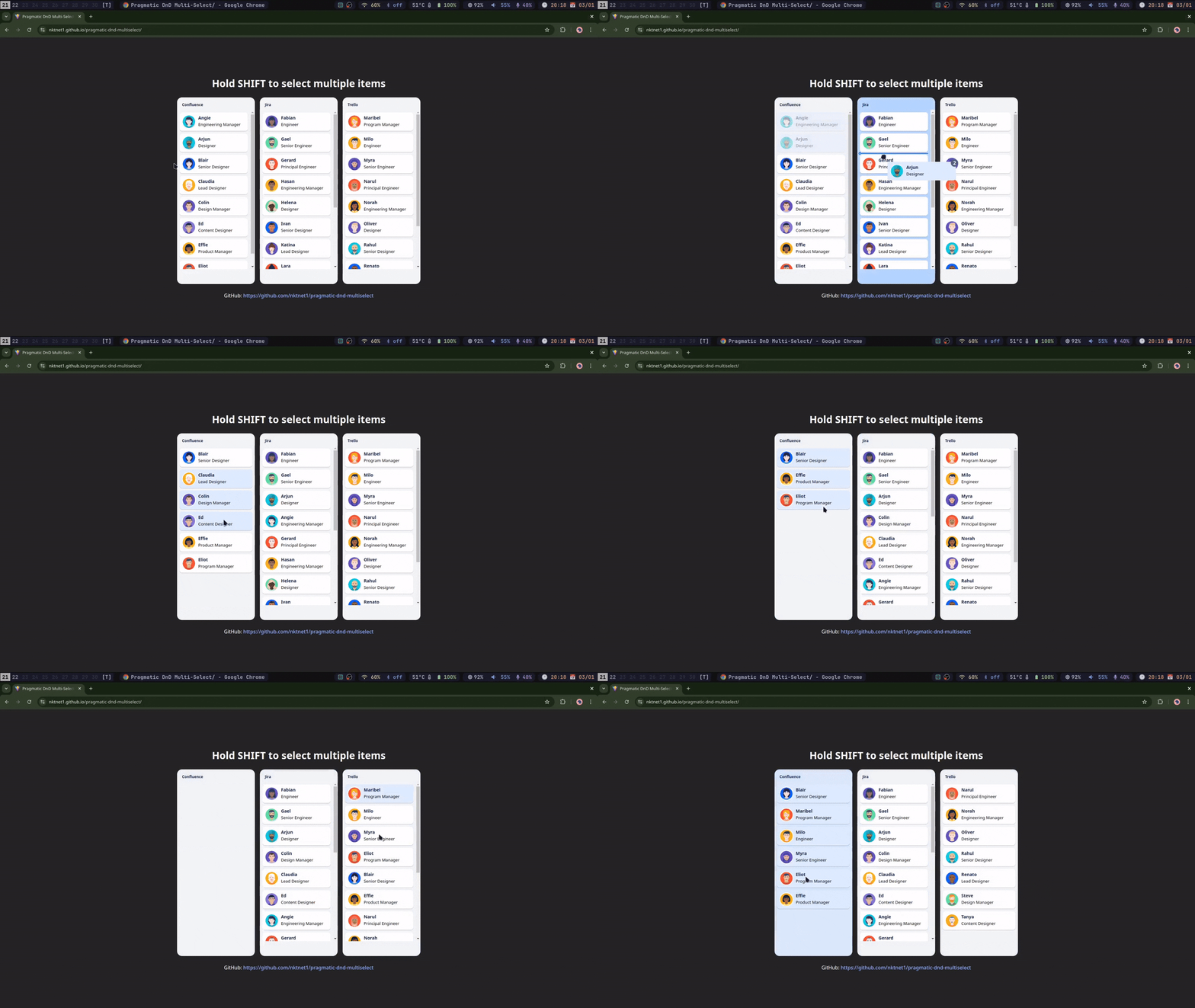
A multi-select standalone react-vite example for pragmatic-drag-and-drop.