chromium_os-raspberry_pi
Build your Chromium OS for Raspberry Pi 4B, Pi400 and the latest Raspberry Pi 5
- 1.8k
- Shell
- BSD-2-Clause
- 2 wk ago
A getting started guide for your journey with Chromium OS development under openFyde.
Repo openFyde/getting-started, read from GitHub 2 d ago. openFyde has not joined Take My Repo.
openFyde/getting-started is a public repo on GitHub by openFyde. A getting started guide for your journey with Chromium OS development under openFyde. It declares no license on GitHub. Public does not mean open source: without a license, nobody is granted the right to reuse it. It has 139 stars and last changed on 2026-08-31. Nobody has reviewed it on Take My Repo yet, which says nothing about its quality. Read from GitHub on 2026-11-22.
Build your Chromium OS for Raspberry Pi 4B, Pi400 and the latest Raspberry Pi 5

openFyde (always denoted as openFyde, with a first o in lowercase and F in capital letter) is an open-source initiative started by Fyde Innovations, the creator of FydeOS, with an aim to provide another approach to Chromium OS. With openFyde, you can have a more open and flexible Chromium OS. At Fyde Innovations we believe with more choices comes greater possibilities.
In a one-liner: openFyde is Chromium OS open-sourced instead of open-core, with or without Google.
Some specific differences:
You won't be able to open issues in this current repository, as it only serves introductory and guidance purposes. You are welcome to open issues for each of the other openFyde repositories if:
Your issues will likely get closed if:
The following sections of this document describe how to build openFyde and run it on x86 machines, from its source code and the board overlay provided by openFyde. Once you are familiar with how things work, you will be able to create your own board overlay and port openFyde to your hardware devices.
openFyde refers to a collection of projects and repositories working together to serve a unified goal.
Due to the sheer complexity of any Linux-based operating system, openFyde is organised as many individual repositories with every single one serving a distinctive purpose. You will also need the entirety of Chromium OS source code to continue working on openFyde, as openFyde and Chromium OS basically share the same codebase. There are also quite a large number of dependencies all over the place.
As a consequence of the above, openFyde in GitHub is managed as an "organisation" with necessary repositories inside. This current repository does not contain any actual source code and only serves for introductory and guidance purposes.
As a downstream fork of Chromium OS, openFyde does not intend to be the rival of Chromium OS. We are open to contributing work back to the upstream and making Chromium OS a better operating system.
The code and document in openFyde are the result of works by the people of the openFyde team in Fyde Innovations.
main or master - this branch can be used to build an openFyde image. It has been tested against our current release version. You are welcome to test it with future releases and send feedback and/or PRs.$release-dev e.g. 'r102-dev' - this branch would be the develop branch for $release e.g. r102. If you are going to create PRs to
release 102, better to rebase it to r102-dev.release-R102-14695.B, then our release tag would be r102.r102-borealis_enabledIt's worth mentioning some of the naming conventions that we have been adhering to since the creation of openFyde to clear out confusion and maintain consistency:
- in strings to connect words/substrings with different realms or representations. Some examples:<prefix>-<version>-<suffix>: openFyde-14.1-prebuild<release number>-<branch type>: r102-dev_ is usually used in strings to connect words with spaces within the same realm or representation. Some examples:chromium_os-release-raspberry_pir102-borealis_enabledShell Commands are shown with different labels to indicate whether they apply to
| Label | Commands |
|---|---|
| (outside) | on your build computer, outside the chroot |
| (inside) | inside the chroot on your build computer |
A x86_64 system to perform the build. 64-bit hardware and OS are musts. The openFyde (and Chromium OS) is a very large project, building from the source from scratch usually takes hours to over 10 hours, depending on the system configuration.
CPU: we recommend using a 4-core or higher processor. The openFyde build process runs in parallel so more cores can help shorten build time dramatically.
Memory: we recommend at least 16GB, plus enough swap space because, for the purpose of this project, you will need to build Chromium from source code. Linking Chromium requires between 8GB and 28GB of RAM as of March 2017, so you will run into massive swapping or OOM if you have less memory. However, if you are not building your own copy of Chromium, the RAM requirements will be substantially lower at the cost of losing some of the key features provided by this project.
Disk: at least 150GB of free space, 200GB or more is highly recommended. SSD could noticeably shorten the build time as there are many gigabytes of files that need to be written to and read from the disk.
Network: total source code downloading will be over 30GB. Fast and stable Internet access is going to be very helpful.
A x86_64 Linux OS as your main workstation, it will be referred to as the host OS later in this doc. The openFyde build process utilises chroot to isolate the build environment from the host OS. So theoretically any modern Linux system should work. However, only limited Linux distros are tested by the Chromium OS team and the FydeOS team. Linux versions that are known to work:
A non-root user account with sudo access. The build process should be run by this user, not the root user. The user needs to have sudo access. For simplicity and convenience password-less sudo could be set for this user.
Git and curl as the essential tools that need to be installed in the host OS, you will also need Python3 for most of the scripting work in the build process.
(outside)
sudo apt-get install git-core gitk git-gui curl lvm2 thin-provisioning-tools \
     python-pkg-resources python-virtualenv python-oauth2client xz-utils \
     python3.6

# If Python 3.5 is the default, switch it to Python 3.6.
python3 --version
# If above version says 3.5, you'll need to run:
sudo update-alternatives --install /usr/bin/python3 python3 /usr/bin/python3.5 1
sudo update-alternatives --install /usr/bin/python3 python3 /usr/bin/python3.6 2
sudo update-alternatives --config python3
This command also installs git's graphical front end (git gui) and revision history browser (gitk).
The depot_tools is a package of useful scripts, provided by Google, to manage source code checkouts and code reviews. We need it to fetch the Chromium OS source code.
(outside)
$ sudo mkdir -p /usr/local/repo
$ sudo chmod 777 /usr/local/repo
$ cd /usr/local/repo
$ git clone https://chromium.googlesource.com/chromium/tools/depot_tools.git
Then add the depot_tools directory to PATH and set up proper umask for the user who is going to perform the build. Add below lines to the file ~/.bash_profile of that user. Or if you are using a different shell, handle that accordingly.
(outside)
export PATH=/usr/local/repo/depot_tools:$PATH
umask 022
Then re-login to your shell session to make the above changes take effect.
You should configure git now or it may complain in some operations later.
(outside)
$ git config --global user.email "you@email.address"
$ git config --global user.name "Your Name"
The directory structure described here is a recommendation based on the best practice in the Fyde Innovations team. You may host the files in a different way as you wish.
(outside)
# This is the directory to hold Chromium OS source code, aka cros-sdk
$ mkdir -p r102
If you are building a different release, make sure you use the actual directory name on your own system, the name here mentioned is just an example.
First, you need to find out the reference name of the release you would like to build, by visiting this page https://chromium.googlesource.com/chromiumos/manifest.git:
You will see a list of git commit IDs and its name in the form of refs/heads/release-Rxx-xxxx.B. That release-Rxx-XXXX.B link is what you need for fetching the code of that specific Chromium OS release. For example, release-R102-14695.B for release r102.
Now run these commands to fetch the source code. Find and use a different release name if you would like to build a different release.
openFyde/getting-started is a public repo on GitHub by openFyde. A getting started guide for your journey with Chromium OS development under openFyde.
It declares no license on GitHub. Public does not mean open source: without a license, nobody is granted the right to reuse it.
Its maker tagged it for Linux. That is declared by the maker; Take My Repo has not tested it.
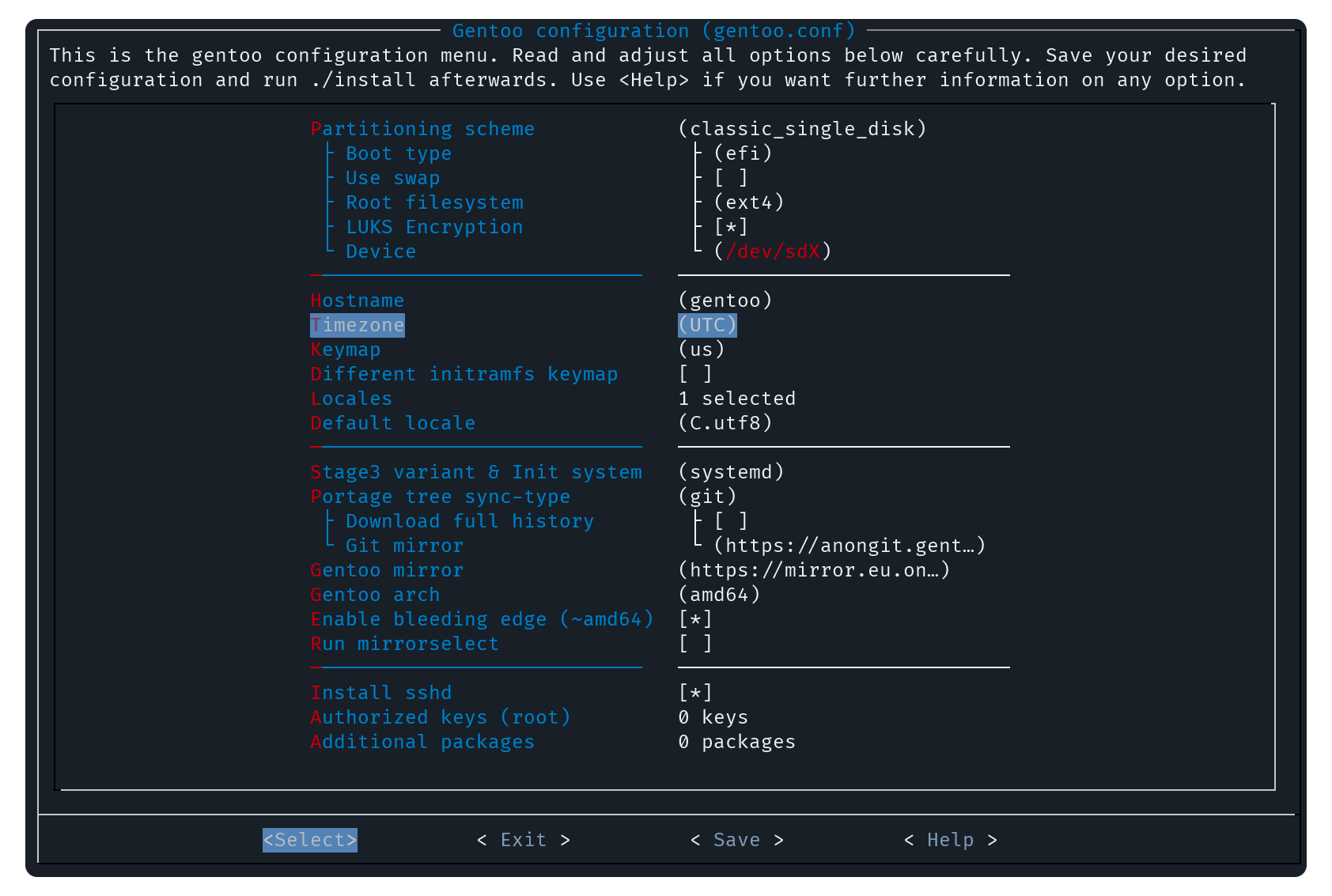
A gentoo installer with a TUI interface that supports systemd and OpenRC, EFI and BIOS, as well as variable disk layouts using ext4, zfs, btrfs, luks and mdraid.
Reverse engineer anything with agents, from app behavior down to native binaries.
Open "Take it" on its page: Take My Repo writes an install plan for your machine and hands it to your AI agent (Claude Code, Codex or Cursor), which asks you before each step. Take My Repo has not tested it on any machine.
Its last change on GitHub was on 2026-08-31. GitHub counts 0 open issues and pull requests. Take My Repo does not judge from that whether it is maintained.
Nobody has reviewed it on Take My Repo yet, which says nothing about its quality.
Take My Repo cannot say: it does not audit code and has not run getting-started. What is known comes from GitHub. It declares no license on GitHub. Public does not mean open source: without a license, nobody is granted the right to reuse it. Its last change was on 2026-08-31. It has 139 stars, which measure popularity, not safety. Nobody has reviewed it on Take My Repo yet, which says nothing about its quality. Read the source before you run it. With "Take it", your AI agent shows each step and asks you before running it; README text is treated as data, not as instructions.