
APLife
APLife is an unofficial Android app for APU students that syncs classes, exams, and holidays to your calendar with smart reminders and a built-in schedule view.
- 6
- 7 mo ago
Repo osscv/APLife, read from GitHub 11 h ago. osscv has not joined Take My Repo.
In short
osscv/APLife is a public repo on GitHub by osscv. APLife is an unofficial Android app for APU students that syncs classes, exams, and holidays to your calendar with smart reminders and a built-in schedule view. It declares no license on GitHub. Public does not mean open source: without a license, nobody is granted the right to reuse it. It is written mainly in Kotlin, has 6 stars and last changed on 2026-05-12. Nobody has reviewed it on Take My Repo yet, which says nothing about its quality. Read from GitHub on 2026-11-24.

APLife
Your APU timetable, in your phone calendar. Always up to date.
⬇ Download v1.0 · 📖 Project page on dkly.net
APLife is an unofficial Android companion for Asia Pacific University (APU) students. It pulls your weekly classes, exams, and APU holidays straight from APU's API endpoints and pushes them into your phone's native calendar — with smart reminders, weekend auto-sync, festive holiday notifications, and an in-app calendar UI that doubles as a personal planner.
No login. No account. No backend. Everything stays on your device.
📚 Contents
- Quickstart
- Features
- Screenshots
- Tech stack
- Permissions
- Build
- Project layout
- Privacy
- FAQ
- Roadmap
- Contributing
- License
- Author
🚀 Quickstart (60 seconds)
- Install — download
app-release.apkfrom the v1.0 release. - Allow Calendar when prompted. Notifications and Audio are optional.
- Search your intake (e.g.
UCDF2509IRS) — autocompletes from APU's full intake list. - Tick the groups you attend (G1, G2, …).
- Pick the calendars you want events in. Phone, Google and Outlook can all be selected at once.
- Choose a reminder offset (15 min is the recommended default).
- Tap Finish & sync. Your timetable lives in your phone calendar from this moment on.
Re-running this later? Open the app → Settings → Reset setup. Or just tweak any field individually from Settings.
✨ Features
Calendar sync that actually works
- Pulls from APU's public timetable — no APSpace login needed.
- Multi-calendar fan-out: write to your Phone calendar, Google, Outlook, or all of them at once.
- Marker-based dedup: re-sync as many times as you like — events get updated, not duplicated. Room moved? Lecturer changed? It just updates the existing event.
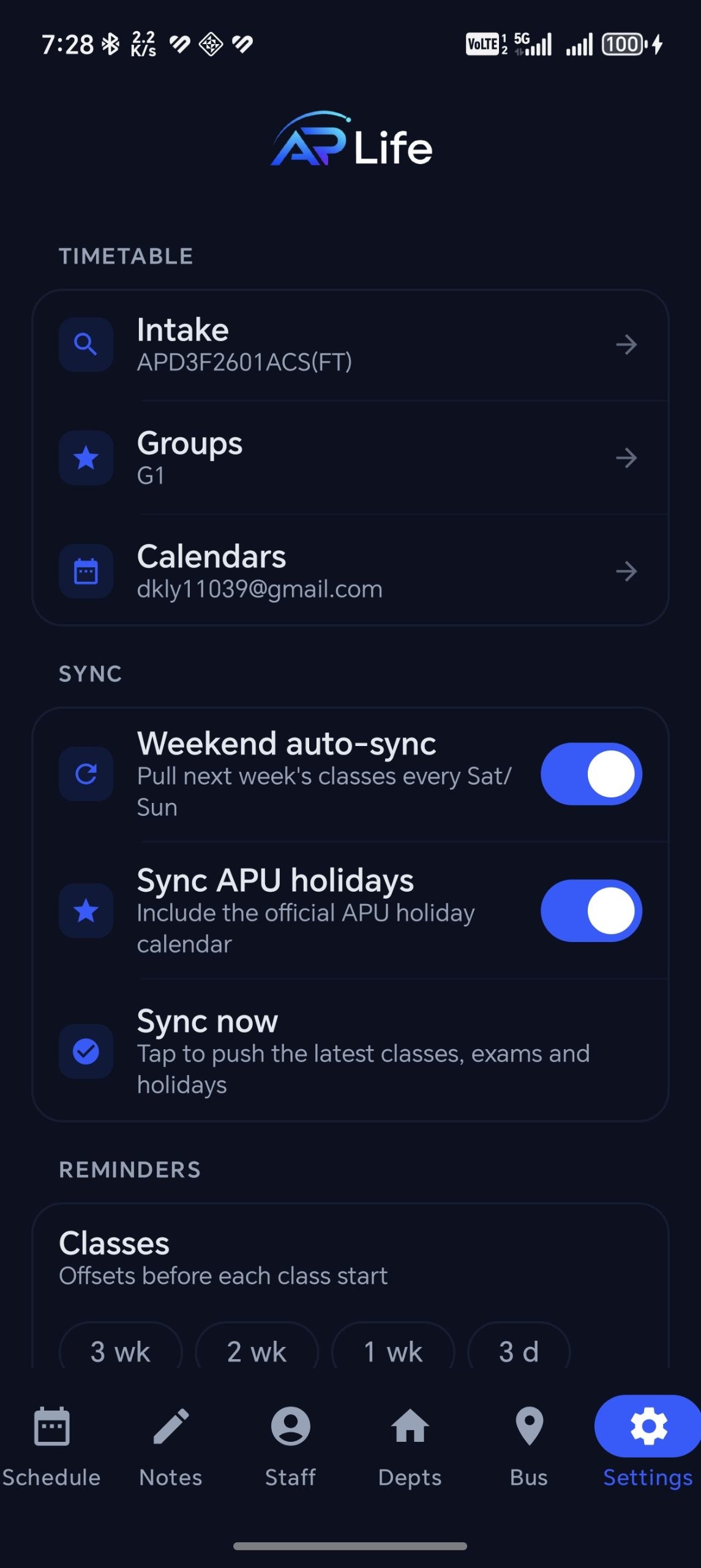
- Weekend auto-sync (Sat/Sun) via WorkManager so next week's timetable is in your calendar before Monday.
- Sync success / failure notifications with a summary of what changed.
Reminders, the way you want them
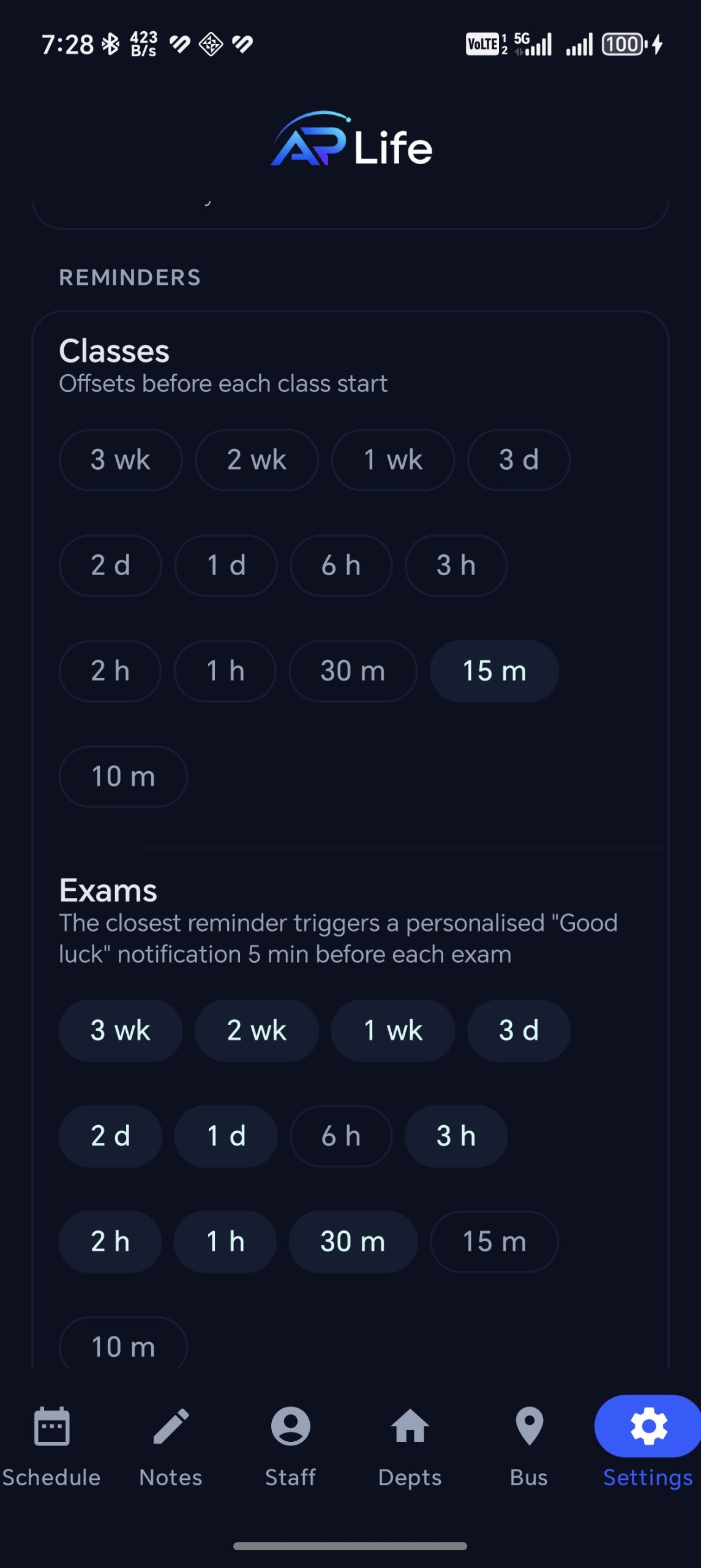
- Per-class reminder offsets (1 day → 30 min, configurable).
- Exam ramp: 3 weeks → 2 weeks → 1 week → 3 d → 2 d → 1 d → 3 h → 2 h → 1 h → 30 min by default.
- A personalised "Good luck for your Course Name exam at 10:00 AM!" notification fires 5 minutes before each exam.
Holiday notifications that feel human
- The night before any APU holiday: "Hahah, no class tomorrow! Tomorrow is Hari Raya — enjoy your day off! 🎉"
- On the morning of the holiday: a customised festive greeting:
- Chinese New Year → Gōngxǐ fācái! 🧧 Time to see family, eat tangerines and enjoy the day off. Have a prosperous one! 🐉🏮
- Hari Raya Aidilfitri → Selamat Hari Raya! 🌙 Maaf zahir dan batin — enjoy the open houses, ketupat and rendang! 🕌
- Christmas / Deepavali / Wesak / Thaipusam / Hari Kebangsaan / Hari Malaysia / Labour Day / Good Friday / Awal Muharram / Maulidur Rasul / Sultan's birthday / Agong's birthday — each with their own message.
A schedule view that doesn't suck
- Day / Week / Month toggle.
- Week strip with coloured dots indicating which days have classes, exams, holidays, or your own events.
- Month grid showing the whole month with the same dot indicators.
- A Today chip that snaps you back when you've navigated away.
- A friendly "Timetable not published yet" card on dates beyond what APU has released, so you know to come back later.
Tap a class, edit a class
- Tap any class card to open the inline editor.
- Override date, start/end time, room, lecturer locally — overrides survive re-syncs and propagate to your calendar.
- Tap the lecturer's name in a class card to open their full profile.
Personal events alongside classes
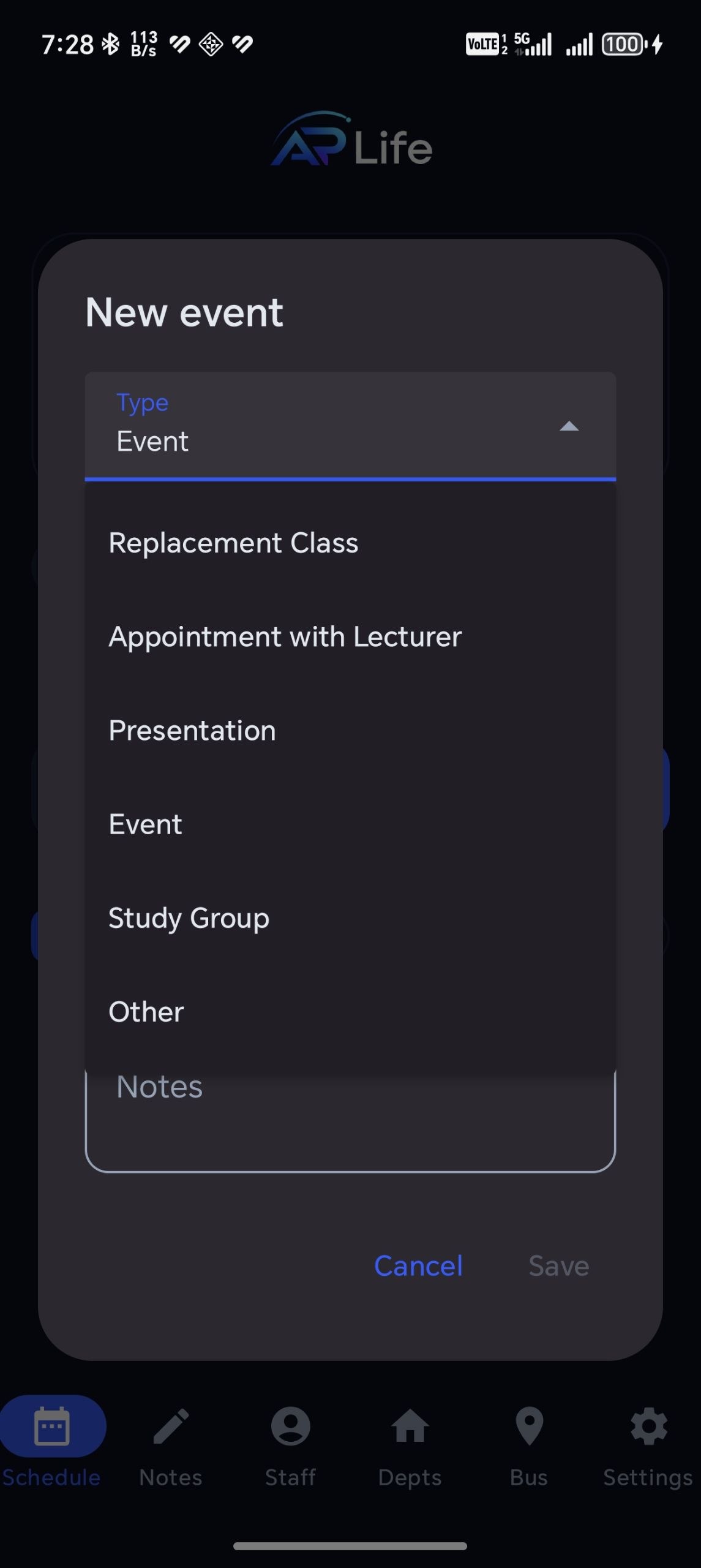
- Add Replacement Classes, Appointments with Lecturer, Presentations, Events, Study Groups, or Other items to any date.
- They render alongside your real classes and sync to your calendar with the same reminder system.
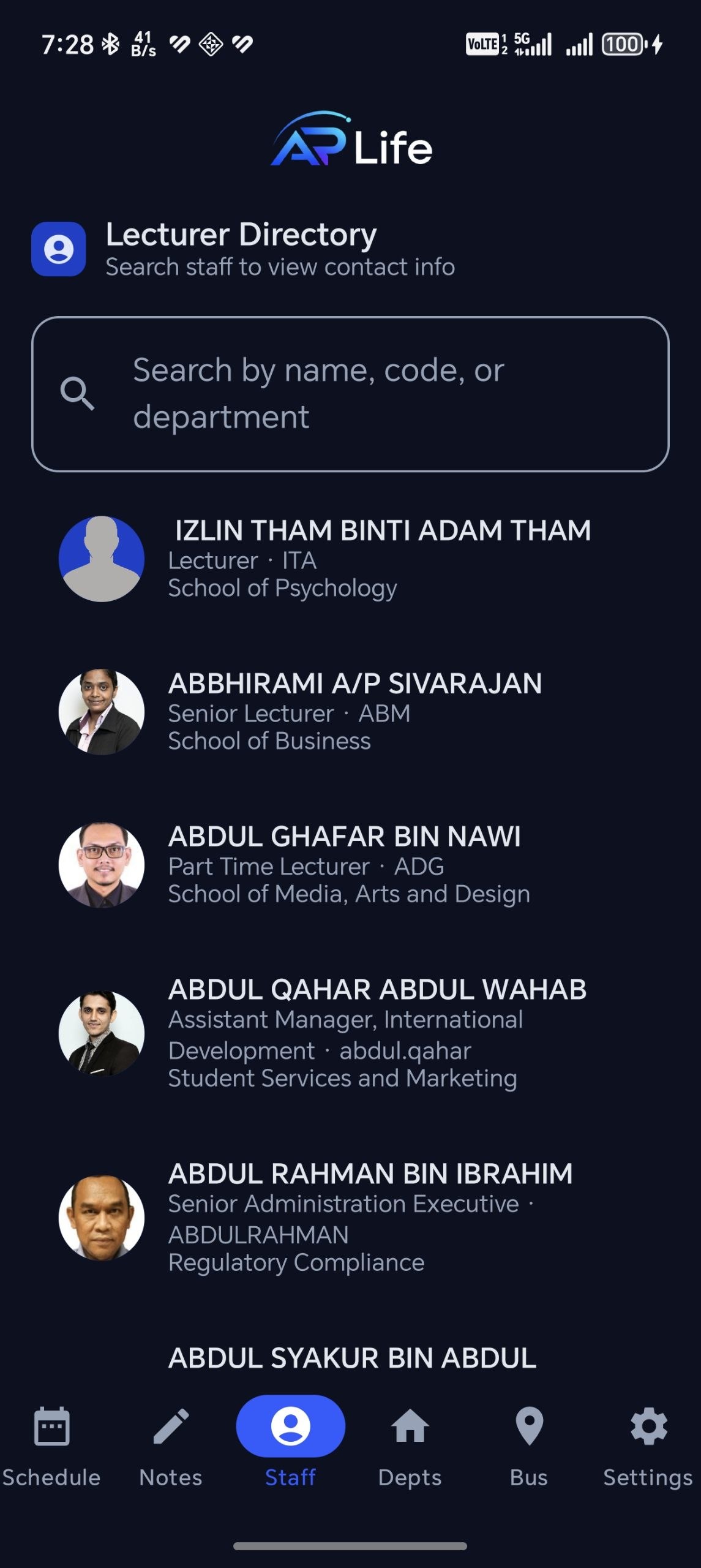
Lecturer directory
- 1,800+ APU staff bundled offline (no network needed).
- Search by name / code / department / account.
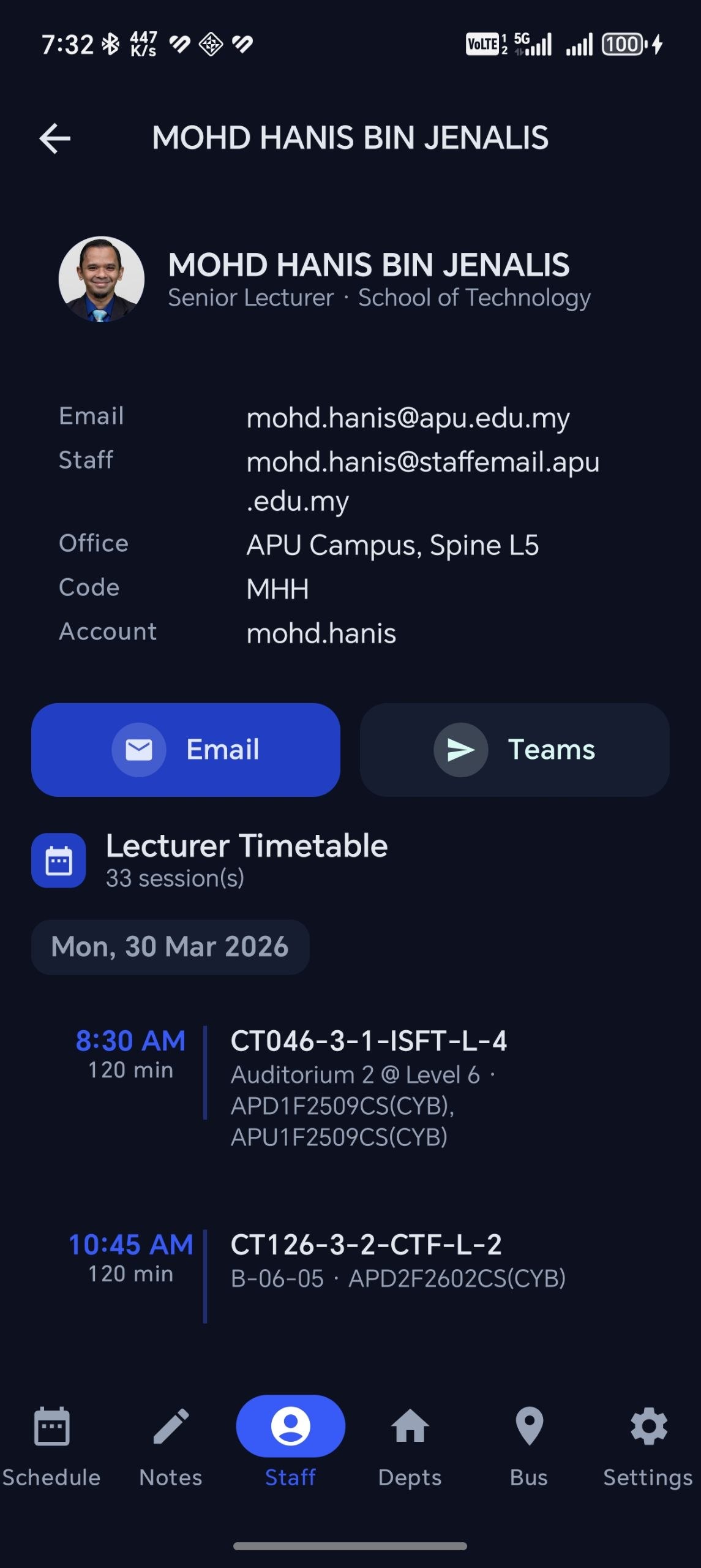
- Tap a lecturer for their full profile, contact info, and Lecturer Timetable (scheduled sessions grouped by day).
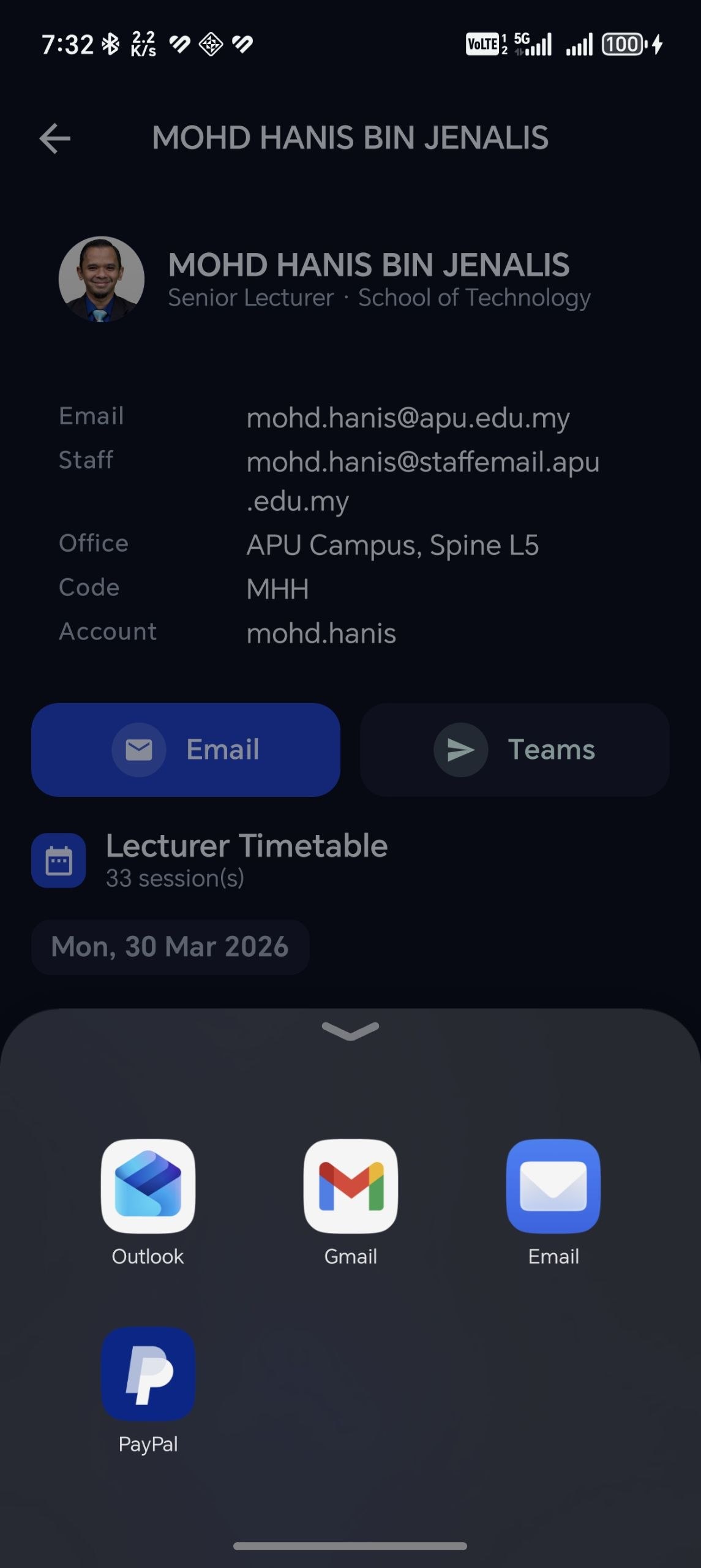
- One-tap Send Email (chooser opens Gmail/Outlook/etc.) and Chat in Teams (deep links into the Teams app, or web fallback).
- Tap their avatar for a full-size photo dialog.
Notes per class & per date
- Pin Class Tests, Presentations, Assignment Discussions, Lectures, and Appointments to specific dates.
- Notes show up under the day's classes in the schedule view.
Departments & Shuttle
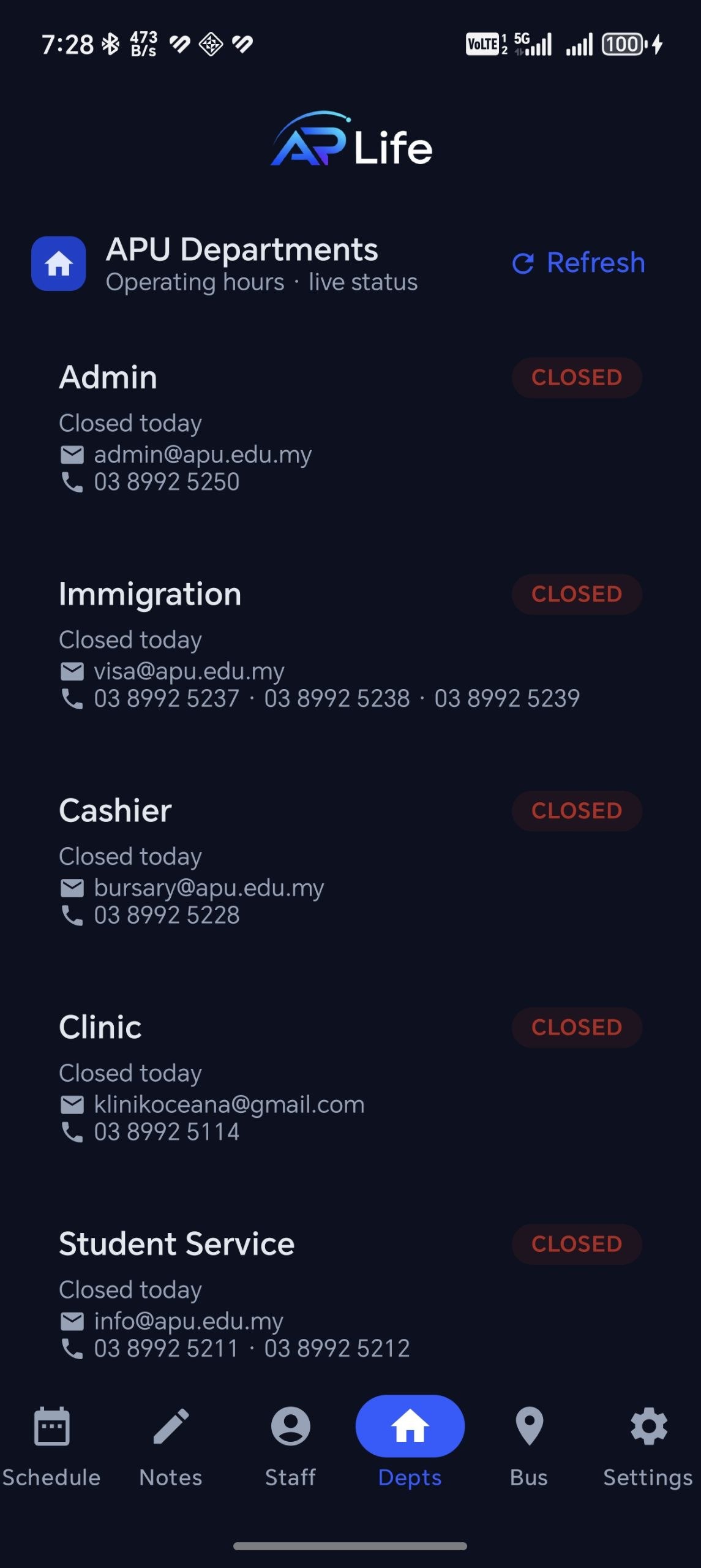
- Departments tab: live "Open / Closed" status for every APU department (Cashier, Library, Clinic, Admin, …) based on the official operating hours.
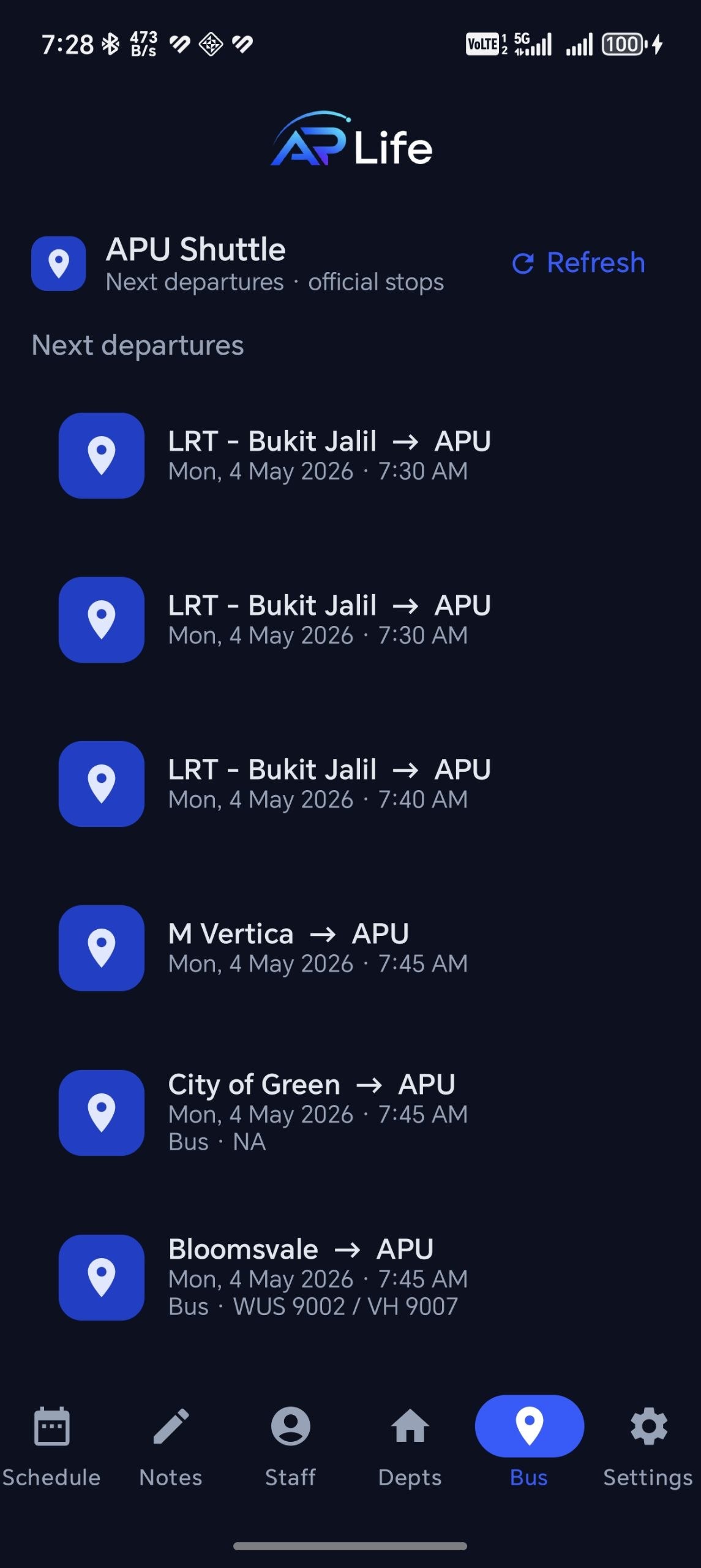
- Bus tab: the active APU shuttle schedule with the next departures and the full list of stops with their colour-coded markers.
Settings that respect you
- Change intake/groups, swap target calendars, tweak reminders any time.
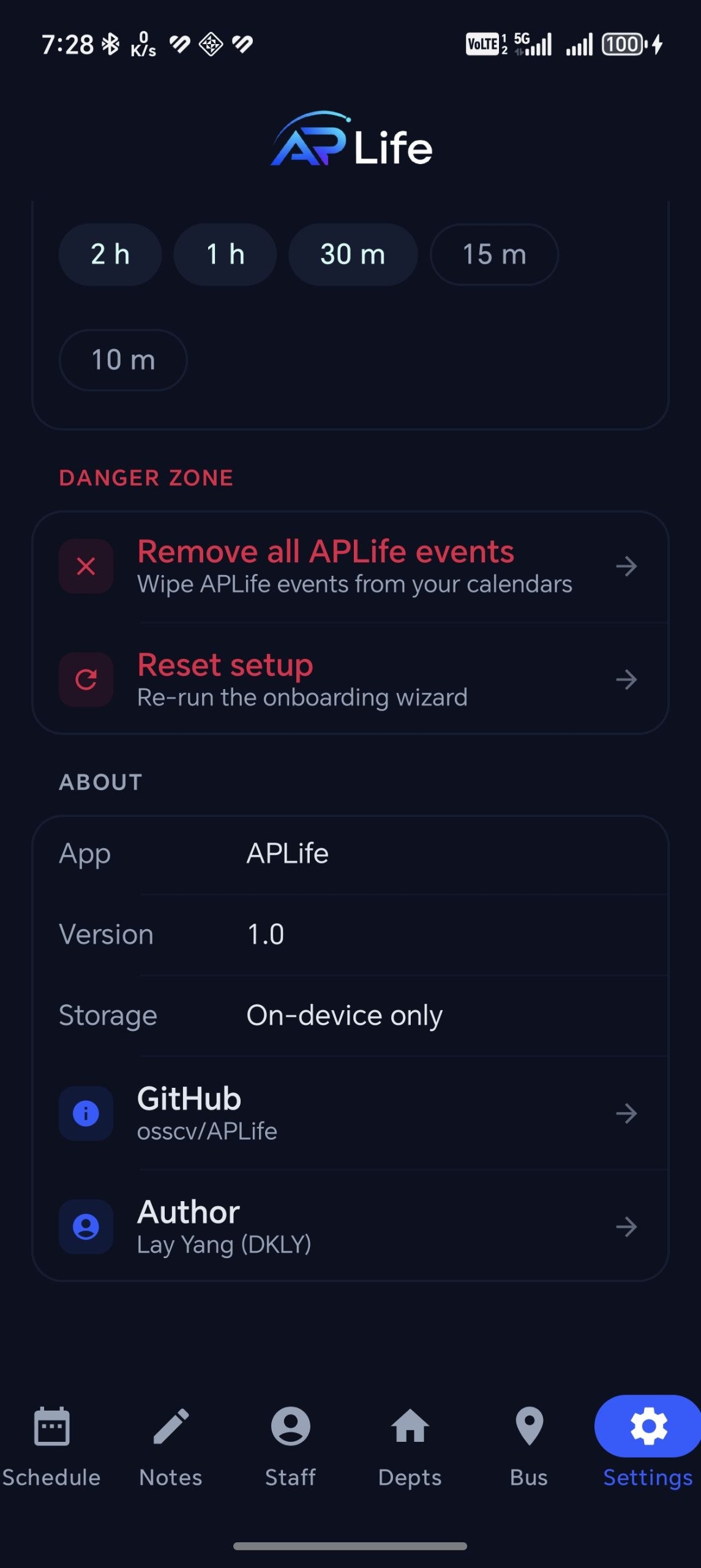
- Remove all APLife events in one tap (clean slate).
- Reset setup to re-run onboarding.
- All data stored locally — no analytics, no telemetry, no account.
📱 Screenshots
Onboarding
| Welcome | Permissions |
|---|---|
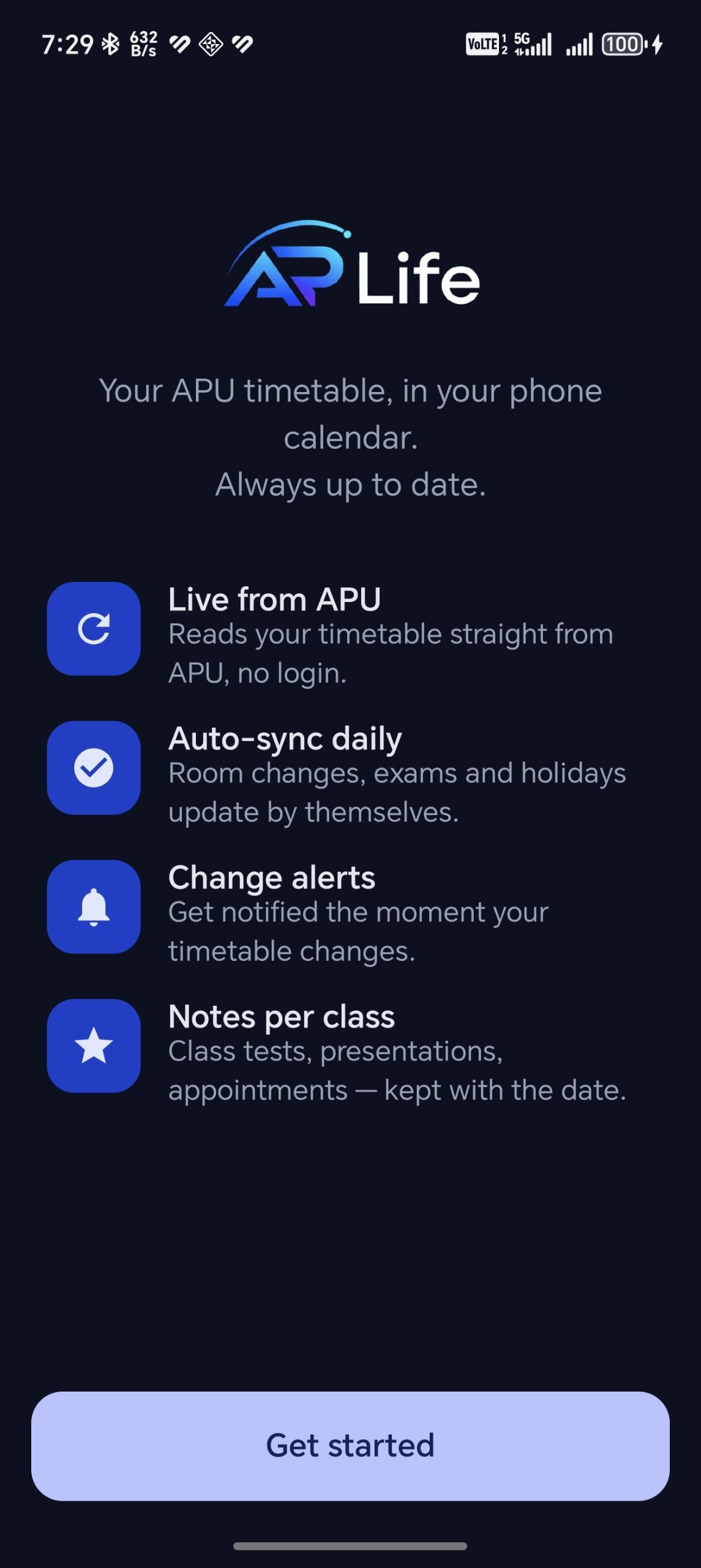 |
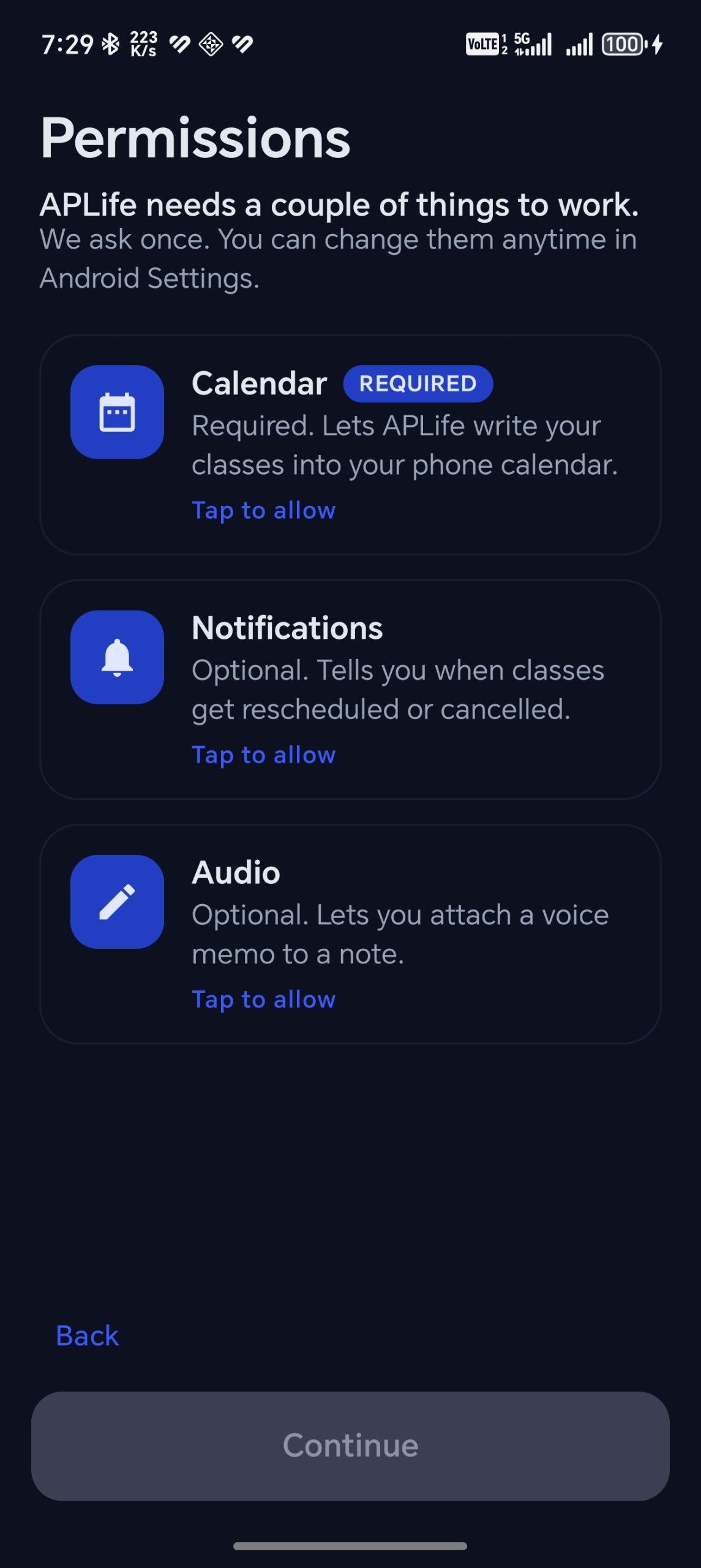 |
Schedule
| Day view | New event | Event types |
|---|---|---|
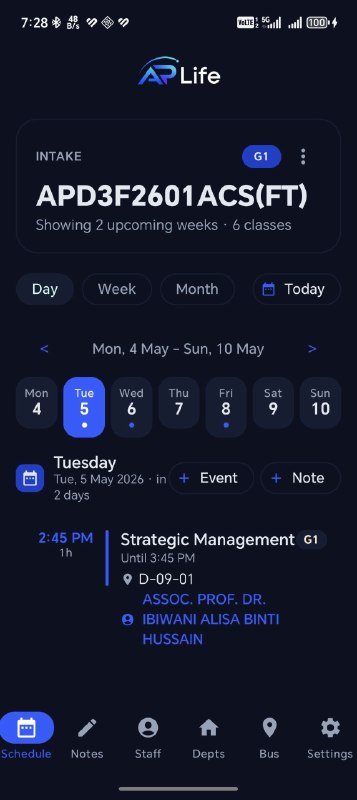 |
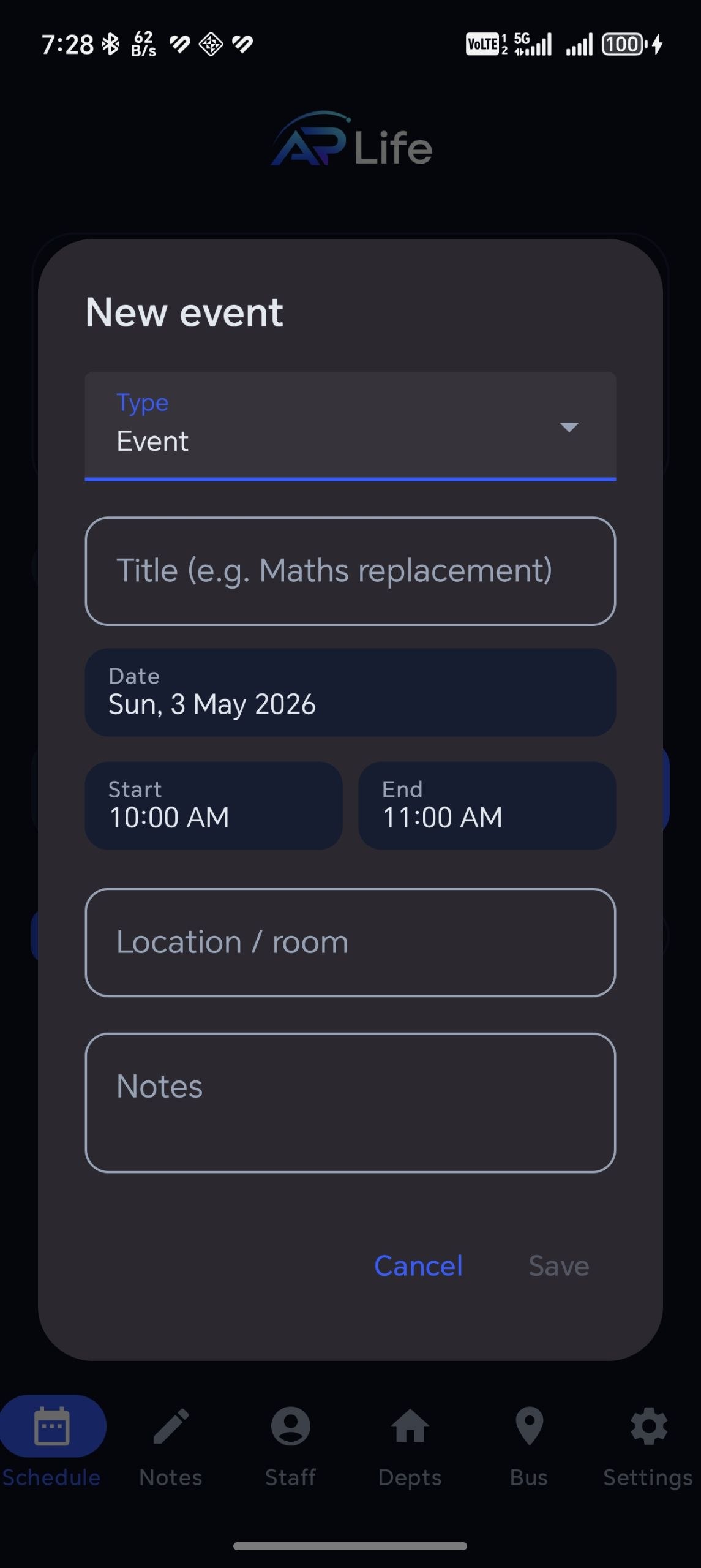 |
 |
Lecturer Directory
| Directory | Lecturer detail | Email chooser |
|---|---|---|
 |
 |
 |
Departments & Shuttle
| Departments | Shuttle |
|---|---|
 |
 |
Settings
| Sync | Reminders | About |
|---|---|---|
 |
 |
 |
🏗️ Tech stack
| Concern | Choice |
|---|---|
| Language | Kotlin |
| UI | Jetpack Compose (Material 3, BOM 2026.04.01) |
| Async | Kotlin coroutines + StateFlow |
| Serialization | kotlinx.serialization |
| HTTP | HttpURLConnection (no third-party HTTP lib) |
| Image loading | Coil 2 |
| Background | WorkManager (weekend sync, exam-luck, holiday-eve) |
| Persistence | SharedPreferences + JSON (notes, overrides, prefs) |
| Calendar API | android.provider.CalendarContract |
| Min SDK | 24 (Android 7.0 Nougat) |
| Target SDK | 36 |
| Java target | 11 with core-library desugaring (for java.time on API 24+) |
No Room, no Hilt, no Retrofit — kept intentionally lean.
🔐 Permissions
| Permission | Why |
|---|---|
INTERNET |
Fetch timetable, exams, shuttle, departments, lecturer schedules |
READ_CALENDAR / WRITE_CALENDAR |
Read your calendar list, write classes/exams/holidays/events |
POST_NOTIFICATIONS (Android 13+) |
Sync result, exam "Good luck", holiday-eve / day-of greetings |
RECORD_AUDIO |
Optional — reserved for upcoming voice-note feature |
You can revoke any of these any time in Android Settings → Apps → APLife.
🛠️ Build
Requirements
- Android Studio Ladybug Feature Drop (or newer) with Compose support
- JDK 17 (bundled with Android Studio)
- Android Gradle Plugin 9.x
- Kotlin 2.3.x
Run it
git clone https://github.com/osscv/APLife.git
cd APLife

# Production / installable build:
./gradlew assembleRelease

# Or for day-to-day development (no signing config needed):
./gradlew assembleDebug
# (or open the folder in Android Studio and hit Run)
The release APK lands in app/build/outputs/apk/release/. You'll need a signing config in app/build.gradle.kts (or pass keystore properties via -P) for the APK to install on a device — assembleDebug works out of the box.
The first launch walks you through onboarding (permissions → intake → groups → calendars → reminders) and writes your first batch of events to the calendar of your choice.
🧭 Project layout
app/src/main/java/net/dkly/aplife/
├── MainActivity.kt              # entry point + tab nav + dialogs
├── ui/
│   ├── AppViewModel.kt          # single ViewModel for all tabs
│   ├── Onboarding.kt            # 6-step onboarding wizard
│   ├── Screens.kt               # Schedule, Notes, Lecturers, Depts, Bus, Settings
│   ├── Components.kt            # reusable UI primitives + brand button colors
│   ├── Format.kt                # date/time formatters
│   └── theme/                   # M3 theme, brand palette
├── calendar/
│   └── CalendarSyncManager.kt   # marker-based upsert into CalendarContract
├── data/
│   ├── ApiClient.kt             # HttpURLConnection + kotlinx.serialization
│   ├── *Repository.kt           # Timetable / Staff / Holiday / Department / Transport / Notes / Overrides / PersonalEvents
│   ├── UserPreferences.kt       # all persisted settings
│   └── *.kt                     # data models
├── notes/                       # NoteType + Note model
└── sync/
    ├── AutoSyncWorker.kt        # daily WorkManager — only fires on Sat/Sun
    ├── SyncNotifier.kt          # success/failure notifications
    ├── ExamLuckScheduler.kt     # one-time WorkRequest 5 min before each exam
    ├── ExamLuckWorker.kt        # personalised "Good luck" notification
    ├── HolidayReminderScheduler.kt  # eve + day-of holiday notifications
    └── HolidayReminderWorker.kt
🛡️ Privacy
- Everything is local.
Questions
What is APLife?
osscv/APLife is a public repo on GitHub by osscv. APLife is an unofficial Android app for APU students that syncs classes, exams, and holidays to your calendar with smart reminders and a built-in schedule view.
Is APLife open source?
It declares no license on GitHub. Public does not mean open source: without a license, nobody is granted the right to reuse it.
Does APLife run on macOS, Windows or Linux?
Its maker has not tagged a system, so it is unknown here. Its README says what it needs.