firecrawl
Knowledge infrastructure to make your agents smarter. Search, scrape and access 550+ data providers through one API.
- 209k
- TypeScript
- AGPL-3.0
- 2 h ago
LeafWiki - Self-hosted wiki. Single Go binary, SQLite, Markdown on disk. No external database required.
Repo perber/leafwiki, read from GitHub 12 h ago. perber has not joined Take My Repo.
perber/leafwiki is a public repo on GitHub by perber. LeafWiki - Self-hosted wiki. Single Go binary, SQLite, Markdown on disk. No external database required. It declares the MIT license on GitHub. It is written mainly in Go, has 1,242 stars and last changed on 2026-11-24. Nobody has reviewed it on Take My Repo yet, which says nothing about its quality. Read from GitHub on 2026-11-24.
Knowledge infrastructure to make your agents smarter. Search, scrape and access 550+ data providers through one API.
Self-hosted wiki. Single Go binary. SQLite + Markdown stored on disk.
For engineers and self-hosters who want structured, long-lived documentation. No Node.js, no Redis, no Postgres — just a binary and a data directory.
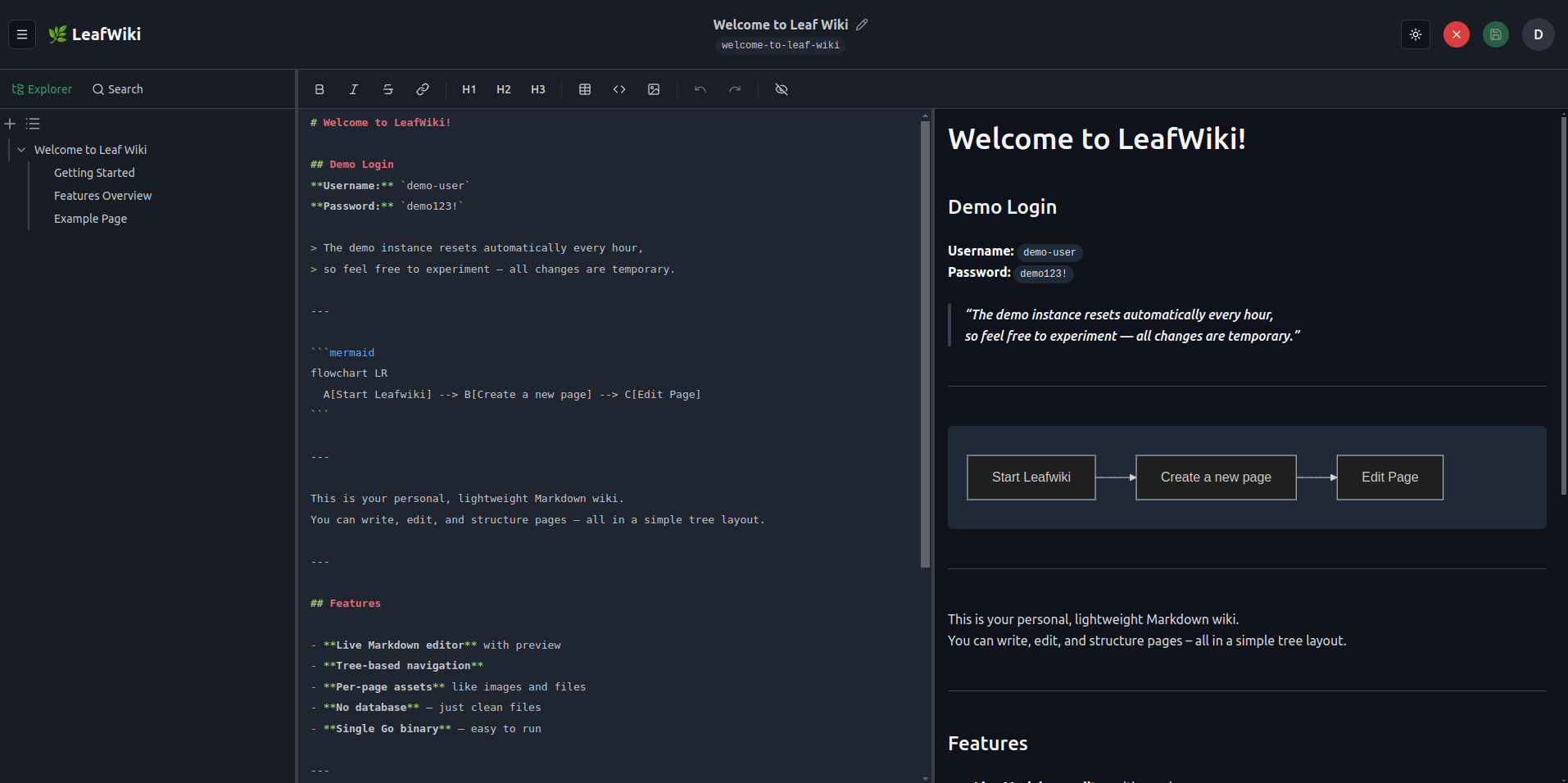
If you've looked at Wiki.js or Outline and thought "this is too much to operate for what I need" — this could fit for you.
→ Try it without installing: demo.leafwiki.com · Ctrl+E edit · Ctrl+S save · resets hourly
→ If it fits, a star helps others find it.
→ Useful to you? Sponsor on GitHub · Buy a coffee on Ko-fi
docker run -p 8080:8080 -v ~/leafwiki-data:/app/data \
  ghcr.io/perber/leafwiki:latest \
  --jwt-secret=yoursecret --admin-password=yourpassword --allow-insecure=true
→ All install options (Docker Compose, Linux installer, binary)
Operations:
cp -r (stop the app first)--base-pathCore functionality:
title:, OR, NOT, word*):::info / :::warning), collapsible blocks (:::collapsible / :::collapsed), Mermaid diagrams, KaTeX math blocks ($$...$$, inline $...$ not supported), sanitized inline HTML, embedded PDFs (, optionally opened on a specific page with )Customization:
--custom-stylesheet, v0.8.5+)<head> for analytics or custom CSS--default-language picks the default. Contributions of other languages are very welcome — see docs/i18n.mdOpt-in via feature flags:
--enable-revision)--enable-link-refactor)--smtp-host, v0.13.0)--git-backup, v0.11.3, experimental)Markdown import:
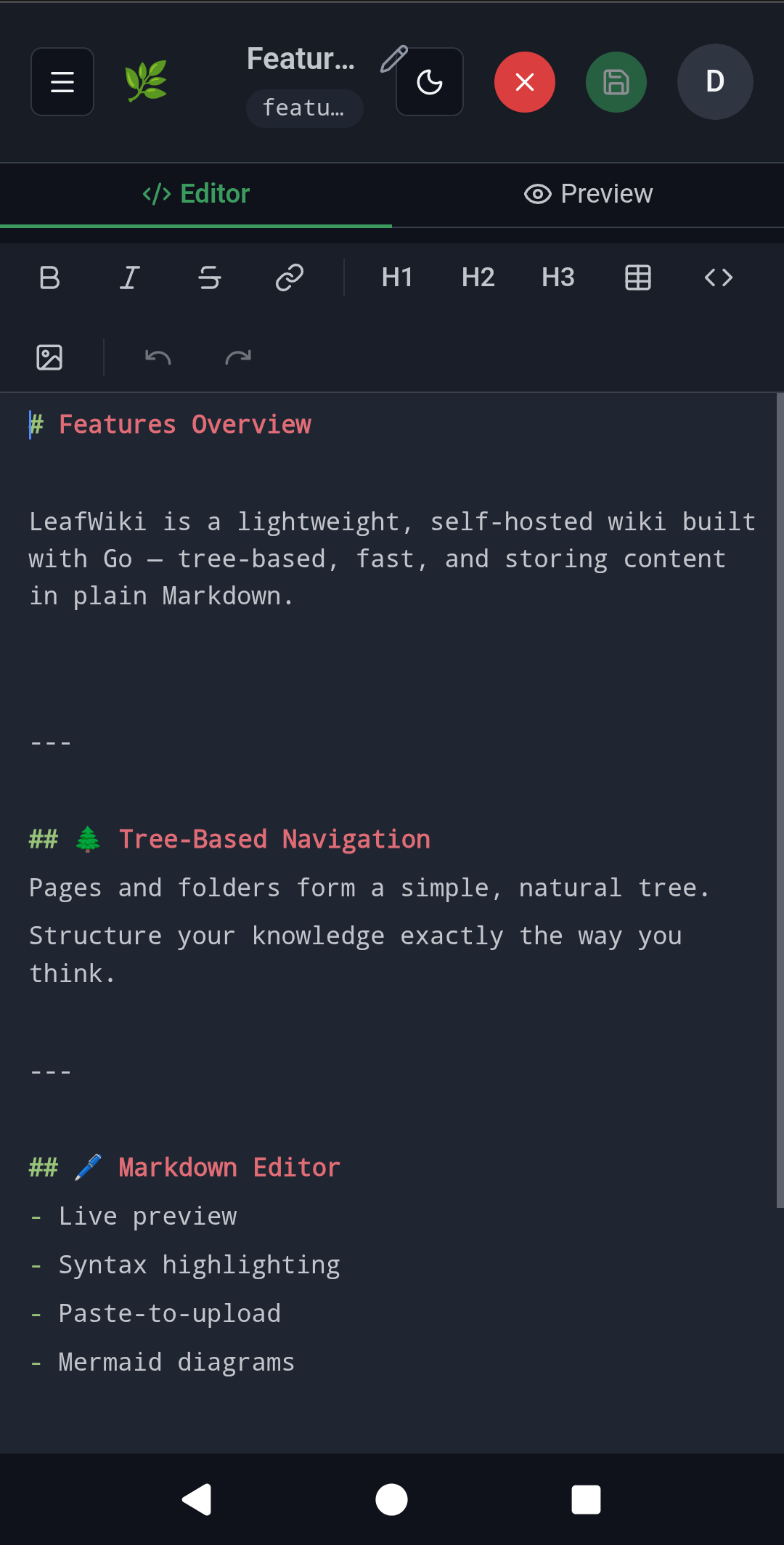
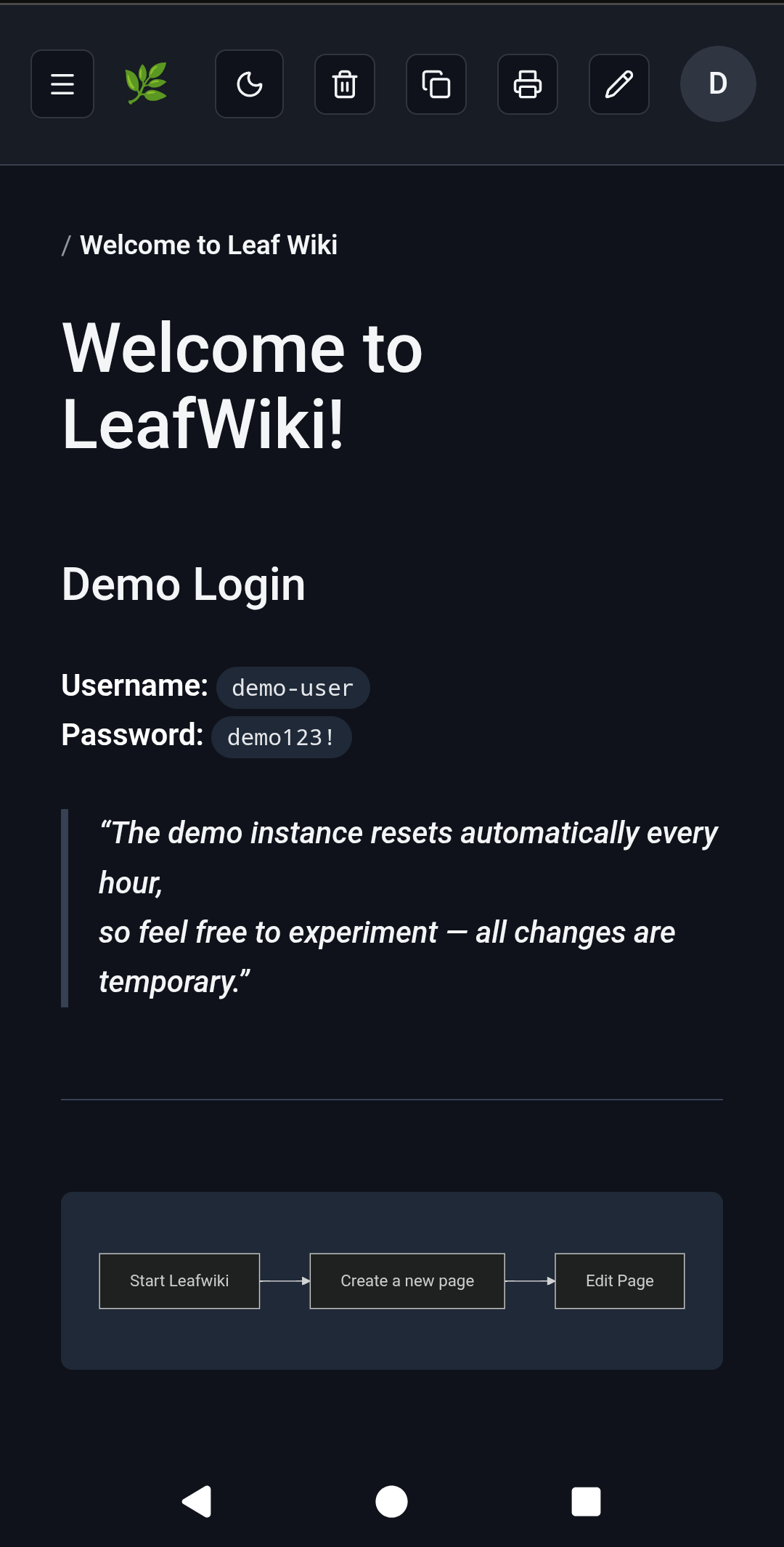
Mobile:
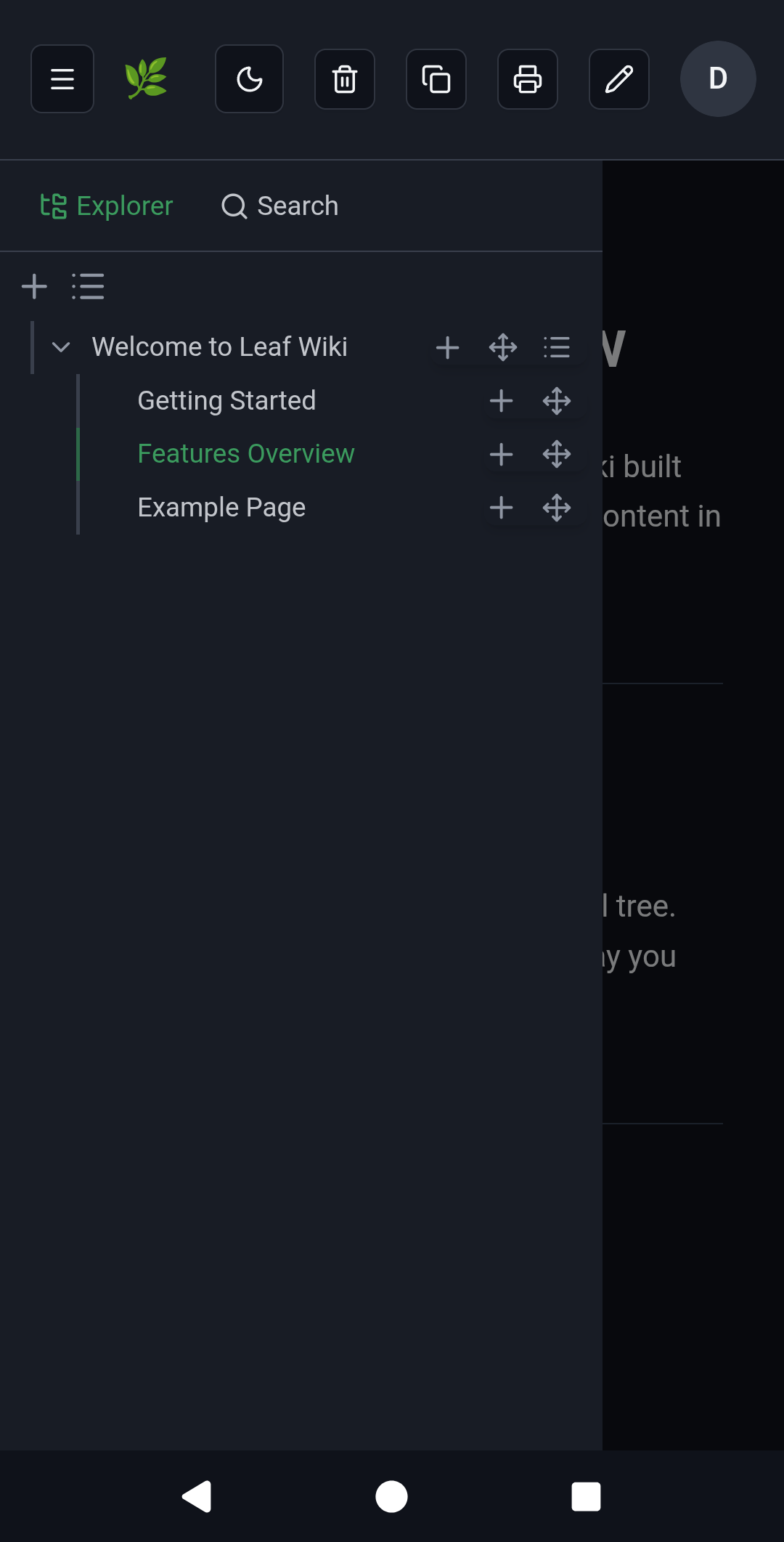
Good fit:
Probably not a fit:
LeafWiki is intentionally narrower than those systems. That focus is part of the value.
docker run -p 8080:8080 \
    -v ~/leafwiki-data:/app/data \
    ghcr.io/perber/leafwiki:latest \
    --jwt-secret=yoursecret \
    --admin-password=yourpassword \
    --allow-insecure=true
--allow-insecure=true is required for plain HTTP. Omit it when serving over HTTPS (make sure your reverse proxy forwards X-Forwarded-Proto: https).
Non-root:
docker run -p 8080:8080 \
    -u 1000:1000 \
    -v ~/leafwiki-data:/app/data \
    ghcr.io/perber/leafwiki:latest \
    --jwt-secret=yoursecret \
    --admin-password=yourpassword \
    --allow-insecure=true
The data directory must be writable by the specified user.
services:
  leafwiki:
    image: ghcr.io/perber/leafwiki:latest
    container_name: leafwiki
    user: 1000:1000
    ports:
      - "8080:8080"
    environment:
      - LEAFWIKI_JWT_SECRET=yourSecret
      - LEAFWIKI_ADMIN_PASSWORD=yourPassword
      - LEAFWIKI_ALLOW_INSECURE=true  # Required for plain HTTP. Omit for HTTPS (ensure `X-Forwarded-Proto: https` is forwarded).
    volumes:
      - ${HOME}/leafwiki-data:/app/data
    restart: unless-stopped
See docs/install/kubernetes.md for a Deployment + PersistentVolumeClaim + Service + Ingress example (Gateway API alternative included).
sudo /bin/bash -c "$(curl -fsSL https://raw.githubusercontent.com/perber/leafwiki/main/install.sh)"
Installs LeafWiki as a system service. Tested on Ubuntu, Debian, and Raspbian.
Update:
sudo /bin/bash -c "$(curl -fsSL https://raw.githubusercontent.com/perber/leafwiki/main/update.sh)"
Only works if you installed with the script above. Not compatible with Docker or binary installs.
Non-interactive mode:
cp .env.example .env
# Edit .env with your configuration
sudo ./install.sh --non-interactive --env-file ./.env
Security: in interactive mode, environment variables are written in plain text to
/etc/leafwiki/.env. Restrict access to that file.
Deployment examples:
Download leafwiki-<version>-<os>-<arch> and its .sha256 file from
GitHub Releases
(linux-amd64, linux-arm64, linux-386, darwin-amd64, darwin-arm64,
windows-amd64), check that the hash matches the one in the .sha256 file,
and rename it to leafwiki:
sha256sum leafwiki-<version>-<os>-<arch>
cat leafwiki-<version>-<os>-<arch>.sha256
mv leafwiki-<version>-<os>-<arch> leafwiki
chmod +x leafwiki
./leafwiki --jwt-secret=yoursecret --admin-password=yourpassword --allow-insecure=true
The server binds to 127.0.0.1:8080 by default. To expose it on the network:
./leafwiki --jwt-secret=yoursecret --admin-password=yourpassword --host=0.0.0.0 --allow-insecure=true
Default data directory is ./data. Change with --data-dir.
32-bit x86 Linux (i686, e.g. Alpine on an Intel Atom) is supported on a best-effort basis: use the
linux-386binary. It is built without CGO, so it doesn't need glibc and runs on musl-based distros. The systemd installer and Docker images only cover amd64/arm64, so the binary is the only install path on 32-bit x86 (that includesupdate.sh, which expects the systemd setup).
Requires Go and Node.js (versions: the toolchain line in go.mod, and .nvmrc). make build compiles the UI, embeds it, and produces a self-contained leafwiki binary (same as release/Docker builds). Use HTTP (http://localhost:8080/), not HTTPS, unless you terminate TLS in front of LeafWiki.
git clone https://github.com/perber/leafwiki.git
cd leafwiki
git switch --detach v0.15.0   # or any tag / main
make build
./leafwiki --disable-auth --host=127.0.0.1 --data-dir ./data --allow-insecure=true
For API-only local development with Vite, use make build-api (or make run) instead — see Dev Setup.
./leafwiki reset-admin-password
For disaster recovery or migrating to a fresh instance, restore a snapshot ZIP into the data directory while the server is stopped:
./leafwiki --data-dir ./data restore-snapshot ./data/snapshots/leafwiki-snapshot-2026-01-01.zip
When --snapshot is enabled, a live restore is also available from the admin UI (Settings → Full Backup). Use this offline command when the server can't start or you're seeding a new data directory. The --snapshot* flags are in CLI Flags.
LeafWiki supports three access modes. Pick the one that matches your environment:
All access requires authentication. Nobody can read or edit without a valid account. This is the default behavior when no access flags are set.
./leafwiki --jwt-secret=yoursecret --admin-password=yourpassword
Use this for team-internal wikis or homelab setups where content should stay private.
Anyone can browse the wiki without logging in. Only authenticated users with an editor or admin role can make changes.
./leafwiki --jwt-secret=yoursecret --admin-password=yourpassword --public-access=true
Use this for open documentation or project wikis where readers don't need accounts, but you still want to control who can edit.
A public wiki also serves each page with its title, a description (the page's description property, otherwise the start of the page) and Open Graph tags for search engines and link previews. Set --public-url (including --base-path) to add canonical links; without it they are left out.
| What | Behaviour |
|---|---|
/robots.txt |
Allow: / with public access, Disallow: / without; announces the sitemap when --public-url is set |
/sitemap.xml |
Lists every page readable without login; only with --public-url, otherwise 404 |
/ |
302 redirect to the first page |
| Route without a page | Served with a noindex robots tag |
Accept: text/markdown |
Returns the page's Markdown (without frontmatter) instead of the app |
perber/leafwiki is a public repo on GitHub by perber. LeafWiki - Self-hosted wiki. Single Go binary, SQLite, Markdown on disk. No external database required.
It declares the MIT license on GitHub.
Its maker tagged it for macOS, Windows and Linux, or as Docker or cross-platform. That is declared by the maker; Take My Repo has not tested it.
Open "Take it" on its page: Take My Repo writes an install plan for your machine and hands it to your AI agent (Claude Code, Codex or Cursor), which asks you before each step. Take My Repo has not tested it on any machine.
Bring projects, wikis, and teams together with AI. AppFlowy is the AI collaborative workspace where you achieve more without losing control of your data. The leading open source Notion alternative.
A list of Free Software network services and web applications which can be hosted on your own servers
Graphs that teach > graphs that impress. Turn any code into an interactive knowledge graph you can explore, search, and ask questions about. Works with Claude Code, Codex, Cursor, Copilot, Gemini CLI, and more.
Its last change on GitHub was on 2026-11-24. GitHub counts 48 open issues and pull requests. Take My Repo does not judge from that whether it is maintained.
Nobody has reviewed it on Take My Repo yet, which says nothing about its quality.
Take My Repo cannot say: it does not audit code and has not run leafwiki. What is known comes from GitHub. It declares the MIT license on GitHub. Its last change was on 2026-11-24. It has 1,242 stars, which measure popularity, not safety. Nobody has reviewed it on Take My Repo yet, which says nothing about its quality. Read the source before you run it. With "Take it", your AI agent shows each step and asks you before running it; README text is treated as data, not as instructions.