gitea
Git with a cup of tea! Painless self-hosted all-in-one software development service, including Git hosting, code review, team collaboration, package registry and CI/CD
- 59k
- Go
- MIT
- 14 h ago
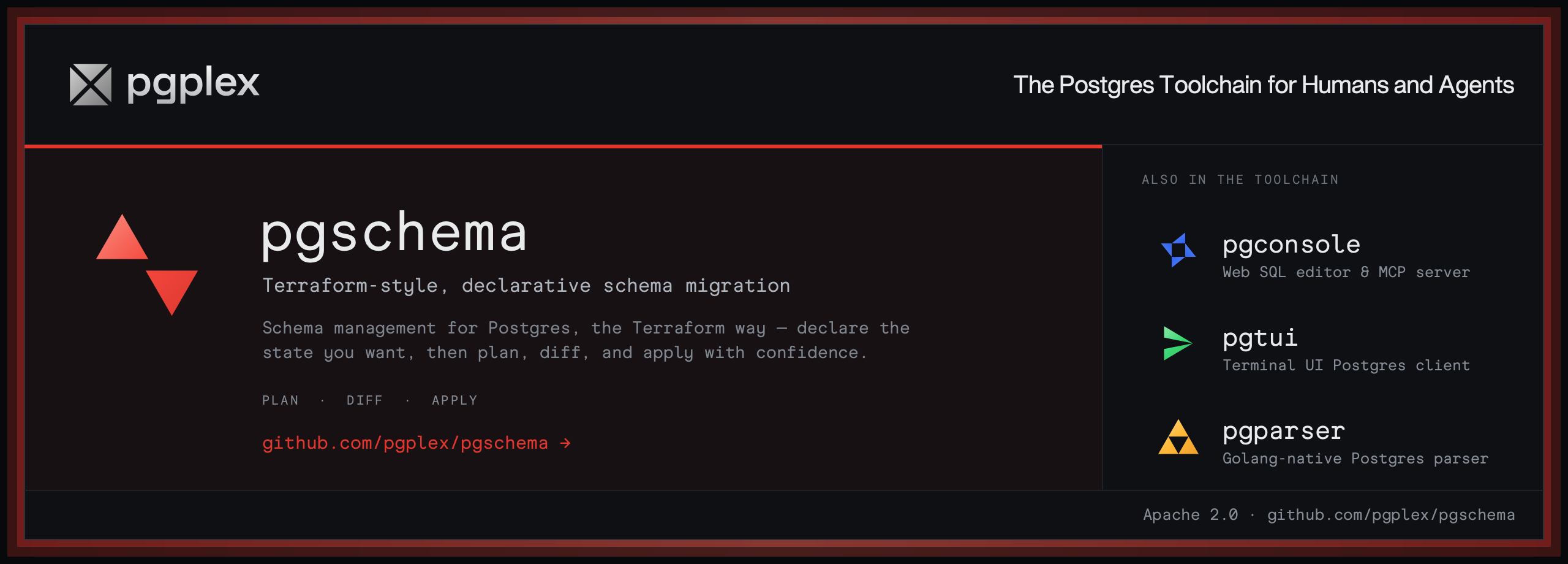
Terraform-style, declarative Postgres schema migration. Agent friendly.
Repo pgplex/pgschema, read from GitHub 1 min ago. pgplex has not joined Take My Repo.
pgplex/pgschema is a public repo on GitHub by pgplex. Terraform-style, declarative Postgres schema migration. Agent friendly. It declares the Apache-2.0 license on GitHub. It is written mainly in Go, has 1,089 stars and last changed on 2026-11-17. Nobody has reviewed it on Take My Repo yet, which says nothing about its quality. Read from GitHub on 2026-11-22.
Note
pgplex: The Postgres Toolchain for Humans and Agents - pgconsole · pgschema · pgtui · pgparser
Brought to you by Bytebase, open-source database governance platform.
pgschema is a CLI tool that brings Terraform-style declarative schema migration to PostgreSQL. Instead of writing migration files by hand, you declare the desired schema state and pgschema generates the migration plan automatically.
pgschema dump → edit schema.sql → pgschema plan → pgschema apply
See more details in the introduction blog post.
Watch in action:
Tools like Flyway and Liquibase require you to write and number migration files manually. pgschema works like Terraform: you declare what the schema should look like, and it figures out the SQL to get there. No migration history table, no manual sequencing.
pgschema is Postgres-only, which means it handles Postgres-specific objects that generic tools skip: row-level security policies, partitioned tables, partial indexes, constraint triggers, identity columns, domain types, default privileges, and column-level grants. See the full list below.
Most state-based tools spin up a temporary "shadow" database to validate migrations. pgschema uses an embedded Postgres instance internally and cleans up after itself — no extra infrastructure needed.
terraform plan| pgschema | Flyway / Liquibase | Atlas | |
|---|---|---|---|
| Pricing | Free and open source (Apache 2.0) | Free tier; advanced features paid | Free tier; advanced features paid |
| Workflow | State-based (desired state) | Migration-file-based | State-based |
| Database support | PostgreSQL only | Multi-database | Multi-database |
| Postgres-specific objects | Auto-detected and diffed (RLS, partitioning, triggers, …) | You write the migration SQL manually | Auto-detected and diffed |
| Shadow database | Not required | Not required | Required by default |
| Migration history table | Not required | Required | Not required |
Fair question. We have no current plans to charge for pgschema.
pgschema is sponsored by Bytebase, a commercial database Governance platform. Bytebase covers the needs of teams that require controls beyond schema migration — data access control, data masking, audit logging, and multi-database management across an organization.
pgschema covers all the schema objects developers use in real-world Postgres applications, across versions 14-18:
| Object | Key Features |
|---|---|
| Tables | Columns, identity/generated columns, partitioning (RANGE/LIST/HASH), LIKE clauses, inline and table-level constraints |
| Constraints | Primary keys, foreign keys (with ON DELETE/ON UPDATE), unique, check, NOT VALID, DEFERRABLE |
| Indexes | Regular, UNIQUE, partial, functional/expression; all methods (btree, hash, gist, spgist, gin, brin); CONCURRENTLY |
| Views | CREATE OR REPLACE, dependency-ordered migrations |
| Materialized Views | WITH [NO] DATA, indexes on materialized views |
| Functions | IN/OUT/INOUT parameters with defaults, SETOF/TABLE return types, SECURITY DEFINER, IMMUTABLE/STABLE/VOLATILE, STRICT |
| Procedures | IN/OUT/INOUT parameters with defaults, all procedural languages |
| Aggregates | SFUNC/STYPE/FINALFUNC/INITCOND, COMBINEFUNC and SERIALFUNC/DESERIALFUNC, moving-aggregate support, SORTOP, PARALLEL, ordered-set/hypothetical-set |
| Triggers | BEFORE/AFTER/INSTEAD OF, INSERT/UPDATE/DELETE/TRUNCATE, ROW/STATEMENT level, WHEN conditions, constraint triggers, REFERENCING OLD/NEW TABLE |
| Sequences | START WITH, INCREMENT BY, MINVALUE/MAXVALUE, CYCLE, CACHE, OWNED BY |
| Types | ENUM (add values in-place), composite types, range types |
| Domains | Base type, DEFAULT, NOT NULL, named and anonymous CHECK constraints |
| Policies | Row-level security (RLS), PERMISSIVE/RESTRICTIVE, ALL/SELECT/INSERT/UPDATE/DELETE commands, USING/WITH CHECK expressions, ENABLE/DISABLE/FORCE ROW LEVEL SECURITY |
| Privileges | GRANT/REVOKE for tables (including column-level), sequences, functions, procedures, types/domains; WITH GRANT OPTION |
| Default Privileges | ALTER DEFAULT PRIVILEGES for tables, sequences, functions, types |
| Comments | COMMENT ON for tables, columns, constraints, views, materialized views, functions, procedures, aggregates, indexes |
See Unsupported for objects that are explicitly out of scope.
Visit https://www.pgschema.com/installation
Note
Windows is not supported. Please use WSL (Windows Subsystem for Linux) or a Linux VM.
nix build
nix run
To pass arguments, use --:
nix run . -- planIf the build fails with a vendorHash mismatch, update nix/pgschema.nix with the hash printed by Nix.
# Dump current schema
$ PGPASSWORD=testpwd1 pgschema dump \
    --host localhost \
    --db testdb \
    --user postgres \
    --schema public > schema.sql
# Edit schema file declaratively
--- a/schema.sql
+++ b/schema.sql
@@ -12,5 +12,6 @@

 CREATE TABLE IF NOT EXISTS users (
     id SERIAL PRIMARY KEY,
-    username varchar(50) NOT NULL UNIQUE
+    username varchar(50) NOT NULL UNIQUE,
+    age INT NOT NULL
 );
$ PGPASSWORD=testpwd1 pgschema plan \
    --host localhost \
    --db testdb \
    --user postgres \
    --schema public \
    --file schema.sql \
    --output-human stdout \
    --output-json plan.json

Plan: 1 to modify.

Summary by type:
  tables: 1 to modify

Tables:
  ~ users
    + age (column)

Transaction: true

DDL to be executed:
--------------------------------------------------

ALTER TABLE users ADD COLUMN age integer NOT NULL;# Or use --auto-approve to skip confirmation $ PGPASSWORD=testpwd1 pgschema apply \ --host localhost \ --db testdb \ --user postgres \ --schema public \ --plan plan.json Plan: 1 to modify. Summary by type: tables: 1 to modify Tables: ~ users + age (column) Transaction: true DDL to be executed: -------------------------------------------------- ALTER TABLE users ADD COLUMN age integer NOT NULL; Do you want to apply these changes? (yes/no): yes Applying changes... Changes applied successfully!
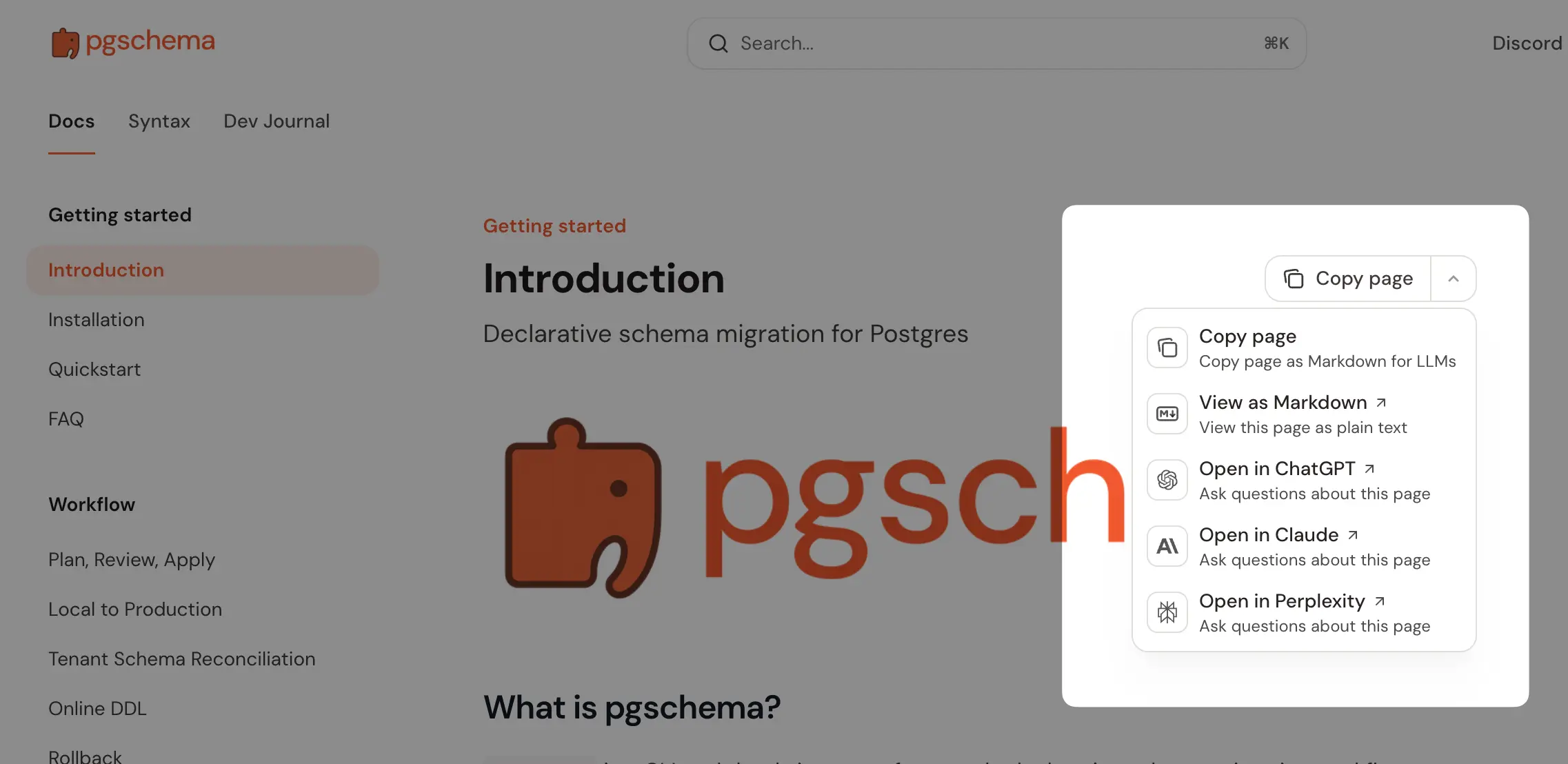
pgschema is designed to work well in AI-assisted workflows:
These files follow the llms.txt standard and are suitable for including in agent tool definitions, RAG pipelines, or system prompts when building AI-assisted database tooling.
[!NOTE] > For external contributors: If you require any features, please create a GitHub issue to discuss first instead of creating a PR directly.
git clone https://github.com/pgplex/pgschema.git
cd pgschema
go mod tidy
go build -o pgschema .
# Run unit tests only
go test -short -v ./...

# Run all tests including integration tests (uses Postgres testcontainers with Docker)
go test -v ./...
Bytebase - open source, web-based database DevSecOps platform.
pgplex/pgschema is a public repo on GitHub by pgplex. Terraform-style, declarative Postgres schema migration. Agent friendly.
It declares the Apache-2.0 license on GitHub.
Its maker tagged it for Windows and Linux. That is declared by the maker; Take My Repo has not tested it.
Open "Take it" on its page: Take My Repo writes an install plan for your machine and hands it to your AI agent (Claude Code, Codex or Cursor), which asks you before each step. Take My Repo has not tested it on any machine.
Its last change on GitHub was on 2026-11-17. GitHub counts 15 open issues and pull requests. Take My Repo does not judge from that whether it is maintained.
Nobody has reviewed it on Take My Repo yet, which says nothing about its quality.
Git with a cup of tea! Painless self-hosted all-in-one software development service, including Git hosting, code review, team collaboration, package registry and CI/CD
Reverse engineer anything with agents, from app behavior down to native binaries.
Agenticly track ccf-ranked & worldwide conference deadlines (Website, Python Cli, Wechat Applet)
A collection of inspiring lists, manuals, cheatsheets, blogs, hacks, one-liners, cli/web tools and more.
The Postgres development platform. Supabase gives you a dedicated Postgres database to build your web, mobile, and AI applications.
Stop renting your intelligence. Own it with AnythingLLM. Everything you need for a powerful local-first agent experience