CryptoSwift
CryptoSwift is a growing collection of standard and secure cryptographic algorithms implemented in Swift
- 11k
- Swift
- 3 mo ago
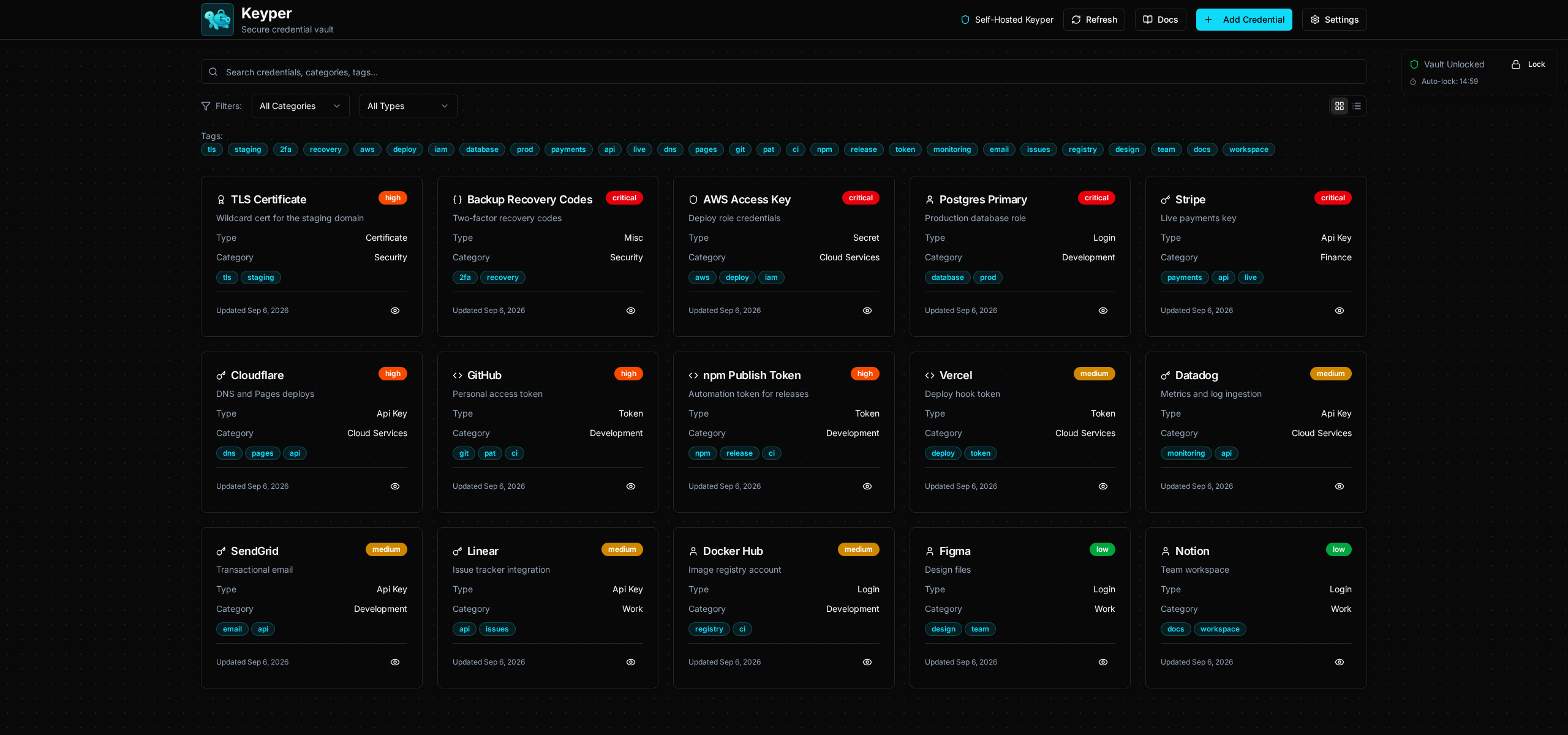
🔐 A self-hosted credential manager with zero-knowledge encryption, multi-user support, and emergency recovery. Store API keys, passwords, and secrets securely with your own database. Features AES-256-GCM encryption, Argon2 key derivation, PWA support, and professional-grade security architecture.
Repo pinkpixel-dev/keyper, read from GitHub 17 h ago. pinkpixel-dev has not joined Take My Repo.
pinkpixel-dev/keyper is a public repo on GitHub by pinkpixel-dev. 🔐 A self-hosted credential manager with zero-knowledge encryption, multi-user support, and emergency recovery. Store API keys, passwords, and secrets securely with your own database. Features AES-256-GCM encryption, Argon2 key derivation, PWA support, and professional-grade security architecture. It declares no license on GitHub. Public does not mean open source: without a license, nobody is granted the right to reuse it. It is written mainly in TypeScript, has 115 stars and last changed on 2026-11-17. Nobody has reviewed it on Take My Repo yet, which says nothing about its quality. Read from GitHub on 2026-11-24.
CryptoSwift is a growing collection of standard and secure cryptographic algorithms implemented in Swift
JavaScript library to zip and unzip files supporting parallel compression, web streams, pluggable compression engines, zip64, split files, data encryption, and deflate64 decompression.
✨ Your Credentials. Your Security. Your Rules. ✨
A secure, self-hosted credential management application for storing and organizing your digital credentials with complete privacy and control.
🚀 Quick Start • 🖼️ Screenshots • 📦 Installation • 🗄️ Setup • 📱 PWA • 🔧 Troubleshooting
⚠️ Upgrading from an earlier version?
1.3.0 needs a one-time database update if you use Supabase. Please read MIGRATION.md before you update. It takes five minutes and covers every step with expected output and troubleshooting.
SQLite and Neon users, and anyone installing fresh, can skip it.
Desktop installers are available on the Keyper website or on the GitHub releases page.
Scroll down to see other installation options.
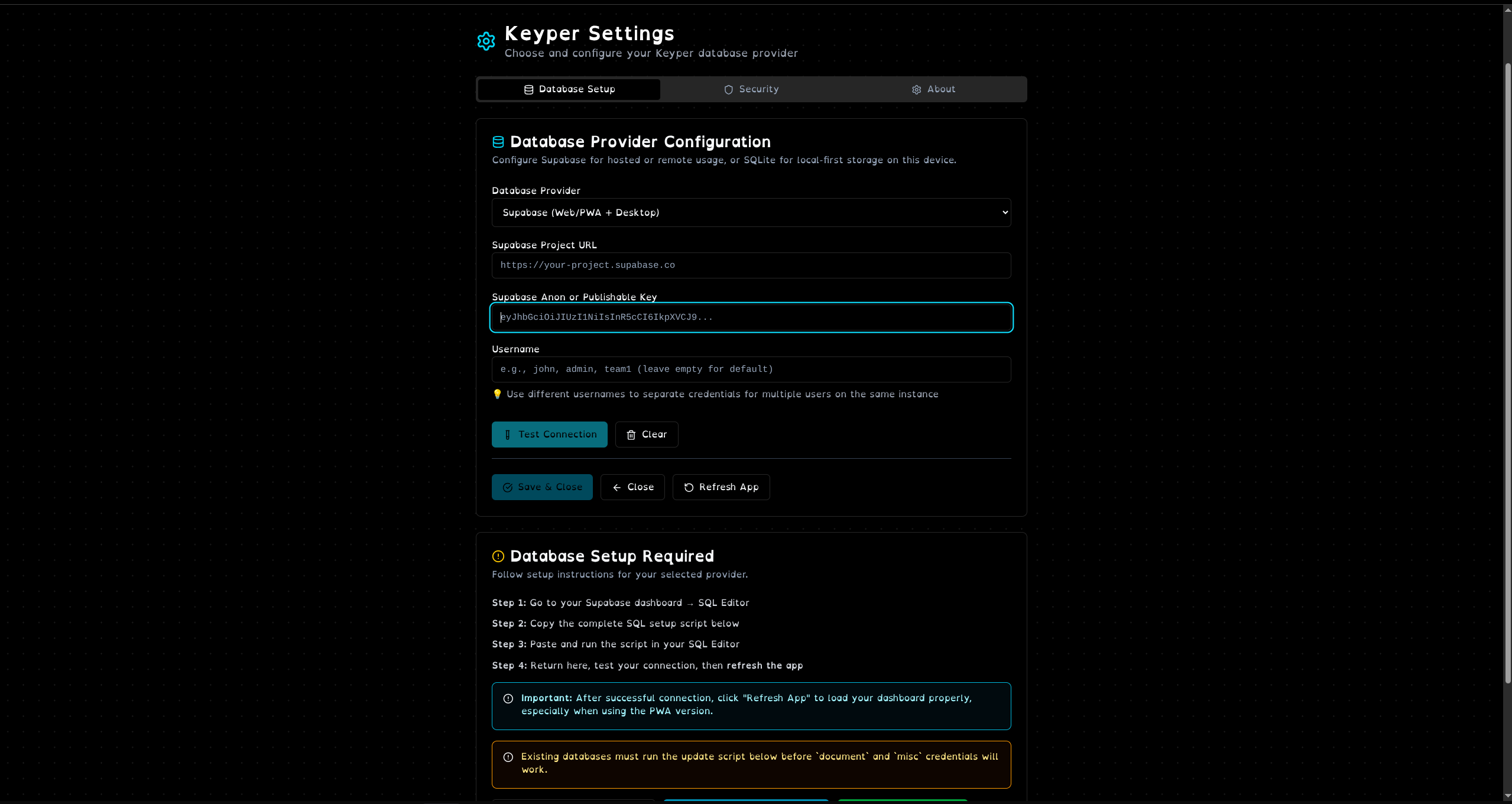
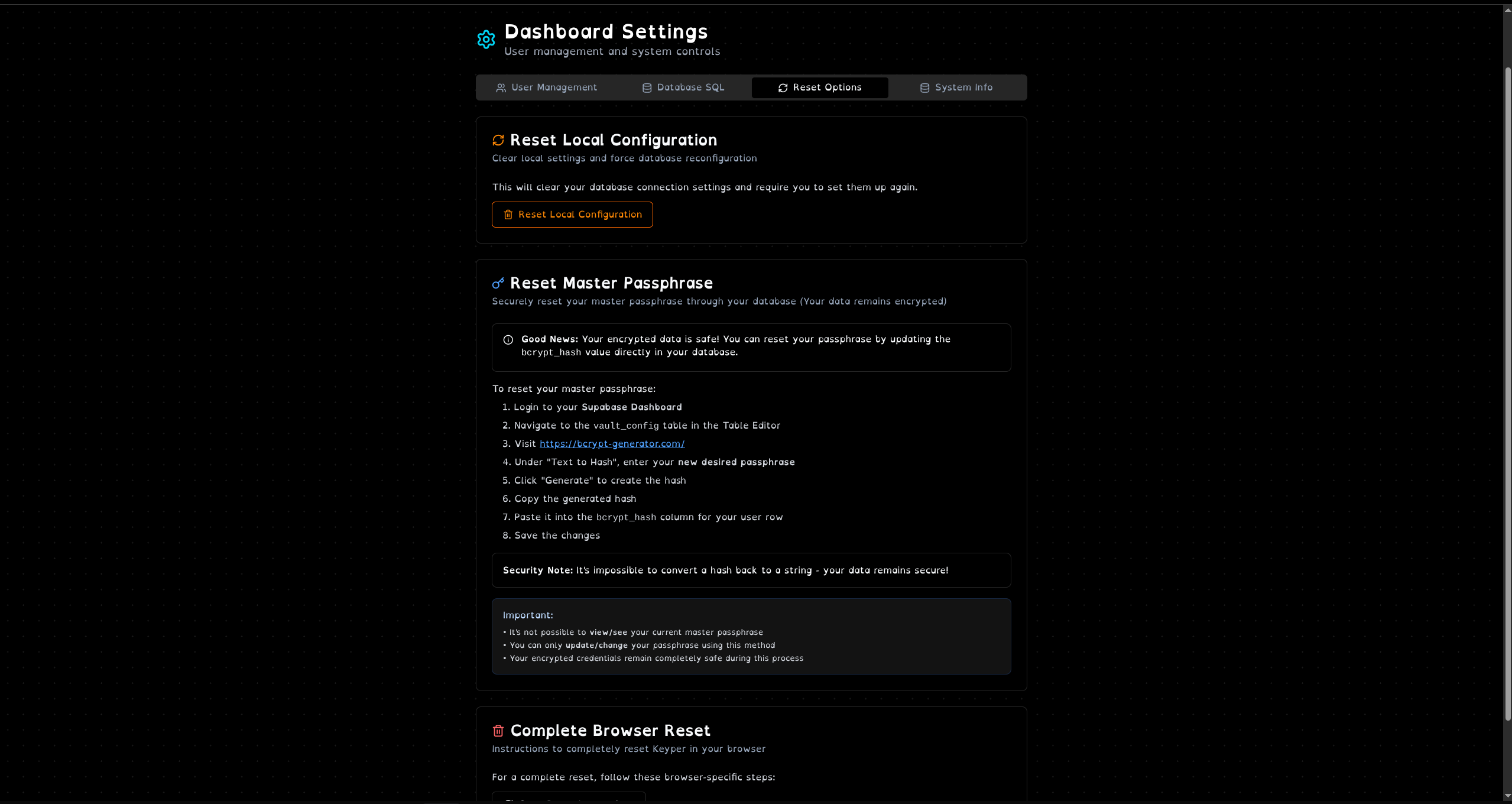
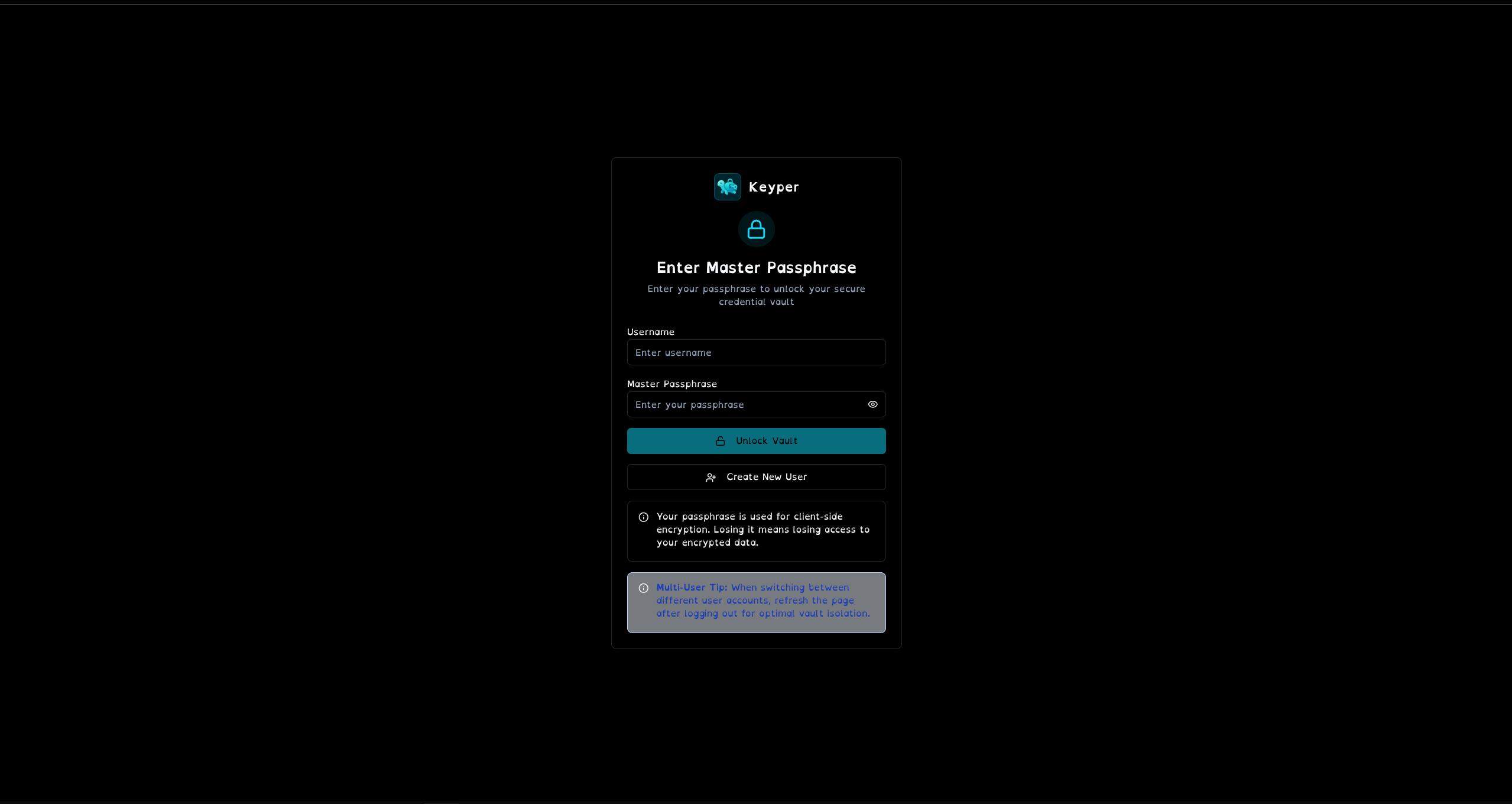
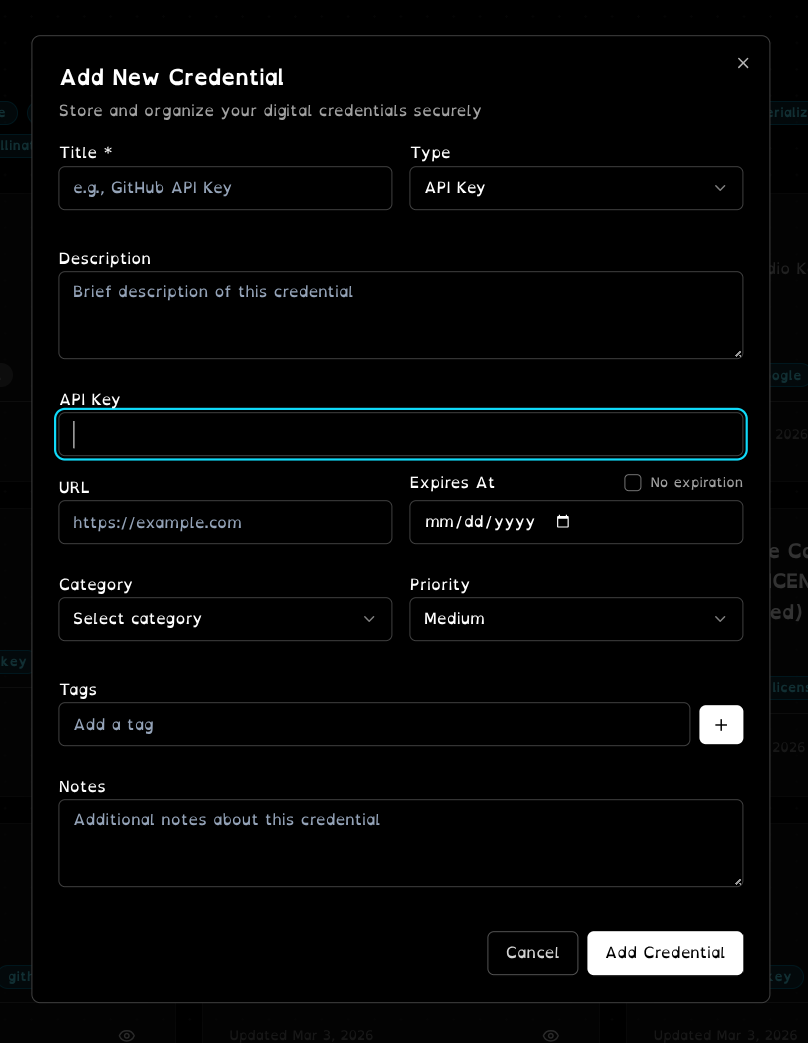
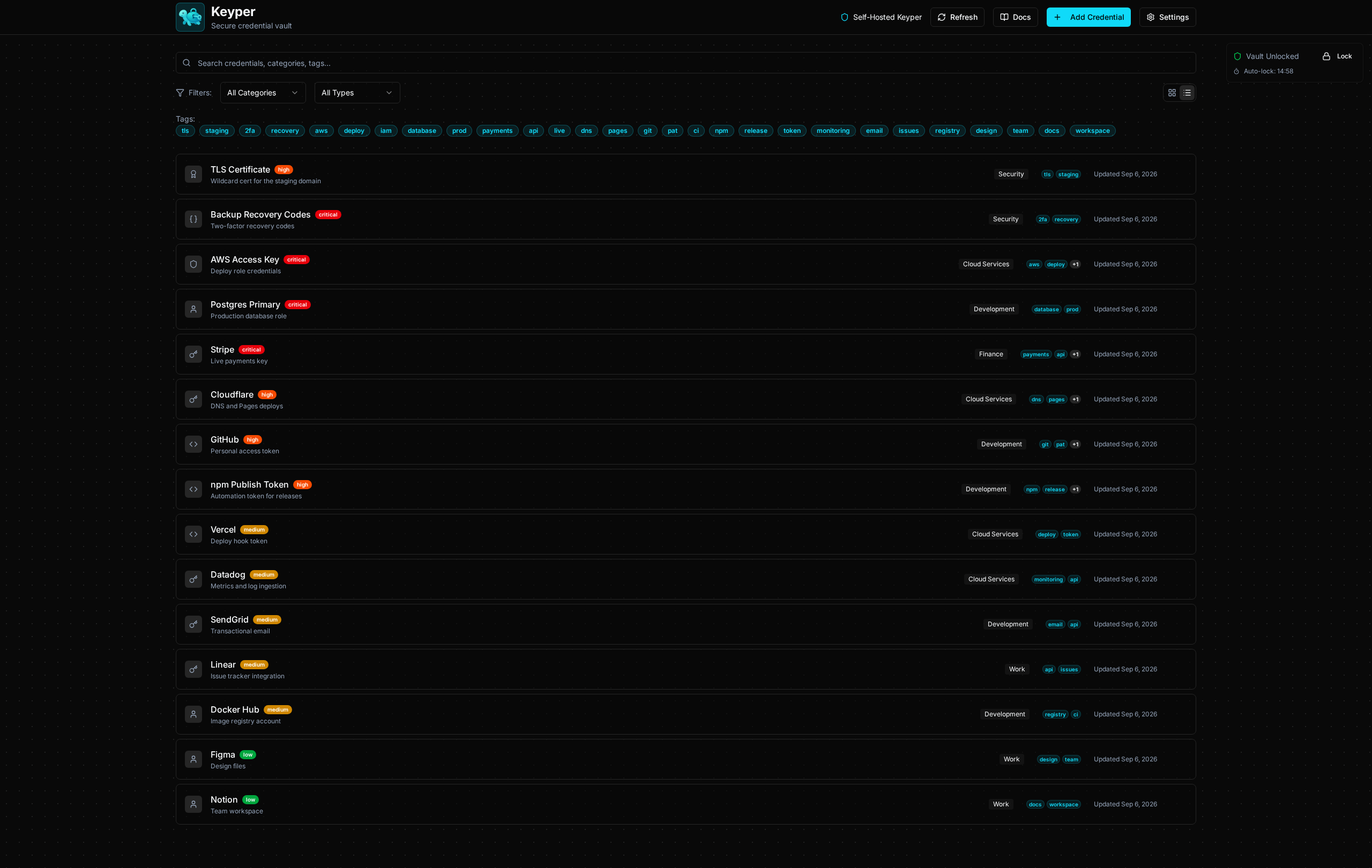
.pdf, .doc, .docx, .odt, .txt, .md.txt, .md, text/*) can be previewed inline in credential detail viewTO authenticated and owner_id = auth.uid(), so the anon key on its own reads nothingGood to know: encryption covers the secret values themselves. Titles, usernames, URLs, notes, tags and categories are stored as regular text so Keyper can search and sort them. See Security model for what each layer covers.
Get Keyper running on your own infrastructure in under 5 minutes!
# Install Keyper globally
npm install -g @pinkpixel/keyper

# Start the server (default port 4173)
keyper

# Or start with custom port
keyper --port 3000

# Open in your browser
# 🌐 http://localhost:4173 (or your custom port)
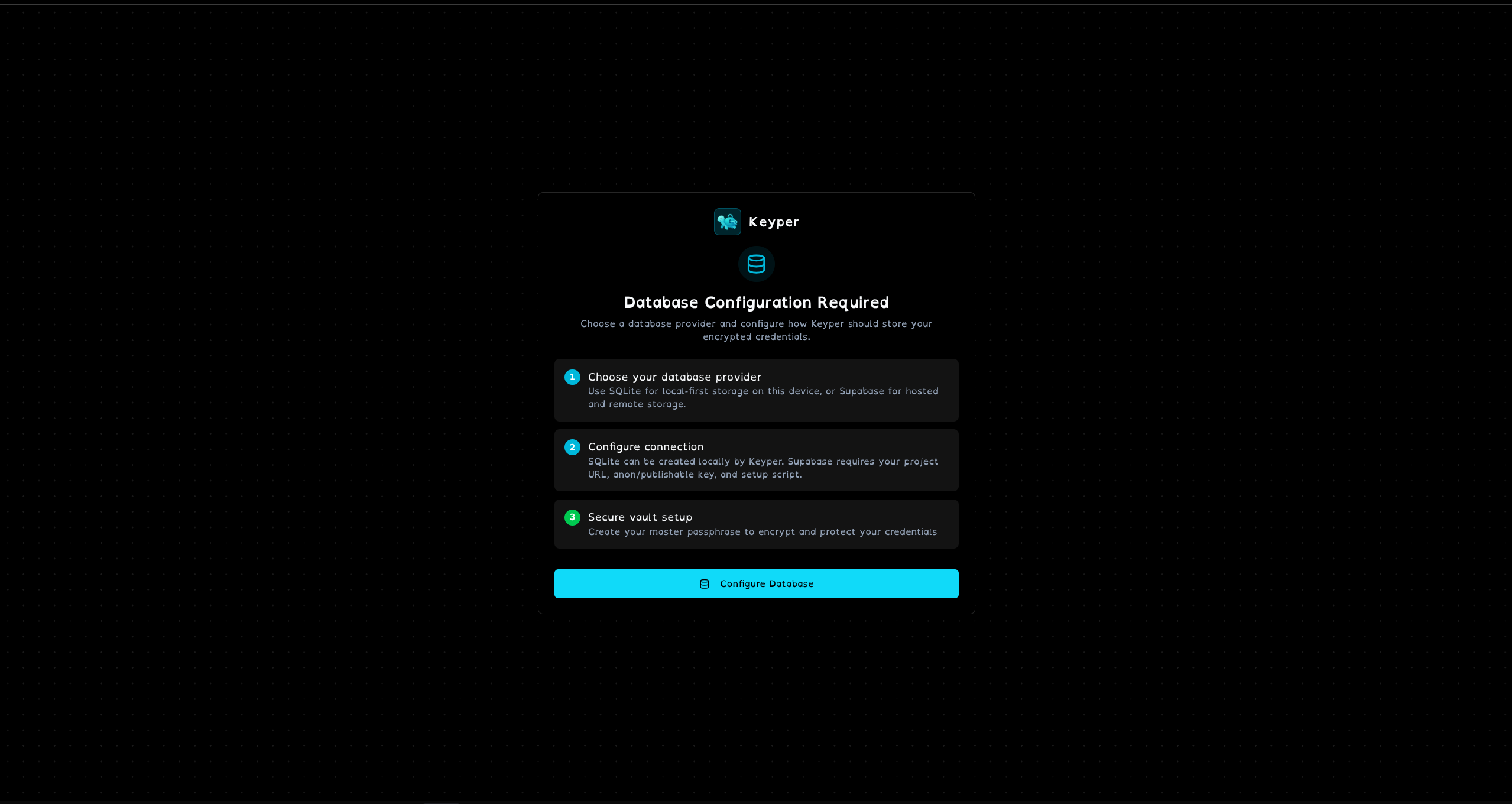
That's it! 🎉 Follow the in-app setup wizard to configure your database (choose SQLite for zero-config local storage, Supabase for hosted cloud storage, or Neon for cloud/local Postgres).
Want to try Keyper before installing? Visit our hosted demo:
Just enter your own Supabase credentials and start managing your encrypted credentials instantly! Your data stays completely private since all encryption happens in your browser.
Demo Usage:
Note: The demo uses the same secure architecture as self-hosted Keyper. Your Supabase credentials are stored only in your browser's localStorage and never transmitted to our servers.
npm install -g @pinkpixel/keyper
Available Commands:
keyper - Start Keyper serverkeyper --port 3000 - Start on custom portkeyper --help - Show help and usagecredential-manager - Alternative commandkeyper-dashboard - Another alternativenpx @pinkpixel/keyper
git clone https://github.com/pinkpixel-dev/keyper.git
cd keyper
npm install
npm run build
npm start
Run Keyper as a containerised web app — no Node.js required on the host!
Quick Start (Docker Hub)
docker run -d -p 8080:80 --name keyper --restart unless-stopped pinkpixeldev/keyper:latest
Build Locally (Docker Compose)
# Clone the repo
git clone https://github.com/pinkpixel-dev/keyper.git
cd keyper

# Build & start (serves on http://localhost:8080)
docker compose up -d

# Or on a custom port
HOST_PORT=3030 docker compose up -d

# Force rebuild after source changes
docker compose up -d --build

# Stop
docker compose down

# Follow logs
docker compose logs -f
Note: Keyper stores all configuration (Supabase credentials, Neon connection strings, or SQLite provider selection) in browser
localStorage— no environment variables or volumes are required.
Run Keyper as a native desktop app on Windows or Linux!
| Platform | Package | Download |
|---|---|---|
| Windows | NSIS installer | Keyper.Setup.v1.3.3-win-x64.exe |
| Linux | AppImage (ARM64) | Keyper-1.3.3-arm64.AppImage |
| Linux | AppImage (AMD64) | Keyper-1.3.3-x86_64.AppImage |
| Linux (Debian/Ubuntu) | .deb (x86_64) |
keyper_1.3.3_amd64.deb |
| Linux (Debian/Ubuntu) | .deb (ARM64) |
keyper_1.3.3_arm64.deb |
Older versions are on the GitHub releases page.
git clone https://github.com/pinkpixel-dev/keyper.git
cd keyper
npm install
npm run electron:preview
# desktop packaging from source
npm run electron:build:linux   # AppImage + deb
npm run electron:build:win     # NSIS installer
Installers are output to dist-electron/.
📖 → Read the full Migration Guide
If you already use Keyper with Supabase, please read MIGRATION.md in full before you start. It is a five-minute read and it walks through every step with expected output and troubleshooting. Keyper also guides you through the same steps in the app.
1.3.0 needs a one-time database update before it will open an existing vault.
sql/supabase-setup.sql. That is for new installs only.Every script checks itself before changing anything, so running one out of order stops safely and tells you where to go back to. Nothing half-applies.
Keyper now signs you in to an account before opening your vault, and stores your vault key in a stronger form.
pinkpixel-dev/keyper is a public repo on GitHub by pinkpixel-dev. 🔐 A self-hosted credential manager with zero-knowledge encryption, multi-user support, and emergency recovery. Store API keys, passwords, and secrets securely with your own database. Features AES-256-GCM encryption, Argon2 key derivation, PWA support, and professional-grade security architecture.
It declares no license on GitHub. Public does not mean open source: without a license, nobody is granted the right to reuse it.
OpenRouter for agent tools. Join community here: https://discord.gg/6mQYYfFMAn
RandomX, KawPow, CryptoNight and GhostRider unified CPU/GPU miner and RandomX benchmark
Reverse engineer anything with agents, from app behavior down to native binaries.
A list of Free Software network services and web applications which can be hosted on your own servers
Its maker tagged it for macOS, Windows and Linux, or as Docker or cross-platform. That is declared by the maker; Take My Repo has not tested it.
Open "Take it" on its page: Take My Repo writes an install plan for your machine and hands it to your AI agent (Claude Code, Codex or Cursor), which asks you before each step. Take My Repo has not tested it on any machine.
Its last change on GitHub was on 2026-11-17. GitHub counts 9 open issues and pull requests. Take My Repo does not judge from that whether it is maintained.
Nobody has reviewed it on Take My Repo yet, which says nothing about its quality.
Take My Repo cannot say: it does not audit code and has not run keyper. What is known comes from GitHub. It declares no license on GitHub. Public does not mean open source: without a license, nobody is granted the right to reuse it. Its last change was on 2026-11-17. It has 115 stars, which measure popularity, not safety. Nobody has reviewed it on Take My Repo yet, which says nothing about its quality. Read the source before you run it. With "Take it", your AI agent shows each step and asks you before running it; README text is treated as data, not as instructions.