
pterm
✨ PTerm is a modern Go module to easily beautify console output. Featuring charts, progressbars, tables, trees, text input, select menus and much more 🚀 It's completely configurable and 100% cross-platform compatible.
- 5.6k
- MIT
- 6 wk ago
Repo pterm/pterm, read from GitHub 20 h ago. pterm has not joined Take My Repo.
In short
pterm/pterm is a public repo on GitHub by pterm. ✨ PTerm is a modern Go module to easily beautify console output. Featuring charts, progressbars, tables, trees, text input, select menus and much more 🚀 It's completely configurable and 100% cross-platform compatible. It declares the MIT license on GitHub. It is written mainly in Go, has 5,571 stars and last changed on 2026-10-12. Nobody has reviewed it on Take My Repo yet, which says nothing about its quality. Read from GitHub on 2026-11-23.


💻 PTerm | Pretty Terminal Printer
A modern Go framework to make beautiful CLIs
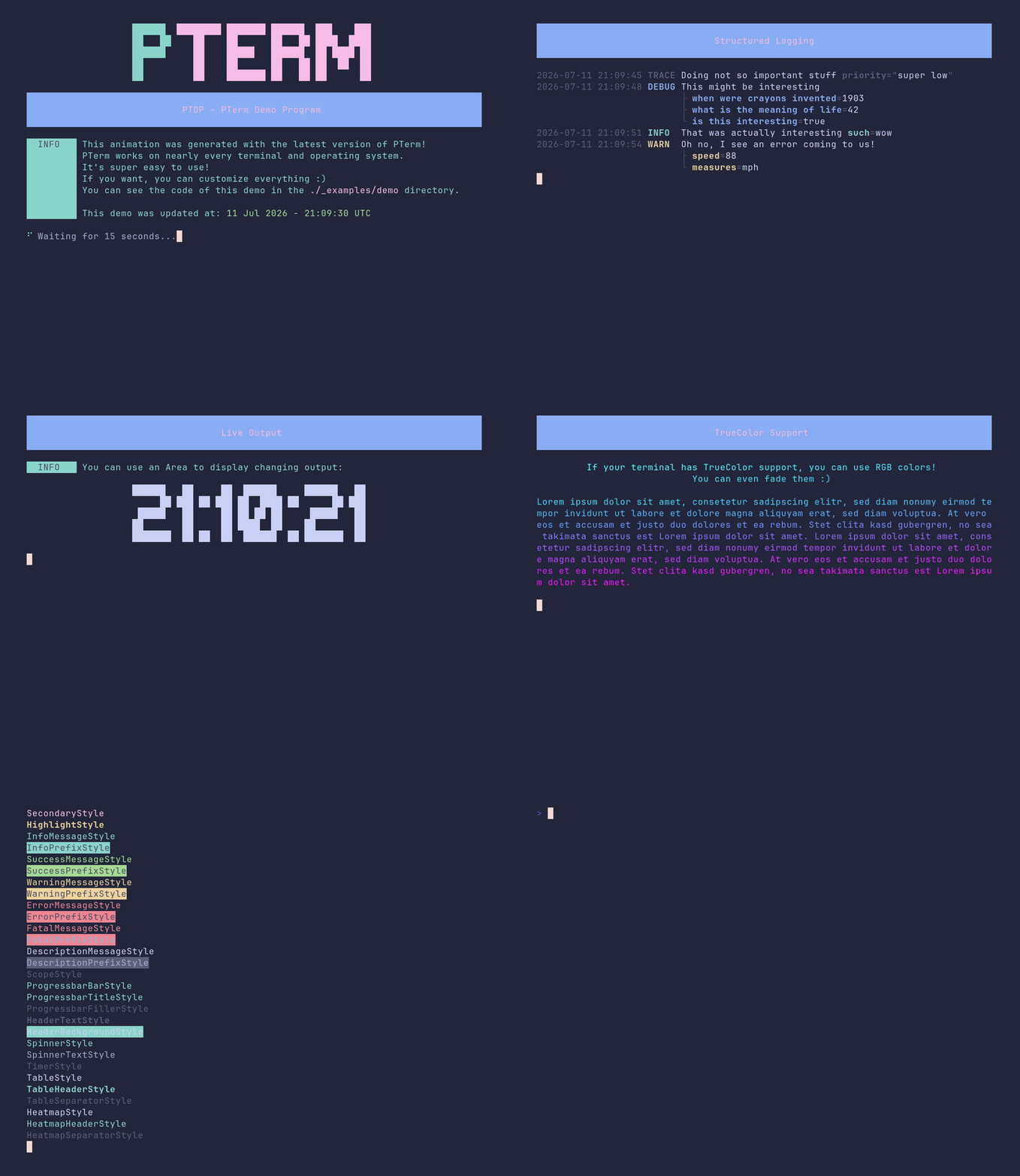
PTerm.sh | Installation | Getting Started | Documentation | Examples | Q&A | Discord
📦 Installation
To make PTerm available in your project, you can run the following command.
Make sure to run this command inside your project, when you're using go modules 😉
go get github.com/pterm/pterm
⭐ Main Features
| Feature | Description |
|---|---|
| 🪀 Easy to use | PTerm emphasizes ease of use, with examples and consistent component design. |
| 🤹♀️ Cross-Platform | PTerm works on various OS and terminals, including Windows CMD, macOS iTerm2, and in CI systems like GitHub Actions. |
| 🧪 Well tested | A high test coverage and 1538 automated tests ensure PTerm's reliability. |
| ✨ Consistent Colors | PTerm uses the ANSI color scheme for uniformity and supports TrueColor for advanced terminals. |
| 📚 Component system | PTerm's flexible Printers can be used individually or combined to generate beautiful console output. |
| 🛠 Configurable | PTerm is ready to use without configuration but allows easy customization for unique terminal output. |
| ✏ Documentation | Access comprehensive docs on pkg.go.dev and view practical examples in the examples section. |
Printers (Components)
| Feature | Feature | Feature | Feature | Feature |
|---|---|---|---|---|
| Area (Examples) |
Barchart (Examples) |
Basictext (Examples) |
Bigtext (Examples) |
Box (Examples) |
| Bulletlist (Examples) |
Center (Examples) |
Coloring (Examples) |
Header (Examples) |
Heatmap (Examples) |
| Interactive confirm (Examples) |
Interactive continue (Examples) |
Interactive multiselect (Examples) |
Interactive select (Examples) |
Interactive textinput (Examples) |
| Logger (Examples) |
Multiple-live-printers (Examples) |
Panel (Examples) |
Paragraph (Examples) |
Prefix (Examples) |
| Progressbar (Examples) |
Section (Examples) |
Slog (Examples) |
Spinner (Examples) |
Style (Examples) |
| Table (Examples) |
Test.sh (Examples) |
Theme (Examples) |
Tree (Examples) |
🦸♂️ Sponsors

🧪 Examples
|
‼️ You can find all the examples, in a much better structure and their source code, in "_examples" ‼️ Click on the link above to show the examples folder. |
area/demo
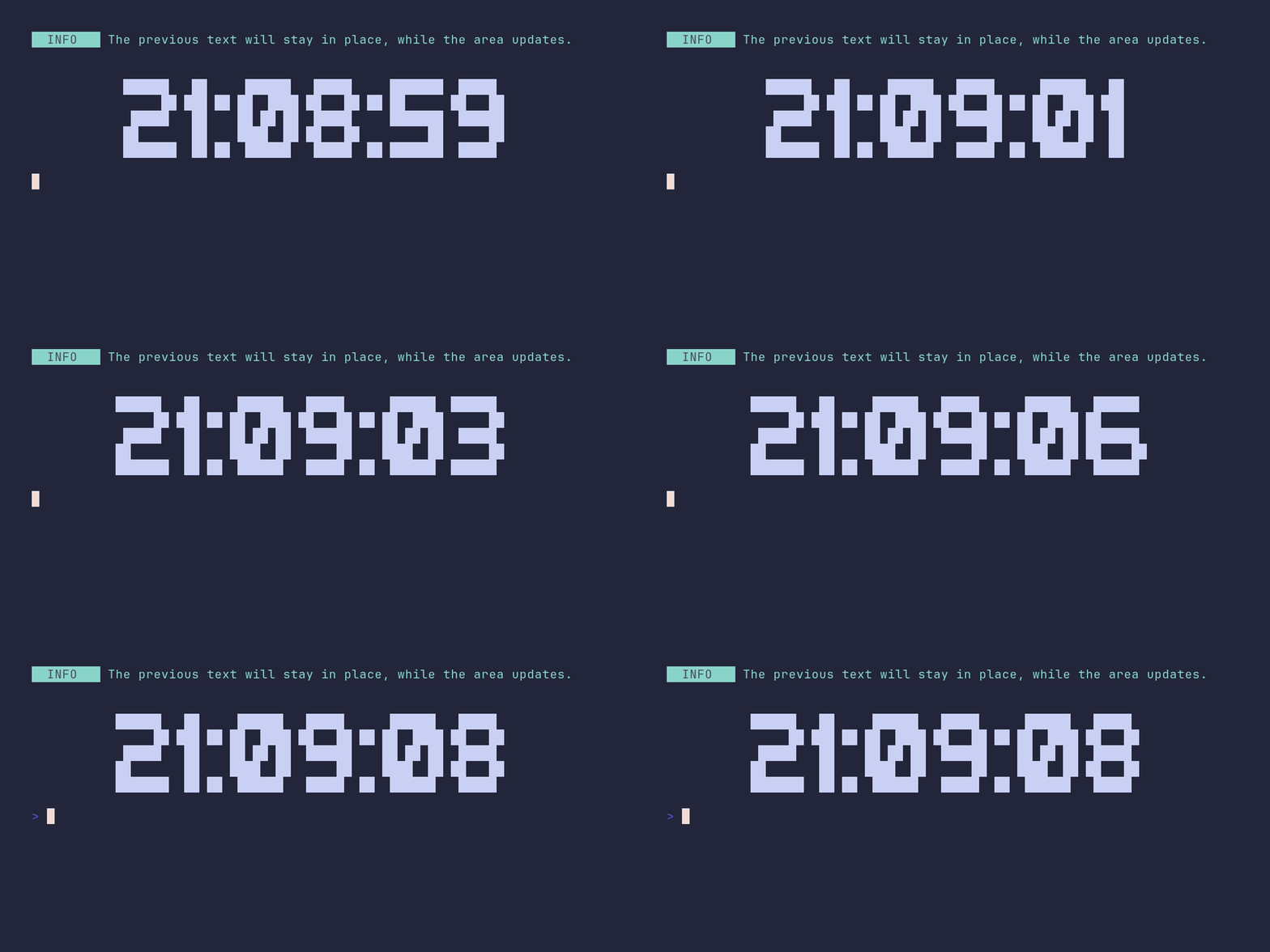
SHOW SOURCE
package main

import (
	"time"

	"github.com/pterm/pterm"
	"github.com/pterm/pterm/putils"
)

func main() {
	// A live clock: only the area redraws, anything printed before it stays put.
	pterm.Info.Println("The previous text will stay in place, while the area updates.")
	pterm.Print("\n\n")

	area, _ := pterm.DefaultArea.WithCenter().Start()

	for range 10 {
		// Render the current time as big letters into a string, then swap it
		// into the area. Srender returns the output instead of printing it.
		str, _ := pterm.DefaultBigText.WithLetters(putils.LettersFromString(time.Now().Format("15:04:05"))).Srender()
		area.Update(str)
		time.Sleep(time.Second)
	}

	area.Stop()
}
area/center
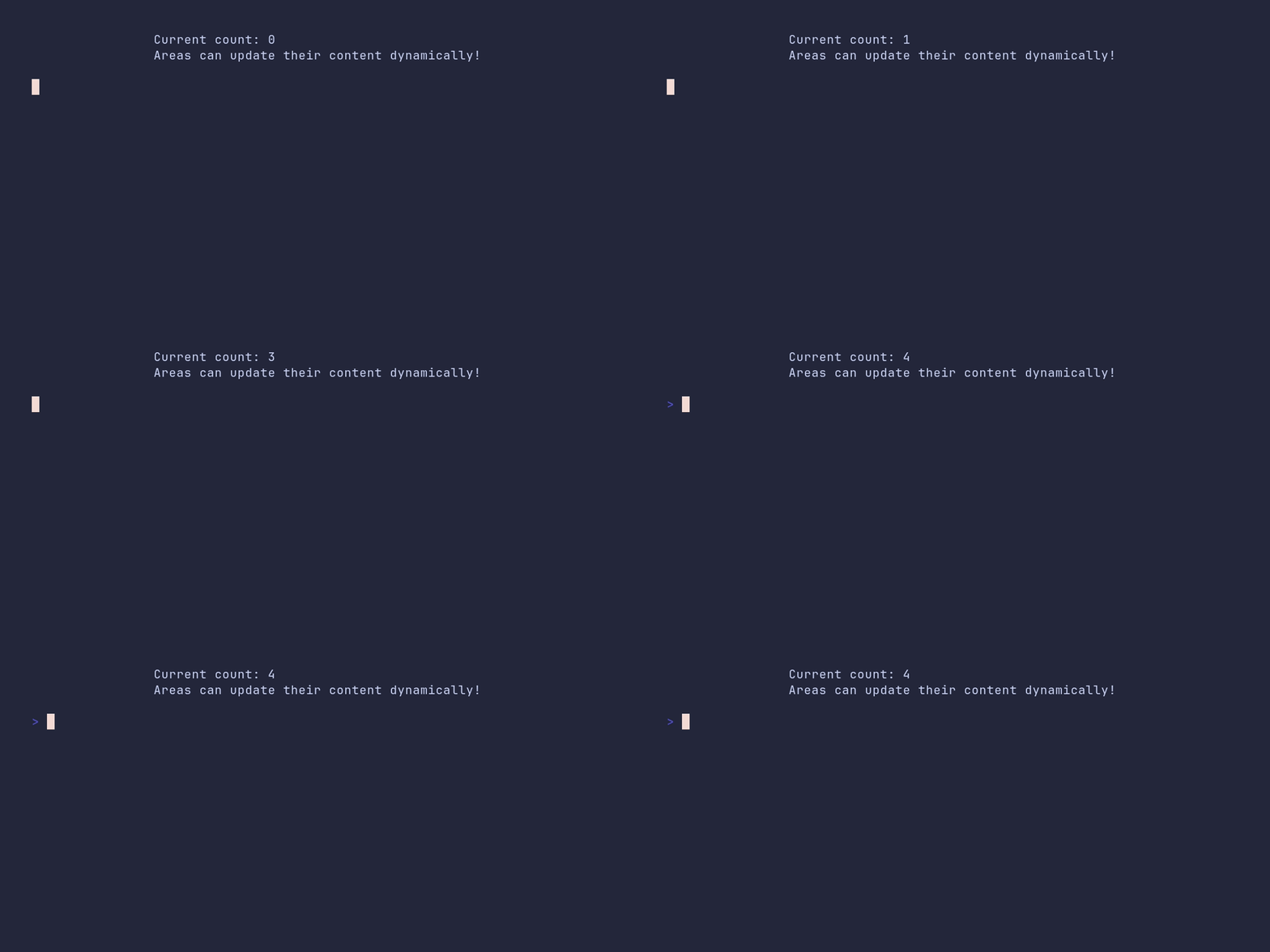
SHOW SOURCE
package main

import (
	"time"

	"github.com/pterm/pterm"
)

func main() {
	// WithCenter horizontally centers the area's content in the terminal.
	area, _ := pterm.DefaultArea.WithCenter().Start()

	// Each Update redraws the area in place instead of appending new lines.
	for i := range 5 {
		area.Update(pterm.Sprintfln("Current count: %d\nAreas can update their content dynamically!", i))
		time.Sleep(time.Second)
	}

	area.Stop()
}
area/default
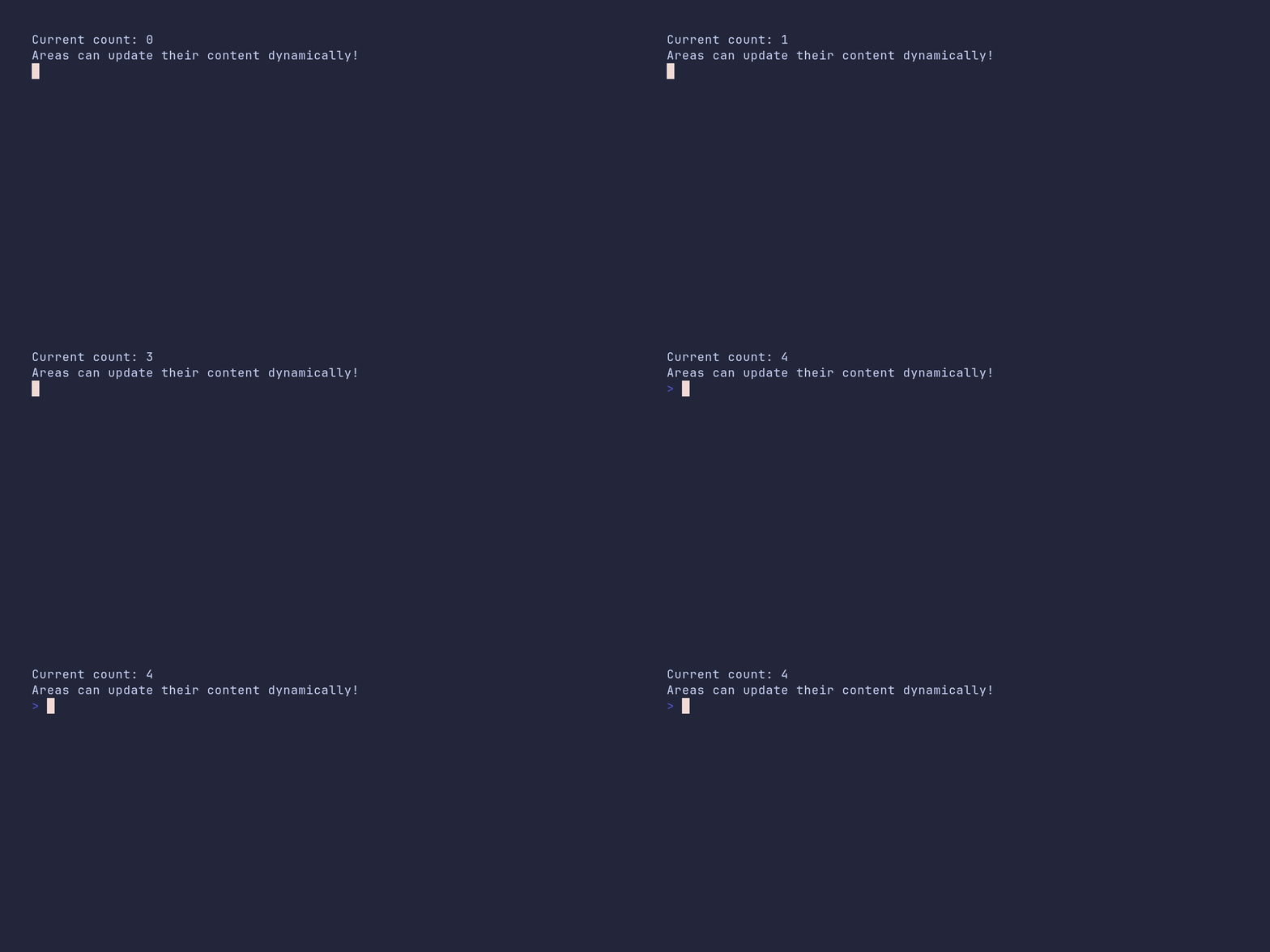
SHOW SOURCE
package main

import (
	"time"

	"github.com/pterm/pterm"
)

func main() {
	area, _ := pterm.DefaultArea.Start()

	// Each Update redraws the area in place instead of appending new lines.
	for i := range 5 {
		area.Update(pterm.Sprintfln("Current count: %d\nAreas can update their content dynamically!", i))
		time.Sleep(time.Second)
	}

	area.Stop()
}
area/dynamic-chart
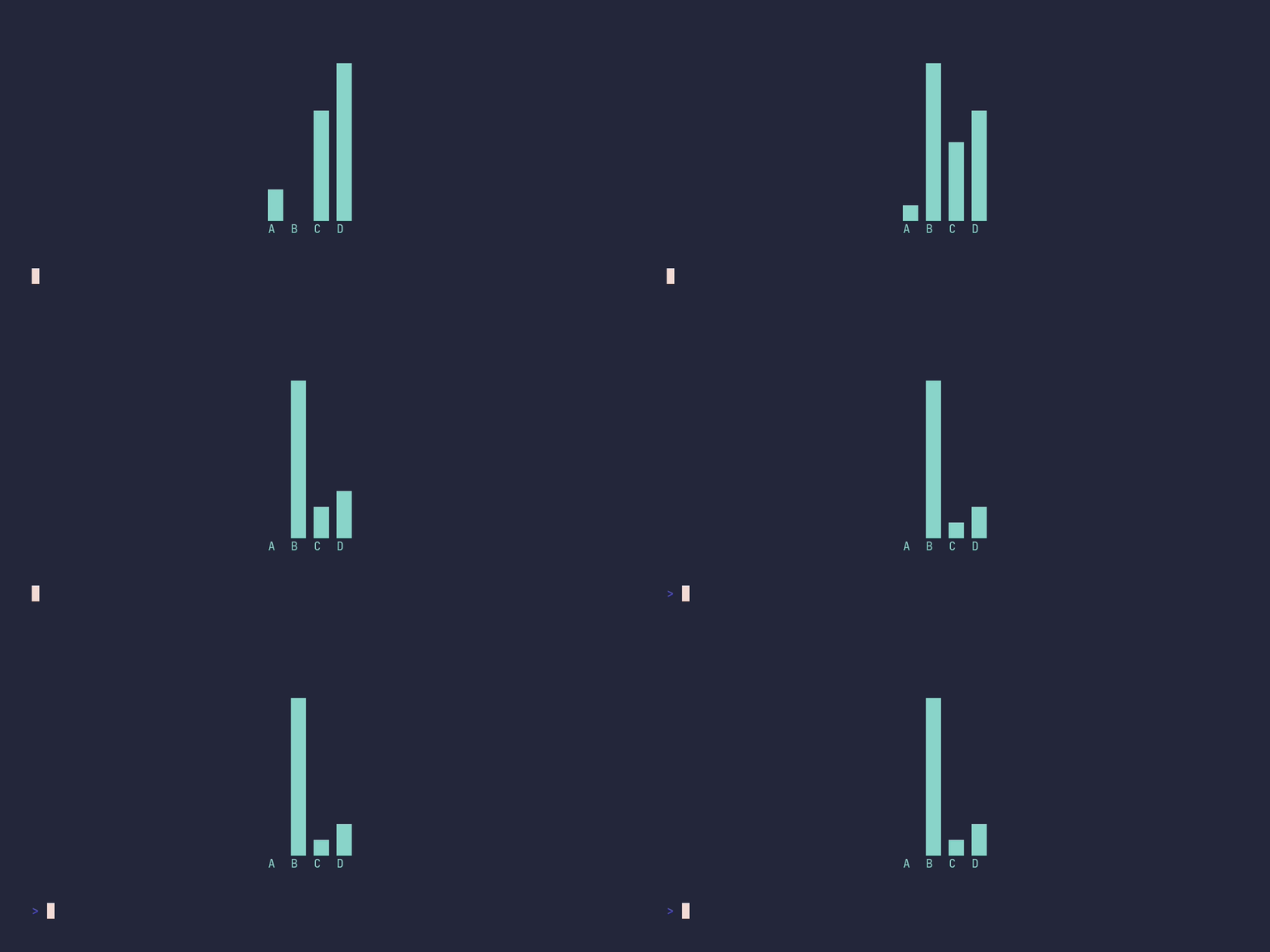
SHOW SOURCE
package main

import (
	"time"

	"github.com/pterm/pterm"
)

func main() {
	// A live bar chart: render the chart to a string each tick and let the
	// area redraw it in place. Fullscreen gives the area the whole terminal.
	area, _ := pterm.DefaultArea.WithFullscreen().WithCenter().Start()
	defer area.Stop()

	for i := range 10 {
		barchart := pterm.DefaultBarChart.WithBars(dynamicBars(i))
		content, _ := barchart.Srender()
		area.Update(content)
		time.Sleep(500 * time.Millisecond)
	}
}

// dynamicBars returns the chart data for the given tick. B and D grow over
// time, A and C stay constant.
func dynamicBars(i int) pterm.Bars {
	return pterm.Bars{
		{Label: "A", Value: 10},
		{Label: "B", Value: 20 * i},
		{Label: "C", Value: 30},
		{Label: "D", Value: 40 + i},
	}
}
area/fullscreen
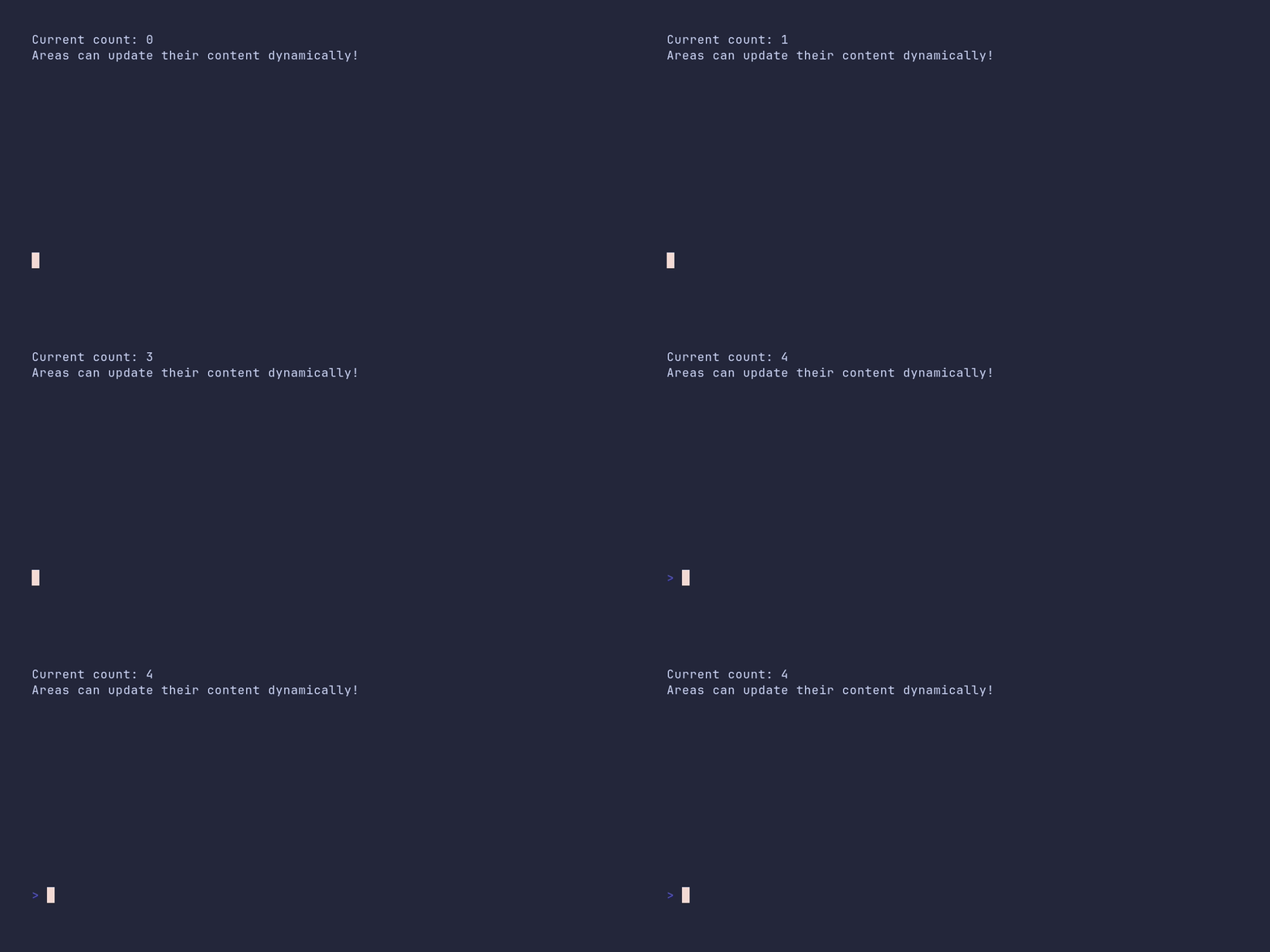
SHOW SOURCE
package main

import (
	"time"

	"github.com/pterm/pterm"
)

func main() {
	// Fullscreen clears the terminal and gives the area the whole screen.
	area, _ := pterm.DefaultArea.WithFullscreen().Start()

	// Each Update redraws the area in place instead of appending new lines.
	for i := range 5 {
		area.Update(pterm.Sprintf("Current count: %d\nAreas can update their content dynamically!", i))
		time.Sleep(time.Second)
	}

	// Stop clears the area and restores the terminal.
	area.Stop()
}
area/fullscreen-center
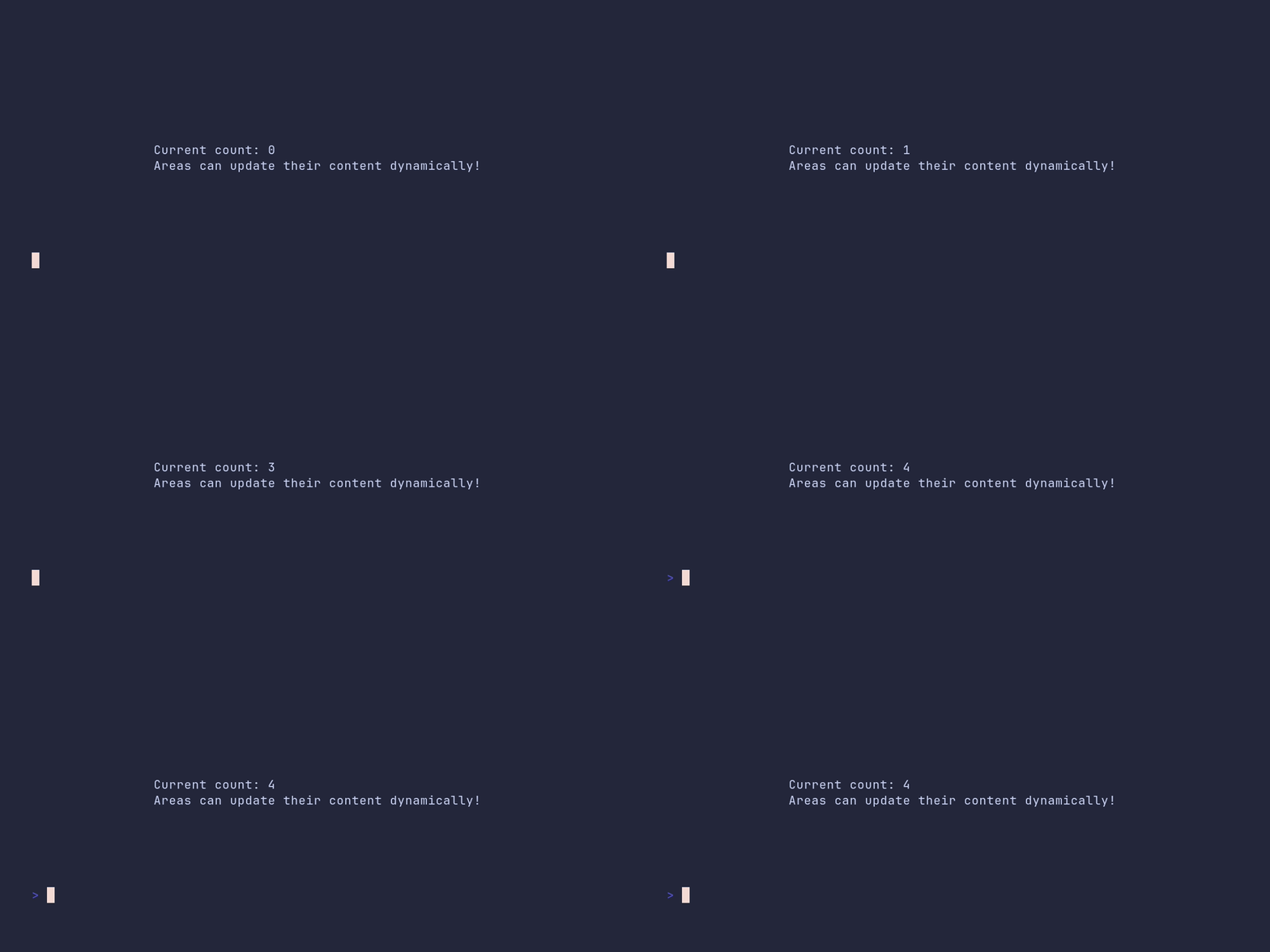
SHOW SOURCE
package main

import (
	"time"

	"github.com/pterm/pterm"
)

func main() {
	// Fullscreen takes over the whole terminal; WithCenter centers the
	// content within it.
	area, _ := pterm.DefaultArea.WithFullscreen().WithCenter().Start()

	// Each Update redraws the area in place instead of appending new lines.
	for i := range 5 {
		area.Update(pterm.Sprintf("Current count: %d\nAreas can update their content dynamically!", i))
		time.Sleep(time.Second)
	}

	// Stop clears the area and restores the terminal.
	area.Stop()
}
barchart/demo
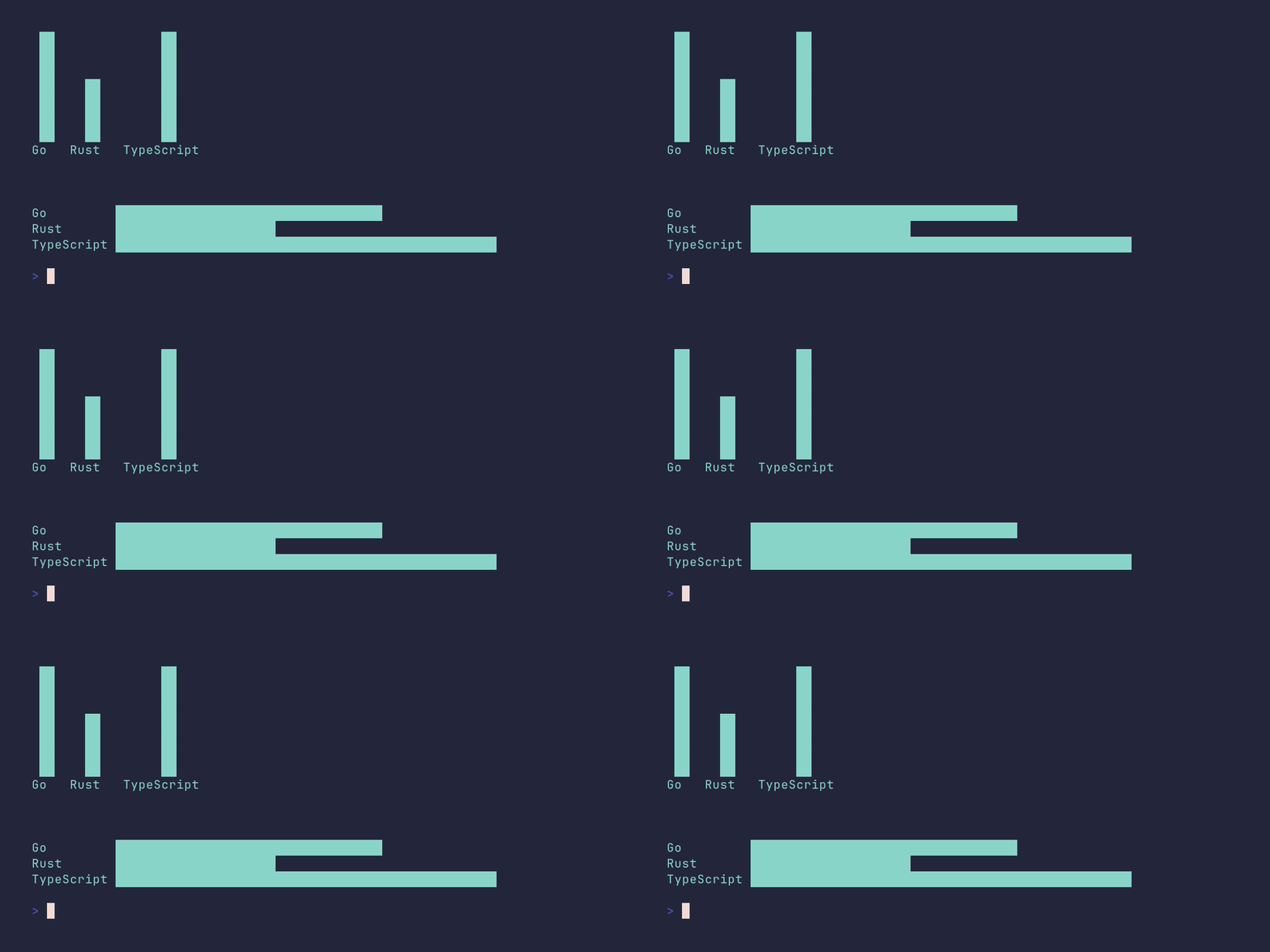
SHOW SOURCE
package main

import (
	"github.com/pterm/pterm"
)

func main() {
	// One deliberately longer label shows how the horizontal chart
	// aligns all bars to the widest label.
	bars := []pterm.Bar{
		{Label: "Go", Value: 5},
		{Label: "Rust", Value: 3},
		{Label: "TypeScript", Value: 7},
	}

	pterm.Info.Println("Chart example with positive values only (bars use the full chart area)")

	pterm.DefaultBarChart.WithBars(bars).Render()

	// The same data rendered horizontally.
	pterm.DefaultBarChart.WithHorizontal().WithBars(bars).Render()
}
barchart/custom-height
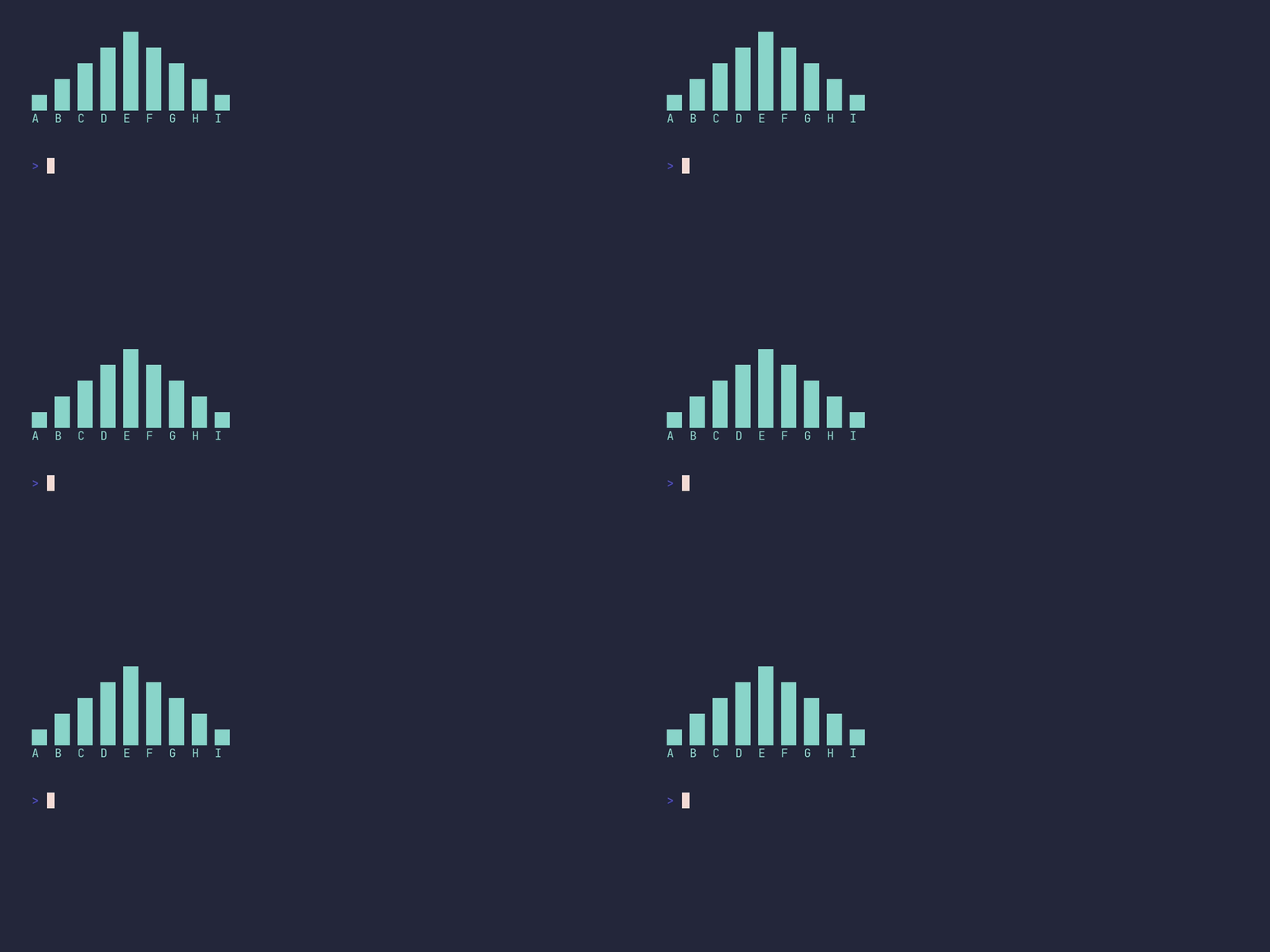
SHOW SOURCE
package main

import "github.com/pterm/pterm"

func main() {
	bars := []pterm.Bar{
		{Label: "A", Value: 10},
		{Label: "B", Value: 20},
		{Label: "C", Value: 30},
		{Label: "D", Value: 40},
		{Label: "E", Value: 50},
		{Label: "F", Value: 40},
		{Label: "G", Value: 30},
		{Label: "H", Value: 20},
		{Label: "I", Value: 10},
	}

	// WithHeight caps the chart at 5 rows; the bar values are scaled to fit.
	pterm.DefaultBarChart.WithBars(bars).WithHeight(5).Render()
}
Questions
What is pterm?
pterm/pterm is a public repo on GitHub by pterm. ✨ PTerm is a modern Go module to easily beautify console output. Featuring charts, progressbars, tables, trees, text input, select menus and much more 🚀 It's completely configurable and 100% cross-platform compatible.
Is pterm open source?
It declares the MIT license on GitHub.
Does pterm run on macOS, Windows or Linux?
Its maker tagged it for macOS and Windows. That is declared by the maker; Take My Repo has not tested it.
How do I install pterm?
Open "Take it" on its page: Take My Repo writes an install plan for your machine and hands it to your AI agent (Claude Code, Codex or Cursor), which asks you before each step. Take My Repo has not tested it on any machine.




