@red-hat-developer-hub/cli
This repository hosts the source code for the rhdh-cli utility, a new command-line interface designed to streamline the development, packaging, and distribution of dynamic plugins for Red Hat Developer Hub (RHDH).
This new CLI aims to offer more flexibility and ease of use compared to the previous @janus-idp/cli.
Tip
Command Migration
If you were previously using @janus-idp/cli, here are the corresponding new commands in rhdh-cli:
| Old Command |
New Command |
npx @janus-idp/cli package export-dynamic-plugin |
npx @red-hat-developer-hub/cli plugin export |
npx @janus-idp/cli package package-dynamic-plugins |
npx @red-hat-developer-hub/cli plugin package |
Migrating to 2.1.0
Version 2.1.0 is a breaking release for frontend plugin export. Scalprum support has been removed and frontend exports now use Backstage standard module federation and NFS metadata only.
Update frontend plugin scripts and CI jobs as follows:
- Remove
--scalprum-config, --generate-scalprum-assets, --no-generate-scalprum-assets, --generate-module-federation-assets, and --no-generate-module-federation-assets from rhdh-cli plugin export invocations. Standard module-federation assets are now generated automatically.
- Replace consumers of
dist-scalprum/plugin-manifest.json with the generated assets under dist/, including dist/remoteEntry.js, and use backstage.features for NFS feature metadata.
- Remove
dist-scalprum and related glob entries from frontend plugin files fields, and delete any checked-in or stale dist-scalprum output before exporting. CLI 2.1.0 warns about legacy Scalprum content; it does not provide a Scalprum fallback, so normal NFS build/export failures still fail the export.
- The legacy
plugin build and plugin start commands are no longer available.
plugin package requirements
The plugin package command stages each dist-dynamic plugin with npm pack and tar (via a short bash script). The following must be available on your PATH:
- bash — runs the pack/extract script
- npm (7 or newer) —
npm pack --pack-destination requires npm 7+
- tar — extracts the packed tarball into the staging directory
On Windows, use Git Bash or WSL so these tools are available.
When you build an OCI image with --tag (instead of exporting to a directory with --export-to), a container build tool must also be on PATH. podman is the default; you can select docker or buildah with --container-tool (for example --container-tool docker). Directory-only exports with --export-to do not need a container tool.
Checking Plugin Versions
Use plugin check-versions (or alias plugin versions:lint) to compare a plugin's @backstage/* dependencies with the Backstage release used by an RHDH version:
rhdh-cli plugin check-versions --rhdh-version 2.0.0
Use --json for machine-readable output. To target a Backstage version directly, prefix it with backstage:, for example --rhdh-version backstage:1.54.0.
For air-gapped environments, provide a local release manifest with --manifest-file. --manifest-file avoids the Backstage manifest download; also set RHDH_OFFLINE=true to skip the RHDH GitHub metadata lookup.
When adding support for a new RHDH release, update RHDH_COMPATIBILITY_MATRIX in src/lib/rhdhVersion.ts with its Backstage version before releasing the corresponding CLI version. This matrix is maintained manually until its release metadata can be automated.
For full auditing details, exit codes, and CI pipeline recipes, see the Plugin Development Guide.
Upgrading Plugin Versions
Use plugin upgrade (or alias plugin versions:bump) to update a plugin's @backstage/* dependencies to the versions from an RHDH release manifest:
rhdh-cli plugin upgrade --rhdh-version 2.0.0
The command also accepts the RHDH version as a positional argument, for example rhdh-cli plugin upgrade 2.0.0. Its plugin versions:bump alias provides the same behavior.
Use --dry-run to preview dependency changes without writing files and --skip-install to avoid updating the lockfile after applying changes. Use --json for machine-readable output.
For air-gapped environments, provide a local Backstage release manifest with --manifest-file and set RHDH_OFFLINE=true to skip the RHDH GitHub metadata lookup.
For advanced upgrade options and lockfile details, see the Plugin Development Guide.
Creating a Plugin
Use plugin new to create a standalone, version-pinned dynamic plugin project:
rhdh-cli plugin new my-plugin --type frontend --rhdh-version 2.1.0
Supported types are frontend (a New Frontend System, or NFS, page), backend (a minimal new-backend-system plugin), and catalog-processor-module (a catalog processor module). Frontend and backend projects include a dev/ harness and yarn start for isolated development; catalog processor modules do not because they require a host backend plugin. Use --name <plugin-name> as an alternative to the positional name, and --output <directory> to select a destination. Use --plugin-package <package-name> to set the generated package name; it defaults to @internal/backstage-plugin-<name>. The generated project uses the target RHDH release's Backstage manifest for every @backstage/* dependency. For air-gapped environments, provide --manifest-file and set RHDH_OFFLINE=true. Export and package generated plugins with npx @red-hat-developer-hub/cli, or through RHDH Dynamic Plugin Factory, rather than adding the CLI as a project dependency.
For complete template details and configuration options, see the Plugin Development Guide.
Development
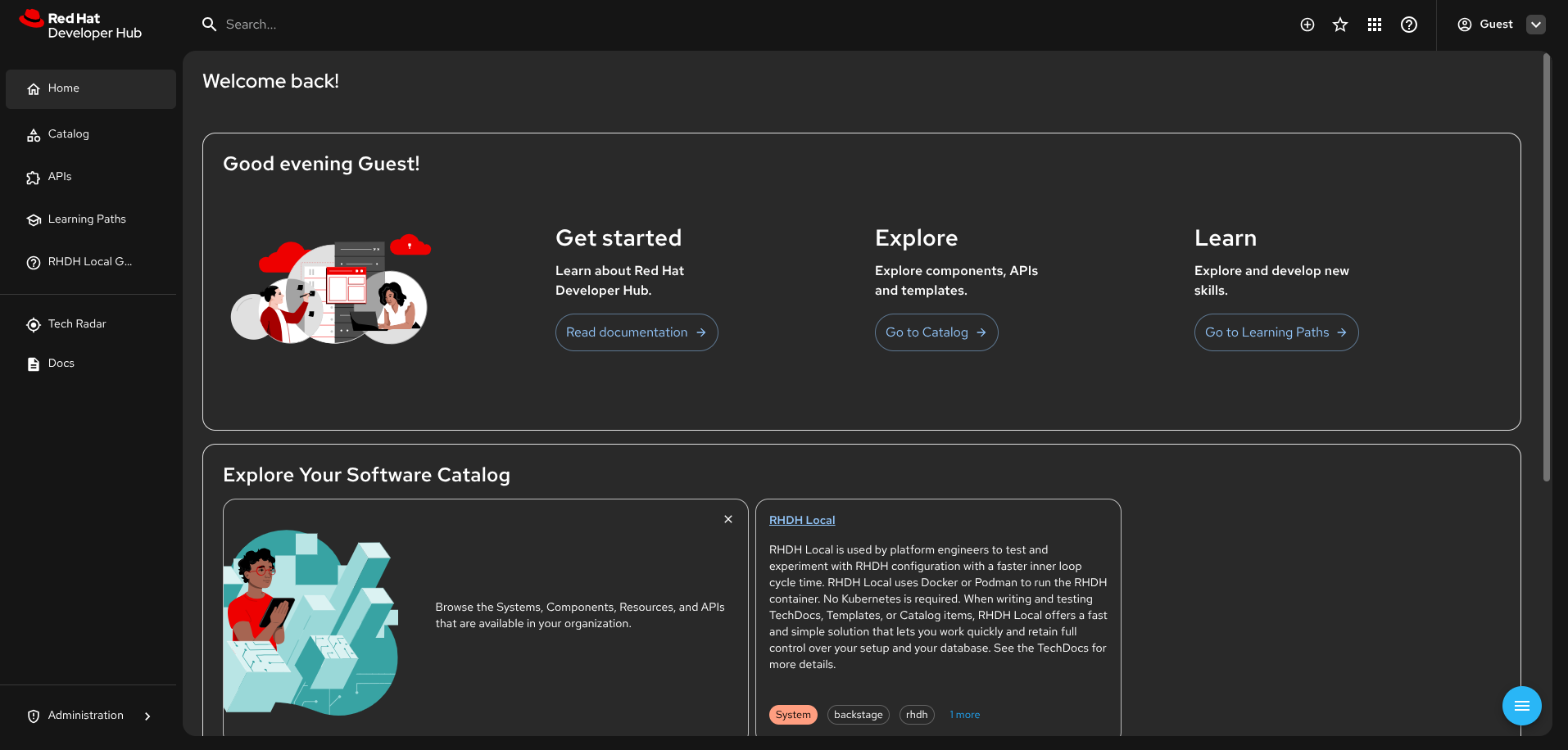
Testing a Plugin in RHDH Local
Use plugin dev from a generated or existing dynamic plugin project to export it and run it against an existing RHDH Local checkout. The command requires the checkout path on its first use:
rhdh-cli plugin dev start --configure --rhdh-local-dir /path/to/rhdh-local
--configure adds the CLI-managed plugin configuration include without replacing existing user configuration. Set RHDH_LOCAL_DIR to avoid repeating the path. start prints four labeled phases ([1/4] build/export, [2/4] start the runtime, [3/4] install plugins, [4/4] wait for readiness) and blocks until RHDH responds, printing the URL to open once it's ready.
After changing plugin source, refresh the staged plugin and RHDH service with:
rhdh-cli plugin dev update
update and restart require the runtime to already be running — start it first with plugin dev start, or they fail fast with an actionable message instead of a raw compose/container error. Like start, update blocks until RHDH is reachable again (up to two minutes) and prints the URL on success.
Pass --watch to start or update to keep the CLI running: it watches src/, package.json, and tsconfig.json and automatically re-exports, re-stages, and restarts the runtime on every change, so you don't have to re-run update by hand.
rhdh-cli plugin dev start --watch
# or, once the runtime is already up:
rhdh-cli plugin dev update --watch
Use rhdh-cli plugin dev status for the interpreted runtime state, rhdh-cli plugin dev logs for application logs, and rhdh-cli plugin dev logs --installer to diagnose installation failures. To restart the RHDH service after changing RHDH Local configuration (without re-deploying the plugin), use rhdh-cli plugin dev restart. Stop the runtime with rhdh-cli plugin dev stop; add --clean to remove containers and networks while retaining volumes, configuration, and plugin artifacts. The default container tool is podman; pass --container-tool docker if your environment uses Docker instead.
The CLI manages a single plugin entry in configs/dynamic-plugins/rhdh-cli.generated.local.yaml. Each start or update run overwrites this file with the current plugin's package path, disabled flag, and pull policy. Extra pluginConfig for the plugin (such as app-config keys) belongs in dynamic-plugins.override.yaml under a plugins: entry for the same package, not in the generated file.
For full lifecycle workflows, configuration automation, and watch mode details, see the Plugin Development Guide.
Contributing
See CONTRIBUTING.md for local development setup, coding guidelines, changelog discipline, versioning strategy, and the release process.
Build and Run Locally
To build the project locally:
You can run the CLI locally by pointing to the bin/rhdh-cli file:
or when executing from the project root you can also use:
npx @red-hat-developer-hub/cli
Commands
The CLI provides two categories of commands:
Plugin Development Commands
plugin new: Scaffold a standalone, version-pinned dynamic plugin projectplugin dev: Export a dynamic plugin and manage its lifecycle against an existing RHDH Local runtime (start, update, restart, stop, logs, status)plugin check-versions (alias: plugin versions:lint): Audit plugin dependencies against target RHDH Backstage release manifestsplugin upgrade (alias: plugin versions:bump): Upgrade plugin dependencies to match a target RHDH releaseplugin export: Export a Backstage plugin as a dynamic pluginplugin package: Package dynamic plugins for distribution
Intent-Based RHDH Interaction Commands
High-level commands for interacting with RHDH instances:
auth: Log in to, select, inspect, and manage authenticated RHDH instancesactions: List and execute actions, and manage action-discovery sourcescatalog: List, get, validate, register, and unregister catalog entitiesapi: List API entities and retrieve their OpenAPI/AsyncAPI/GraphQL specificationssearch: Search catalog, TechDocs, and template contentdocs: Search TechDocs and, on RHDH instances with optional plugins, list entities, retrieve pages, and view coveragetemplate: List, execute, and dry-run software templates
Quick Examples:
# Authenticate with your RHDH instance
rhdh-cli auth login --backend-url https://rhdh.example.com

# List production components
rhdh-cli catalog list --kind Component --filter spec.lifecycle=production

# Search documentation
rhdh-cli search "deployment guide" --types '["techdocs"]'

# Get API specification
rhdh-cli api get-spec my-api

# Execute a template
rhdh-cli template execute \
  template:default/nodejs-service \
  --value name=my-app \
  --value owner=team-platform
All commands support --help for detailed usage and --output json for machine-readable output.
📚 For complete documentation, setup guides, and examples, see:
Optional TechDocs Features
TechDocs content retrieval (docs list, docs get, docs coverage, docs build):
- Requires TechDocs MCP extras plugin (
techdocs-mcp-extras)
- See the CLI documentation for setup instructions
TechDocs search (docs search):
- Requires TechDocs search backend module (
search-backend-module-techdocs)
- Standard Backstage plugin for indexing TechDocs content
All other commands work without these optional plugins.
Versioning Strategy and Release Process
See CONTRIBUTING.md for the versioning strategy, changelog discipline, and step-by-step release process including how to trigger the npm publish workflow.
Reporting Issues
If you encounter any bugs or have feature requests, please report them through our Jira Project Red Hat Developer Hub (RHIDP)