nocodb
Deploy NocoDB (open source Airtable alternative) on Render
- 0
- MIT
- 2 wk ago
Repo render-examples/nocodb, read from GitHub 47 min ago. render-examples has not joined Take My Repo.
In short
render-examples/nocodb is a public repo on GitHub by render-examples. Deploy NocoDB (open source Airtable alternative) on Render. It declares the MIT license on GitHub. It has 0 stars and last changed on 2026-11-07. Nobody has reviewed it on Take My Repo yet, which says nothing about its quality. Read from GitHub on 2026-11-23.
NocoDB on Render
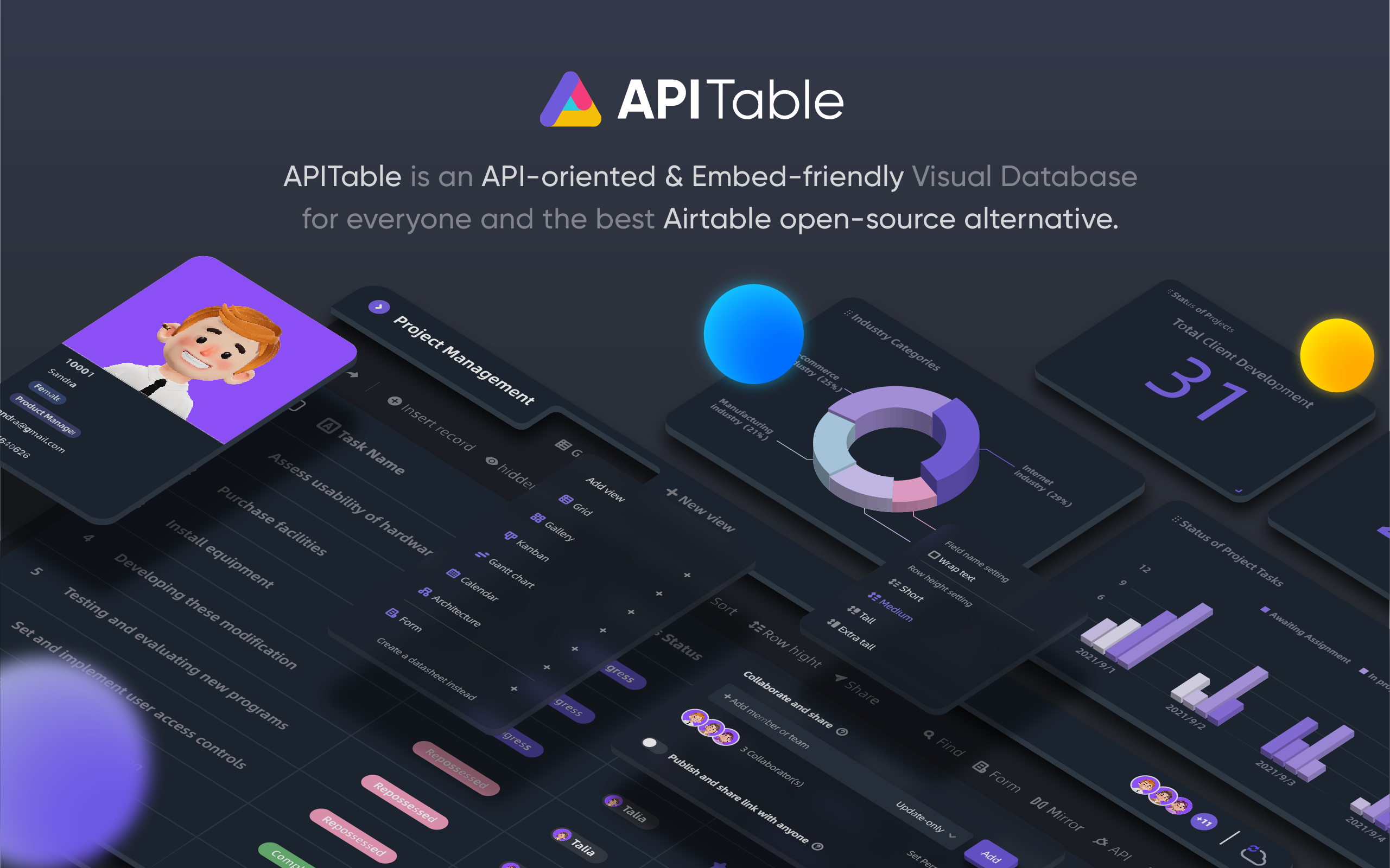
An open source Airtable alternative. Spreadsheet views, forms, and a REST API on top of your own Postgres. This repo is the Blueprint. The app runs from the official NocoDB Docker image.

What This Template Shows
This repository does not contain the NocoDB source. The service pulls the official image from Docker Hub at a pinned version. To upgrade, change the tag in render.yaml and push.
| Piece | Role |
|---|---|
| NocoDB | Grid, gallery, kanban, form, and calendar views. REST API, webhooks, and automations. |
nocodb (Web Service) |
The app and API. Runs background jobs in-process. |
nocodb-db (Render Postgres) |
NocoDB metadata and the tables you create. |
nocodb-data (Persistent disk) |
Uploaded attachments at /usr/app/data. |
Architecture
flowchart LR
  user["Browser / API client"] --> app["nocodb"]
  app --> db[("nocodb-db")]
  app --> disk[("nocodb-data")]
  app -.->|optional| ext[("Your other databases")]
  hub["Docker Hub: nocodb/nocodb:2026.10.1"] --> app
How It Works
- Click Deploy to Render. The flow copies this repo into your GitHub account and applies
render.yaml. - On Apply, enter
NC_ADMIN_EMAIL. Render creates the database and disk and generates the admin password and encryption key. - NocoDB starts, migrates its metadata in Postgres, and creates the super admin from
NC_ADMIN_EMAILandNC_ADMIN_PASSWORD. - Copy
NC_ADMIN_PASSWORDfrom the service's Environment page and sign in.
| Resource | Type | Plan | Notes |
|---|---|---|---|
nocodb |
Web, image | Standard | Disk at /usr/app/data, 1 GB. Health: /api/v1/health. Single instance. |
nocodb-db |
Postgres 16 | Basic 256 MB | Internal connections only. |
Default region: Oregon.
Why no Redis or worker
Upstream's newer Docker Compose examples add Redis and a separate worker container. The community edition does not use them: it runs background jobs in an in-process queue. Redis only matters for multiple app instances, and a single instance keeps the attachment disk simple.
Quick Start
- Click Deploy to Render above.
- Enter
NC_ADMIN_EMAIL. - Wait until
nocodbis Live. - Copy
NC_ADMIN_PASSWORDfrom the Environment page and sign in at the service URL. - Optional: change the password in Account settings. The env var only creates the account on first boot.
curl -fsS "https://<nocodb>.onrender.com/api/v1/health"
Configuration
| Variable | Source | Description |
|---|---|---|
NC_ADMIN_EMAIL |
Required | Super admin email. |
NC_ADMIN_PASSWORD |
Generated | Super admin password for the first sign-in. |
NC_CONNECTION_ENCRYPT_KEY |
Generated | Encrypts credentials for external databases you connect. Do not rotate it after you add one. |
DATABASE_URL |
Wired | Internal URL of nocodb-db. |
NC_PUBLIC_URL |
Wired | The service's RENDER_EXTERNAL_URL. Used in emails, shared links, and webhooks. |
NC_SECURE_ATTACHMENTS |
Blueprint | true. Attachments load through expiring signed URLs, not public /download/... paths. |
NC_DISABLE_TELE |
Blueprint | true. Turns off telemetry. |
NC_DISABLE_MUX |
Blueprint | true. Upstream's recommended setting for self-hosting. |
NC_SMTP_* |
Optional | Invite and password-reset emails. See .env.example. |
generateValue runs once, on the first Blueprint apply. NocoDB generates its own JWT signing key and stores it in Postgres.
Cost
Prices from Render's pricing page.
| Resource | Approx. monthly |
|---|---|
nocodb (Standard, 2 GB) |
$25 |
nocodb-db (Basic 256 MB) |
$6 |
| 1 GB disk | $0.25 |
| Total | ~$31.25 |
Standard is the floor. NocoDB used about 775 MB right after startup, which is more than Starter's 512 MB.
Troubleshooting
| Problem | Solution |
|---|---|
First deploy fails with ECONNREFUSED ...:5432 |
The service started before nocodb-db accepted connections. Render retries, or wait for the database to be Available and click Manual Deploy. |
Logs show Proxy server listening on port 5433 |
NocoDB's Data Reflection feature, a Postgres-protocol proxy to your tables. Render only routes public traffic to 8080, so 5433 is reachable only from your private network. |
| Admin sign-in fails | The account is created on first boot only. Use the password from the Environment page, or reset it from the sign-in page if SMTP is set. |
| Uploaded files disappear after a deploy | Confirm the disk is mounted at /usr/app/data. |
| Shared links or emails point at the wrong host | NC_PUBLIC_URL must be the public URL. Update it after you add a custom domain. |
| External database connections fail after a change | NC_CONNECTION_ENCRYPT_KEY changed. Restore the old value. |
| Deploy takes about a minute of downtime | Expected. A service with a disk stops the old instance before it starts the new one. |
Project Structure
render.yaml       Blueprint. One image-backed web service, a disk, and Postgres.
README.md         This file
LICENSE           Wrapper license
.env.example      Value the deploy form asks for, and optional extras
Learn More
License
MIT for this wrapper.
NocoDB is licensed under the Sustainable Use License. You can use it for your own internal business purposes or for personal and non-commercial use. You cannot resell it or offer it to others as a paid service.
Questions
What is nocodb?
render-examples/nocodb is a public repo on GitHub by render-examples. Deploy NocoDB (open source Airtable alternative) on Render.
Is nocodb open source?
It declares the MIT license on GitHub.
Does nocodb run on macOS, Windows or Linux?
Its maker tagged it for macOS, Windows and Linux, or as Docker or cross-platform. That is declared by the maker; Take My Repo has not tested it.
How do I install nocodb?
Open "Take it" on its page: Take My Repo writes an install plan for your machine and hands it to your AI agent (Claude Code, Codex or Cursor), which asks you before each step. Take My Repo has not tested it on any machine.
Is nocodb still maintained?
Its last change on GitHub was on 2026-11-07. Take My Repo does not judge from that whether it is maintained.
What do people who ran nocodb say?
Nobody has reviewed it on Take My Repo yet, which says nothing about its quality.