
Resolute
The maintainer has not written a description at the source.
- 99
- GPL-3.0
- 7 d ago
Repo rizonesoft/Resolute, read from GitHub 20 h ago. rizonesoft has not joined Take My Repo.
In short
rizonesoft/Resolute is a public repo on GitHub by rizonesoft. It declares the GPL-3.0 license on GitHub. It is written mainly in Python, has 99 stars and last changed on 2026-11-18. Nobody has reviewed it on Take My Repo yet, which says nothing about its quality. Read from GitHub on 2026-11-24.


Resolute
Windows repair and system tools that fix the problem, show what they changed, and can put it back.
Resolute is Rizonesoft's suite of Windows system utilities: a launcher and a set of repair and maintenance tools, each of which also ships on its own. It is being rewritten in C++ from a mature AutoIt suite that still ships, so that every tool shares one framework, scales to any display, follows the system's light or dark theme, and records what it changes so it can undo it.
Contents
Who is it for?
People who look after Windows machines, their own or other people's, and want a tool that fixes a broken network stack, a drive Windows no longer sees or a file they cannot open, without guessing what it did. And contributors who want to build Windows tools in modern C++ against one shared framework rather than fourteen copies of one.
What does it look like?
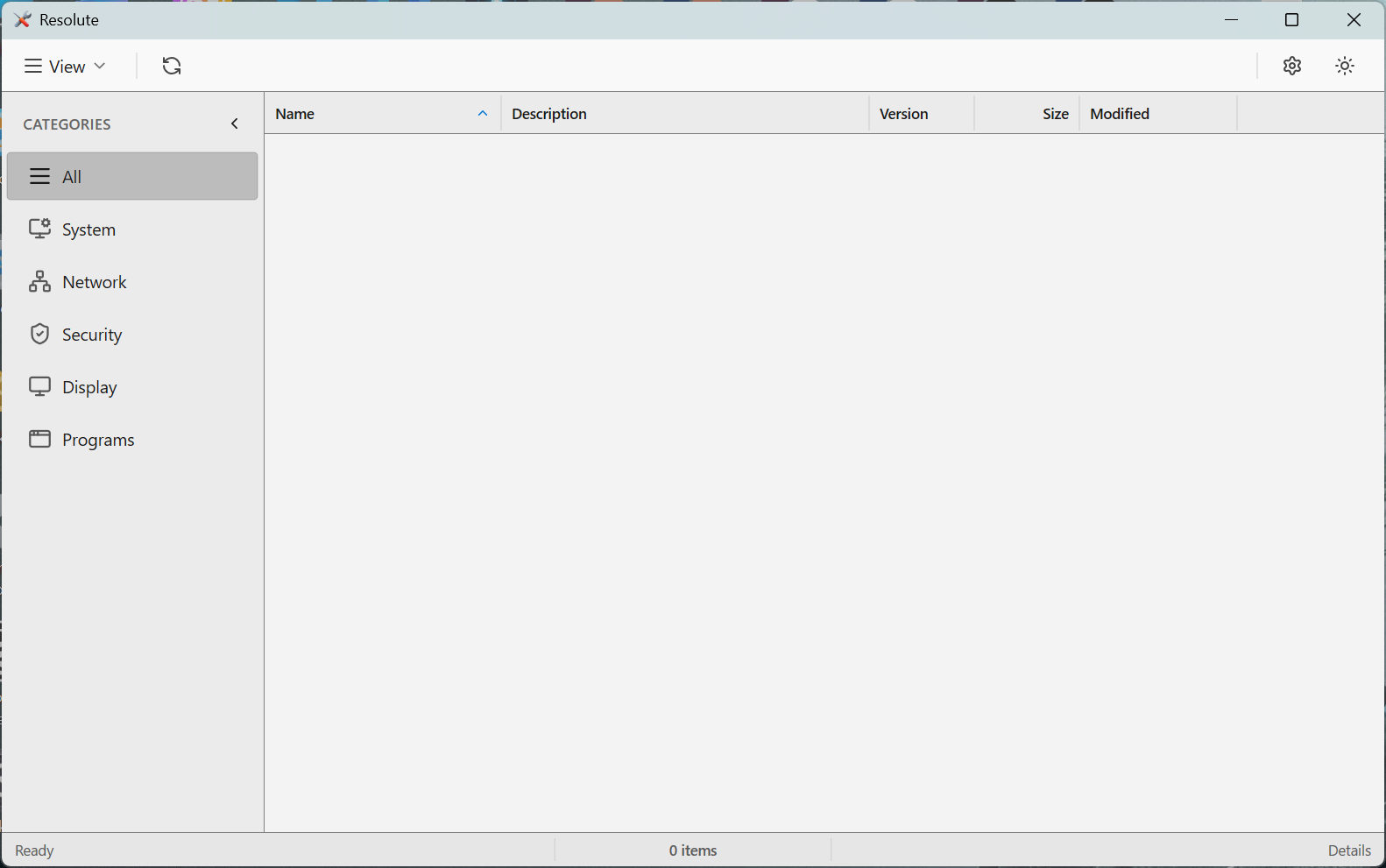
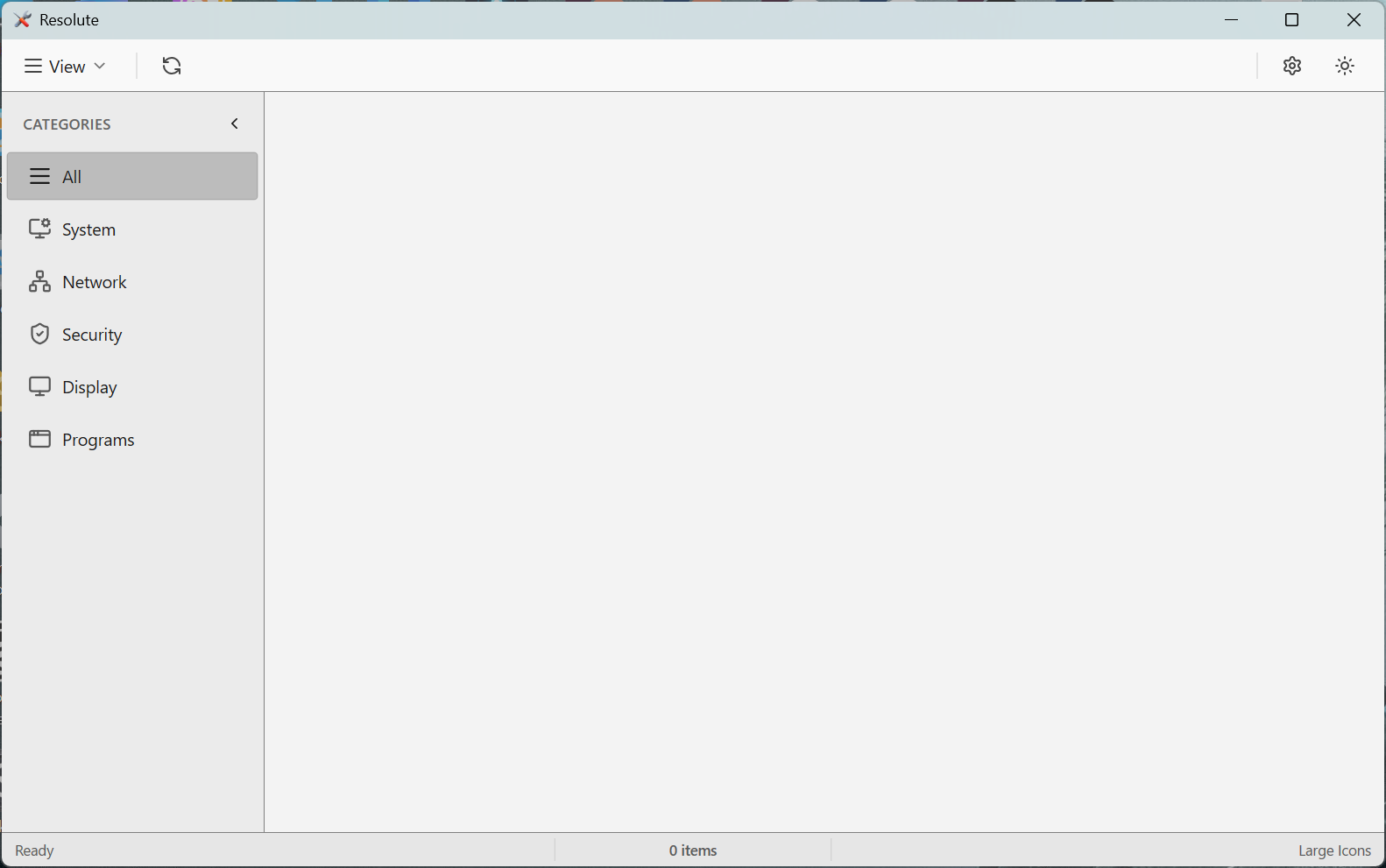
The launcher, built from this repository and captured with its provenance (what was captured, from which build, on which machine): details view and large icons.
Quick start
On Windows 10 or 11 x64 with Git and PowerShell 7, from an empty folder:
git clone https://github.com/rizonesoft/Resolute.git
cd Resolute
pwsh scripts/bootstrap.ps1     # fetches the pinned Resolute-SDK into sdk/, then its pinned llvm-mingw, CMake, Ninja, Python and sccache, hash-checked
pwsh scripts/build.ps1 -All    # builds the launcher and every C++ tool, Release
pwsh scripts/check-all.ps1     # runs every gate: build, clang-tidy, tests, plan and document checks
Nothing is installed system-wide and no Visual Studio is needed: llvm-mingw carries its own headers and import libraries. check-all prints one line per gate and ends with its verdict, check-all: <n> gate(s) ok when every gate passed. These five lines are run exactly as written, from an empty folder with nothing cached, on every push: the quick-start badge above is that run.
Configuration
Every setting is a script parameter; there is no configuration file to write.
| Setting | Default | What it does |
|---|---|---|
bootstrap.ps1 -Force |
off | Downloads every pinned component again, even one already present |
bootstrap.ps1 -Replace |
off | Replaces a component whose installed version differs from its pin |
build.ps1 <Name> |
none | Builds one target: Resolute (the launcher). The tools are built in their own repositories |
build.ps1 -All |
none | Builds everything this repository holds, which is the launcher |
build.ps1 -Config |
Release |
Debug or Release |
build.ps1 -ResetMovedTrees |
off | Deletes the build trees that a clone at another path made, and builds nothing. It is the cleanup alone, not a preview: an ordinary build does the same cleanup first and then builds. pwsh scripts/build.ps1 -ResetMovedTrees |
check-all.ps1 -SkipBuild |
off | Skips the build and tidy gates, for a change to documents only |
The shared UI library, the build rules and the toolchain come from Resolute-SDK, at the commit sdk.json pins. The toolchain's pinned versions and their hashes live in the SDK's toolchain.json; a download whose hash differs is refused.
Usage
build.ps1 puts the launcher at Bin\Release\Resolute.exe (Bin\Debug\ for a Debug build). Start the launcher:
.\Bin\Release\Resolute.exe
The launcher lists every executable in its System\ folder that describes itself with an embedded RESEXT resource (docs/extensions.md): no install step, no registry, no configuration file. Today its list is empty: since November 2026 every tool is developed in its own repository and is copied into System\ only when a distribution is built, and none has shipped in C++ yet, so the AutoIt tools ship from the AutoIt suite until their ports land. Each tool also runs on its own, without the launcher.
The tools
| Tool | What it does | |
|---|---|---|
 |
Activation Diagnostics | Is Windows activated, and what does that error code mean. |
 |
Adapter Manager | See your network adapters and choose which one Windows prefers. |
 |
Attribute Repair | Bring back files that a USB virus hid. |
 |
Audio Devices | Choose where sound goes, bring back hidden devices, and fix no sound. |
 |
Battery Health | How worn is your battery? A plain answer. |
 |
BitLocker Status | Are your drives encrypted, and do you still have the key. |
 |
Boot Manager | Change the Windows boot menu, with a way back if it goes wrong. |
 |
Boot Options | Start in safe mode next time, and get back out again. |
 |
Boot Time Analyzer | How long your PC takes to start, and what is slowing it down. |
 |
Certificate Manager | Find the certificates that break secure websites. |
 |
Change Journal | Your PC was fine last week. See what changed. |
 |
Color Profiles | See which colour profile each display uses, and put the right one back. |
 |
ComIntRep | Repair your internet connection in one pass, and put it back. |
 |
Complete Windows Repair | Windows repairs that check their own work and can be undone. |
 |
Connection Viewer | See what your PC is connected to, and which program is doing it. |
 |
Crash Decoder | Find out what crashed your PC. |
 |
Credential Viewer | See which sign-ins Windows has saved, with every secret kept hidden. |
 |
Default Apps Repair | When a link or a file opens the wrong thing, or nothing. |
 |
Defender Manager | See what your security software is doing, and what it has been told to ignore. |
 |
Disk Health | Is your drive healthy? A plain answer. |
 |
Display Info | Everything about your monitors, in plain words. |
 |
DNS Selector | Find the fastest DNS server from where you are, and switch to it. |
 |
Drive Repair | Bring back a USB or DVD drive that Windows stopped showing. |
 |
Driver Manager | Back up your drivers and roll one back. It never updates them. |
Questions
What is Resolute?
rizonesoft/Resolute is a public repo on GitHub by rizonesoft. Its maker has not written a description.
Is Resolute open source?
It declares the GPL-3.0 license on GitHub.
Does Resolute run on macOS, Windows or Linux?
Its maker tagged it for Windows. That is declared by the maker; Take My Repo has not tested it.
How do I install Resolute?
Open "Take it" on its page: Take My Repo writes an install plan for your machine and hands it to your AI agent (Claude Code, Codex or Cursor), which asks you before each step. Take My Repo has not tested it on any machine.