vibra-code
Open-Source AI App Builder for Mobile — Build apps with AI like vibecodeapp, rork, lovable & bolt.new but fully open source. Describe what you want → AI builds it → Preview on your phone. Built with Claude Code, Expo, React Native, Convex, E2B.
- 157
- AGPL-3.0
- 9 mo ago
Repo sa4hnd/vibra-code, read from GitHub 12 h ago. sa4hnd has not joined Take My Repo.
In short
sa4hnd/vibra-code is a public repo on GitHub by sa4hnd. Open-Source AI App Builder for Mobile — Build apps with AI like vibecodeapp, rork, lovable & bolt.new but fully open source. Describe what you want → AI builds it → Preview on your phone. Built with Claude Code, Expo, React Native, Convex, E2B. It declares the AGPL-3.0 license on GitHub. It is written mainly in TypeScript, has 157 stars and last changed on 2026-03-06. Nobody has reviewed it on Take My Repo yet, which says nothing about its quality. Read from GitHub on 2026-11-23.
Similar repos



Vibra Code
Open-Source AI App Builder for Mobile
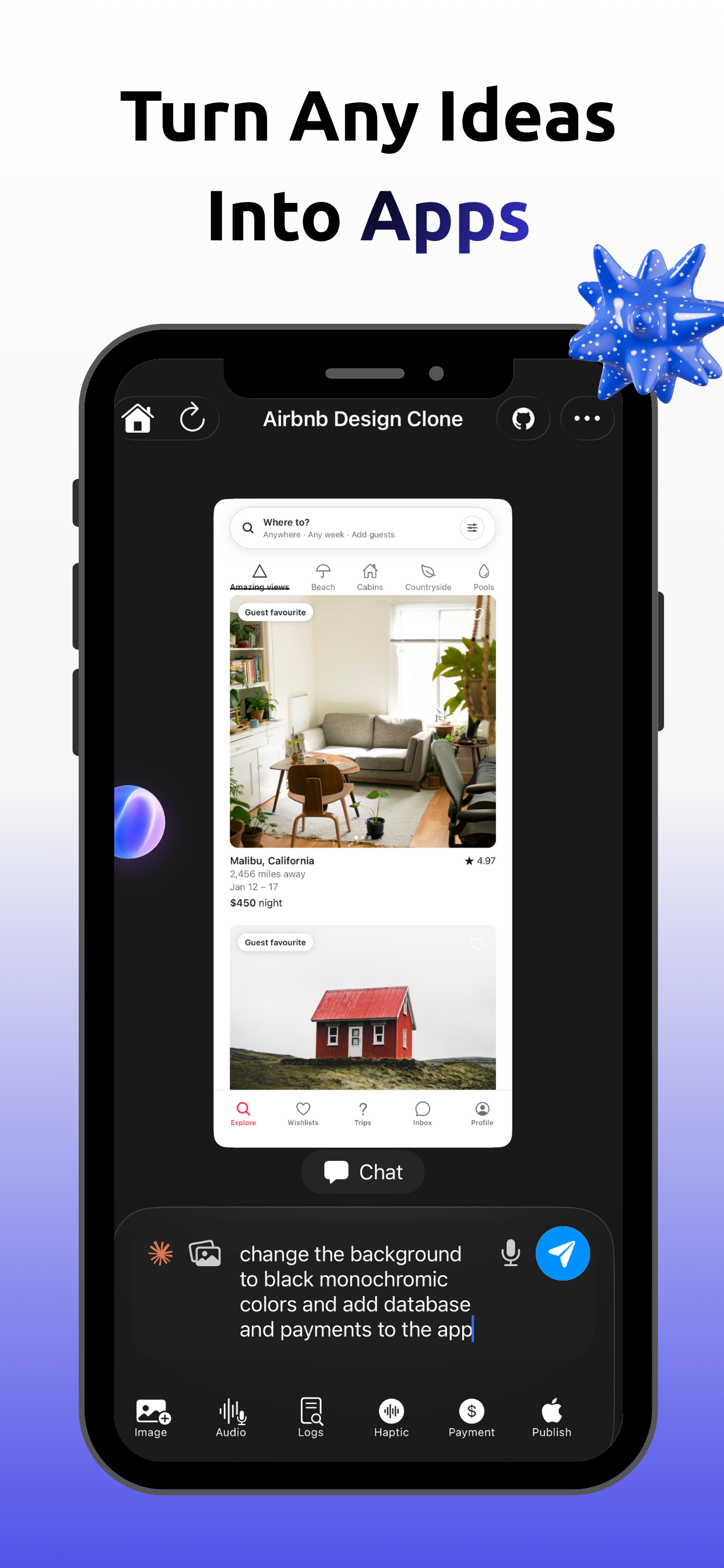
Describe what you want → AI builds it → Preview it natively on your phone
E2B sponsored $20K in cloud sandbox credits through their Startups program.

Demos
Mobile App
https://github.com/user-attachments/assets/f72fcbf0-091a-4cc1-a453-fed062f52bdf
Website
https://github.com/user-attachments/assets/5610f5e1-d146-4634-b616-301560e230f0
Game Built with Vibra Code
https://github.com/user-attachments/assets/0d5a79ef-f69a-452b-a25a-9e149de6e05a
What is Vibra Code?
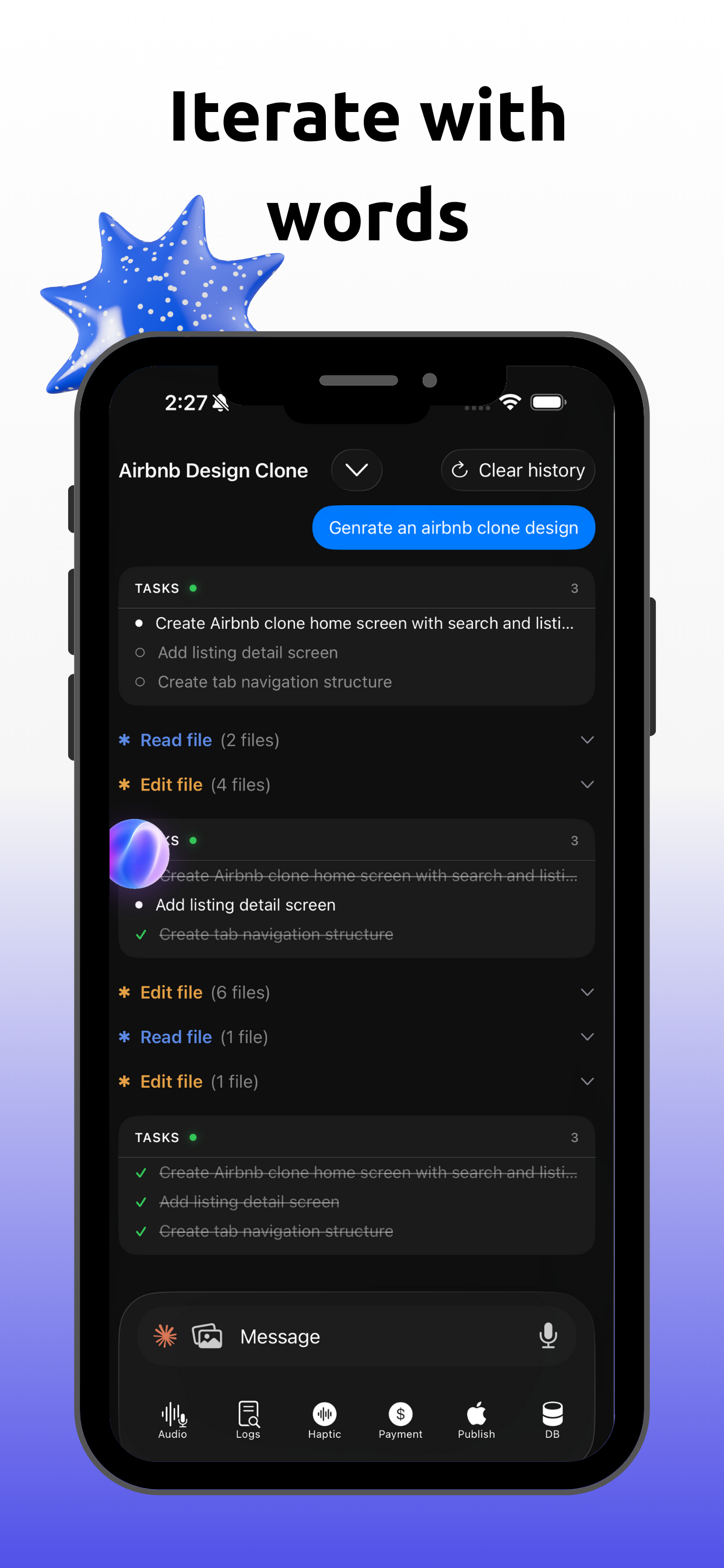
Vibra Code is an open-source AI app builder that lets you create mobile apps by describing them in plain English. The backend runs Claude Code (Anthropic's AI coding CLI) inside an E2B cloud sandbox to generate complete apps while you watch in real time. Then you see a live preview — right on your phone.
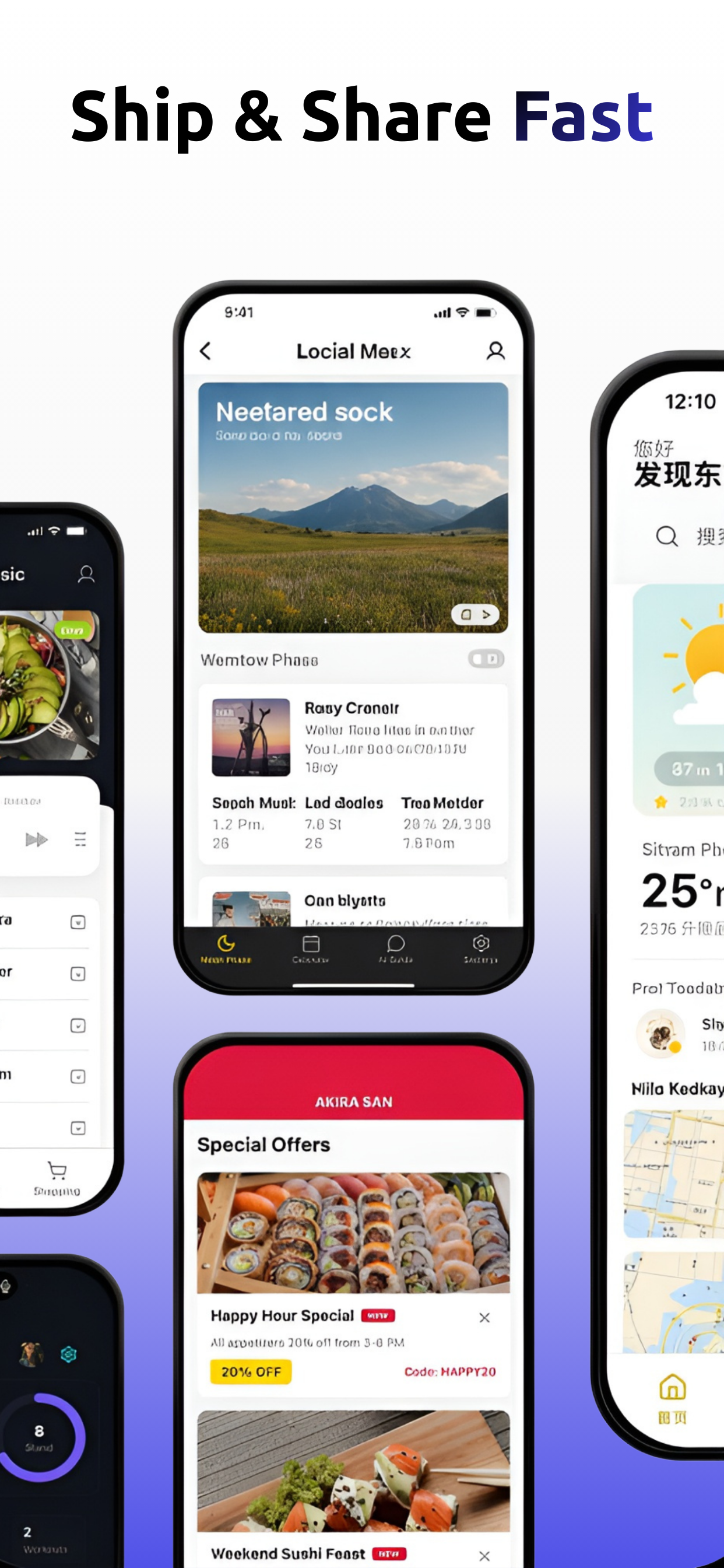
Think of it as an open-source alternative to Vibe Code App, Rork, Lovable, and Bolt.new — but you can self-host it, customize the AI prompts, swap AI providers, and fork it to make it your own.
This is the complete source code behind the app on the App Store. Built by one developer with Claude Code. Now open source.
Why Open Source?
Every other AI app builder is closed-source. You can't see how it works, can't customize it, can't self-host it.
| Vibra Code | Vibe Code App | Rork | Lovable | Bolt.new | |
|---|---|---|---|---|---|
| Open source | Yes | No | No | No | No |
| Self-hostable | Yes | No | No | No | No |
| Custom AI prompts | Yes | No | No | No | No |
| Swap AI providers | Yes | No | No | No | No |
| Fork & modify | Yes | No | No | No | No |
Looking for an open-source vibe coding app? This is it. Fork it, self-host it, make it yours.
Features
|
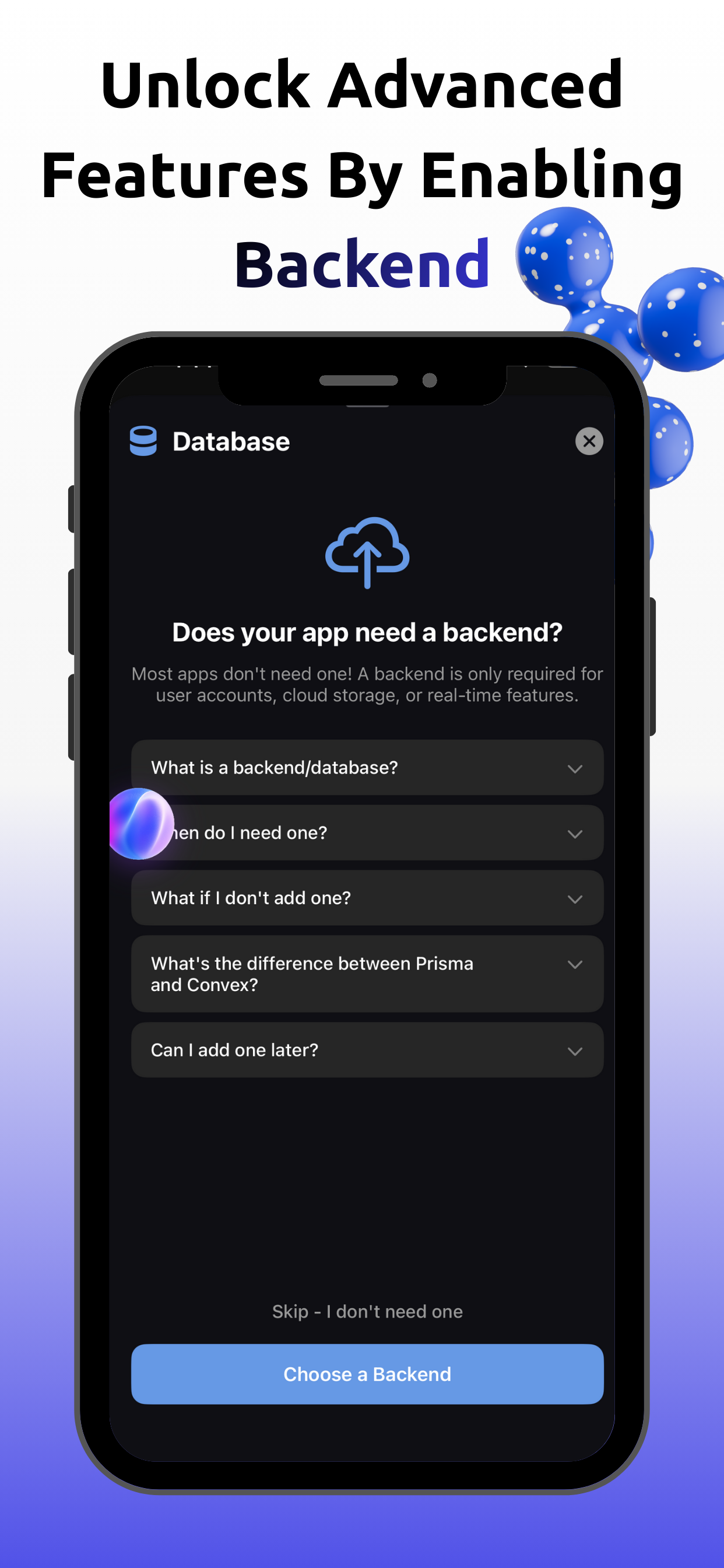
60fps native chat UI built with Texture + IGListKit. Off-main-thread rendering. No jank. Multi-AI providers -- Claude (default), Cursor, Gemini. Switch with one env var. E2B cloud sandboxes for isolated, safe code execution. Real-time sync via Convex. Changes stream from sandbox to phone instantly. |
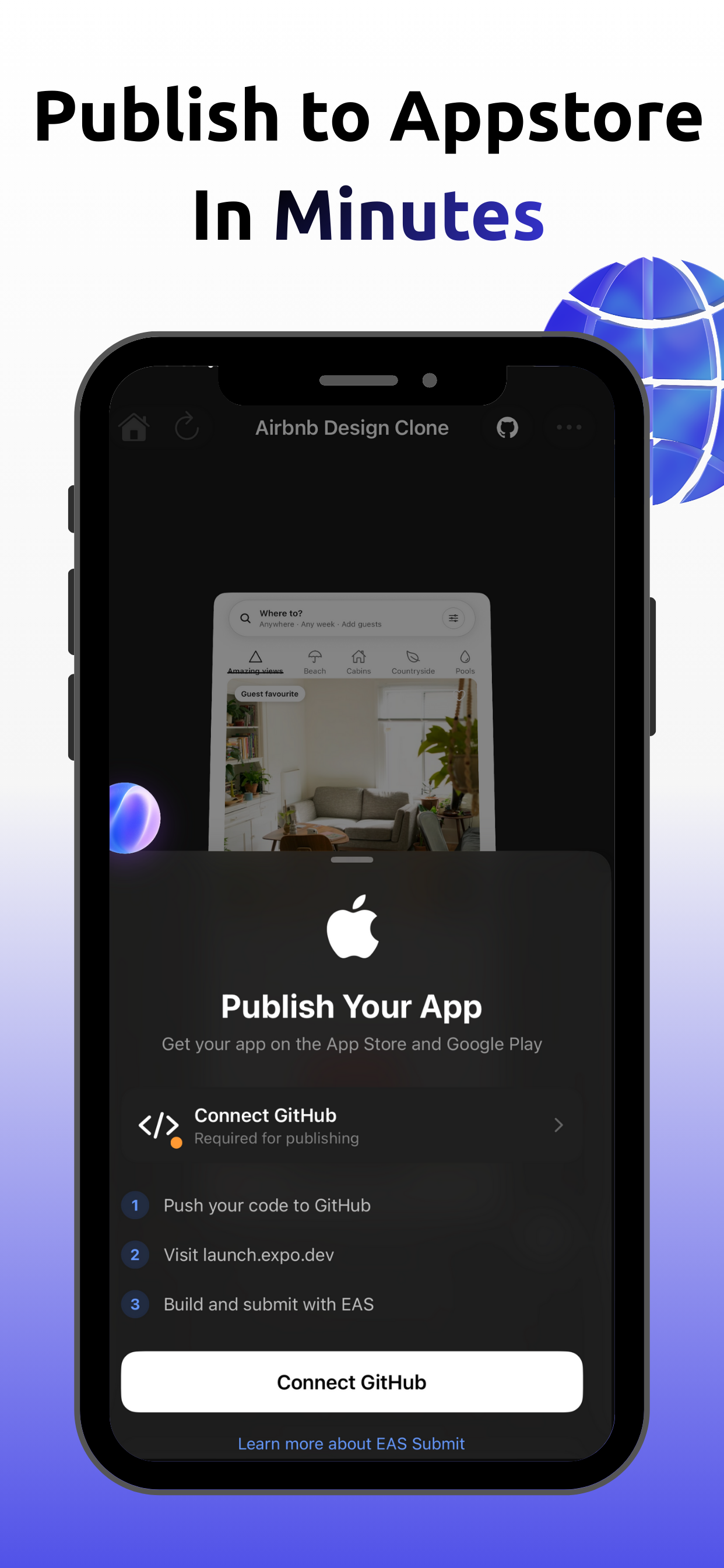
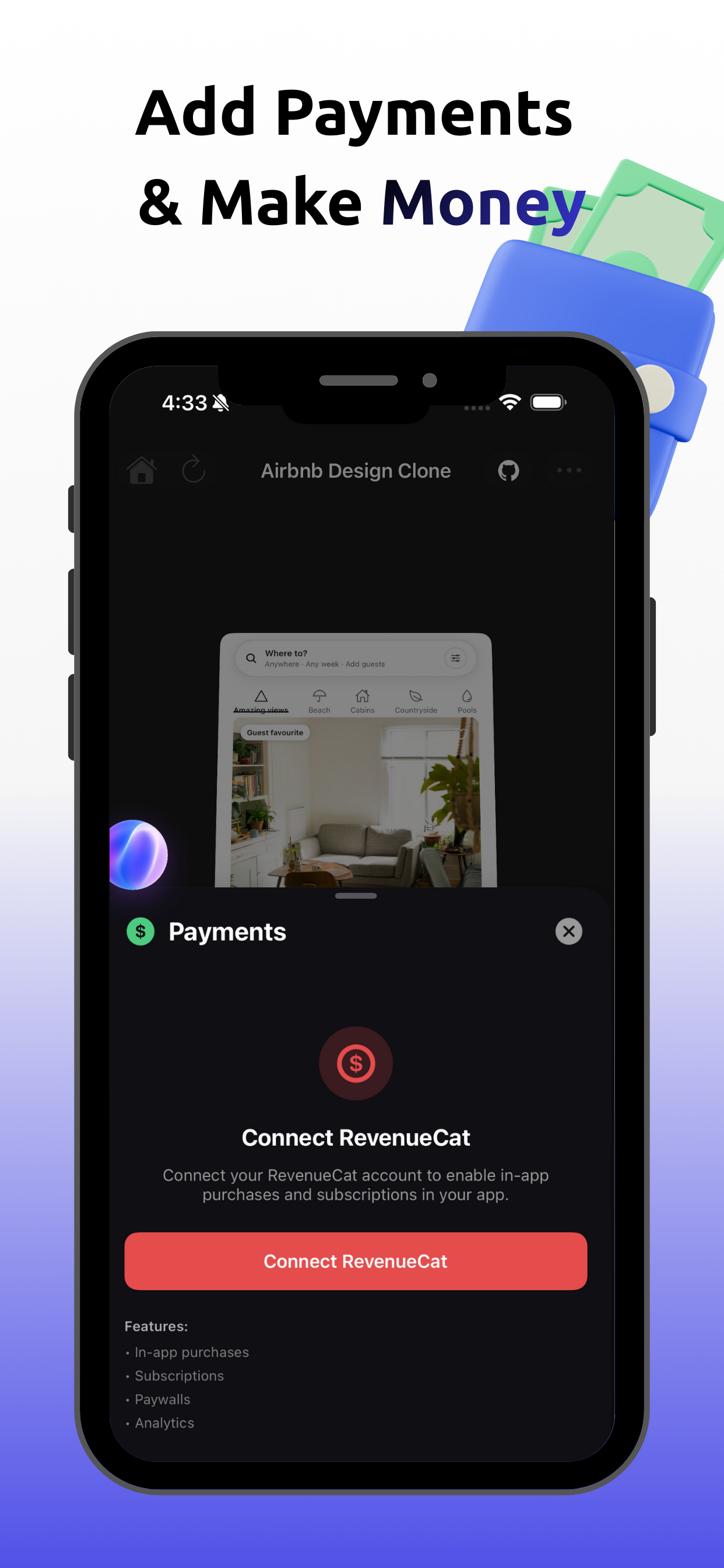
Voice & image input -- describe apps by voice or attach mockup screenshots. GitHub integration -- push generated projects directly to GitHub. Web + mobile preview -- preview both web and mobile apps. Built on Expo -- modified Expo Go gives you full native control. |
Architecture
  Phone                     Server                        Cloud
┌──────────┐   API    ┌──────────────┐   Queue    ┌──────────────┐
│  Expo    │ ──────── │   Next.js    │ ────────── │  E2B Sandbox │
│  iOS App │          │   + Convex   │   Inngest  │  + AI Agent  │
└────┬─────┘          └──────┬───────┘            └──────┬───────┘
     │                       │                           │
     └───── real-time sync ──┴─── code generation ───────┘
- User describes an app on their phone
- Backend creates a session in Convex
- Inngest spawns an E2B sandbox
- AI agent generates code in the sandbox
- Updates stream via Convex back to the phone
- Phone shows a live preview via tunnel URL
Quick Start
Prerequisites
| Required | Purpose |
|---|---|
ANTHROPIC_API_KEY |
AI code generation (Claude) |
E2B_API_KEY |
Cloud sandboxes (sign up) |
| Clerk publishable + secret keys | Authentication (sign up) |
| Convex deployment URL | Real-time database (sign up) |
Stripe and RevenueCat keys are optional -- only needed if you want payments.
1. Backend
cd vibracode-backend
npm install
cp .env.example .env.local    # then add your API keys

npx convex deploy              # deploy database
npx inngest-cli@latest dev     # job server → localhost:8288
npm run dev                    # Next.js → localhost:3000
2. Build the E2B Sandbox Template
npm install -g @e2b/cli && e2b auth login
cd vibracode-backend/e2b-cursor-template
e2b template build
# Copy the template ID → set it in config.ts and lib/e2b/config.ts
3. Mobile App (macOS required)
git clone --recurse-submodules https://github.com/sa4hnd/vibra-code.git
cd vibra-code/vibracode-mobile

brew bundle                                                # cmake, ninja for Hermes
yarn                                                       # JS dependencies
yarn setup:native                                          # native setup
cd packages/expo && yarn build && cd ../..                 # build Expo
cd react-native-lab/react-native && yarn install && cd ../..   # RN from source
cd apps/expo-go/ios && pod install && cd ../../..          # CocoaPods
cd apps/expo-go && yarn start                              # Metro (must be port 80)
Then in Xcode:
- Open
apps/expo-go/ios/Exponent.xcworkspace - Set
DEV_KERNEL_SOURCE→LOCALinEXBuildConstants.plist - Build and run
Troubleshooting
| Problem | Fix |
|---|---|
| SHA-1 / symlink errors | rm -rf ./react-native-lab/react-native/node_modules |
| C++ build errors | find . -name ".cxx" -type d -prune -exec rm -rf '{}' + |
| Everything broken | git submodule foreach --recursive git clean -xfd then re-run setup |
Project Structure
vibra-code/
├── vibracode-backend/            # Next.js 15 + Convex + Inngest
│   ├── app/api/                  # API routes
│   ├── convex/                   # Database schema & functions
│   ├── lib/inngest/functions/    # Background jobs
│   ├── lib/e2b/                  # Sandbox configuration
│   └── e2b-cursor-template/      # E2B Dockerfile
│
├── vibracode-mobile/             # React Native / Expo
│   └── apps/expo-go/
│       ├── src/screens/          # App screens
│       ├── src/services/         # Business logic
│       └── ios/Client/Menu/      # Native chat UI (Texture + IGListKit)
│
├── expo-template/                # Sandbox app template (submodule)
└── CLAUDE.md                     # AI dev guidelines
Tech Stack
| Layer | Technology |
|---|---|
| API | Next.js 15 (App Router) |
| Database | Convex (real-time) |
| Jobs | Inngest |
| Sandboxes | E2B |
| AI | Claude Code CLI / Cursor / Gemini |
| Auth | Clerk |
| Payments | Stripe + RevenueCat (optional) |
| Mobile | React Native / Expo SDK 54 |
| Chat UI | Texture + IGListKit (60fps) |
Native iOS Chat System (ios/Client/Menu/)
The heart of the mobile app is a high-performance native chat UI built with Texture (AsyncDisplayKit) + IGListKit for 60fps scrolling. This is where users interact with the AI agent.
Core Files
| File | Purpose |
|---|---|
EXPreviewZoomManager.h/m |
Main singleton — coordinates zoom, chat, bars, and the entire preview experience |
EXPreviewZoomManager+Zoom.m |
Zoom in/out animations (3D transform with perspective) |
EXPreviewZoomManager+ChatView.m |
Chat UI, message rendering, session loading from Convex |
EXPreviewZoomManager+TopBar.m |
Top bar — app name, refresh button, chevron, three-dots menu |
EXPreviewZoomManager+BottomBar.m |
Bottom bar — text input, send, mic (voice), image attach, model selector |
EXPreviewZoomManager+Keyboard.m |
Keyboard show/hide handling and layout constraints |
EXPreviewZoomManager+Gestures.m |
Tap gestures for zoom/chat toggle |
EXPreviewZoomManager+WebPreview.m |
Web project preview (WKWebView for non-mobile projects) |
Chat Components (Chat/)
| File | Purpose |
|---|---|
EXChatListAdapter.h/m |
IGListKit + Texture adapter — O(N) diffing for efficient list updates |
EXChatMessageNode.h/m |
ASCellNode for user/assistant text messages with markdown |
EXChatGroupNode.h/m |
ASCellNode for tool operations — file reads (blue), edits (orange), bash (green) |
EXChatTaskCardNode.h/m |
ASCellNode for todo task cards with Liquid Glass effect |
EXChatStatusNode.h/m |
"Working..." status indicator with shimmer animation |
EXChatMessageCache.h/m |
Message caching for offline support |
EXLottieAnimationHelper.swift |
Cell animations (springIn, fadeIn, shimmer, glass effects) |
EXMarkdownHelper.swift |
Markdown parsing (bold, italic, code blocks, links) |
Services
| File | Purpose |
|---|---|
EXChatBackendService.h/m |
API calls to Convex backend — send messages, load sessions |
EXAudioRecorderService.h/m |
Voice recording for voice input |
EXAssemblyAIService.h/m |
Speech-to-text transcription |
EXWebPreviewView.h/m |
WKWebView wrapper for web project previews |
Modals
| File | Purpose |
|---|
Questions
What is vibra-code?
sa4hnd/vibra-code is a public repo on GitHub by sa4hnd. Open-Source AI App Builder for Mobile — Build apps with AI like vibecodeapp, rork, lovable & bolt.new but fully open source. Describe what you want → AI builds it → Preview on your phone. Built with Claude Code, Expo, React Native, Convex, E2B.
Is vibra-code open source?
It declares the AGPL-3.0 license on GitHub.
Does vibra-code run on macOS, Windows or Linux?
Its maker has not tagged a system, so it is unknown here. Its README says what it needs.