
Video2Description
Video to Text: Natural language description generator for some given video. [Video Captioning]
- 360
- Apache-2.0
- 5 y ago
Repo scopeInfinity/Video2Description, read from GitHub 18 h ago. scopeInfinity has not joined Take My Repo.
In short
scopeInfinity/Video2Description is a public repo on GitHub by scopeInfinity. Video to Text: Natural language description generator for some given video. [Video Captioning]. It declares the Apache-2.0 license on GitHub. It is written mainly in Python, has 360 stars and last changed on 2022-05-03. Nobody has reviewed it on Take My Repo yet, which says nothing about its quality. Read from GitHub on 2026-11-23.
Similar repos
self-driving-toy-car
A self driving toy car using end-to-end learning



Video Captioning
Generate caption for the given video clip
Branch : VideoCaption (1a2124d), VideoCaption_catt (647e73b4)
Model
Model generates natural sentence word by word

| Audio SubModel | Video SubModel | Sentence Generation SubModel |
|---|---|---|
 |
 |
 |
Context extraction for Temporal Attention Model, at ith word generation

Results - f5c22f7
Test videos with good results
 |
 |
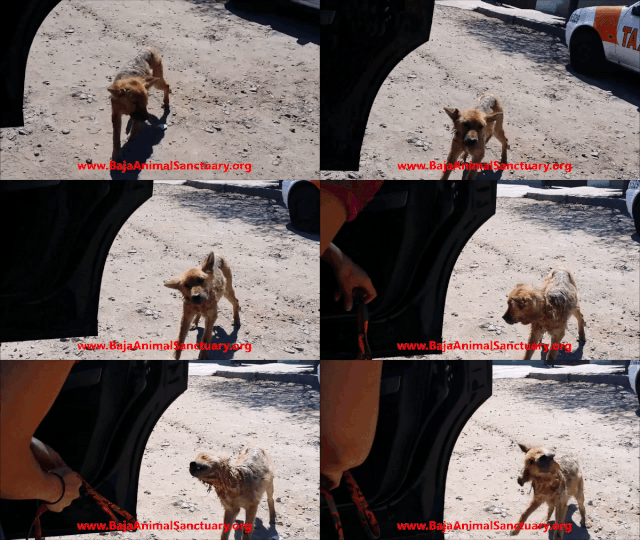 |
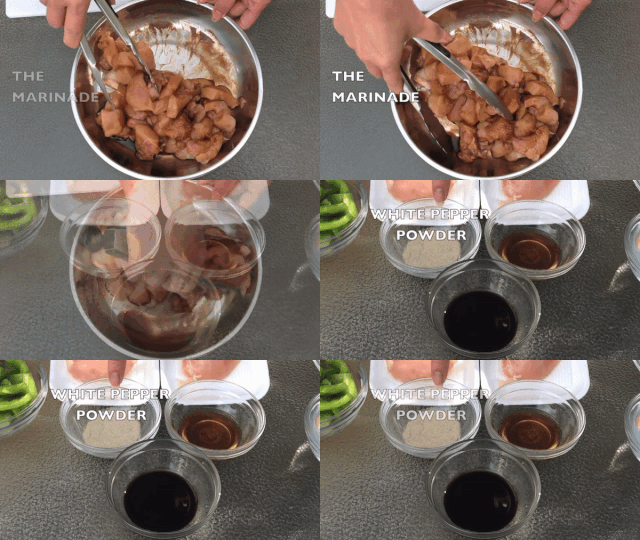
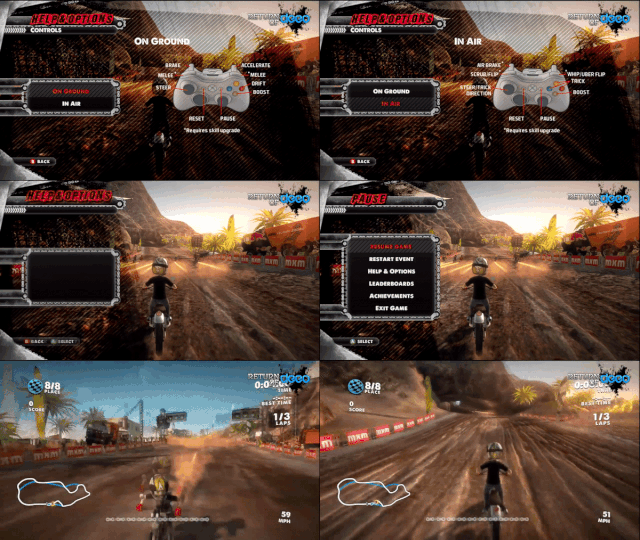
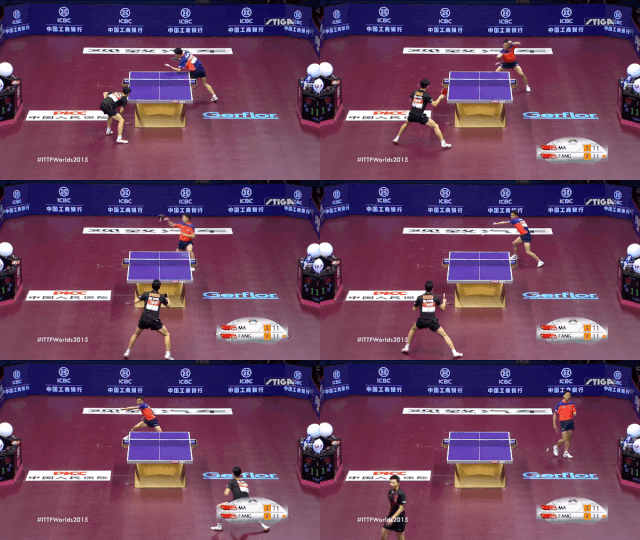
| two men are talking about a cooking show | a woman is cooking | a dog is running around a field |
 |
 |
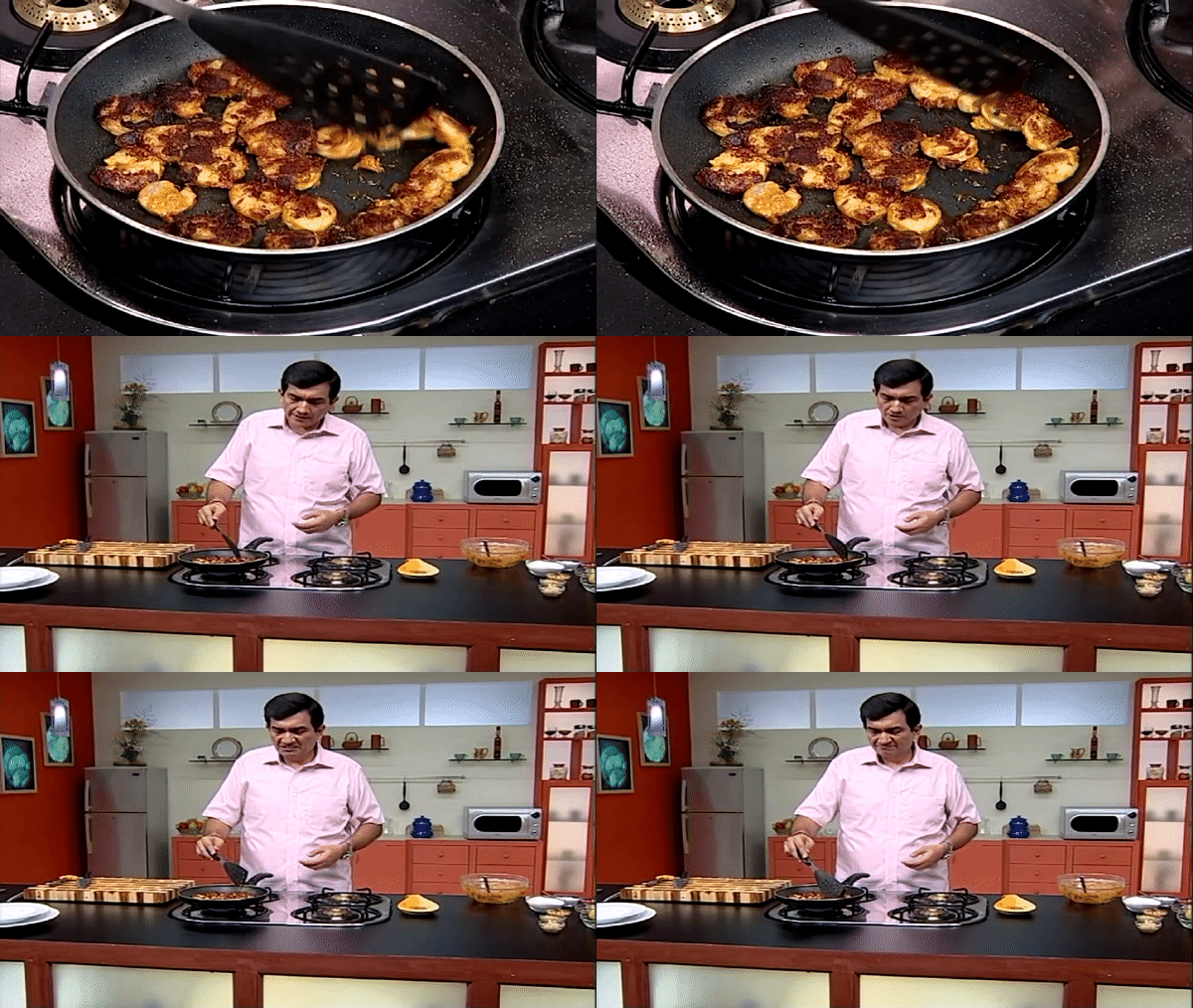 |
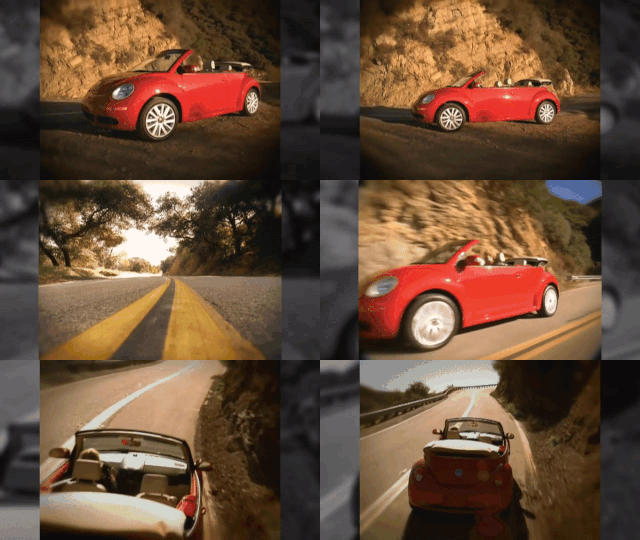
| a woman is talking about a makeup face | a man is driving a car down the road | a man is cooking in a kitchen |
 |
 |
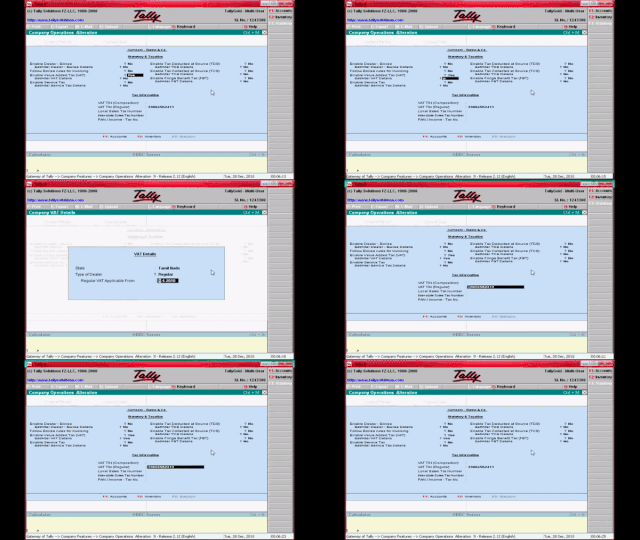 |
| a man is playing a video game | two men are playing table tennis in a stadium | a man is talking about a computer program |
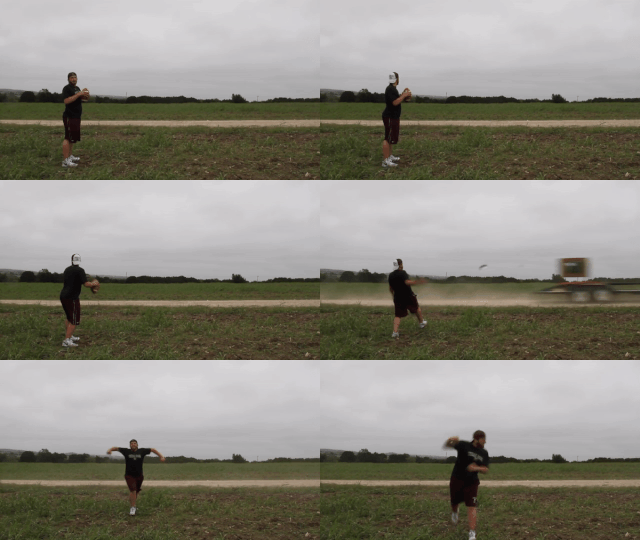
Test videos with poor results
 |
 |
 |
| a person is playing with a toy | a man is walking on the field | a man is standing in a gym |
Try it out!!!
Please feel free to raise PR with necessary suggestions.
Clone the repository`
git clone https://github.com/scopeInfinity/Video2Description.git
Install docker and docker-compose
- Current config has docker-compose file format '3.2'.
sudo apt-get install docker.io sudo curl -L "https://github.com/docker/compose/releases/download/1.25.4/docker-compose-$(uname -s)-$(uname -m)" -o /usr/local/bin/docker-compose sudo chmod +x /usr/local/bin/docker-compose- docs
Pull the prebuild images and run the container
$ docker-compose pull
$ docker-compose up
- Browse to
http://localhost:8080/- backend might take few minutes to reach a stable stage.
Execution without Docker
- We can go always go through
backend.Dockerfileandfrontend.Dockerfileto understand better. - Update
src/config.jsonas per the requirement and use those path during upcoming steps.- To know more about any field, just search for the reference in the codebase.
- Install miniconda
- Get
glove.6B.300d.txtfromhttps://nlp.stanford.edu/projects/glove/ - Install ffmpeg
- Configure, build and install ffmpeg from source with shared libraries
$ git clone 'https://github.com/FFmpeg/FFmpeg.git'
$ cd FFmpeg
$ ./configure --enable-shared  # Use --prefix if need to install in custom directory
$ make
# make install
- If required, use
https://github.com/tylin/coco-caption/for scoring the model. - Then create conda environment using
environment.yml$ conda env create -f environment.yml
- And activate the environment
$ conda activate .
- Turn up the backend
src$ python -m backend.parser server --start --model /path/to/model
- Turn up the web frontend
src$ python -m frontend.app
Info
Data Directory and Working Directory can be same as the project root directory.
Data Directory
| File | Reference |
|---|---|
| /path/to/data_dir/VideoDataset/videodatainfo_2017.json | http://ms-multimedia-challenge.com/2017/dataset |
| /path/to/data_dir/VideoDataset/videos/[0-9]+.mp4 | Download videos based on above dataset |
| /path/to/data_dir/glove/glove.6B.300d.txt | https://nlp.stanford.edu/projects/glove/ |
| /path/to/data_dir/VideoDataset/cache_40_224x224/[0-9]+.npy | Video cached files will be created on fly |
Working Directory
| File | Content |
|---|---|
| /path/to/working_dir/glove.dat | Pickle Dumped Glove Embedding |
| /path/to/working_dir/vocab.dat | Pickle Dumped Vocabulary Words |
Download Dataset
- Execute
python videohandler.pyfrom VideoDataset Directory
Execution
It currently supports train, predict and server mode. Please use the following command for better explanation.
src$ python -m backend.parse -h
Training Methods
- Try Iterative Learning
- Try Random Learning
Evaluation
Prerequisite
cd /path/to/eval_dir/
git clone 'https://github.com/tylin/coco-caption.git' cococaption
ln /path/to/working_dir/cocoeval.py cococaption/
Evaluate
# One can do changes in parser.py for numbers of test examples to be considered in evaluation
python parser.py predict save_all_test
python /path/to/eval_dir/cocoeval.py <results file>.txt
Sample Evaluation while training
| Commit | Training | Total | CIDEr | Bleu_4 | ROUGE_L | METEOR | Model Filename |
|---|---|---|---|---|---|---|---|
| 647e73b4 | 10 epochs | 1.1642 | 0.1580 | 0.3090 | 0.4917 | 0.2055 | CAttention_ResNet_D512L512_G128G64_D1024D0.20BN_BDGRU1024_D0.2L1024DVS_model.dat_4990_loss_2.484_Cider0.360_Blue0.369_Rouge0.580_Meteor0.256 |
| 1a2124d | 17 epochs | 1.1599 | 0.1654 | 0.3022 | 0.4849 | 0.2074 | ResNet_D512L512_G128G64_D1024D0.20BN_BDLSTM1024_D0.2L1024DVS_model.dat_4987_loss_2.203_Cider0.342_Blue0.353_Rouge0.572_Meteor0.256 |
| f5c22f7 | 17 epochs | 1.1559 | 0.1680 | 0.3000 | 0.4832 | 0.2047 | ResNet_D512L512_G128G64_D1024D0.20BN_BDGRU1024_D0.2L1024DVS_model.dat_4983_loss_2.350_Cider0.355_Blue0.353_Rouge0.571_Meteor0.247_TOTAL_1.558_BEST |
| bd072ac | 11 CPUhrs with Multiprocessing (16 epochs) | 1.0736 | 0.1528 | 0.2597 | 0.4674 | 0.1936 | ResNet_D512L512_D1024D0.20BN_BDGRU1024_D0.2L1024DVS_model.dat_4986_loss_2.306_Cider0.347_Blue0.328_Rouge0.560_Meteor0.246 |
| 3ccf5d5 | 15 CPUhrs | 1.0307 | 0.1258 | 0.2535 | 0.4619 | 0.1895 | res_mcnn_rand_b100_s500_model.dat_model1_3ccf5d5 |
Check Specifications section for model comparision.
Temporal attention Model for is on VideoCaption_catt branch.
Pre-trained Models : https://drive.google.com/open?id=1gexBRQfrjfcs7N5UI5NtlLiIR_xa69tK
Web Server
- Start the server (S) for to compute predictions (Within conda environment)
python parser.py server -s -m <path/to/correct/model>
- Check
config.jsonfor configurations. - Execute
python app.pyfrom webserver (No need for conda environment)- Make sure, your the process is can new files inside
$UPLOAD_FOLDER
- Make sure, your the process is can new files inside
- Open
http://webserver:5000/to open Web Server for testing (under default configuration)
Specifications
Commit: 3ccf5d5
- ResNet over LSTM for feature extraction
- Word by Word generation based on last prediction for Sentence Generation using LSTM
- Random Dataset Learning of training data
- Vocab Size 9448
- Glove of 300 Dimension
Commit: bd072ac
- ResNet over BiDirection GRU for feature extraction
- Sequential Learning of training data
- Batch Normalization + Few more tweaks in Model
- Bleu, CIDEr, Rouge, Meteor score generation for validation
- Multiprocessing keras
Commit: f5c22f7
- Audio with BiDirection GRU
Commit: 1a2124d
- Audio with BiDirection LSTM
Commit: 647e73b
- Audio with BiDirection GRU using temporal attention for context
Image Captioning
Generate caption for the given images
Branch : onehot_gen
Commit : 898f15778d40b67f333df0a0e744a4af0b04b16c
Trained Model : https://drive.google.com/open?id=1qzMCAbh_tW3SjMMVSPS4Ikt6hDnGfhEN
Categorical Crossentropy Loss : 0.58
Questions
What is Video2Description?
scopeInfinity/Video2Description is a public repo on GitHub by scopeInfinity. Video to Text: Natural language description generator for some given video. [Video Captioning].
Is Video2Description open source?
It declares the Apache-2.0 license on GitHub.
Does Video2Description run on macOS, Windows or Linux?
Its maker has not tagged a system, so it is unknown here. Its README says what it needs.
How do I install Video2Description?
Open "Take it" on its page: Take My Repo writes an install plan for your machine and hands it to your AI agent (Claude Code, Codex or Cursor), which asks you before each step. Take My Repo has not tested it on any machine.


